
Minecraft explained for players
Minecraft Game Drops Explained: New Features, Tests & Your World
Understand Minecraft game drops, hotfixes and test builds. Choose a new project, check what actually shipped, and update a solo world, modpack or multiplayer group with a practical plan.
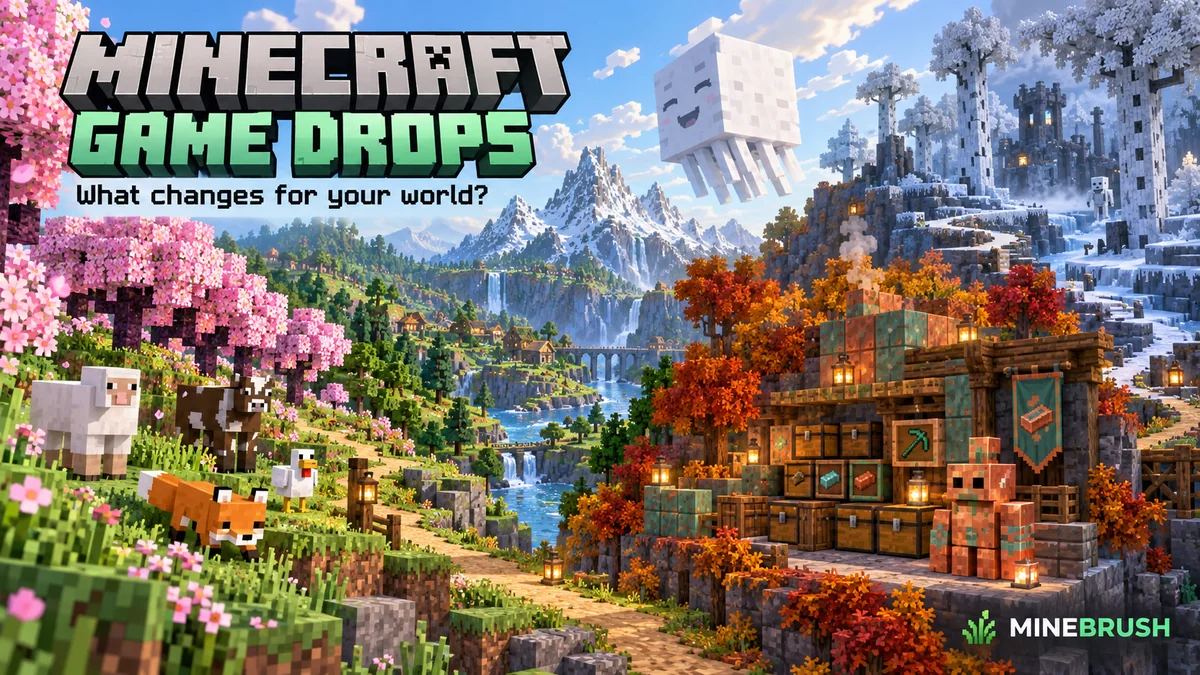
A Minecraft game drop is a free content update for the base game. Think of it as a new set of things to do in your world: prepare a wolf for an expedition, build a copper workshop or turn a sulfur cube into a playground experiment. You receive the relevant features by updating the game through its normal official route. A drop is not a separate map you must buy or a mod you must install.
This guide explains the change in release rhythm, how to tell a finished feature from a test, and how to choose an update that fits your world. Historical announcement: September 2024. Player guidance checked: September 17, 2026.
Why Minecraft moved to more frequent game drops
In September 2024, Mojang announced a move from one summer content update toward several free drops during the year. Their sizes would vary. The studio pointed to the December 2023 bat and decorated-pot changes and April 2024's Armored Paws as early examples. The announcement also said work on longer-term improvements would continue.
For a player, the useful change is a more frequent reason to revisit a world. A smaller feature set can give you a focused evening's project instead of an enormous checklist. It does not promise that every drop changes every part of the game, or that releases arrive on a fixed day each month. Read Mojang's original announcement.
A drop, a hotfix and a Preview answer different questions
- Game drop: “What new things can I play with?” The named release groups features around a theme. Look for the stable version for your edition and a guide to its mechanics.
- Stable follow-up or hotfix: “Does this correct a problem affecting me?” Read the actual fix and any platform restriction. A short crash correction can matter more to your world than a long list of new blocks.
- Java snapshot, pre-release or release candidate: “What is being tested?” These are development builds, even when a release is getting close. Keep experiments separate from the only copy of a valued world.
- Bedrock Beta/Preview: “What can I try on a supported test platform?” Enrollment, build availability and multiplayer differ from the regular game. A test feature is not automatically part of the latest stable release.
- Marketplace world, add-on or community mod: “What extra content do I want?” These have their own installation and compatibility rules. Owning the base game or receiving a drop does not mean every separately sold pack is included.
Example: a friend sends you a video of a new mob. Before updating or buying anything, find the edition, build number and whether experiments were enabled. Then compare it with the final release notes. The title of a video alone cannot tell you what your normal world supports.
Choose the drop by what you want to do
Start with a project, then use the edition guide for exact controls and rules. These are feature introductions, not a recommendation to downgrade your current world.
- Take a companion exploring: Armored Paws introduced armadillos, wolf variants and wolf armor. A useful first outing is to find the materials and learn armor care before taking a wolf into danger. Wolf and armadillo guide.
- Travel with a group: Chase the Skies introduced happy-ghast travel. Plan a short route between two known bases before attempting a long expedition. Read the Java guide or Bedrock guide; Bedrock's Vibrant Visuals also has device requirements.
- Give an overflowing storeroom a new project: The Copper Age adds copper-golem and storage possibilities. Design a small sorting area first, then expand after watching how it handles your items. Java Copper Age · Bedrock Copper Age.
- Make a playful building experiment: Chaos Cubed lets sulfur cubes react to blocks they absorb. A contained target court is a better first test than an experiment beside your main storage. Java Chaos Cubed · Bedrock Chaos Cubed.
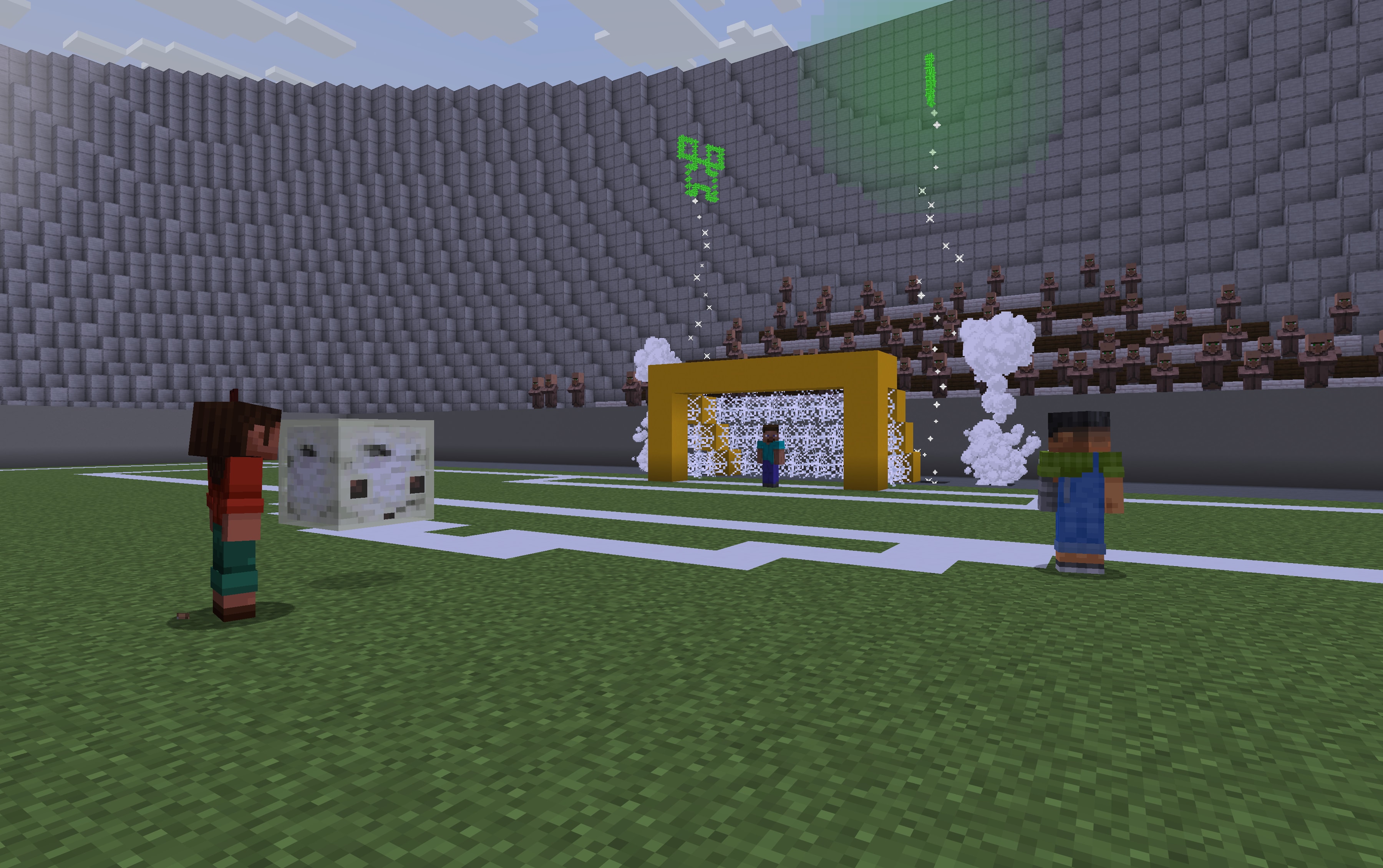
You can keep playing an older project. New content does not make an existing castle, farm or adventure invalid. Choose a feature that improves the way you already play, or set aside a second world for a different style. There is no need to turn every update into a complete restart.
Why an early screenshot can look different from the final game
The armadillo is a clear example: Mojang published a comparison of its early and final designs and explained that community feedback helped shape the result. The eyes changed position. Treat testing as an opportunity to observe and give feedback, rather than a guarantee that every detail will remain unchanged.
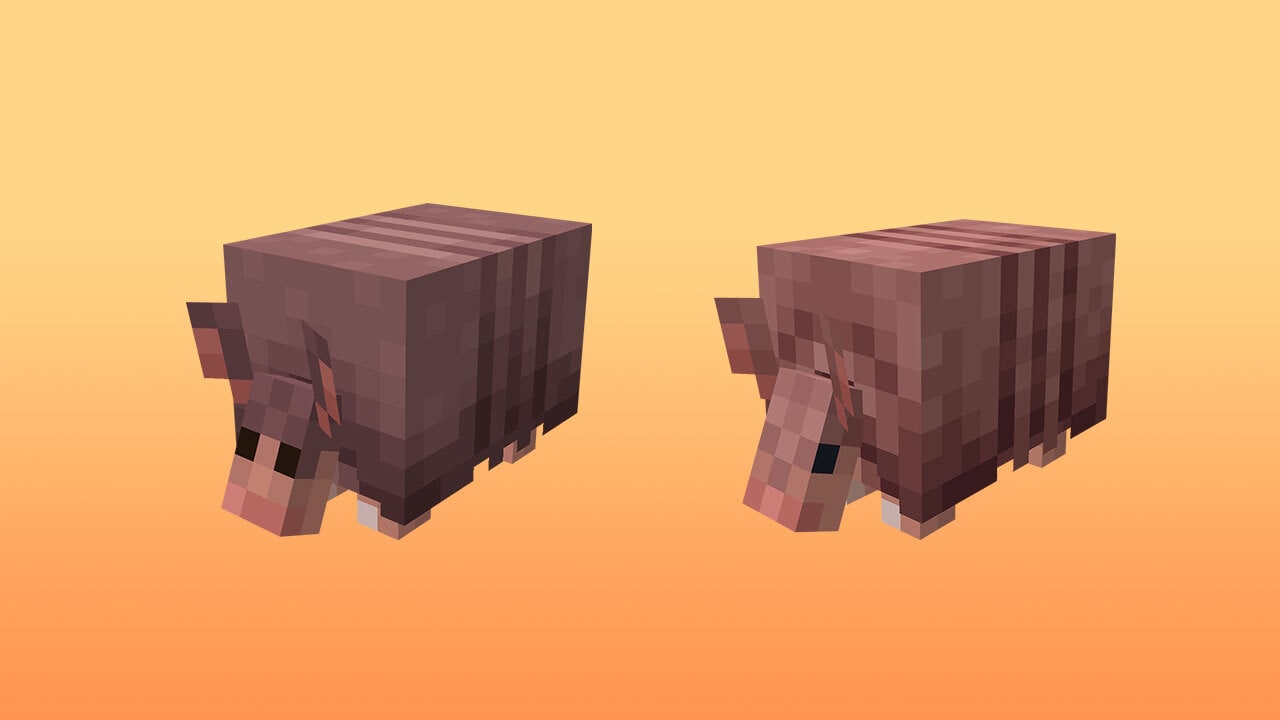
Use this three-step check for a tutorial: identify the build shown, check the later release notes, then follow instructions for your actual edition and version. If a recipe, control or behavior differs, preserve your world and test the disputed step in a separate copy. Do not repeatedly alter your main setup to imitate an outdated clip.
A practical plan for updating an existing world
- Choose a reason to update. Write down the feature or fix you need. This makes it easier to decide whether to update immediately or wait for the rest of your setup.
- Make a recoverable backup. Use your platform's world-copy, export or backup options. Keep the original separate from the copy you will open after updating; simply signing into an account is not a backup plan.
- Check the whole setup. In a modded Java game, check the game version, loader, mods and dependencies. For Bedrock, check the add-on author's supported versions and the world's active packs. A base-game update does not automatically update everything else.
- Coordinate multiplayer. Ask which version the server or Realm is using and whether friends' platforms have received the update. Plan a shared move instead of discovering the mismatch at the start of your session.
- Try a short session first. Inspect inventory, important storage, pets, travel routes and anything changed by the update. Try the new feature in a contained area before relying on it in a large build.
Example: a long-running modpack. If your favorite map or storage mod has not released a compatible version, keep that established installation intact. Try the new vanilla drop in a separate installation and world while you wait. Do not open the modded world's only save in vanilla just to see the new content.
Example: a family Realm. Decide who will check platform updates and confirm that everyone is using the ordinary release branch. If one device is still waiting for rollout, repeatedly reinstalling the game is not a substitute for checking the platform notice.
The update installed, but the feature is missing
- Check the edition and exact version. Matching-looking Java and Bedrock numbers do not prove the same feature set. The version-number guide explains the 2026 system.
- Check whether it was an experiment. A stable game can contain optional experimental features alongside finished ones. Do not enable switches on a valued world just because a video used them; first check the final release that made the feature normal.
- Check where the feature appears. A new recipe and a newly generated biome are different cases. Already explored terrain does not automatically become a new biome. Follow the feature guide before travelling aimlessly or deleting terrain.
- Check device limits. A graphical option can require supported hardware even when the content drop is available. Its absence does not mean the entire update failed.
- Check packs and server rules. An add-on, resource pack or server can alter what you see or can do. Compare in a separate unmodified test world before changing the original.
How to follow the next drop without chasing rumors
Separate three milestones: an announcement, a playable test and a stable release. An announced idea is not yet a download; a test build is not a release date; a final changelog tells you what actually shipped. Use Mojang's official game-drop timeline for named releases, then follow the matching edition guide.
For a specific version or an old fix, use our Java release and snapshot history or Bedrock release and Preview history. They separate stable changes from testing and link to the original notes.
Do I pay for each drop? Mojang's game drops are free updates for owners of the relevant game. They do not remove the separate costs or conditions of the game itself, subscriptions, platform services or separately sold Marketplace content.
Do I need every old version first? Normally you update through the official launcher or platform store rather than manually installing each historical drop. For a very old world or a modpack, follow its specific upgrade instructions and preserve a backup; the release history is a reference, not an instruction to convert a save through every number.
Sources and image credits
Minecraft is developed by Mojang Studios. This MineBrush explainer draws on Mojang's September 2024 development announcement, the official game-drop history, the Java 26.2 release notes and the version-number explanation. Practical planning examples are MineBrush's guidance. Original images are credited beside each figure; the branded cover is an editorial illustration.
More from MineBrush.
Find what changed in Minecraft Java from 2023 to 2026, choose your next survival project and follow practical update guides. Stable releases and test builds are clearly separated.
- Coverage
- 2023–2026
- Edition
- Java Edition
- Versions
- Java 1.20.2–26.3
Java · Update history
Java Update History
Find what changed in Minecraft Java from 2023 to 2026, choose your next survival project and follow practical update guides. Stable releases and test builds are clearly separated.
Back up before updating
- Minecraft version
- Java 1.20.2–26.3
- Game edition
- Java Edition
- Update type
- Unknown / not stated
- Release channel
- Java Edition
- World safety
- Back up before updating
- Player impact
- Find a feature, choose a project and check the right release
- Platform family
- Java PC
- Last verified at
- Sep 17, 2026
- Update state
- current
- Compatibility confidence
- Source claimed
- Card delivery statement
- Player guides and official release notes
- Edition applicability
- Java
- Delivery state
- No file
- Lifecycle state
- Current
- History coverage
- 2023–2026

Find the Bedrock update that matters to your world or device. Explore stable releases, practical game-drop guides, platform-specific fixes and a separate Beta/Preview archive.
- Coverage
- 2023–2026
- Edition
- Bedrock Edition
- Versions
- Bedrock 1.20.30–26.51
Bedrock · Update history
Bedrock Update History
Find the Bedrock update that matters to your world or device. Explore stable releases, practical game-drop guides, platform-specific fixes and a separate Beta/Preview archive.
Back up before updating
- Minecraft version
- Bedrock 1.20.30–26.51
- Game edition
- Bedrock Edition
- Update type
- Unknown / not stated
- Release channel
- Bedrock Edition
- World safety
- Back up before updating
- Player impact
- Find a useful release, platform fix or practical game-drop guide
- Platform family
- Bedrock & Mobile
- Supported devices
- Windows, consoles and mobile; patch availability varies
- Touch readiness
- Yes
- Last verified at
- Sep 17, 2026
- Update state
- current
- Compatibility confidence
- Source claimed
- Card delivery statement
- Player guides and official release notes
- Edition applicability
- Bedrock
- Bedrock enrollment route
- Preview app
- Delivery state
- No file
- Lifecycle state
- Current
- History coverage
- 2023–2026

Understand Minecraft 26, tell normal releases from test builds, and choose the right version for friends, servers and mods. Clear Java and Bedrock examples without the technical clutter.
- Topic
- Choosing your Minecraft version
- Scope
- None
- Evidence
- Official Minecraft sources · checked 9 Sep 2026
A shared “26” prefix never proves cross-edition compatibility.
MineBrush · News
Minecraft Versions Made Simple
Understand Minecraft 26, tell normal releases from test builds, and choose the right version for friends, servers and mods. Clear Java and Bedrock examples without the technical clutter.
A shared “26” prefix never proves cross-edition compatibility.
- Compatibility confidence
- Source claimed
- Card evidence statement
- Official policy and indexes checked 9 Sep 2026; client display NOT_OBSERVED.
- Card delivery statement
- Choose a version for everyday play or testing
- Card limitation note
- A shared “26” prefix never proves cross-edition compatibility.
- Edition applicability
- Java + Bedrock
- News topic
- Choosing your Minecraft version
- Public news evidence label
- Official Minecraft sources · checked 9 Sep 2026
- Delivery state
- No file
- Lifecycle state
- Current
- News evidence type
- Official Minecraft source
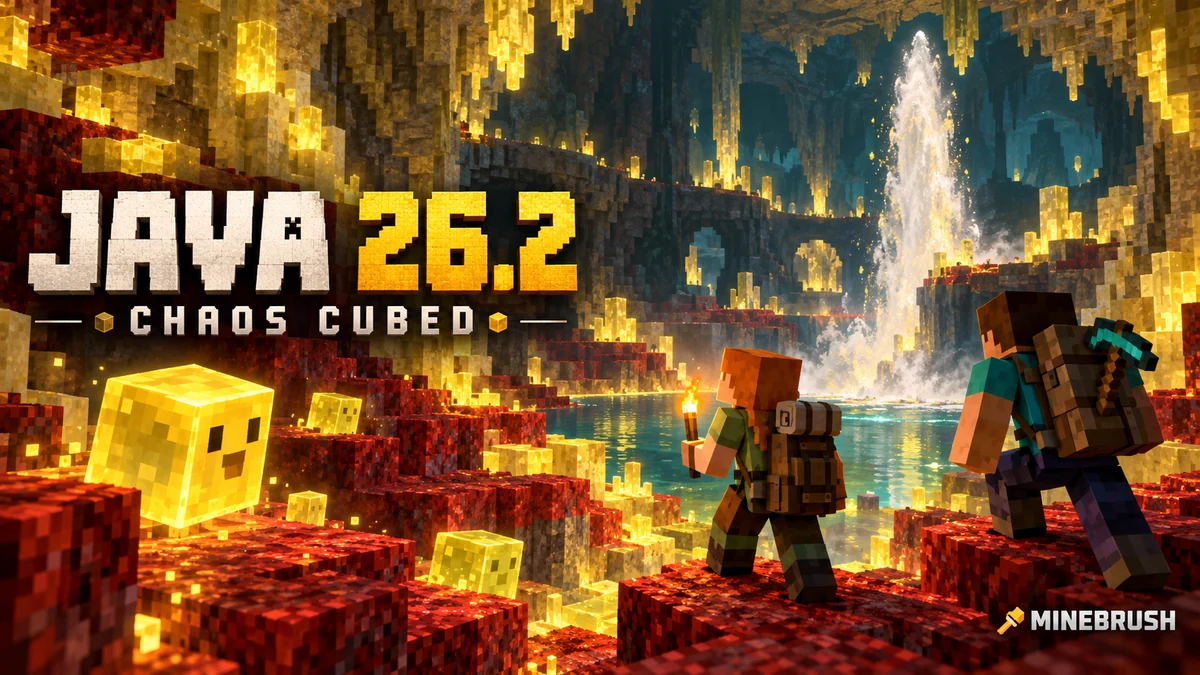
Explore sulfur caves, build cube games and set up the Java Friends List. Learn why an online friend is not a joinable world, choose privacy and graphics settings, and keep older saves safe.
- Java
- Java 26.2
- Release type
- Release
- Game released
Focus Sulfur caves, cube projects, friends and PC settings
Install Official Minecraft Launcher
Historical release · Friends List does not host an online world
Java · Release
Minecraft Java 26.2: Chaos Cubed and Friends
Explore sulfur caves, build cube games and set up the Java Friends List. Learn why an online friend is not a joinable world, choose privacy and graphics settings, and keep older saves safe.
Historical release · Friends List does not host an online world
- Minecraft version
- Java 26.2
- Game edition
- Java Edition
- Update type
- Major release
- Release channel
- Java Edition
- Official release date
- 2026-06-16
- World safety
- Back up before updating
- Player impact
- Sulfur caves, cube projects, friends and PC settings
- Related major release
- Chaos Cubed
- Platform family
- Java PC
- Last verified at
- Sep 16, 2026
- Update state
- historical
- Compatibility confidence
- Source claimed
- Card delivery statement
- Official Minecraft Launcher
- Card limitation note
- Historical release · Friends List does not host an online world
- Edition applicability
- Java
- Delivery state
- No file
- Lifecycle state
- Superseded
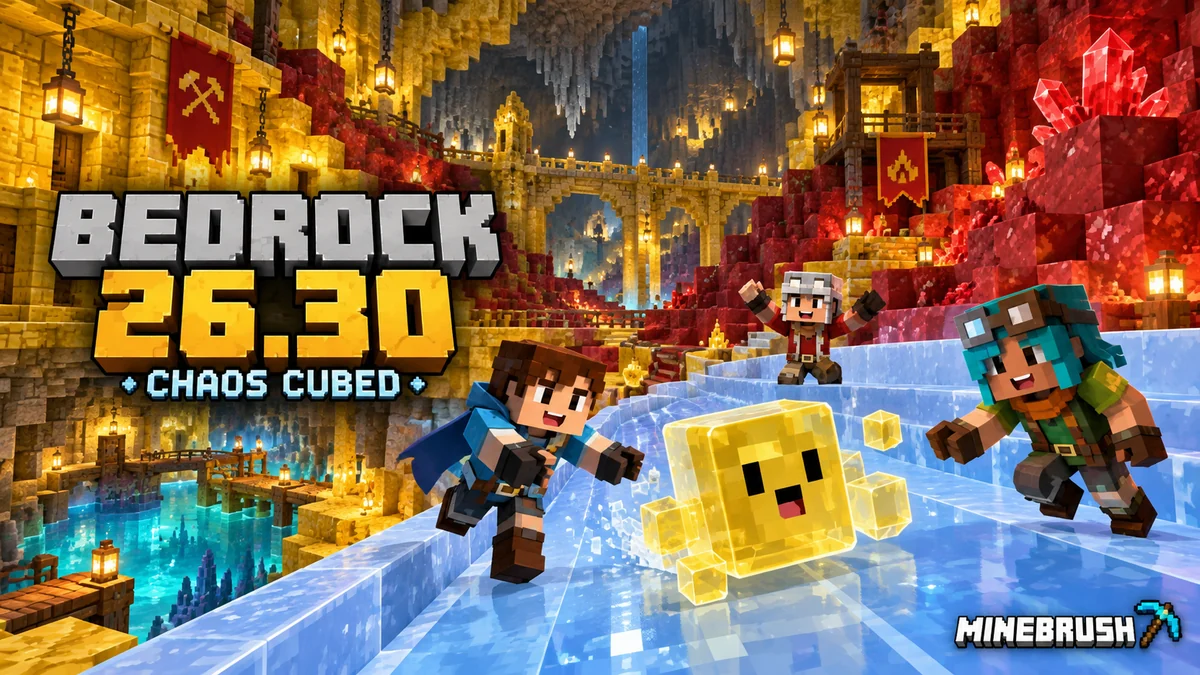
Build cube challenges and geyser gardens, find Realms Hub controls and choose Player Waypoints. Bedrock 26.30 explained for phones, consoles and Windows, including graphics, add-ons and save safety.
- Bedrock
- Bedrock 26.30
- Release type
- Release
- Game released
Focus Cube projects, geysers, Realms and device settings
Install Official store or game library
Enrollment None required
Historical stable release · Platform options differ
Bedrock · Release
Minecraft Bedrock 26.30: Chaos Cubed
Build cube challenges and geyser gardens, find Realms Hub controls and choose Player Waypoints. Bedrock 26.30 explained for phones, consoles and Windows, including graphics, add-ons and save safety.
Historical stable release · Platform options differ
- Minecraft version
- Bedrock 26.30
- Game edition
- Bedrock Edition
- Update type
- Major release
- Release channel
- Bedrock Edition
- Official release date
- 2026-06-16
- World safety
- Back up before updating
- Player impact
- Cube projects, geysers, Realms and device settings
- Related major release
- Chaos Cubed
- Platform family
- Bedrock & Mobile
- Supported devices
- Windows, Android, iOS and supported consoles
- Touch readiness
- Check guide
- Last verified at
- Sep 16, 2026
- Update state
- historical
- Compatibility confidence
- Source claimed
- Card delivery statement
- Official store or game library
- Card limitation note
- Historical stable release · Platform options differ
- Edition applicability
- Bedrock
- Bedrock enrollment route
- None required
- Delivery state
- No file
- Lifecycle state
- Superseded
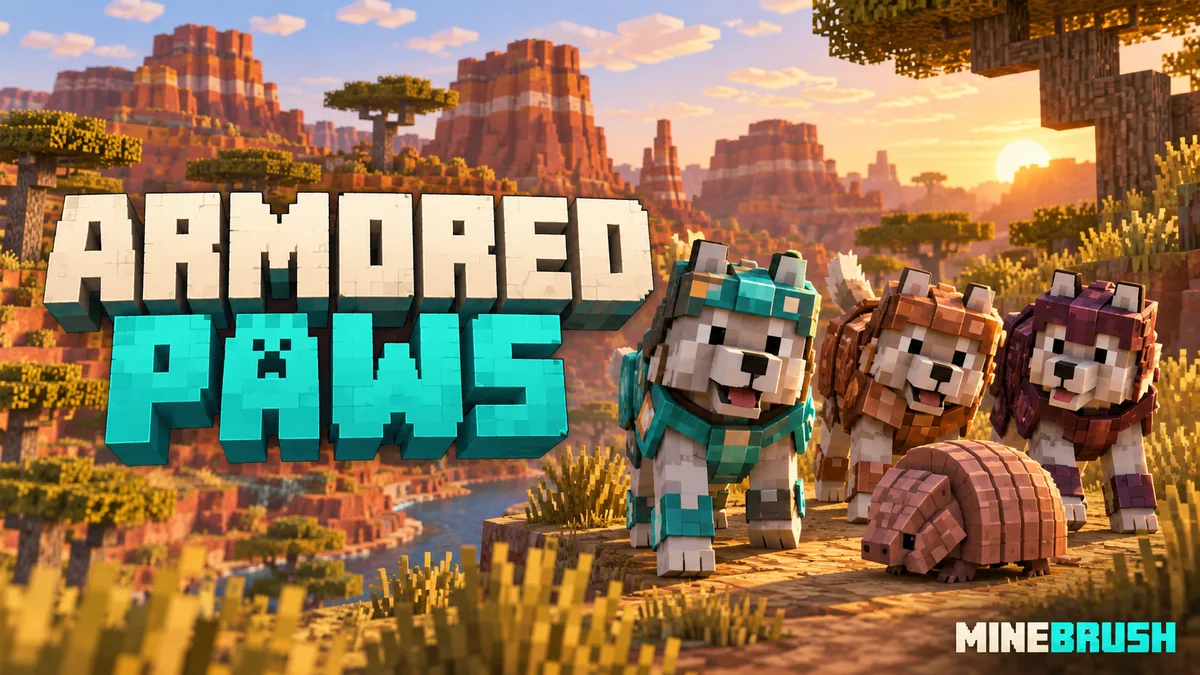
Find all nine wolf variants, collect armadillo scutes and equip, repair or dye wolf armor. A practical companion-care guide with exact biomes, original Mojang screenshots and ideas for your next adventure.
- Game released
- Java
- 1.20.5 · Stable
- Bedrock
- 1.20.80 · Stable
Focus Wolf variants and biomes, armadillo scutes, armor repair and companion care
Topic Armored Paws
Install Included in the official game update
Back up before updating
Java + Bedrock · Release
Armored Paws
Find all nine wolf variants, collect armadillo scutes and equip, repair or dye wolf armor. A practical companion-care guide with exact biomes, original Mojang screenshots and ideas for your next adventure.
Back up before updating
- Update type
- Major release
- Release channel
- Unknown / not stated
- Official release date
- 2024-04-23
- World safety
- Back up before updating
- Player impact
- Wolf variants and biomes, armadillo scutes, armor repair and companion care
- Related major release
- MineBrush three-year release archive
- Platform family
- Cross-edition
- Supported devices
- Java: Windows, macOS, Linux. Bedrock: supported Windows, mobile and console devices.
- Install format
- Included in the official game update
- Touch readiness
- Yes
- Resource type
- Update
- Last verified at
- Sep 17, 2026
- Update state
- historical
- Compatibility confidence
- Source claimed
- Bedrock version/build
- 1.20.80
- Card delivery statement
- Included in the official game update
- Edition applicability
- Java + Bedrock
- Java version/build
- 1.20.5
- Shared update topic
- Armored Paws
- Delivery state
- No file
- Lifecycle state
- Superseded
- Java update channel
- Stable
- Bedrock update channel
- Stable
Player discussion 0
Questions, discoveries and help from other players.