
Bedrock 1.21.90 player guide
Minecraft Bedrock 1.21.90: Chase the Skies & Player Guide
Plan happy-ghast flights and animal transfers, compare Vibrant Visuals, find friends and understand Bedrock touch, controller and Realms changes.
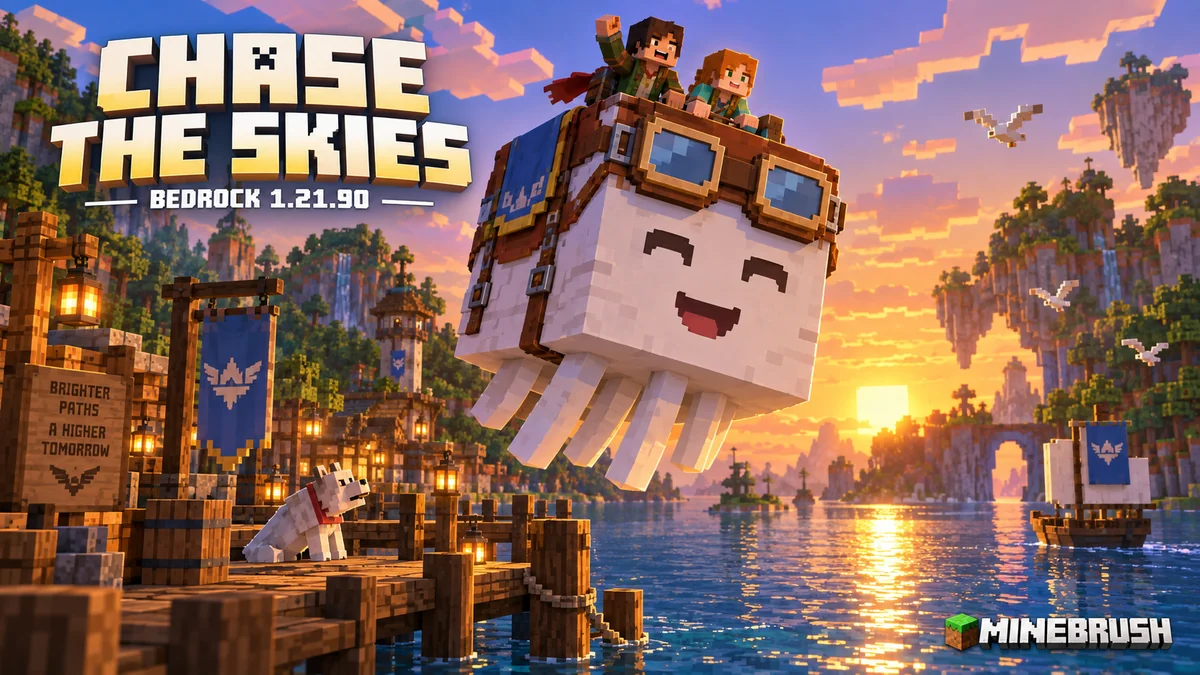
Bedrock 1.21.90 brings shared happy-ghast flights, easier animal transport and the launch of Vibrant Visuals. Chase the Skies is useful whether you want to reach a roof, take friends sightseeing or give an existing waterfront base a different atmosphere. The update also improves bundles on touch screens and controllers, adds a player locator, and changes several everyday multiplayer settings.
This stable release arrived on June 17, 2025. It is a historical milestone, not the latest Bedrock version. Its features continue in newer supported releases; ordinary players should update through their device’s official store rather than look for an old APK. Java’s companion release is Java 1.21.6, with different graphics and Realms menus.
Give your first happy ghast a practical job
A happy ghast is a reusable flying companion for up to four riders. It can carry a group that does not yet have elytra, hover beside a tall build, or help transfer animals over awkward terrain. Start with one short trip between two prepared landing areas, then expand the route once everyone understands boarding and dismounting.
- Get a dried ghast. Look around Nether fossils, barter with piglins, or craft one from eight ghast tears and one soul sand. An established world can use crafting or bartering without starting over.
- Keep the block waterlogged. After about 20 minutes in an active area, it becomes a ghastling. Breaking the block resets this preparation; snowballs do not skip the water stage.
- Raise the ghastling. It grows into an adult after roughly another 20 minutes. Feeding snowballs speeds up this stage, and holding them helps guide it.
- Craft a harness. Use three leather, two glass blocks and one wool in the recipe book. The wool determines the color, and the harness can be dyed again.
- Board in the right order. The first rider pilots. Agree who that will be before the rest of the group gets on.
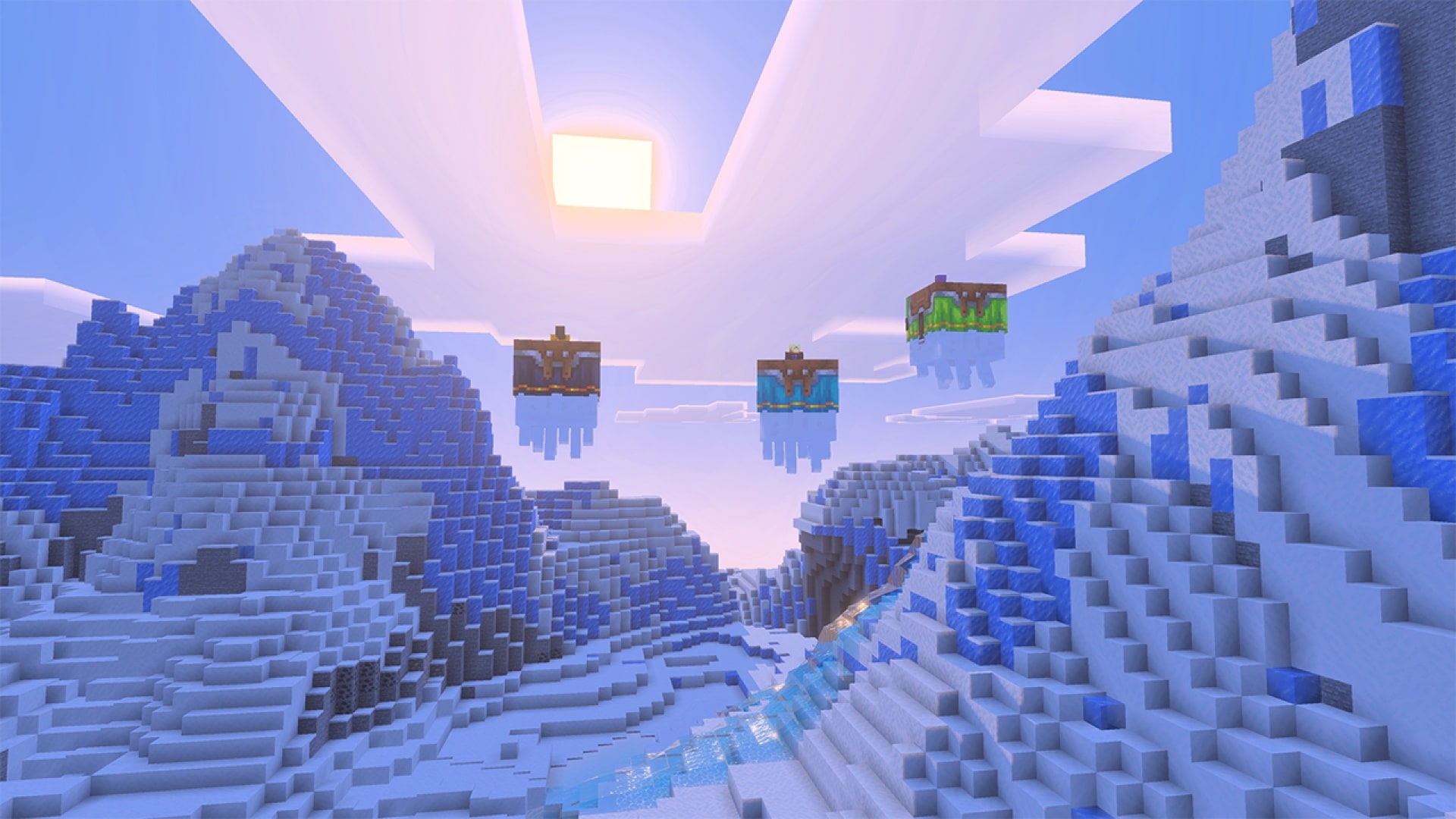
Important control: crouching dismounts you onto the ghast’s back. A player standing there makes it stop moving, which is useful for construction but can surprise a new pilot. Practice low over a broad dock before using it at roof height. A harness enables riding; use a lead when you need to keep the mount at your dock.
Starter project: build a small viewing platform across a river. Put fence posts and a wide clear arrival area on both sides. Carry snowballs and a spare lead, fly the route without cargo, then invite friends. Our complete happy-ghast and Chase the Skies guide covers the nursery, roof-building method and full transport setup.
Use Vibrant Visuals to revisit a familiar place
Vibrant Visuals changes lighting, reflections, shadows and atmosphere on supported Bedrock devices. It does not add a new biome or change the rules of a world. You can enjoy the new look in an old save, and friends using ordinary graphics can still share the same Realm.
From the main menu, open Settings → Video → Graphics Mode and select Vibrant Visuals if available. It became the default on supported devices in this release, although Xbox One, Xbox One S, PlayStation 4 and some Android devices required manual selection. Availability depends on the actual device, not just whether it can run Minecraft.
Compare the same view before choosing your settings
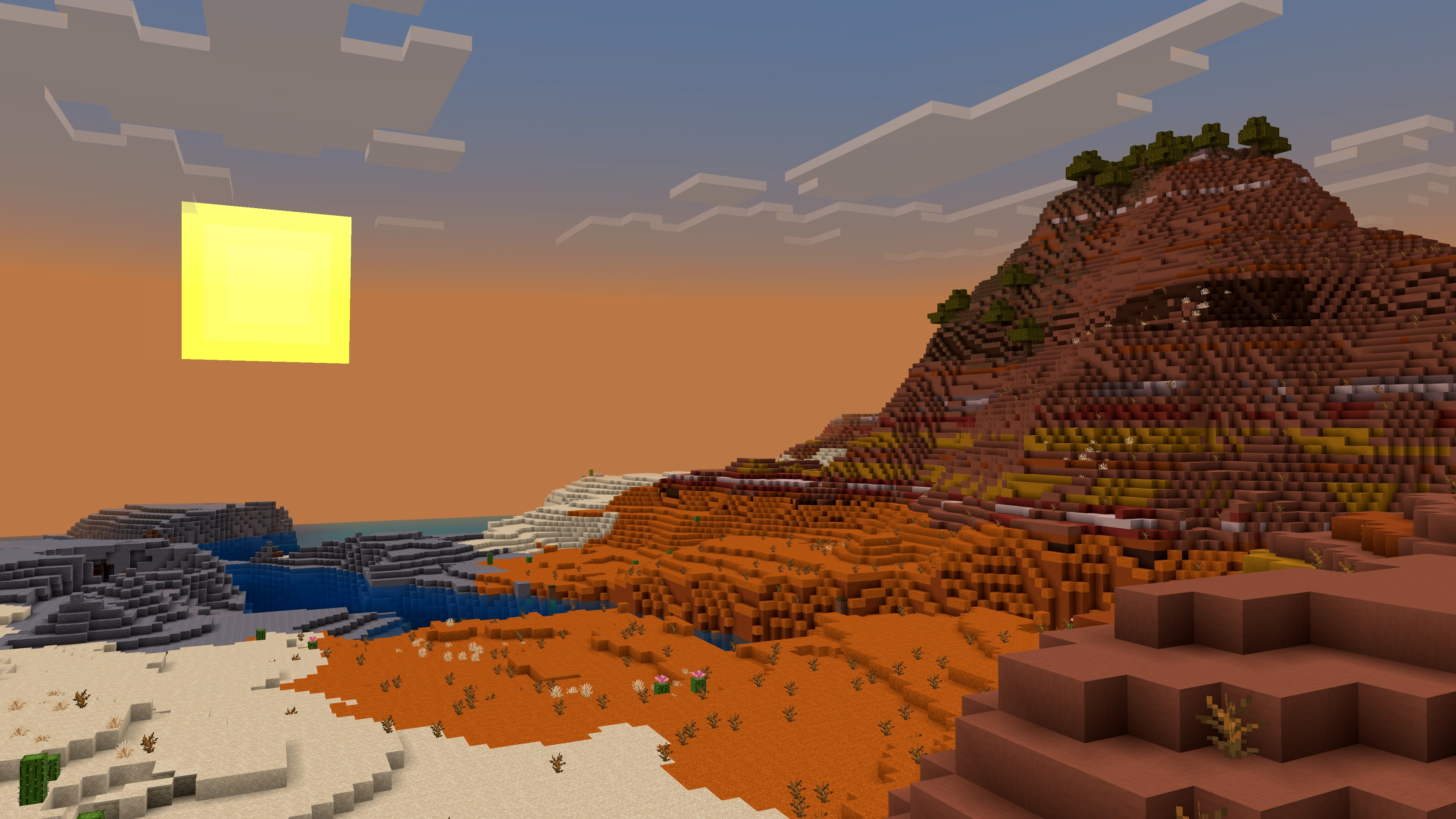
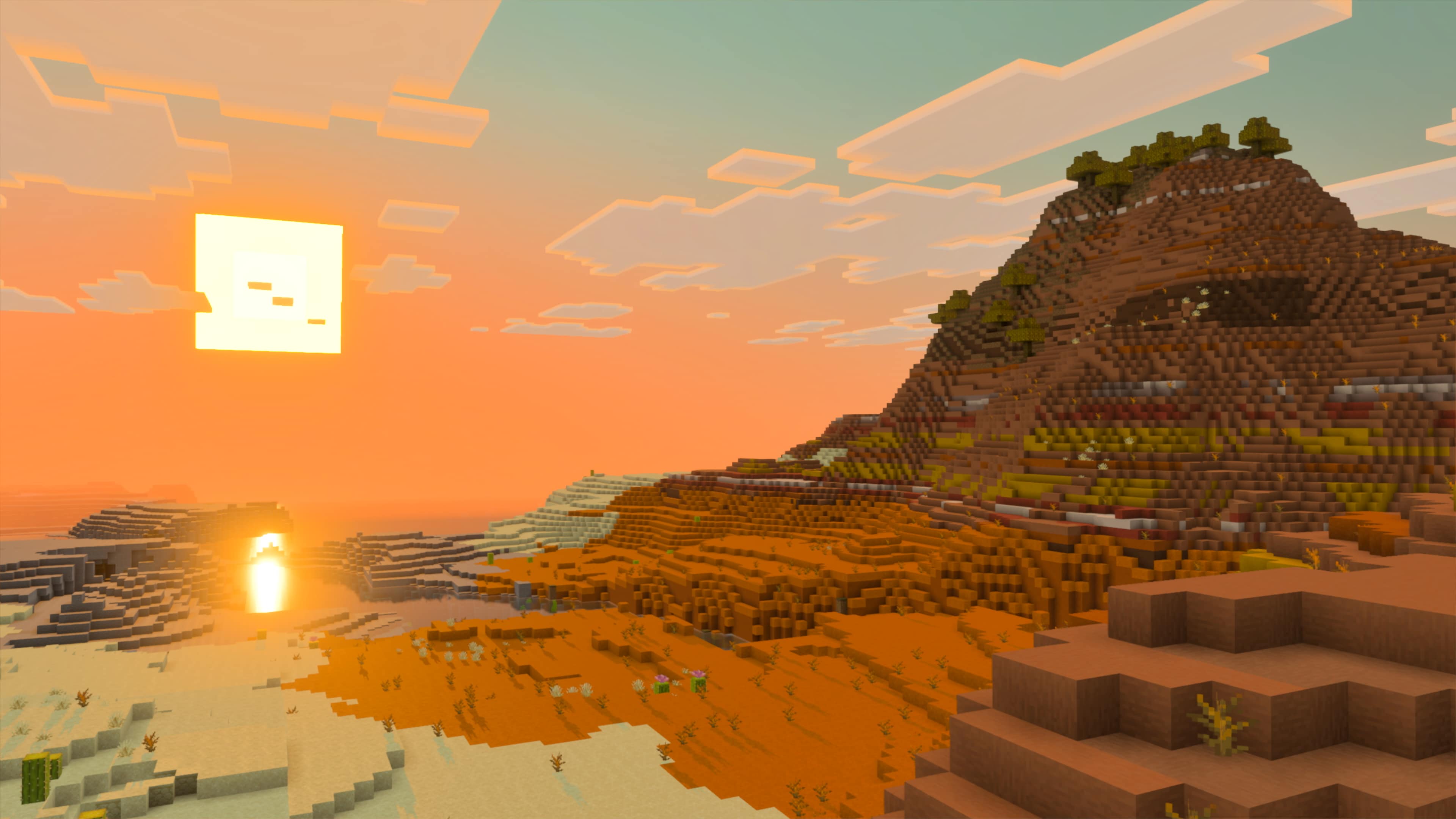
Look at the water, the illuminated cliff faces and the shadows in this official comparison. For your own test, stand at a familiar doorway or dock, compare the same scene, then walk around and turn the camera. A setting that looks impressive while standing still may feel less comfortable during movement.
- For exploration or combat: start with Favor Performance, where available. Check a busy part of your base as well as an empty shore.
- For screenshots or inspecting a build: try Favor Visuals, then decide whether the extra detail is worth the change in smoothness.
- If performance is uncomfortable: return to ordinary graphics or a lighter preset. The happy ghast and other gameplay features still work.
- If the option is absent: check device support and update the regular game. Downloading an unrelated shader or switching to Preview does not guarantee support.
A useful building experiment is a short pier with a roofed shelter. Compare the open water, shade beneath the roof and light through the entrance before redesigning an entire base. Keep gameplay lighting sufficient: a dramatic shadow is a visual effect, not a replacement for checking whether your build is safe.
See our Vibrant Visuals device and settings guide for supported hardware, additional comparisons and missing-option troubleshooting. That guide covers current support; this article explains the 1.21.90 launch.
Find friends without treating the locator as a map
The Locator Bar takes the place of the experience bar during multiplayer and shows directional markers for other players ahead of you. Your level number remains visible. Turn toward a marker to work out which way a friend is, then choose a safe route through the actual terrain.
Example: after exploring a village, ask one person to wait beside its well. Everyone else approaches that fixed meeting point using the marker and chat. If an arrow indicates a friend below you, they might be in a cave; find an entrance instead of digging straight down.
Crouching, wearing a mob head or carved pumpkin, or using invisibility hides a player from the bar. Spectators do not appear. If a friend’s marker is missing, ask them to stand normally and check headgear before assuming the game has lost track of them. Hiding a marker does not stop a nearby person from seeing your character.
For Bedrock 1.21.90, closing an anvil or enchanting table displays the experience bar for five seconds before the locator returns. This helps when checking the effect of an enchantment or repair. The temporary change of bar does not remove your XP.
Plan animal transfers around the load, not just the rider
Lead an eligible animal, then sneak-interact with another eligible entity to connect them. A happy ghast can carry linked boats and large animals beneath it, with four visible ropes for the supported large loads. Prepare an enclosure at the destination before moving valuable animals.
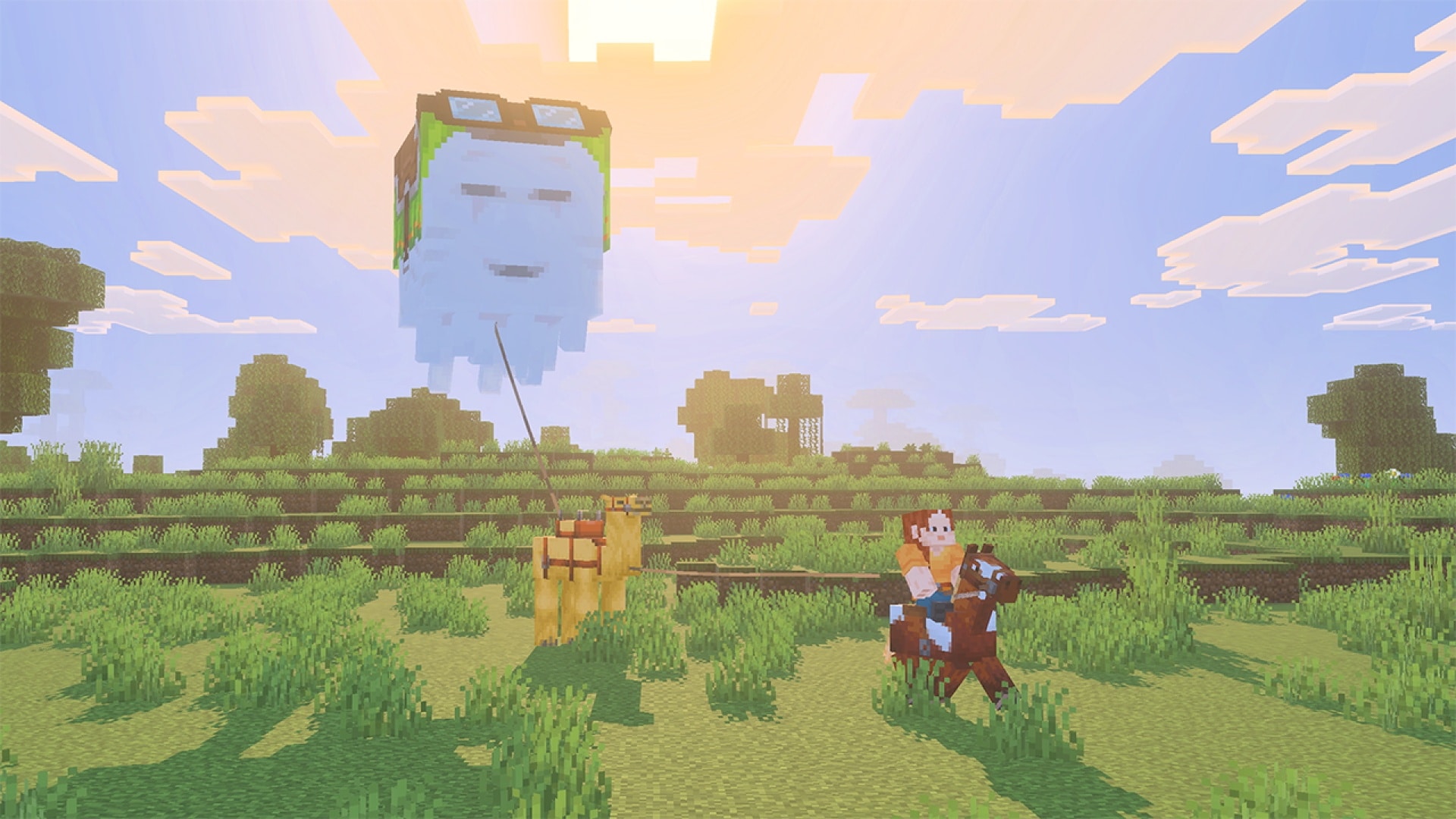
- Test the route empty. Look for tree canopies, narrow gaps, cliffs and roofs that the suspended animal could hit even if the ghast clears them.
- Move one animal first. Keep it visible and avoid stretching the connection around obstacles.
- Stop over the receiving area. Set down the load before changing leads or removing equipment.
- Check the whole connection. Shears can remove incoming and outgoing lead connections, so use them only once the animals are secure.
Bedrock permits another player to take over a leashed entity by leashing it again, unless doing so would immediately snap the connection. Agree who is handling the animal on a shared trip. Baby mobs can be attached to another entity, but cannot have other mobs attached to them.
The update also lets boats be pulled out of water using a lead. That makes a prepared shore ramp or landing area useful when moving a boat between water and land. If you switch to elytra, remember that using a firework boost releases leashed mobs; it is not a safe substitute for a planned cargo flight.
Shears prioritize removing a sheep’s lead before shearing its wool. They can also remove saddles, horse armor, harnesses and carpets when the relevant mob is unoccupied, but not while you are sneaking. If an interaction does something unexpected, first check the lead and rider rather than repeatedly clicking.
Small changes that help touch and controller players
Bundles are more comfortable to use in this release. On touch screens, splitting a stack and moving it into a bundle transfers the selected amount; tapping its tooltip no longer activates the interface behind it. Controller users also get fixes for cursor position and the bundle interface remaining visible after switching inventory tabs.
Try this after gathering materials: split off the few flowers or seeds you want to carry, move that portion into your bundle, and check the remaining stack. It is a useful way to leave building supplies at home without emptying every small item into separate slots.
Text Background Opacity now affects more labels, including hotbar tooltips and leaderboard displays, while chat has its own background-opacity setting. If bright sky or reflective water makes item names difficult to read, adjust the label background before making the entire game darker. Android, iOS and Windows also receive improved selection of a text-to-speech voice when the in-game language changes.
Understand a Timeline access message before troubleshooting
A Bedrock Realm owner can enable Realms Stories → Settings → Require opt in to Timeline. When enabled, members who have not opted in remain Realm members but cannot play until they opt in. A member who opts out again also loses play access while this requirement stays enabled. The owner can still play regardless of their own opt-in state.
If a friend suddenly cannot enter, the owner should check this setting and explain the choice. Do not begin by reinstalling Minecraft or removing the player from the membership list. The owner can turn the requirement off again; discuss the group’s preference before enabling a rule that can interrupt someone’s access.
On the Realm tab, Settings and Add friends replace the old single Options button. Use Settings for the Realm’s worlds and configuration, and Add friends for membership. Cross-platform games now consistently identify players by gamertag, which helps when matching a friend on another device.
Other changes worth using in survival
- Make travel equipment earlier. Saddles are craftable from three leather and one iron ingot; leads no longer require slime. Several structure chests replace saddles with leather, so crafting is a more deliberate plan than repeatedly searching those chests.
- Feed a working horse. Horses, donkeys and mules accept carrots to heal, grow and improve temper. Bring some when preparing an animal for travel.
- Treat distant blazes seriously. Their attack range increased from 16 to 48 blocks. A place that felt comfortably far away in an older version may no longer be safe; use cover while crossing a fortress.
- Revisit a Wind Burst mace. A fix brings its launch height back in line with Java. Test movement somewhere with a safe landing before relying on a remembered jump.
- Use a beacon as a loaded-area landmark. Beacon beams can render from any loaded chunk in worlds versioned 1.21.90 or later. This does not make unloaded terrain visible, so retain coordinates or landmarks for a long journey.
- Collect a new soundtrack. Amos Roddy’s five ambient tracks accompany several Overworld biomes. A ghast killed by a player-deflected fireball drops the Tears music disc; ordinary combat kills do not meet that condition.
The release also fixes several interruptions: a split-screen crash involving a chest or book another player had open, resource-pack downloads hanging when requested at the same time, and crashes while changing pack priority on the new-world screen. These are specific fixes, not a guarantee that every third-party pack will work unchanged.
Bring an existing world forward carefully
- Keep a separate copy of the world. Use the copy or export options your device provides before opening a valued save with a newer release.
- Check add-ons and packs. Use versions their creators support for your target Minecraft release. Test a copied world first if its gameplay depends on them.
- Update regular Minecraft through its official store or launcher. Chase the Skies features do not require joining Beta or Preview.
- Coordinate multiplayer versions. Check the world host or server and all players before arranging a group flight.
- Inspect a familiar base. Check inventory, packs and movement, then try the new graphics settings and a short ghast trip.
Do I need a new world? No. Crafting, bartering and existing-world activities provide ways into these features. A new save is an optional project, not a requirement for happy ghasts or Vibrant Visuals.
Do all friends need the same graphics mode? No. The visual setting is a personal device choice; it does not prevent ordinary-graphics players from sharing the gameplay.
Should I install exactly 1.21.90 now? Usually not. Use the current supported stable release unless you have a specific preserved-world or compatibility reason. This guide explains what arrived with this drop, not a recommendation to downgrade an active save.
Sources: Mojang’s final Bedrock 1.21.90 release notes, official Chase the Skies feature gallery, and Vibrant Visuals details and comparisons. Minecraft and the original screenshots are by Mojang / Microsoft. Practical project suggestions and explanations are MineBrush editorial work; the branded cover is an illustration.
More for your Bedrock world.

Raise a happy ghast, turn it into a flying building platform and carry friends or mobs across your world. A practical Chase the Skies guide for Java 1.21.6 and Bedrock 1.21.90, with recipes, flight tips and original Mojang screenshots.
- Game released
- Java
- 1.21.6 · Stable
- Bedrock
- 1.21.90 · Stable
Focus Happy ghast flight, building platforms, mob transport, saddles and the Player Locator Bar
Topic Chase the Skies
Install Included in the official game update
Vibrant Visuals requires a supported Bedrock device.
Java + Bedrock · Release
Chase the Skies: Fly, Build and Travel Together
Raise a happy ghast, turn it into a flying building platform and carry friends or mobs across your world. A practical Chase the Skies guide for Java 1.21.6 and Bedrock 1.21.90, with recipes, flight tips and original Mojang screenshots.
Vibrant Visuals requires a supported Bedrock device.
- Update type
- Major release
- Release channel
- Java & Bedrock
- Official release date
- 2025-06-17
- World safety
- Back up before updating
- Player impact
- Happy ghast flight, building platforms, mob transport, saddles and the Player Locator Bar
- Platform family
- Cross-edition
- Supported devices
- Java on Windows, macOS and Linux; Bedrock on supported mobile, console and Windows devices
- Install format
- Official game update
- Touch readiness
- Check guide
- Resource type
- Update
- Last verified at
- Sep 16, 2026
- Update state
- historical
- Compatibility confidence
- Source claimed
- Bedrock version/build
- 1.21.90
- Card delivery statement
- Included in the official game update
- Card limitation note
- Vibrant Visuals requires a supported Bedrock device.
- Edition applicability
- Java + Bedrock
- Java version/build
- 1.21.6
- Shared update topic
- Chase the Skies
- Delivery state
- No file
- Lifecycle state
- Superseded
- Java update channel
- Stable
- Bedrock update channel
- Stable
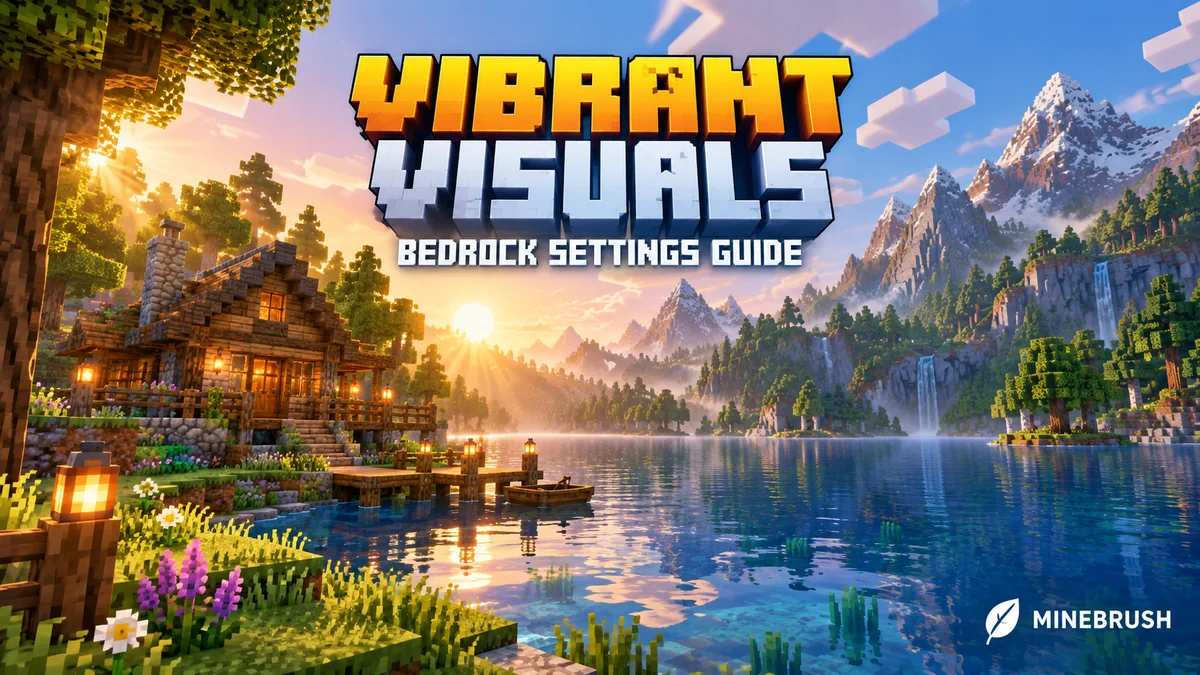
Turn on Vibrant Visuals in Bedrock, check supported devices and choose settings that suit your play. Compare six official before-and-after screenshots, with help for missing options, Realms and split-screen.
- Edition
- Bedrock Edition
- Difficulty
- Beginner
- Time
- None
MineBrush · Guide
Vibrant Visuals Setup Guide
Turn on Vibrant Visuals in Bedrock, check supported devices and choose settings that suit your play. Compare six official before-and-after screenshots, with help for missing options, Realms and split-screen.
- Game edition
- Bedrock Edition
- Platform family
- Bedrock & Mobile
- Supported devices
- Supported Windows PCs, Xbox, PlayStation, Android and iOS
- Install format
- Built-in graphics setting
- Touch readiness
- Yes
- Resource type
- Guide
- Compatibility confidence
- Source claimed
- Edition applicability
- Bedrock
- Guide difficulty
- Beginner
- Delivery state
- No file
- Lifecycle state
- Current
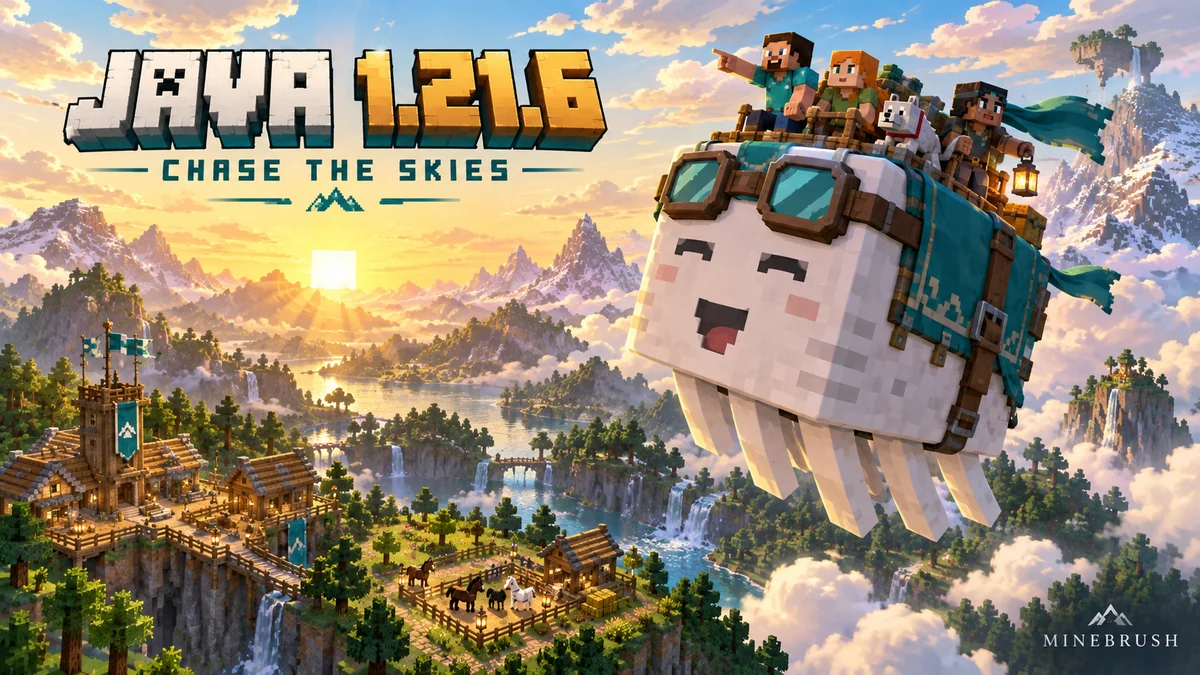
Plan happy-ghast trips, find friends with the Locator Bar, choose music settings and navigate the new Realms tabs. Java 1.21.6 explained for an existing survival world.
- Java
- Java 1.21.6
- Release type
- Release
- Game released
Focus Group travel, Locator Bar, music controls, Realms and world changes
Install Official launcher
Back up before updating
Java · Release
Java 1.21.6 — Chase the Skies
Plan happy-ghast trips, find friends with the Locator Bar, choose music settings and navigate the new Realms tabs. Java 1.21.6 explained for an existing survival world.
Back up before updating
- Minecraft version
- Java 1.21.6
- Game edition
- Java Edition
- Update type
- Major release
- Release channel
- Java Edition
- Official release date
- 2025-06-17
- World safety
- Back up before updating
- Player impact
- Group travel, Locator Bar, music controls, Realms and world changes
- Related major release
- Chase the Skies
- Platform family
- Java PC
- Last verified at
- Sep 17, 2026
- Update state
- historical
- Compatibility confidence
- Source claimed
- Card delivery statement
- Official launcher
- Edition applicability
- Java
- Delivery state
- No file
- Lifecycle state
- Superseded
Player discussion 0
Questions, discoveries and help from other players.