Skip to content
MineBrush For creators
MenuClose menu

Bedrock Edition · Windows, console & mobile

Bedrock resource packs

Refresh familiar blocks, menus and animations. Choose a pack that fits your game and device.

What would you like to refresh?

Choose a pack your game and device can use

Check the supported Bedrock version and the feature you want: textures, menus, sounds and animations are different kinds of changes. Higher texture resolution can be more demanding, especially on phones. RTX and Vibrant Visuals also have their own hardware requirements; a texture pack alone does not add a supported graphics mode.

For activation help, use the mobile pack installation guide. Try one pack first, then check pack priority if another replaces the same textures or menus. Need new gameplay instead? Browse Bedrock add-ons or read resource packs versus behavior packs.

Latest resource packs

Browse
Sort byRecently updated
Bedrock · Pack

by CrisXolt · Updated

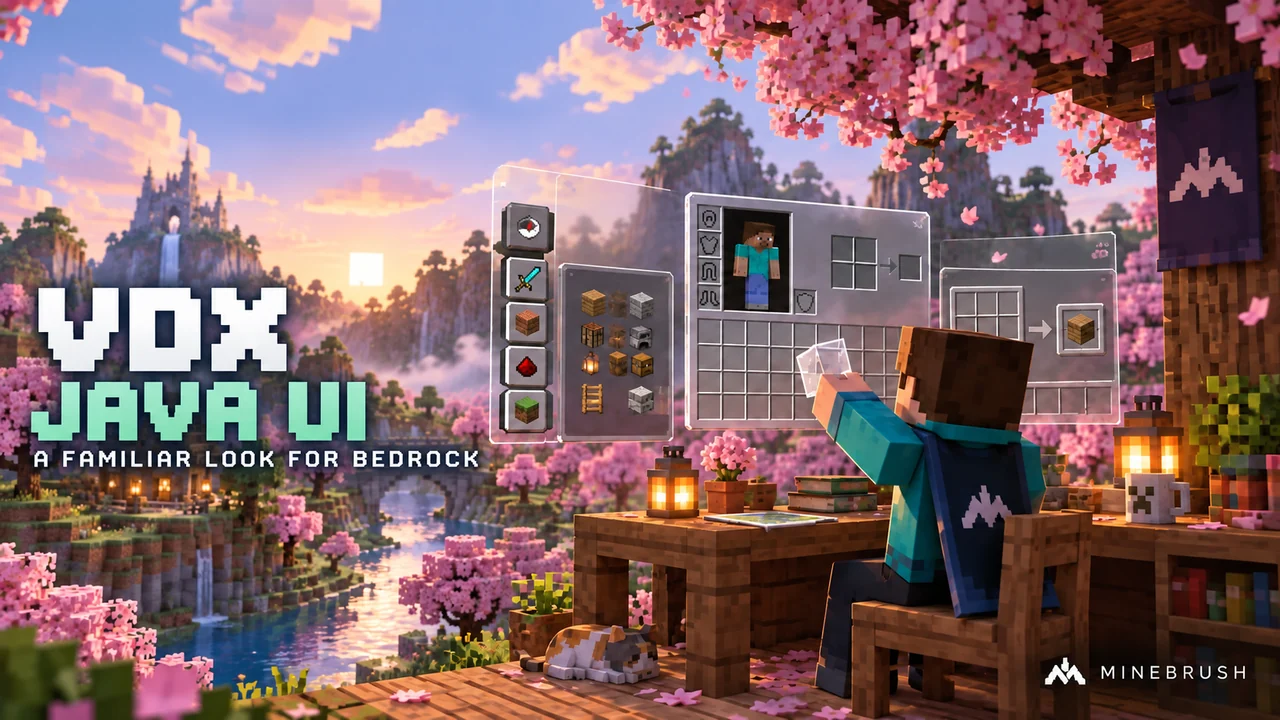
Give Bedrock a Java-style interface with VDX 3.2.12 for Minecraft 26.30. Compare Desktop, Mixed and PvP layouts, preview the menus and learn how to switch back.

Minecraft
Bedrock 26.30
Scope
GUI
Package
.mcpack
Bedrock · Pack

by d_de_diego_d · Updated

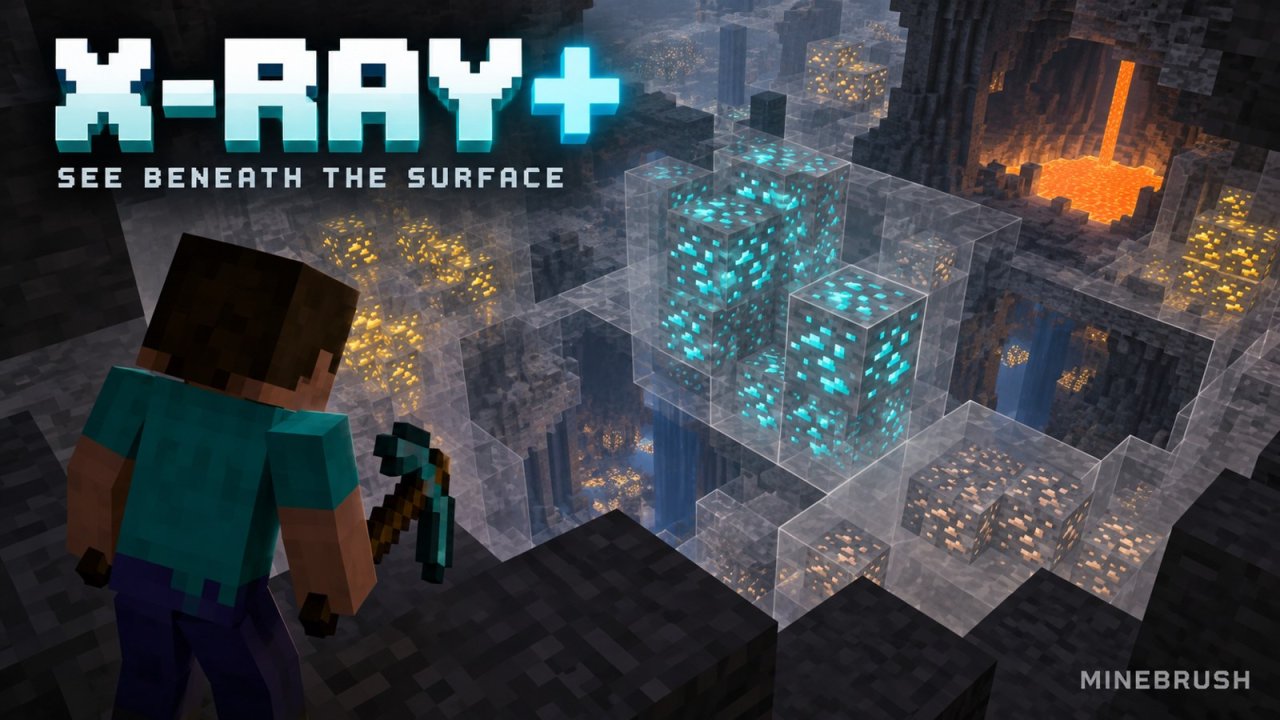
Explore the ores beside your tunnels and plan underground builds with X-Ray Plus 1.3.0 by d_de_diego_d. Download the Bedrock pack, activate it for your world and learn how to read the view without losing your bearings.

Minecraft
26.40 / 26.30 / 26.20; earlier listed builds in guide
Scope
Blocks
Package
.mcpack

Use only where X-ray packs are allowed; compatibility is creator-listed.

Bedrock · Pack

by Meska · Published

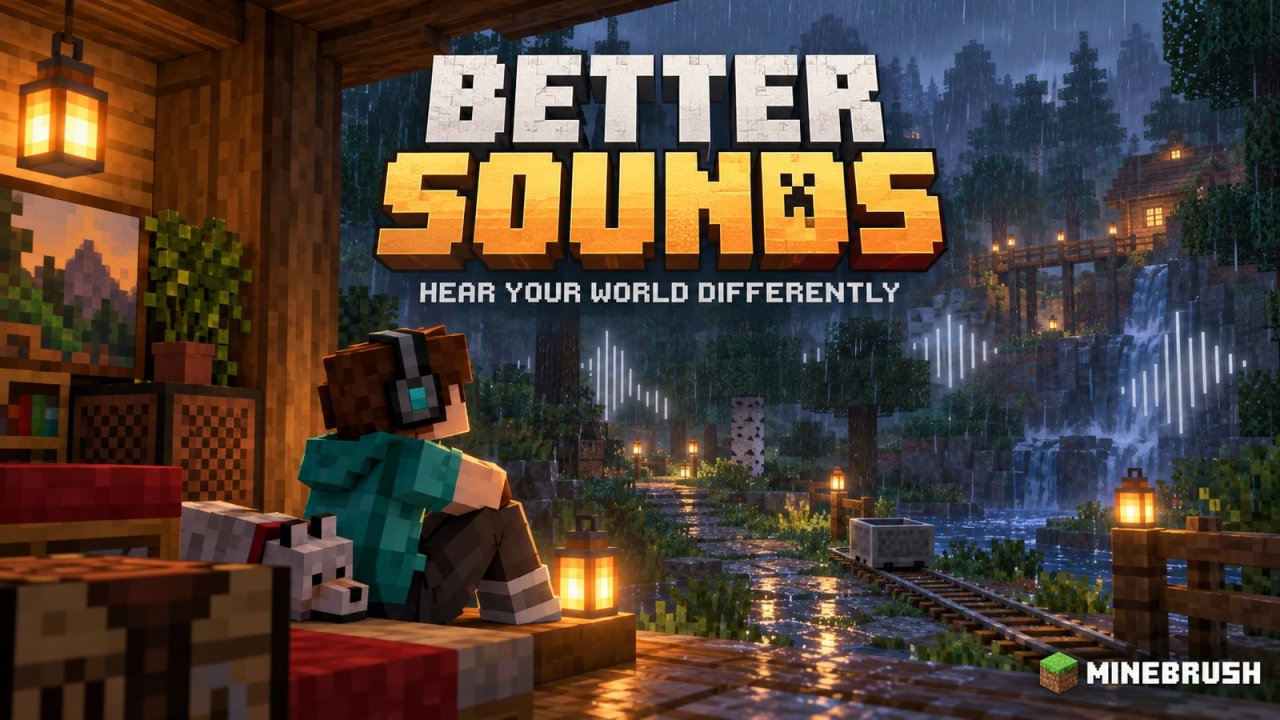
Give building, exploration and minecart journeys a fresh sound with Better Sounds by Meska. Explore the changed effects, listen to the creator preview and learn how to activate the Bedrock audio pack and manage overlapping packs.

Minecraft
1.21+ claimed in August 2024; later releases unverified
Scope
Audio
Package
.mcpack

Audio pack; current Bedrock compatibility not confirmed

Bedrock · Pack

by Leo Termado · Updated

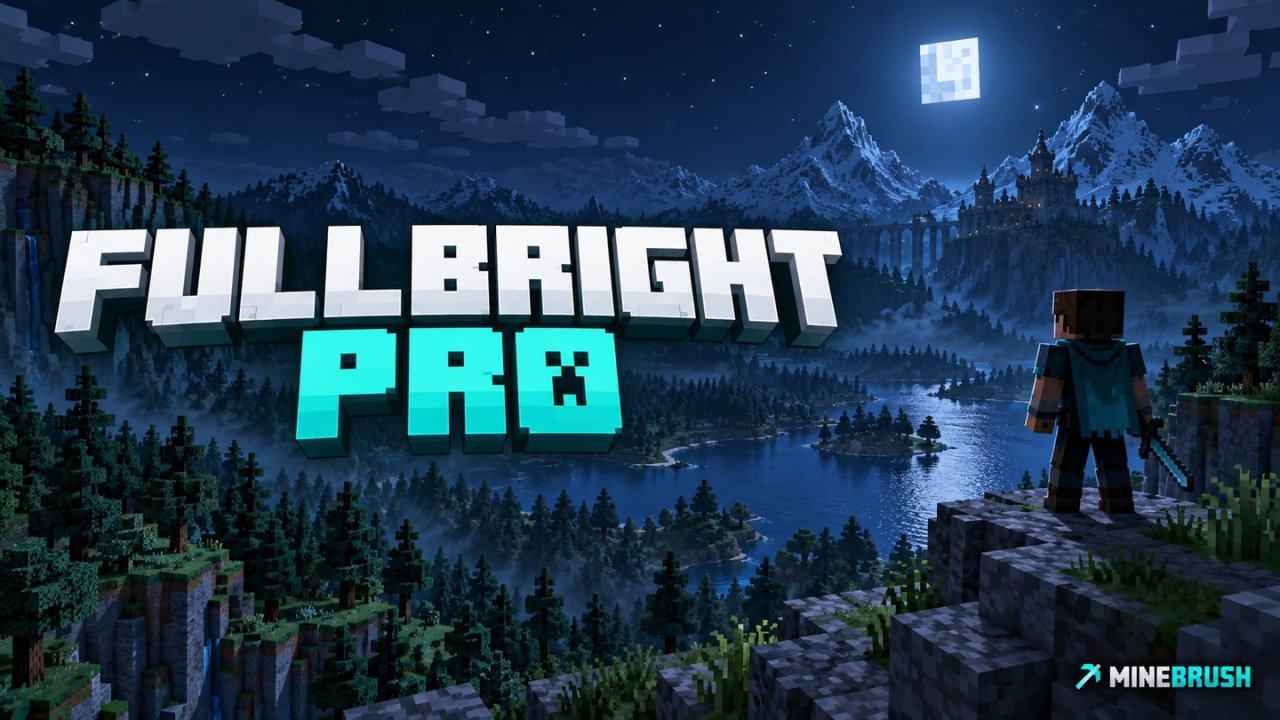
See distant terrain and underwater builds more clearly with FullBright Pro for Bedrock. Learn what fog reduction actually changes, activate the pack without commands, and avoid confusing it with Night Vision.

Minecraft
Bedrock 1.20–26.30
Scope
Environment
Package
.mcpack — Resource Pack

Fog reduction, not Night Vision; newer versions unconfirmed

Bedrock · Pack

by Team Nicverse / notnicto · Updated

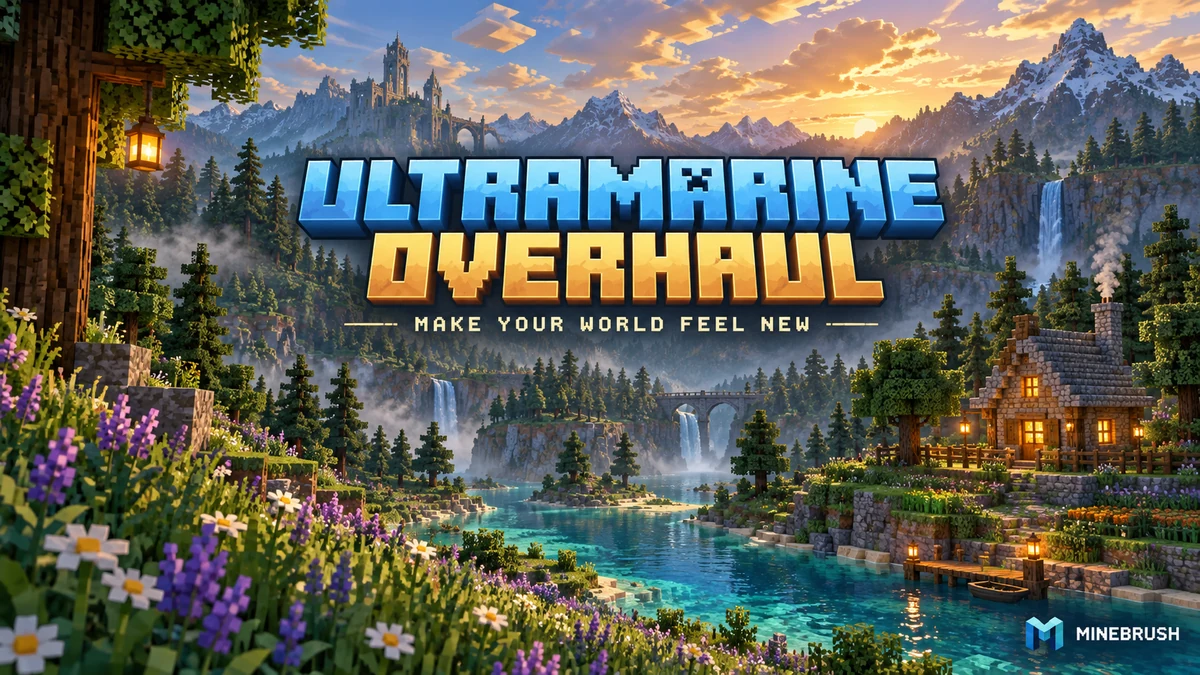
Refresh Bedrock’s world and menus with four colour-and-fog presets. Learn which look suits your builds, customise the clock, totem and particles, and download Ultramarine Overhaul.

Minecraft
Bedrock 26.20, 26.13, 26.12, 26.11, 26.10, 26.3, 26.0.02 and 26.0
Scope
Mixed
Package
.mcpack · Resource pack

Four included presets; clock, totem and particle controls

Bedrock · Pack

by Redstone Chicken · Updated

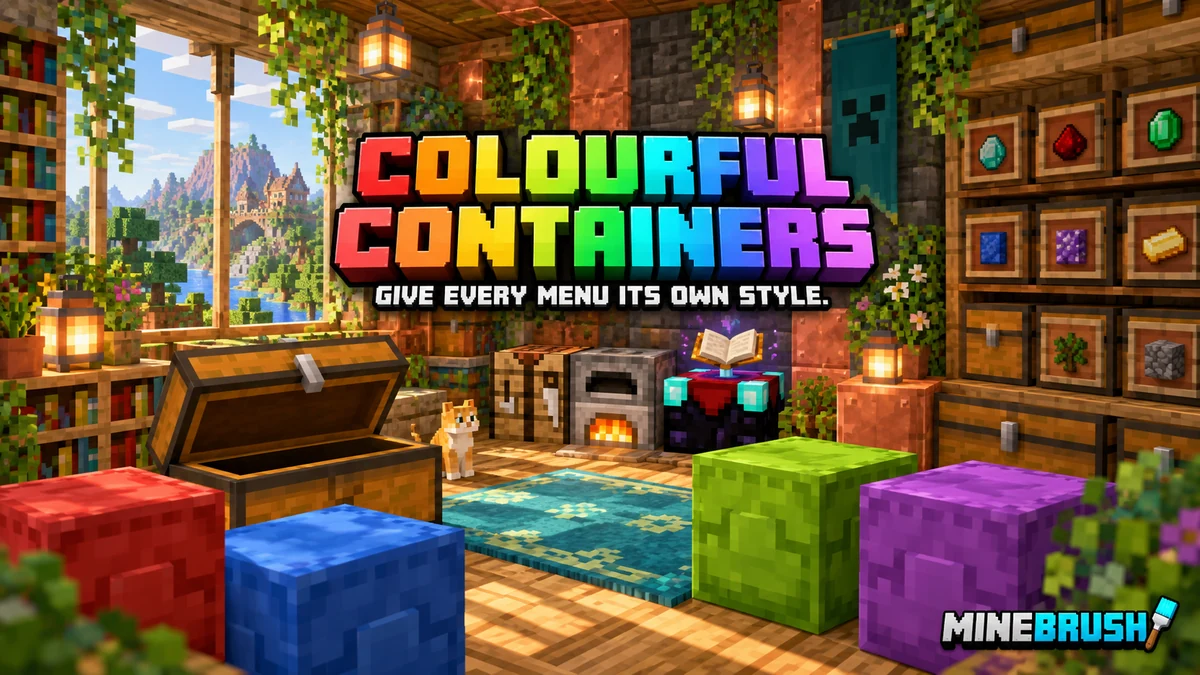
Give chests, workstations and shulker boxes their own themed menus. Choose light or dark, set up Classic UI and download Colourful Containers with clear version choices.

Minecraft
26.20
Scope
GUI
Package
.mcpack · Classic UI

Bedrock pack with Java-style menus; Classic UI only

Bedrock · Pack

Bedrock & Stuff

Aug 22, 2026

by Raylo · credits Rainvay / @rayloo5 · Updated

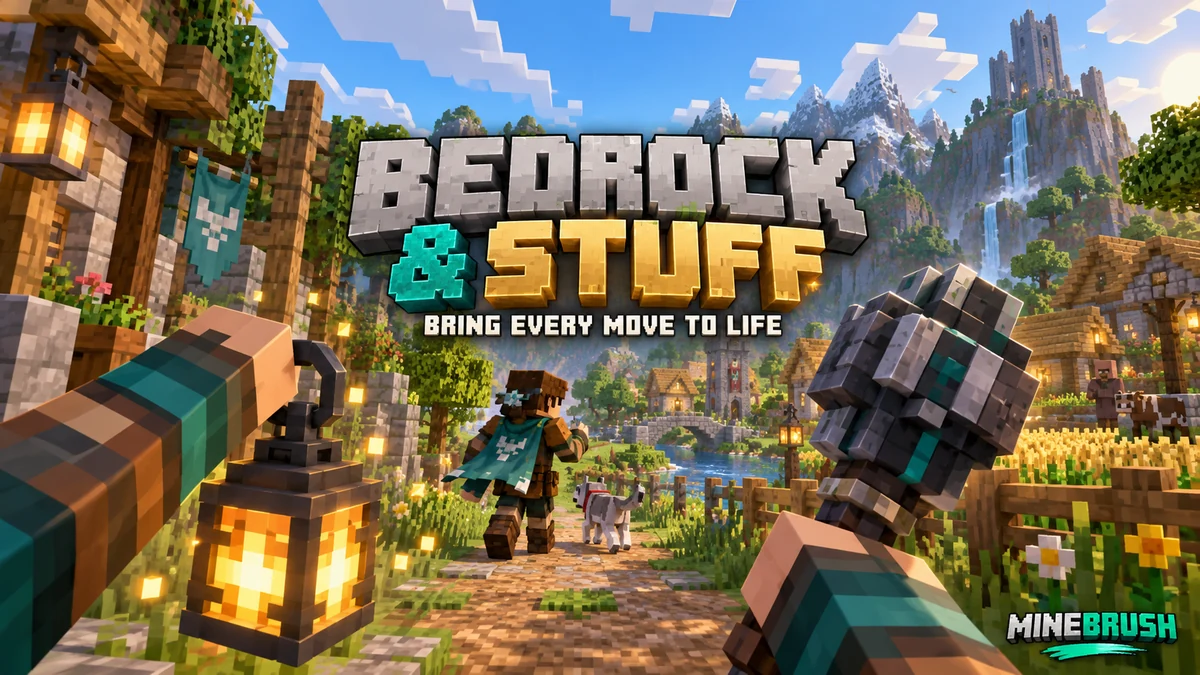
Give everyday movement and held items more personality. See creator screenshots, learn how to use and combine the pack, and download the current or previous Bedrock release.

Minecraft
26.40 / 26.0; previous release for 26.30
Scope
Mixed
Package
Open one .mcpack with Minecraft, then activate in Resource Packs

Activate one release at a time; appearance can vary with other packs

Showing up to 12 Bedrock resources per page.Explore Bedrock Edition