
MineBrush publication
Mansion and Abandoned Village Seed: Java Coordinates and Restoration Ideas
Mansion and Lost Village — Take on a Java 1.21.11 restoration project beside a woodland mansion. Copy the seed, find the original location and plan village repairs, fire protection and a prepared mansion expedition.
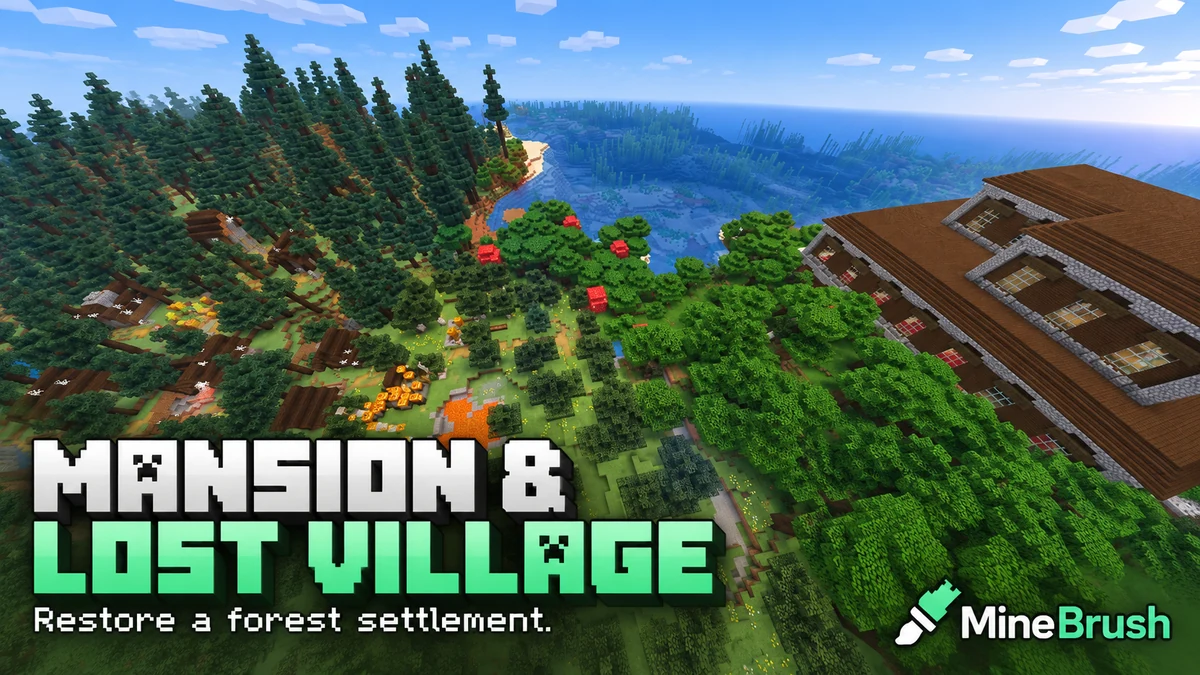
A woodland mansion beside an abandoned taiga village gives this seed two connected goals: an expedition and a restoration project. Discoverer nyx_ra shared 8354351187503 for Minecraft Java 1.21.11, with the mansion and village area at X -688, Z 256.
You can treat the village as a rebuilding challenge, explore the mansion when you are equipped, or turn the two locations into a forest estate. Start outside: the author's image shows a lava pool and burning blocks close to the village. This guide uses the source report and image; MineBrush has not independently generated the seed in-game.
Seed and destination
Paste this number into the seed field when creating a new world.
- Seed:
8354351187503. - Reported version: Java Edition 1.21.11.
- Search area:
X -688, Z 256, Overworld. - Height: the author does not give a fixed Y value. Approach at the local surface.
- What to bring: food, armour, a shield, tools, blocks and a water bucket.
- Access: enter the seed when creating a new world; no map file is required.
See how the village and mansion sit together
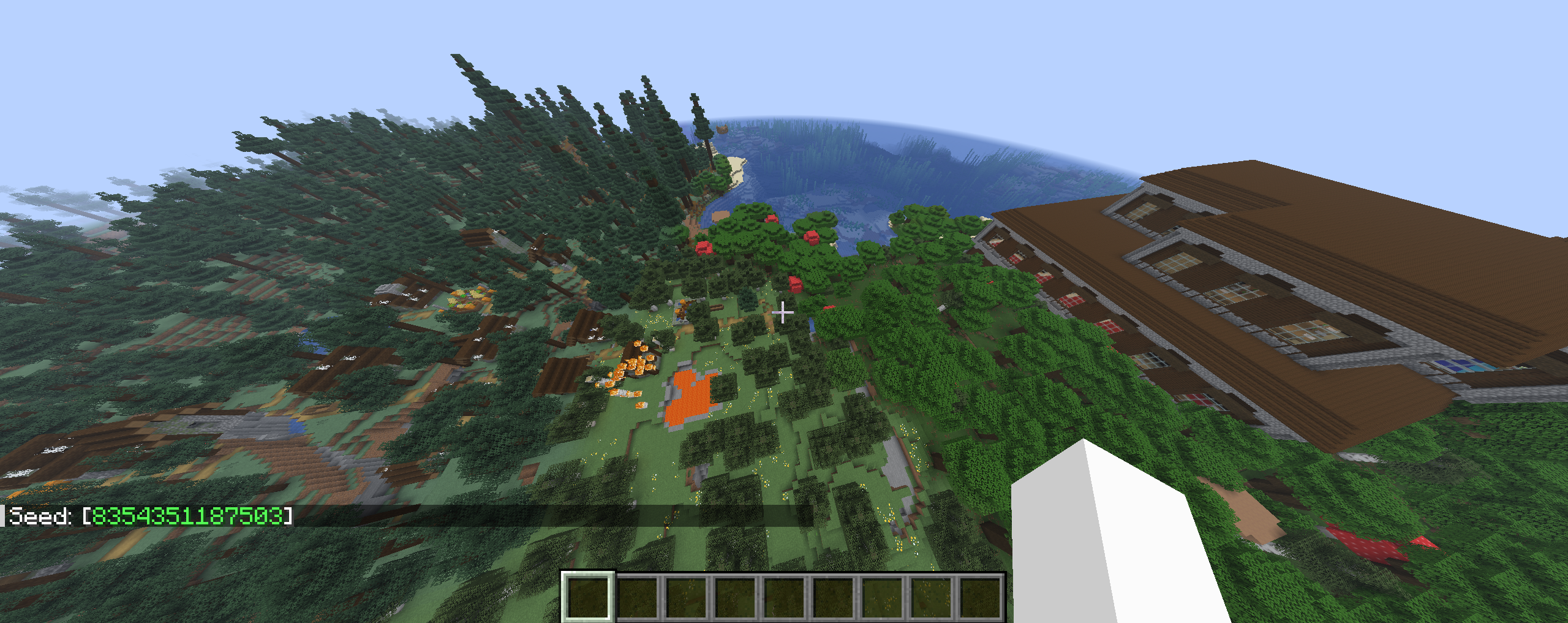
The contrast makes this a useful setting for a long-term build: small village houses on one side and a much larger landmark on the other. The nearby shoreline also gives you a possible direction for a dock or a path, once you have explored the local ground.
Choose your project
- Restore the village first: repair one house, establish a safe storage room and reconnect broken paths. Expand house by house instead of demolishing the settlement at once.
- Reclaim a forest estate: after dealing with the mansion's threats, give its rooms new uses such as storage, a library or a workshop. Connect it to the restored village with a well-lit route.
- A co-op rescue campaign: split the work into outside protection, supplies and building repairs. Tackle the mansion together after the camp is ready.
- A Creative restoration study: keep a copy of the untouched world, then compare your restored version with the original layout. Preserve distinctive roofs and paths to make the transformation recognisable.
If you mainly want peaceful building, you can concentrate on the outside settlement or use Creative. If you want Survival progression, the mansion gives you a reason to prepare equipment before moving into the largest building.
Create the Java world
- Choose a Java 1.21.11 installation in Minecraft Launcher.
- Open Singleplayer → Create New World.
- On the World tab, paste
8354351187503into the seed field. - Use Default world type and leave Generate Structures enabled. Avoid terrain- or structure-changing data packs.
- Choose your mode, create the world and note the coordinates of your starting position.
Use a fresh world for the closest comparison with the source. Changing a seed does not import another player's buildings or restore structures in an already-generated save.
Find the area without guessing a height
Press F3 in Java to show XYZ; some keyboards need Fn + F3. Aim for X -688 and Z 256. West decreases X, while south increases Z. Follow the numbers from your own starting point and adjust your direction as needed.
The destination is roughly 734 blocks from X 0, Z 0 in a straight line. That is not a measured distance from your spawn or a promised walking time. Trees, slopes and water can change your route.
The source writes the coordinate as -688 ~ 256. Here it leaves the height unspecified; do not treat the tilde as a known safe landing height. Walk to the X/Z area and find the local surface, or inspect from Spectator in a separate preview world.
Your first visit: protect the outside area
- Make a camp away from the threats. Put down a bed and a chest somewhere you can return to without crossing the mansion interior.
- Inspect the lava and fire area. If it is present in your world, approach from solid ground with nonflammable blocks and water. Deal with spreading fire before storing supplies in a nearby wooden house.
- Choose one building to repair. Light it, close exposed openings and make a clear route back to camp.
- Check the village's occupants. An abandoned village is not a ready-made trading centre. Decide whether you want to restore its population before removing every damaged feature.
- Save the mansion for a prepared trip. Scouting its outside and clearing its interior are different jobs.
Fire and mob activity can change a world after chunks start running. The source image is useful for noticing the hazard; it cannot promise that every roof and tree will be in exactly the same condition when you arrive.
Bringing life back to the village
If you find zombie villagers you want to cure, first give them a secure covered enclosure and protect them from sunlight and other mobs. Prepare the cure before opening the enclosure.
Apply Weakness, commonly with a splash potion, then use a regular golden apple on the zombie villager. Do not use an enchanted golden apple. Keep the villager protected while the transformation finishes; it takes time rather than happening instantly.
A regular golden apple is crafted from one apple surrounded by eight gold ingots. This is a project to gather supplies for, not a promise that the village contains the ingredients already. If no zombie villagers remain, rebuilding the houses alone will not create new residents.
After you have residents, make the repaired area practical: safe entrances, accessible beds, clear paths and the work areas you want to use. Keep the first restored section small enough to protect before extending the settlement.
Before entering the mansion
Woodland mansions can contain vindicators and evokers as well as ordinary hostile mobs in dark areas. Bring food, armour, a shield and a ranged option, and leave spare supplies at your outside camp.
Explore in sections. Mark the rooms you have checked, keep your retreat route visible and avoid opening several unknown rooms at once. Once a section is secure, you can start turning it into usable space instead of carrying every supply through an uncleared building.
Do not choose fire as your clearing method if your goal is to keep the mansion as a home. Preserving the structure gives you far more to work with for a restoration build. Room layouts and treasure should be discovered in your world; this article does not promise a particular chest, room or reward.
If the result looks different
- Different terrain or missing buildings: check the exact seed, Java 1.21.11, Default world type and structures setting.
- At the wrong place: X is negative and Z is positive. Missing a minus sign or swapping them sends you elsewhere.
- More damage or missing occupants: fire and mobs can change the area while it is loaded. A shared seed does not freeze the world at the author's screenshot moment.
- Using Bedrock or a later Java release: the source report does not confirm matching structure placement there. Keep the reported version if you want the closest starting point.
- Using an old save: existing chunks retain their generated terrain. Create a fresh world for a clean comparison.
For a useful player report, share your edition, exact version and the coordinates you checked. A picture of the approach helps other players recognise the area without turning an uncertain observation into a guaranteed feature.
Sources and credits
Seed, location and original image: nyx_ra — Woodland Mansion and Abandoned Taiga Village. MineBrush adds the restoration plan and player guidance.
Official references: Mojang's coordinate and exploration guide, woodland mansions, and golden apples and curing zombie villagers.
More for your Java setup.
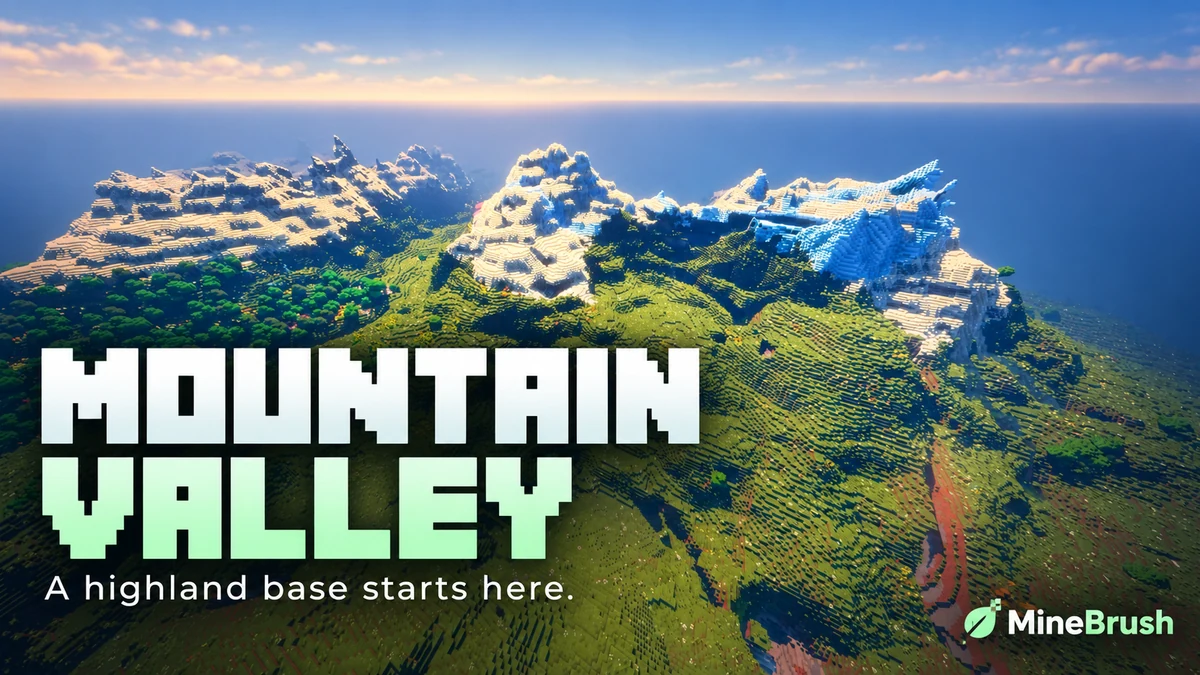
Mountain Range Village — Plan a highland base around a snowy mountain landscape. Copy the Java 1.21.11 seed, see the author's original image and follow the coordinates to the reported village area.
- Minecraft
- 1.21.11
- Seed
61925845031280000- Feature
- Mountain landscape and reported village
Destination away from spawn; source image uses Bliss shaders
Java · Seed
Mountain Range Village
Mountain Range Village — Plan a highland base around a snowy mountain landscape. Copy the Java 1.21.11 seed, see the author's original image and follow the coordinates to the reported village area.
Destination away from spawn; source image uses Bliss shaders
- Minecraft version
- 1.21.11
- Game edition
- Java Edition
- Loader / platform
- Not applicable
- License
- Seed shared by its discoverer; image credited to OkBreadfruit3797
- Key coordinates
- Mountain village · X -1939, Y 199, Z -857 · Overworld
- Platform family
- Java & PC
- Supported devices
- Minecraft Java Edition on Windows, macOS and Linux
- Install format
- Enter the seed in Create New World
- Touch readiness
- Not required
- Resource type
- Seed
- Seed value
- 61925845031280000
- Last verified at
- Sep 14, 2026
- Compatibility confidence
- Source claimed
- Card evidence statement
- Java 1.21.11 report by the discoverer
- Card delivery statement
- Copy seed · create a new world
- Card limitation note
- Destination away from spawn; source image uses Bliss shaders
- Copy availability
- Copy available
- Java seed feature
- Mountain landscape and reported village
- Edition applicability
- Java
- Delivery state
- No file
- Lifecycle state
- Current
61925845031280000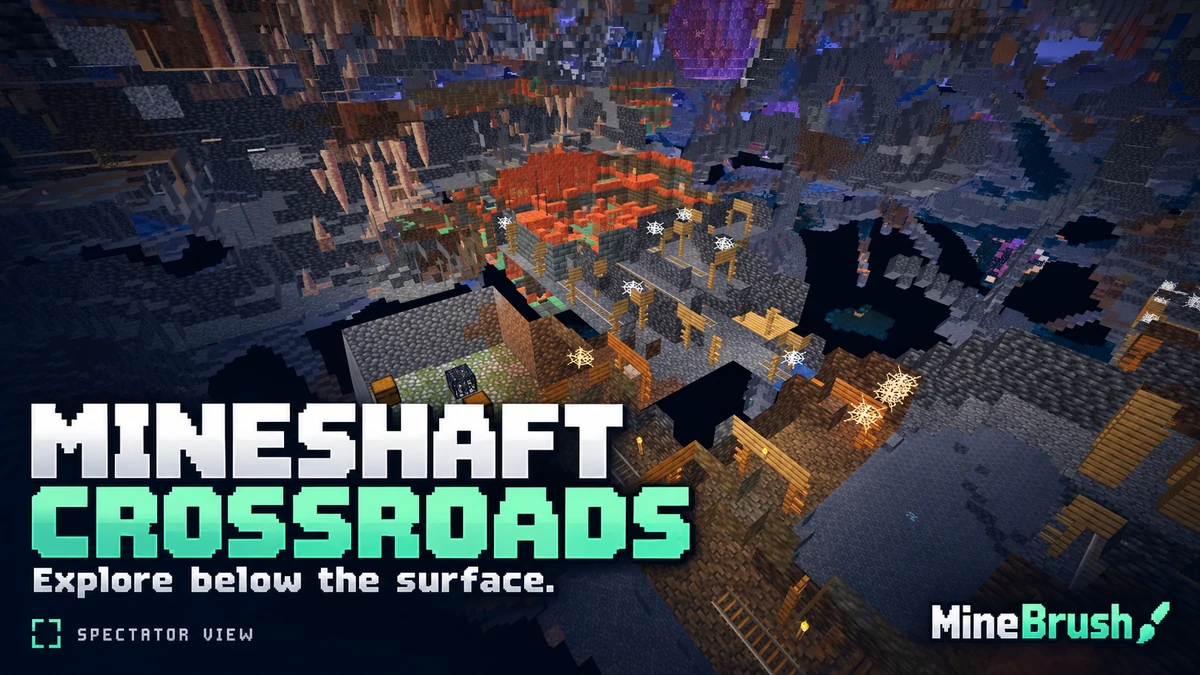
Mineshaft Crossroads — Explore a Java 1.21.11 seed with player-reported mineshaft intersections, spawners and a trial-chamber overlap. See the original cutaway views, copy the seed and plan your descent.
- Minecraft
- 1.21.11
- Seed
2714264907756224538- Feature
- Mineshafts and spawners
Underground source images are spectator cutaway views
Java · Seed
Mineshaft Crossroads
Mineshaft Crossroads — Explore a Java 1.21.11 seed with player-reported mineshaft intersections, spawners and a trial-chamber overlap. See the original cutaway views, copy the seed and plan your descent.
Underground source images are spectator cutaway views
- Minecraft version
- 1.21.11
- Game edition
- Java Edition
- Loader / platform
- Not applicable
- License
- Seed shared by its discoverer; images credited to BigAccomplished3115
- Key coordinates
- Underground observation · X 345, Y 9, Z 1175 · Overworld
- Platform family
- Bedrock & Mobile
- Supported devices
- Minecraft Java Edition on Windows, macOS and Linux
- Install format
- Enter the seed in Create New World
- Touch readiness
- Not required
- Resource type
- Seed
- Seed value
- 2714264907756224538
- Last verified at
- Sep 14, 2026
- Compatibility confidence
- Source claimed
- Card evidence statement
- Java 1.21.11 report by the discoverer
- Card delivery statement
- Copy seed · create a new world
- Card limitation note
- Underground source images are spectator cutaway views
- Copy availability
- Copy available
- Java seed feature
- Mineshafts and spawners
- Edition applicability
- Java
- Delivery state
- No file
- Lifecycle state
- Current
2714264907756224538
Everything Continent brings varied landscapes into one long-term Bedrock world. Plan regional bases, follow author coordinates to a jungle temple, village and mansion, and explore the original annotated map.
- Minecraft
- 1.21.73
- Seed
-5207005594169711425- Feature
- Regional bases, temple, village and mansion
Varied mainland biomes; mushroom islands offshore
Bedrock · Seed
Everything Continent
Everything Continent brings varied landscapes into one long-term Bedrock world. Plan regional bases, follow author coordinates to a jungle temple, village and mansion, and explore the original annotated map.
Varied mainland biomes; mushroom islands offshore
- Minecraft version
- Bedrock 1.21.73
- Game edition
- Bedrock Edition
- Key coordinates
- Jungle temple: X 600, Z 120; Mansion: X 440, Z 856; Village: X 808, Z -1416. Y not supplied.
- Platform family
- Bedrock & Mobile
- Resource type
- Seed
- Seed value
- -5207005594169711425
- Last verified at
- Sep 14, 2026
- Compatibility confidence
- Source claimed
- Bedrock version/build
- 1.21.73
- Card evidence statement
- Author map and coordinates for Bedrock 1.21.73
- Card delivery statement
- Copy the seed into a new Bedrock world
- Card limitation note
- Varied mainland biomes; mushroom islands offshore
- Copy availability
- Copy available
- Java seed feature
- Regional bases, temple, village and mansion
- Edition applicability
- Bedrock
- Delivery state
- No file
- Lifecycle state
- Current
-5207005594169711425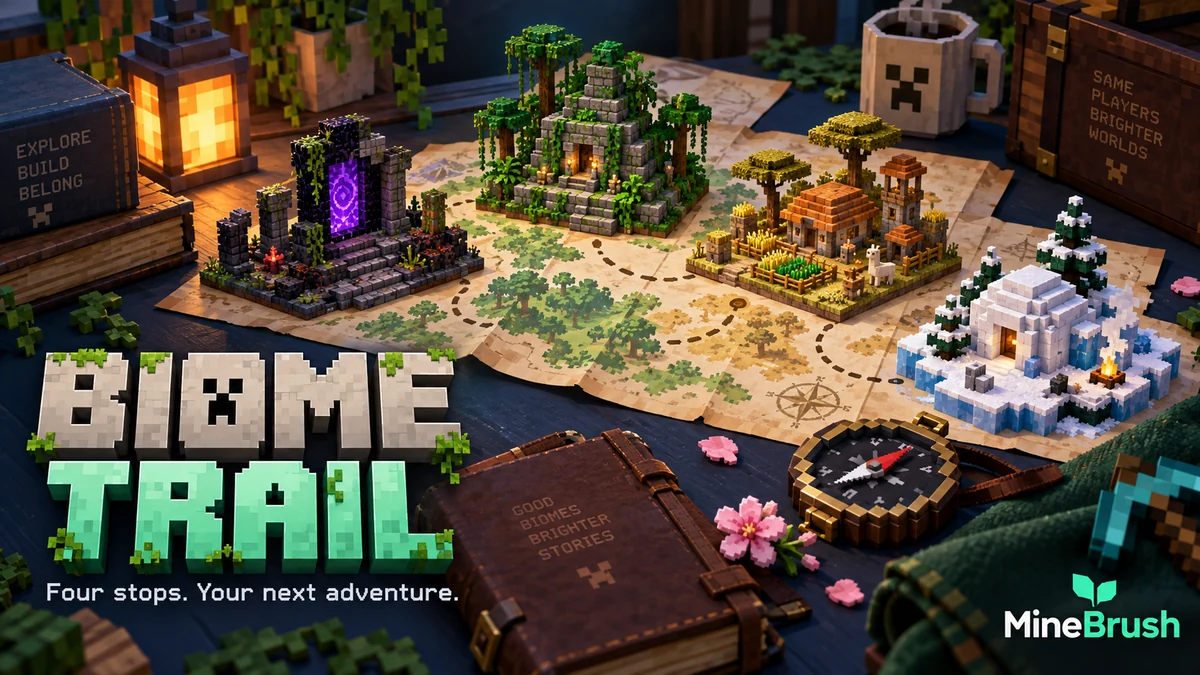
Biome Trail — Plan a Bedrock adventure around a reported portal, village, jungle temple and igloo. Copy the seed, use the coordinate diagram and choose a base-building or exploration project.
- Minecraft
- 1.21+ (exact source patch not stated)
- Seed
-2898061480750634164- Feature
- Portal, village, temple and igloo
Exact source patch is not stated
Bedrock · Seed
Biome Trail
Biome Trail — Plan a Bedrock adventure around a reported portal, village, jungle temple and igloo. Copy the seed, use the coordinate diagram and choose a base-building or exploration project.
Exact source patch is not stated
- Minecraft version
- Bedrock 1.21+ (source report)
- Game edition
- Bedrock Edition
- Key coordinates
- Four nearby stops · full XYZ list in the guide
- Platform family
- Bedrock & Mobile
- Resource type
- Seed
- Seed value
- -2898061480750634164
- Last verified at
- Sep 14, 2026
- Compatibility confidence
- Source claimed
- Bedrock version/build
- 1.21+ (exact source patch not stated)
- Card evidence statement
- Bedrock 1.21+ report by the discoverer
- Card delivery statement
- Copy seed · create a new world
- Card limitation note
- Exact source patch is not stated
- Copy availability
- Copy available
- Java seed feature
- Portal, village, temple and igloo
- Edition applicability
- Bedrock
- Delivery state
- No file
- Lifecycle state
- Current
-2898061480750634164Player discussion 0
Questions, discoveries and help from other players.