
MineBrush publication
Minecraft Bedrock 1.21.80: Flat World Presets, Build Ideas and Update Guide
Choose a Bedrock flat-world preset for a town, basement, harbour or redstone workshop. See the real menus, practical building ideas, survival limits, Realms region settings and the useful changes in 1.21.80.
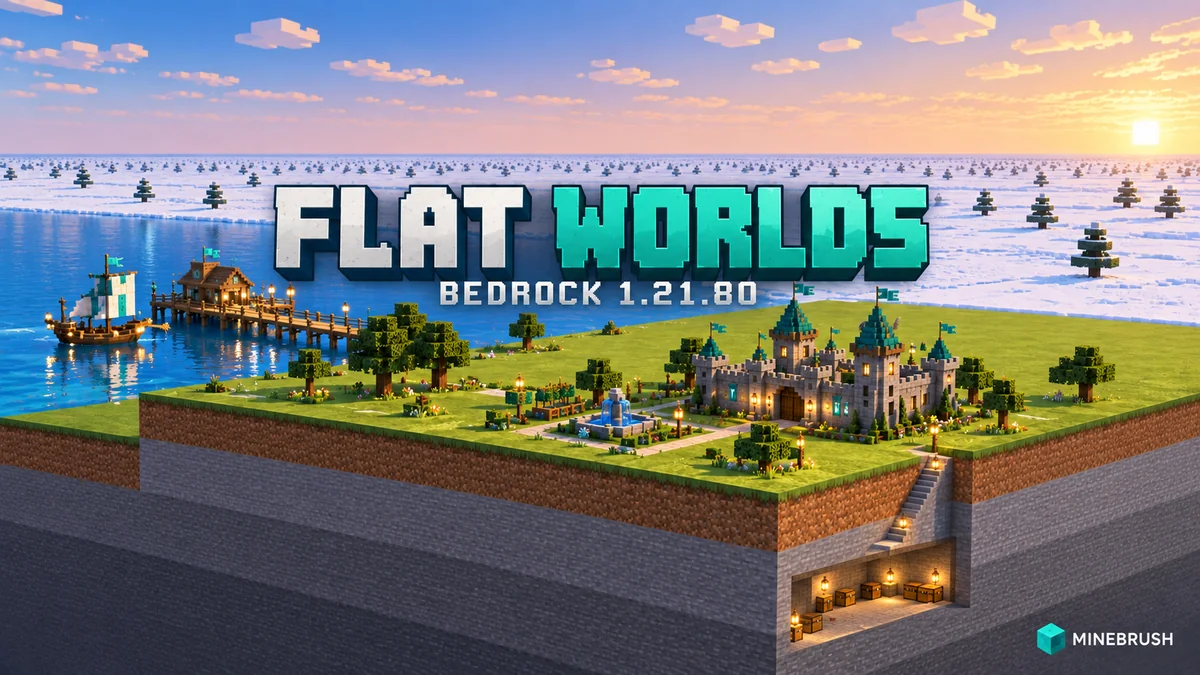
Bedrock 1.21.80 made flat worlds much more useful as building workshops. Released on 6 May 2025, it added a choice of terrain presets and Realms region preferences, alongside everyday fixes. This guide covers that historical release; the Bedrock update history takes you to newer versions.
Want room for a basement, an underwater base or a city without clearing hills? Choose the ground before starting the build. These are built-in world options: no map download or add-on is required.
Create a flat world · Choose a preset · First Void platform · Try a building project · Realms regions · Other changes · Common questions
Create a separate building world
- Start creating a new world and open its Advanced settings.
- Turn on Flat World, then open the preset selector.
- Choose the ground that suits your project. Read its layer preview before creating it.
- For a workshop, choose Creative and give the world a useful name, such as “Harbour layout” or “Basement test”. Use Peaceful when unwanted mobs would interrupt building; use the appropriate difficulty when the project depends on mobs.
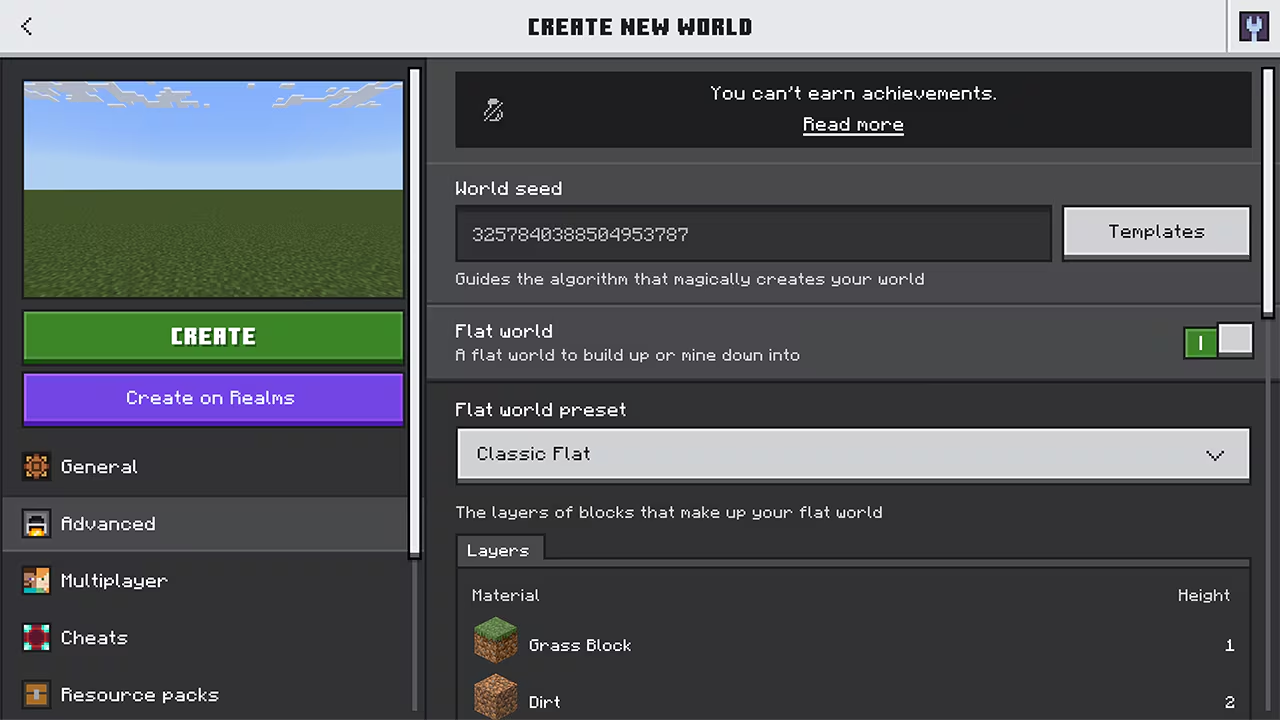
Flat generation is chosen for a new world; it does not flatten your existing survival save. Bedrock flat worlds do not earn achievements, even if played in Survival. They also do not generate the villages and mineshafts that a Java superflat tutorial may rely on. The MCTHNK Bedrock walkthrough documents these edition-specific limits. If you want an ordinary survival landscape, use a normal world and our Bedrock seed guide.
Which of the eight presets should you choose?
Mojang introduced the following eight choices in 1.21.80. The project ideas below are MineBrush suggestions, not structures supplied by the presets.
- Classic Flat: a thin grass-and-dirt platform over bedrock. Choose it for house outlines, roads and small above-ground experiments; it leaves little room for digging underneath.
- Tunnelers’ Dream: grass over deep stone. Choose it for underground rooms, shafts and a base with several basement levels. You build the tunnels yourself.
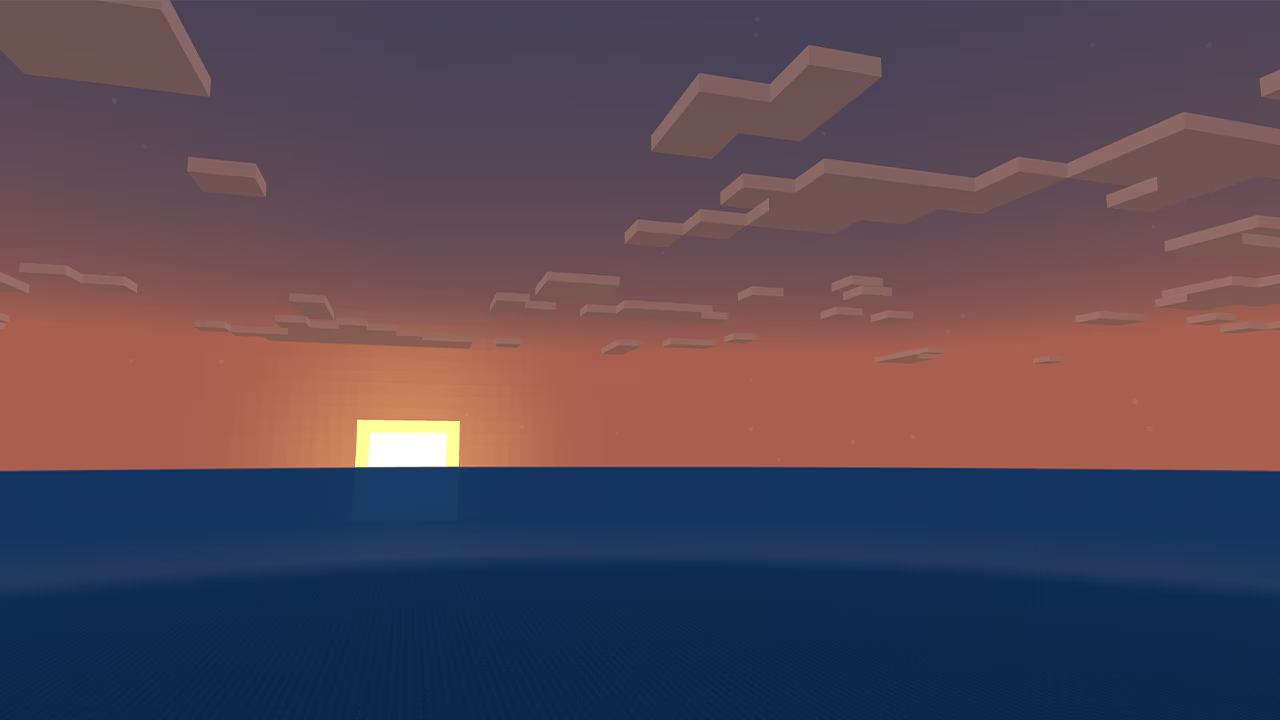
- Water World: water across the surface. Try a harbour, floating village or underwater entrance; plan how players enter and leave the water.
- Overworld: a grassy surface with more solid ground underneath than the classic option. Useful for a town with cellars, drains or a cutaway foundation.
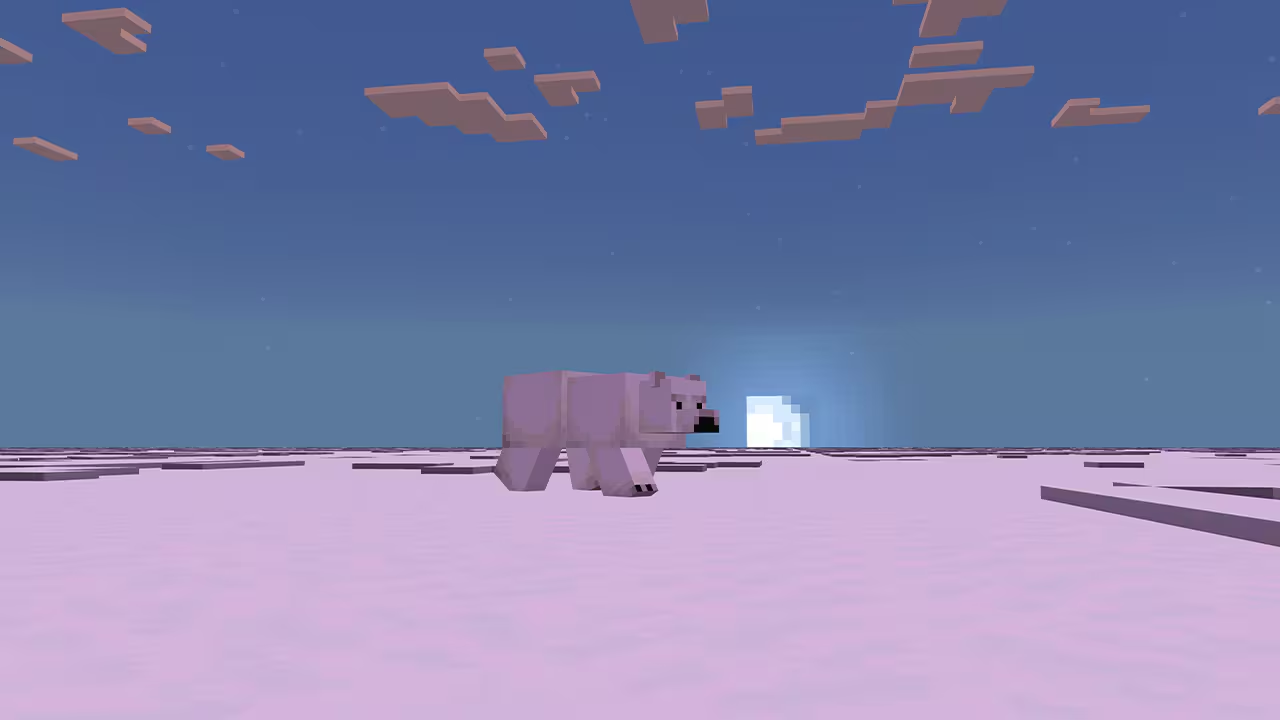
- Snowy Kingdom: a snow-covered surface. Try a winter village and compare roof colours against the pale ground.
- Bottomless Pit: a thin land platform without a bedrock floor. Useful for a deliberate drop or cutaway, but do not treat the name as an empty world.
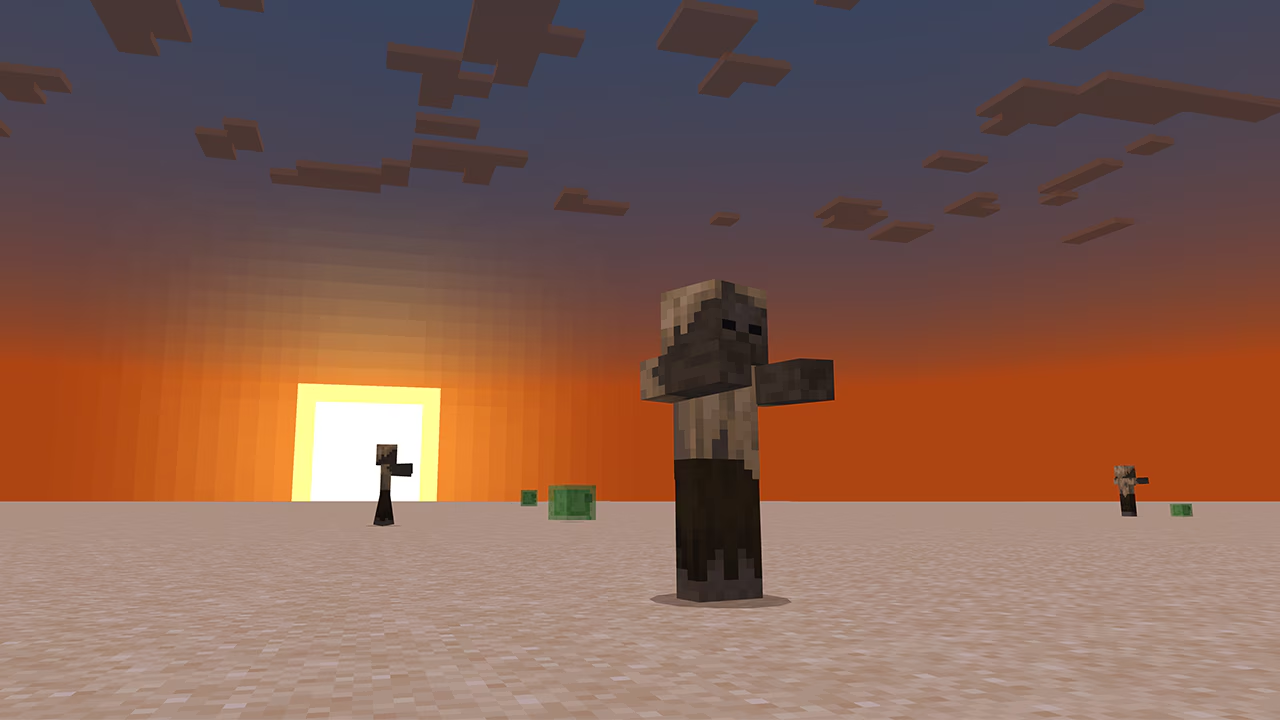
- Desert: a sand surface over deeper solid layers. Useful for a courtyard, desert town or temple; test a small foundation before excavating under sand.
- Redstone Ready: a broad sandstone workspace. Use it for separated circuits, labelled inputs and output storage that are easy to see.
Mojang’s preset introduction shows the terrain appearances. Bedrock’s 1.21.80 interface did not provide Java-style custom layer editing. The Void is a later addition: it arrived in Bedrock 1.21.100, so its absence from the original eight is expected.
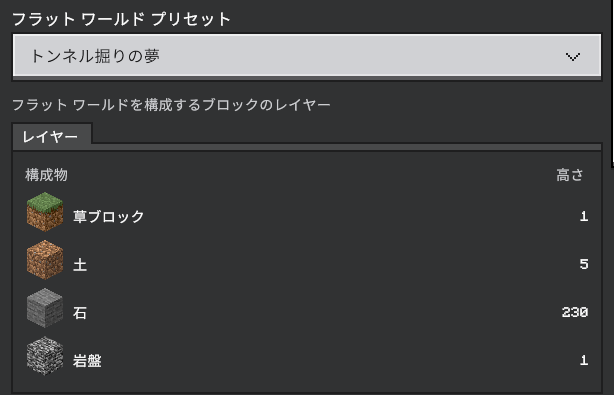
Depth is useful construction space, not a promise of ordinary caves, ores or a complete survival supply chain. Decide which room or mechanism needs the space before selecting the deepest option.
Later addition: your first Void platform in Bedrock 1.21.100+
This section needs 1.21.100 or newer. Choose The Void in a new Creative flat world. Keep cheats enabled for the commands below and remain in Creative while preparing the landing area. The preset was not one of the eight choices in 1.21.80; our 1.21.100 guide separates that later release’s normal features from its experiments.
If you have no usable surface, enable Creative flight and rise to a comfortable positive height, such as Y=70. Turn on Show Coordinates to check your height. While hovering, open chat and enter:
/fill ~-4 ~-1 ~-4 ~4 ~-1 ~4 stoneThis makes a 9-by-9 stone floor just below your current position. The tildes make the coordinates relative to you, so the example does not depend on a particular seed or spawn location. Use it in the empty construction area: a fill command replaces blocks within its selected box. Microsoft’s fill reference documents the region and block arguments.
- Land near the centre. You should have a solid square floor rather than a single difficult-to-land-on block.
- Add a contrasting centre marker and a railing. Leave room for a chest and an obvious return point.
- While standing safely on the floor, set your personal checkpoint with the command below.
- Keep building in Creative. Before switching to Survival for a challenge, supply the intended starting items and test the return route in a spare copy.
/spawnpoint @s ~ ~ ~This sets the checkpoint for you, not automatically for every visitor. See Microsoft’s spawnpoint reference. An empty preset provides neither a survival resource chain nor a complete minigame; those are part of the map you design.
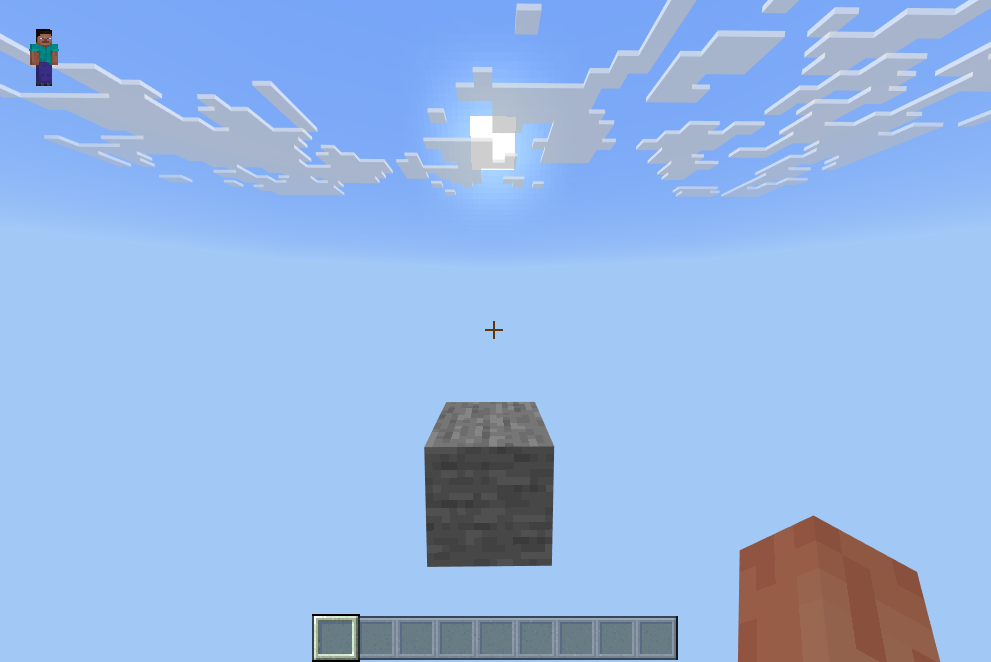
If a command fails: check cheats and your permission to run commands. If the position is outside the world, check your height before retrying. If you are falling, restore Creative flight first. Do not switch to Survival until a usable floor and return point exist.
Turn a blank world into a useful prototype
1. Plan a street before building the whole town
Mark a house footprint, doorway and road edges with contrasting wool. Build just one entrance and a short section of pavement. Walk through the doorway, turn a corner and check whether the road feels too narrow. Move these cheap markers before committing to detailed walls and roofs. For a snow village, choose colours in that environment rather than judging them on grass.
2. Make a harbour entrance that works at player scale
Start with one pier, one ladder and a temporary shoreline marker in the water preset. Check the approach from a boat and the route back onto the pier before expanding into a marina. For an underwater base, first sketch the entrance, room outline and emergency route in Creative. A good-looking exterior is only half the plan if visitors cannot find the door.
3. Use a small test bay for a basement or mechanism
For an underground build, excavate one stairway and one room first. Check headroom, landing space and the position of the floor above before repeating the layout. For redstone, build one function per marked bay, label the input and output, and start with a manual trigger. Add automation only after the basic action behaves as intended in Bedrock. Keep a spare copy before combining several experiments.
These are planning exercises, not performance benchmarks or claims that a specific machine has been tested by MineBrush. Reproduce the important conditions from the eventual survival build: a workshop with different difficulty, surroundings or timing can hide a problem.
Choose a Realm region for the people playing together
1.21.80 added region preferences in the Realm’s advanced settings. The default automatic option follows the first person joining a session; another option uses the owner’s location. You can also request a specific region. The loading screen identifies the region actually used.
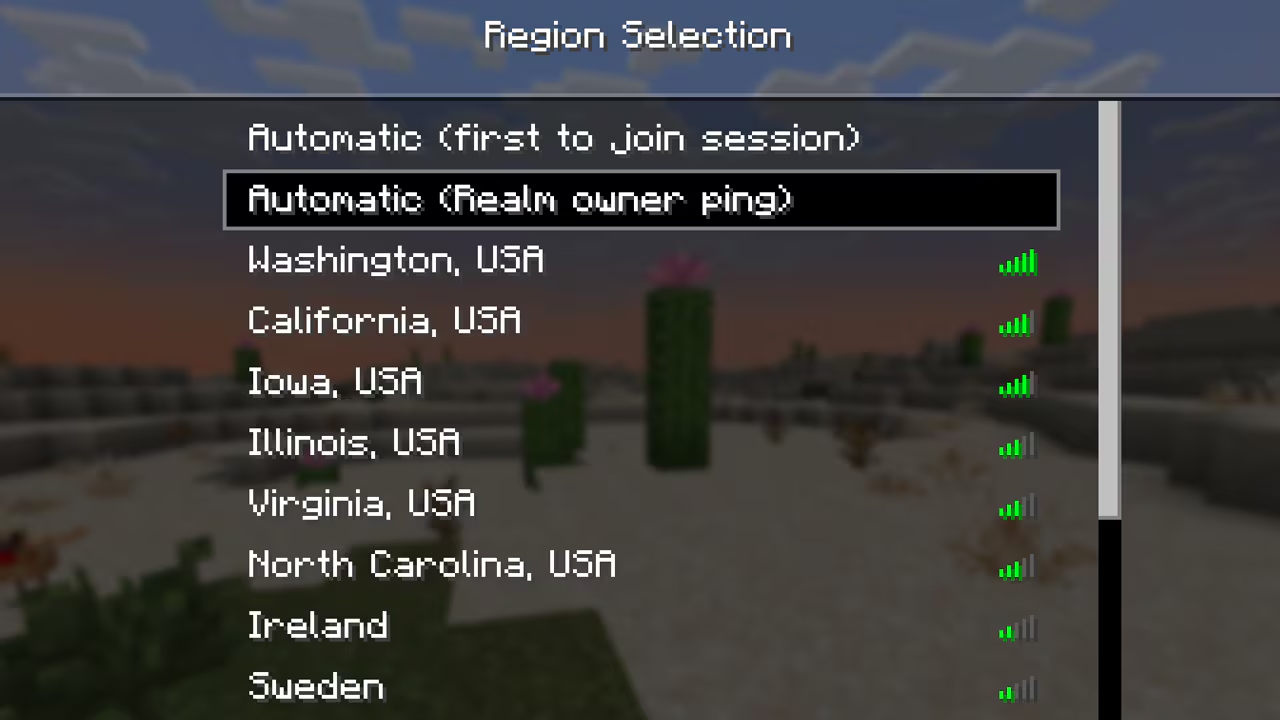
For a group spread across countries, compare a centrally located region with the automatic choice during the same kind of shared activity. Ask everyone about delayed block interactions or movement, rather than judging by one player’s connection. A region is a preference, not a guarantee: availability can cause a fallback. This concerns latency while playing, not a promise of faster joining. Mojang’s explanation of the selection rules.
Other useful changes in this release
- Mangrove roots became usable as furnace fuel.
- Basalt generation was corrected when soul soil was placed last, after the lava and blue ice.
- Observers no longer reacted incorrectly to a sapling failing to grow.
- Fixes addressed stuck crop-collecting farmers and an item-loss case involving chest interaction while a hopper updated the chest.
- Fire tablets regained text-to-speech, and Windows received a fix for audio stopping during loading.
- VR and mixed-reality support ended in this release.
These are selected player-facing changes from Mojang’s full changelog. Back up an older world before upgrading and check a copy with its normal packs, storage and important mechanisms.
What was still experimental in 1.21.80?
Happy ghasts, Vibrant Visuals and the locator bar were experiments at this stage. Do not switch on an old experiment just to obtain flat-world presets. For the later released features and their practical use, read our Bedrock 1.21.90 Chase the Skies guide.
Before you restart or delete a world
- No preset menu: check that this is Bedrock 1.21.80 or newer and that you are creating a new world, then inspect Advanced settings. An existing world’s edit screen is not the same workflow.
- Wrong ground depth: create another clearly named test world and inspect its layers. Keep the earlier build until you have decided how to preserve or recreate it.
- No village or resources for a challenge: do not apply Java superflat survival instructions to Bedrock. Use a normal survival world, or deliberately design a challenge with the supplies it needs.
- No mobs during a test: check the difficulty and the actual spawning conditions. A building-friendly Peaceful setup is unsuitable for testing hostile-mob behaviour.
- A friend sees a different result: first compare edition, game version, preset and enabled experiments or packs. A seed alone does not describe this setup.
The cover is a MineBrush editorial illustration of possible builds. The seven images inside this guide are original interface or terrain captures from the credited sources, with full originals linked beside them.
More for your Bedrock world.

Find the Bedrock update that matters to your world or device. Explore stable releases, practical game-drop guides, platform-specific fixes and a separate Beta/Preview archive.
- Coverage
- 2023–2026
- Edition
- Bedrock Edition
- Versions
- Bedrock 1.20.30–26.51
Bedrock · Update history
Bedrock Update History
Find the Bedrock update that matters to your world or device. Explore stable releases, practical game-drop guides, platform-specific fixes and a separate Beta/Preview archive.
Back up before updating
- Minecraft version
- Bedrock 1.20.30–26.51
- Game edition
- Bedrock Edition
- Update type
- Unknown / not stated
- Release channel
- Bedrock Edition
- World safety
- Back up before updating
- Player impact
- Find a useful release, platform fix or practical game-drop guide
- Platform family
- Bedrock & Mobile
- Supported devices
- Windows, consoles and mobile; patch availability varies
- Touch readiness
- Yes
- Last verified at
- Sep 17, 2026
- Update state
- current
- Compatibility confidence
- Source claimed
- Card delivery statement
- Player guides and official release notes
- Edition applicability
- Bedrock
- Bedrock enrollment route
- Preview app
- Delivery state
- No file
- Lifecycle state
- Current
- History coverage
- 2023–2026
Find a Bedrock starting world for survival, building or exploring. Enter a seed on Android, iPhone or iPad, follow coordinates, plan your first trip and understand differences between versions.
- Edition
- Bedrock Edition
- Difficulty
- Intermediate
- Time
- None
Match the edition and version of the seed report
MineBrush · Guide
Bedrock Seeds on Mobile
Find a Bedrock starting world for survival, building or exploring. Enter a seed on Android, iPhone or iPad, follow coordinates, plan your first trip and understand differences between versions.
Match the edition and version of the seed report
- Game edition
- Bedrock Edition
- Platform family
- Bedrock & Mobile
- Supported devices
- Android / iPhone / iPad
- Install format
- Enter the seed when creating a world
- Touch readiness
- Check guide
- Resource type
- Guide
- Compatibility confidence
- Source claimed
- Card evidence statement
- Seed entry, coordinates and first exploration
- Card delivery statement
- Copy a seed and create a world
- Card limitation note
- Match the edition and version of the seed report
- Edition applicability
- Bedrock
- Guide difficulty
- Intermediate
- Delivery state
- No file
- Lifecycle state
- Current
Plan happy-ghast flights and animal transfers, compare Vibrant Visuals, find friends and understand Bedrock touch, controller and Realms changes.
- Bedrock
- Bedrock 1.21.90
- Release type
- Release
- Game released
Focus Happy-ghast trips, Vibrant Visuals, touch controls and Realms
Install Update through the official game store
Enrollment None required
Back up before updating
Bedrock · Release
Bedrock 1.21.90: Chase the Skies
Plan happy-ghast flights and animal transfers, compare Vibrant Visuals, find friends and understand Bedrock touch, controller and Realms changes.
Back up before updating
- Minecraft version
- Bedrock 1.21.90
- Game edition
- Bedrock Edition
- Update type
- Major release
- Release channel
- Bedrock Edition
- Official release date
- 2025-06-17
- World safety
- Back up before updating
- Player impact
- Happy-ghast trips, Vibrant Visuals, touch controls and Realms
- Related major release
- Chase the Skies
- Platform family
- Bedrock & Mobile
- Supported devices
- Windows, Android, iOS and consoles; Vibrant Visuals requires supported hardware
- Touch readiness
- Check guide
- Last verified at
- Sep 17, 2026
- Update state
- historical
- Compatibility confidence
- Source claimed
- Card delivery statement
- Update through the official game store
- Edition applicability
- Bedrock
- Bedrock enrollment route
- None required
- Delivery state
- No file
- Lifecycle state
- Superseded
Player discussion 0
Questions, discoveries and help from other players.