 MineBrush
The seed alone is not enough to reproduce a useful discovery.
World generation changes between versions, and Java and Bedrock results should not be mixed casually. A useful seed note records edition, exact version, spawn context, coordinates and the route a normal player can follow.
Create the seed in Bedrock, record the exact version and world settings, walk the route from spawn, note coordinates, then recreate the world once before recommending it.
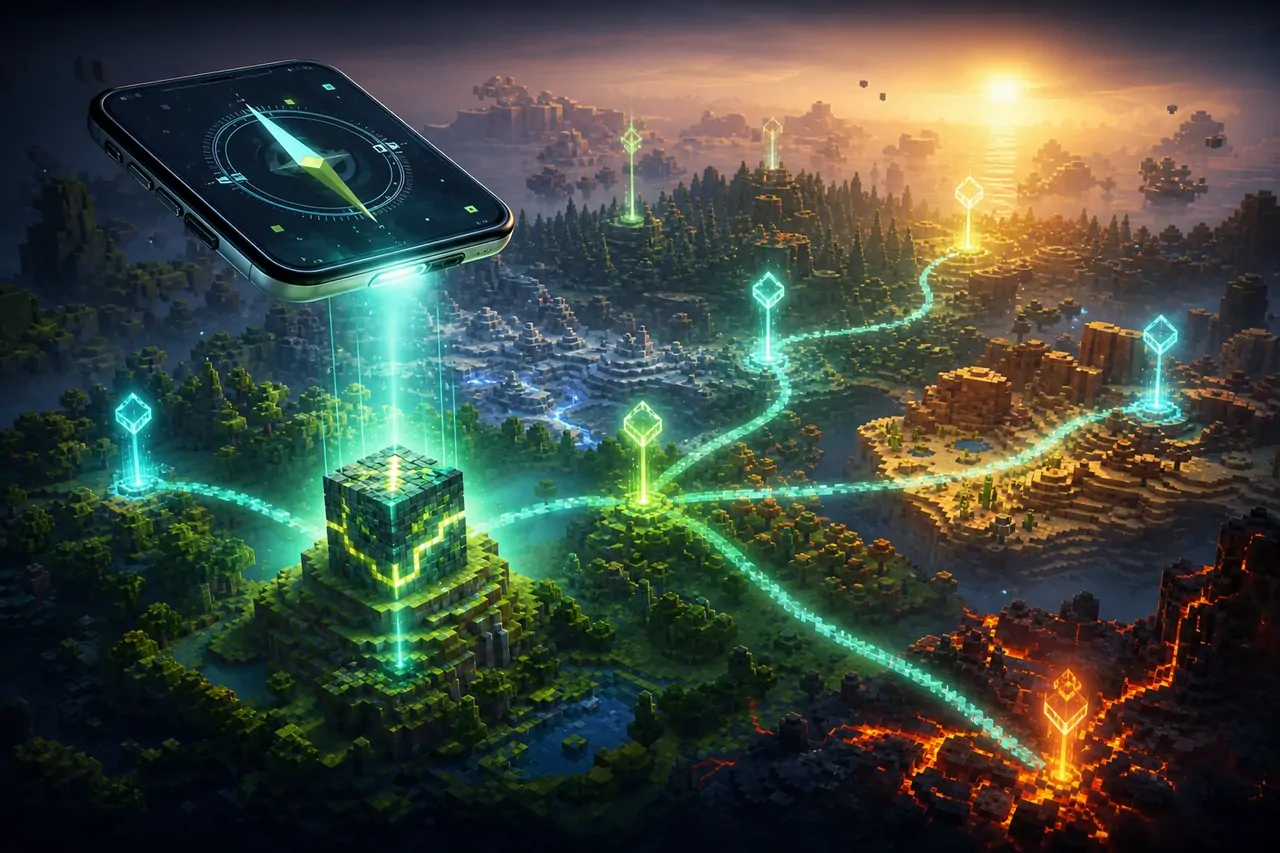
Why a screenshot can be misleading
A dramatic image can be taken far from spawn, on another edition or after structures were added manually. A MineBrush seed guide explains where the discovery begins and what the player should expect without pretending every version generates identically.
Before you change the world
- Record Bedrock Edition and exact version.
- Note world type, experiments and template settings.
- Decide whether coordinates are required to make the route practical.
- Avoid claiming that a Java screenshot proves a Bedrock result.
Step-by-step workflow
- Create a new Bedrock world from the seed.
- Record the spawn point and immediate biome.
- Travel to the feature using a repeatable route and save its coordinates.
- Check the route on a mobile device with normal render distance.
- Recreate the world once and verify the feature before publication.
Compatibility check
| CHECK | WHAT GOOD LOOKS LIKE | IF IT FAILS |
|---|---|---|
| Edition | Bedrock is stated prominently. | Do not merge Java and Bedrock claims. |
| Version | The exact tested release is recorded. | Recheck after major generation changes. |
| Route | Spawn context and coordinates are reproducible. | Replace vague “nearby” claims with a useful path. |
| Integrity | The scene is naturally generated or clearly labelled. | Do not present a built showcase as a seed discovery. |
When it does not work
If another player cannot reproduce the result, compare settings before assuming the number is wrong.
- Check sign, spaces and digits in the seed entry.
- Confirm edition and version on both devices.
- Review experiments, world type and structure settings.
- Use the recorded coordinates rather than relying on visual memory.
Publish a route, not only a number.
Edition, version, spawn context and coordinates turn a seed into useful, verifiable player information.
Frequently asked questions
Do Bedrock seeds work on Android and iPhone?
Yes, supported Bedrock devices share the edition, but generation can still vary by version.
Will the same seed look identical in Java?
Not necessarily. Treat Java and Bedrock as separate search intents.
Why did an old seed guide stop matching?
Terrain or structure generation can change after updates.
Browse verified Minecraft seeds, use the Seed Explorer, or return to Bedrock mobile.
Official technical reference
Official Minecraft documentation and release notes define the edition and version context used by this workflow. Read the official Minecraft Creator documentation ↗.
PLAYER QUESTIONS
Discussion
Include the exact edition, version and step when asking for help.