
MineBrush publication
Minecraft Bedrock 1.21.100: Void Worlds, Leads and End Checkpoints
Build in the Void, load leashed animals into vehicles and set an End checkpoint. A practical guide to Bedrock 1.21.100, with released features clearly separated from its copper experiments.
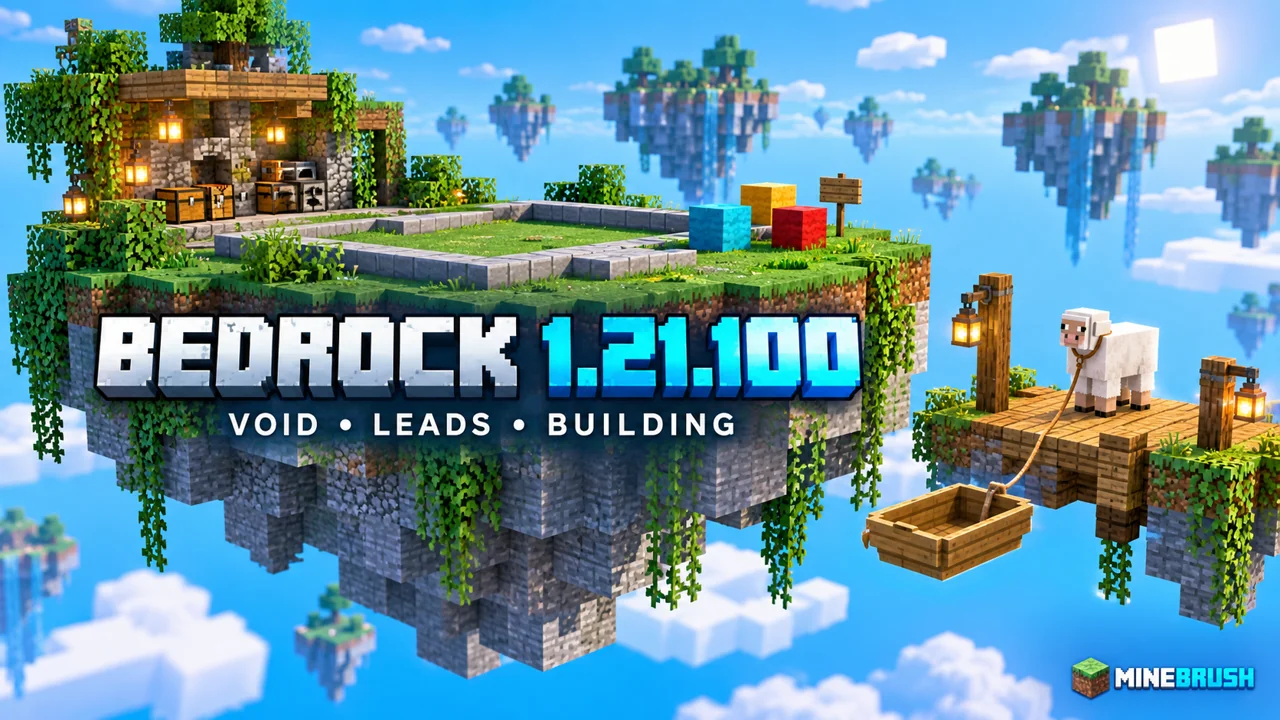
Bedrock 1.21.100 made empty-world projects and moving animals more convenient. Released on 5 August 2025, it added the Void flat-world preset, changed how leashed mobs enter and leave vehicles, and allowed a command-set spawn in the End. This is a guide to that historical release, not a recommendation to replace a newer installation with it.
Build in the Void · Load an animal · End checkpoints · Visual settings · Released or experimental?
The Void: room for a project without clearing terrain
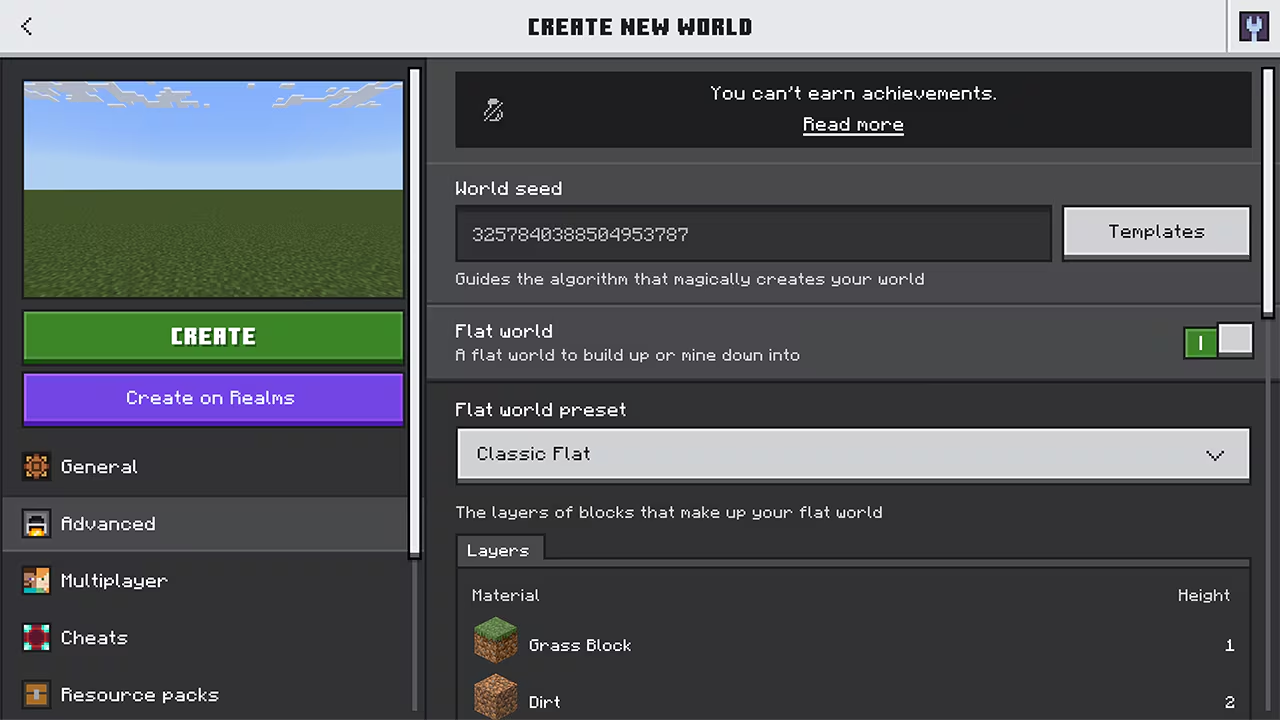
The new preset belongs to Bedrock’s flat-world choices. For a first project, create a separate Creative world and choose Advanced → Flat World → The Void. Enable cheats if you intend to place the first platform with commands. Our flat-world guide explains the preset menu and how to choose between an empty canvas and a world with useful ground layers.
Start small: make a landing pad, mark its centre with a different block, and add a railing before working on the shape of an island. Keep a plain work platform beside the decorative build for spare materials and experiments. This is a MineBrush project suggestion, not a ready-made survival map.
- Floating island: build the underside first, then add a house and paths. Empty surroundings make the silhouette easy to inspect.
- Parkour course: start with three nearby platforms and an obvious finish. Add checkpoints before increasing the distance between jumps.
- Build showcase: leave open space around one structure so screenshots concentrate on its shape instead of surrounding terrain.
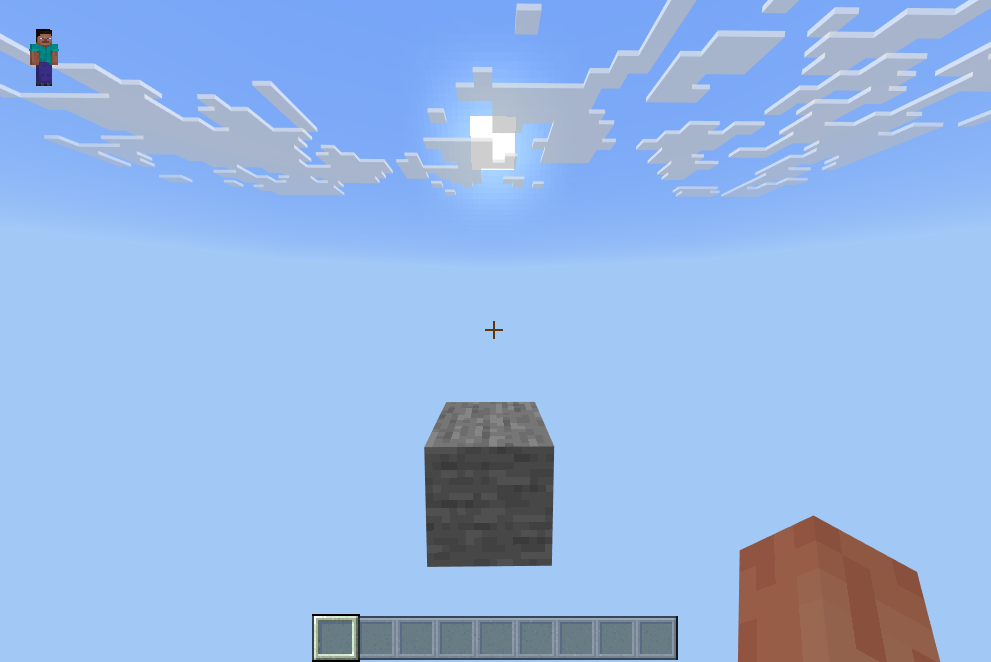
If there is nothing to place a block against, do not keep trying to click the sky. Begin with a command-created platform; the linked flat-world guide includes the construction steps. A Void preset is an empty starting point, not a supplied Skyblock progression with resources and objectives.
Move a leashed animal into a boat or minecart
In this release, a leashed mob can board a nearby rideable vehicle when its lead becomes slack. Pulling the lead far enough makes it dismount. That boarding-and-unloading change is specifically documented for Bedrock here; do not use this release number as proof of Java behaviour.
- Choose one leadable animal and prepare an empty boat or minecart. Use a simple enclosed loading area for your first attempt.
- Lead the animal close to the vehicle. Move close enough that the lead relaxes instead of remaining stretched.
- Check that the animal is actually sitting in the vehicle before beginning the trip.
- At the destination, make a receiving pen first. Stretch the lead to bring the animal out, then close the pen.
A small dock between a pasture and a transport route is a useful first application. Keep the loading space clear and work with one animal before moving a herd. If boarding fails, check proximity, available vehicle space and whether the lead is slack; repeatedly walking farther away is the opposite of the boarding step.
Make a checkpoint for an End challenge
The command change is useful for a custom End arena or building project. Stand on your intended safe landing spot and, in a world where you have command permission and cheats enabled, enter:
/spawnpoint @s ~ ~ ~This sets your own spawn point at your current position. The selector means you, and the relative coordinates mean where you are standing. Microsoft’s command reference documents the syntax and permission requirement.
Choose a wide floor with clear standing room, away from an edge or an active fight. For a multiplayer course, set each player’s checkpoint deliberately rather than assuming your command changes everyone’s spawn. Try the return path in a disposable copy before inviting players into a long challenge. This is a command-based checkpoint, not a change that makes sleeping in an End bed safe.
Visual and everyday fixes worth noticing
Vibrant Visuals gained weather-sensitive scene lighting and sky colours. Cloud quality became adjustable, and graphics mode and render distance moved to the top of video settings. The release also fixed an oversized Xbox cloud-save problem and touch hotbar targeting.
For a useful comparison, stand at the same build and adjust one visual setting at a time. Decide whether you prefer the appearance and responsiveness before changing another option. There is no universal setting that suits every phone, console and Windows device; this release does not turn unsupported hardware into a Vibrant Visuals device.
Do not confuse its copper experiments with released features
In 1.21.100, copper golems, copper chests and copper equipment belonged to the experimental section. They were not part of an ordinary world with experiments disabled. The Void preset and the changes described above were in the released feature-and-fix section.
When following an older video, check both the version and whether its world used experiments. Keep experimental demonstrations separate from a long-term world. If you already play a later stable version, use that version’s feature status instead of treating this historical article as the current copper guide.
Source: Mojang’s Bedrock 1.21.100 release notes. The project ideas and loading-area suggestions are MineBrush explanations based on the documented changes. No game installer is required for this article: update your owned Bedrock installation through its normal platform update route.
More for your Bedrock world.
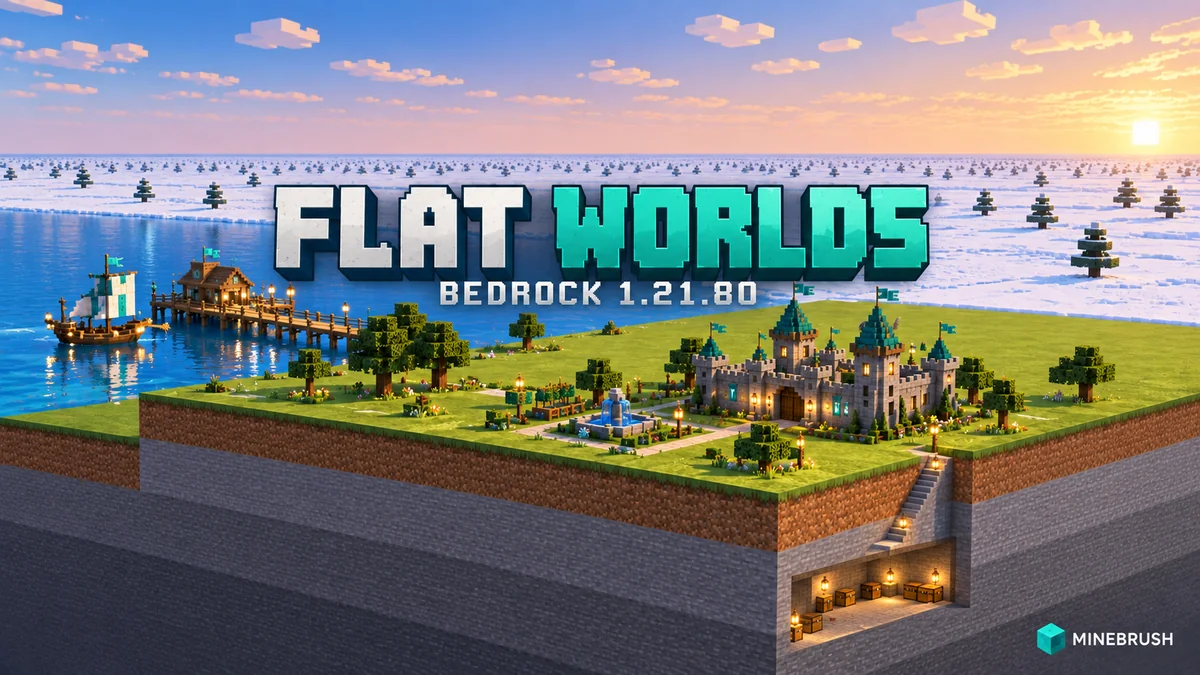
Choose a Bedrock flat-world preset for a town, basement, harbour or redstone workshop. See the real menus, practical building ideas, survival limits, Realms region settings and the useful changes in 1.21.80.
- Bedrock
- Bedrock 1.21.80
- Release type
- Release
- Game released
Focus Flat-world workshops, preset selection, Realms regions and practical fixes
Install Create a new world in the game; no map download required
Enrollment None required
Historical release. The Void preset arrived later in 1.21.100.
Bedrock · Release
Bedrock 1.21.80: Flat Worlds
Choose a Bedrock flat-world preset for a town, basement, harbour or redstone workshop. See the real menus, practical building ideas, survival limits, Realms region settings and the useful changes in 1.21.80.
Historical release. The Void preset arrived later in 1.21.100.
- Minecraft version
- Bedrock 1.21.80
- Game edition
- Bedrock Edition
- Update type
- Stable update
- Release channel
- Bedrock Edition
- Official release date
- 2025-05-06
- World safety
- Back up before updating
- Player impact
- Flat-world workshops, preset selection, Realms regions and practical fixes
- Platform family
- Bedrock & Mobile
- Supported devices
- Windows, Android, iOS, Xbox, PlayStation, Nintendo Switch
- Touch readiness
- Yes
- Last verified at
- Sep 18, 2026
- Update state
- historical
- Compatibility confidence
- Source claimed
- Card delivery statement
- Create a new world in the game; no map download required
- Card limitation note
- Historical release. The Void preset arrived later in 1.21.100.
- Edition applicability
- Bedrock
- Bedrock enrollment route
- None required
- Delivery state
- No file
- Lifecycle state
- Superseded

Find the Bedrock update that matters to your world or device. Explore stable releases, practical game-drop guides, platform-specific fixes and a separate Beta/Preview archive.
- Coverage
- 2023–2026
- Edition
- Bedrock Edition
- Versions
- Bedrock 1.20.30–26.51
Bedrock · Update history
Bedrock Update History
Find the Bedrock update that matters to your world or device. Explore stable releases, practical game-drop guides, platform-specific fixes and a separate Beta/Preview archive.
Back up before updating
- Minecraft version
- Bedrock 1.20.30–26.51
- Game edition
- Bedrock Edition
- Update type
- Unknown / not stated
- Release channel
- Bedrock Edition
- World safety
- Back up before updating
- Player impact
- Find a useful release, platform fix or practical game-drop guide
- Platform family
- Bedrock & Mobile
- Supported devices
- Windows, consoles and mobile; patch availability varies
- Touch readiness
- Yes
- Last verified at
- Sep 17, 2026
- Update state
- current
- Compatibility confidence
- Source claimed
- Card delivery statement
- Player guides and official release notes
- Edition applicability
- Bedrock
- Bedrock enrollment route
- Preview app
- Delivery state
- No file
- Lifecycle state
- Current
- History coverage
- 2023–2026
Player discussion 0
Questions, discoveries and help from other players.