
Bedrock 26.50 player guide
Minecraft Bedrock 26.50: Wilderness Bound, Realms and Player Guide
Explore camps and the Dappled Forest, build with new shapes and keep your home spawn on overnight trips. Bedrock 26.50 explained, including Realms, touch controls, world-saving fixes and add-on checks.

Minecraft Bedrock 26.50 brings Wilderness Bound to regular worlds: autumn-colored forests, abandoned camps, maps to follow, portable straw beds and seats you can actually use. It also fixes several problems that matter after a long survival session, from world saving and Realm respawns to touch controls and storage contraptions.
The stable update was released on September 15, 2026. It is the Bedrock release for supported phones, tablets, consoles and Windows devices, not Java 26.3 and not the older 26.50 Preview builds. The main Wilderness Bound features do not require an experimental world or a Marketplace purchase. Device graphics options and controls can still differ.
Updating an existing world? Read the 26.51 world-loading fix before troubleshooting a crash after Wilderness Bound.
Give your first expedition a small, useful goal
Start by choosing what you want to bring home: poplar saplings for a grove, shelf mushrooms for a woodland garden, or a camp map for your next adventure. You do not have to abandon an established base to enjoy the update.
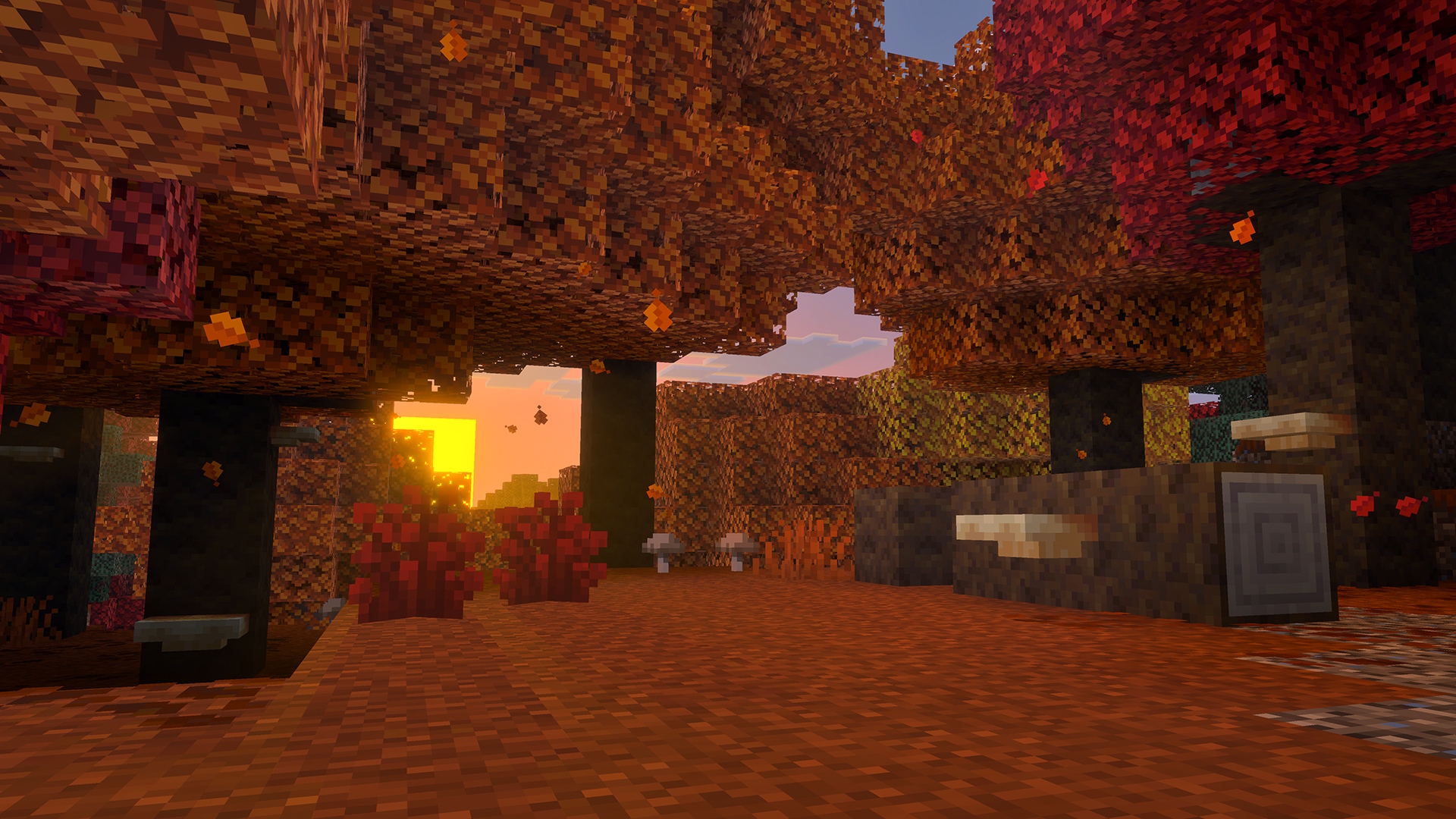
- Prepare before leaving. Back up the world, note your base coordinates and take food, torches, tools, building blocks and spare inventory space. Pack straw beds if you already have hay bales.
- Explore beyond old terrain. New forests and naturally generated camps require newly generated areas. Search around colder regions for the Dappled Forest, without expecting every cold biome to have one immediately beside it.
- Collect renewable materials. Poplar saplings let you grow trees at home, though each sapling randomly chooses among the red, orange and yellow leaf variants. Bone meal can enlarge shelf mushrooms or spread red shrubs into suitable adjacent spaces.
- Search camps carefully. Their appearance changes with the biome. Check the chests and barrels, keep useful maps and record coordinates if the camp would make a good return stop.
- Choose the next destination deliberately. An Ancient City map is a reason to prepare another trip, not to enter the Deep Dark with a nearly empty food supply.
Bedrock's final release notes list camp-chest maps to Ancient Cities, Mineshafts, Desert Pyramids, Warm Ocean Ruins and other camp biome variants. Do not assume every chest has a map or borrow the longer Java destination list as a guarantee for Bedrock.
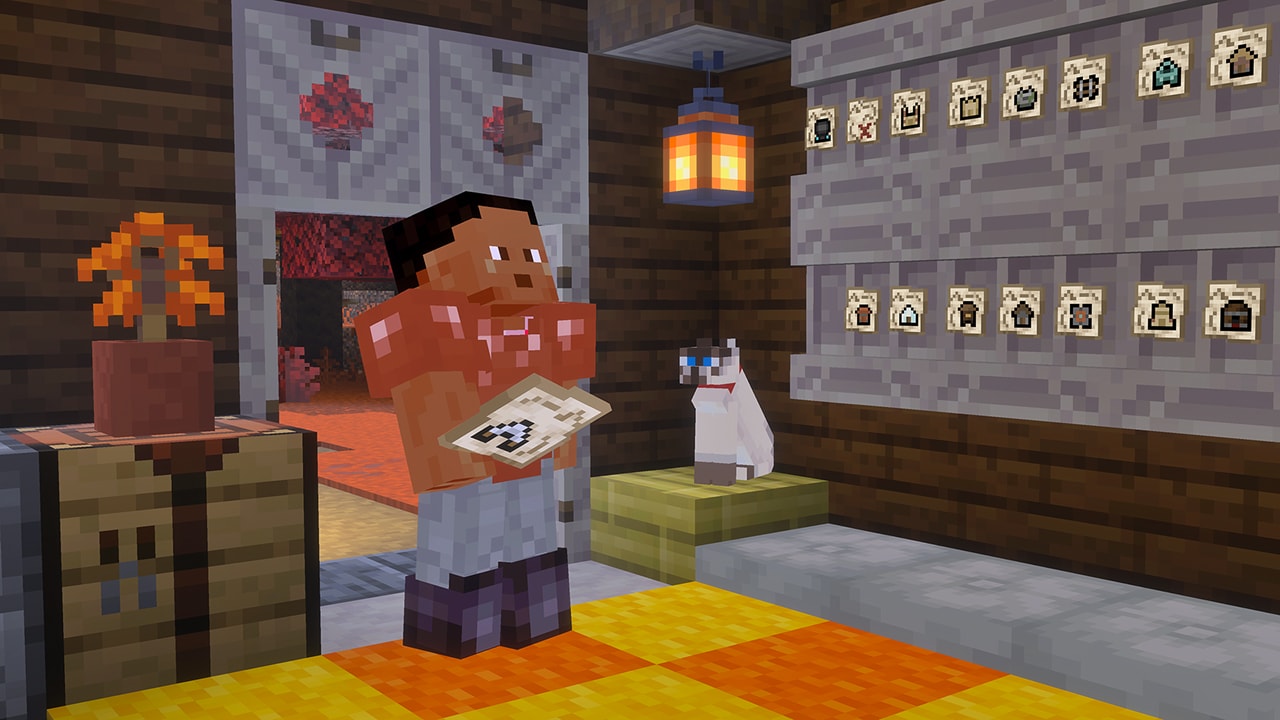
The player marker now shows your facing direction even while you are outside the map's bounds, and explorer maps have clearer item icons. Use the direction marker while approaching the mapped area, then compare the drawn terrain and destination symbol once you arrive. Name or separate maps in storage so your next group trip starts with the right one.
Make it a repeatable route: connect two camps with a signposted trail, add a chest of food and replacement tools at your own outpost, and keep the route's maps there. That turns one discovery into something friends can use later.
Straw beds and cushions: a camp that does something
Three hay bales produce four straw beds. A straw bed lets you sleep through the Overworld night without setting a new respawn point, then disappears after use. Carry several for a multi-night trip. On Bedrock, a hoe breaks one faster when you want to pick it up before sleeping.
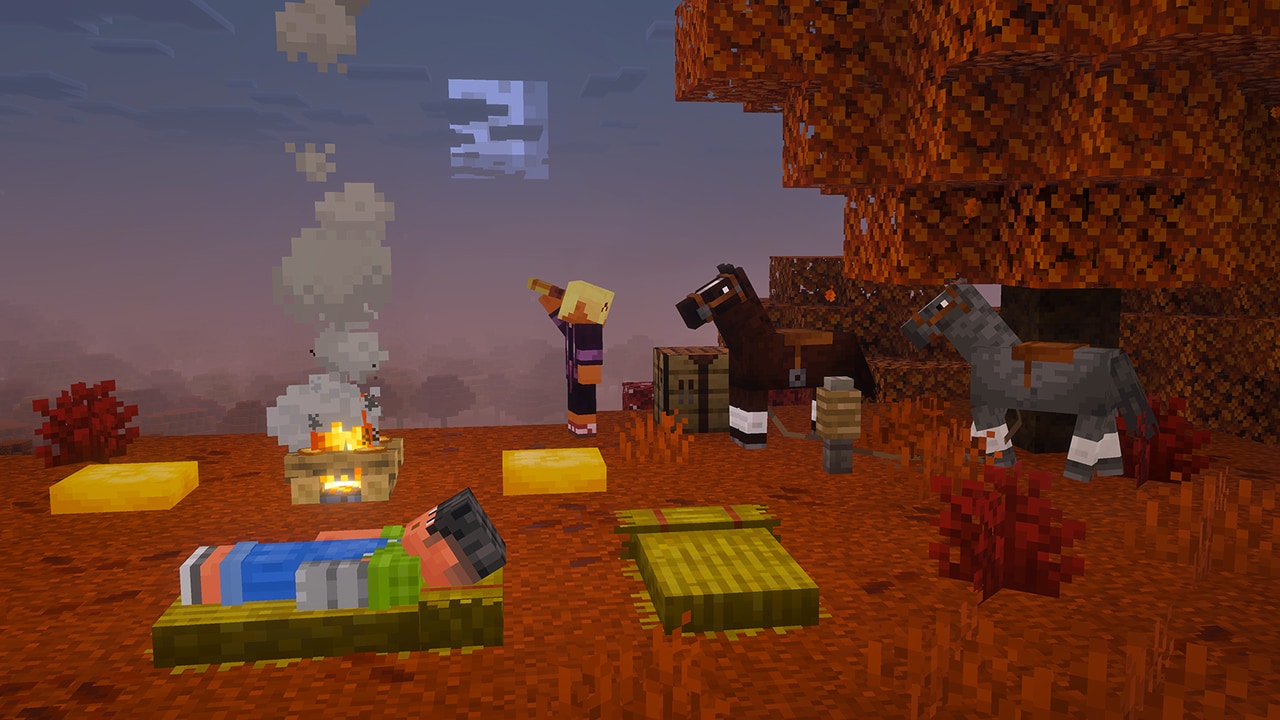
Choose the bed for the job. If your ordinary bed is safely at home, a straw bed is useful for a resource-gathering trip. If you want to respawn at a distant construction site, use an ordinary bed there instead. A straw bed cannot establish that checkpoint, and trying to sleep on one in the Nether or End destroys it.
Cushions are made from three same-colored wool slabs and come in 16 colors. Place one on a supporting surface and interact to sit. Build a low meeting circle around a campfire, a reading corner or colored seats for a shared clubhouse. Leave walking space so the seating area stays convenient.
Removing the supporting block breaks the cushion. Cushions are not solid barriers and cannot be moved like a piston-driven chair, so finish the floor and table arrangement before placing them.
Three projects for your existing base
All 16 wool and concrete colors gain stairs and slabs. The practical gain is finer shaping: a thin edge, a roof slope or a gradual step can match the color of the larger build.
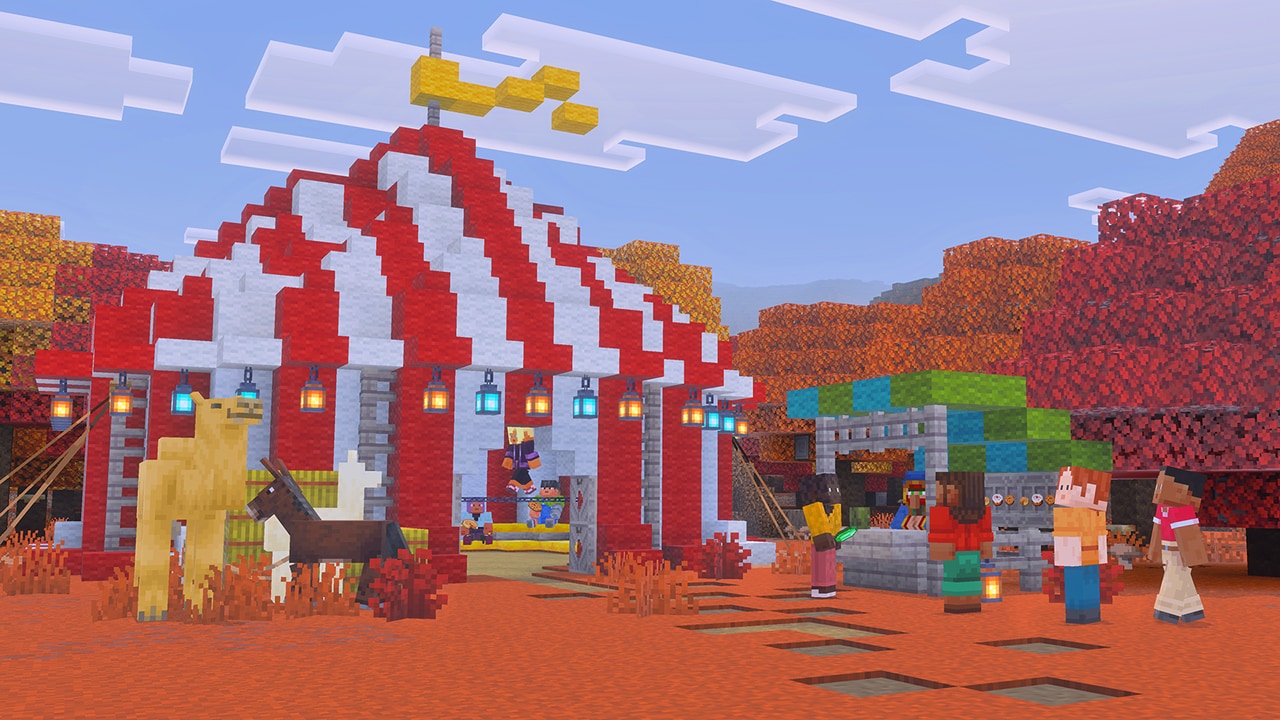
- A picnic shelter: use alternating wool colors for a striped roof, slabs around the edge and cushions beneath. Put food storage close by so it becomes a useful stop.
- A poplar trail lodge: combine the new wood with shrubs and shelf mushrooms, then add a map wall and supply chest. Forest ambience is tied to poplar leaves in Bedrock, making the leaves part of the atmosphere as well as the color palette.
- A concrete footbridge: choose two or three colors and carry them through the approach stairs and edge trim. Make a short test section first, then scale it up when the shape works.
For more recipes, examples and forest details, see the complete Wilderness Bound guide. The sections below explain what this Bedrock release changes around your existing world and device.
Already on 26.50? Check the 26.51 loading-crash fix
Bedrock 26.51, released September 15, 2026, addresses a specific world-loading crash: large, densely connected arrangements of fences, glass panes, iron bars or walls. If your affected world contains constructions like these, check for the hotfix before dismantling your build. Mojang lists one fix; this is not a promise to cure unrelated graphics, skin or multiplayer problems.
- Preserve your world. Keep a backup before troubleshooting. Avoid deleting saves or reinstalling the game as a first step.
- Check the version in-game. Install the available stable update through your device's usual store. Platform approvals happen at different times; an unavailable update does not mean you need Preview.
- Try a copy of the affected world. Confirm it opens, then inspect your base and inventory before continuing normal play.
- If it still crashes, record the circumstances. Note your device, game version, whether loading or playing triggers it, and the active packs. Compare with a separate plain test world without changing the original save.
Mojang's 26.51 hotfix notes · Bedrock release history
World saving and Realms: the fixes worth knowing
Two corrections are especially relevant to survival players: an issue could reload players or mobs at the world origin and leave players without their items, and rapidly unloading and reloading the same chunk could fail to save its updates correctly. Bedrock 26.50 includes fixes for both.
A fix prevents a known failure; it does not promise to restore previously lost items or terrain. Keep a backup before updating. If a world was already damaged, preserve it and any older copies before deciding which backup to restore.
Realms fixes include incorrect bed or respawn-anchor respawns after dying in another dimension, a download that could fail to start after changing world settings, and crashes when opening Edit World, particularly on iOS. The Realms tab can show a local loading indicator while fetching information and a reload button when that fetch fails. Available Realms also gain a Realm-specific join button in friend profiles.
After updating a shared world: download a backup, confirm your usual base and inventory are present, check that your intended bed or respawn anchor is still usable, and have friends check their game versions before a long expedition. There is no need to deliberately die to test a patch on your main survival world.
If the Realms list fails to load, use its reload option and check the connection before replacing the world. If one add-on world fails but a plain world opens, investigate its packs on a copy rather than treating every failure as a damaged save.
What changes on phones, tablets and consoles?
Touch controls and mobile play
The release improves switching between touch and mouse input. It also corrects misplaced touch areas in some Android windowed modes, including Samsung DeX and pop-up view, and refreshes the Leave Boat button in D-Pad & tap to interact mode.
If you use a tablet with a mouse, try selecting inventory items, changing input method and returning to touch in a safe area. For a windowed Android setup, check the controls you actually use near the title bar and window edges. These fixes address specific interface problems; they do not require you to relearn every control.
Android network-address retrieval, opening Touch Settings after deleting a world, long sessions and extended suspension are among the crash or stutter cases addressed. A remaining crash is still worth reporting with your device, version and steps to reproduce; the patch is not a guarantee that every device-specific issue is gone.
Controller, PlayStation and Windows
PS4 and PS5 now respect the GUI Scale modifier on launch. If your chosen menu size previously changed after restarting, check that it stays at the intended size. Controller menu-cursor stutter after long play or suspension is also addressed, while Windows gets a correction for mouse-wheel input sometimes not registering.
Recipe-book quick crafting for TNT and stonecutters is fixed. Furnace recipe-book preferences are retained after reloading, and Pocket UI inventory panels become more consistent across workstations and trading. These are useful conveniences when moving between storage, crafting and villagers.
Accessibility and graphics
The separate Text to Speech with Device Settings option is removed, but text-to-speech can still be enabled or disabled through Accessibility. If screen distortion is fully disabled, nausea now uses a green vignette as a visual cue.
Vibrant Visuals fixes address bright cloud spots after switching modes, some dithering artifacts and the sky seen through boats. There is also a fix for held-item jitter with temporal anti-aliasing upscaling. These are corrections to supported graphics modes, not an announcement that every device now supports Vibrant Visuals.
If your phone struggles after updating, compare the same area with a lighter graphics choice or lower viewing distance. Change one setting at a time so you can tell which change helps. The forest, camps and crafting features do not depend on achieving the lighting shown in promotional images.
Check storage builds and farms that relied on old behavior
Hoppers at large coordinates no longer unintentionally collect items from their side. East- or south-facing droppers no longer incorrectly put items into a container below them instead of ejecting forward. If an old machine changes behavior, inspect its direction and item route before rebuilding everything.
Try a small number of inexpensive items first. Watch where each item goes, then reconnect the main storage supply when the route behaves as intended. A setup that accidentally depended on the bug may need adjustment even though the game is now behaving correctly.
Sulfur spikes and pointed dripstone return to their intended growth speed after an accidental increase. If a farm suddenly appears much slower compared with the affected version, that difference can be the correction rather than a broken farm.
Multiple jukeboxes can play the same record independently, and players arriving after the music starts should hear it from the correct position. Use that for separate music areas in a shared settlement instead of relying on one distant jukebox for every room.
Worlds with add-ons: check the combination you actually use
Bedrock 26.50 fixes dependency-pack settings not loading properly, some resource-pack crashes and disconnections while loading particular add-on content. At the same time, creator-facing validation changes mean an old pack is not automatically compatible just because the base game opens.
- Keep a copy of the world and note the packs it uses.
- Check each required add-on's supported version and any dependency updates.
- Open the copy and inspect its important custom blocks, mobs, inventory items and menus.
- If something is missing, stop experimenting on the main world. Use the copy to isolate the pack combination and check the creator's instructions.
A resource pack controls presentation; it cannot be assumed to supply a missing behavior pack. Keep the dependencies together and avoid removing content packs from the only copy of a world containing their custom blocks.
How to get Bedrock 26.50
Update the Minecraft you already own through its normal platform route: the App Store on iPhone or iPad, Google Play on Android, the console's game-update system, or the official Windows installation route. The Minecraft download page links to the official options. This article does not require a separate game archive or an APK from a file mirror.
After installation, check the version displayed by the game. Make sure everyone joining your world or server is using compatible Bedrock releases. If the device store has not offered the update yet, check that platform's update screen before changing your world files.
Is Preview required? No. The final release contains these Wilderness Bound features. Older Preview 26.50 articles remain useful as development history, but their test-build instructions are not necessary for regular play.
Can I keep my old world? Yes. New building recipes can be used at home; naturally generated forests and camps are found by exploring new terrain. Back up before opening the world in the new version, especially when it contains add-ons.
Will this make every old bug disappear? No. The changes above describe specific fixes in the release notes. If an issue remains, record what happens and preserve your save rather than repeatedly overwriting it while troubleshooting.
Sources and image credits
Written by MineBrush Editorial using Mojang's Bedrock 26.50 release notes and Wilderness Bound feature overview. Images are official Mojang/Microsoft material, with source links and preserved originals. The branded cover is a MineBrush editorial illustration. The suggested expeditions, builds and cautious update checks are practical guidance, not a claim of testing on every supported device.
More for your Bedrock world.

Explore Dappled Forest, follow abandoned-camp maps and sleep on straw beds without moving your home spawn. Learn what Wilderness Bound adds in Java 26.3 and Bedrock 26.50, with camping steps, building ideas and official images.
- Game released
- Java
- 26.3 · Stable
- Bedrock
- 26.50 · Stable
Focus Exploration, camping and building
Topic Camps, maps and building
Back up before updating
Java + Bedrock · Release
Wilderness Bound
Explore Dappled Forest, follow abandoned-camp maps and sleep on straw beds without moving your home spawn. Learn what Wilderness Bound adds in Java 26.3 and Bedrock 26.50, with camping steps, building ideas and official images.
Back up before updating
- Update type
- Major release
- Release channel
- Java & Bedrock
- Official release date
- 2026-09-15
- World safety
- Back up before updating
- Player impact
- Exploration, camping and building
- Platform family
- Cross-edition
- Touch readiness
- Yes
- Resource type
- Update
- Last verified at
- Sep 18, 2026
- Update state
- current
- Compatibility confidence
- Source claimed
- Bedrock version/build
- 26.50
- Edition applicability
- Java + Bedrock
- Java version/build
- 26.3
- Shared update topic
- Camps, maps and building
- Delivery state
- No file
- Lifecycle state
- Current
- Java update channel
- Stable
- Bedrock update channel
- Stable

Find Dappled Forest, grow poplar and shelf mushrooms, follow camp maps and build a useful woodland retreat. Straw beds, cushions, Java–Bedrock differences and a first-trip plan, with official images.
- Topic
- Wilderness Bound
- Scope
- None
- Evidence
- None
MineBrush · News
Dappled Forest
Find Dappled Forest, grow poplar and shelf mushrooms, follow camp maps and build a useful woodland retreat. Straw beds, cushions, Java–Bedrock differences and a first-trip plan, with official images.
- Compatibility confidence
- Source claimed
- Edition applicability
- Java + Bedrock
- News topic
- Wilderness Bound
- Delivery state
- No file
- Lifecycle state
- Current
- News evidence type
- Official Minecraft source
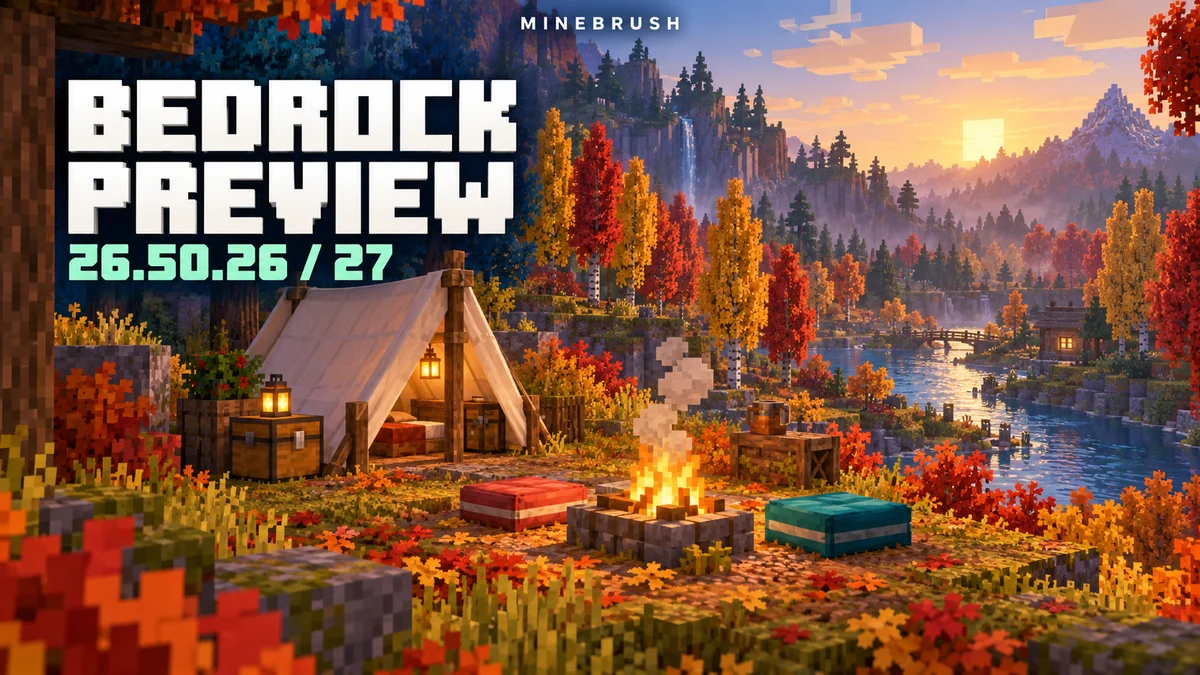
Camps, cushions, redstone and visual changes from Preview 26.50.26/27, explained with useful examples. Wilderness Bound is now in stable Bedrock—see what changed and which version to use today.
- Bedrock
- 26.50.26–26.50.27
- Release type
- Preview
- Game released
Focus Camping, cushion interactions, comparator behaviour, graphics and everyday fixes
Enrollment Preview app + Google Play Beta
Testing only — use a separate world
Bedrock · Preview
Preview 26.50.26/27: Camping & Fixes
Camps, cushions, redstone and visual changes from Preview 26.50.26/27, explained with useful examples. Wilderness Bound is now in stable Bedrock—see what changed and which version to use today.
Testing only — use a separate world
- Minecraft version
- 26.50.26–26.50.27
- Game edition
- Bedrock Edition
- Update type
- Snapshot / Preview
- Release channel
- Bedrock Preview
- Official release date
- 2026-08-18
- World safety
- Testing only — use a separate world
- Player impact
- Camping, cushion interactions, comparator behaviour, graphics and everyday fixes
- Platform family
- Bedrock & Mobile
- Supported devices
- Preview: Xbox, PlayStation, Windows, iOS; Beta: Android
- Touch readiness
- Yes
- Last verified at
- Sep 16, 2026
- Update state
- historical
- Compatibility confidence
- Source claimed
- Edition applicability
- Bedrock
- Bedrock enrollment route
- Preview app + Google Play Beta
- Delivery state
- No file
- Lifecycle state
- Superseded
Player discussion 0
Questions, discoveries and help from other players.