
MineBrush publication
The Hive Bedrock Server: Games, Joining and Playing with Friends
The Hive offers BedWars, Hide and Seek, DeathRun and creative Build Battle on Bedrock. Choose your first game, join friends across devices, understand regions and fix missing textures or music.
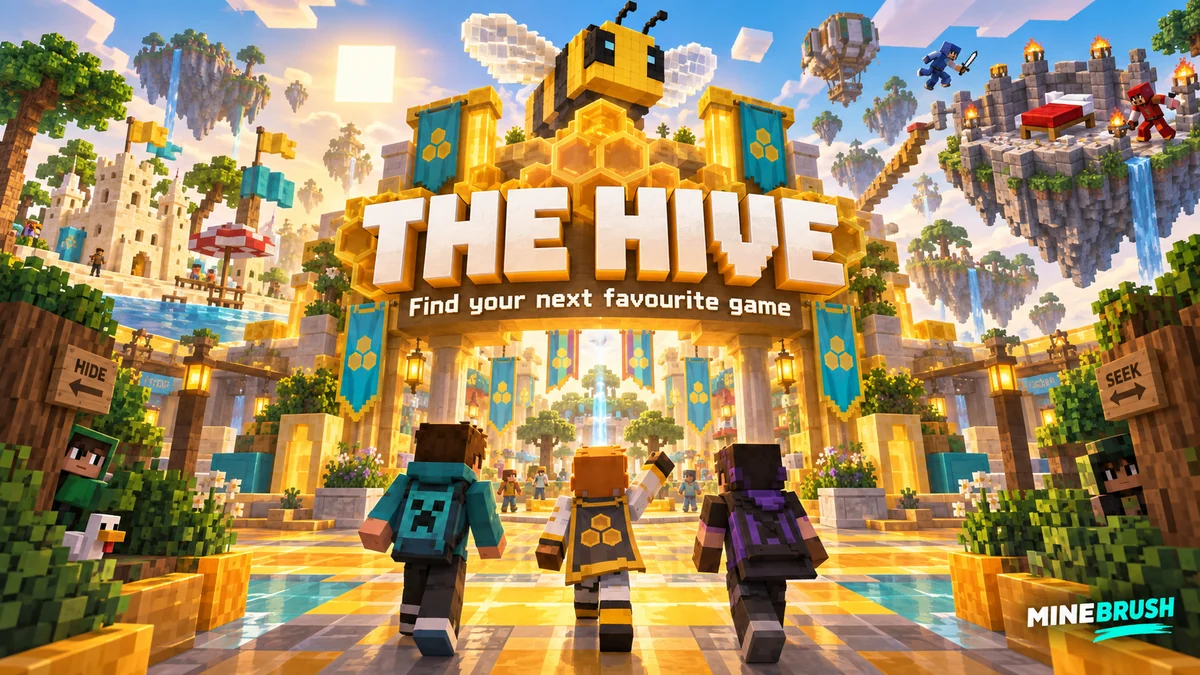
The Hive is a Minecraft Bedrock minigame network for players who want a ready-made activity: defend a bed with friends, hide as a block, race through traps or build to a theme. You choose a game after joining, without setting up your own server. It is particularly convenient for a group playing on phones, consoles and Windows Bedrock.
Join The Hive on your device
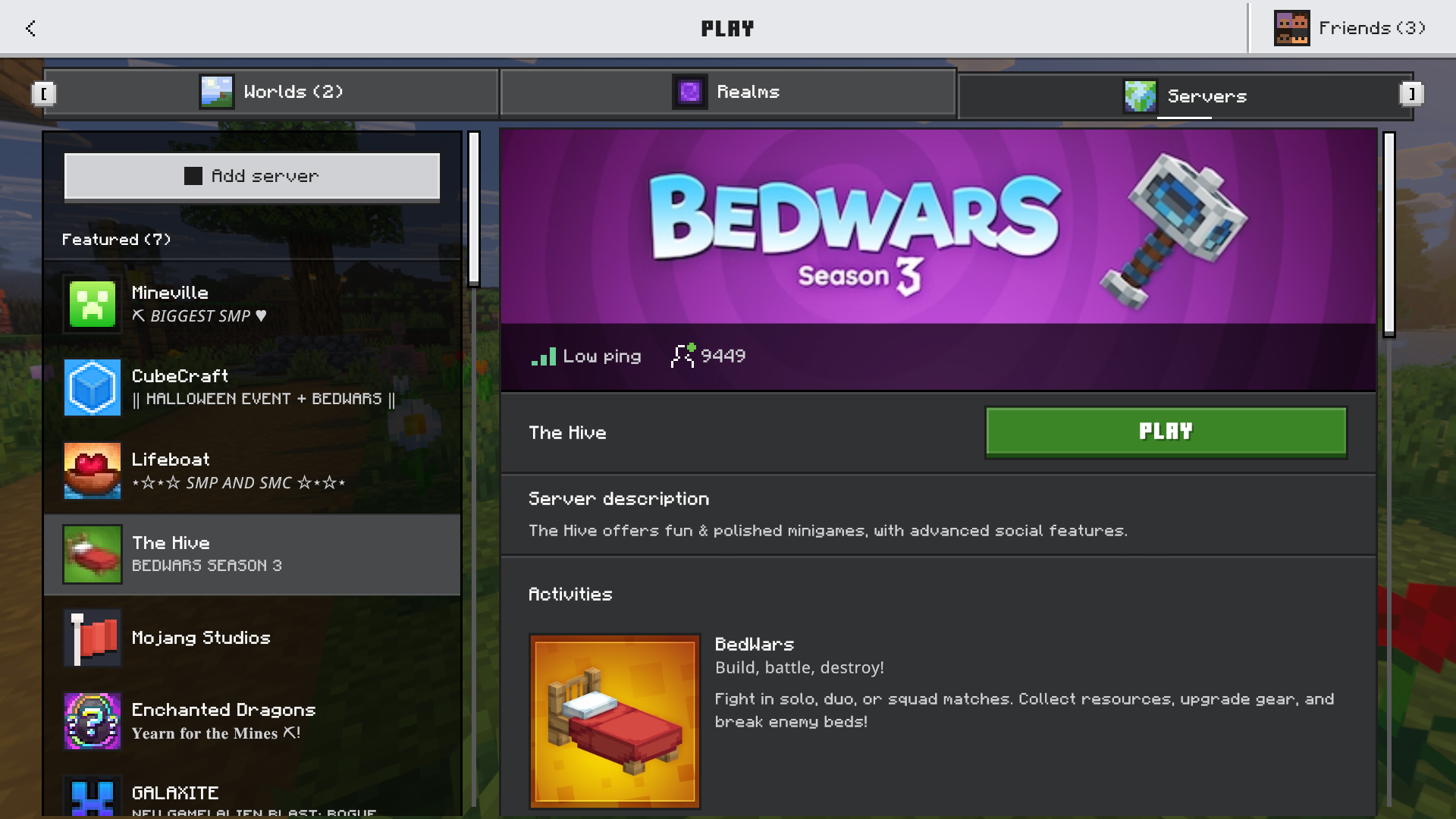
Use Play → Servers → The Hive. Copy the address only if your device offers Add Server.
Open Minecraft Bedrock → Play → Servers → The Hive and join from the Featured Servers list. Sign into your Microsoft account if prompted. Supported platforms include Windows Bedrock, mobile, consoles, Chromebook and Fire devices; some consoles require an online multiplayer subscription. Minecraft: Java Edition does not use this joining route.
Where your device offers an Add Server field, the operator's address is geo.hivebedrock.cloud. The featured listing is the normal route on consoles: you do not need to install a connector or download a MineBrush archive to find it.
Use a supported stable Bedrock release. The operator recommends staying up to date, but Preview and Beta builds are not always accepted. If a new release is rejected, compare your exact version with the official supported-version list before reinstalling anything. The dated list does not confirm every newer build, so an update being available in your store is not by itself proof that the server already accepts it.
Choose a game that fits your mood
You do not have to start with PvP. Choose one activity, finish a round and decide whether its objective appeals to you. These first-round plans are MineBrush's suggestions; the linked official game descriptions explain each mode's core rules.
BedWars: protect something together
Defend your bed while trying to remove the other teams. A surviving bed provides the team's respawn safety; once it is gone, the remaining players must stay alive. This suits friends who enjoy splitting jobs and planning an attack.
Start here: agree who watches the bed and who collects supplies. Learn the shop before spending everything, take blocks for a route back, and tell teammates when an opponent approaches. Helping the team keep its bed is a useful first-match goal even without many eliminations.
Something new to try: Season 5, released September 4, 2026, adds a lasso that holds an opponent in place. It can create time for a retreat or a coordinated attack; the Houdini team upgrade shortens the hold. Rocket Boots offer a jump across the map at a health cost, so check your health before treating them as an escape button. Read the season announcement for the other additions.
Hide and Seek: win by noticing the scenery
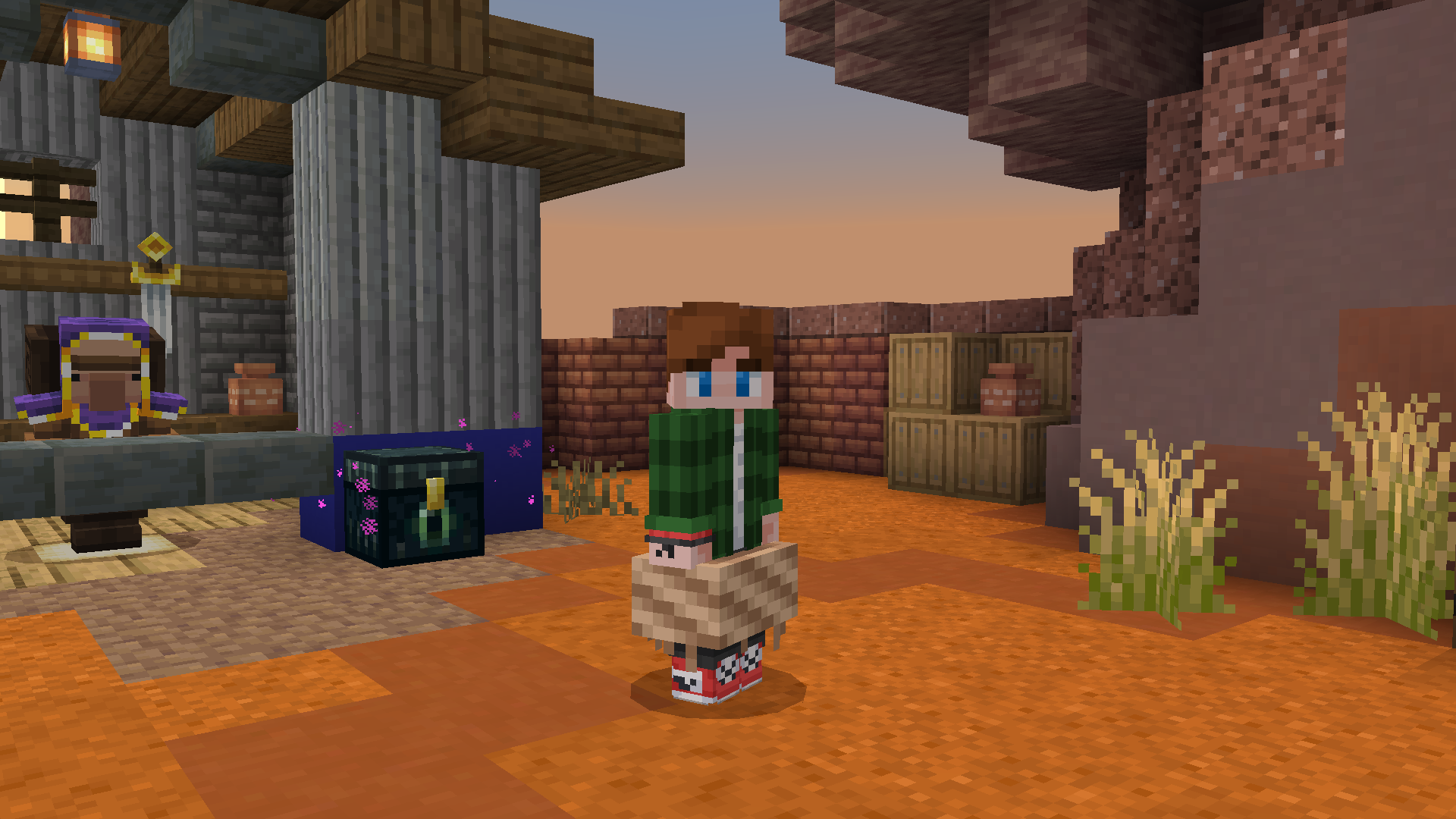
Hiders disguise themselves as Minecraft blocks; seekers try to find them. A found hider becomes a seeker, so the round changes rather than simply ending for that player.
Start here: look for a place where your block looks believable. Think about the surrounding material and the angle from which someone enters the room. As a seeker, learn what normally belongs in an area; random rushing is less useful than spotting an object that breaks the pattern. This is a good alternative when you want suspense without a full equipment-and-shop routine.
DeathRun: learn a route, then get faster
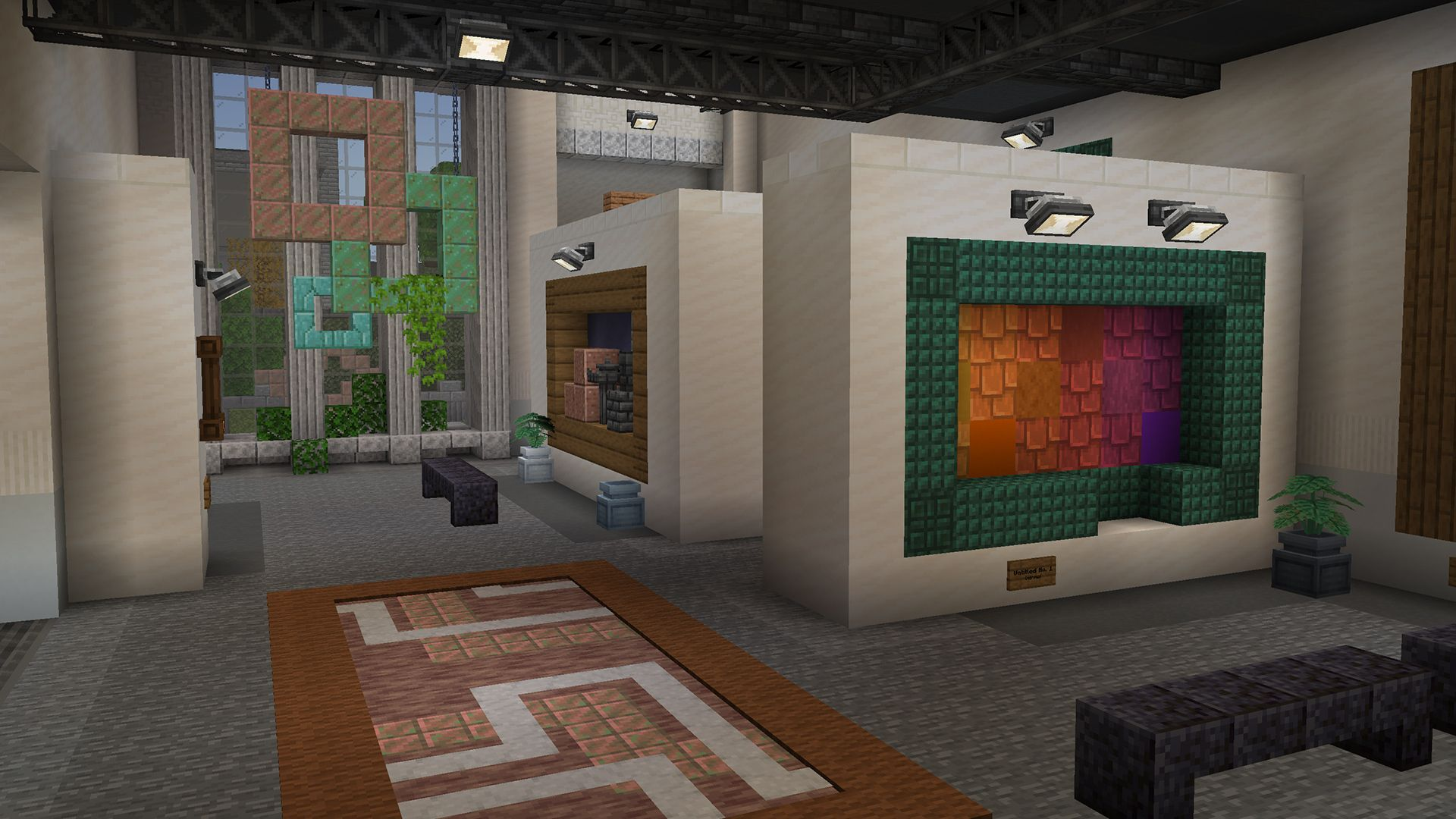
Runners race through a parkour course while the Death players activate traps. Choose it if timing and movement interest you more than inventory management.
Start here: watch the next hazard before following a crowd. Notice what a trap changes and practise one difficult section each round. A clean, understood route is a better early target than matching an experienced runner's time immediately.
Build Battle: finish one clear idea
Build to the chosen theme and take part in judging the results. Normal, extended and duo queues give you ways to match the activity to your available time or play with a partner.
Start here: choose a recognisable outline and a small block palette. Build the main shape before tiny details. In duos, agree who handles the structure and who handles the surroundings so you do not produce two disconnected projects. Leave time to inspect the view other players will see.
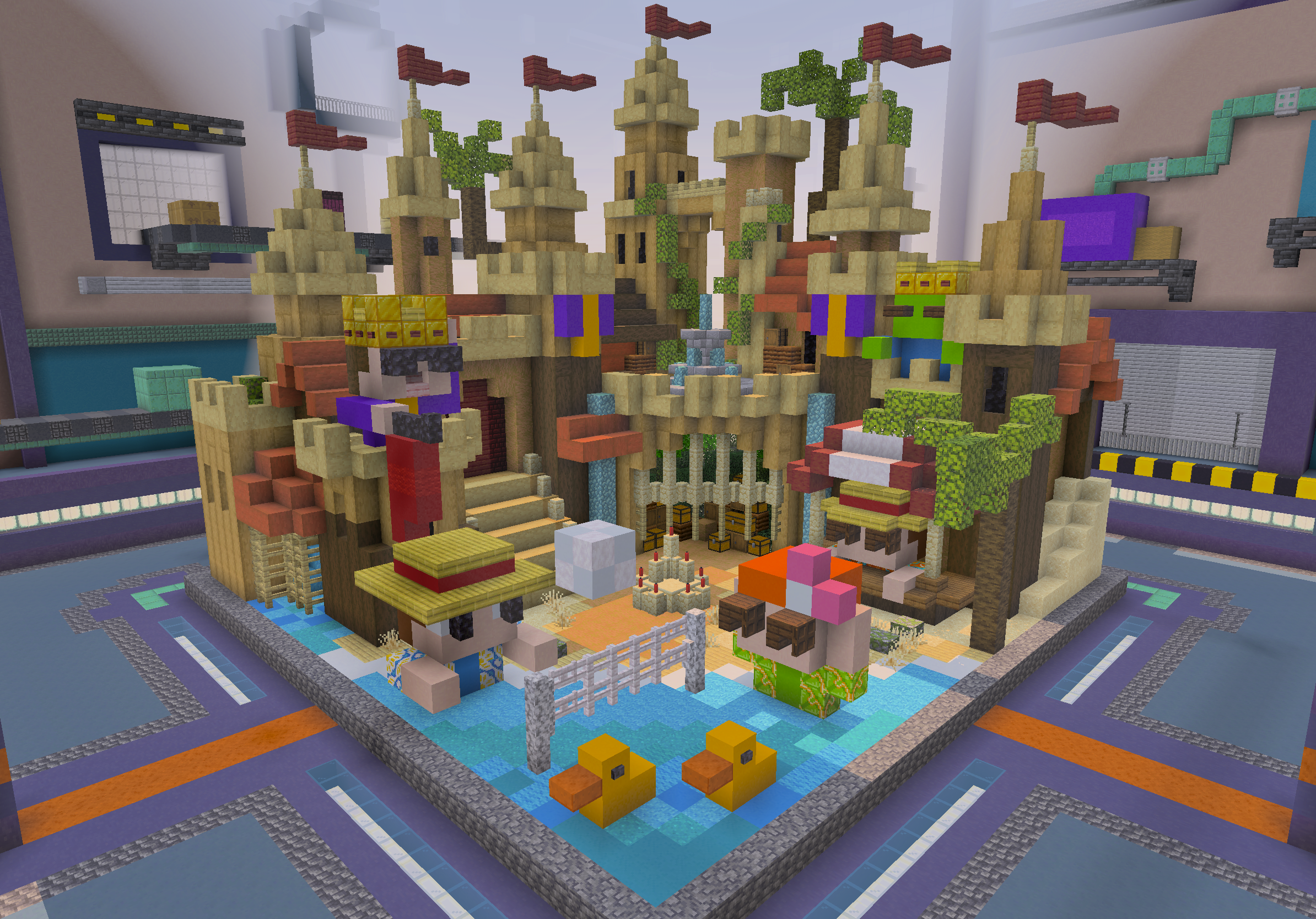
SkyWars: equipment and positioning on islands
Loot chests and mine ores for items, then fight to be the last team alive. The exposed edges make awareness of your position as important as the next attack.
Start here: equip useful items promptly, organise your hotbar and check the neighbouring islands before crossing a gap. Pick a crossing with a return option. If you keep losing immediately, set a smaller goal: leave your starting island with your gear ready and your surroundings checked.
Block Party: a quick movement challenge
Move to the indicated colour before the unsafe floor disappears. Choose it for a simple objective that does not depend on winning a sword fight.
Start here: identify the target colour before chasing another player, and look for a nearby safe tile rather than an ambitious route across the arena. If the music or textures are missing, use the pack repair steps below. For another movement challenge, try Gravity and work out a safe falling path.
Play with friends in the same region
The Hive has North America, Europe and Asia regions and normally chooses one near you. Friends must select the same region before grouping up. Use /region or the region NPC; Australia and India are local zones within Asia, rather than separate main regions.
- Open
/party, or invite someone with/party FriendName. - The invited player uses
/party accept LeaderName. Replace the example names with the actual players' names. - Agree on a mode and team size before the leader queues. The leader can use
/party teleportto gather the party.
/pc your message sends a party message. /party chat toggles ongoing party chat; check which channel you are using before sending a public message. Use /party leave to leave.
If your party of three wants a fourth public teammate in BedWars Squads, the leader should review Reserve Team For Parties in /settings. With that option enabled, the remaining space is reserved instead of filled by a random player.
At quieter times, cross-region matchmaking may move a game to another region and display a chat notice. Party members follow their leader. Disabling that option can mean longer waits or unavailable queues; it is a trade-off between location preference and finding a match.
Will phone players meet mouse-and-keyboard players?
The Hive uses input-based groups for several PvP modes, including BedWars and SkyWars. Touch, console and PC players normally have separate matchmaking, but this is not an absolute guarantee: low-population queues may combine them. Changing input devices can also change your group.
A mixed party uses the highest input group represented in it. For example, a phone player joining a Windows player's party can enter the PC queue. Keep that in mind when introducing a friend to PvP; Hide and Seek or Build Battle may be a more comfortable first shared activity. Attempting to bypass the matchmaking system is prohibited.
Make the hub and games comfortable
- Change language: use
/language. - Return to the hub: use
/hub. For a familiar activity,/q HIDEqueues Hide and Seek and/q DRqueues DeathRun. - Set a small returning goal:
/questlets you choose a quest or inspect its progress. In a game,/lockeropens its collected unlocks. - Reduce hub crowding:
/toggleperformancerenders fewer hub players, which can help a slower device. - Save changes: after changing a category in
/settings, use its Submit button.
If performance matters more than extra effects, keep other players' capes disabled. Vibrant Visuals needs a compatible device, the appropriate Minecraft graphics mode and the Hive setting; it can reduce frame rate. A smooth picture with delayed actions is a connection issue, not the same problem as low FPS.
For a private activity, /cs opens custom servers and shows your daily limits. Check those limits before organising a long event. A normal party is enough to start trying public games together.
Fix missing textures, music or connection problems
Pink-and-black textures, question-mark blocks or missing Block Party music: leave The Hive, open Minecraft's Settings → Storage → Cached Data, select the Hive resource packs and delete those cached packs. Restart and rejoin so the server can supply fresh copies. Do not delete your worlds or clear unrelated storage.
Temporarily disable third-party packs that change the interface if menus behave incorrectly. Re-enable them one at a time after the Hive interface works, so you can identify the conflict.
The server cannot process your join: check the operator's updates for an incident. On devices that allow manual server entries, support also suggests trying a different region using the addresses in its joining guide. If the issue continues, send Hive Support your exact error and gamertag.
Friends cannot see you or chat seems absent: check Appear Offline, invitation preferences and Show Player Messages in the server settings. If multiplayer itself is unavailable, review the Microsoft account's multiplayer permissions and your console's online access.
Play fairly and find reliable help
Do not cross-team in public matches, sabotage teammates, exploit glitches or use unfair client modifications. Keep chat and builds appropriate, and avoid sharing personal information. The Hive rules also explain skin restrictions; a replaced custom skin does not automatically mean your skin file is broken.
The Hive is operated by Hive Games Limited. Further official guidance: commands, settings, input matchmaking, cross-region queues, resource-pack repair and join failures. The inline images come from the credited official sources; the MineBrush cover is an editorial illustration.
More from MineBrush.

Understand Minecraft 26, tell normal releases from test builds, and choose the right version for friends, servers and mods. Clear Java and Bedrock examples without the technical clutter.
- Topic
- Choosing your Minecraft version
- Scope
- None
- Evidence
- Official Minecraft sources · checked 9 Sep 2026
A shared “26” prefix never proves cross-edition compatibility.
MineBrush · News
Minecraft Versions Made Simple
Understand Minecraft 26, tell normal releases from test builds, and choose the right version for friends, servers and mods. Clear Java and Bedrock examples without the technical clutter.
A shared “26” prefix never proves cross-edition compatibility.
- Compatibility confidence
- Source claimed
- Card evidence statement
- Official policy and indexes checked 9 Sep 2026; client display NOT_OBSERVED.
- Card delivery statement
- Choose a version for everyday play or testing
- Card limitation note
- A shared “26” prefix never proves cross-edition compatibility.
- Edition applicability
- Java + Bedrock
- News topic
- Choosing your Minecraft version
- Public news evidence label
- Official Minecraft sources · checked 9 Sep 2026
- Delivery state
- No file
- Lifecycle state
- Current
- News evidence type
- Official Minecraft source
CubeCraft offers EggWars teamwork, quick SkyWars fights, unpredictable Lucky Islands and lasting Skyblock projects. Choose the right Java or Bedrock route, invite friends and start with a clear plan.
- Edition
- Java + Bedrock
- Modes
- Minigames
- Region
- None
Choose the same edition as your friends
Minecraft · Server
CubeCraft
CubeCraft offers EggWars teamwork, quick SkyWars fights, unpredictable Lucky Islands and lasting Skyblock projects. Choose the right Java or Bedrock route, invite friends and start with a clear plan.
Choose the same edition as your friends
- Minecraft version
- Java 1.21.8+ · Bedrock 1.21.120+
- Game edition
- Cross-edition
- Loader / platform
- Not applicable
- License
- CubeCraft rules and terms
- Server address
- play.cubecraft.net
- Server modes
- Minigames
- Platform family
- Cross-edition
- Supported devices
- Java on PC/Mac; Bedrock on Windows, mobile and consoles
- Install format
- Java server address or Bedrock Featured Servers
- Touch readiness
- Not required
- Resource type
- Server
- Last verified at
- Sep 14, 2026
- Compatibility confidence
- Source claimed
- Card evidence statement
- Official CubeCraft guides and game updates
- Card delivery statement
- Join Java or Bedrock using the guide
- Card limitation note
- Choose the same edition as your friends
- Edition applicability
- Java + Bedrock
- Bedrock address copy availability
- Copy unavailable
- Java address copy availability
- Copy available
- Java server address
play.cubecraft.net- Delivery state
- No file
- Lifecycle state
- Current
Hypixel brings Bed Wars, Build Battle, SkyWars and long-term SkyBlock progression to Java players. Copy the official address, choose a mode, join friends and use the right version and server pack.
- Edition
- Java
- Modes
- Minigames
- Region
- None
SkyBlock: modern Java and required server resource pack
Minecraft · Server
Hypixel
Hypixel brings Bed Wars, Build Battle, SkyWars and long-term SkyBlock progression to Java players. Copy the official address, choose a mode, join friends and use the right version and server pack.
SkyBlock: modern Java and required server resource pack
- Minecraft version
- Java; SkyBlock recommends 26.2
- Game edition
- Java Edition
- Loader / platform
- Not applicable
- License
- Hypixel server rules and terms
- Server address
- mc.hypixel.net
- Server modes
- Minigames
- Platform family
- Java & PC
- Supported devices
- Minecraft Java Edition on PC and Mac
- Install format
- Join using the server address
- Touch readiness
- Not required
- Resource type
- Server
- Last verified at
- Sep 14, 2026
- Compatibility confidence
- Source claimed
- Card evidence statement
- Official join guide and current SkyBlock announcement
- Card delivery statement
- Copy mc.hypixel.net and join in Java Edition
- Card limitation note
- SkyBlock: modern Java and required server resource pack
- Edition applicability
- Java
- Bedrock address copy availability
- Copy unavailable
- Java address copy availability
- Copy available
- Java server address
mc.hypixel.net- Delivery state
- No file
- Lifecycle state
- Current
Find a Minecraft server you will want to return to. Compare survival, minigames, Skyblock, creative and modded play; choose for your friends' devices, understand player counts and ping, and make your first session a useful trial.
- Edition
- Cross-edition
- Difficulty
- Beginner
- Time
- 8 min read
Check support for every friend’s edition and device.
MineBrush · Guide
Find Your Minecraft Server
Find a Minecraft server you will want to return to. Compare survival, minigames, Skyblock, creative and modded play; choose for your friends' devices, understand player counts and ping, and make your first session a useful trial.
Check support for every friend’s edition and device.
- Minecraft version
- Java & Bedrock — match your server’s supported version
- Game edition
- Cross-edition
- Platform family
- Cross-edition
- Supported devices
- Java PC and Bedrock devices; joining routes vary
- Install format
- Read online — no download required
- Touch readiness
- Not required
- Resource type
- Guide
- Compatibility confidence
- Not applicable
- Card evidence statement
- Choose your play style, bring your friends and try a small first goal.
- Card delivery statement
- Survival · minigames · Skyblock · creative · modded
- Card limitation note
- Check support for every friend’s edition and device.
- Edition applicability
- Java + Bedrock
- Tested environment
- Java and Bedrock multiplayer choices
- Estimated time
- 8 min read
- Guide difficulty
- Beginner
- Delivery state
- No file
- Lifecycle state
- Current
Player discussion 0
Questions, discoveries and help from other players.