
MineBrush publication
How to Choose a Minecraft Server You Will Want to Play Again
Find a Minecraft server you will want to return to. Compare survival, minigames, Skyblock, creative and modded play; choose for your friends' devices, understand player counts and ping, and make your first session a useful trial.
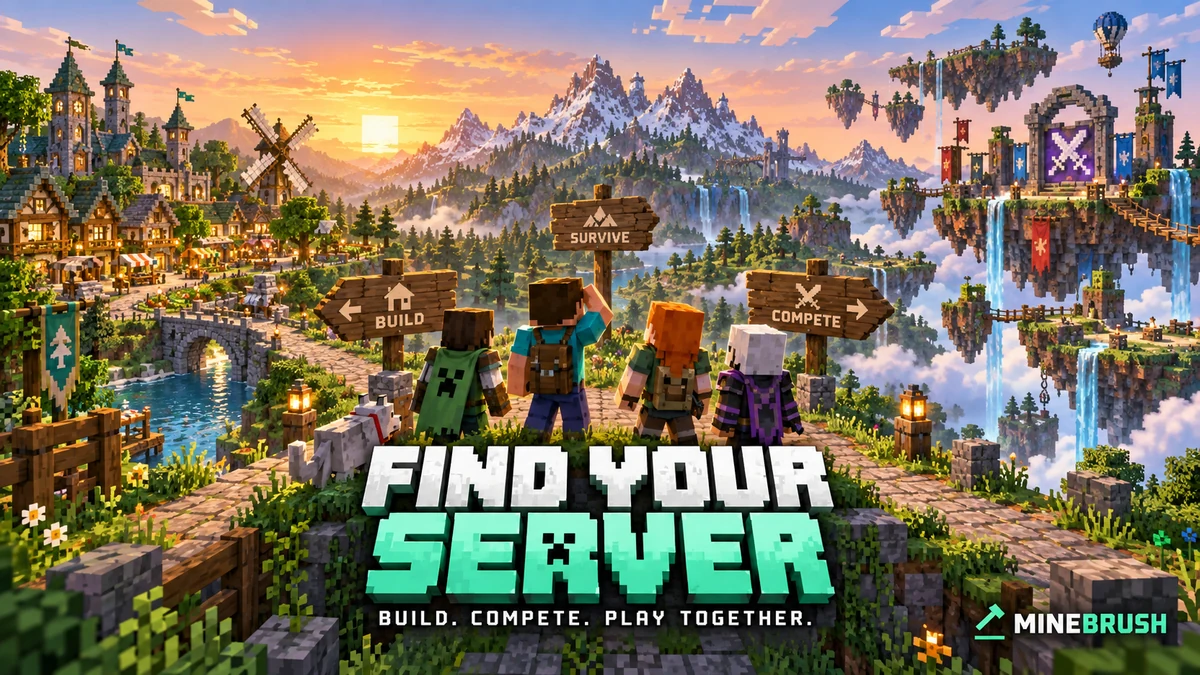
The right Minecraft server gives you a reason to come back. That might be a town you build with friends, a quick round after school or work, a challenging island, or a long adventure with quests. Start with the experience you want, then find a community and setup that support it.
This guide helps you narrow the choice, compare a few candidates and use a first session well. It is not a ranking of servers we have played on. Specific projects below illustrate different kinds of gameplay; check their own current joining instructions before visiting.
Choose a play style · Match your group · Find candidates · Try a server · Common problems
Choose what you want to do tonight
Build a home and keep returning: survival or SMP
Choose survival multiplayer if you enjoy gathering resources, exploring and gradually improving a base. A cooperative community can turn a simple starter house into a shared village, trading area or rail network.
Look for build protection, a clear reset policy and rules that fit your approach to combat. If you want peaceful building, “survival” alone does not tell you whether other players can raid you. For redstone projects, check farm restrictions before designing something enormous.
First-session idea: find a permitted building spot, learn how protection works and make a small shared shelter. If that process feels confusing or unfriendly, solve it before committing to a large base.
Play in shorter sessions: minigames
Minigame networks offer separate activities rather than one permanent survival world. You might prefer team combat, parkour, building contests or social deduction. The game's name matters less than whether you enjoy the actual round and can easily play with your friends.
For a concrete example, Hypixel's own game overview presents Bed Wars, SkyWars and Murder Mystery among its modes. These are different activities on one network, so a large total player count does not tell you how busy your preferred queue is. Its joining guide is for Java on PC/Mac; do not assume a famous server name means Bedrock access.
First-session idea: play several rounds of one mode, then try a different type. Check party size and team selection before inviting a larger group. A mode with a short match but a long queue may not suit a quick break.
Grow from almost nothing: Skyblock
Skyblock starts from limited space and resources, but servers develop the idea in different directions. Some emphasize careful island survival; others add quests, shops, unlocks and a long progression path. Do not assume every Skyblock server behaves like a downloadable classic Skyblock map.
CubeCraft's Skyblock starter guide, for example, directs players through quests and island progression. Read the actual starter guide for your chosen server to understand the intended first steps.
First-session idea: complete the opening objectives before expanding randomly. If friends will share an island, check co-op access and who controls it before placing valuable items in common storage.
Concentrate on design: creative and building communities
Creative servers suit players who want to experiment with shapes, palettes and large structures without first collecting every block. Plot-based communities can give each builder a defined space, while collaborative projects may work through applications or assigned areas.
First-session idea: build a small facade or garden. Check the plot size, whether friends can help, and whether the tools you want are available. If you hope to keep a copy of the build, ask about export options before starting; a multiplayer plot is not automatically a world file you can take home.
Follow quests or change the game: RPG and modded servers
An RPG-style server may focus on quests, character progression or a custom world. A modded server can change crafting, exploration and combat much more extensively. Some custom experiences work through server features and resource packs; others require a particular client modpack.
First-session idea: follow the official beginner route and judge whether the core activity is fun before worrying about endgame gear. For a modpack, install the exact release the server names in a separate profile. Do not collect vaguely similar mods and expect them to match.
Choose for the whole group, not just your own device
Before searching, ask each friend for their edition, device and usual play time. “We all have Minecraft” is not enough. Java and Bedrock are different editions; a server that accepts both needs an explicit crossplay setup. Geyser is one way communities provide Bedrock-to-Java access, but it is not automatic on every Java server.
Keep your shortlist small: two or three servers that all your friends can access are easier to compare than twenty incompatible choices. For console players, confirm the supported joining route before making plans. For phone players, consider whether the chosen activity feels comfortable with their controls rather than assuming a competitive mode will suit everyone.
Agree on a simple shared goal. “Build a village together on Sunday evenings” leads to different choices from “play a few team matches whenever we have time.” A server is a poor fit if half the group spends every session doing something they do not enjoy.
Where to find candidates
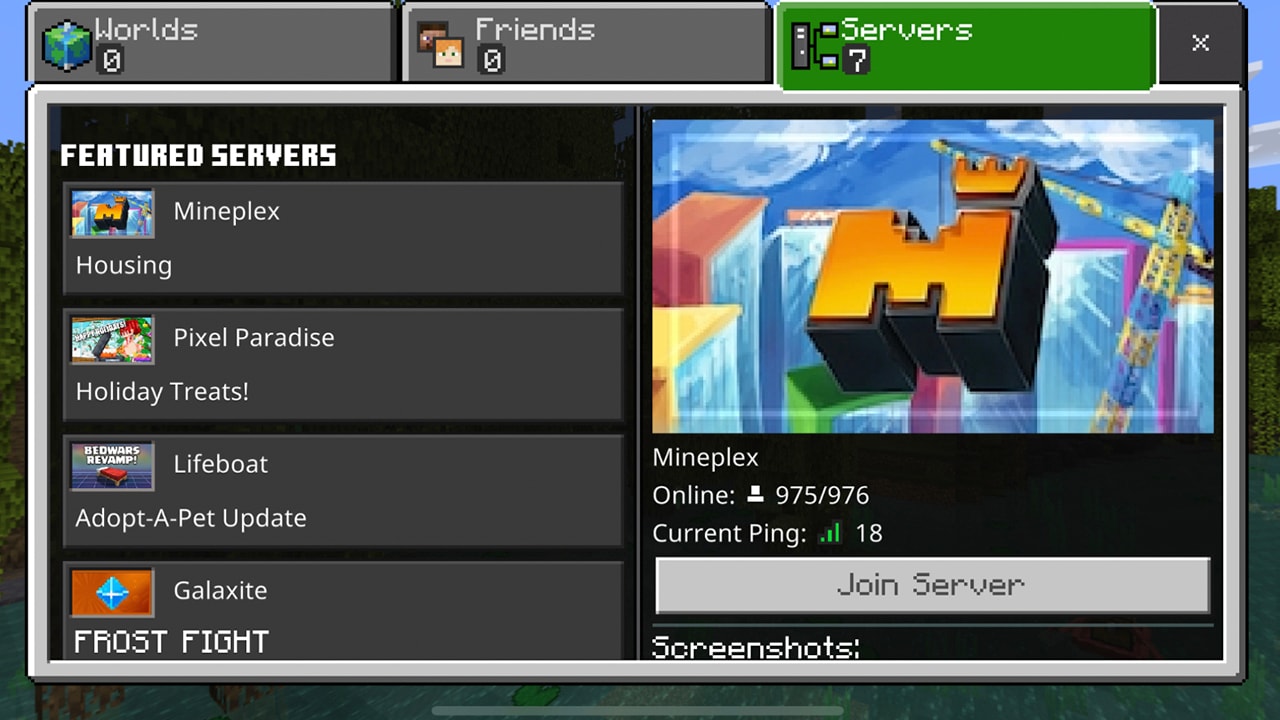
Start with the official Minecraft server page, which links to the Official Minecraft Server List and explains Bedrock's featured-server route. In Bedrock, open Play → Servers to see the featured choices available in your game. For a listing found elsewhere, open the operator's own site for current addresses and instructions.
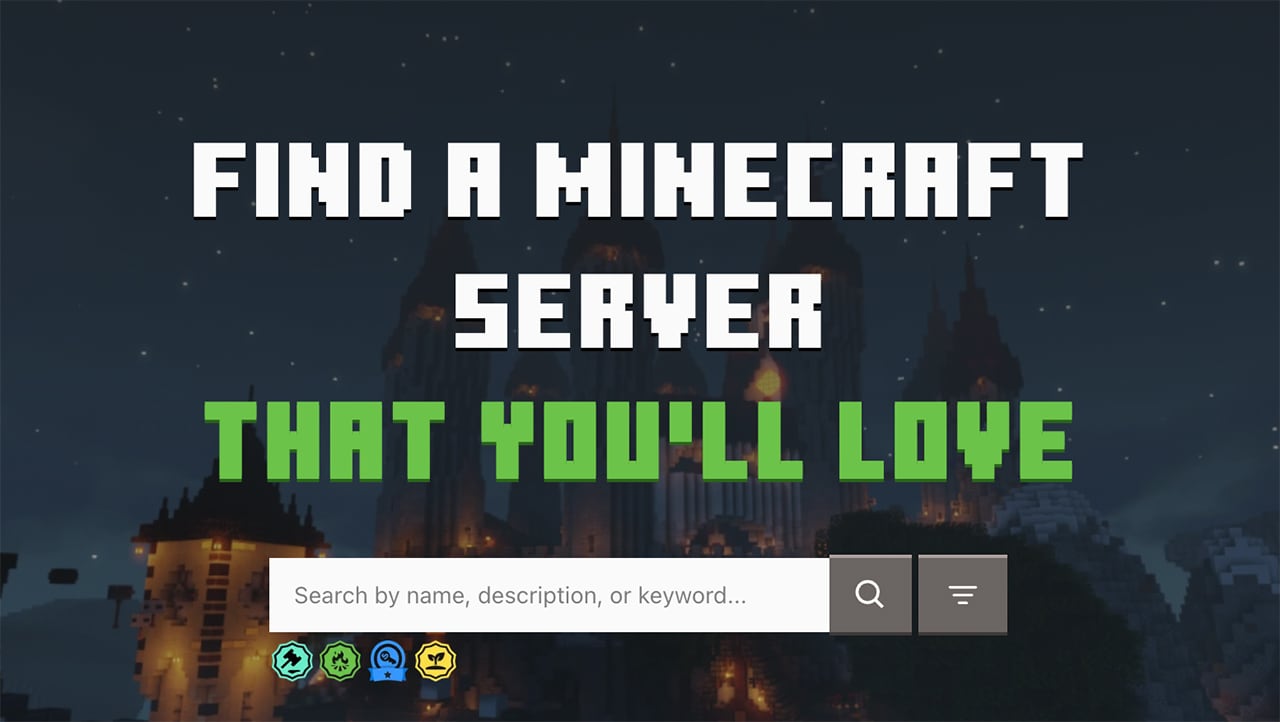
Use descriptions such as cooperative survival, creative plots or beginner quests to narrow the field. Compare the current game mode, language and join instructions. A search result with an old version number or outdated address may describe a server that has changed.
For a deeper explanation of claims, wipes, costs and the information a listing should provide, use our guide to reading a server profile. Here, focus on whether you want to spend your next session there.
Read popularity and connection information correctly
Online players tells you how many people are counted at that moment, not how welcoming the community is. On a network, the number may cover several modes. A small survival community can be ideal for a shared town, while a competitive queue needs enough participants when you are online.
Ping is the delay between your connection and the server. Lower, stable latency generally makes interactions feel more responsive, especially in combat. There is no single number that guarantees a good experience: test the activities you care about from your normal connection.
A jerky camera and low frame rate can be a device or graphics issue, while delayed block interactions can involve the connection or server. If every server feels bad, compare with a single-player world before blaming one community. If only one server struggles, check its status announcements and try again later.
Make the first session a useful trial
- Read the short joining guide and rules. Confirm your edition, accepted version and any required pack. Use the operator's current address.
- Find the activity you came for. Reach survival, enter the actual minigame queue or start the introductory quest. Do not judge only the lobby.
- Try one small goal. Finish a round, make a starter build or complete an opening quest. Notice how much time is spent playing versus navigating menus.
- Ask one practical question. Find out how to invite a friend, protect a home or return to a previous area. A clear help route matters when you get stuck later.
- Return at your normal play time. Check queues, community activity and responsiveness when you would usually visit.
Afterward, compare just three things: Was the activity fun? Could the group play together? Do the progression and rules fit our plans? You do not need a complicated scorecard to notice a poor fit.
Three example choices
Two friends want a lasting town: favor a cooperative survival server with shared protection and a clearly explained world-reset policy. A spectacular competitive arena does not solve their building goal.
A player has twenty minutes: try an easy-to-enter minigame or a short parkour course. Check whether the session can end naturally without abandoning a team or losing a long setup.
A group enjoys progression: compare an island or quest-based server by its opening tasks and co-op rules. If the first evening is mostly installing incompatible files or waiting for permissions, resolve that before planning a long campaign.
When a promising server does not work out
I cannot connect
Check the edition, accepted game version, exact address and any whitelist requirement. Use a stable release if the server does not support snapshots or previews. Read its status page before reinstalling Minecraft. Multiplayer account restrictions may also need attention through your account or family settings.
The server is busy, but my game mode is empty
Check the specific mode's queue during your usual hours. A network total is not a promise that every activity has enough players. Try a mode the group enjoys that actually starts, or choose a different community.
We cannot stay together
Look for party, team or co-op instructions. A shared lobby does not guarantee the same match, island or world. If the party limit is smaller than your group, choose a suitable activity rather than repeatedly hoping the queue places everyone together.
The rules or store do not suit us
You can leave without buying a rank or spending days proving the server is right for you. Read what purchases actually provide and whether progress resets before paying. If the community's combat, chat or progression style feels wrong, keep your shortlist and try the next candidate.
Sources and next steps
Use the official Minecraft server overview, joining guide, Official Server List explanation, Geyser crossplay documentation, Hypixel game descriptions and CubeCraft Skyblock starter guide. A directory listing helps discovery; it does not guarantee safety or that the server suits your group.
Written by MineBrush Editorial. The two supporting images are original Minecraft publication images with historical context stated in their captions. The MineBrush cover illustrates different play styles; it does not depict one real server.
More from MineBrush.

Understand Minecraft 26, tell normal releases from test builds, and choose the right version for friends, servers and mods. Clear Java and Bedrock examples without the technical clutter.
- Topic
- Choosing your Minecraft version
- Scope
- None
- Evidence
- Official Minecraft sources · checked 9 Sep 2026
A shared “26” prefix never proves cross-edition compatibility.
MineBrush · News
Minecraft Versions Made Simple
Understand Minecraft 26, tell normal releases from test builds, and choose the right version for friends, servers and mods. Clear Java and Bedrock examples without the technical clutter.
A shared “26” prefix never proves cross-edition compatibility.
- Compatibility confidence
- Source claimed
- Card evidence statement
- Official policy and indexes checked 9 Sep 2026; client display NOT_OBSERVED.
- Card delivery statement
- Choose a version for everyday play or testing
- Card limitation note
- A shared “26” prefix never proves cross-edition compatibility.
- Edition applicability
- Java + Bedrock
- News topic
- Choosing your Minecraft version
- Public news evidence label
- Official Minecraft sources · checked 9 Sep 2026
- Delivery state
- No file
- Lifecycle state
- Current
- News evidence type
- Official Minecraft source
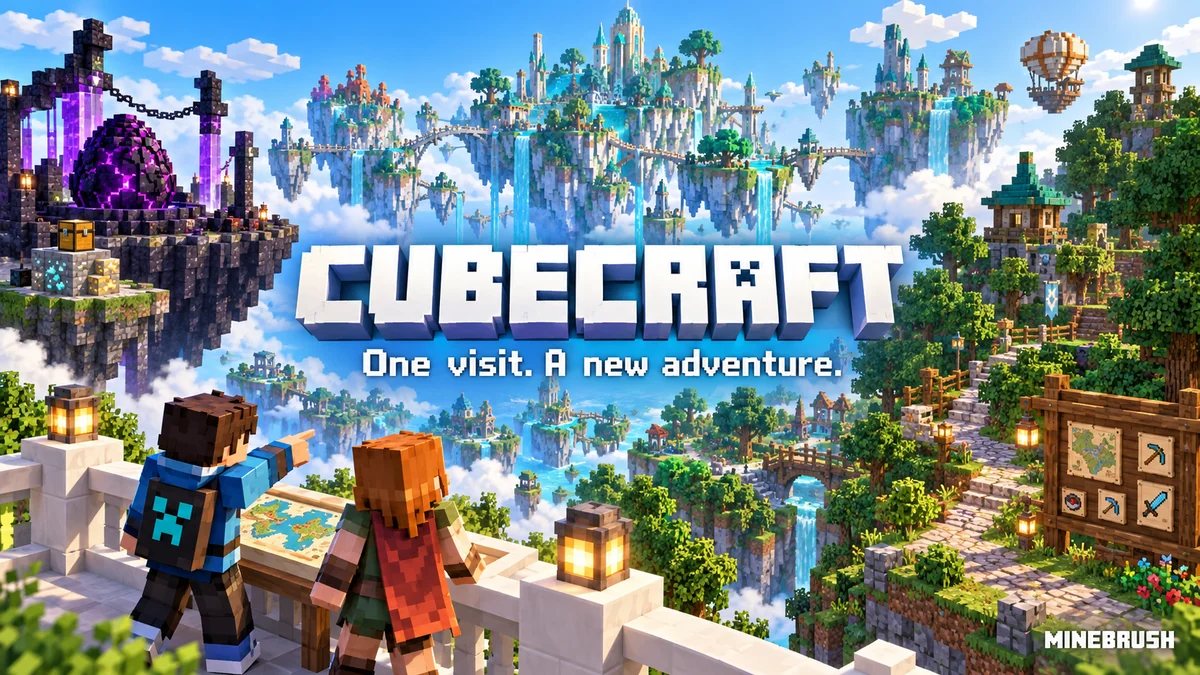
CubeCraft offers EggWars teamwork, quick SkyWars fights, unpredictable Lucky Islands and lasting Skyblock projects. Choose the right Java or Bedrock route, invite friends and start with a clear plan.
- Edition
- Java + Bedrock
- Modes
- Minigames
- Region
- None
Choose the same edition as your friends
Minecraft · Server
CubeCraft
CubeCraft offers EggWars teamwork, quick SkyWars fights, unpredictable Lucky Islands and lasting Skyblock projects. Choose the right Java or Bedrock route, invite friends and start with a clear plan.
Choose the same edition as your friends
- Minecraft version
- Java 1.21.8+ · Bedrock 1.21.120+
- Game edition
- Cross-edition
- Loader / platform
- Not applicable
- License
- CubeCraft rules and terms
- Server address
- play.cubecraft.net
- Server modes
- Minigames
- Platform family
- Cross-edition
- Supported devices
- Java on PC/Mac; Bedrock on Windows, mobile and consoles
- Install format
- Java server address or Bedrock Featured Servers
- Touch readiness
- Not required
- Resource type
- Server
- Last verified at
- Sep 14, 2026
- Compatibility confidence
- Source claimed
- Card evidence statement
- Official CubeCraft guides and game updates
- Card delivery statement
- Join Java or Bedrock using the guide
- Card limitation note
- Choose the same edition as your friends
- Edition applicability
- Java + Bedrock
- Bedrock address copy availability
- Copy unavailable
- Java address copy availability
- Copy available
- Java server address
play.cubecraft.net- Delivery state
- No file
- Lifecycle state
- Current
Hypixel brings Bed Wars, Build Battle, SkyWars and long-term SkyBlock progression to Java players. Copy the official address, choose a mode, join friends and use the right version and server pack.
- Edition
- Java
- Modes
- Minigames
- Region
- None
SkyBlock: modern Java and required server resource pack
Minecraft · Server
Hypixel
Hypixel brings Bed Wars, Build Battle, SkyWars and long-term SkyBlock progression to Java players. Copy the official address, choose a mode, join friends and use the right version and server pack.
SkyBlock: modern Java and required server resource pack
- Minecraft version
- Java; SkyBlock recommends 26.2
- Game edition
- Java Edition
- Loader / platform
- Not applicable
- License
- Hypixel server rules and terms
- Server address
- mc.hypixel.net
- Server modes
- Minigames
- Platform family
- Java & PC
- Supported devices
- Minecraft Java Edition on PC and Mac
- Install format
- Join using the server address
- Touch readiness
- Not required
- Resource type
- Server
- Last verified at
- Sep 14, 2026
- Compatibility confidence
- Source claimed
- Card evidence statement
- Official join guide and current SkyBlock announcement
- Card delivery statement
- Copy mc.hypixel.net and join in Java Edition
- Card limitation note
- SkyBlock: modern Java and required server resource pack
- Edition applicability
- Java
- Bedrock address copy availability
- Copy unavailable
- Java address copy availability
- Copy available
- Java server address
mc.hypixel.net- Delivery state
- No file
- Lifecycle state
- Current
Understand a Minecraft server before moving in: edition and join details, claims, PvP, world resets, costs and community hours. See a clear example profile, official connection screenshots and the questions that protect your time and builds.
- Edition
- Cross-edition
- Difficulty
- Intermediate
- Time
- 8 min read
Check the server’s own current rules and join page.
MineBrush · Guide
Read a Minecraft Server Profile
Understand a Minecraft server before moving in: edition and join details, claims, PvP, world resets, costs and community hours. See a clear example profile, official connection screenshots and the questions that protect your time and builds.
Check the server’s own current rules and join page.
- Minecraft version
- Java & Bedrock — check the server’s supported releases
- Game edition
- Cross-edition
- Platform family
- Cross-edition
- Supported devices
- Java PC; Bedrock access depends on device and server
- Install format
- Read online — no download required
- Touch readiness
- Not required
- Resource type
- Guide
- Compatibility confidence
- Not applicable
- Card evidence statement
- Understand joining, claims, resets and community rules.
- Card delivery statement
- Practical guide · clear fictional profile example
- Card limitation note
- Check the server’s own current rules and join page.
- Edition applicability
- Java + Bedrock
- Tested environment
- Java and Bedrock server listings
- Estimated time
- 8 min read
- Guide difficulty
- Intermediate
- Delivery state
- No file
- Lifecycle state
- Current
Player discussion 0
Questions, discoveries and help from other players.