
MineBrush publication
Minecraft Town for Java: Explore, Build and Create a Medieval Lobby
Minecraft Town is a medieval Java world with winding paths, farmland, detailed buildings and a dramatic rocky skyline. Explore it, extend the town or turn its centre into a meeting place for friends. Includes five author screenshots, practical setup and lobby ideas. Creator price: USD 4; the MineBrush ZIP contains links only.
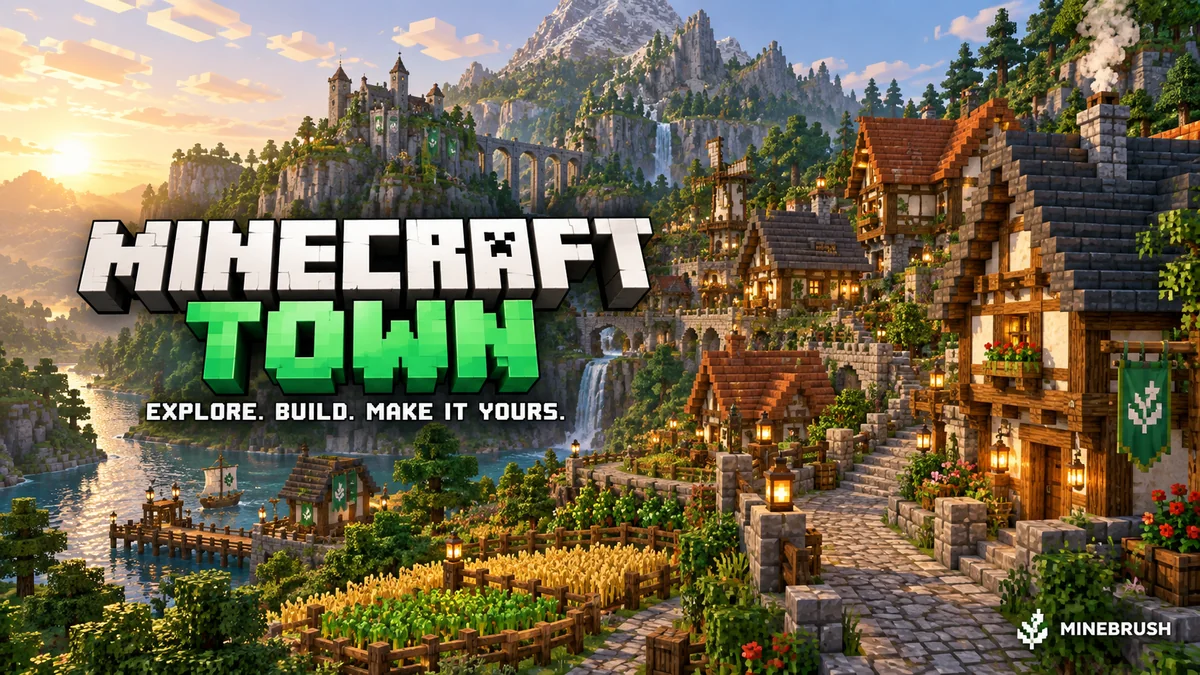
Minecraft Town by MAT1CS Builds is a ready-made medieval Java world with a village centre, winding paths, farmland and buildings set against custom cliffs and mountains. It works as a place to explore, a setting for your own building project or the scenery for a server lobby. Unlike an empty terrain map, it gives you an established town to start from.
The creator sells it as Minecraft Town Lobby/Wait Area. That describes the build’s intended use: it does not promise a configured network lobby, working minigames or a quest campaign. You decide what players do here.
What can you do in the town?
- Explore at walking speed. Follow the paths from the centre, compare the street-level views with the surrounding slopes, and look inside accessible buildings. The author advertises intricate interiors as well as the outdoor scenery.
- Make a meeting place for friends. Choose an obvious landmark, add a welcome sign and agree where everyone gathers before your next activity. A recognisable building works better than asking new arrivals to remember coordinates.
- Create a roleplay setting. Assign houses or shops, give the square a market-day theme, or set a small challenge such as finding a viewpoint. These are ideas for your group, not included quests or NPC systems.
- Extend the build. Add a workshop, a farm outbuilding or another street. Study nearby roof shapes, wall materials and paths first so the addition feels part of the town.
- Use it as a server lobby. Turn the village centre into a clear arrival area and guide players toward your own portals, menus or activities. Those server features need their own setup.
A first visit that shows you the town
- Keep an untouched copy. Open a separate working copy for exploration and changes. This makes it easy to return to the author’s layout.
- Pick a home landmark. Once you find a useful central area, note its coordinates. If commands are enabled, Creative mode makes it easier to survey the surroundings; walk the route afterwards to see what ordinary visitors will experience.
- Follow one path outward. Explore toward the fields or an elevated building, then return by a different route if one is available. Notice whether intersections and changes of height are clear without flying.
- Choose a small project. Furnish a space for your group, add signposts or sketch a matching building. Finish one useful addition before expanding into the surrounding terrain.
The tall rock formations and farm edges provide useful visual landmarks. We do not supply invented spawn or landmark coordinates: save the positions from the world version you obtain.
Original creator screenshots
These images come from MAT1CS Builds’ official product gallery. Click a picture for the preserved 1920-pixel source copy. The page cover is a separate MineBrush editorial illustration. Lighting, clouds and shadows in the author’s gallery may depend on shaders; the images are not a promise that your default graphics will look identical.
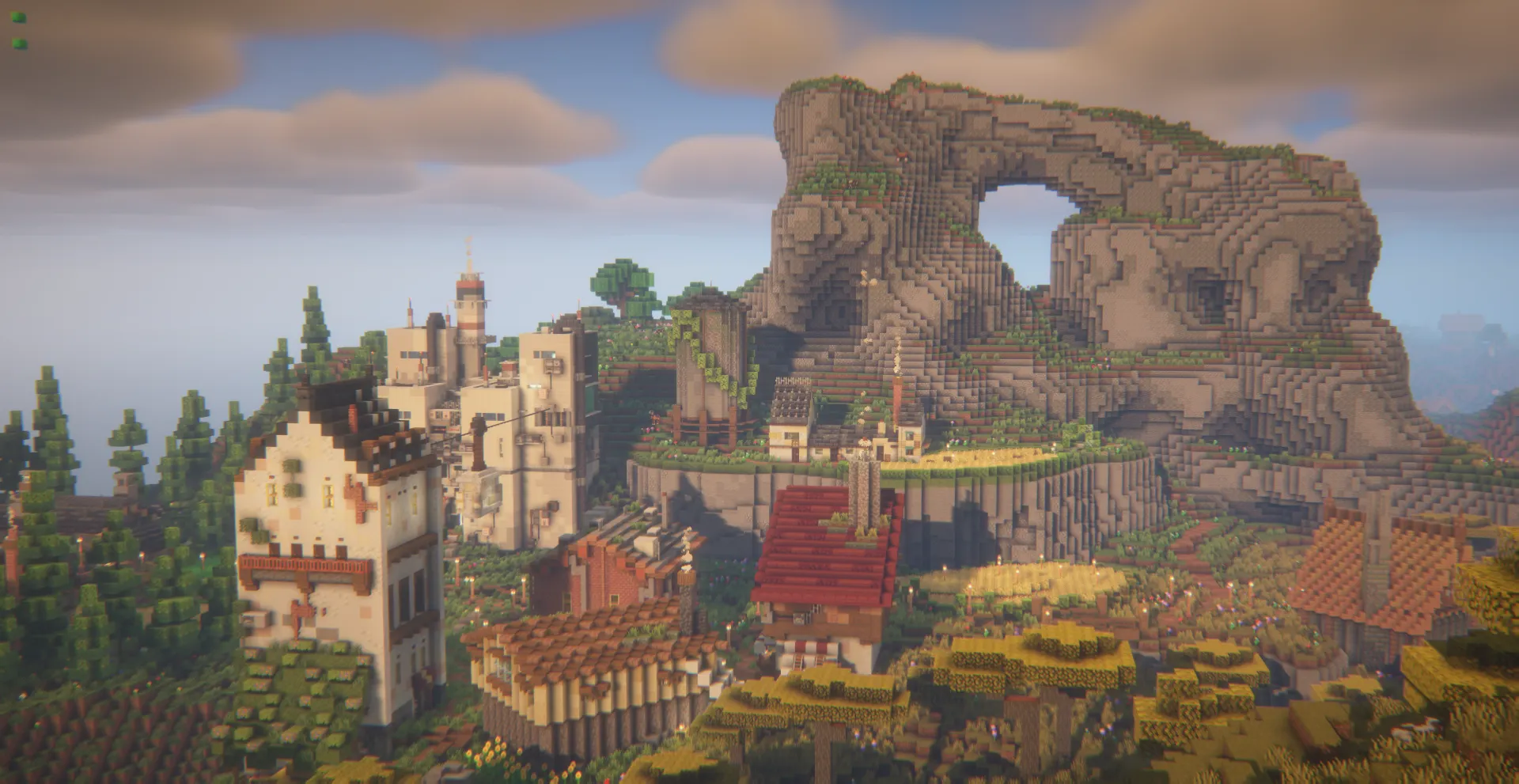
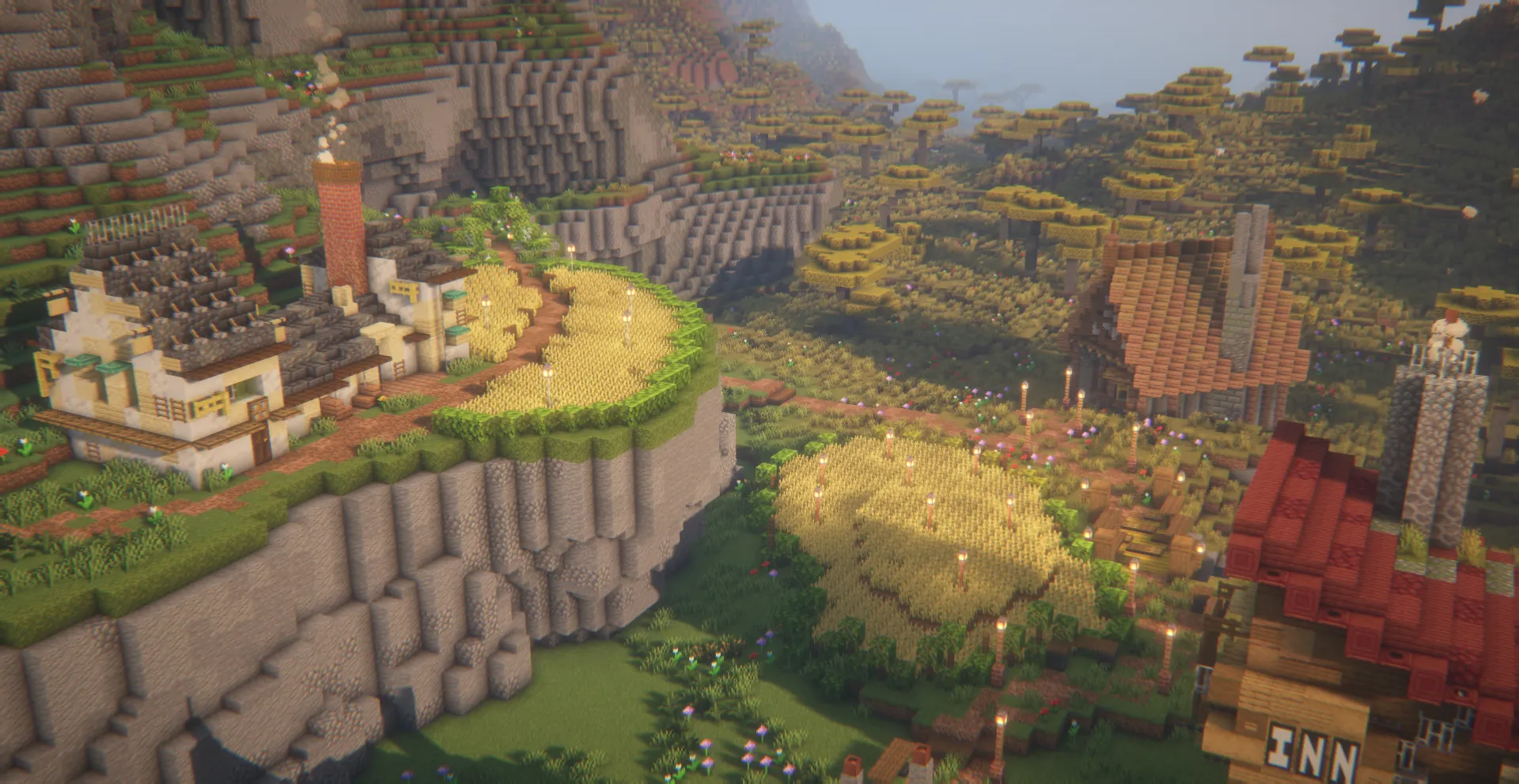
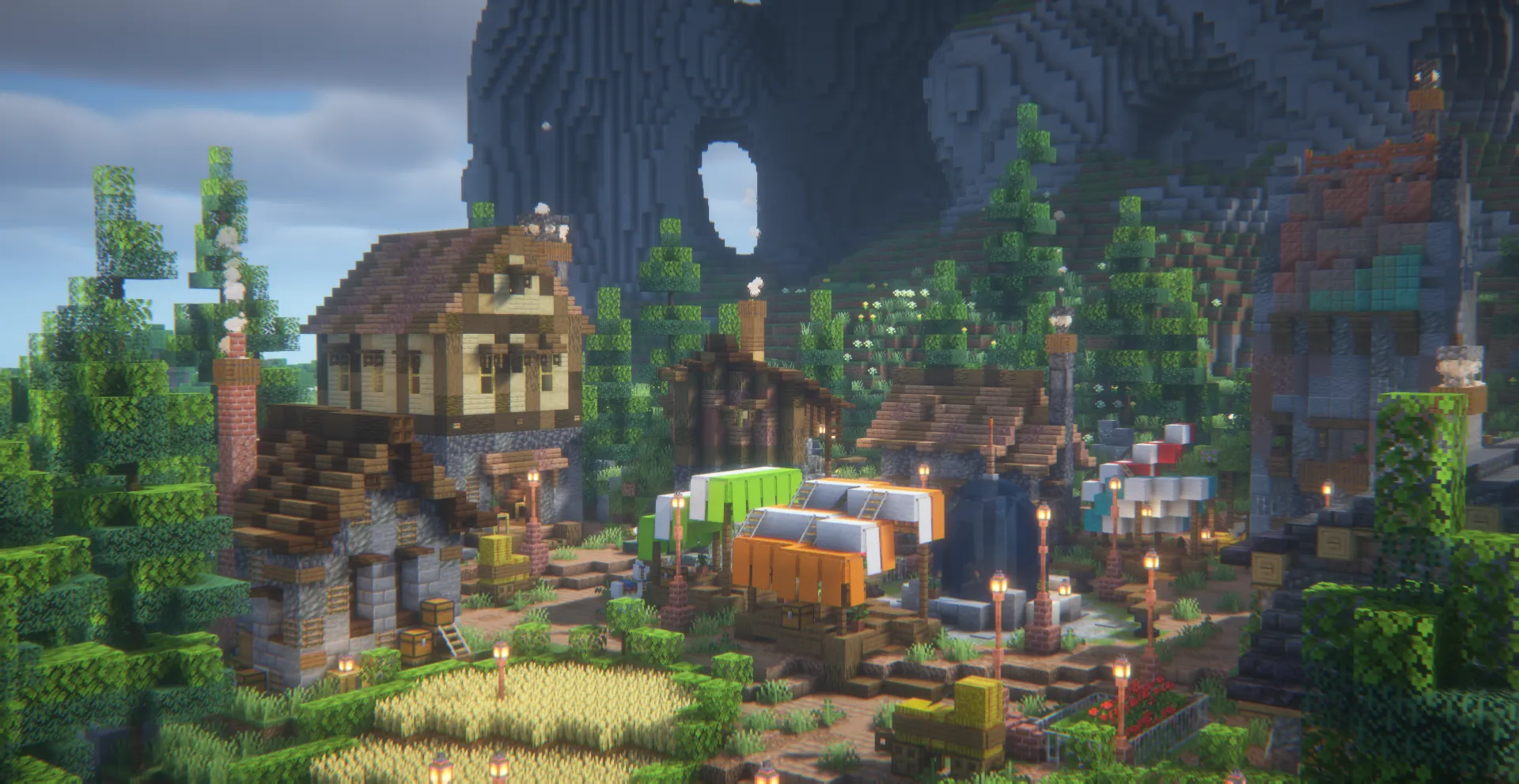
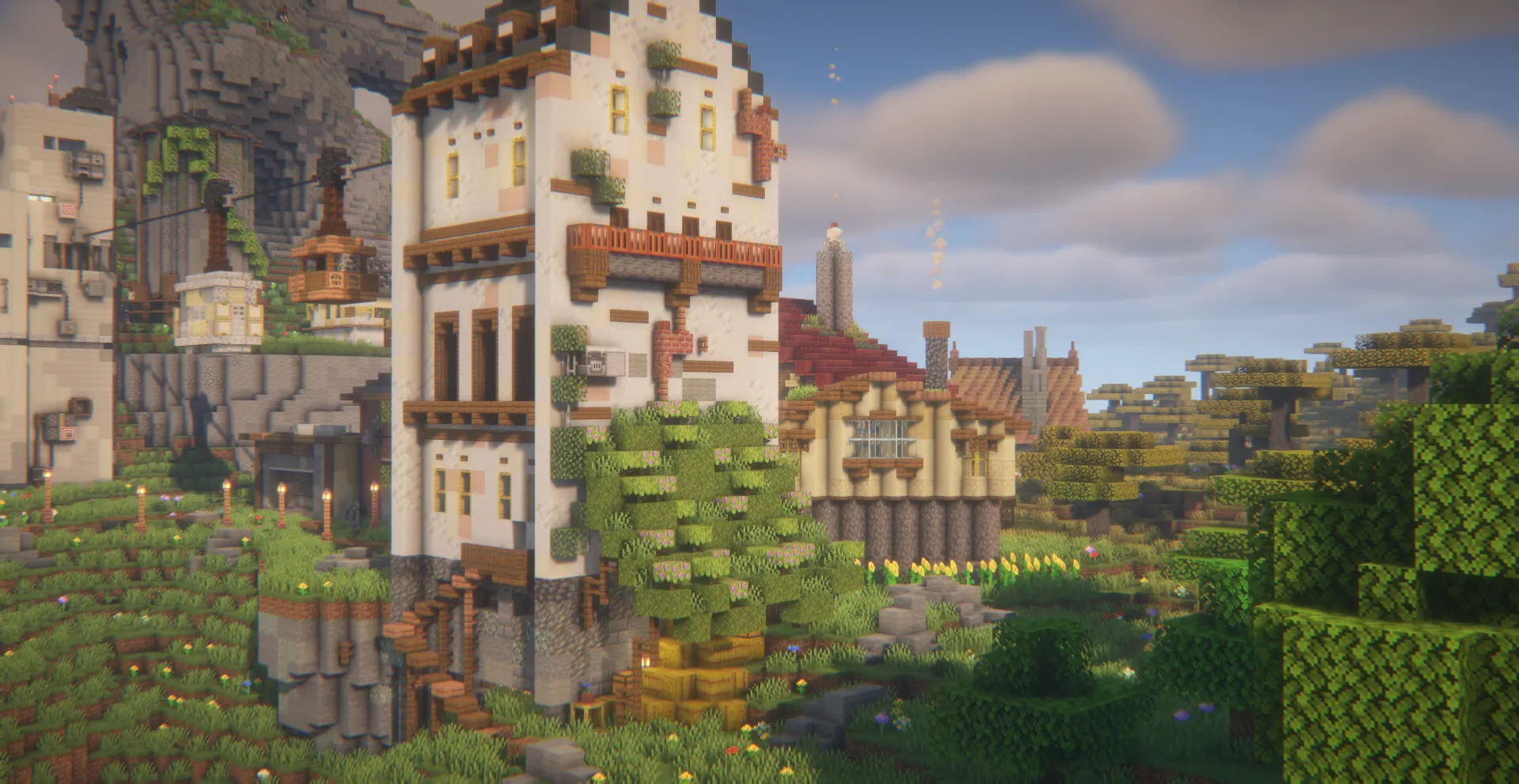
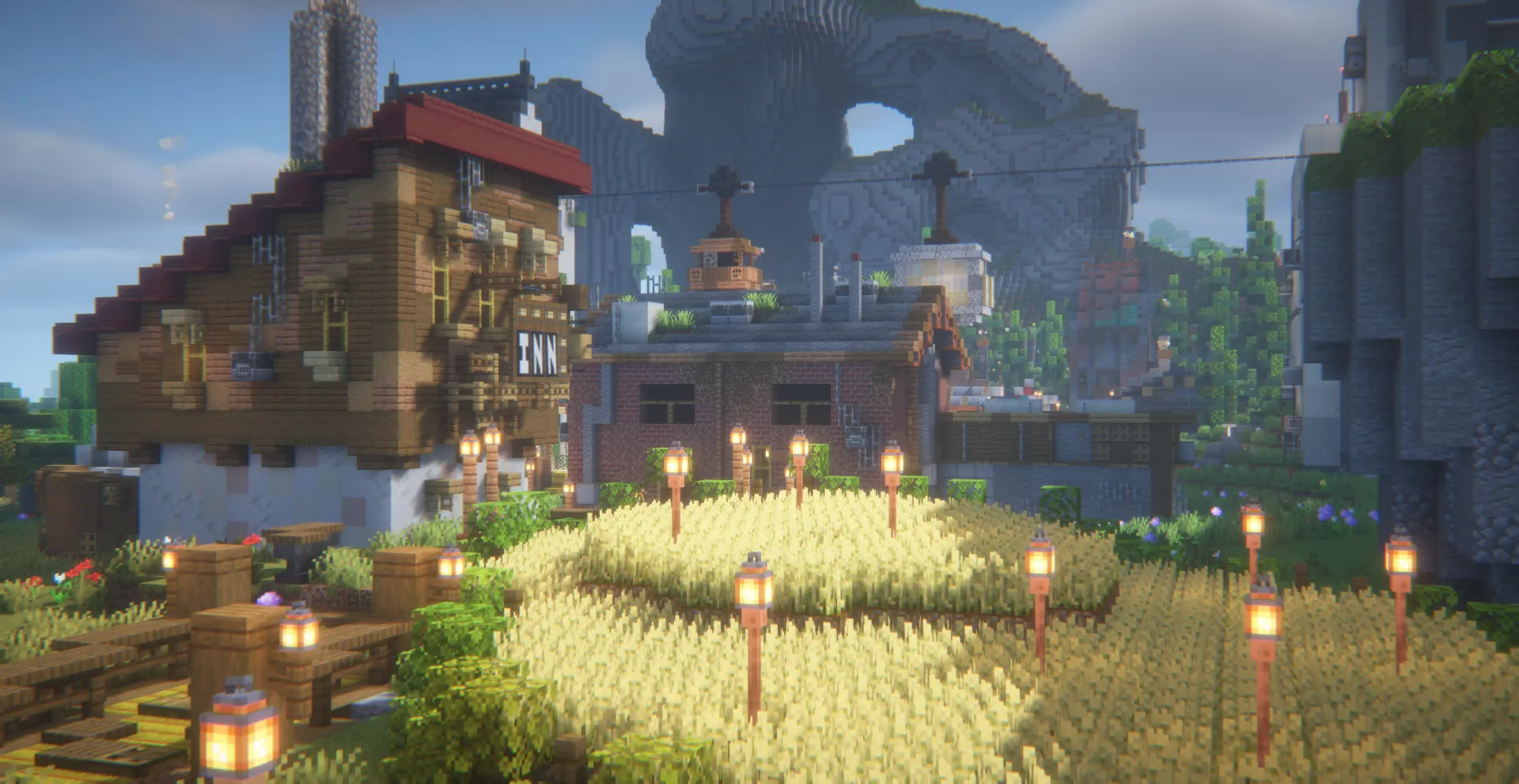
Get the map — author price USD 4
The creator’s BuiltByBit listing offers the Java world for USD 4. Price checked September 16, 2026; check the current checkout total and product terms before buying. The Planet Minecraft project page links to that same product.
The free ZIP hosted on MineBrush contains only a TXT with the creator’s links. It does not contain the town or a Minecraft save. Download it if you want to keep the purchase link, or open the creator page directly. After obtaining the actual world there, follow the installation steps below.
Choose the right Minecraft version
This is a Java Edition world, not a Bedrock .mcworld import. The creator’s product version is labelled v1.21; its compatibility list names Java 1.21, 1.21.2, 1.21.4, 1.21.5, 1.21.8, 1.21.11, 26.1 and 26.2. These are the author’s supported-version labels, not versions we have tested in-game.
Use a fresh copy when moving the world to a newer version and keep your old save separately. Do not try to move an upgraded working world back into an older release. If you play with friends, agree on one game version and the same optional mods.
Axiom is not listed as a playing requirement. The creator mentions using it while learning and developing the build. You do not need a terrain-editing mod just to load an ordinary Java world; install optional building tools only if you want their editing features.
Install the purchased Java world
- Download the actual world from your creator purchase, then extract the archive. Locate the world folder containing
level.dat. - Open your Minecraft instance’s
savesdirectory. With the standard launcher this is usually%appdata%\.minecraft\saveson Windows or~/Library/Application Support/minecraft/saveson macOS. A separate launcher instance may use its own folder. - Copy the complete world folder into
saves, keeping its other files and subfolders together. The expected layout issaves/WorldName/level.dat. - Start the chosen Java version and open the world in Singleplayer. Make another backup before large building edits.
The MineBrush creator-link ZIP cannot be installed as a map. If extraction produces only our TXT, use the link inside to obtain the actual world first.
Use the town with friends or as a lobby
For players on the same local network, the host can load the world and use Open to LAN. For a dedicated Java server, stop the server, back up its existing world, copy the complete town save and point level-name to that folder before restarting. Keep the host’s game version compatible with the world you obtained.
For a lobby, first walk the arrival route as a normal player. Put welcome instructions where they are easy to see, leave room around the spawn point and make the exit or next activity obvious. With the required command permission, /setworldspawn at your chosen location sets the vanilla world spawn; a server plugin may manage its own spawn instead.
Protect finished buildings through the server’s existing protection system and test any portal, menu or shop you add with an ordinary player account. A supplied build does not automatically configure those features. Keep a visible credit to MAT1CS Builds and follow the terms attached to your purchase.
If something is not working
The world is missing from Singleplayer: check the launcher instance and folder nesting. Minecraft needs the folder containing level.dat, not a parent folder or the creator-link TXT.
You spawn somewhere inconvenient: explore a copy, choose a safe arrival area and configure the spawn for your own server. Do not assume the creator gallery camera position is the spawn point.
The graphics differ from the pictures: first check that the buildings and terrain are present. Shaders and resource packs change appearance separately; the source does not establish a required visual preset.
A newer download would overwrite your additions: load it as a separate world and compare it first. Replacing a world folder does not automatically merge houses or modifications you built into the old copy.
Exploring feels slow: reduce render distance or shader quality and give nearby chunks time to load. For a server, test with your actual group; the listing does not establish a supported player count.
Creator and sources
Build by MAT1CS Builds / MAT1CSBuilds. The creator says the project began in 2023 and was later continued while learning Axiom. Sources: original project description and official product, compatibility list and screenshot gallery. This guide uses the author’s published information; MineBrush has not played the purchased world.
More for your Java setup.
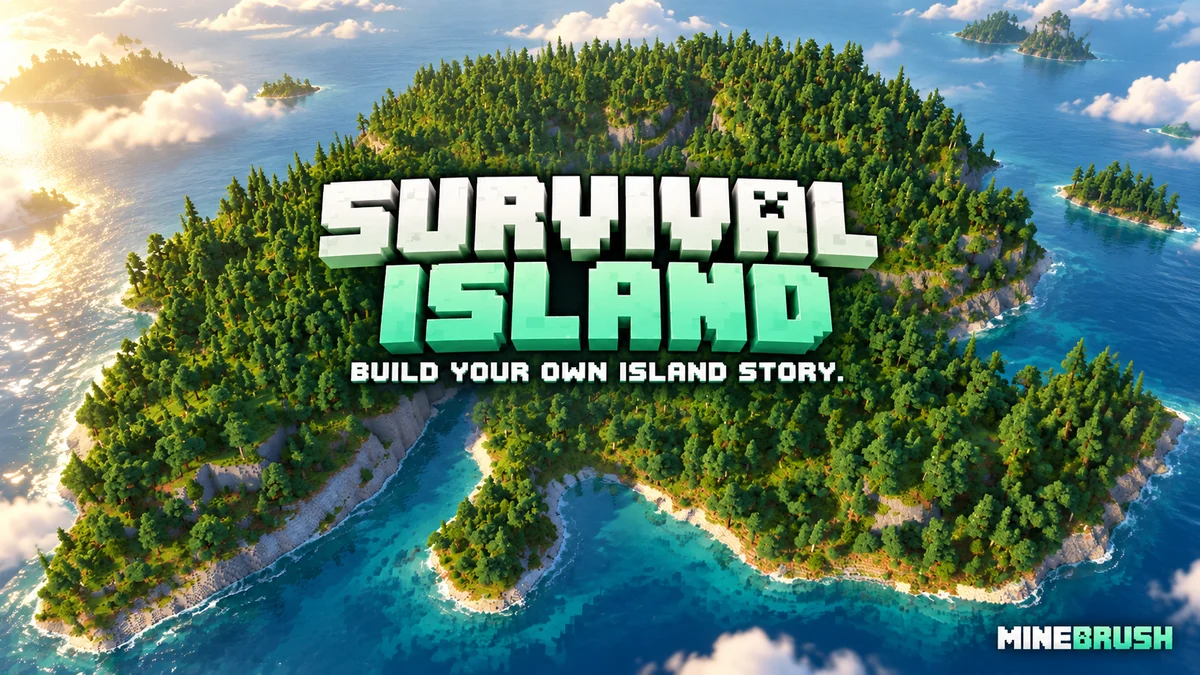
Survival Island
v1.5Make a forested island your next survival home. Explore cliffs and waterways, choose a base, switch the supplied world to Survival and download the Java map.
- Minecraft
- 1.21.9–1.21.11
- Genre
- Survival
- Players
- Solo or co-op
Choose Survival mode and difficulty before starting
Java · Map
Survival Island
Make a forested island your next survival home. Explore cliffs and waterways, choose a base, switch the supplied world to Survival and download the Java map.
Choose Survival mode and difficulty before starting
- Minecraft version
- 1.21.9–1.21.11
- Game edition
- Java Edition
- Loader / platform
- Vanilla
- Map genre
- Survival
- Recommended players
- Solo or co-op
- Platform family
- Java & PC
- Supported devices
- Java Edition on Windows, macOS and Linux
- Install format
- Extract the world folder into saves; choose Survival and difficulty
- Resource type
- Map
- Project version
- v1.5
- Last verified at
- Sep 14, 2026
- Compatibility confidence
- Source claimed
- Card evidence statement
- Forested island with cliffs, waterways and room for a survival base
- Map landmark
- Forested cliffs and sheltered waterways
- Map import route
- Extract the folder containing level.dat into your Java saves folder
- Card delivery statement
- Java world v1.5 · local ZIP download
- Card limitation note
- Choose Survival mode and difficulty before starting
- Edition applicability
- Java
- Delivery state
- Direct download
- Lifecycle state
- Current
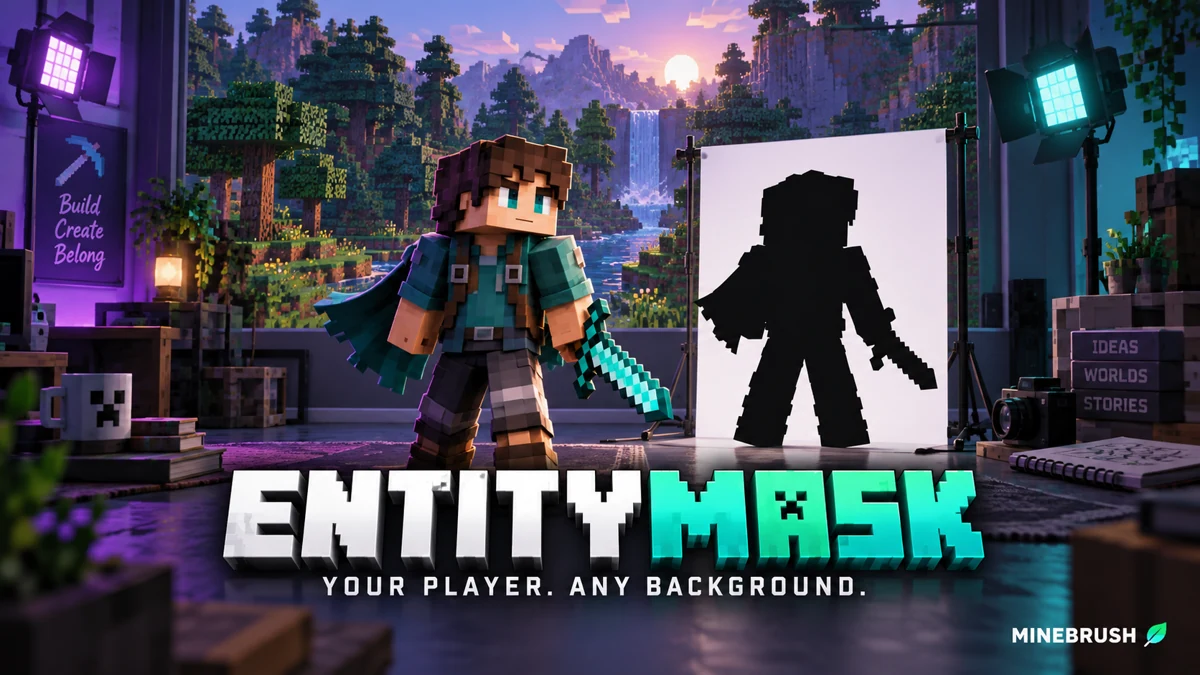
Cut your Minecraft player out of a recorded scene for intros, overlays and thumbnails. Download EntityMask 1.0 for Java 1.20–1.21.8, see the author's real mask previews, and learn how to align two recordings and keep the player with an inverted luma matte.
- Format
- Workflow
- Path
- Replay → normal recording + mask → video editor
- Output
- Player cutout for an intro, title effect or thumbnail
Version 1.0 beta; Java 26.x support is not listed.
MineBrush · Creator
EntityMask 1.0
Cut your Minecraft player out of a recorded scene for intros, overlays and thumbnails. Download EntityMask 1.0 for Java 1.20–1.21.8, see the author's real mask previews, and learn how to align two recordings and keep the player with an inverted luma matte.
Version 1.0 beta; Java 26.x support is not listed.
- Minecraft version
- Java 1.20–1.21.8
- Game edition
- Java Edition
- Loader / platform
- Not applicable
- License
- MIT
- Creator resource format
- Workflow
- Platform family
- Java & PC
- Supported devices
- Minecraft Java on desktop
- Install format
- ZIP → shaderpacks
- Touch readiness
- Not required
- Resource type
- Shader
- Last verified at
- Sep 18, 2026
- Compatibility confidence
- Source claimed
- Card evidence statement
- Record matching color and mask clips; combine them in your editor.
- Card delivery statement
- Shader ZIP · Iris or OptiFine required
- Card limitation note
- Version 1.0 beta; Java 26.x support is not listed.
- Edition applicability
- Java
- Tested environment
- Java with Iris or OptiFine; replay recorder and matte-capable video editor
- Example artifact path
- Replay → normal recording + mask → video editor
- Creator output
- Player cutout for an intro, title effect or thumbnail
- Estimated time
- 8 min read; recording time varies
- Guide difficulty
- Intermediate
- Delivery state
- Direct download
- Lifecycle state
- Current
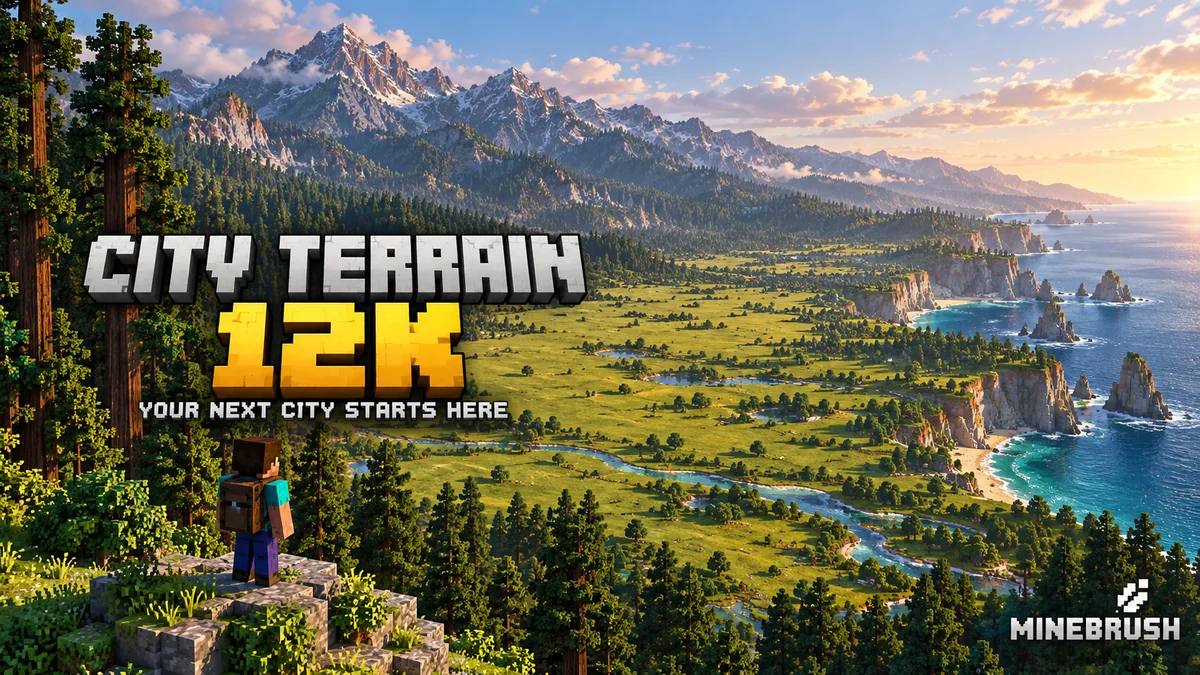
City Terrain 12K gives your next Java building project room to grow: plan coastal streets, lakeside towns, railways and parks across a vast custom landscape. Includes author images, practical starting ideas and clear creator-access details. The local ZIP contains links only; creator membership is advertised at USD 7/month.
- Minecraft
- Java 1.21+ (creator listing)
- Genre
- Creative
- Players
- Solo or shared creative building
Creative building terrain; Patreon membership advertised at USD 7/month
Java · Map
City Terrain 12K
City Terrain 12K gives your next Java building project room to grow: plan coastal streets, lakeside towns, railways and parks across a vast custom landscape. Includes author images, practical starting ideas and clear creator-access details. The local ZIP contains links only; creator membership is advertised at USD 7/month.
Creative building terrain; Patreon membership advertised at USD 7/month
- Minecraft version
- Java 1.21+ (creator listing)
- Game edition
- Java Edition
- Loader / platform
- Not applicable
- Map genre
- Creative
- Recommended players
- Solo or shared creative building
- Platform family
- Java PC
- Supported devices
- Windows · macOS · Linux · Minecraft Java Edition
- Install format
- TXT creator links in ZIP — not a Minecraft world
- Resource type
- Map
- Last verified at
- Sep 16, 2026
- Compatibility confidence
- Source claimed
- Card evidence statement
- 12K creative landscape: coast, forests, lakes and mountains
- Required dependency
- Vanilla Java world; no required building mod listed
- Map landmark
- 12,000 × 12,000 city terrain
- Map import route
- Get the world from the author, then extract into Java saves
- Card delivery statement
- Creator-link ZIP only; Patreon advertised USD 7/month; no map included
- Card limitation note
- Creative building terrain; Patreon membership advertised at USD 7/month
- Edition applicability
- Java
- Delivery state
- External source
- Lifecycle state
- Current

Understand Minecraft 26, tell normal releases from test builds, and choose the right version for friends, servers and mods. Clear Java and Bedrock examples without the technical clutter.
- Topic
- Choosing your Minecraft version
- Scope
- None
- Evidence
- Official Minecraft sources · checked 9 Sep 2026
A shared “26” prefix never proves cross-edition compatibility.
MineBrush · News
Minecraft Versions Made Simple
Understand Minecraft 26, tell normal releases from test builds, and choose the right version for friends, servers and mods. Clear Java and Bedrock examples without the technical clutter.
A shared “26” prefix never proves cross-edition compatibility.
- Compatibility confidence
- Source claimed
- Card evidence statement
- Official policy and indexes checked 9 Sep 2026; client display NOT_OBSERVED.
- Card delivery statement
- Choose a version for everyday play or testing
- Card limitation note
- A shared “26” prefix never proves cross-edition compatibility.
- Edition applicability
- Java + Bedrock
- News topic
- Choosing your Minecraft version
- Public news evidence label
- Official Minecraft sources · checked 9 Sep 2026
- Delivery state
- No file
- Lifecycle state
- Current
- News evidence type
- Official Minecraft source
Player discussion 0
Questions, discoveries and help from other players.