
MineBrush publication
City Terrain 12K for Minecraft Java: Build Cities, Towns and Coastal Districts
City Terrain 12K gives your next Java building project room to grow: plan coastal streets, lakeside towns, railways and parks across a vast custom landscape. Includes author images, practical starting ideas and clear creator-access details. The local ZIP contains links only; creator membership is advertised at USD 7/month.
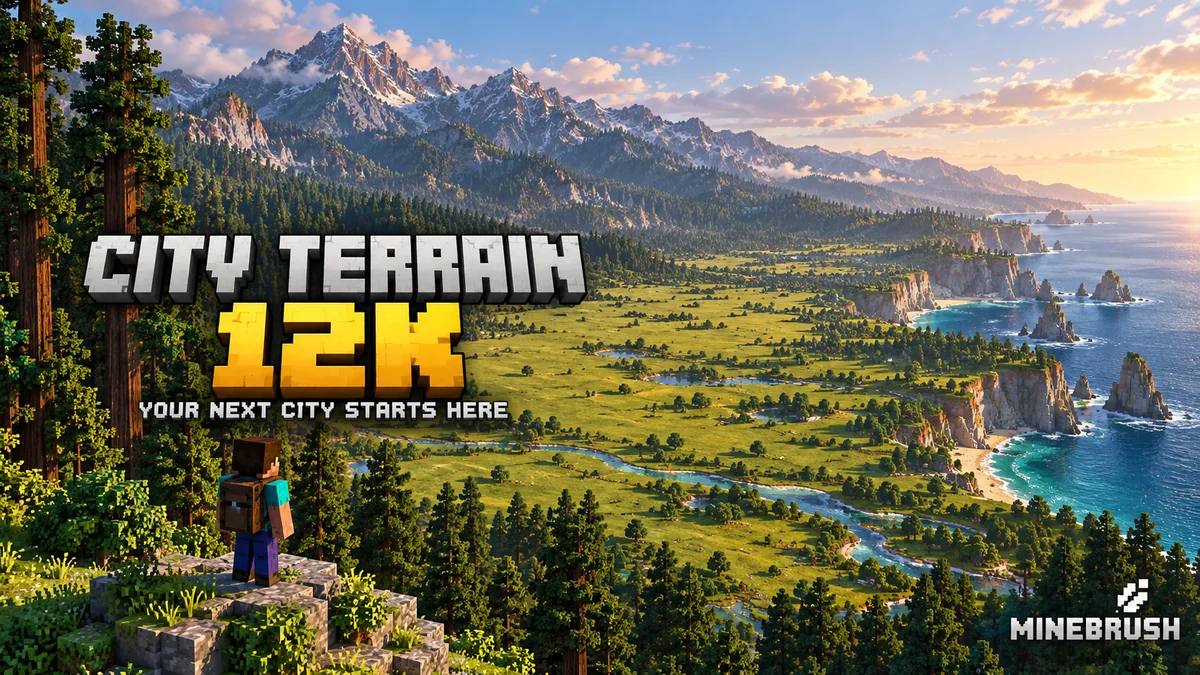
City Terrain 12K is a custom Java landscape by Atlas World Studios for building your own cities and towns. Its 12,000 × 12,000-block canvas combines open building areas, forests, lakes, mountains and an eastern coastline. Think of it as the land for your next project: the city is what you create.
The creator describes these maps as made for Creative mode, not survival-friendly. Choose this world for architecture, a shared building project or a scenic setting. It is not a ready-made adventure with quests or a finished city to explore.
What could you build here?
- A coastal city: use a flatter area for the centre and extend a harbour toward the water. Reserve the steep shoreline for promenades, stairs and viewpoints rather than forcing every street into a grid.
- A chain of small towns: build one settlement near a lake, another in a valley and connect them by a railway or road. Different terrain gives each district its own identity.
- A national park: keep the big trees and mountain silhouettes, then add trails, ranger stations, cabins and bridges. Small buildings can make the landscape feel larger.
- A mountain stronghold: fit towers to ridgelines and use tunnels or switchbacks for access. Leave the surrounding peaks visible so the building works with the skyline.
- A creative server: divide the world into districts for friends, agree on road connections and protect shared landscape features before large edits.
Read the landscape before laying streets
Start with one district. Fly around a candidate site and compare its slopes, shoreline and access to the next valley. Place temporary coloured blocks at the corners of the first neighbourhood, then walk through it at ground level. A site that looks small from the air may already have room for a substantial project.
Reserve transport space early: a station approach, bridge landing or road junction takes more room than a narrow line on an overview. Keep roads along gentler contours where possible; use a deliberate cutting, tunnel or viaduct when crossing steep ground. These are building suggestions, not structures supplied with the map.
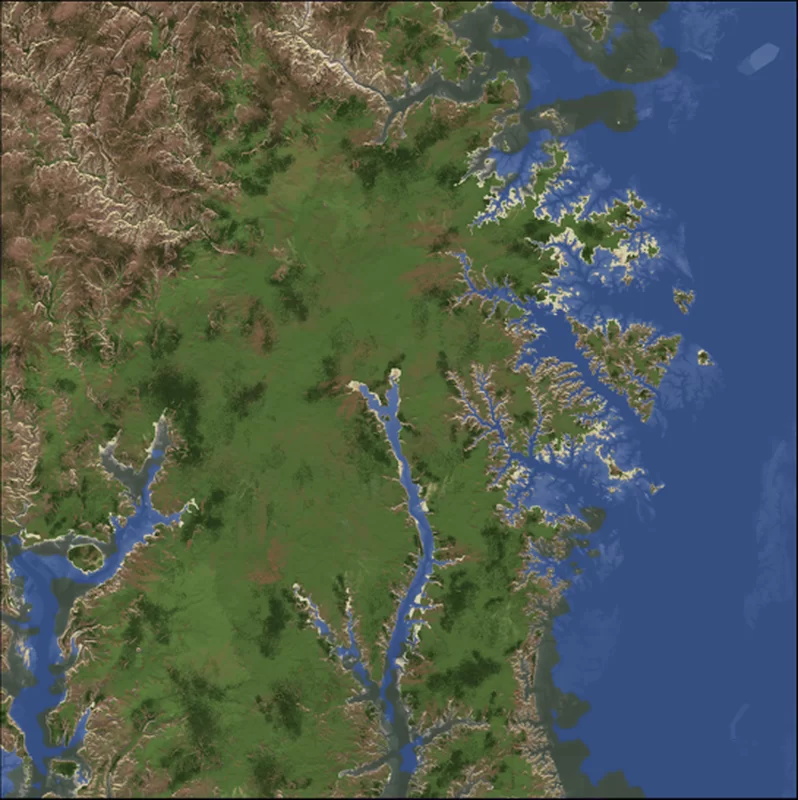
The creator places mountains along the northern and western sides and the sea to the east. Use those broad landmarks to orient your project, then save the coordinates of your own construction sites. There are no confirmed ready-made city coordinates supplied in this guide.
Author gallery
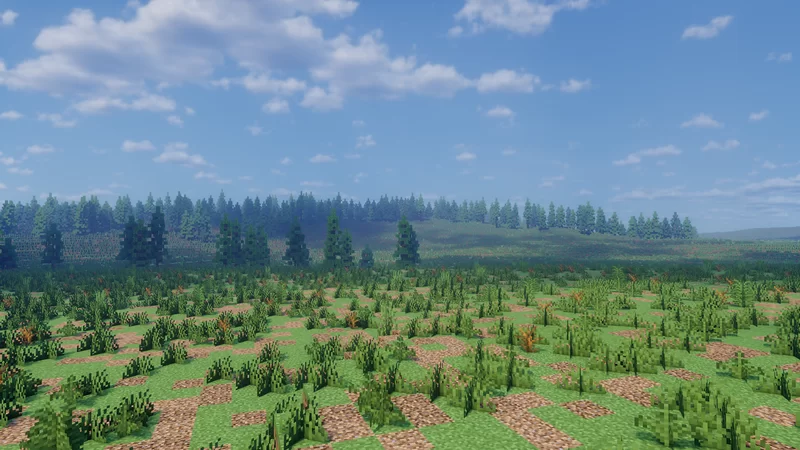
These two images are from Atlas World Studios’ project gallery. The overview helps compare broad building areas; the ground-level image shows the open terrain you start with. Click either image to view our preserved source copy, or open the author’s complete gallery for more views. Lighting and sky appearance can depend on the creator’s visual settings.
Download and compatibility
Creator access: Patreon membership advertised at USD 7/month. Confirm that this exact City Terrain 12K project is included in your chosen tier before subscribing. This is a recurring membership price, not a confirmed one-time map price. Price checked September 16, 2026; current checkout terms may differ.
The free MineBrush ZIP below contains a TXT with creator links only. No Minecraft world is included. You can save it for later, or use the direct map page and creator’s Patreon without downloading it. Obtain the actual Java world from the author before following the installation guide.
The author lists Minecraft Java 1.21 and above. This is a Java world, not a Bedrock .mcworld package. Keep an untouched copy before opening a save in a newer Minecraft version; world upgrades are not a reliable way to move back to an older release.
What the extra files are for
The creator lists in-game screenshots, an exported Xaero world map and the WorldPainter project among the included material. These have different jobs: the world save is what you open in Minecraft; the overview helps plan a layout; the WorldPainter project is for optional terrain editing. You do not need WorldPainter or Xaero merely to play an ordinary Java world save.
If you want to reshape a bay or prepare a new valley, use a separate WorldPainter project copy and export a new world. Keep the world containing your finished buildings separate so an experimental terrain export cannot replace your work.
Install the world obtained from the author
Do not put the MineBrush creator-link ZIP in your saves folder: it contains only links. For the standard launcher, the usual saves locations are %appdata%\.minecraft\saves on Windows and ~/Library/Application Support/minecraft/saves on macOS. On Mac, Finder → Go → Go to Folder opens that path. If you use a separate launcher instance, use its own game folder instead.
- Extract the downloaded archive. Locate the actual world folder containing
level.dat, rather than a wrapper containing screenshots or other files. - Find the
savesfolder for the Minecraft instance you will use. A launcher with separate instances may use a different directory from the default game. - Copy the whole world folder into
saves. The layout should besaves/WorldName/level.dat, not an additional world folder nested inside it. - Start the matching Java instance and select the world under Singleplayer. Work in a copy that you can identify as your building version.
- For a building session, use Creative mode if necessary. With commands enabled,
/gamemode creativelets you fly and choose blocks freely.
Build with friends
For a local session, the host can use Open to LAN after loading the world. For a dedicated Java server, stop the server before copying the complete world save, then select its folder using the server’s level-name setting. Back up the existing server world first.
Agree on the Minecraft version and any optional building mods. The map’s size does not establish how many players your server can support; choose view distance and other settings for the actual machine and the amount of simultaneous exploration.
Common problems
The map does not appear: check the selected launcher instance and the folder depth. Minecraft needs the world directory containing level.dat; a screenshot folder or WorldPainter project will not appear as a playable world.
The scenery differs from the screenshots: lighting can depend on the creator’s shaders and resource packs. Those visual settings are separate from the terrain. First make sure the world opens normally, then add optional visuals.
Flying across the map stutters: lower render distance and optional shader quality, and give chunks time to load. Starting with one compact district keeps a new building project easier to manage.
A new export or update seems to remove buildings: return to your backup of the built world. A fresh creator download or WorldPainter export is a different world copy; it does not automatically merge your construction.
A manageable first building session
- Choose one purpose: a waterfront neighbourhood, a lakeside town or a park entrance. Leave the rest of the 12K landscape for later.
- Mark the essentials: the main street, a public square and the connection to your next district. Save their coordinates or use signs so everyone can find them.
- Build one sample: finish a small house, shop or station frontage. Walk past it to judge road width and building height before copying the style.
- Connect it to the scenery: add paths, planted edges, stairs or a viewpoint. Keep useful existing trees and landforms where they fit your plan.
- Save a milestone copy: make a backup before major terrain changes or handing the world to another builder.
Creator and sources
Terrain by Atlas World Studios; the creator credits custom trees to Wet. This article concerns Custom map for City [12000x12000] 1.21+, published August 3, 2025. The similarly named older Island for City is a separate project.
- Original project and gallery
- Atlas World Studios: intended use and official downloads
- Wet — tree creator
- Planet Minecraft Java map installation guide
The MineBrush cover is an editorial illustration. The two images in the author gallery show the actual project. This guide is based on the creator’s published information; we have not played this world.
More for your Java setup.
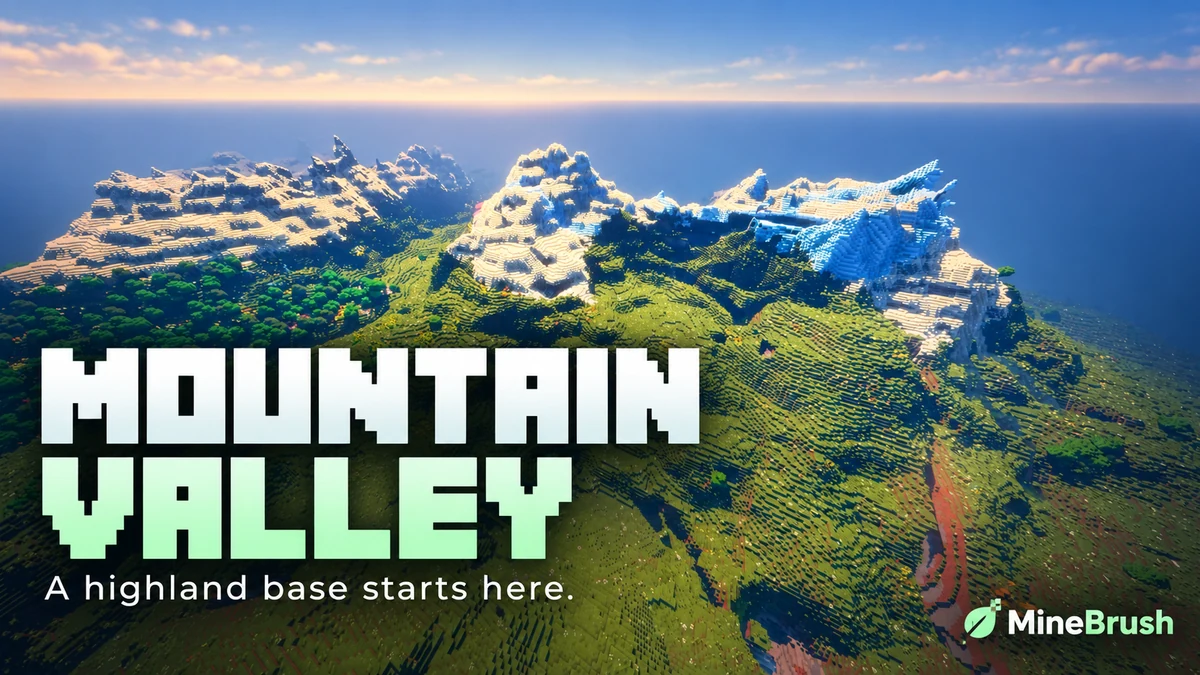
Mountain Range Village — Plan a highland base around a snowy mountain landscape. Copy the Java 1.21.11 seed, see the author's original image and follow the coordinates to the reported village area.
- Minecraft
- 1.21.11
- Seed
61925845031280000- Feature
- Mountain landscape and reported village
Destination away from spawn; source image uses Bliss shaders
Java · Seed
Mountain Range Village
Mountain Range Village — Plan a highland base around a snowy mountain landscape. Copy the Java 1.21.11 seed, see the author's original image and follow the coordinates to the reported village area.
Destination away from spawn; source image uses Bliss shaders
- Minecraft version
- 1.21.11
- Game edition
- Java Edition
- Loader / platform
- Not applicable
- License
- Seed shared by its discoverer; image credited to OkBreadfruit3797
- Key coordinates
- Mountain village · X -1939, Y 199, Z -857 · Overworld
- Platform family
- Java & PC
- Supported devices
- Minecraft Java Edition on Windows, macOS and Linux
- Install format
- Enter the seed in Create New World
- Touch readiness
- Not required
- Resource type
- Seed
- Seed value
- 61925845031280000
- Last verified at
- Sep 14, 2026
- Compatibility confidence
- Source claimed
- Card evidence statement
- Java 1.21.11 report by the discoverer
- Card delivery statement
- Copy seed · create a new world
- Card limitation note
- Destination away from spawn; source image uses Bliss shaders
- Copy availability
- Copy available
- Java seed feature
- Mountain landscape and reported village
- Edition applicability
- Java
- Delivery state
- No file
- Lifecycle state
- Current
61925845031280000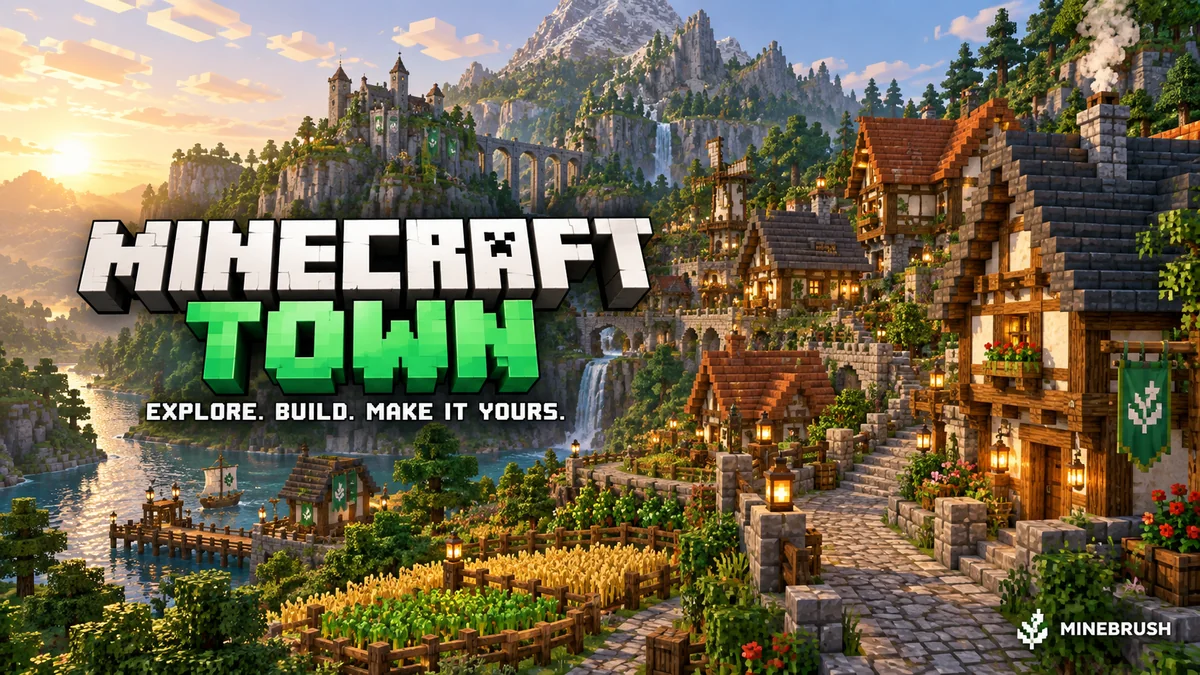
Minecraft Town
v1.21Minecraft Town is a medieval Java world with winding paths, farmland, detailed buildings and a dramatic rocky skyline. Explore it, extend the town or turn its centre into a meeting place for friends. Includes five author screenshots, practical setup and lobby ideas. Creator price: USD 4; the MineBrush ZIP contains links only.
- Minecraft
- Java 1.21–26.2 (listed releases below)
- Genre
- Creative
- Players
- Solo, friends or server lobby
Author map USD 4; free MineBrush ZIP contains creator links only
Java · Map
Minecraft Town
Minecraft Town is a medieval Java world with winding paths, farmland, detailed buildings and a dramatic rocky skyline. Explore it, extend the town or turn its centre into a meeting place for friends. Includes five author screenshots, practical setup and lobby ideas. Creator price: USD 4; the MineBrush ZIP contains links only.
Author map USD 4; free MineBrush ZIP contains creator links only
- Minecraft version
- Java 1.21–26.2 (listed releases below)
- Game edition
- Java Edition
- Loader / platform
- Vanilla
- Map genre
- Creative
- Recommended players
- Solo, friends or server lobby
- Platform family
- Java PC
- Supported devices
- Windows · macOS · Linux · Minecraft Java Edition
- Install format
- TXT creator links in ZIP — not a Minecraft world
- Resource type
- Map
- Project version
- v1.21
- Last verified at
- Sep 16, 2026
- Compatibility confidence
- Source claimed
- Card evidence statement
- Medieval town, custom cliffs, farmland and detailed interiors
- Required dependency
- No required building mod listed; Axiom is optional
- Map landmark
- Medieval town and landscaping project
- Map import route
- Buy author world, extract into Java saves
- Card delivery statement
- Creator-link ZIP only; map USD 4 at BuiltByBit; no map included
- Card limitation note
- Author map USD 4; free MineBrush ZIP contains creator links only
- Edition applicability
- Java
- Delivery state
- External source
- Lifecycle state
- Current

Understand Minecraft 26, tell normal releases from test builds, and choose the right version for friends, servers and mods. Clear Java and Bedrock examples without the technical clutter.
- Topic
- Choosing your Minecraft version
- Scope
- None
- Evidence
- Official Minecraft sources · checked 9 Sep 2026
A shared “26” prefix never proves cross-edition compatibility.
MineBrush · News
Minecraft Versions Made Simple
Understand Minecraft 26, tell normal releases from test builds, and choose the right version for friends, servers and mods. Clear Java and Bedrock examples without the technical clutter.
A shared “26” prefix never proves cross-edition compatibility.
- Compatibility confidence
- Source claimed
- Card evidence statement
- Official policy and indexes checked 9 Sep 2026; client display NOT_OBSERVED.
- Card delivery statement
- Choose a version for everyday play or testing
- Card limitation note
- A shared “26” prefix never proves cross-edition compatibility.
- Edition applicability
- Java + Bedrock
- News topic
- Choosing your Minecraft version
- Public news evidence label
- Official Minecraft sources · checked 9 Sep 2026
- Delivery state
- No file
- Lifecycle state
- Current
- News evidence type
- Official Minecraft source
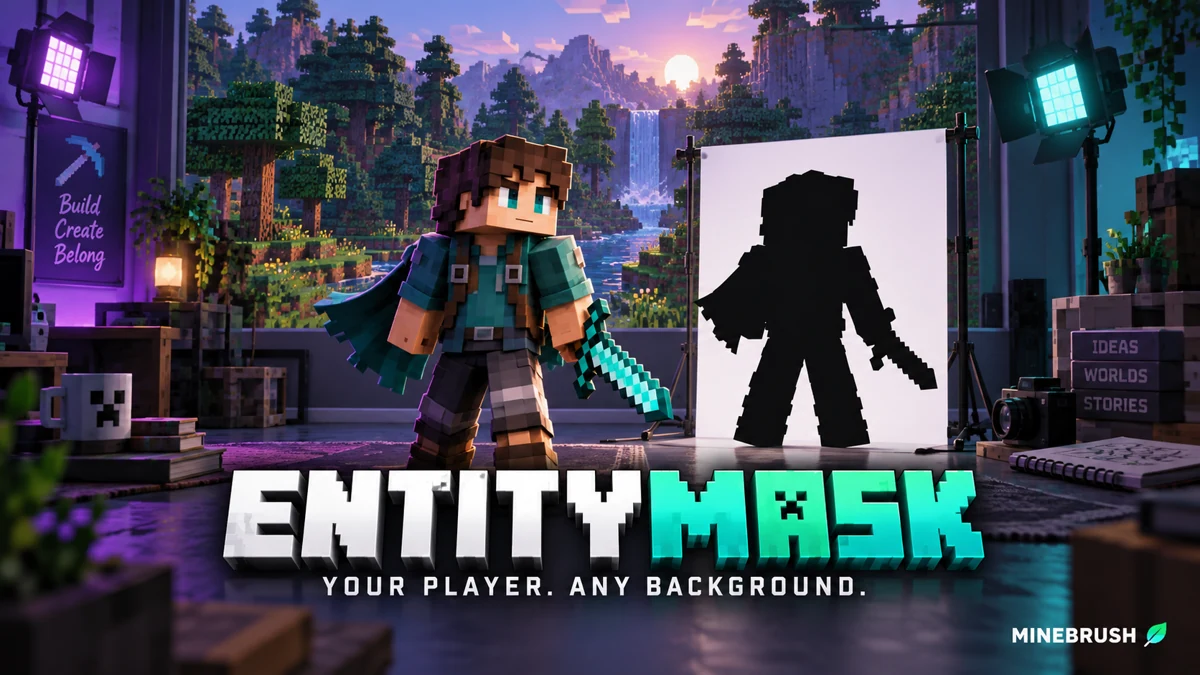
Cut your Minecraft player out of a recorded scene for intros, overlays and thumbnails. Download EntityMask 1.0 for Java 1.20–1.21.8, see the author's real mask previews, and learn how to align two recordings and keep the player with an inverted luma matte.
- Format
- Workflow
- Path
- Replay → normal recording + mask → video editor
- Output
- Player cutout for an intro, title effect or thumbnail
Version 1.0 beta; Java 26.x support is not listed.
MineBrush · Creator
EntityMask 1.0
Cut your Minecraft player out of a recorded scene for intros, overlays and thumbnails. Download EntityMask 1.0 for Java 1.20–1.21.8, see the author's real mask previews, and learn how to align two recordings and keep the player with an inverted luma matte.
Version 1.0 beta; Java 26.x support is not listed.
- Minecraft version
- Java 1.20–1.21.8
- Game edition
- Java Edition
- Loader / platform
- Not applicable
- License
- MIT
- Creator resource format
- Workflow
- Platform family
- Java & PC
- Supported devices
- Minecraft Java on desktop
- Install format
- ZIP → shaderpacks
- Touch readiness
- Not required
- Resource type
- Shader
- Last verified at
- Sep 18, 2026
- Compatibility confidence
- Source claimed
- Card evidence statement
- Record matching color and mask clips; combine them in your editor.
- Card delivery statement
- Shader ZIP · Iris or OptiFine required
- Card limitation note
- Version 1.0 beta; Java 26.x support is not listed.
- Edition applicability
- Java
- Tested environment
- Java with Iris or OptiFine; replay recorder and matte-capable video editor
- Example artifact path
- Replay → normal recording + mask → video editor
- Creator output
- Player cutout for an intro, title effect or thumbnail
- Estimated time
- 8 min read; recording time varies
- Guide difficulty
- Intermediate
- Delivery state
- Direct download
- Lifecycle state
- Current
Player discussion 0
Questions, discoveries and help from other players.