
MineBrush publication
OneBlock for Java 26.2: First Steps, Island Building and Trials
Turn one regenerating block into a sky island with farms, storage and room for adventure. Learn a practical first-session plan, resource-saving habits, trial preparation and multiplayer roles for Crimson Creations’ OneBlock on Java 26.2.
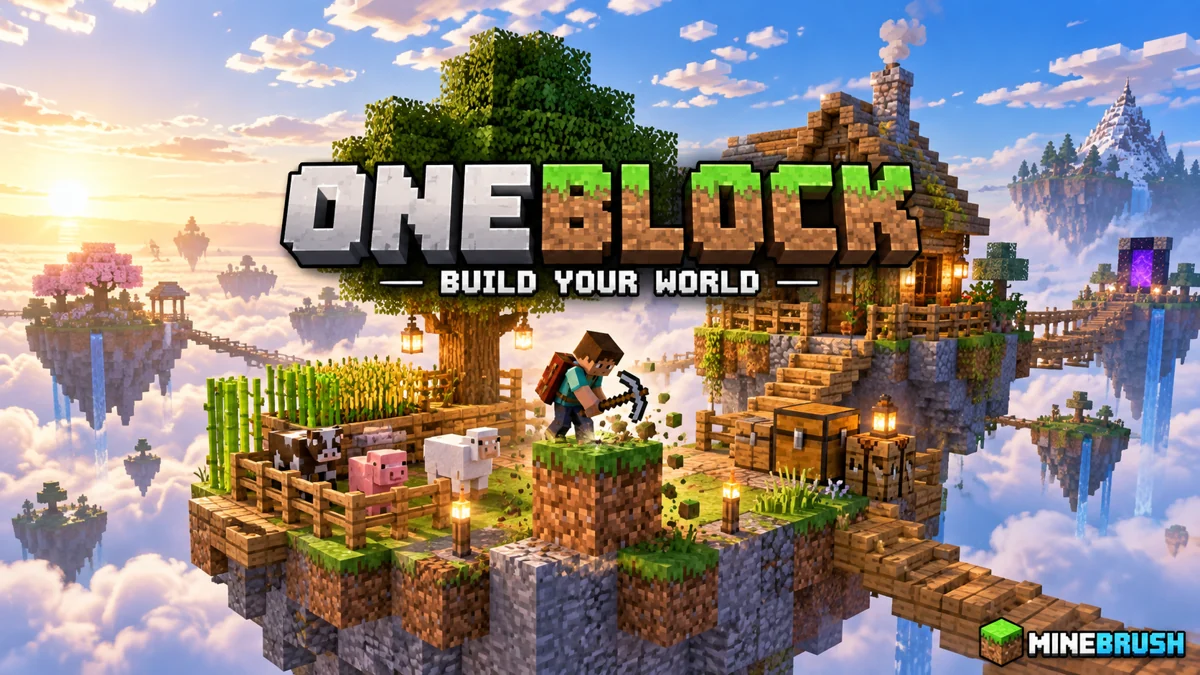
OneBlock is survival with a very small starting point and a world you build yourself. Mine the regenerating central block, use the materials it supplies and expand a platform into a home with storage, farms and room for new encounters. The pleasure comes from turning scarce early resources into a place that could not have existed when you started.
This page is for Crimson Creations’ Oneblock (Chaos Cubed!), published by Crepi, for Minecraft Java 26.2. It is a downloadable world save for solo or multiplayer play. It is separate from Bedrock One Block maps and server plugins that happen to use the same name. The images below are the creator’s promotional gallery, not a MineBrush playthrough; the cover is a MineBrush editorial illustration.
Your first goal: make a safe working platform
Do not judge the first session by how impressive the island looks. A small platform that catches drops and gives you space to move is more useful than a decorative bridge into the void.
- Read the map’s starting instructions. Keep its supplied progression system and world settings intact while learning how its block cycle works.
- Mine and collect before expanding. Use early ordinary building material to create standing room around the central block. Crouch when placing blocks at an exposed edge.
- Keep a clear working area. Do not put your only chest, a pet or a valuable decorative build directly beside the mining position.
- Make storage as materials allow. Put spare resources away frequently. Falling into the void should not cost everything you have collected.
- Separate useful supplies. Keep food, plantable items, saplings and unusual crafting ingredients distinct from blocks you are willing to spend on flooring.
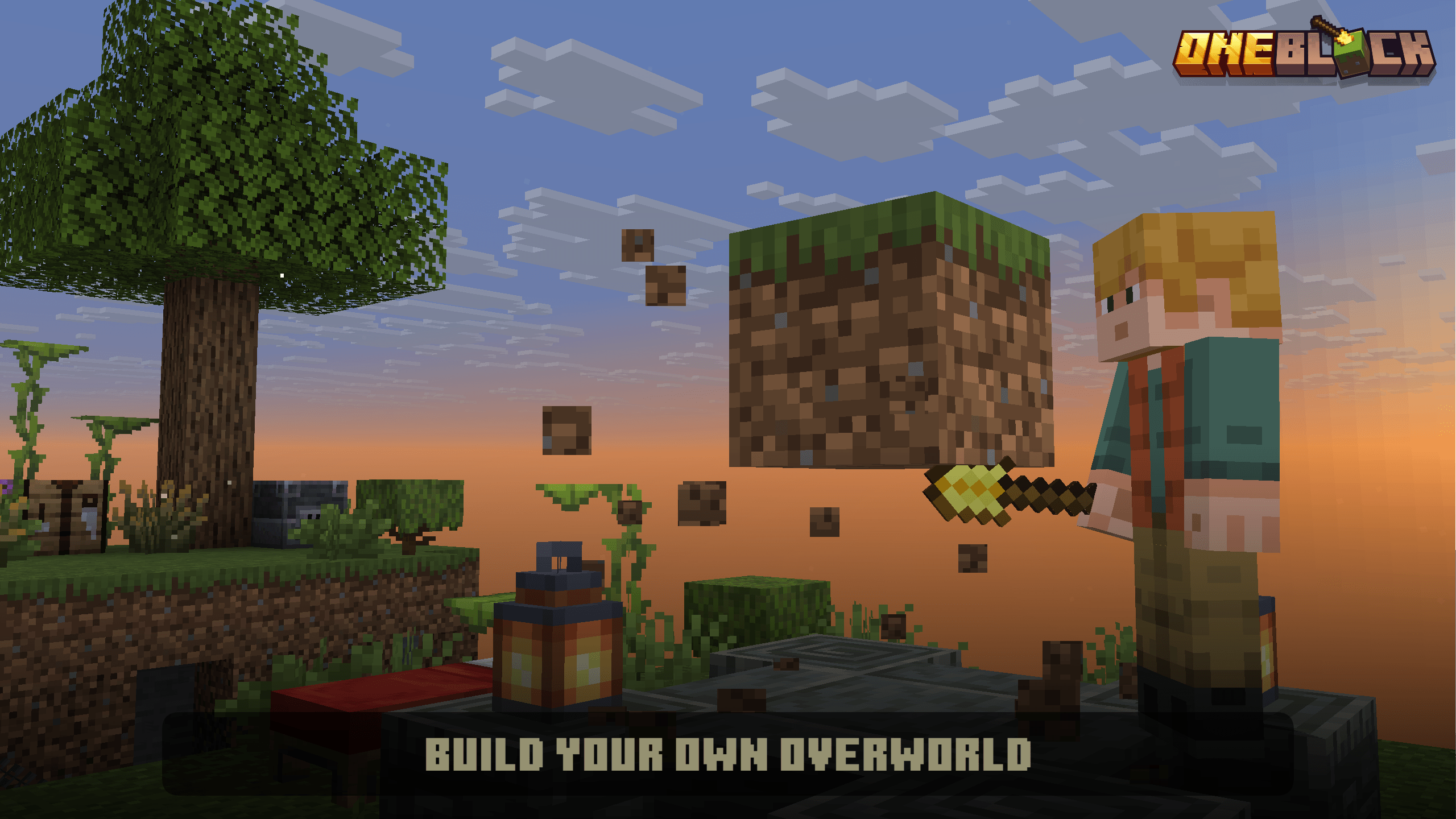
A practical first target: a platform wide enough to walk around the central block, an edge barrier, a chest away from the work area and a clearly marked place for growing a tree. That gives you a repeatable loop: mine, sort, improve the island, then mine again.
Keep resources working for you
In ordinary survival, a lost item may mean another trip to a nearby biome. On a OneBlock island, the replacement may depend on progression or a special recipe. Treat the first example of a useful resource as a starting supply rather than disposable clutter.
- Wood and saplings: once available, reserve space for renewable trees. Use cheap flooring around the growing area so drops have somewhere to land.
- Food and seeds: save planting material before using the whole supply. A reliable food area supports both mining and combat.
- Animals: prepare a pen and a safe route to it when the map provides animals. An unfenced platform beside the void is a poor permanent home.
- Unfamiliar materials: check the recipe book and map instructions before throwing them away. This map uses custom crafting to make otherwise hard-to-find resources accessible.
- Rare items: bring only what you need to a risky encounter. Keep the rest in a secure chest away from the action.
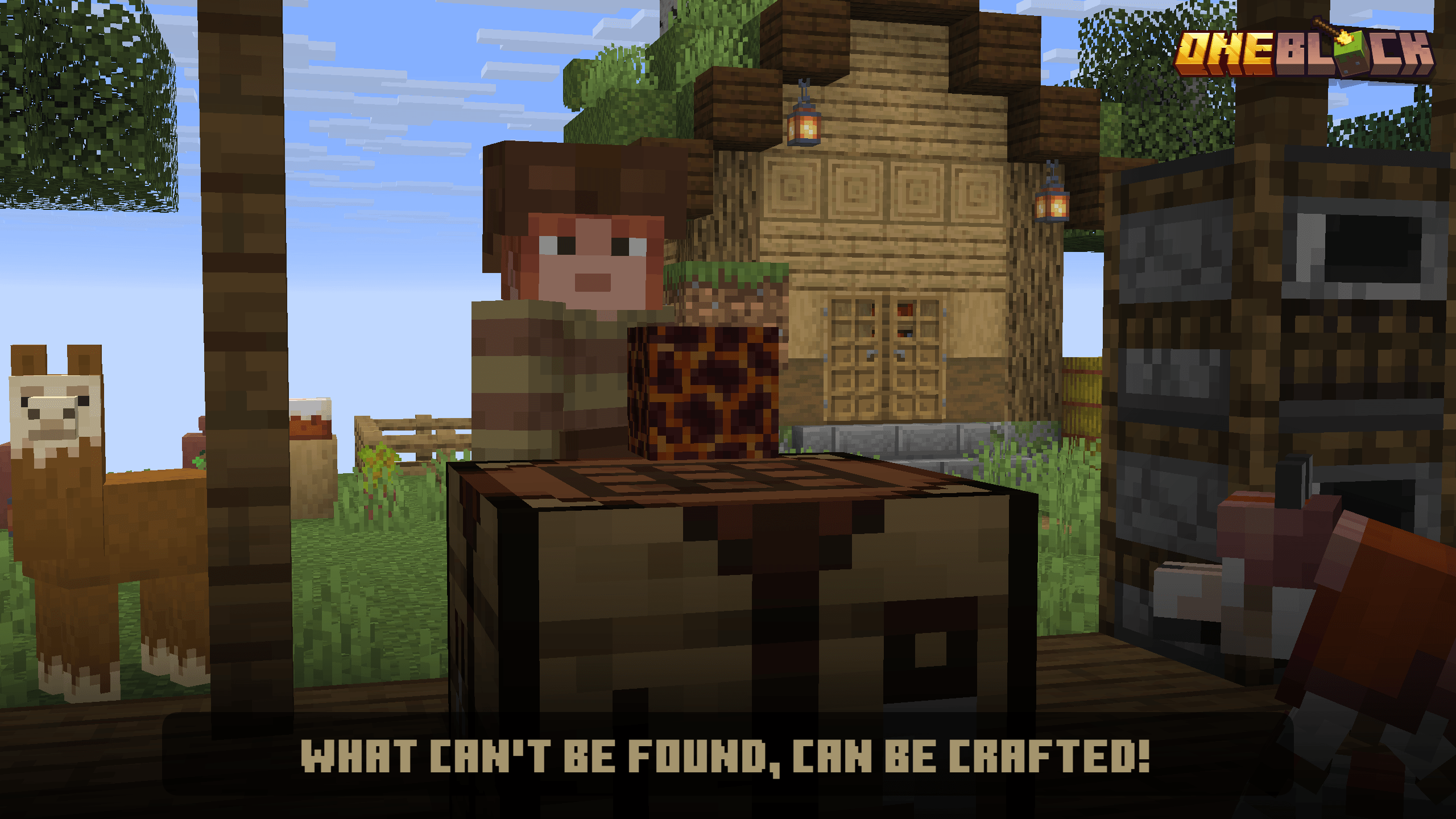
These are planning tips, not a promise that a particular item appears after a fixed number of blocks. Follow the progress information in the version you installed; block counts and phases from another OneBlock project are not instructions for this map.
Build an island that is easy to use
Give each activity its own space. A compact mining platform can connect to a storage room, a farm, an animal pen and a house through short, protected paths. This makes the island easier to navigate and leaves space to extend each area when new materials become available.
For a cosy survival project, make the home and crop garden the centre of the island, with the mining area a short distance away. For a larger build, use a main hub with bridges to themed islands. For a challenge run, keep the working base compact and use progression milestones as your goals rather than rushing to decorate every new platform.
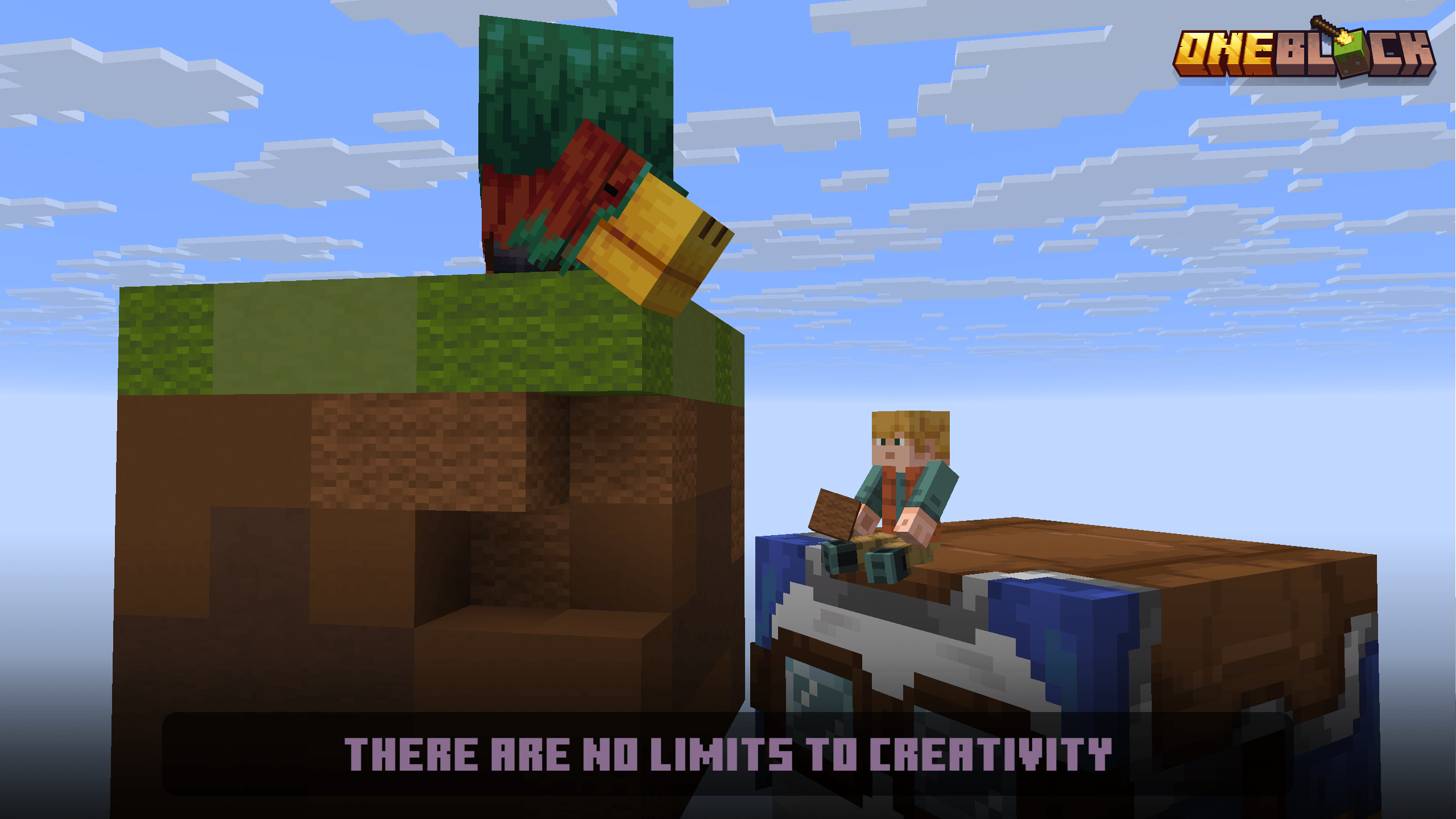
A useful rule is to build the safe route before the impressive destination. Add edge protection and lighting where appropriate, leave room for two players to pass, and avoid putting every essential chest on a narrow connecting bridge.
Trials, visitors and trading
The creator’s gallery shows combat trials and random traders or visitors. These add variety to the resource loop: sometimes preparation and decisions matter more than simply mining the next block.
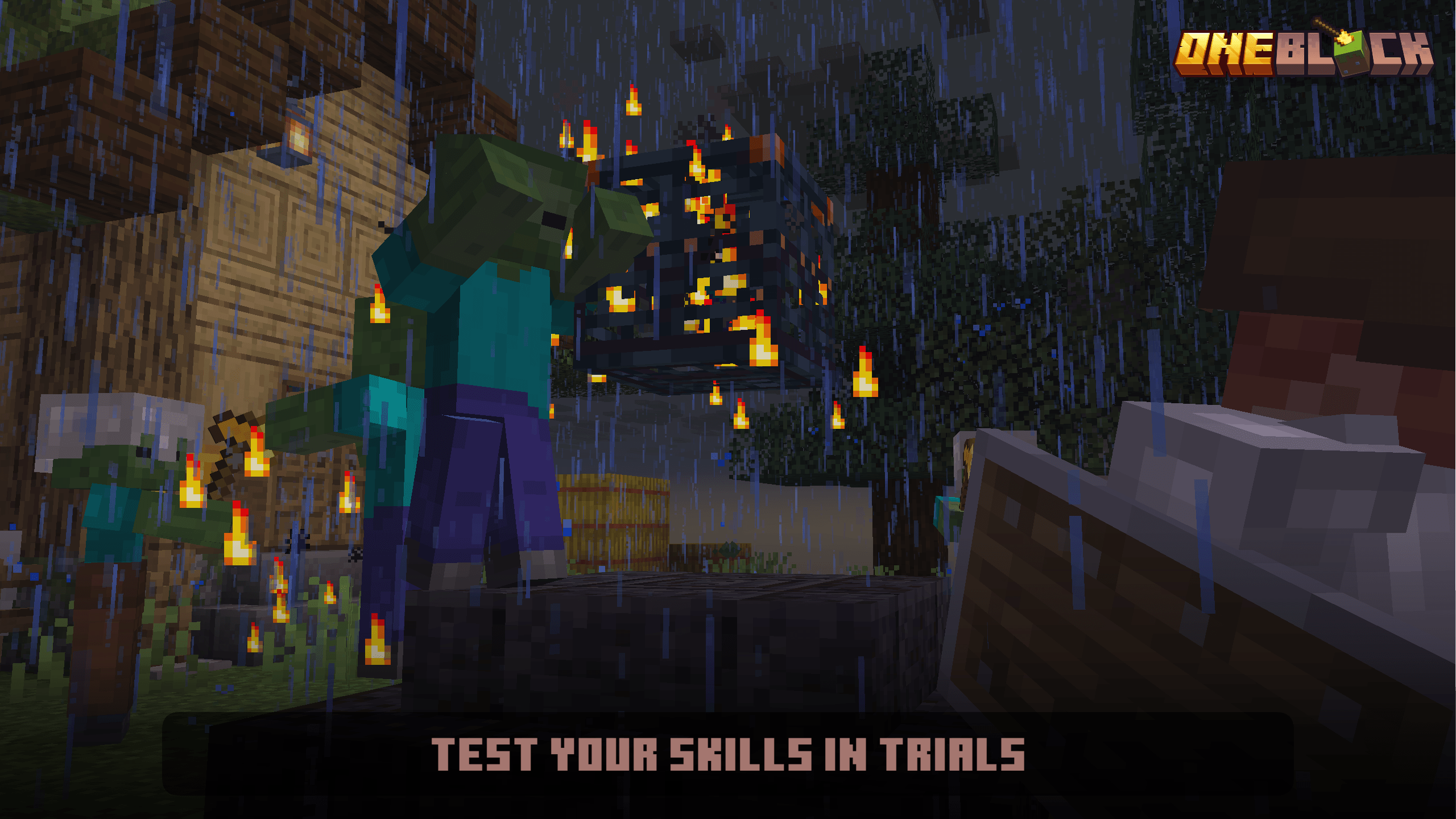
Before a combat attempt, store materials you cannot afford to lose, repair your equipment and bring food. Make sure the nearby area gives you room to move. If you are playing together, decide who handles combat and who stays responsible for the base instead of having everyone crowd the same vulnerable spot.
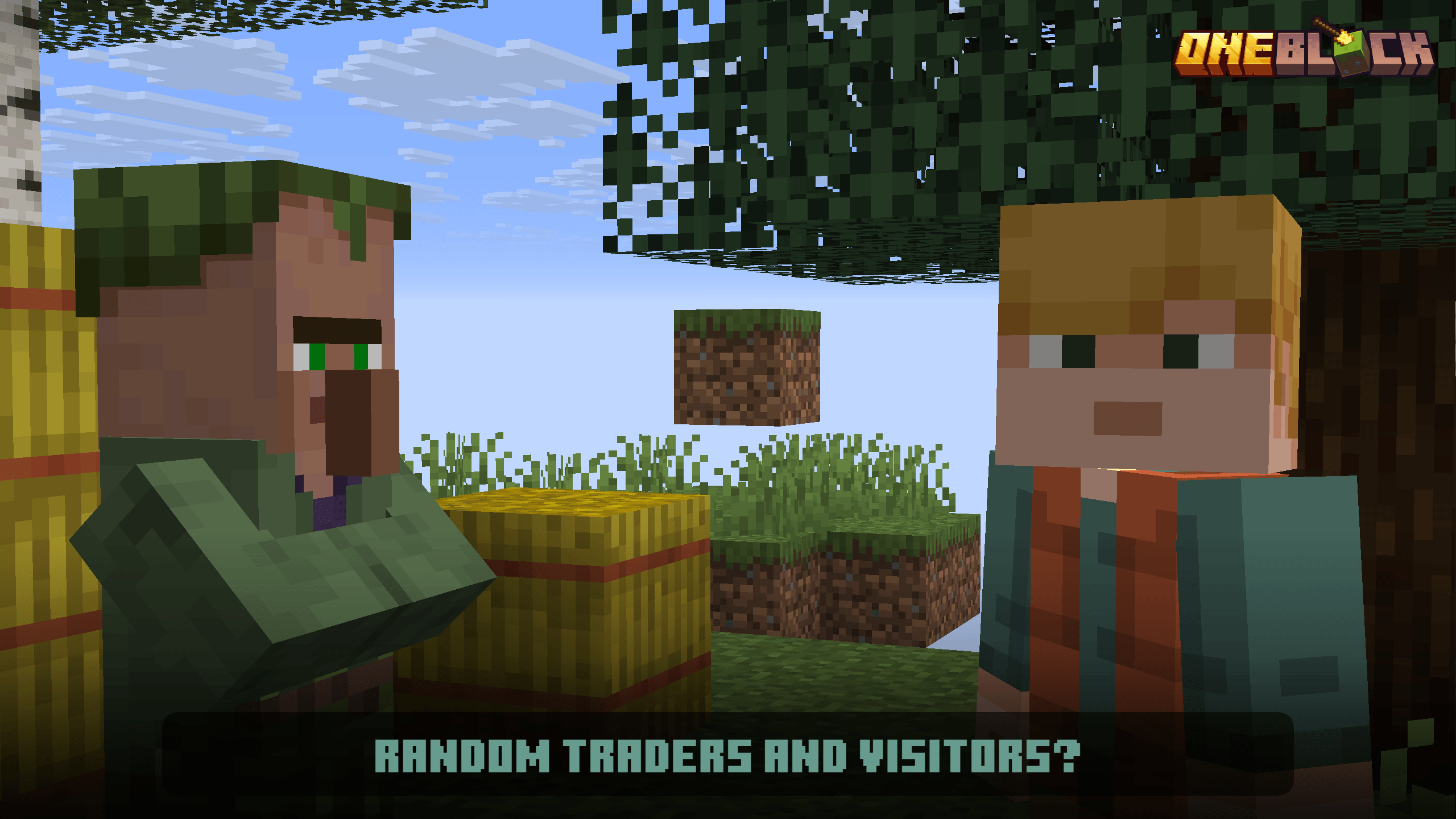
Inspect a visitor’s offers before spending supplies. An item that looks unnecessary now may solve a later resource problem. The creator’s June 17 update notes specifically added a Sulfur Bucket to Mysterious Trader trades and Sulfur and Cinnabar blocks to step 6. Read the current offer and map instructions rather than expecting every trader to sell the same items.
The Nether and later progression
The map’s gallery presents a buildable portal and an empty Nether with its own opportunities. This is not the same experience as walking into an ordinary, fully generated Nether landscape. Treat it as another area where safe platforms and a dependable route back matter.
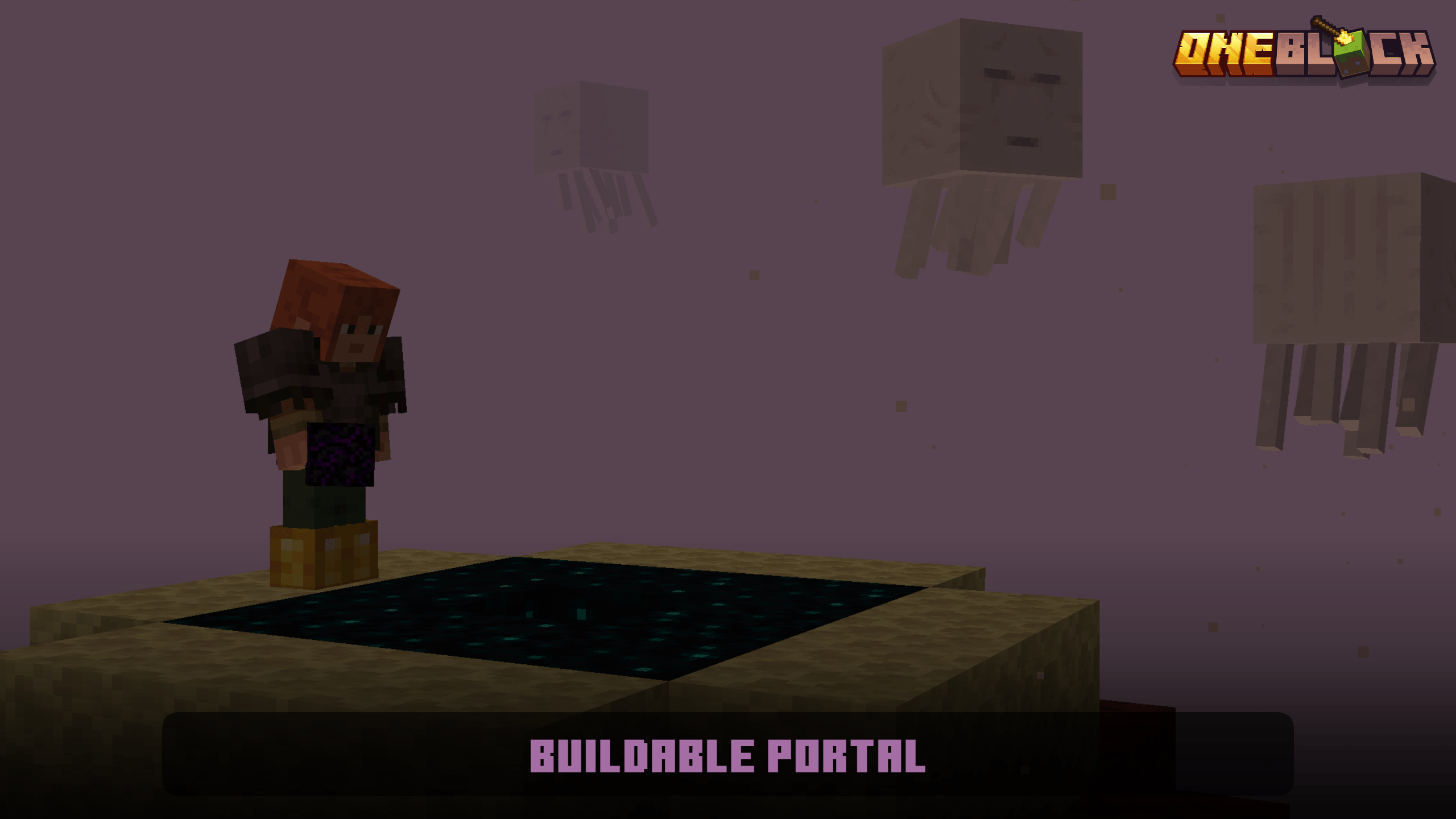
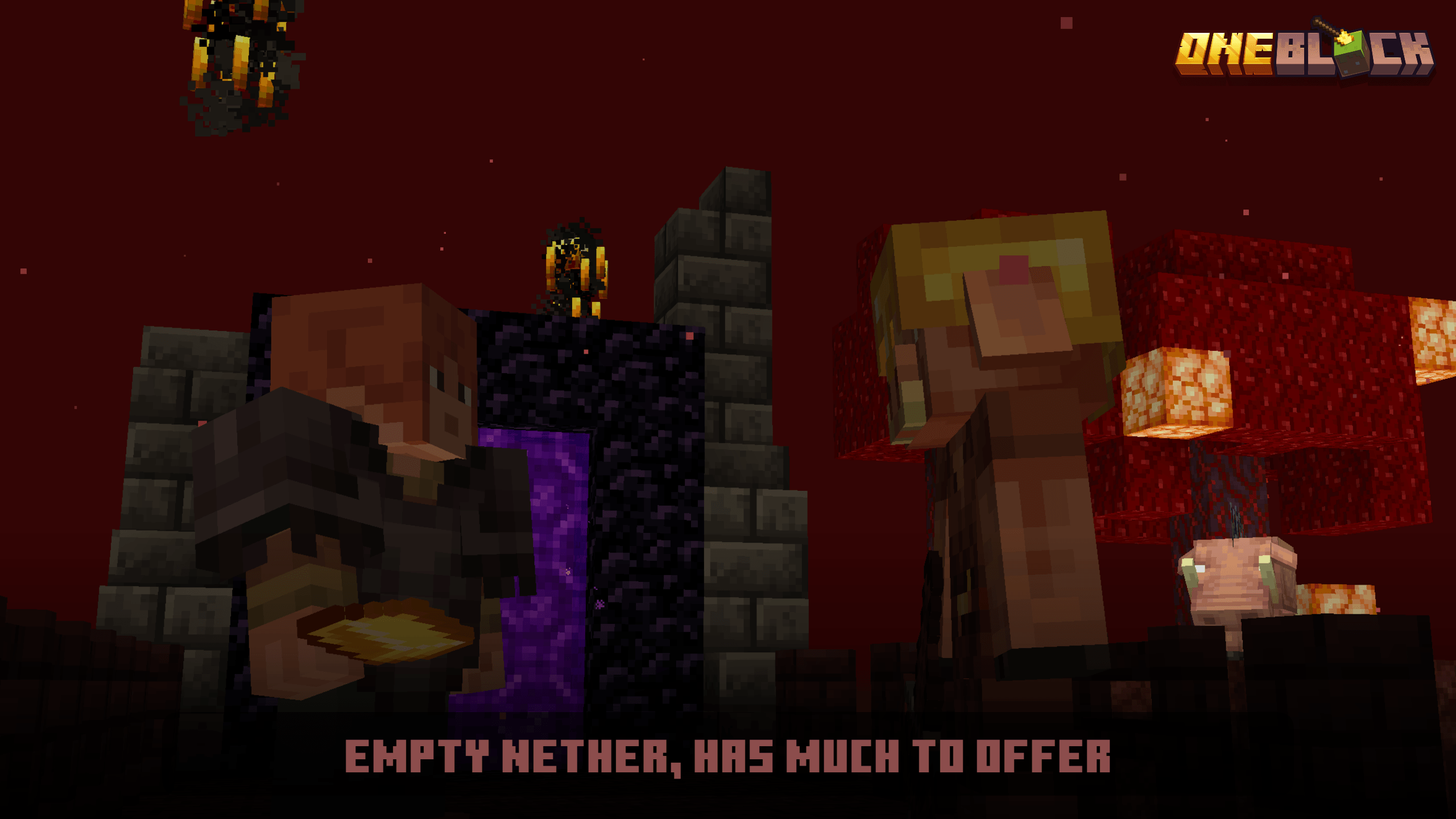
Before travelling, leave important supplies at home and take building blocks, food and equipment appropriate to the trip. Secure the arrival area before wandering away. In multiplayer, mark the return route so the next player is not left guessing where the group went.
Do not use commands or phase lists copied from a server plugin or a different creator’s map to force progression. If a step appears stuck, first check the map’s own instructions and the exact game version. A random command can hide the original problem or change the save in ways that are difficult to undo.
Which download should you choose?
The current main release is the June 29, 2026 Java 26.2 release. CurseForge labels the release v3.4.7, while its archive name says v4.3.7. Both labels currently refer to the same linked author release; you do not need to find and install two separate maps.
Download the original world archive below. It comes from the creator’s free Java 26.2 release. The author’s version history also contains older game targets. Choose a world for the Java version you intend to play, not merely the newest-looking filename.
The June 29 update fixes mob drops, adds a missing Cinnabar recipe, changes advancements and fixes the Bounce music-disc drop when the relevant creeper death is caused by a TNT Sulfur Cube. These are creator release notes; they do not establish that replacing an old world folder will preserve your island.
Install the world without the nested-folder mistake
- Choose a launcher profile for Minecraft Java 26.2, then close the game before copying a save.
- Extract the downloaded ZIP. Find the actual world folder: it should contain
level.datdirectly inside it. - Open the active launcher instance’s game directory and place that world folder inside
saves. - Start the matching profile and open Singleplayer. Select the imported world instead of creating a new seed.
- Read the starting instructions and begin from the supplied area. Keep the original ZIP as a clean restart copy.
If the world does not appear in Singleplayer, look for an extra outer folder. Minecraft needs saves/YourWorld/level.dat, not another folder between the world name and that file. Separate launcher instances can have different saves directories, so use the instance you actually launch.
This download is a world, not a Forge or Fabric mod. Do not place its ZIP in mods or resourcepacks, and do not create a new empty world and copy individual files into it. Preserve the map’s included folders together.
Playing together on one island
The creator lists both singleplayer and multiplayer support. Start with a fresh copy of the map for your group and use the matching Java version. For a dedicated server, stop it before installing the world and follow the host’s world-import instructions; keep the supplied map data intact.
Share roles rather than just tools. One person can mine while another expands the platform, another sorts supplies and another develops food production. Agree which resources are reserved, and keep a spare equipment chest for anyone who falls.
If players cannot interact near the starting area, have the server owner check spawn protection and permissions before changing the map itself. If progression works in singleplayer but fails on a modified server, compare with a clean matching setup and check the server’s data-pack support. Do not solve a hosting problem by dismantling the island’s central mechanism.
Keep progress when updating or troubleshooting
A new download is a complete world, not an automatic upgrade for your existing island. Back up the progressed world, read the author’s migration instructions if available and keep releases separate unless the creator explicitly documents how to transfer progress.
- The world looks like ordinary terrain: check that you opened the imported save, rather than a newly created world or a different launcher instance.
- The central block stops progressing: confirm the intended Java version and that the whole map folder was copied. Compare a fresh extracted copy before altering your progressed save.
- A custom recipe seems missing: consult the map’s recipe book and update notes. Avoid substituting a recipe from another OneBlock map.
- A fall costs valuable items: improve the working platform and storage routine before the next mining session. A world backup is a recovery option, but restoring it also rolls back later progress.
- You want to restart: extract a separate fresh copy and give it a distinct folder name. Keep the old island until you are sure you no longer need it.
Creator and sources: Oneblock (Chaos Cubed!) is a Crimson Creations project published by Crepi, with MCommandd listed as lead pack developer. See the official project, creator gallery, June 29 release, June 17 progression changes and official trailer. MineBrush’s preparation and building suggestions are editorial advice; no completed playthrough is claimed.
More for your Java setup.

Understand Minecraft 26, tell normal releases from test builds, and choose the right version for friends, servers and mods. Clear Java and Bedrock examples without the technical clutter.
- Topic
- Choosing your Minecraft version
- Scope
- None
- Evidence
- Official Minecraft sources · checked 9 Sep 2026
A shared “26” prefix never proves cross-edition compatibility.
MineBrush · News
Minecraft Versions Made Simple
Understand Minecraft 26, tell normal releases from test builds, and choose the right version for friends, servers and mods. Clear Java and Bedrock examples without the technical clutter.
A shared “26” prefix never proves cross-edition compatibility.
- Compatibility confidence
- Source claimed
- Card evidence statement
- Official policy and indexes checked 9 Sep 2026; client display NOT_OBSERVED.
- Card delivery statement
- Choose a version for everyday play or testing
- Card limitation note
- A shared “26” prefix never proves cross-edition compatibility.
- Edition applicability
- Java + Bedrock
- News topic
- Choosing your Minecraft version
- Public news evidence label
- Official Minecraft sources · checked 9 Sep 2026
- Delivery state
- No file
- Lifecycle state
- Current
- News evidence type
- Official Minecraft source
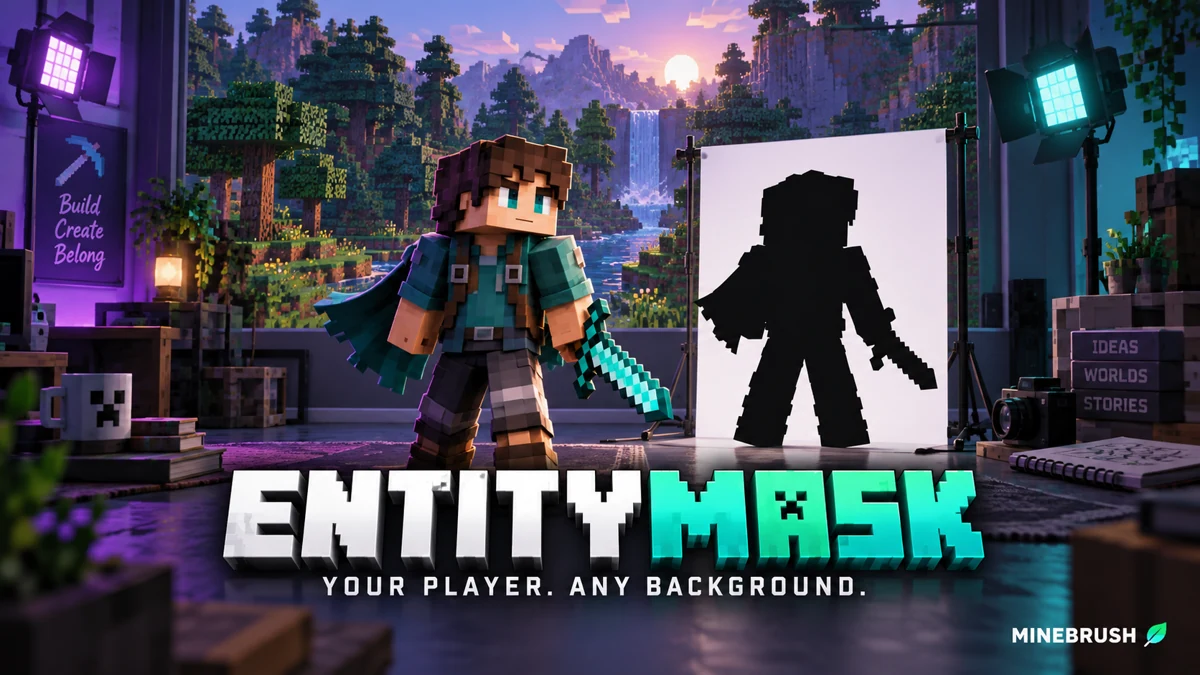
Cut your Minecraft player out of a recorded scene for intros, overlays and thumbnails. Download EntityMask 1.0 for Java 1.20–1.21.8, see the author's real mask previews, and learn how to align two recordings and keep the player with an inverted luma matte.
- Format
- Workflow
- Path
- Replay → normal recording + mask → video editor
- Output
- Player cutout for an intro, title effect or thumbnail
Version 1.0 beta; Java 26.x support is not listed.
MineBrush · Creator
EntityMask 1.0
Cut your Minecraft player out of a recorded scene for intros, overlays and thumbnails. Download EntityMask 1.0 for Java 1.20–1.21.8, see the author's real mask previews, and learn how to align two recordings and keep the player with an inverted luma matte.
Version 1.0 beta; Java 26.x support is not listed.
- Minecraft version
- Java 1.20–1.21.8
- Game edition
- Java Edition
- Loader / platform
- Not applicable
- License
- MIT
- Creator resource format
- Workflow
- Platform family
- Java & PC
- Supported devices
- Minecraft Java on desktop
- Install format
- ZIP → shaderpacks
- Touch readiness
- Not required
- Resource type
- Shader
- Last verified at
- Sep 18, 2026
- Compatibility confidence
- Source claimed
- Card evidence statement
- Record matching color and mask clips; combine them in your editor.
- Card delivery statement
- Shader ZIP · Iris or OptiFine required
- Card limitation note
- Version 1.0 beta; Java 26.x support is not listed.
- Edition applicability
- Java
- Tested environment
- Java with Iris or OptiFine; replay recorder and matte-capable video editor
- Example artifact path
- Replay → normal recording + mask → video editor
- Creator output
- Player cutout for an intro, title effect or thumbnail
- Estimated time
- 8 min read; recording time varies
- Guide difficulty
- Intermediate
- Delivery state
- Direct download
- Lifecycle state
- Current
Survival Island
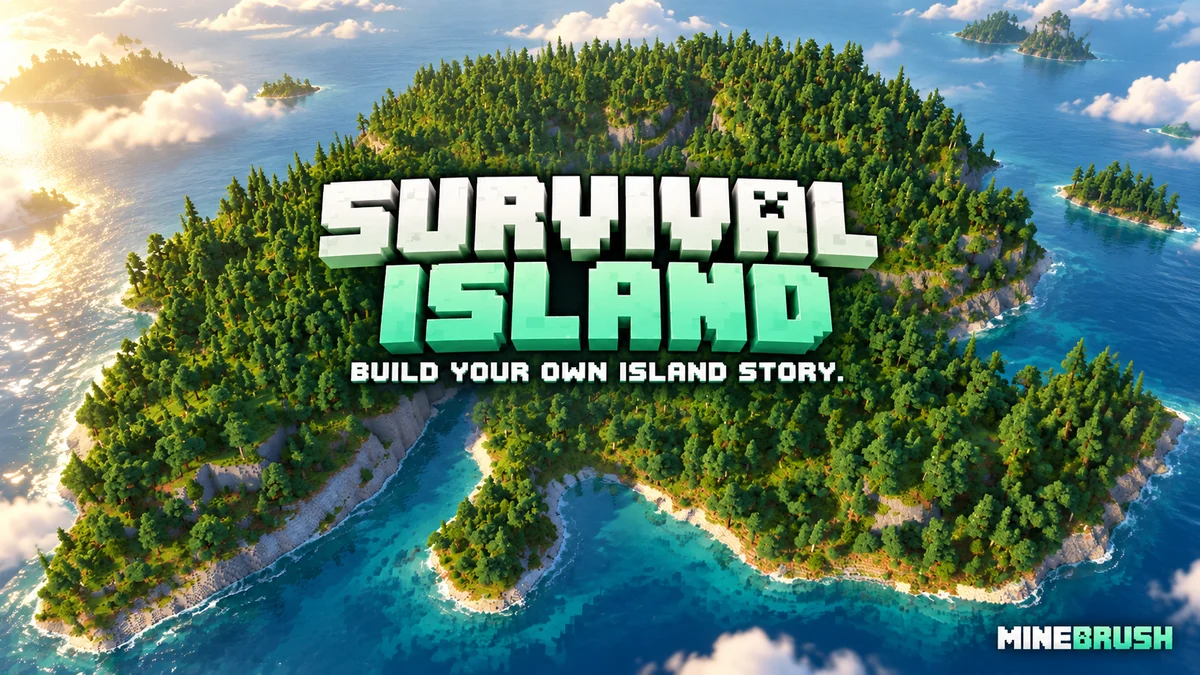
v1.5Make a forested island your next survival home. Explore cliffs and waterways, choose a base, switch the supplied world to Survival and download the Java map.
- Minecraft
- 1.21.9–1.21.11
- Genre
- Survival
- Players
- Solo or co-op
Choose Survival mode and difficulty before starting
Java · Map
Survival Island
Make a forested island your next survival home. Explore cliffs and waterways, choose a base, switch the supplied world to Survival and download the Java map.
Choose Survival mode and difficulty before starting
- Minecraft version
- 1.21.9–1.21.11
- Game edition
- Java Edition
- Loader / platform
- Vanilla
- Map genre
- Survival
- Recommended players
- Solo or co-op
- Platform family
- Java & PC
- Supported devices
- Java Edition on Windows, macOS and Linux
- Install format
- Extract the world folder into saves; choose Survival and difficulty
- Resource type
- Map
- Project version
- v1.5
- Last verified at
- Sep 14, 2026
- Compatibility confidence
- Source claimed
- Card evidence statement
- Forested island with cliffs, waterways and room for a survival base
- Map landmark
- Forested cliffs and sheltered waterways
- Map import route
- Extract the folder containing level.dat into your Java saves folder
- Card delivery statement
- Java world v1.5 · local ZIP download
- Card limitation note
- Choose Survival mode and difficulty before starting
- Edition applicability
- Java
- Delivery state
- Direct download
- Lifecycle state
- Current
Minecraft Town
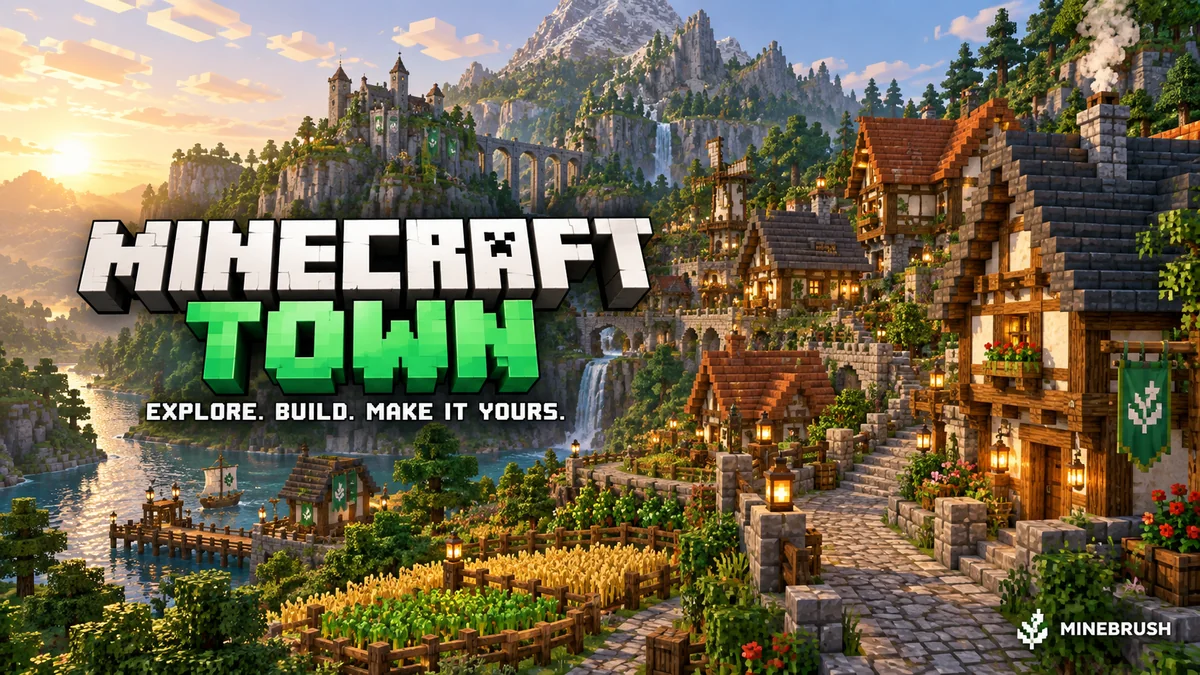
v1.21Minecraft Town is a medieval Java world with winding paths, farmland, detailed buildings and a dramatic rocky skyline. Explore it, extend the town or turn its centre into a meeting place for friends. Includes five author screenshots, practical setup and lobby ideas. Creator price: USD 4; the MineBrush ZIP contains links only.
- Minecraft
- Java 1.21–26.2 (listed releases below)
- Genre
- Creative
- Players
- Solo, friends or server lobby
Author map USD 4; free MineBrush ZIP contains creator links only
Java · Map
Minecraft Town
Minecraft Town is a medieval Java world with winding paths, farmland, detailed buildings and a dramatic rocky skyline. Explore it, extend the town or turn its centre into a meeting place for friends. Includes five author screenshots, practical setup and lobby ideas. Creator price: USD 4; the MineBrush ZIP contains links only.
Author map USD 4; free MineBrush ZIP contains creator links only
- Minecraft version
- Java 1.21–26.2 (listed releases below)
- Game edition
- Java Edition
- Loader / platform
- Vanilla
- Map genre
- Creative
- Recommended players
- Solo, friends or server lobby
- Platform family
- Java PC
- Supported devices
- Windows · macOS · Linux · Minecraft Java Edition
- Install format
- TXT creator links in ZIP — not a Minecraft world
- Resource type
- Map
- Project version
- v1.21
- Last verified at
- Sep 16, 2026
- Compatibility confidence
- Source claimed
- Card evidence statement
- Medieval town, custom cliffs, farmland and detailed interiors
- Required dependency
- No required building mod listed; Axiom is optional
- Map landmark
- Medieval town and landscaping project
- Map import route
- Buy author world, extract into Java saves
- Card delivery statement
- Creator-link ZIP only; map USD 4 at BuiltByBit; no map included
- Card limitation note
- Author map USD 4; free MineBrush ZIP contains creator links only
- Edition applicability
- Java
- Delivery state
- External source
- Lifecycle state
- Current
Player discussion 0
Questions, discoveries and help from other players.