
MineBrush publication
AziFy Revive 3.9 for Minecraft Bedrock 26.40
Give your Bedrock world reflective water, colourful skies and custom lighting. Download AziFy Revive 3.9, compare its gallery and choose a compatible Android or Windows shader-loader setup.
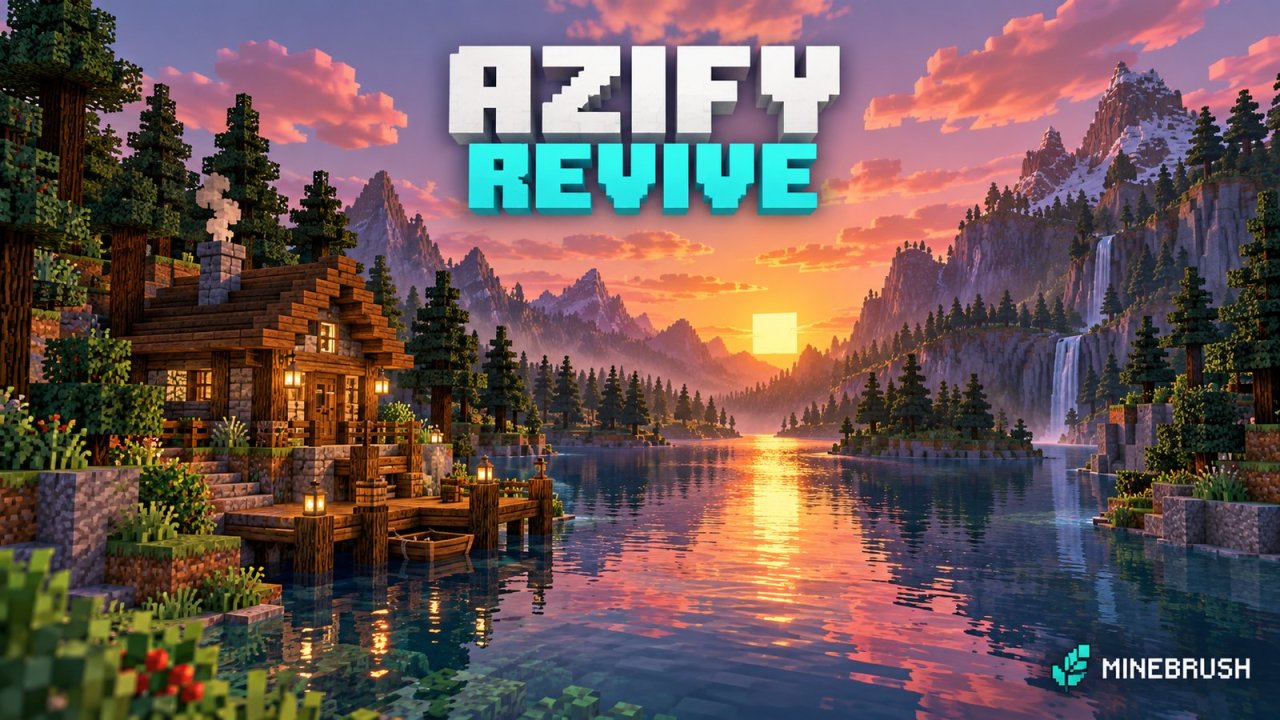
AziFy Revive changes the look of a Bedrock world with brighter sunlight, reflective surfaces, colourful skies and redesigned water. A familiar riverside base can feel very different at sunset without replacing its buildings. There is one important requirement before you download: AFR needs a compatible custom shader loader. Importing it into ordinary Bedrock or switching on Vibrant Visuals alone is not enough.
- Download: AziFy Revive 3.9 for Bedrock 26.40.
- Setup: Android or Windows with a compatible shader loader.
- Start with: DEFAULT_QUALITY, then try a lower quality profile if needed.
See the visual changes · Choose your setup · Choose a profile · Download AFR
Where AFR can make your world look different
Give a riverside build a sunset viewpoint
The river image below shows a bright strip of reflected sunlight and pink clouds over the water. For a lakeside house: try placing a bench or balcony where the river leads toward the horizon. You can use that view for a building showcase, or simply give yourself somewhere attractive to return after a mining trip.
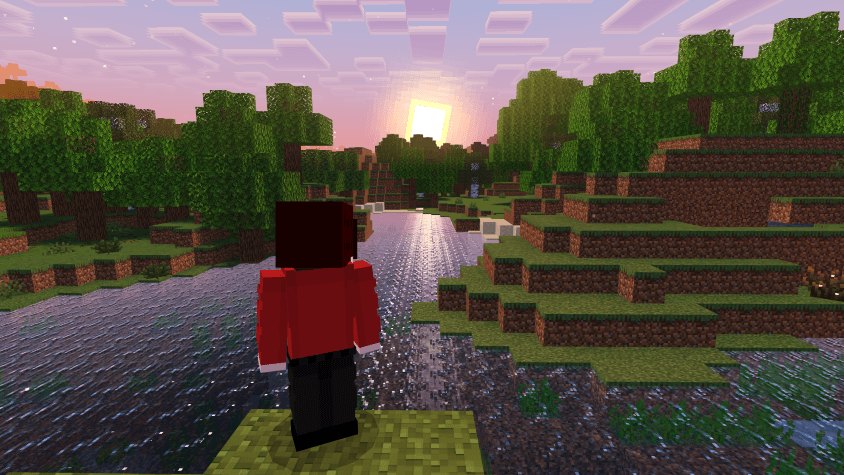
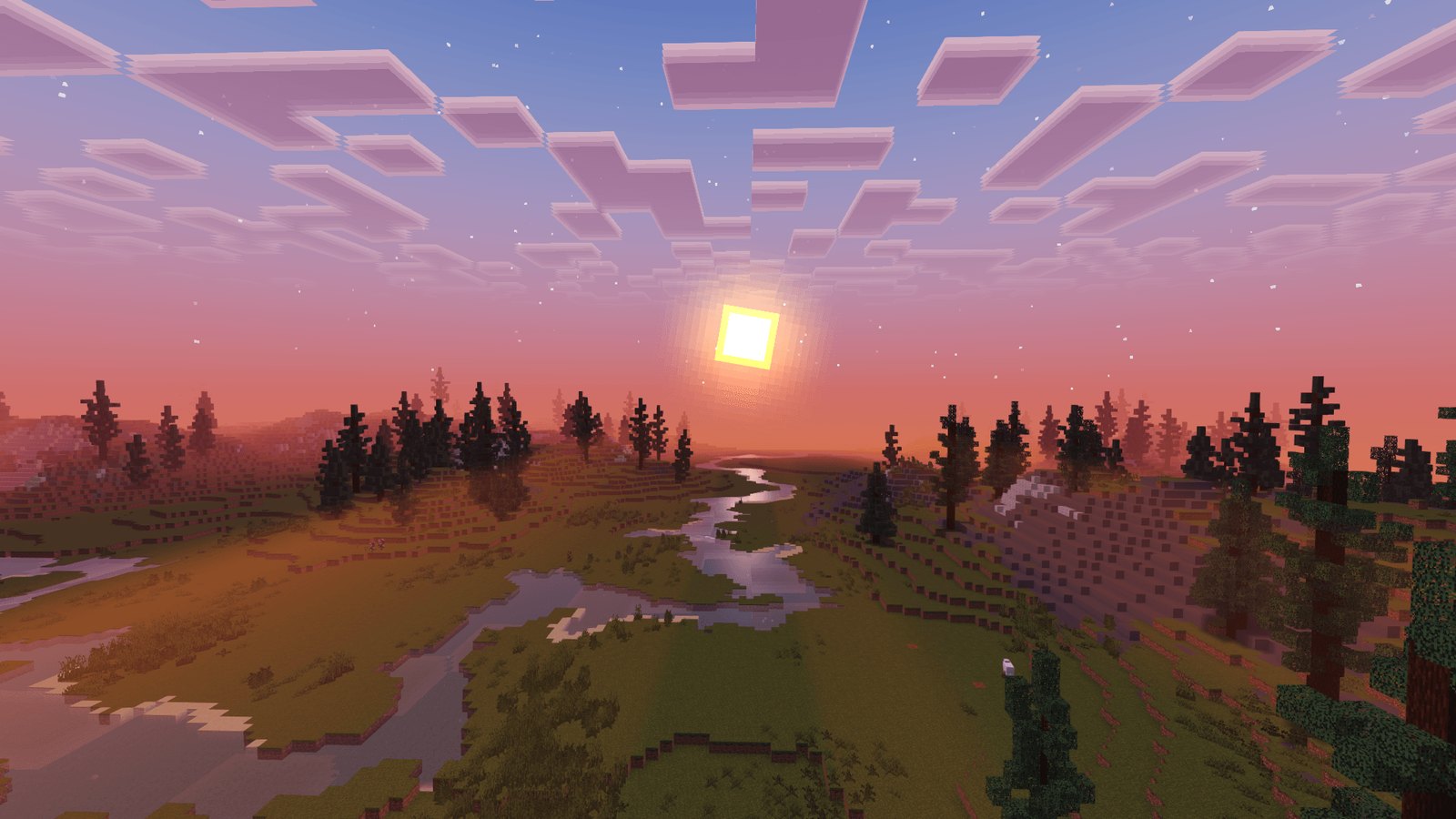
A higher viewpoint tells a different story. In the valley scene, the winding river guides your eye into the distance. For a large settlement: a lookout tower can show the relationship between roads, water and surrounding terrain more clearly than a close view from the doorstep.
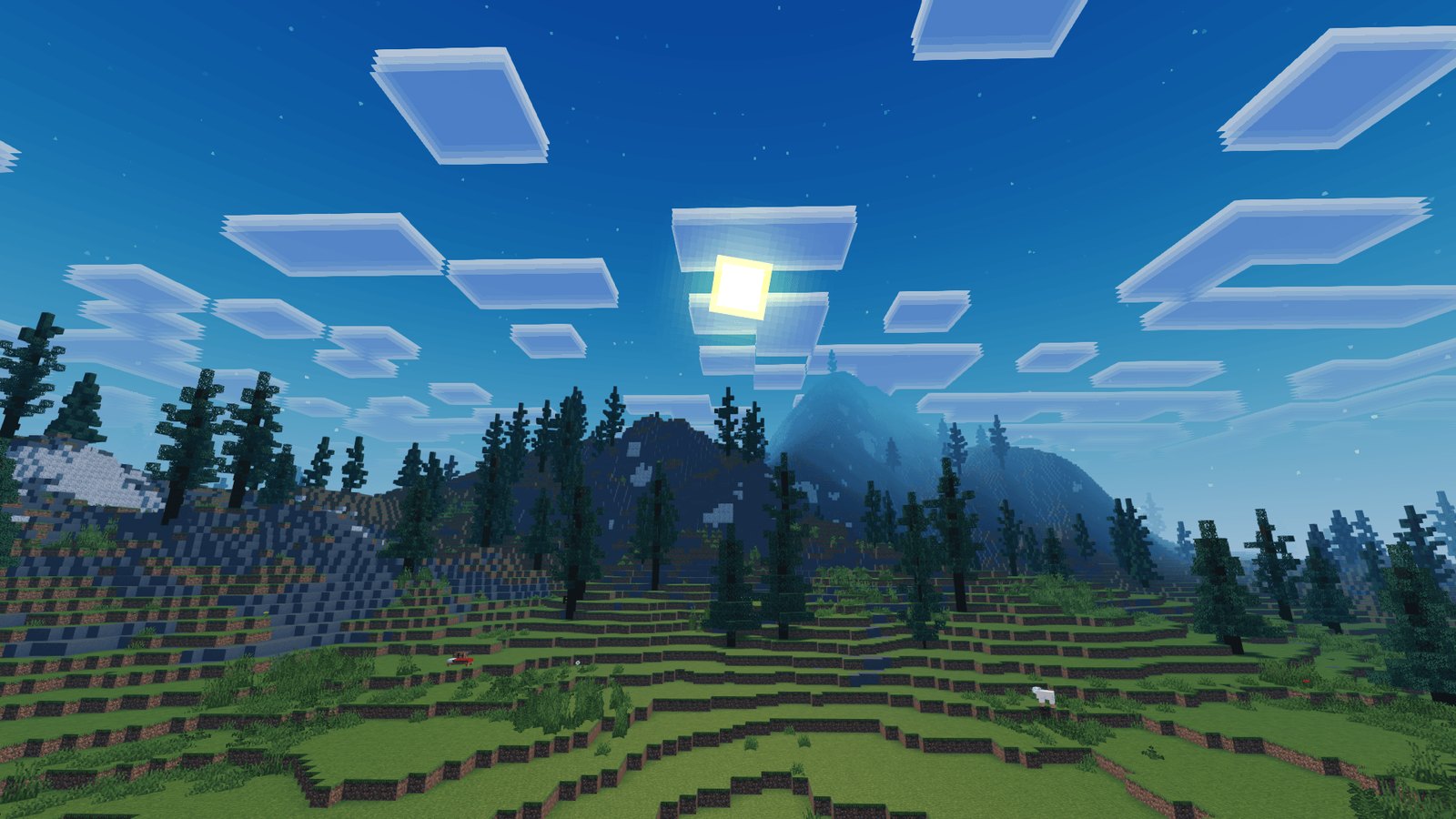
Check a build in daylight as well as at sunset
The daylight example has a cool blue sky, layered square clouds and a bright glow around the sun. Choosing a roof or wall palette? Compare it at midday before committing to a whole building. A colour combination that looks warm and inviting at sunset may read quite differently under blue daylight.
Try a small sample wall before building with reflective blocks
The block display below shows reflected surroundings on several bright surfaces. Before a large reflective build: put a few candidates side by side where you plan to build. Look at them from the entrance and from an angle: a strong reflection can become a feature of the room, but it can also compete with details you want visitors to notice.
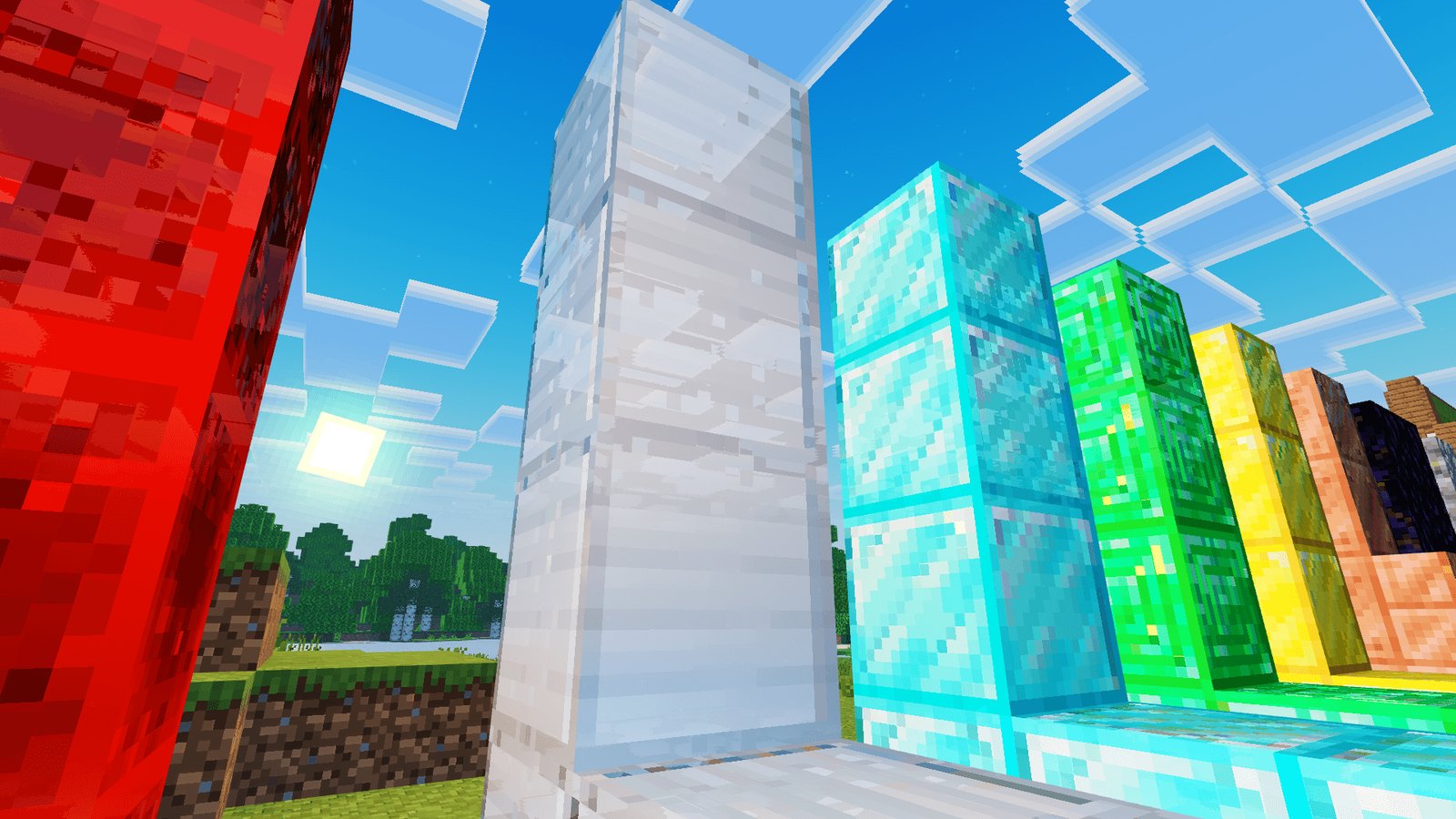
These are images from the project's gallery; their capture version is not specified. The developer also advertises waving plants, glowing ores and changes in the Nether and End. A still image cannot show plant motion, and the landscape examples do not demonstrate cave visibility. If those features matter to your play, check them in a familiar location rather than choosing only from a sunset.
Which setup should you use?
Android and Windows have documented loader routes. A working current iPhone/iPad route for this particular release is not established here, and console support is not confirmed. If you want a pack that runs through the normal game's graphics menu, choose a Bedrock visual pack that explicitly supports your built-in graphics mode instead.
Use the creator's loader guide alongside these essentials. It describes unofficial tools, so match the loader to your Minecraft build before importing AFR.
- Android: in MB Loader, open Settings → Import Addon, select the MCpack and choose Load With MBL2. Activate AFR in Global Resources. The guide offers Use Alternative Import if importing fails.
- Windows: the creator's LeviLauncher route disables version isolation, enables Load RenderDragon Shaders and Hot Reload Shaders, then imports through Content Management. Its separate BetterRenderDragon route turns those two built-in shader options off; do not combine the instructions.
The Android guide warns that your usual worlds may not appear in the loader. Keep the original saves and import a copy of the world you want to use rather than treating an empty list as proof they were deleted. The iOS guide currently lists older builds, so this page does not promise a matching v3.9 setup.
Choose a profile and compare the result
In Bedrock’s normal resource-pack interface, open Settings → Global Resources → Active, select AziFy: Revive and look for its gear/settings button. If your loader exposes the standard subpack selector, choose a named profile there before reopening your world. Loader interfaces can differ; if no selector appears, consult the loader’s instructions rather than editing the MCpack.
- DEFAULT_QUALITY: start here for the standard appearance.
- MEDIUM_QUALITY: try this if the default is too demanding.
- LOW_QUALITY: another option when you prefer smoother play over the standard appearance.
The names describe the available choices, not measured FPS or a verified list of disabled effects.
Other profiles: BETA_FEATURES, GO_PRO, NEW_NORMALS_EQUATION and DEFAULT_NORMALS_EQUATION. Their trade-offs are not clearly documented; the standard quality choices are the easier place to begin.
When comparing profiles, return to the same spot and move the camera, rather than judging only a still view. Water near your house, a tree-lined path and the entrance to a cave give you three different everyday situations. Choose the appearance that stays readable and comfortable while you play.
If it imports but nothing changes
- Check your launch method: use the compatible shader loader, not an ordinary Minecraft launch.
- Check activation: AFR must be active in Global Resources.
- Check versions: the loader must support your exact Minecraft build.
- Too bright or dark: compare with AFR disabled. On Android, check the light-map fixer described in the creator’s loader guide.
- Conflicting effects: disable other shaders while setting up AFR.
- Return to the normal look: deactivate AFR in Global Resources and restart.
Download AziFy Revive 3.9
The file below is the unmodified afr-3.9-merged.mcpack. In the pack list, look for AziFy: Revive. Keep its release separate from older 1.4.0 tutorials; those instructions and compatibility claims belong to a different version.
More for your Bedrock world.

Find the Bedrock update that matters to your world or device. Explore stable releases, practical game-drop guides, platform-specific fixes and a separate Beta/Preview archive.
- Coverage
- 2023–2026
- Edition
- Bedrock Edition
- Versions
- Bedrock 1.20.30–26.51
Bedrock · Update history
Bedrock Update History
Find the Bedrock update that matters to your world or device. Explore stable releases, practical game-drop guides, platform-specific fixes and a separate Beta/Preview archive.
Back up before updating
- Minecraft version
- Bedrock 1.20.30–26.51
- Game edition
- Bedrock Edition
- Update type
- Unknown / not stated
- Release channel
- Bedrock Edition
- World safety
- Back up before updating
- Player impact
- Find a useful release, platform fix or practical game-drop guide
- Platform family
- Bedrock & Mobile
- Supported devices
- Windows, consoles and mobile; patch availability varies
- Touch readiness
- Yes
- Last verified at
- Sep 17, 2026
- Update state
- current
- Compatibility confidence
- Source claimed
- Card delivery statement
- Player guides and official release notes
- Edition applicability
- Bedrock
- Bedrock enrollment route
- Preview app
- Delivery state
- No file
- Lifecycle state
- Current
- History coverage
- 2023–2026

Find trial chambers, beat the breeze, match keys to vaults and prepare for ominous trials. Learn mace and wind-charge tricks, build your first crafter and put copper, tuff and dungeon rewards to use.
- Game released
- Java
- 1.21 · Stable
- Bedrock
- 1.21 · Stable
Focus Trial chambers, vault rewards, mace combat, wind charges and automatic crafting
Topic Tricky Trials
Install Included in the official game update
Back up before updating
Java + Bedrock · Release
Tricky Trials
Find trial chambers, beat the breeze, match keys to vaults and prepare for ominous trials. Learn mace and wind-charge tricks, build your first crafter and put copper, tuff and dungeon rewards to use.
Back up before updating
- Update type
- Major release
- Release channel
- Unknown / not stated
- Official release date
- 2024-06-13
- World safety
- Back up before updating
- Player impact
- Trial chambers, vault rewards, mace combat, wind charges and automatic crafting
- Platform family
- Cross-edition
- Supported devices
- Java: Windows, macOS, Linux. Bedrock: supported Windows, mobile and console devices.
- Install format
- Included in the official game update
- Touch readiness
- Not required
- Resource type
- Update
- Last verified at
- Sep 18, 2026
- Update state
- historical
- Compatibility confidence
- Source claimed
- Bedrock version/build
- 1.21
- Card delivery statement
- Included in the official game update
- Edition applicability
- Java + Bedrock
- Java version/build
- 1.21
- Shared update topic
- Tricky Trials
- Delivery state
- No file
- Lifecycle state
- Superseded
- Java update channel
- Stable
- Bedrock update channel
- Stable
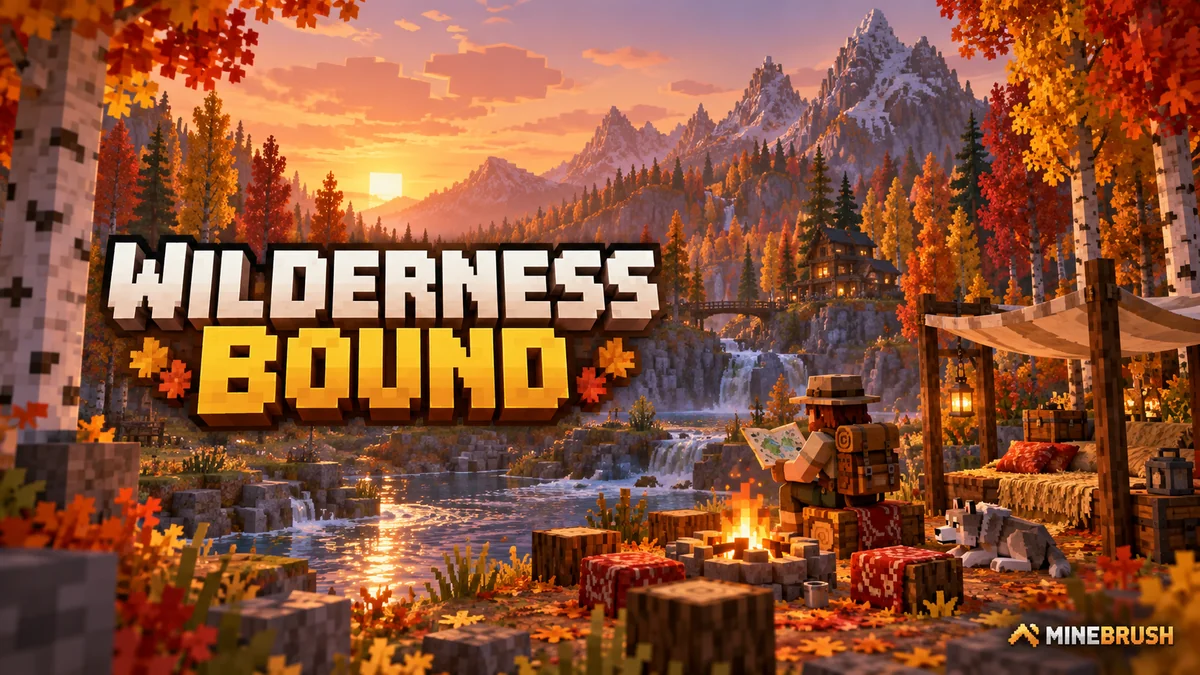
Explore Dappled Forest, follow abandoned-camp maps and sleep on straw beds without moving your home spawn. Learn what Wilderness Bound adds in Java 26.3 and Bedrock 26.50, with camping steps, building ideas and official images.
- Game released
- Java
- 26.3 · Stable
- Bedrock
- 26.50 · Stable
Focus Exploration, camping and building
Topic Camps, maps and building
Back up before updating
Java + Bedrock · Release
Wilderness Bound
Explore Dappled Forest, follow abandoned-camp maps and sleep on straw beds without moving your home spawn. Learn what Wilderness Bound adds in Java 26.3 and Bedrock 26.50, with camping steps, building ideas and official images.
Back up before updating
- Update type
- Major release
- Release channel
- Java & Bedrock
- Official release date
- 2026-09-15
- World safety
- Back up before updating
- Player impact
- Exploration, camping and building
- Platform family
- Cross-edition
- Touch readiness
- Yes
- Resource type
- Update
- Last verified at
- Sep 18, 2026
- Update state
- current
- Compatibility confidence
- Source claimed
- Bedrock version/build
- 26.50
- Edition applicability
- Java + Bedrock
- Java version/build
- 26.3
- Shared update topic
- Camps, maps and building
- Delivery state
- No file
- Lifecycle state
- Current
- Java update channel
- Stable
- Bedrock update channel
- Stable
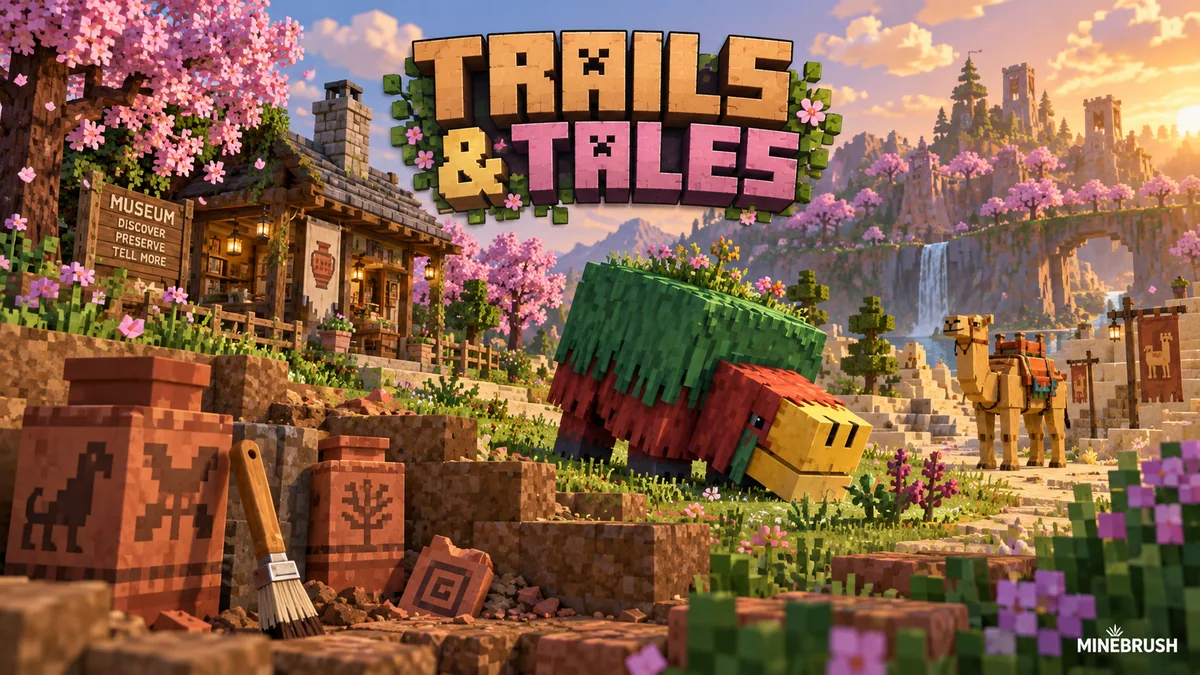
Uncover archaeology finds, hatch a sniffer, ride a camel with a friend and customize your armor. A practical Trails & Tales guide with build ideas, original Mojang screenshots and clear steps for Java and Bedrock.
- Game released
- Java
- 1.20 · Stable
- Bedrock
- 1.20.0 · Stable
Focus Archaeology, sniffers, camels, armor trims and creative building ideas
Topic Exploration, archaeology and creative building
Install Included in the official game update
Back up before updating
Java + Bedrock · Release
Trails & Tales
Uncover archaeology finds, hatch a sniffer, ride a camel with a friend and customize your armor. A practical Trails & Tales guide with build ideas, original Mojang screenshots and clear steps for Java and Bedrock.
Back up before updating
- Update type
- Major release
- Release channel
- Unknown / not stated
- Official release date
- 2023-06-07
- World safety
- Back up before updating
- Player impact
- Archaeology, sniffers, camels, armor trims and creative building ideas
- Platform family
- Cross-edition
- Supported devices
- Java: Windows, macOS and Linux. Bedrock: supported PCs, consoles and mobile devices.
- Install format
- Included in the official game update
- Touch readiness
- Not required
- Resource type
- Update
- Last verified at
- Sep 16, 2026
- Update state
- historical
- Compatibility confidence
- Source claimed
- Bedrock version/build
- 1.20.0
- Card delivery statement
- Included in the official game update
- Edition applicability
- Java + Bedrock
- Java version/build
- 1.20
- Shared update topic
- Exploration, archaeology and creative building
- Delivery state
- No file
- Lifecycle state
- Superseded
- Java update channel
- Stable
- Bedrock update channel
- Stable
Player discussion 0
Questions, discoveries and help from other players.