
MineBrush publication
How to Write a Minecraft Thumbnail Brief a Designer Can Actually Use
Turn your Minecraft build, challenge or mod video into a clear thumbnail idea. Get a finished designer-brief example, a visual composition comparison, practical feedback tips and a free editable text template.
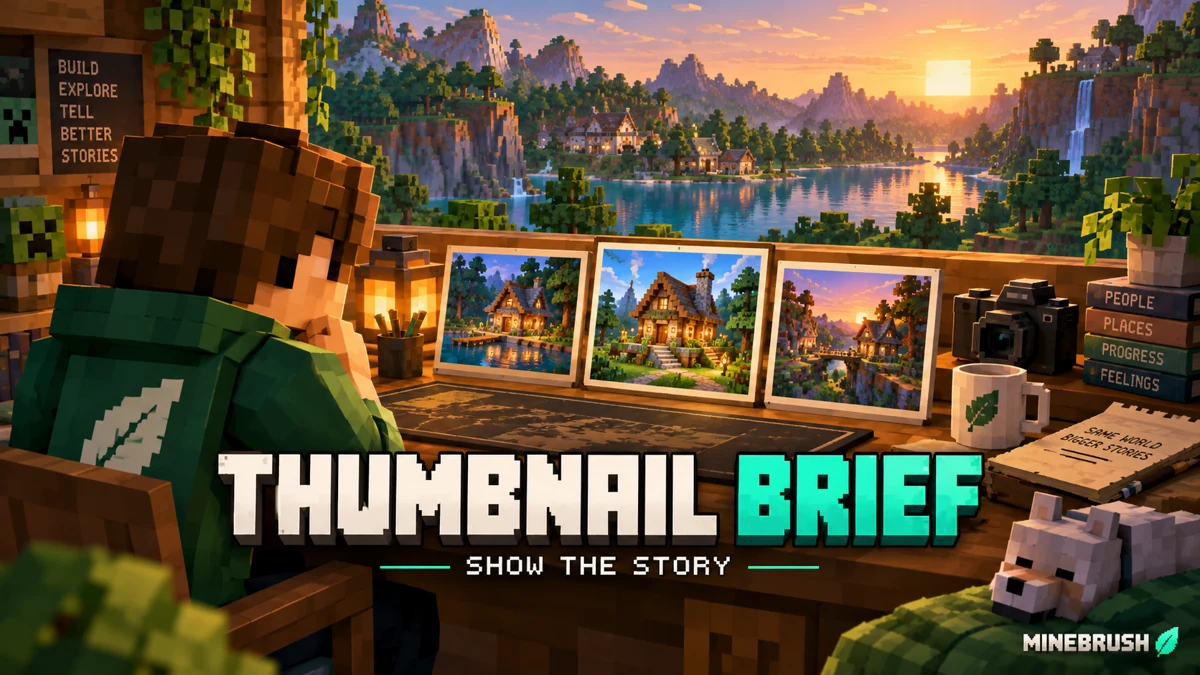
You have recorded a Minecraft build, survival challenge or mod guide. Now you need a thumbnail that tells another player why the video is worth opening. A good brief gives your designer one clear scene, the right screenshots and the exact words—so the first draft already resembles the video you made.
This guide works whether you hire a designer, make the thumbnail yourself or use an image tool for a concept. Start with the finished result you can actually show, then choose what deserves the largest part of the image.
Write the brief · Finished example · Visual comparison · Download the template · Review the design
Write these six things before designing
- Who is the video for? A new survival player needs different clues from a builder who already recognizes a complicated redstone machine.
- What does the video deliver? Write one sentence: “Build this small oak starter house,” “See how this map plays with friends,” or “Fix the shader problem shown here.”
- What is the main subject? Name the actual house, mob, tool, player skin or scene. Supply a screenshot or a moment from your recording.
- Which words belong on the image? Give the exact short phrase, or say no text. Do not leave a designer to invent a version number or performance claim.
- What must stay accurate? Mention the edition when it matters, the real build materials, the result shown in the video and anything that should not be added.
- What should be delivered? Agree the placement, dimensions, exported image, editable source, deadline and revision round.
You do not need a long production document. “Make it epic” leaves the designer guessing; “make the finished house the largest object, show the entrance and roof, and use the words STARTER HOME” gives them a useful starting point.
Match the picture to the kind of Minecraft video
A building tutorial
Lead with the finished build. Show enough of the roof, entrance and surroundings for viewers to recognize its style. Use a player for scale only if it helps. If your video teaches a simple survival house, an enormous decorative castle sends the wrong message.
Supply two or three views of the same build, including the angle you prefer. Point out features that should remain visible: a waterwheel, balcony, farm entrance or storage area. A clear screenshot of your own result is more useful than ten unrelated “inspiration” pictures.
A survival challenge or map playthrough
Choose the moment that explains the situation: a tiny island, a dangerous bridge, an approaching mob or the item the challenge revolves around. One obstacle and one player are often easier to understand than every event from the episode.
For a series, keep one repeatable element—a border style, character position or small episode marker—while changing the main scene. The image should still make sense to a player who has never watched the earlier episodes.
A mod, resource-pack or shader guide
Show the feature being explained, not only a pretty landscape. For a shader comparison, capture the same location and camera angle for both views. Label the conditions honestly: a change caused by a shader is not evidence of a resource pack's texture quality, and an unmeasured performance claim should not become “DOUBLE FPS.”
For an installation fix, show the relevant item or simplified problem/result. Crop unrelated windows and private details from your own screenshots before sharing them with a designer. Keep a clean original so the small UI detail can be checked during editing.
A complete brief you can adapt
Example video: a tutorial for a small oak-and-stone starter house. This is a sample assignment, not a claim about a published MineBrush video.
- Working title: Build a Small Oak Starter House in Minecraft.
- Viewer: a new survival player choosing a first base.
- Promise: the video teaches the exact house shown in the thumbnail.
- Main scene: a three-quarter view of the completed house, with the entrance, roof and chimney visible.
- Source material: my finished-house screenshot plus a second view showing its front.
- Text: STARTER HOME. Do not repeat the whole video title.
- Composition: house first, short text second; grass and trees support the scene without hiding it.
- Alternative: a closer entrance view of the same house. Keep its actual size and materials.
- Avoid: extra rooms, a castle, unrelated mobs or blocks not used in the tutorial.
- Delivery: a 16:9 JPG or PNG, the agreed editable source, and a small preview to inspect on a phone.
The designer still has room to choose lighting, spacing and polish. The brief defines what the viewer should understand and which facts must stay true.
One clear idea beats a collection of unrelated attractions
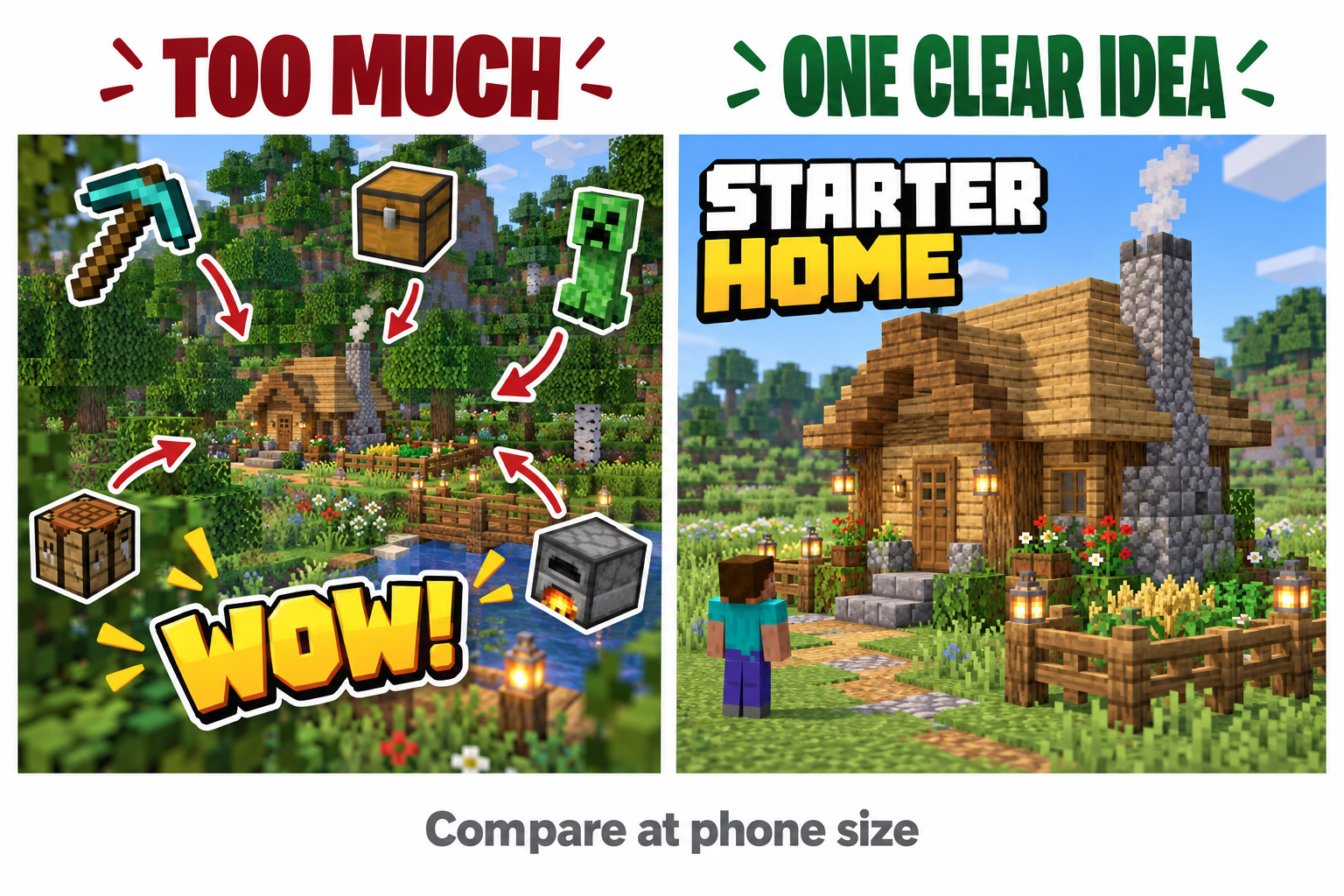
Use the comparison as a question for your own draft: if someone sees this for a moment, will they know what the video is about? Removing a competing icon may help more than adding another glow, arrow or word.
Keep text away from fragile edges and leave room near the lower-right corner where a video-duration label can cover details. There is no single crop that represents every YouTube surface. Inspect the exported image at a small size and in the actual placement after uploading.
Give the designer useful files
Send your clean gameplay captures, the skin or character reference you want used, your channel logo if needed, and the exact title. Name the preferred screenshot instead of expecting the designer to select it from a long recording. If a build feature is easy to miss, explain it in one sentence.
Credit other creators' screenshots, builds or artwork as their permission requires, and use material you have permission to include. A visual reference can explain a camera angle or color contrast without copying another channel's identity. YouTube prohibits thumbnails that mislead viewers about what is in the video, including deceptive impersonation. Read YouTube's thumbnail policy.
If you use generated artwork, compare it against the real subject: block layout, number of objects, skin details and the feature your video demonstrates. Attractive invented details can make a straightforward tutorial harder for viewers to recognize.
Choose the correct canvas before starting
YouTube's current guidance recommends 3840×2160, 16:9 for ordinary video thumbnails and 2160×3840, 9:16 for Shorts; JPG and PNG are supported. Custom Shorts thumbnail uploads are available through desktop Studio with a verified account. A horizontal design therefore needs a separate composition for a Short, not just its sides chopped off.
For uploading, the current limits are 2 MB for a normal video thumbnail on mobile and 50 MB on desktop. These limits matter only when exporting the finished image. For a vertical video, YouTube may show an automatically generated 4:5 image on some browsing surfaces instead of its 16:9 custom thumbnail. Check the latest YouTube upload guidance before delivery.
Download the reusable brief
This free MineBrush ZIP contains a plain-text template and the starter-house example. Extract it, open the TXT in any text editor, replace the bracketed prompts, and send the completed brief together with your source images. It contains no Minecraft mod or game world.
If you only need a quick message, copy these lines:
My video shows: …
It is for: …
Main subject and source image: …
Exact thumbnail words: …
Keep accurate / do not add: …
Placement and delivery: …
Review the first draft without vague feedback
Open the export at phone-preview size. First check the subject, then the words, then whether it matches your title. Ask someone who has not seen the edit what they expect the video to contain. Their answer can expose a confusing promise quickly.
- Instead of “make it pop”: “The house blends into the forest; simplify or darken the trees behind its roof.”
- Instead of “bigger text everywhere”: “STARTER HOME is hard to read in the small preview; remove the second sentence and enlarge that phrase.”
- Instead of “more Minecraft stuff”: “The chest and sword distract from the build; keep the doorway visible.”
- Instead of “this is wrong”: “The added tower is not in the tutorial; use the supplied roof reference.”
Approve the exported file, not only the open editor canvas. Check spelling, crop, image quality and the correct variant before uploading. Keep the editable source so a title change or later correction does not require recreating the image.
Try alternatives without promising more views
For an eligible video, YouTube Studio on desktop can test up to three titles, thumbnails or combinations. Advanced features are required; Shorts are not eligible for this A/B tool. Choose meaningfully different approaches—such as a full exterior versus a closer entrance—while keeping both faithful to the same video.
The tool judges results by watch-time share, not clicks alone, and may take up to two weeks. “Performed Same” or “Inconclusive” does not prove a winner. Changing a title or thumbnail during a test stops it. Check current eligibility and the actual report before deciding what to keep. YouTube's A/B testing guide.
A useful thumbnail gets the right player interested in the video you actually made. A brief succeeds when the designer can explain that idea clearly and you can review it with specific, actionable feedback.
More from MineBrush.

Understand Minecraft 26, tell normal releases from test builds, and choose the right version for friends, servers and mods. Clear Java and Bedrock examples without the technical clutter.
- Topic
- Choosing your Minecraft version
- Scope
- None
- Evidence
- Official Minecraft sources · checked 9 Sep 2026
A shared “26” prefix never proves cross-edition compatibility.
MineBrush · News
Minecraft Versions Made Simple
Understand Minecraft 26, tell normal releases from test builds, and choose the right version for friends, servers and mods. Clear Java and Bedrock examples without the technical clutter.
A shared “26” prefix never proves cross-edition compatibility.
- Compatibility confidence
- Source claimed
- Card evidence statement
- Official policy and indexes checked 9 Sep 2026; client display NOT_OBSERVED.
- Card delivery statement
- Choose a version for everyday play or testing
- Card limitation note
- A shared “26” prefix never proves cross-edition compatibility.
- Edition applicability
- Java + Bedrock
- News topic
- Choosing your Minecraft version
- Public news evidence label
- Official Minecraft sources · checked 9 Sep 2026
- Delivery state
- No file
- Lifecycle state
- Current
- News evidence type
- Official Minecraft source
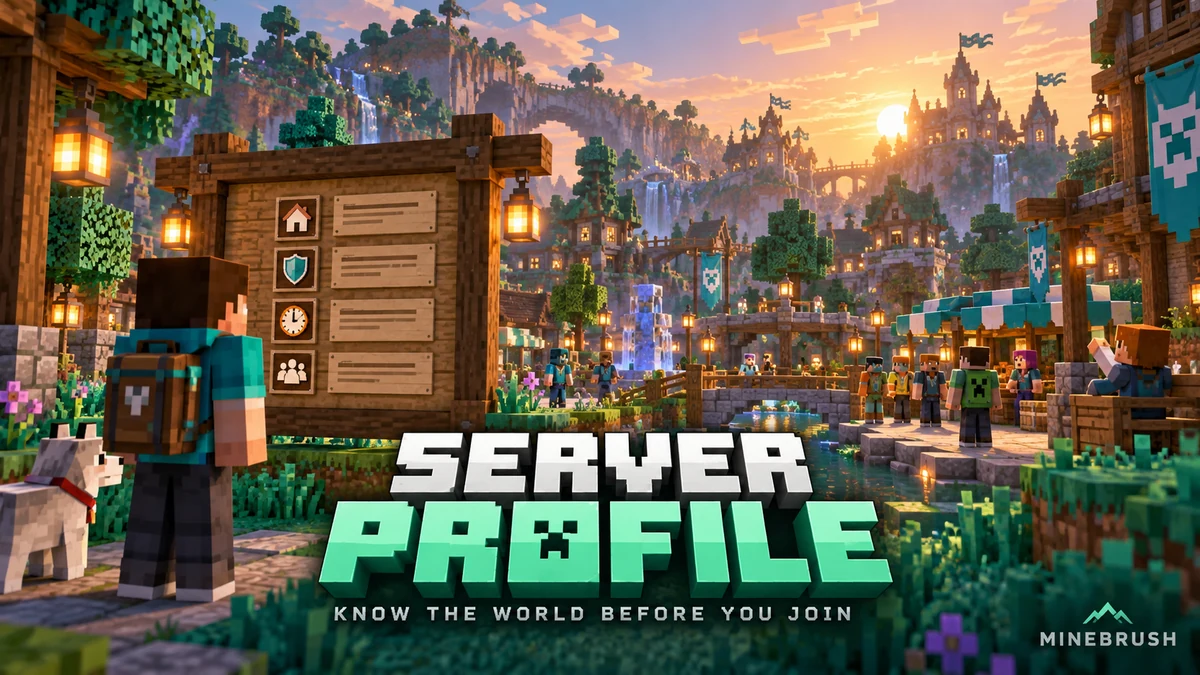
Understand a Minecraft server before moving in: edition and join details, claims, PvP, world resets, costs and community hours. See a clear example profile, official connection screenshots and the questions that protect your time and builds.
- Edition
- Cross-edition
- Difficulty
- Intermediate
- Time
- 8 min read
Check the server’s own current rules and join page.
MineBrush · Guide
Read a Minecraft Server Profile
Understand a Minecraft server before moving in: edition and join details, claims, PvP, world resets, costs and community hours. See a clear example profile, official connection screenshots and the questions that protect your time and builds.
Check the server’s own current rules and join page.
- Minecraft version
- Java & Bedrock — check the server’s supported releases
- Game edition
- Cross-edition
- Platform family
- Cross-edition
- Supported devices
- Java PC; Bedrock access depends on device and server
- Install format
- Read online — no download required
- Touch readiness
- Not required
- Resource type
- Guide
- Compatibility confidence
- Not applicable
- Card evidence statement
- Understand joining, claims, resets and community rules.
- Card delivery statement
- Practical guide · clear fictional profile example
- Card limitation note
- Check the server’s own current rules and join page.
- Edition applicability
- Java + Bedrock
- Tested environment
- Java and Bedrock server listings
- Estimated time
- 8 min read
- Guide difficulty
- Intermediate
- Delivery state
- No file
- Lifecycle state
- Current
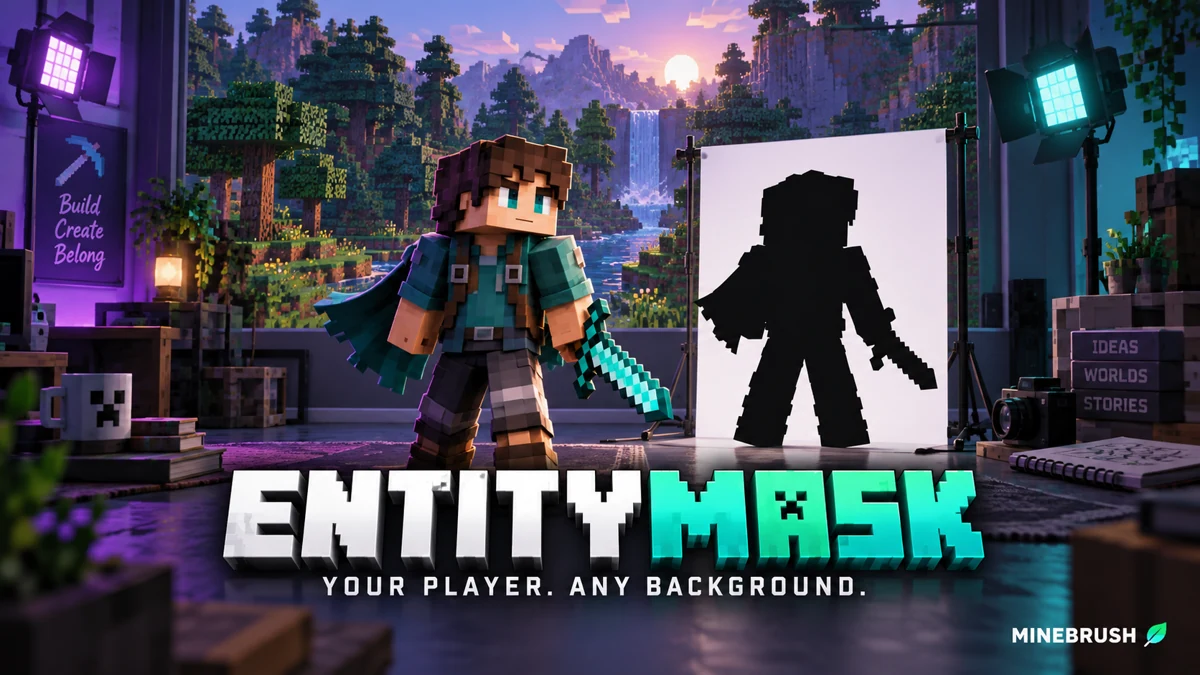
Cut your Minecraft player out of a recorded scene for intros, overlays and thumbnails. Download EntityMask 1.0 for Java 1.20–1.21.8, see the author's real mask previews, and learn how to align two recordings and keep the player with an inverted luma matte.
- Format
- Workflow
- Path
- Replay → normal recording + mask → video editor
- Output
- Player cutout for an intro, title effect or thumbnail
Version 1.0 beta; Java 26.x support is not listed.
MineBrush · Creator
EntityMask 1.0
Cut your Minecraft player out of a recorded scene for intros, overlays and thumbnails. Download EntityMask 1.0 for Java 1.20–1.21.8, see the author's real mask previews, and learn how to align two recordings and keep the player with an inverted luma matte.
Version 1.0 beta; Java 26.x support is not listed.
- Minecraft version
- Java 1.20–1.21.8
- Game edition
- Java Edition
- Loader / platform
- Not applicable
- License
- MIT
- Creator resource format
- Workflow
- Platform family
- Java & PC
- Supported devices
- Minecraft Java on desktop
- Install format
- ZIP → shaderpacks
- Touch readiness
- Not required
- Resource type
- Shader
- Last verified at
- Sep 18, 2026
- Compatibility confidence
- Source claimed
- Card evidence statement
- Record matching color and mask clips; combine them in your editor.
- Card delivery statement
- Shader ZIP · Iris or OptiFine required
- Card limitation note
- Version 1.0 beta; Java 26.x support is not listed.
- Edition applicability
- Java
- Tested environment
- Java with Iris or OptiFine; replay recorder and matte-capable video editor
- Example artifact path
- Replay → normal recording + mask → video editor
- Creator output
- Player cutout for an intro, title effect or thumbnail
- Estimated time
- 8 min read; recording time varies
- Guide difficulty
- Intermediate
- Delivery state
- Direct download
- Lifecycle state
- Current
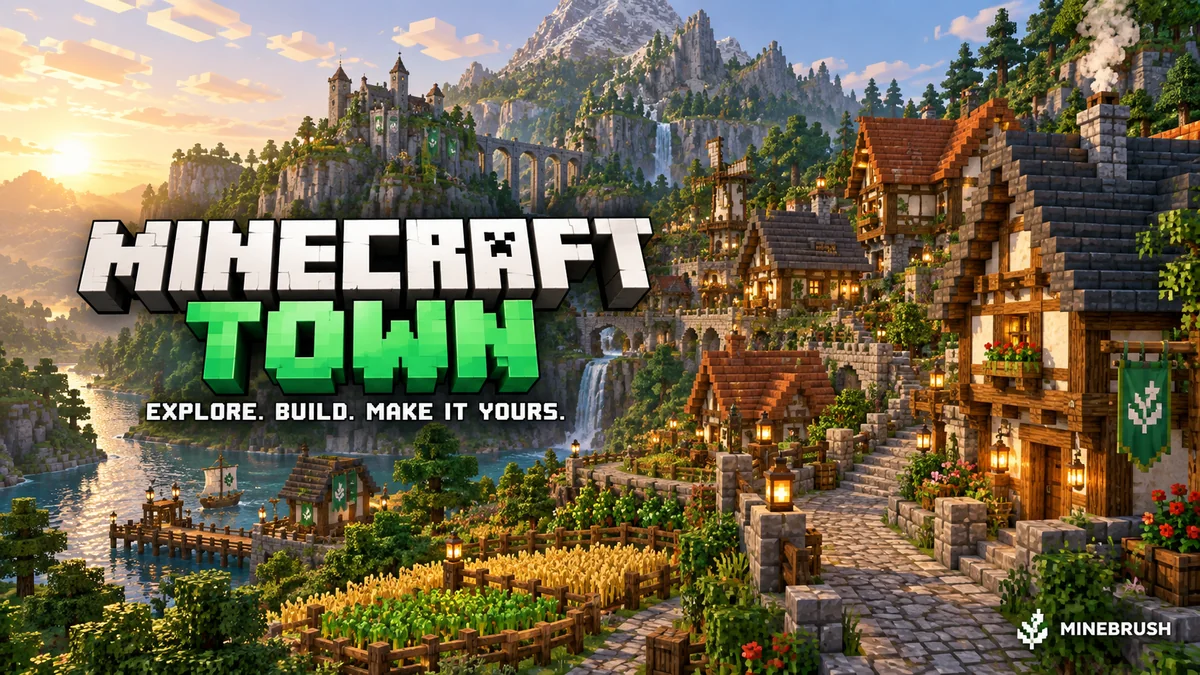
Minecraft Town
v1.21Minecraft Town is a medieval Java world with winding paths, farmland, detailed buildings and a dramatic rocky skyline. Explore it, extend the town or turn its centre into a meeting place for friends. Includes five author screenshots, practical setup and lobby ideas. Creator price: USD 4; the MineBrush ZIP contains links only.
- Minecraft
- Java 1.21–26.2 (listed releases below)
- Genre
- Creative
- Players
- Solo, friends or server lobby
Author map USD 4; free MineBrush ZIP contains creator links only
Java · Map
Minecraft Town
Minecraft Town is a medieval Java world with winding paths, farmland, detailed buildings and a dramatic rocky skyline. Explore it, extend the town or turn its centre into a meeting place for friends. Includes five author screenshots, practical setup and lobby ideas. Creator price: USD 4; the MineBrush ZIP contains links only.
Author map USD 4; free MineBrush ZIP contains creator links only
- Minecraft version
- Java 1.21–26.2 (listed releases below)
- Game edition
- Java Edition
- Loader / platform
- Vanilla
- Map genre
- Creative
- Recommended players
- Solo, friends or server lobby
- Platform family
- Java PC
- Supported devices
- Windows · macOS · Linux · Minecraft Java Edition
- Install format
- TXT creator links in ZIP — not a Minecraft world
- Resource type
- Map
- Project version
- v1.21
- Last verified at
- Sep 16, 2026
- Compatibility confidence
- Source claimed
- Card evidence statement
- Medieval town, custom cliffs, farmland and detailed interiors
- Required dependency
- No required building mod listed; Axiom is optional
- Map landmark
- Medieval town and landscaping project
- Map import route
- Buy author world, extract into Java saves
- Card delivery statement
- Creator-link ZIP only; map USD 4 at BuiltByBit; no map included
- Card limitation note
- Author map USD 4; free MineBrush ZIP contains creator links only
- Edition applicability
- Java
- Delivery state
- External source
- Lifecycle state
- Current
Player discussion 0
Questions, discoveries and help from other players.