
Bedrock 1.21.130 player guide
Minecraft Bedrock 1.21.130: Mounts, Touch Controls and Travel Guide
Plan a nautilus trip, learn spear actions and make Bedrock’s camera and touch controls more comfortable. Mounts of Mayhem explained with river travel, desert encounters and existing-world tips.
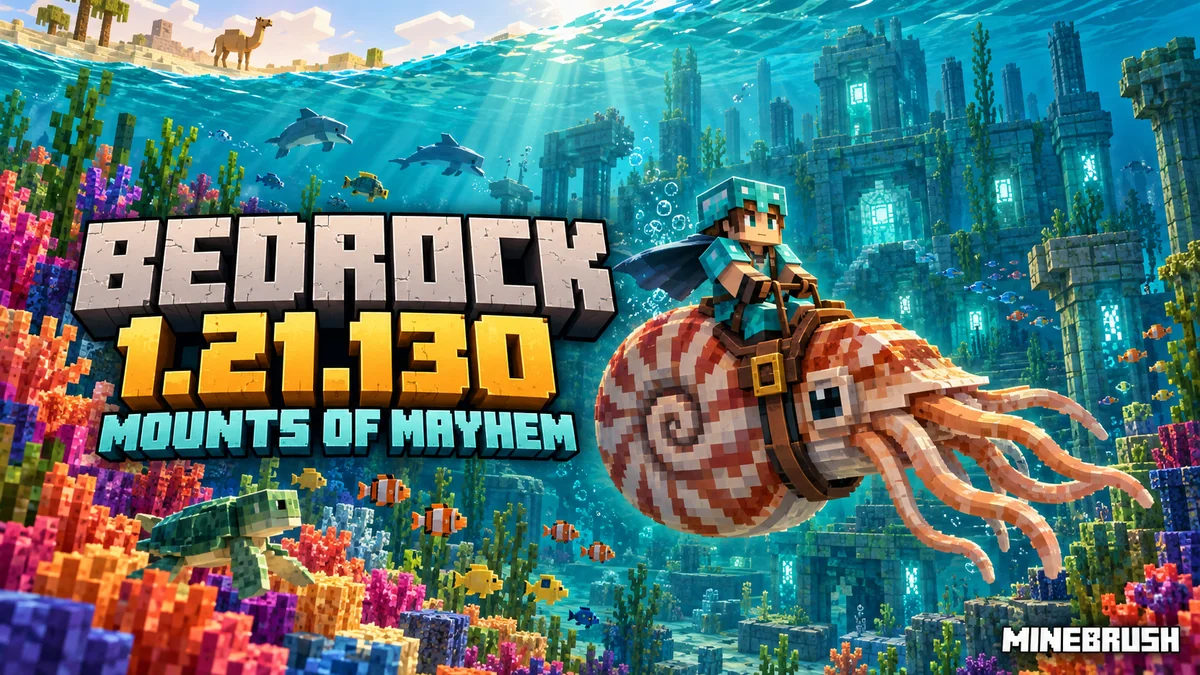
Bedrock 1.21.130 turns oceans, rivers and desert journeys into new activities. Mounts of Mayhem brings the nautilus, spears and undead mounts, while touch controls, camera comfort and several everyday fixes change how those adventures feel on phones, consoles and Windows.
The stable update released on December 9, 2025. It is historical; Bedrock 26.50 is newer. Later compatible releases include these features, so most players should use their platform’s supported version. Java’s matching drop is 1.21.11, but its controls and graphics menus should not be copied into Bedrock instructions.
Plan a nautilus trip from your existing base
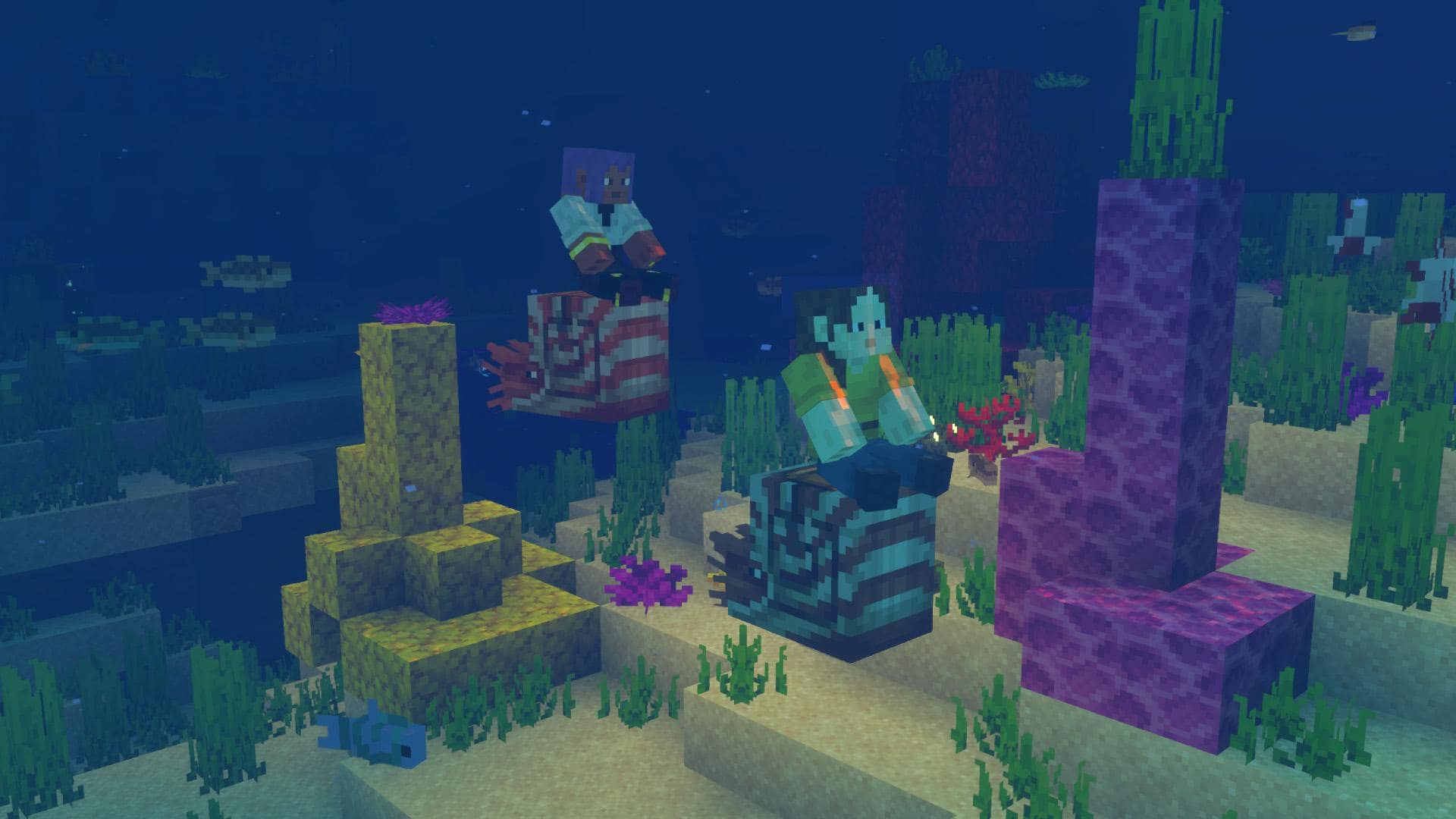
A nautilus is a living ocean mount, not the nautilus-shell item in your chest. For your first trip, take several pufferfish, a saddle and supplies for returning to the surface. Bedrock’s release notes place its spawning band between Y38 and Y58 in ocean biomes, so search beneath the surface rather than only looking across it.
- Find a quiet approach. Choose a nautilus away from a trident-wielding drowned encounter. A provoked nautilus can dash at you.
- Tame it with pufferfish. A bucket of pufferfish also works. Bring enough for more than one attempt.
- Equip a saddle and mount. Taming alone does not complete the setup for a controlled ride.
- Refill your air before leaving. Start the expedition with a full reserve, then use the mount for travel.
- Use Jump for the dash. The documented dash cooldown is four seconds. Give it time to recover instead of repeatedly pressing the button.
Your bubbles are preserved, not restored
Breath of the Nautilus pauses oxygen consumption while you ride. If you mount with only a few bubbles, those are the bubbles you preserve. Dismounting to investigate a wreck means you need your own breathing plan again.
A useful first route is shore base → nearby reef → return to shore. Add a wreck-looting stop only when you have planned how to breathe while off the mount. This lets you learn steering and dash timing without combining every new activity at once.
Give the mount a water dock
Nautiluses suffocate on land. Build a contained water pen near the surface with a clear exit, rather than parking one in a dry horse stable. A tamed nautilus has a documented roaming restriction of 16 blocks when saddled and 32 without a saddle; that is not a promise that it will stay exactly where you left it.
Bedrock lets you use shears to remove nautilus equipment: armor comes off first, then the saddle. Stop in the dock before doing this so you can collect the equipment and avoid accidentally removing control gear during an expedition.
For taming supplies, this release also lets pufferfish spawn in lukewarm and deep lukewarm oceans; fishing in jungle biomes can now yield pufferfish and tropical fish. These are possible sources, not a guarantee that the next cast gives the fish you want.
Learn the spear’s two actions before meeting a rider
Craft an iron spear using two sticks and one iron ingot in a diagonal from bottom-left to top-right. The weapon has a longer reach but also a minimum useful distance: an enemy pressed against you can be too close. Keep another familiar weapon on the hotbar.
- Jab: tap the primary Attack action. It is a quick hit with knockback and a material-dependent recovery time.
- Charge: hold the secondary Use action. Aim and closing speed matter; holding a spear while standing still is not equivalent to a fast mounted pass.
- Reset the approach: the early engaged phase can dismount at sufficient speed. When the spear tilts upward and shakes it is tired and cannot dismount; when it lowers, knockback is gone too.
Use the action assigned by your controller or touch layout rather than copying a Java mouse-button instruction. Practice facing an open path, holding Use and releasing before taking the weapon into a crowded animal pen.
Lunge activates with the jab and moves you horizontally in the direction you face. Higher levels cost more hunger and move you farther. Keep food available and choose a clear landing area. Lunge is a movement choice; you do not need it to use an ordinary spear.
The full Mounts of Mayhem guide expands the crafting, encounters and mount care. This page adds the Bedrock-specific controls and existing-world details.
Make the camera and touch layout comfortable first
Reduce damage tilt without changing combat difficulty
The new Damage Tilt slider is in Video settings. Lower it if the screen’s tilt when you are hit is distracting. This changes camera feedback; it does not reduce the damage, remove an enemy’s attack or make armor unnecessary.
Practical use: adjust the slider before a long combat session, then check whether hits remain easy to notice from health, sound and other cues. Choose a comfortable setting rather than assuming the strongest camera motion is required to play correctly.
Make the top buttons easier to reach
Touch controls gain an option to enlarge the top row of HUD buttons. Use it when small top-edge targets are hard to tap. It is a targeted size option, so try it before making the entire interface larger.
Customizable touch controls are always enabled in this release. Open the touch-control customization, keep the actions you need within reach and check that your fingers do not cover the part of the world you use for aiming.
A useful order: stand safely, adjust the top row, then try opening and closing the inventory. After that, test movement, turning, Attack, Use and Jump. Those actions cover the spear and nautilus without requiring a risky encounter while you are still learning the layout.
D-Pad looking may feel different
The D-Pad’s vertical camera sensitivity is reduced to match the joystick controls. If looking up and down feels different after updating, check your touch sensitivity before concluding that your mount is slower. Camera movement and mount travel are separate things.
Some custom camera/control schemes switch a D-Pad user temporarily to a joystick layout and restore the D-Pad afterward. That behavior is relevant to worlds using those schemes; do not treat it as a new forced joystick requirement for every normal world.
Land mounts cross rivers; desert riders still need care
Horses, zombie horses, donkeys, mules and camels no longer sink while swimming with a player riding. This makes a short river crossing less disruptive to a land journey. It does not turn every horse into a substitute for a nautilus on a long underwater route.
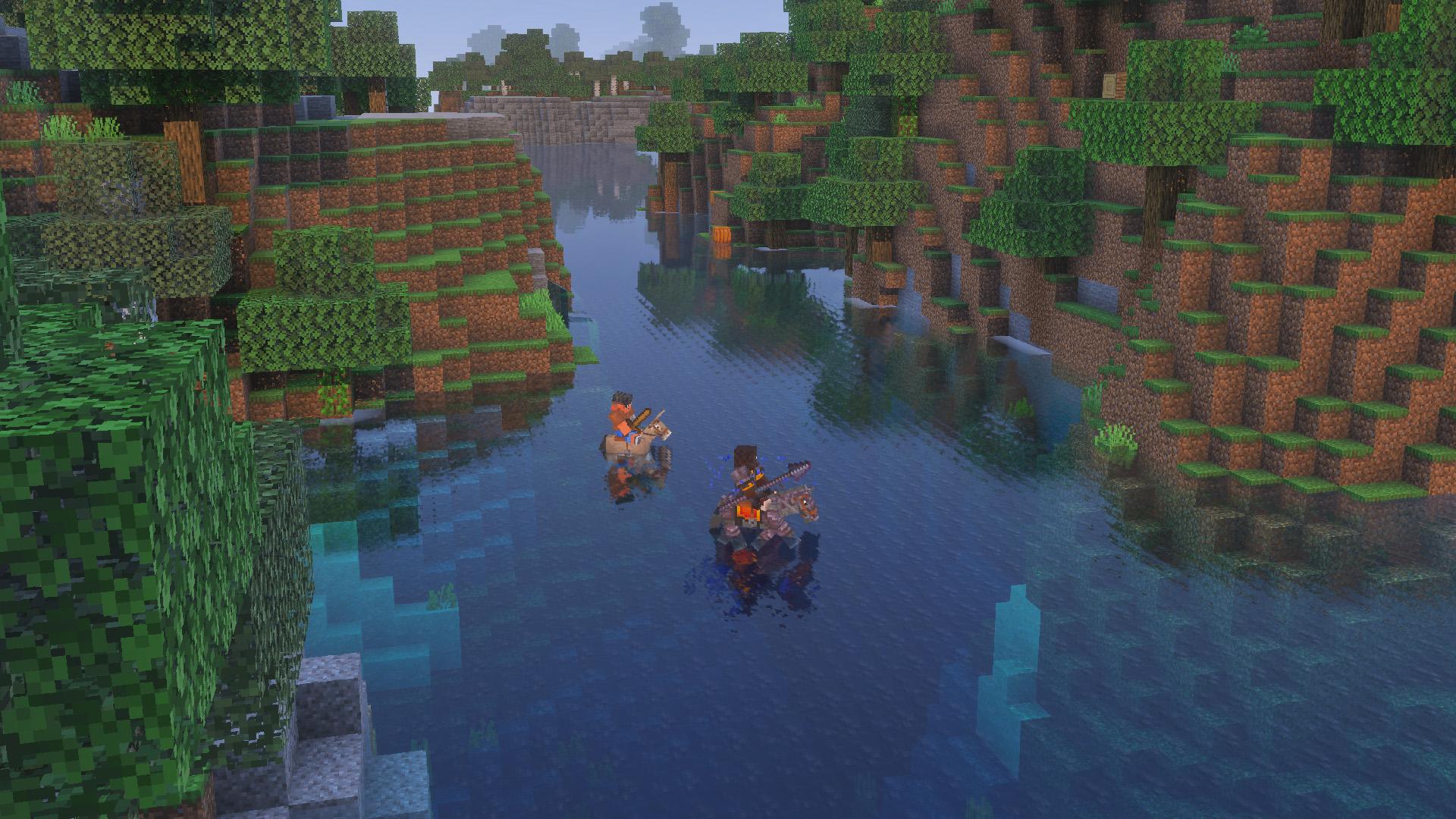
Camels receive a fix for dashing while standing in water and a higher fall-damage threshold when walking or dashing. Do not read that as immunity to cliffs: choose a visible landing area and keep large drops out of a new route.
For an established stable, netherite horse armor is made at a smithing table from diamond horse armor, a netherite ingot and a Netherite Upgrade template. It is a useful investment for a mount you regularly take into danger; it is not required for a first gentle riding route.
Remove both riders before claiming a camel husk
A camel husk may carry a spear-wielding husk and a parched archer. The parched fires Weakness arrows and survives daylight. Use cover against the archer and leave a retreat route; removing one rider does not make the remaining encounter safe.
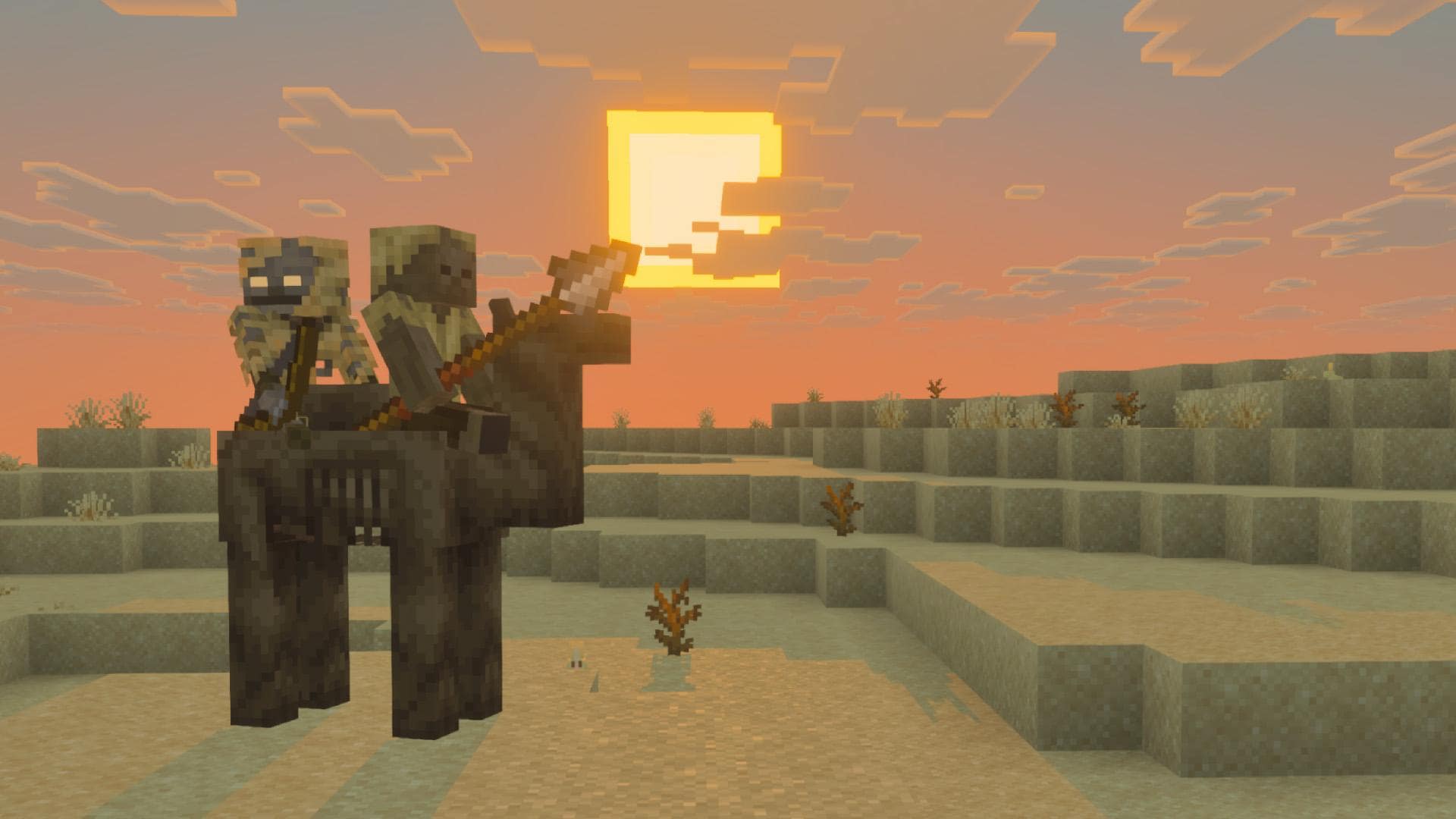
Without hostile riders, the camel husk works as a two-player camel-style mount. Rabbit feet heal it, and it cannot breed. Bedrock prevents leashing it while a hostile mob is aboard.
For a different collection goal, a warm ocean can contain the coral zombie nautilus. Its color is a visual variant, not a promised speed bonus. Defeat the drowned rider before taming; zombie nautiluses cannot breed.
Changes you may notice back at the base
- Your inventory closes during an attack: inventory, trading and chat windows now close when a mob hurts you. Get behind cover before sorting items or writing a message. Repeated quick hits are handled so the window does not continually close again.
- Windows chat is ready to type: opening it with keyboard and mouse now selects the text field automatically. An on-screen keyboard should no longer cover the chat box when docked.
- Switching input methods: sign and other input screens no longer close merely because you switch input mode. This helps when alternating controller and keyboard.
- Working at an anvil: hotbar shortcuts now also work while pointing at the output slots of the anvil and grindstone. Check the intended result before moving it.
- Armor-stand practice: tools and weapons now lose durability when attacking armor stands. Do not repeatedly test an expensive weapon there expecting free hits.
- Gardening: targeting the side of a block works again when growing pink petals, wildflowers or leaf litter. Hanging roots can be waterlogged, giving water-side decoration another option.
Automation also changes: a hopper moved by a piston gets a brief interaction cooldown, and hoppers stop stacking multiple bottles in one brewing-stand slot. If an old machine relied on those behaviors, inspect that specific part before rebuilding the whole farm.
Existing worlds, packs and Xbox copies
The update fixes Windows shared worlds failing to load resource or behavior packs and an Invalid Platform Skin error that could prevent entering a world. An older report of one of those failures is useful context, not proof that every later problem has the same cause.
For an add-on world, check the creator’s supported game version and keep all required packs with the world. Compare a separate vanilla test world if you need to isolate a display or control issue. Removing content packs from the only copy of a valued world can remove the things you intended to preserve.
Xbox cloud sync: if syncing a world fails, this release attempts to join a local copy. A world opening is therefore not proof that the newest cloud changes arrived. Before continuing important building work after a sync error, check familiar recent landmarks or inventory changes and keep track of which copy you are playing.
The release lists loading improvements when leaving worlds, entering similar worlds and transferring servers. Results depend on the world and device; do not expect a fixed load time or guaranteed frame-rate increase.
Get the update through the normal game route
- Preserve a separate world copy before changing the setup. Use the copy/export route your platform provides, or download your Realm world through management options.
- Update from the official store or game library. Android and iOS use their stores; consoles use their game-update system; Windows uses the official Minecraft route. The official download page lists supported platforms.
- Coordinate multiplayer versions. Your friends, server or Realm need compatible releases. A Preview installation is not the same environment as the ordinary game.
- Check your first-session routine: enter the world, confirm the expected packs, try the controls and visit the stable before starting a long expedition.
These Mounts of Mayhem features shipped in a stable game update. You do not need an add-on download or an experimental toggle for the spear and mounts. Official Bedrock stores normally offer the supported current release, not a historical Java-style version selector; no game archive is attached here.
Sources and image credits
Written by MineBrush Editorial from Mojang’s Bedrock 1.21.130 release notes and the official Mounts of Mayhem overview/gallery. The three gameplay images are shared drop illustrations from Mojang/Microsoft, with original files linked; they are not presented as screenshots of Bedrock’s settings menus. The branded cover is a MineBrush editorial illustration. Practical route and control suggestions are editorial guidance, not a claim of tests on every device.
More for your Bedrock world.
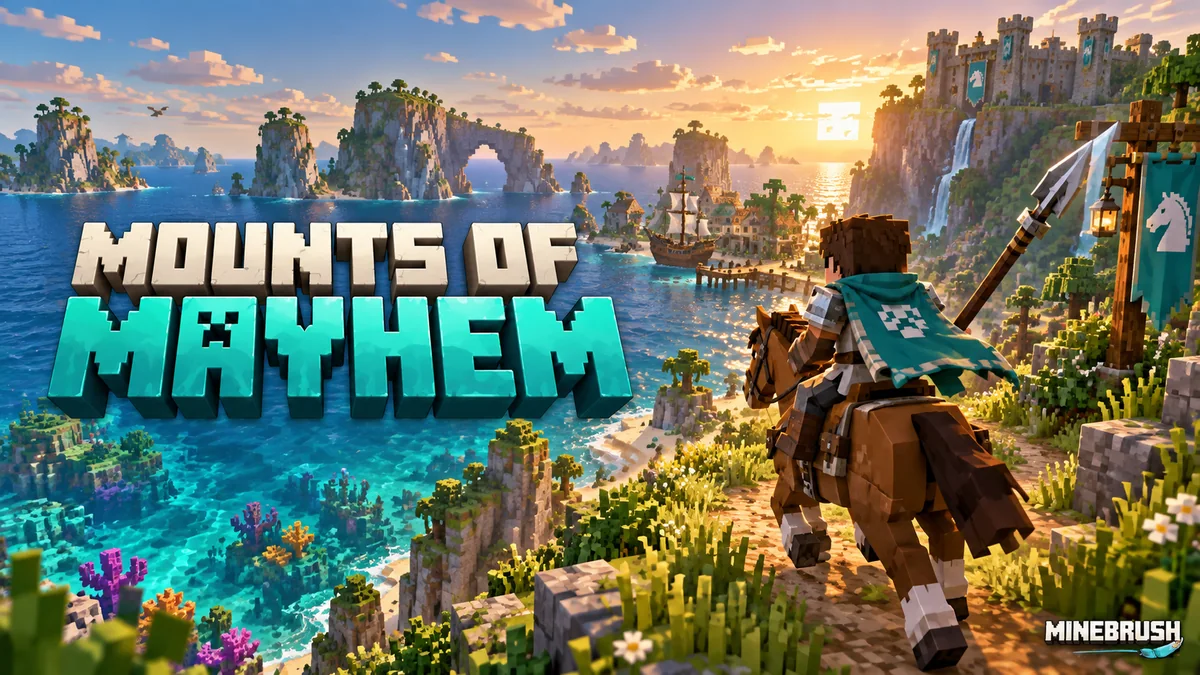
Master spear jabs and charges, tame a nautilus, plan an ocean expedition and claim undead mounts. A practical guide to Mounts of Mayhem for Java 1.21.11 and Bedrock 1.21.130, with original Mojang screenshots.
- Game released
- Java
- 1.21.11 · Stable
- Bedrock
- 1.21.130 · Stable
Focus Spear combat, underwater travel and undead mounts
Topic Mounts of Mayhem
Install Included in the game update
Back up before updating
Java + Bedrock · Release
Mounts of Mayhem
Master spear jabs and charges, tame a nautilus, plan an ocean expedition and claim undead mounts. A practical guide to Mounts of Mayhem for Java 1.21.11 and Bedrock 1.21.130, with original Mojang screenshots.
Back up before updating
- Update type
- Major release
- Release channel
- Java & Bedrock
- Official release date
- 2025-12-09
- World safety
- Back up before updating
- Player impact
- Spear combat, underwater travel and undead mounts
- Related major release
- Mounts of Mayhem
- Platform family
- Cross-edition
- Supported devices
- Java on PC, Mac and Linux; Bedrock on supported phones, consoles and Windows PCs
- Install format
- Official game update
- Touch readiness
- Check guide
- Resource type
- Update
- Last verified at
- Sep 16, 2026
- Update state
- historical
- Compatibility confidence
- Source claimed
- Bedrock version/build
- 1.21.130
- Card delivery statement
- Included in the game update
- Edition applicability
- Java + Bedrock
- Java version/build
- 1.21.11
- Shared update topic
- Mounts of Mayhem
- Delivery state
- No file
- Lifecycle state
- Superseded
- Java update channel
- Stable
- Bedrock update channel
- Stable
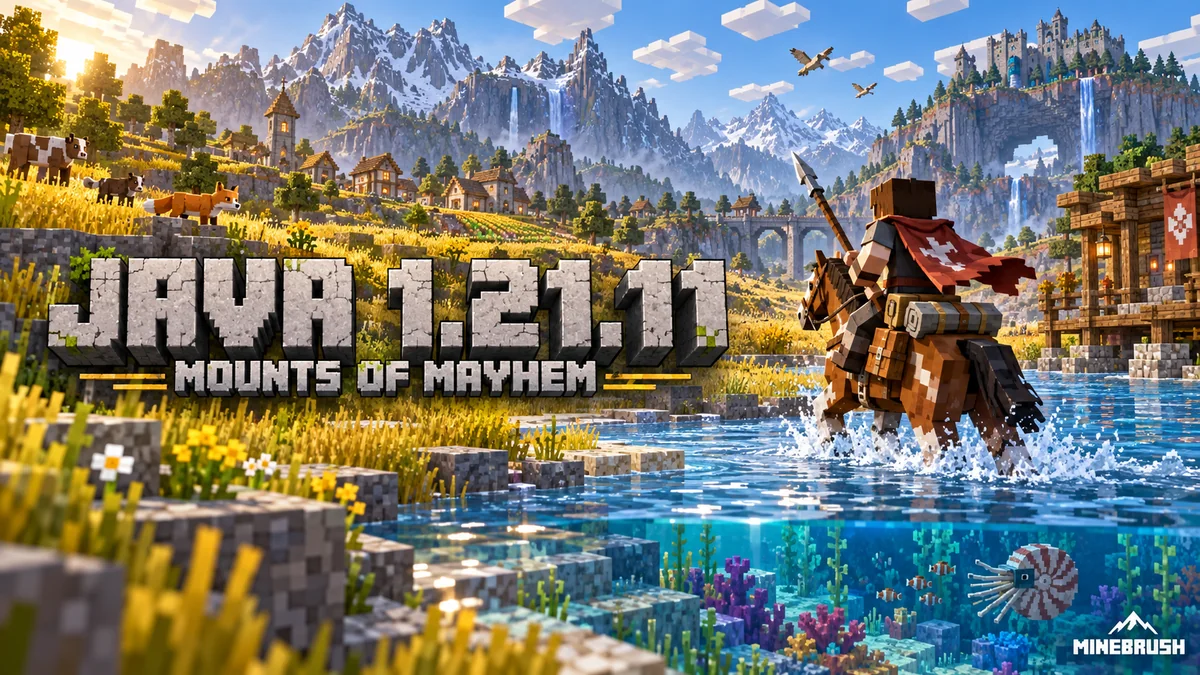
Plan a mounted expedition, choose texture filtering and graphics presets, find changed Mac controls and update old world commands. Java 1.21.11 explained with practical projects and advancement goals.
- Java
- Java 1.21.11
- Release type
- Release
- Game released
Focus Mount expeditions, graphics, controls and world rules
Install Official launcher update
Back up before updating
Java · Release
Minecraft Java 1.21.11: Mounts of Mayhem
Plan a mounted expedition, choose texture filtering and graphics presets, find changed Mac controls and update old world commands. Java 1.21.11 explained with practical projects and advancement goals.
Back up before updating
- Minecraft version
- Java 1.21.11
- Game edition
- Java Edition
- Update type
- Major release
- Release channel
- Java Edition
- Official release date
- 2025-12-09
- World safety
- Back up before updating
- Player impact
- Mount expeditions, graphics, controls and world rules
- Related major release
- Mounts of Mayhem
- Platform family
- Java PC
- Last verified at
- Sep 17, 2026
- Update state
- historical
- Compatibility confidence
- Source claimed
- Card delivery statement
- Official launcher update
- Edition applicability
- Java
- Delivery state
- No file
- Lifecycle state
- Superseded
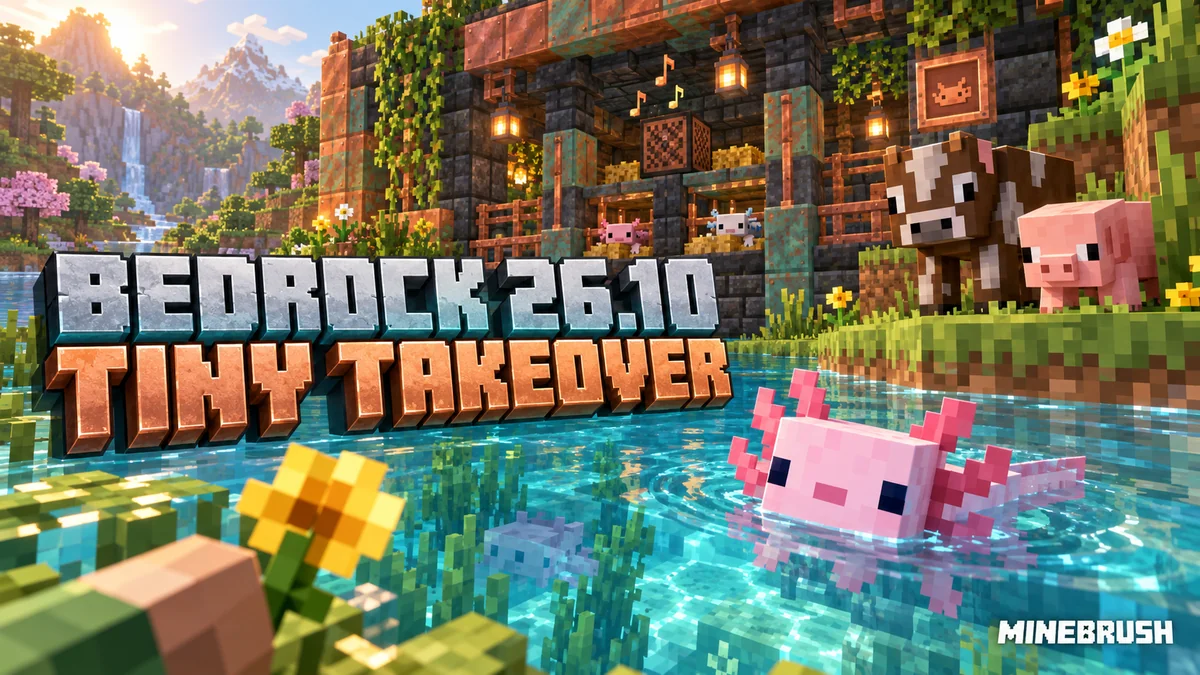
Build a named baby-animal nursery, try copper trumpet sounds and use Bedrock’s improved controls. Understand Identify Block, Android text editing and the experimental furnace recipe book before changing your world.
- Bedrock
- Bedrock 26.10
- Release type
- Release
- Game released
Focus Pets, building, Identify Block and everyday controls
Install Official game update
Enrollment None required
Back up before updating
Bedrock · Release
Minecraft Bedrock 26.10: Tiny Takeover
Build a named baby-animal nursery, try copper trumpet sounds and use Bedrock’s improved controls. Understand Identify Block, Android text editing and the experimental furnace recipe book before changing your world.
Back up before updating
- Minecraft version
- Bedrock 26.10
- Game edition
- Bedrock Edition
- Update type
- Major release
- Release channel
- Bedrock Edition
- Official release date
- 2026-03-24
- World safety
- Back up before updating
- Player impact
- Pets, building, Identify Block and everyday controls
- Related major release
- Tiny Takeover
- Platform family
- Bedrock & Mobile
- Supported devices
- Supported Android, iOS, Windows and consoles
- Touch readiness
- Check guide
- Last verified at
- Sep 17, 2026
- Update state
- historical
- Compatibility confidence
- Source claimed
- Card delivery statement
- Official game update
- Edition applicability
- Bedrock
- Bedrock enrollment route
- None required
- Delivery state
- No file
- Lifecycle state
- Superseded
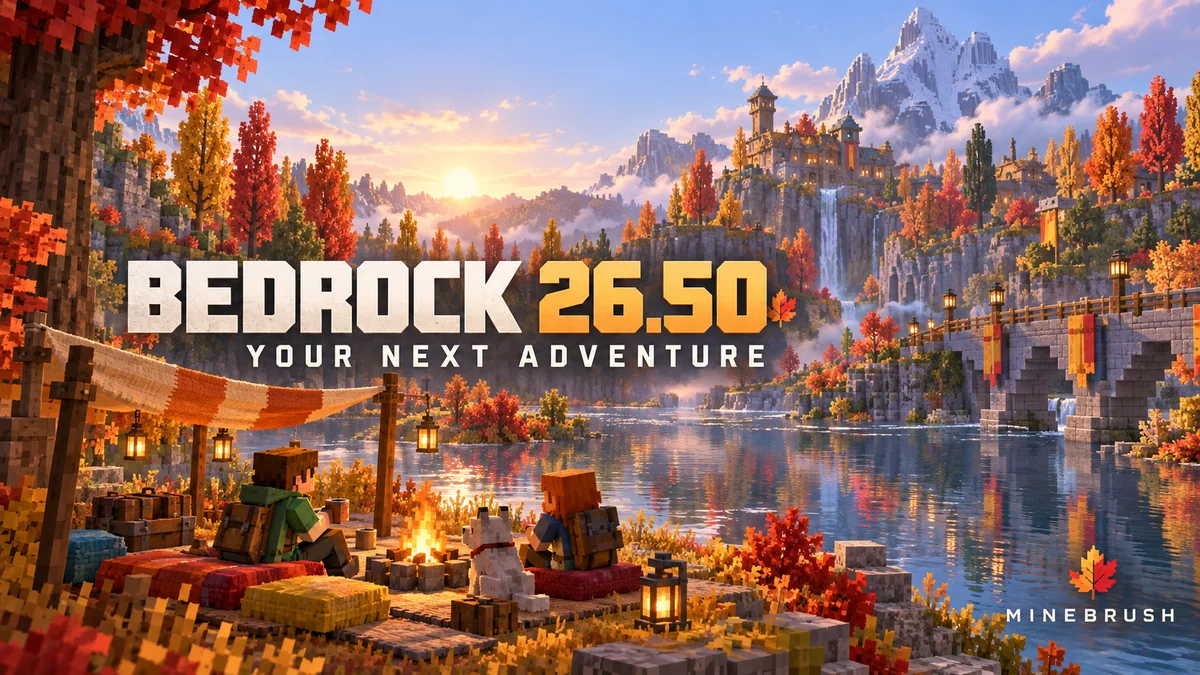
Explore camps and the Dappled Forest, build with new shapes and keep your home spawn on overnight trips. Bedrock 26.50 explained, including Realms, touch controls, world-saving fixes and add-on checks.
- Bedrock
- 26.50
- Release type
- Release
- Game released
Focus Camping and building, world-saving fixes, Realms and device controls
Install Update through your device store or official game launcher
Enrollment None required
Back up worlds and check add-on compatibility
Bedrock · Release
Minecraft Bedrock 26.50
Explore camps and the Dappled Forest, build with new shapes and keep your home spawn on overnight trips. Bedrock 26.50 explained, including Realms, touch controls, world-saving fixes and add-on checks.
Back up worlds and check add-on compatibility
- Minecraft version
- 26.50
- Game edition
- Bedrock Edition
- Update type
- Major release
- Release channel
- Bedrock Edition
- Official release date
- 2026-09-15
- World safety
- Back up before updating
- Player impact
- Camping and building, world-saving fixes, Realms and device controls
- Related major release
- Wilderness Bound
- Platform family
- Bedrock & Mobile
- Supported devices
- Supported Bedrock devices: Windows, phones, tablets and consoles
- Touch readiness
- Yes
- Last verified at
- Sep 18, 2026
- Update state
- current
- Compatibility confidence
- Source claimed
- Card delivery statement
- Update through your device store or official game launcher
- Card limitation note
- Back up worlds and check add-on compatibility
- Edition applicability
- Bedrock
- Bedrock enrollment route
- None required
- Delivery state
- No file
- Lifecycle state
- Current
Player discussion 0
Questions, discoveries and help from other players.