Skip to content
MineBrush For creators
MenuClose menu

MineBrush library

Latest Minecraft publications

Recently published resources, updates, guides and news. Open a card to confirm edition, version and compatibility.

Recently published

OrderLatest first
Java · Mod

ModernFix

5.27.22

by embeddedt and contributors · Updated

Help your modpack start more efficiently and reduce memory use with ModernFix. Download 5.27.22 for Java 26.1.2 and NeoForge, follow the client or server installation steps, and solve common setup problems. A Java 26.2 build is not available yet.

Minecraft
26.1.2
Loader
NeoForge
Runtime
Both

Java 26.1.2 only · no 26.2 build

Java · Mod

by FlashyReese and contributors · Updated

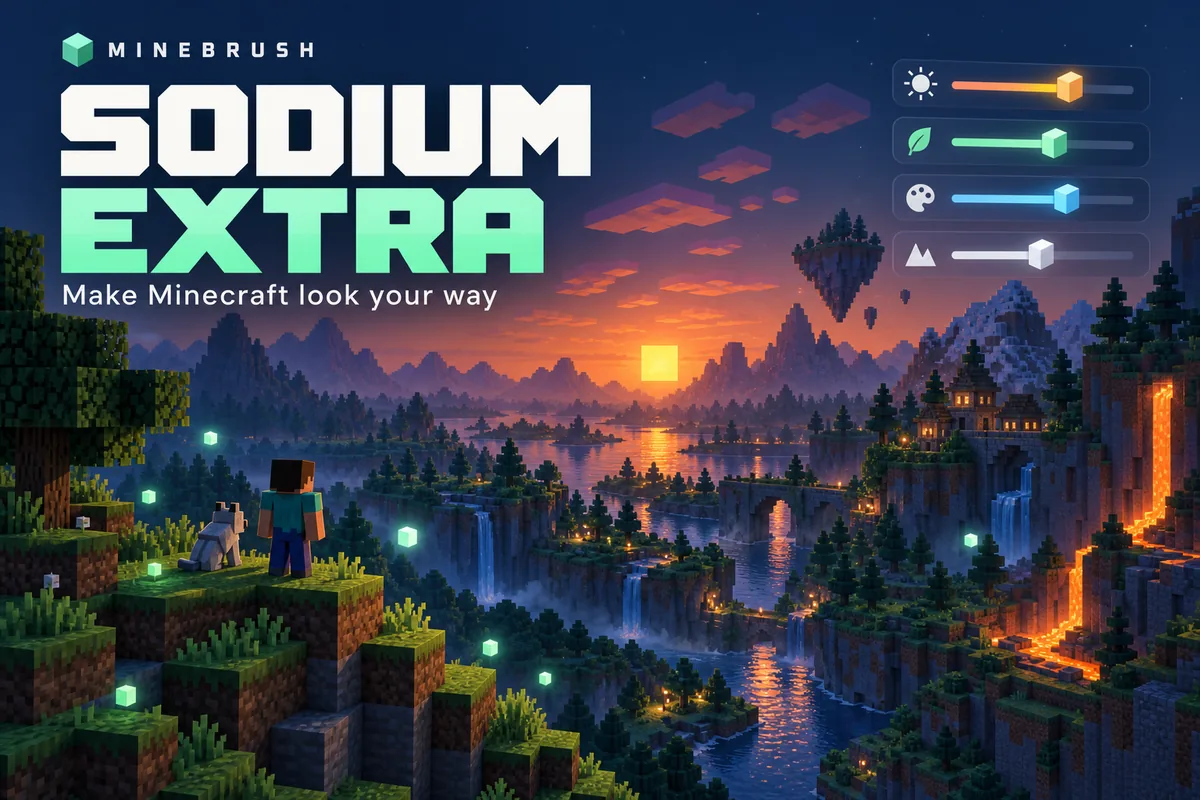
Customize particles, animations, sky details and the FPS overlay in Java 26.2. Download Sodium Extra for Fabric or NeoForge and learn which settings to change.

Minecraft
26.2
Loader
Fabric
Runtime
Client

Requires Sodium · change one option at a time

Java · Mod

by PepperCode1 and contributors · Updated

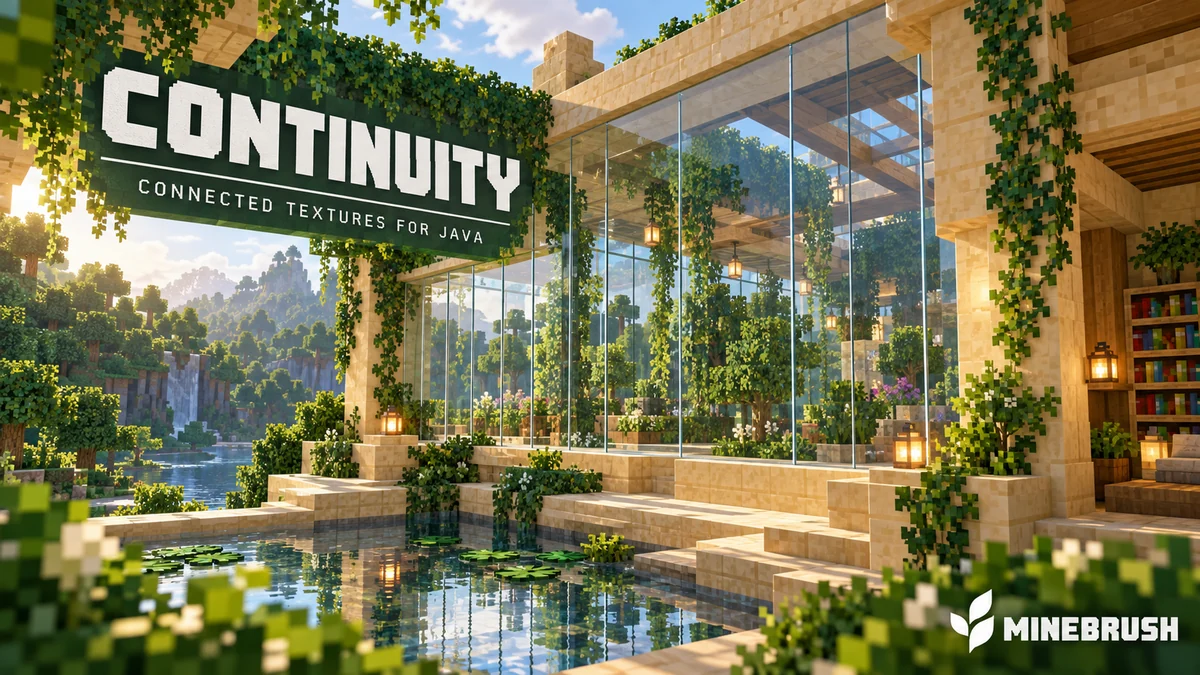
Connect glass, sandstone and bookshelf textures in Java 26.2. Download Continuity and Fabric API, then enable the built-in packs with this installation guide.

Minecraft
26.2
Loader
Fabric
Runtime
Client

Java 26.2 · enable the built-in texture packs

Java · Mod

AppleSkin

3.0.10

by squeek502 and contributors · Updated

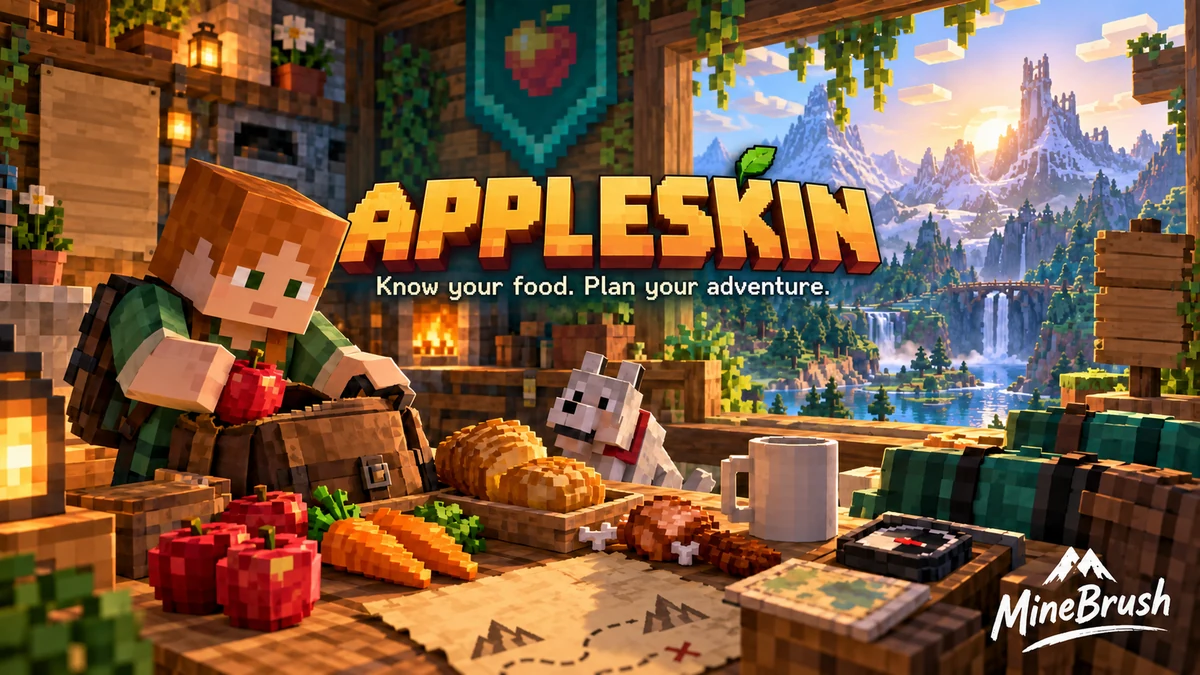
Choose food with a better idea of what it will do. AppleSkin shows hunger, saturation and held-food previews in Minecraft Java. Compare meals before an adventure, understand the extra HUD indicators and download the Fabric or NeoForge build for 26.2.

Minecraft
26.2
Loader
Fabric
Runtime
Client

Accurate online saturation and exhaustion need server support

Java + Bedrock · Release

by MineBrush Editorial · Updated

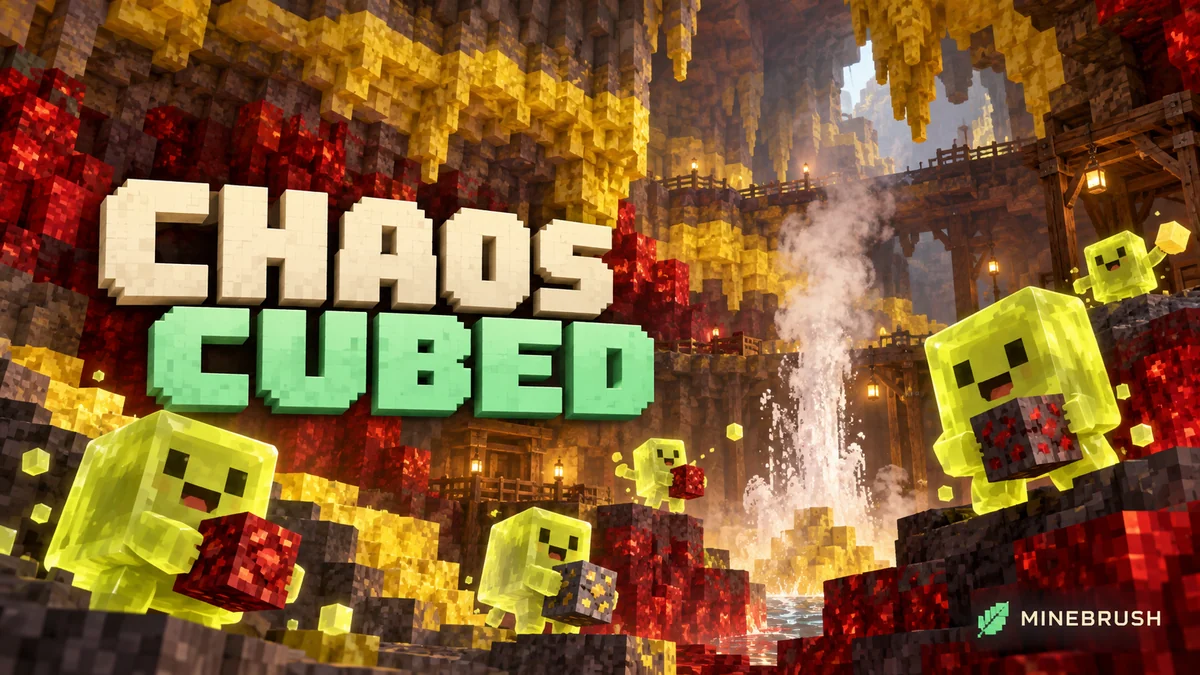
Turn sulfur cubes into bouncing balls and sliding targets, build a geyser, and explore the red-and-yellow caves of Chaos Cubed. Practical projects and Java 26.2 / Bedrock 26.30 differences.

Game released
Java
26.2 · Stable
Bedrock
26.30 · Stable

Focus Sulfur cubes, new caves, geysers, cinnabar builds and minigame ideas

Topic Chaos Cubed

Install Explore the update

Java 26.2 / Bedrock 26.30

Java + Bedrock · Release

by MineBrush Editorial · Updated

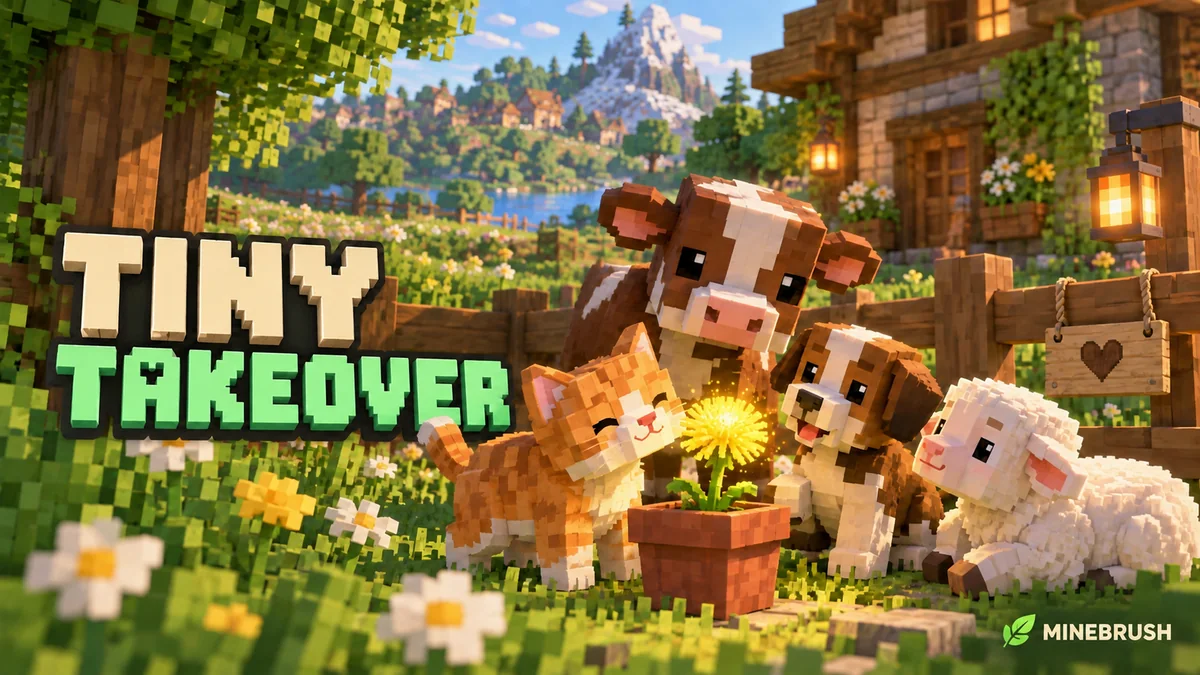
Keep favorite baby animals small, craft and use name tags, and add trumpet sounds to your builds. Recipes, nursery ideas and the useful changes in Java 26.1 and Bedrock 26.10.

Game released
Java
26.1 · Stable
Bedrock
26.10 · Stable

Focus Baby animal redesigns, growth control, craftable name tags and trumpet note blocks

Topic Tiny Takeover

Install Explore the update

Java 26.1 / Bedrock 26.10

Java + Bedrock · Release

by MineBrush Editorial · Updated

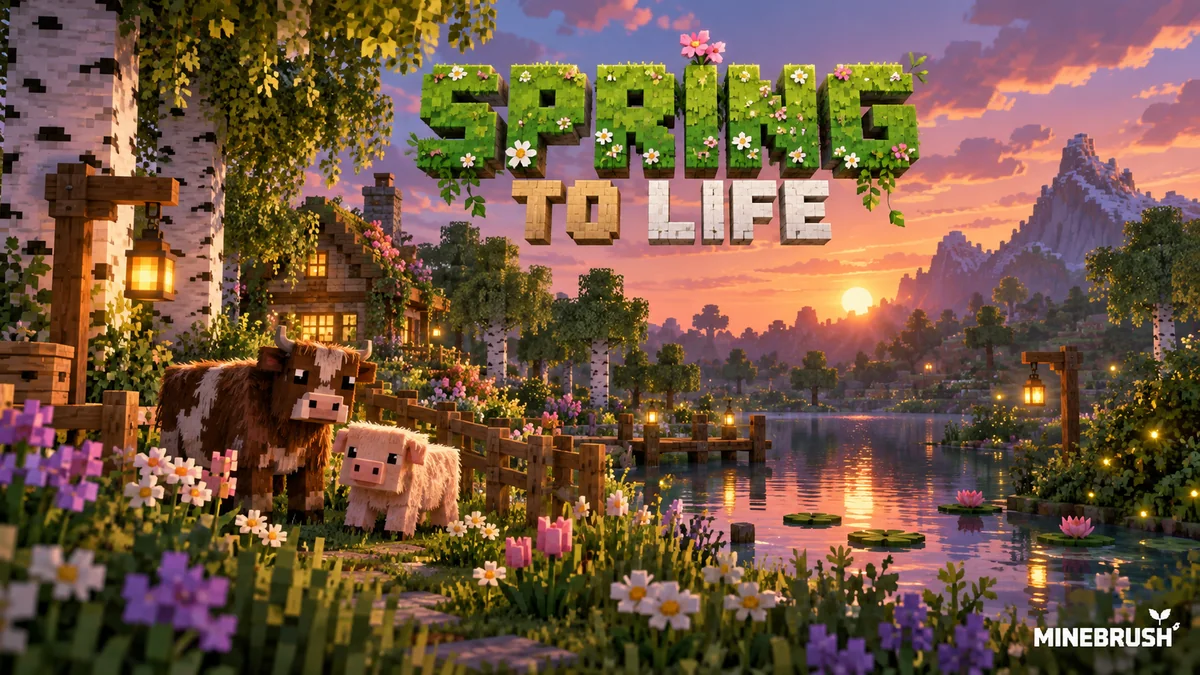
Find warm and cold animals, grow firefly bushes and wildflowers, and turn the new plants into a woodland path or evening garden. Practical Spring to Life ideas for Java and Bedrock, with original Mojang images.

Game released
Java
1.21.5 · Stable
Bedrock
1.21.70 · Stable

Focus New animal variants, firefly gardens, woodland plants and exploration ideas

Topic Animals, plants and exploration

Install Included in the official game update

Back up before updating

Java + Bedrock · Release

by MineBrush · Mojang sources · Updated

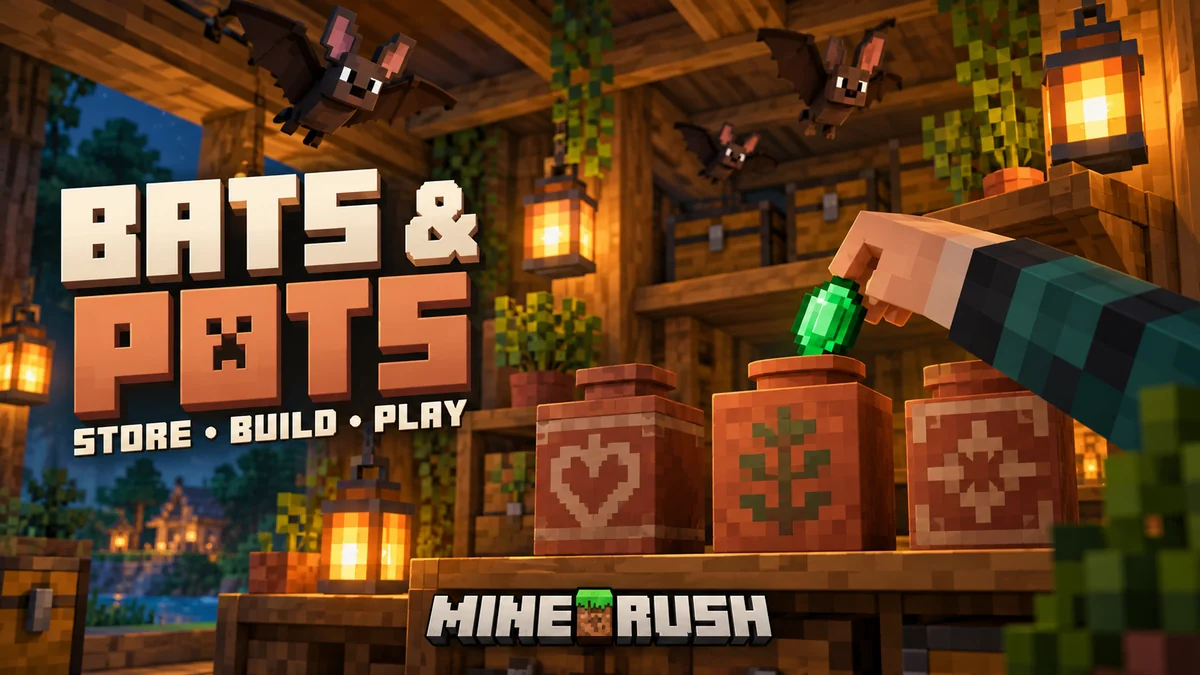
Turn decorated pots into food jars, supply caches and breakable rewards. Learn filling, retrieval, simple hopper uses and the bat refresh—with original images and the important Java 1.20.4 item-loss fix.

Game released
Java
1.20.3 · Stable
Bedrock
1.20.50 · Stable

Focus Decorated pot storage, retrieval and automation; bat appearance; Java 1.20.4 hotfix

Topic Bats & Pots

Back up before updating

MineBrush · Guide

by MineBrush Editorial · Updated

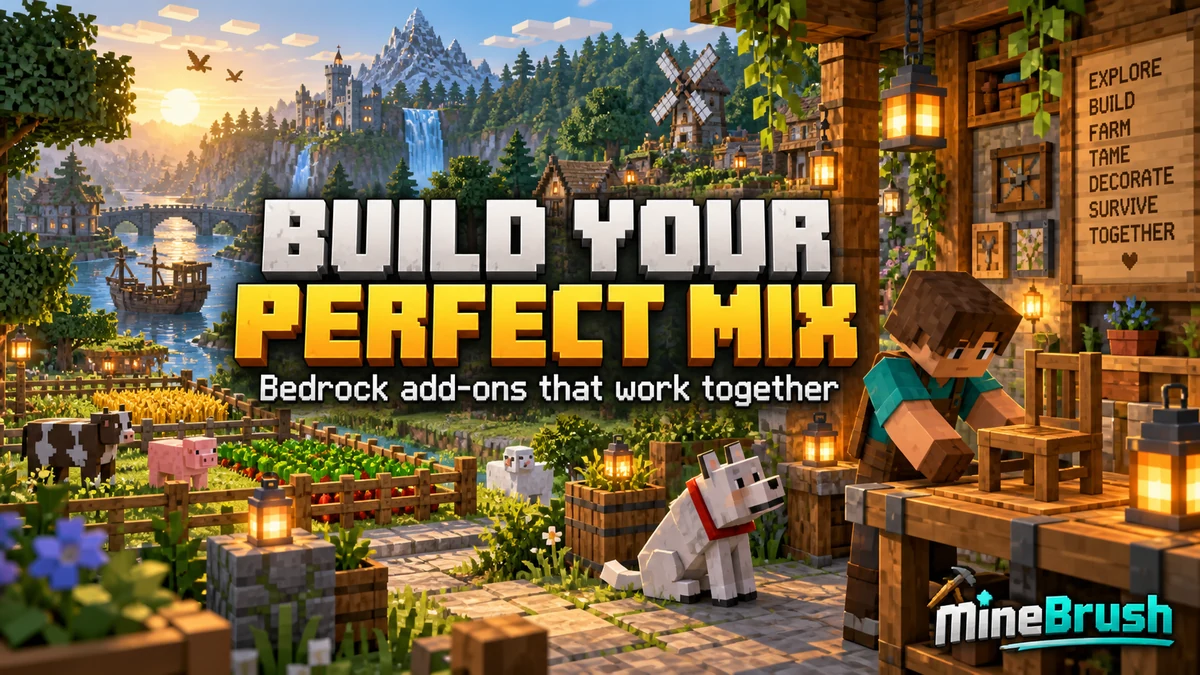
Build a Bedrock world around the features you enjoy. Combine useful add-ons, understand pack order, choose compatible visual settings and find the cause when textures, items or gameplay stop working together.

Edition
Bedrock Edition
Difficulty
Intermediate
Time
20–30 min to check a pair

Make your favourite features work together

MineBrush · Guide

by MineBrush Editorial · Updated

Keep your Bedrock builds, inventory and favorite add-on features when planning an update. Back up the world, install the matching release, check a copy through a short play session and know what to do if content goes missing.

Edition
Bedrock Edition
Difficulty
Advanced
Time
None

Check the update in a separate world copy

MineBrush · Guide

by MineBrush Editorial · Updated

Add something new to the world you already love. Bring furniture, pets or new survival activities into an existing Bedrock save. Learn how to copy your world, activate the right packs, find the first useful features and keep your progress recoverable.

Edition
Bedrock Edition
Difficulty
Beginner
Time
15–30 min, plus downloading and world copying

Keep your builds; try new features on a world copy

MineBrush · Guide

by MineBrush · Updated

Fix failed imports, missing textures and add-on conflicts in Minecraft Bedrock. Follow the symptom you see, activate the right packs, test a clean world and check Realm setup before returning to your main save.

Edition
Bedrock Edition
Difficulty
Beginner
Time
7 min read; repair time varies
Showing up to 12 publications per page.Browse all libraries