
Java 1.21.5 player guide
Minecraft Java 1.21.5: Spring to Life, Farms & Exploration
Collect new animals, build woodland paths and find home. Understand Java 1.21.5 farm activity, portal loading, named creakings and useful settings.
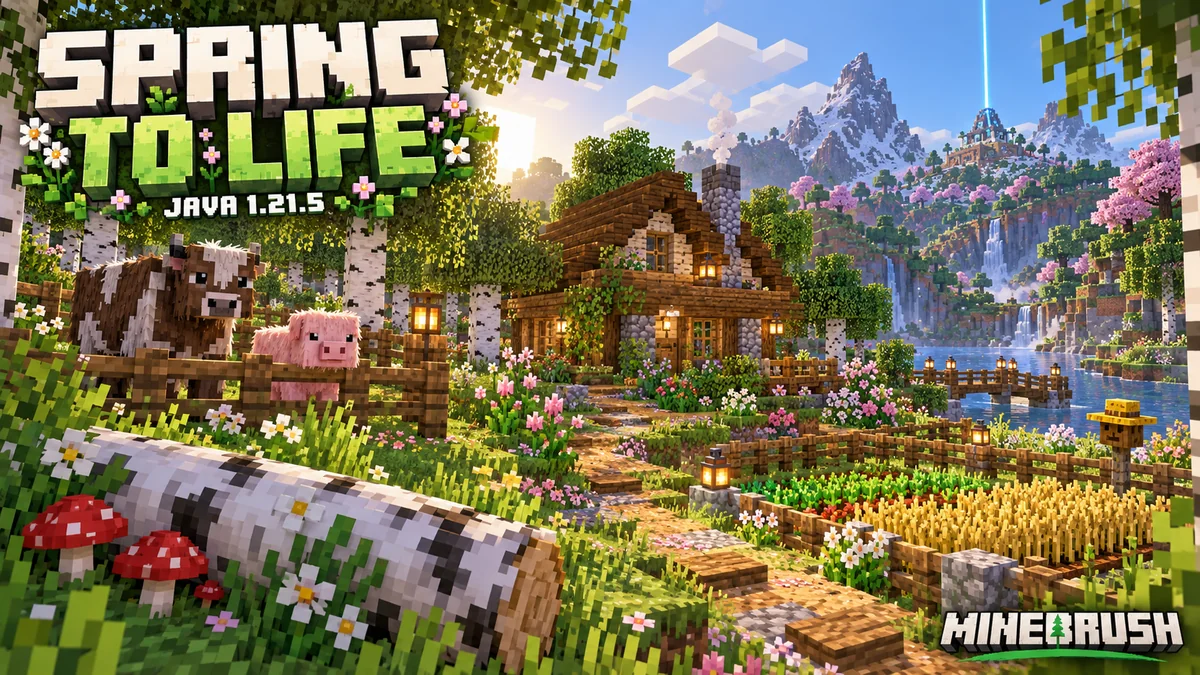
Java 1.21.5 makes exploration more rewarding and changes how parts of an existing world keep working. Spring to Life adds climate-based farm animals, new plants and fallen trees, makes lodestones much easier to craft, and gives traders more useful offers. For established survival worlds, its farm simulation, portal-loading and creaking changes deserve attention too.
The stable release launched on March 25, 2025, for Windows, macOS and Linux. This is a historical release guide, not a recommendation to downgrade. Newer supported Java versions include these additions, although later releases can change individual mechanics again. Bedrock’s companion release is 1.21.70.
Choose a project that fits the world you already have
- A small animal collection: prepare separate pens, then bring back cold or warm cows, pigs and chickens. Their appearance changes the farm’s character without requiring special food.
- A woodland approach to your base: combine wildflowers, bushes and leaf litter with a fallen-log detail. Collect renewable samples before landscaping a whole forest.
- A better expedition routine: bind a compass to a cheap lodestone at camp, choose a useful cartographer map, and bring home a few eggs or plants.
- A check of an older farm: confirm how it behaves when you leave, return and restart the world. Several loaded-area rules differ from earlier versions.
Our Spring to Life overview explains the complete plant collection, three-climate farm and garden projects. This guide adds the Java-specific behavior that helps you use those features in a long-running world.
Collect variants with breeding, eggs and a sensible route
Cows, pigs and chickens have warm, cold and familiar temperate appearances. A taiga is a useful starting point for cold variants, while savanna and jungle regions are useful for warm ones. In Java 1.21.5, farm animals can also spawn in badlands, and camels gain natural desert spawning.
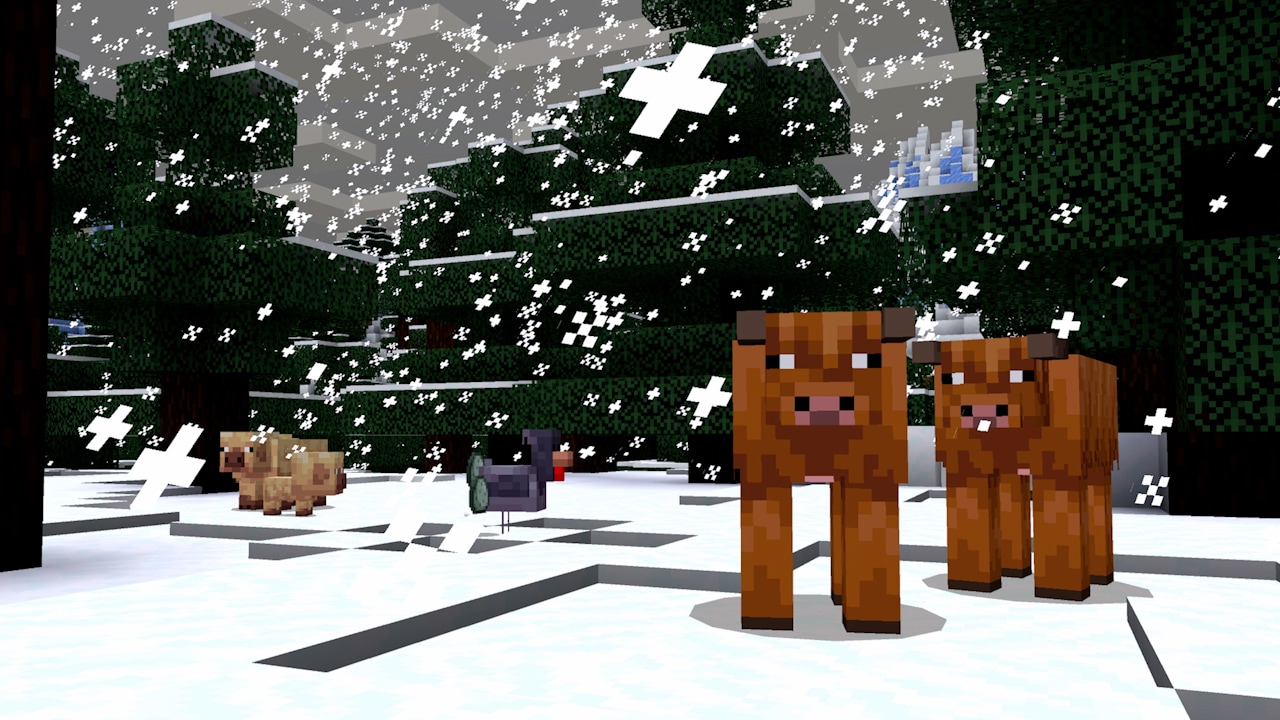
Prepare gates and pens before an expedition. Bring the usual breeding food—wheat for cows, carrots for pigs and seeds for chickens—and choose a route with manageable water crossings and slopes. A different coat does not mean the animal needs a different diet.
Breeding example: two cold cows produce the cold variant. When parents have different variants, the baby randomly inherits one of their looks; the biome around the pen does not choose it. Transporting a cold cow to a warm base will not recolor it. Label pens if you want to preserve a particular collection.
Cold chickens lay blue eggs and warm chickens lay brown eggs. Those eggs can hatch the matching variant, so bringing several eggs home can be easier than escorting a chicken across a mountain. Throw them inside a secure enclosure and allow for failed hatches; one egg is not a guaranteed chicken.
Sheep are more commonly black in cold biomes, brown in warm biomes and white in temperate ones, but other colors remain possible. Your existing sheep are not automatically repainted. If a project needs a particular wool color, dyeing sheep is still more predictable than searching indefinitely.
Wolves receive six additional sound variants alongside the original voice. The voice is assigned independently of the coat. Enjoy the difference as personality and atmosphere, not a sign that one wolf is stronger or has a different command set.
Use fallen trees as landmarks and building references
Fallen oak, birch, jungle and spruce trees begin generating in Java. Some have mushrooms or vines, and birch examples can have different lengths. Look in newly generated terrain where the corresponding standing trees occur, while remembering that several biomes are exceptions: groves, meadows, rivers and bamboo jungles do not receive these fallen trees.
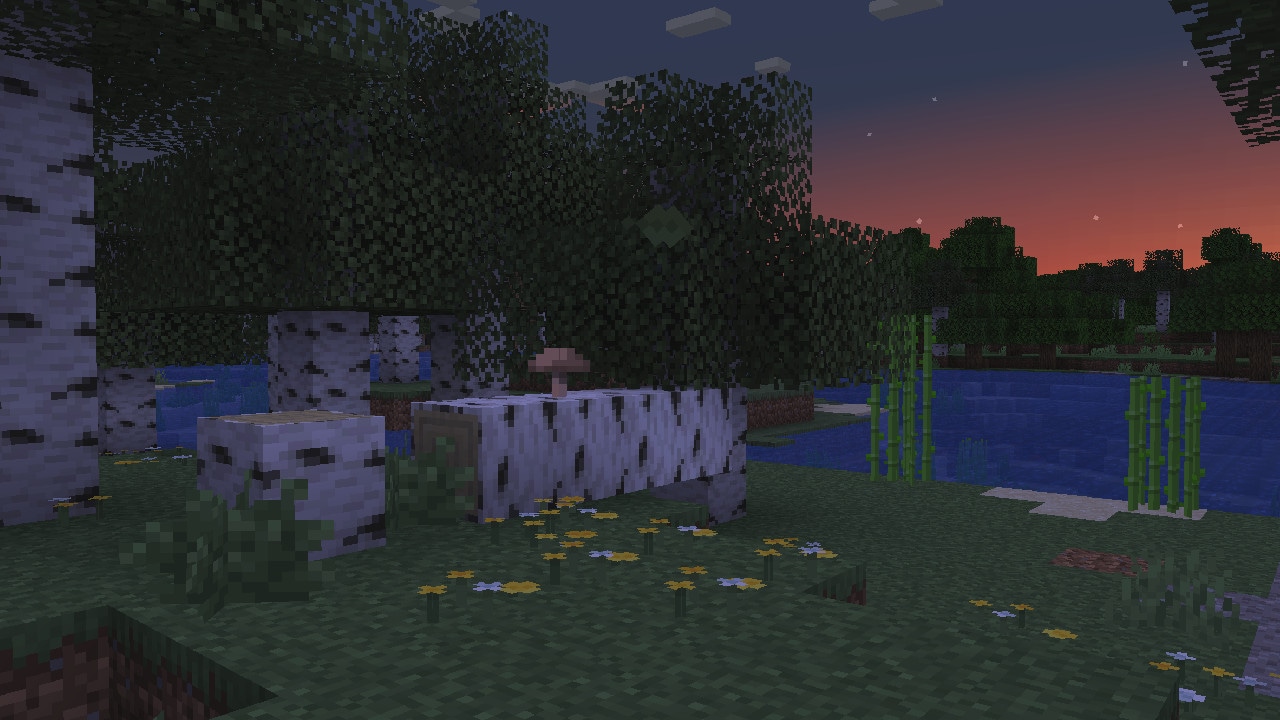
Build idea: leave a discovered trunk beside a path, widen the walkway around it, and place leaf litter more densely near the wood than in the center of the route. Add a bench or a sign at the bend. The log becomes a recognizable meeting place without needing a large structure.
This is a world-generation feature, not a promise that chopping a tree makes it fall sideways. If your home area was generated before the drop, build a fallen-log detail yourself or explore new terrain. Existing trees and lawns do not automatically rearrange.
Bring a few plants home and multiply them
- Wildflowers: collect them in birch forests or meadows. Up to four occupy a block space, and different placement directions help vary a border. Bone meal produces more.
- Leaf litter: gather it or smelt leaf blocks into it. Thicken patches around trunks, thin them along the path, and remember that falling leaf particles do not create collectible ground cover.
- Bushes: collect them with shears or Silk Touch. Bone meal can spread one into an available adjacent space, making a small sample useful for a larger hedge-like border.
- Firefly bushes: use them beside a pond for a dark-time particle effect. Leave room to spread them with bone meal and an open or leafy space above for their nighttime ambience. Keep the walking route properly lit.
- Dry grass and cactus flowers: make a sandy courtyard feel less empty. Both dry-grass forms fit within one block of height. Cactus flowers can be moved to suitable supports, avoiding a hazardous cactus beside a busy doorway.
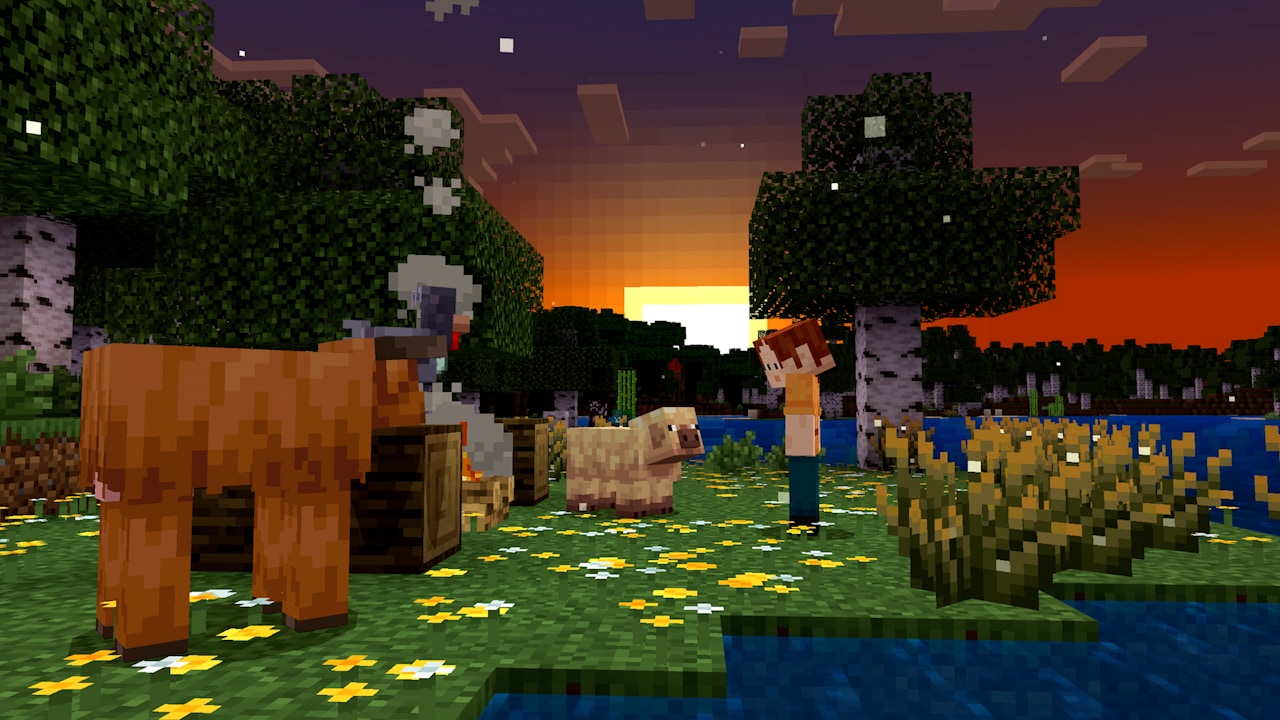
Evening test: visit the same corner after sunset before extending it. The right placement may be a few bushes across the water from your seat, rather than a dense mass directly on the path. These fireflies are particles around the bush, not insects you can catch or breed.
Make a return route before following a map
A lodestone now costs one iron ingot surrounded by eight chiseled stone bricks. Place it at your camp and use a compass on it to bind that compass. Carry the bound compass on trips in the same dimension, leaving the lodestone in place. It marks a destination; it does not set your spawn or teleport you home.
Example: establish a small supply hut at the edge of a new region, place a lodestone there, then explore for cold animals. When you have collected eggs or plants, return to the hut to sort supplies before organizing a more difficult livestock journey. Keep coordinates as an additional reference if you plan to move the camp.
Cartographers gain seven map trades leading to villages or other structures in different biomes. Their village type affects the selection. Read the actual destination before buying: a route to another region can support your search, but it is not a live tracker for one specific chicken.
Wandering traders can buy two kinds of supplies from a possible list of water bottles, water buckets, milk buckets, fermented spider eyes, baked potatoes and hay bales. Check the offers first. A farm near home may supply a useful sale without a trip to a trading hall, but not every trader buys your preferred item. New possible sales include logs, an enchanted iron pickaxe and invisibility potions.
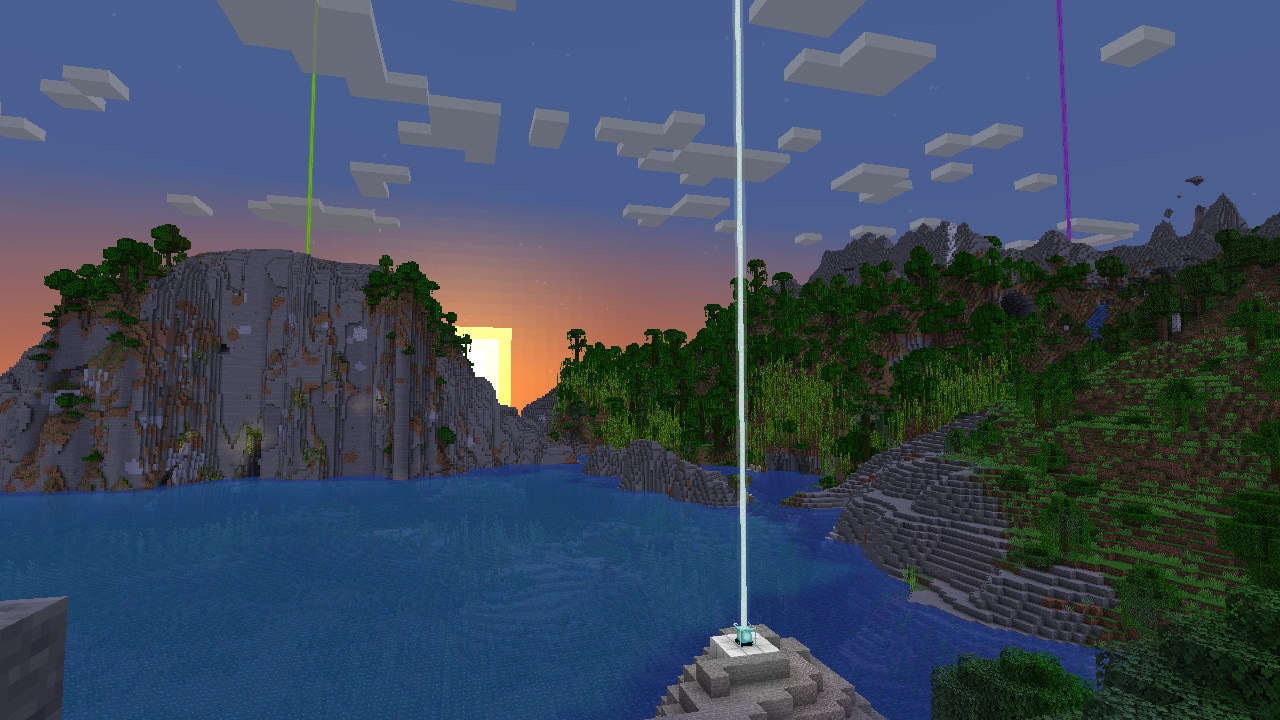
Java 1.21.5 also renders beacon beams beyond the old 16-chunk limit, up to the client’s render distance, and makes distant beams thicker. A beacon can be a clearer landmark for a large base, but it does not reveal an unloaded landscape or point through every obstruction. A bound compass and a known route remain useful away from home.
Why crops and mob farms do not follow the same distance rules
This release broadens where random block updates can happen. Blocks within a player’s simulation distance, or loaded by another qualifying source such as an ender pearl, can receive them. The notes explicitly include crops growing, ice melting, snow falling and cauldrons filling with rain in suitable loaded areas, including the spawn chunks that existed in this version.
What that means for a builder: a crop patch near an active base can keep progressing under the new rules even where an older version’s player-distance limit prevented it. A chunk-loading setup can also affect more than the one machine you intended to run. Inspect exposed snow, ice and farms when maintaining such a setup.
What it does not mean: every farm works anywhere just because its chunks are loaded. Mob spawning keeps its own nearby-player requirement. The release also retains a player-centered range for lightning and lava igniting blocks, and ordinary fire no longer burns or spreads when no player is within eight chunks. Do not use crop growth as proof that a hostile-mob farm should be producing.
A simple check before rebuilding a farm
- Keep a backup or testing copy. Use it when the world contains a valuable automatic farm or a chunk loader.
- Identify the farm’s job. Crops, mob spawning, redstone machinery and item collection are different processes, not one universal “farm activity.”
- Check the active area. Your simulation distance affects normal activity around you. A visible distant build is not automatically simulated simply because you can see it.
- Compare before and after leaving. Watch the output under a known condition, then repeat after moving away and returning. Check server settings if you play multiplayer.
- Repeat after reopening the world. Portal-loaded chunks now reload automatically when the world is reopened, which can change the behavior of a setup that used to need restarting.
There is also a specific change for zombified piglin XP farms: player-specific loot, including experience, now requires a player kill. An old design relying on other kills to produce that experience may need a different collection or kill method. Test the actual XP output before rebuilding the storage system.
These details describe 1.21.5. Later versions revise loading behavior again—for example, Java 1.21.9 removes spawn chunks. Choose instructions for the version you are playing rather than combining incompatible farm guides.
A named creaking can stay through the day, with limits
Java 1.21.5 allows a creaking to receive a name tag. A named one can persist through daytime, but it still depends on its heart: it can be removed if too far away or stuck with a player. Naming it is not a way to turn a heart-linked creature into a freely transportable pet.
A correctly arranged heart gains a dormant daytime appearance. While dormant, it cannot spawn new creakings or produce resin. Keeping a named creaking through the day therefore does not create an all-day resin farm. Heart and eyeblossom day/night transitions now follow the fixed time of day, not weather or dimension brightness.
For a resin-gathering area: keep the heart’s log arrangement intact, leave clear space, and schedule gathering at night. If it stops producing after sunrise, wait for the appropriate cycle rather than repeatedly attacking the creature or rebuilding the heart. Our Garden Awakens guide explains the original heart, resin and plant mechanics; apply the newer behavior here when playing 1.21.5.
Useful settings, tooltips and Realms changes
- Ambient sound control: desert, badlands and pale-garden ambience moves into Ambient/Environment. Adjust that category if you want less environmental sound while keeping ordinary block sounds.
- Narrator volume: the Voice category now affects it. Check the game’s configured volume before assuming narration has stopped working.
- Crossbow inspection: the tooltip shows all charged projectiles. This is useful when checking a loaded weapon before using it near a build.
- Creative container copies: containers picked with Ctrl + Pick Block show their first four stored items in the tooltip, helping you distinguish prepared supply boxes.
- Startup recovery: after an incomplete startup, the game can reset fullscreen. A return to windowed mode is not by itself evidence that your world has been lost.
Realms can accept Hardcore single-player worlds in this release. Consider that choice with your group before uploading: it changes the stakes of the shared world. Uploading a world also enables command blocks by default, so an owner importing an adventure map should understand the map’s intended command behavior instead of assuming its old server setting carried over.
One survival detail is easy to miss: a fall of more than 2.5 blocks into powder snow can make you sink through even while wearing leather boots. The boots still help with ordinary movement on its surface, but do not treat them as permission to jump down a steep snowy slope.
Update through the launcher, keeping your old world safe
- Back up the world. Preserve a separate copy before opening it with a newer game version.
- Check mods and resource packs. Install versions supported by their creators for your chosen release; an older Java modpack does not become compatible just because the game starts.
- Use Minecraft Launcher. Choose the current stable Java release for ordinary play. If you intentionally need historical 1.21.5, create a separate installation and game directory rather than sharing your normal saves.
- Start with a copy or new world. Check farm output, important travel routes and your packs before committing the main save.
- Explore with a goal. A few plant samples or a collection of eggs is a manageable first trip; a large animal-moving project can wait until the route is prepared.
Do old chunks get the new scenery? Existing builds remain yours. Newly generated terrain is the reliable place to find new natural decorations, while carried plants let you improve old areas yourself.
Does this release include happy ghasts? No. Those belong to the later Chase the Skies drop. Spring to Life’s new routes are about plants, animals, trading and navigation.
Sources: Mojang’s final Java 1.21.5 notes, official release-page image gallery, and Spring to Life feature overview. Game and original images: Mojang / Microsoft. MineBrush’s project examples are editorial suggestions. The branded cover is an illustration.
More for your Java setup.
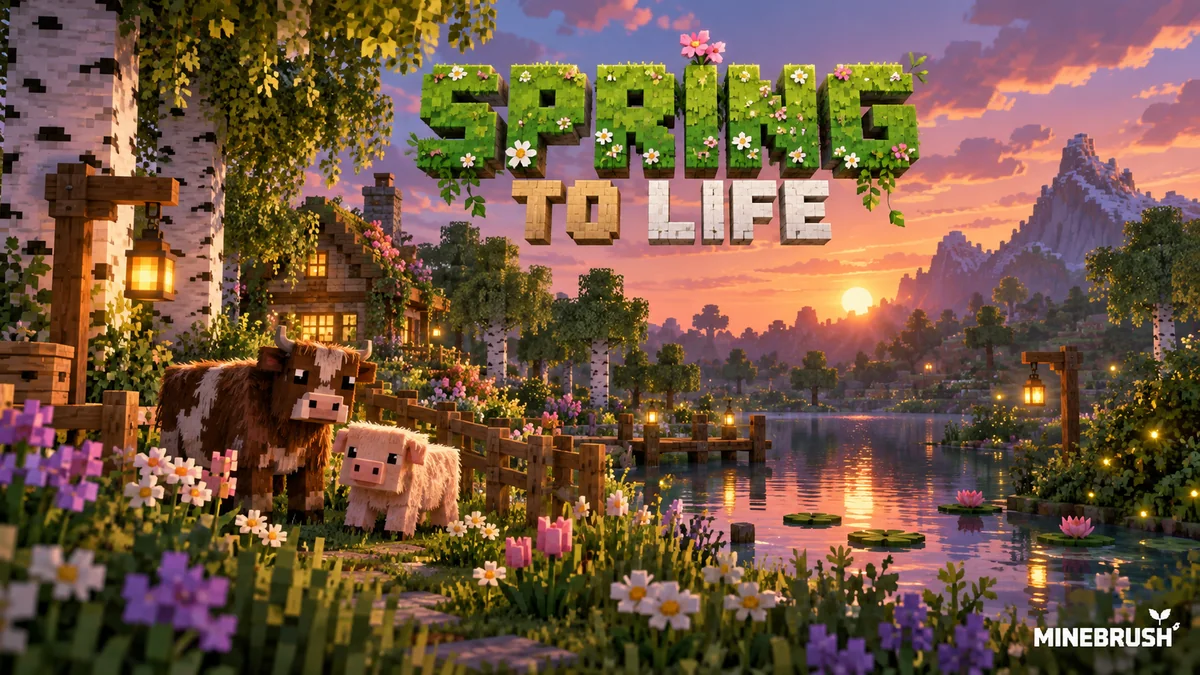
Find warm and cold animals, grow firefly bushes and wildflowers, and turn the new plants into a woodland path or evening garden. Practical Spring to Life ideas for Java and Bedrock, with original Mojang images.
- Game released
- Java
- 1.21.5 · Stable
- Bedrock
- 1.21.70 · Stable
Focus New animal variants, firefly gardens, woodland plants and exploration ideas
Topic Animals, plants and exploration
Install Included in the official game update
Back up before updating
Java + Bedrock · Release
Spring to Life
Find warm and cold animals, grow firefly bushes and wildflowers, and turn the new plants into a woodland path or evening garden. Practical Spring to Life ideas for Java and Bedrock, with original Mojang images.
Back up before updating
- Update type
- Major release
- Release channel
- Java & Bedrock
- Official release date
- 2025-03-25
- World safety
- Back up before updating
- Player impact
- New animal variants, firefly gardens, woodland plants and exploration ideas
- Related major release
- MineBrush three-year release archive
- Platform family
- Cross-edition
- Supported devices
- Java: Windows, macOS and Linux. Bedrock: supported PCs, consoles and mobile devices.
- Install format
- Included in the official game update
- Touch readiness
- Yes
- Resource type
- Update
- Last verified at
- Sep 16, 2026
- Update state
- historical
- Compatibility confidence
- Source claimed
- Bedrock version/build
- 1.21.70
- Card delivery statement
- Included in the official game update
- Edition applicability
- Java + Bedrock
- Java version/build
- 1.21.5
- Shared update topic
- Animals, plants and exploration
- Delivery state
- No file
- Lifecycle state
- Superseded
- Java update channel
- Stable
- Bedrock update channel
- Stable
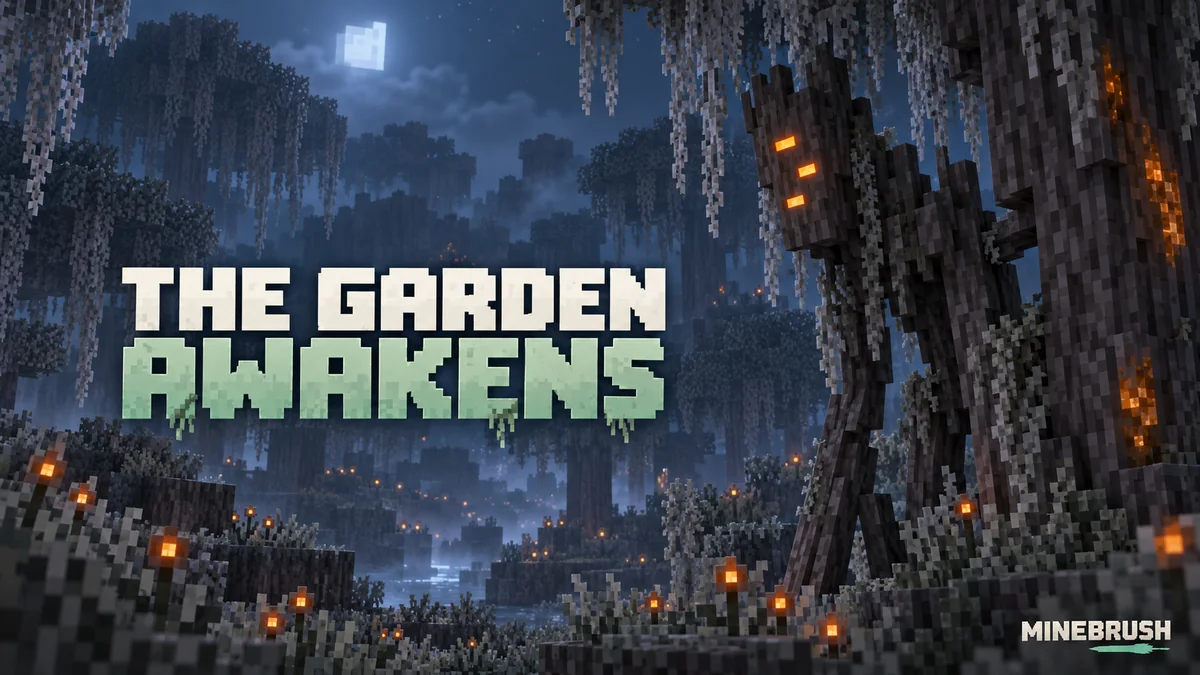
Explore the pale garden, follow a creaking to its heart and collect resin for your next build. Practical daytime and nighttime routes, pale oak growing tips, eyeblossom uses and original Mojang screenshots.
- Game released
- Java
- 1.21.4 · Stable
- Bedrock
- 1.21.50 · Stable
Focus Pale garden exploration, creaking hearts, resin collection, pale oak and eyeblossom builds
Topic The Garden Awakens
Install Included in the official game update
Heart-linked creakings require finding their heart; ordinary attacks do not defeat them.
Java + Bedrock · Release
The Garden Awakens: Explore, Gather and Build
Explore the pale garden, follow a creaking to its heart and collect resin for your next build. Practical daytime and nighttime routes, pale oak growing tips, eyeblossom uses and original Mojang screenshots.
Heart-linked creakings require finding their heart; ordinary attacks do not defeat them.
- Update type
- Major release
- Release channel
- Unknown / not stated
- Official release date
- 2024-12-03
- World safety
- Back up before updating
- Player impact
- Pale garden exploration, creaking hearts, resin collection, pale oak and eyeblossom builds
- Platform family
- Cross-edition
- Supported devices
- Java on Windows, macOS and Linux; Bedrock on supported mobile, console and Windows devices
- Install format
- Official game update
- Touch readiness
- Check guide
- Resource type
- Update
- Last verified at
- Sep 17, 2026
- Update state
- historical
- Compatibility confidence
- Source claimed
- Bedrock version/build
- 1.21.50
- Card delivery statement
- Included in the official game update
- Card limitation note
- Heart-linked creakings require finding their heart; ordinary attacks do not defeat them.
- Edition applicability
- Java + Bedrock
- Java version/build
- 1.21.4
- Shared update topic
- The Garden Awakens
- Delivery state
- No file
- Lifecycle state
- Superseded
- Java update channel
- Stable
- Bedrock update channel
- Stable
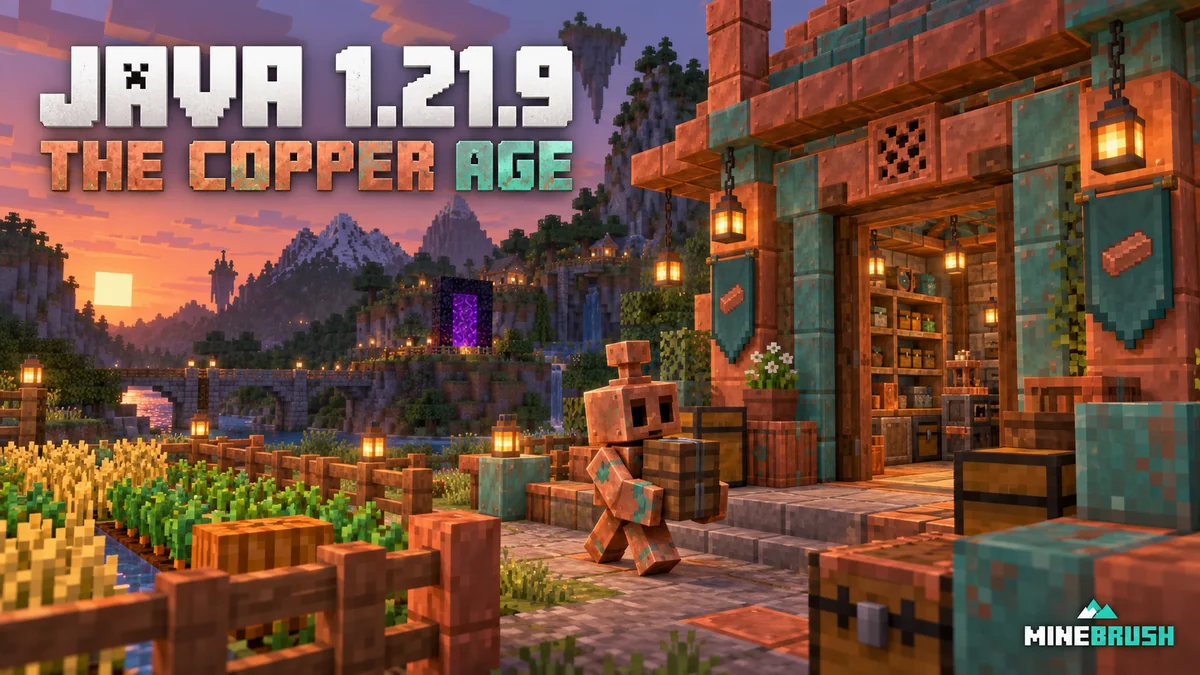
Build a useful copper workshop, understand the removal of spawn chunks, customize F3, save chat drafts and adjust comfort controls. Practical Java 1.21.9 advice for an existing world.
- Java
- Java 1.21.9
- Release type
- Release
- Game released
Focus Copper workshop, spawn chunks, F3, chat and comfort controls
Install Official launcher
Back up before updating
Java · Release
Java 1.21.9 — Copper, Farms & F3
Build a useful copper workshop, understand the removal of spawn chunks, customize F3, save chat drafts and adjust comfort controls. Practical Java 1.21.9 advice for an existing world.
Back up before updating
- Minecraft version
- Java 1.21.9
- Game edition
- Java Edition
- Update type
- Major release
- Release channel
- Java Edition
- Official release date
- 2025-09-30
- World safety
- Back up before updating
- Player impact
- Copper workshop, spawn chunks, F3, chat and comfort controls
- Related major release
- The Copper Age
- Platform family
- Java PC
- Last verified at
- Sep 17, 2026
- Update state
- historical
- Compatibility confidence
- Source claimed
- Card delivery statement
- Official launcher
- Edition applicability
- Java
- Delivery state
- No file
- Lifecycle state
- Superseded
Player discussion 0
Questions, discoveries and help from other players.