
MineBrush publication
Round Trees 8.3: Round Logs, Forests and Timber Build Ideas for Java
Give forests, log cabins and timber bridges a softer shape. See the creator screenshots, learn pack order and download Round Trees 8.3 for Minecraft Java.
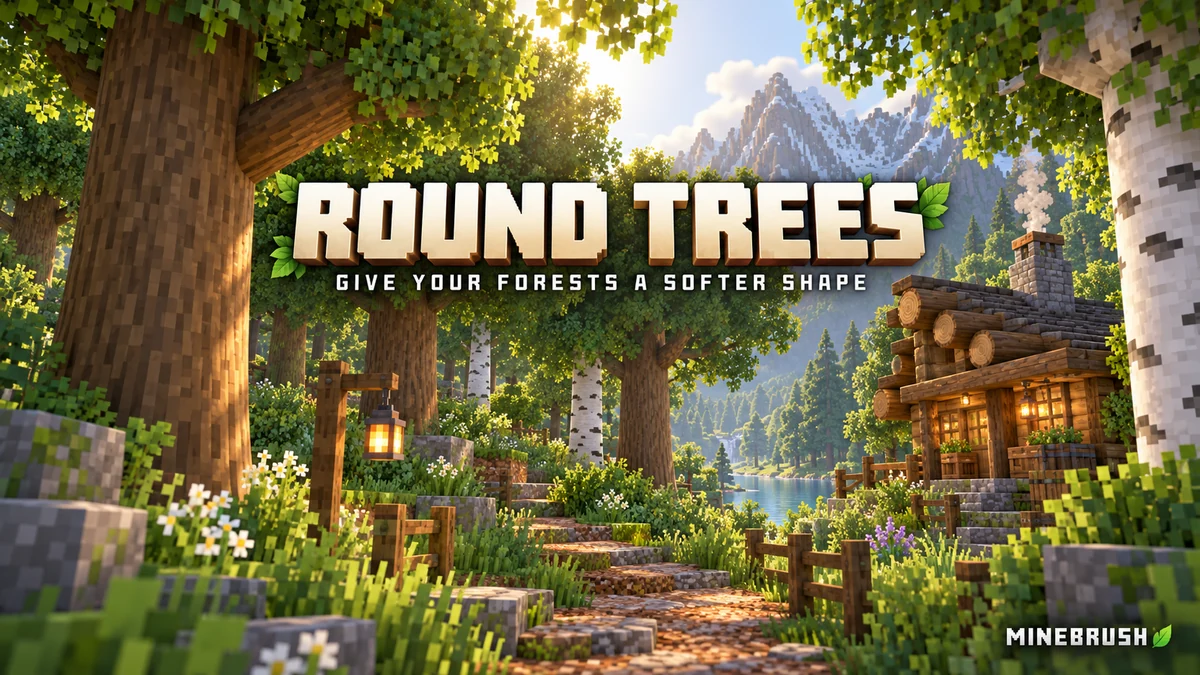
Round Trees gives Minecraft’s logs rounded sides while keeping the wood textures you already use. Forest trunks look less boxy, fallen logs have a more natural silhouette, and the exposed beams of a cabin can feel like real timber. It is a Java resource pack: you do not need a mod loader, OptiFine or shaders to round ordinary Minecraft logs.
The download below is Round Trees 8.3, listed by the creator for Java 1.20–1.21.11 and 26.1–26.2. It changes appearance on your own client, so you can use it in an existing world or while visiting a server without asking everyone else to install it.
What changes when you enable it?
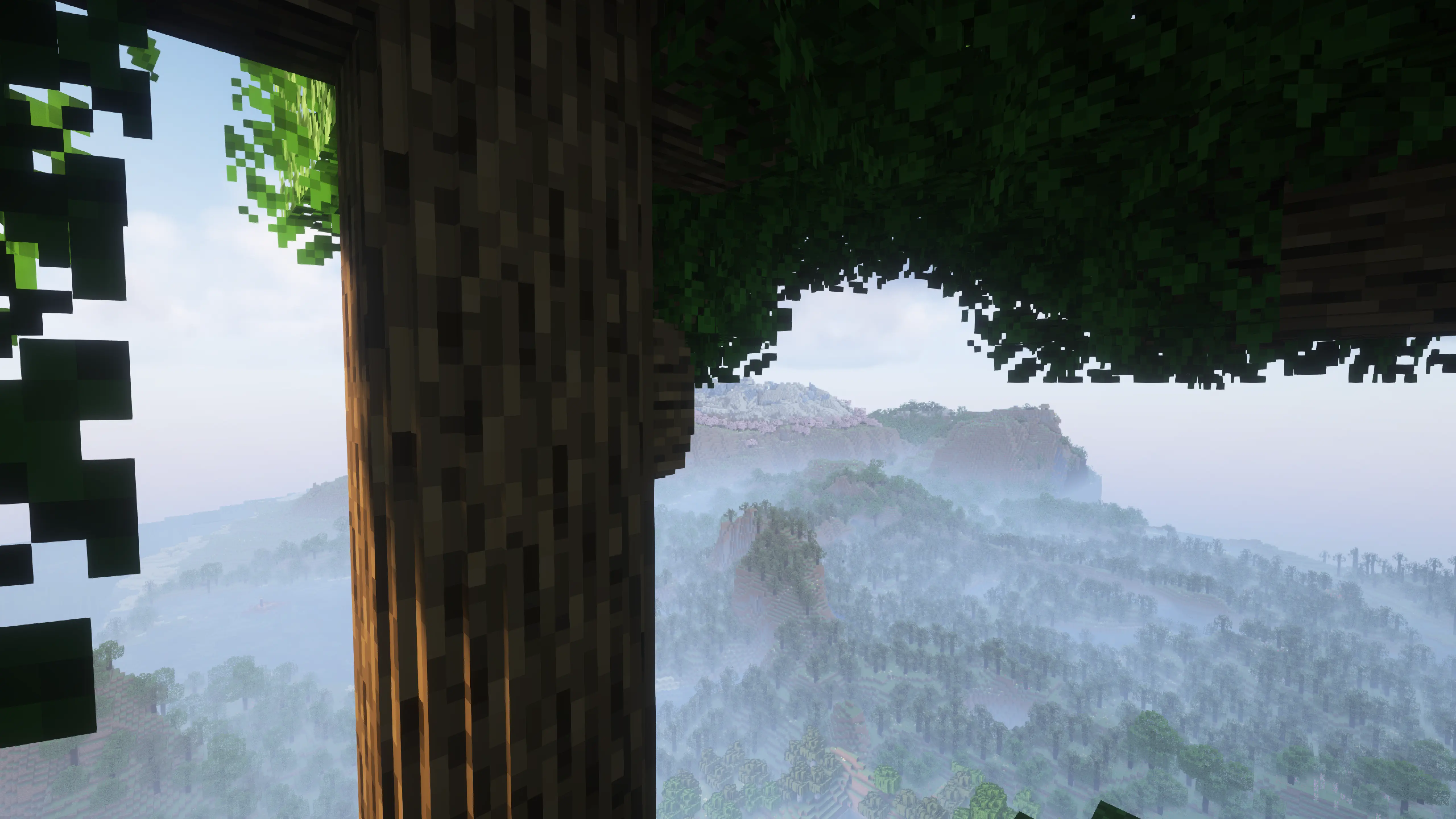
The pack changes the shape of supported logs and stems, including stripped forms. It uses the active bark and end-grain textures instead of repainting your whole world. That makes it useful if you like your current texture pack but want smoother trunks, or if you want a small visual change that still feels close to vanilla.
Oak, spruce, birch, jungle, acacia, dark oak, mangrove, cherry and pale oak are covered, alongside crimson and warped stems. Logs can still be placed upright or horizontally. Their crafting recipes, wood drops and normal uses do not change; this is a visual resource pack, not a new tree-growing or tree-felling system.
Ideas for your world and builds
- A forest path that feels less rigid: use existing trees as the backdrop to a trail, campsite or woodland entrance. You do not need to replace every tree to see the new log models.
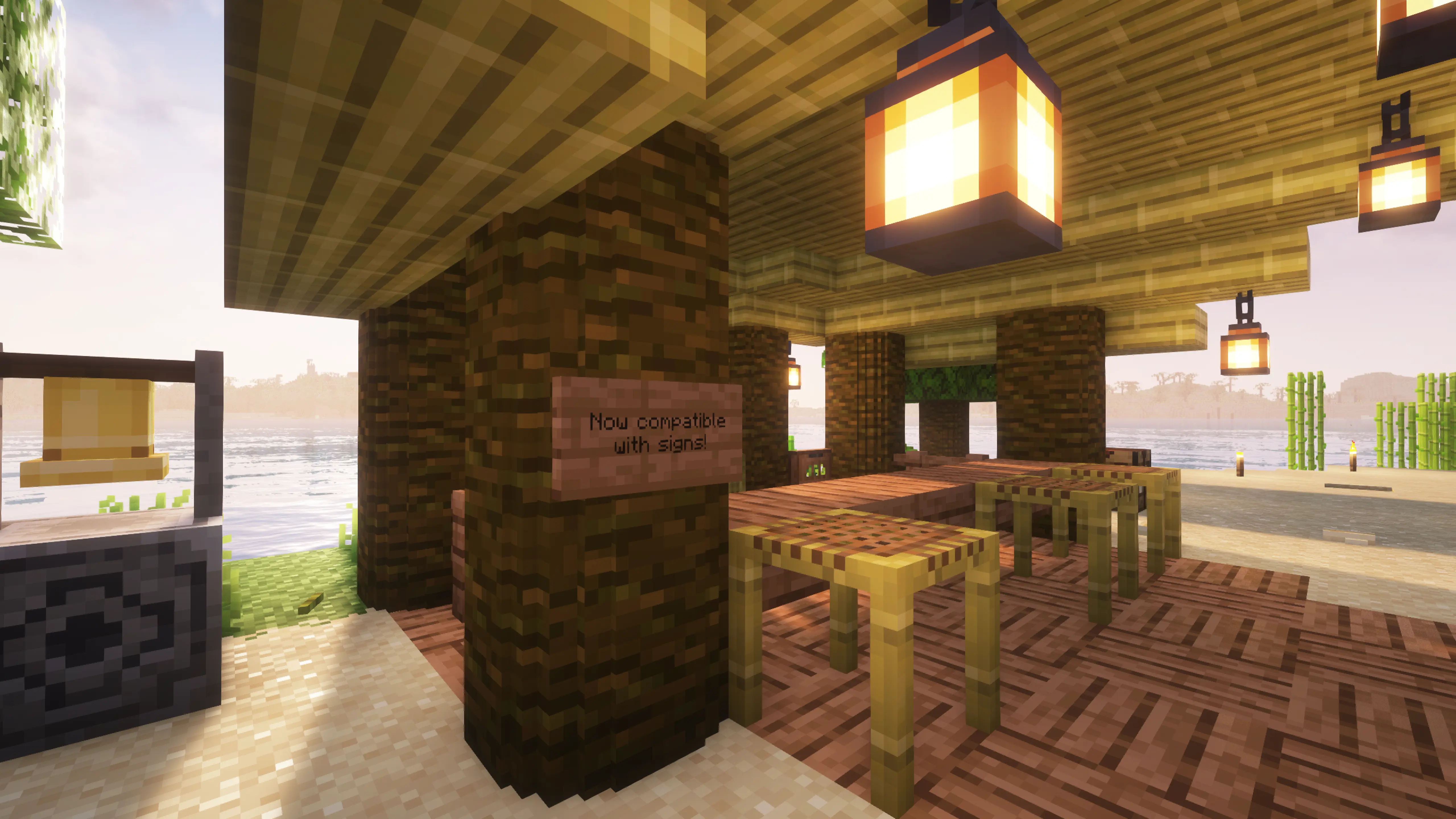
- A log cabin or timber-framed workshop: leave the ends of horizontal logs exposed beneath the roof. Round Trees is particularly noticeable on visible beams, corner posts and porch supports.
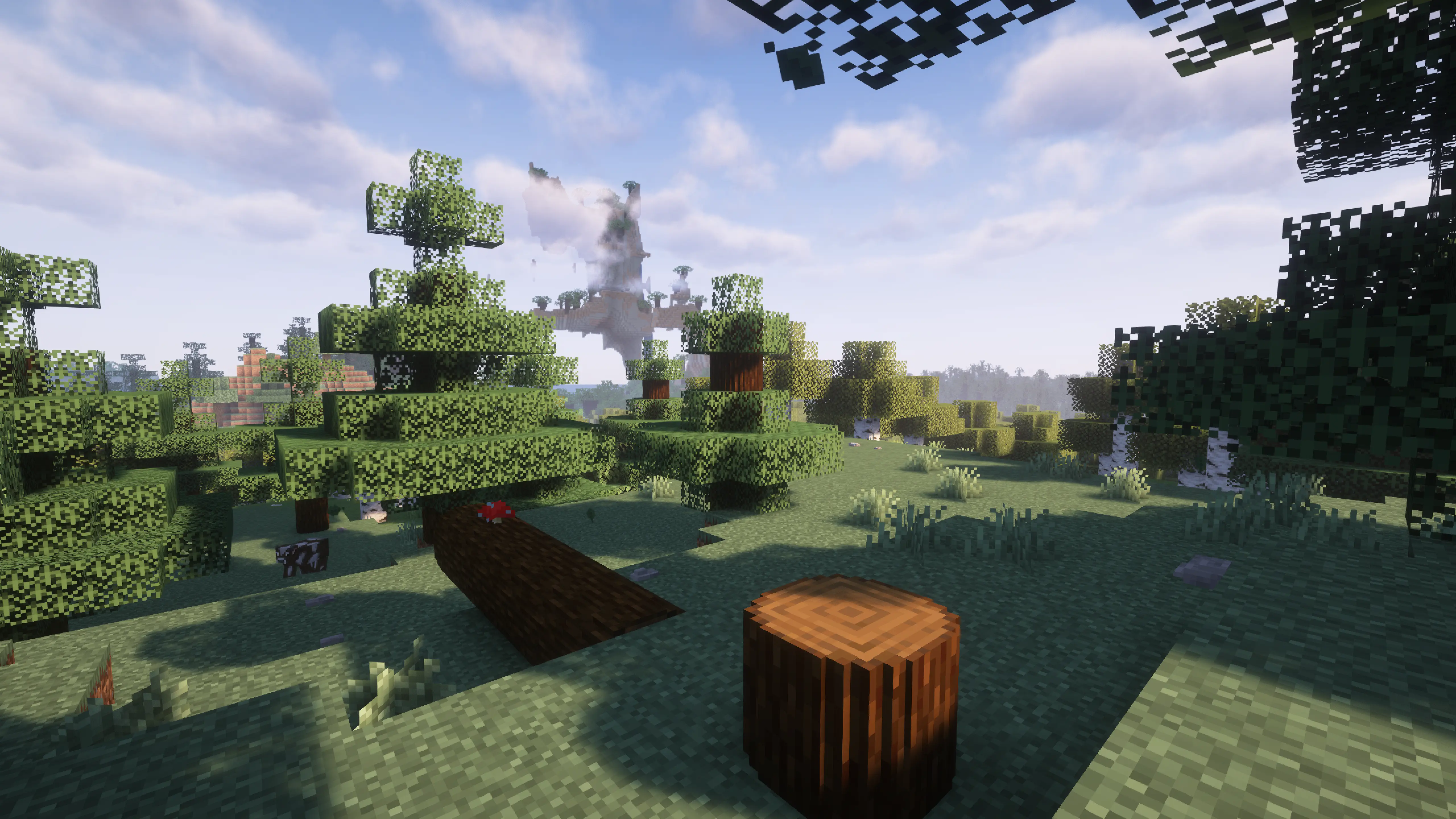
- Fallen trees and a lumberyard: place horizontal logs along the ground and add a few upright stumps nearby. The rounded ends help distinguish the timber from a solid wall of planks.
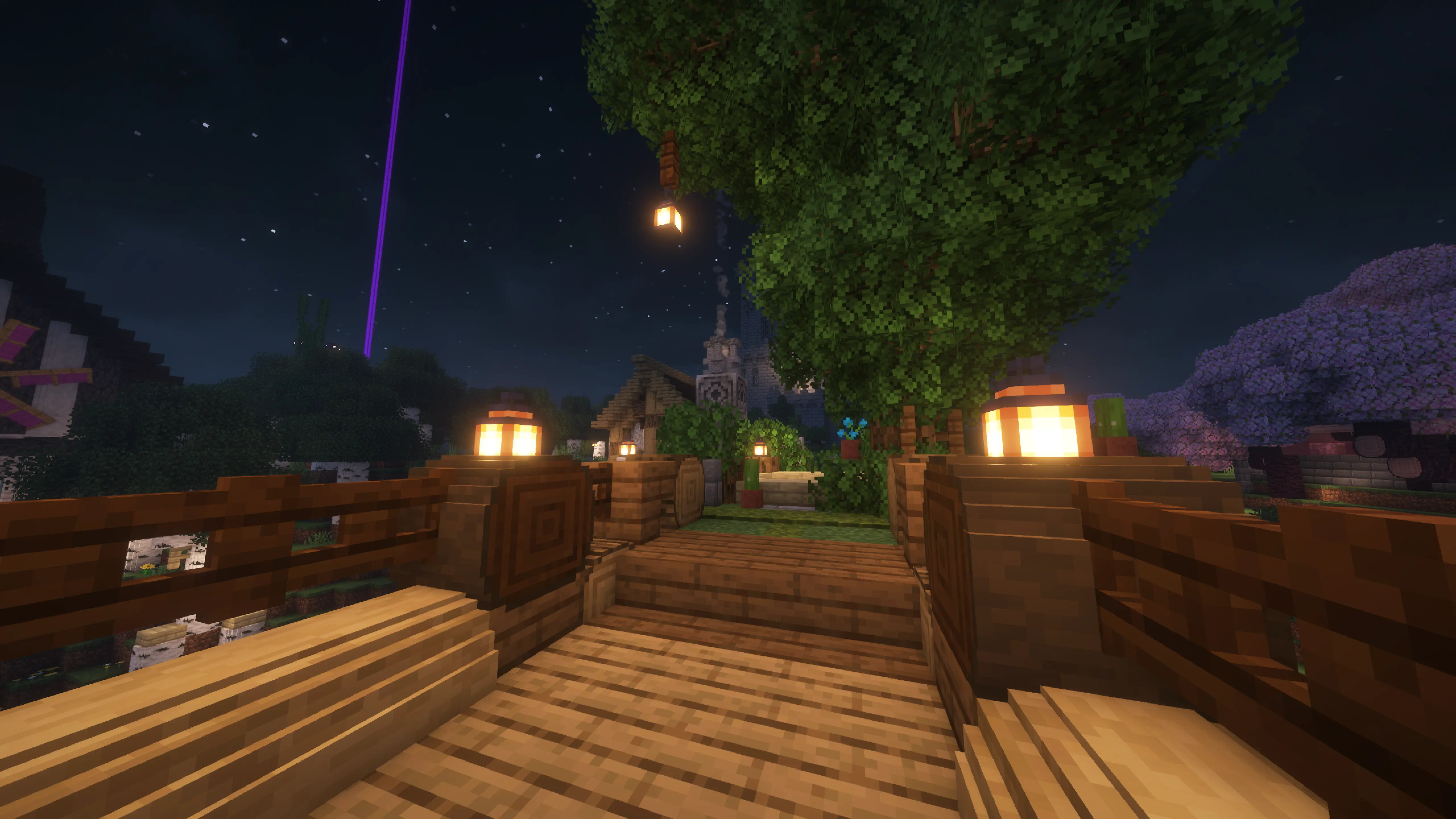
- Bridges and riverside walkways: try log supports beside fences and lanterns. Check the joins up close if another pack adds its own models to the same blocks.
- A softer-looking existing world: enable the pack before exploring a familiar forest. The scenery changes without rebuilding it or starting a new save.
Download Round Trees 8.3
For Minecraft Java 1.20–1.21.11 and 26.1–26.2. The creator’s latest release was published on 4 June 2026. Keep the file as a ZIP and install it through Resource Packs. No separate supporting JAR is needed for vanilla logs.
This ZIP is for Java Edition. It is not a Bedrock .mcpack and cannot be imported into the mobile or console edition by renaming the file.
Install it and see the difference
- Start the Java installation you normally play and open Options → Resource Packs → Open Pack Folder. This opens the correct folder even if you use a launcher with separate instances.
- Put Round-Trees-8.3.zip in that folder. Keep it zipped; do not put it in
mods. - Return to the Resource Packs screen. Select Round Trees and move it above other packs that change log models, then click Done.
- Look at a nearby trunk or place an oak log with its top exposed. Add a horizontal log to see the rounded end and sides from another angle.
- If you prefer the original appearance, move Round Trees back to Available in Resource Packs and click Done. You do not need to remove your world or change its blocks.
There is no separate settings screen or key binding to learn. Your main choices are whether the pack is enabled and where it sits in the selected pack list. Other players see their own resource-pack setup, so enabling it locally does not force rounded trunks on your friends.
Use it with Better Leaves, shaders and texture packs
Round trunks and fuller leaves are separate effects. Motschen recommends Better Leaves as a companion. Round Trees handles the logs; Better Leaves changes the foliage. You can use either on its own.
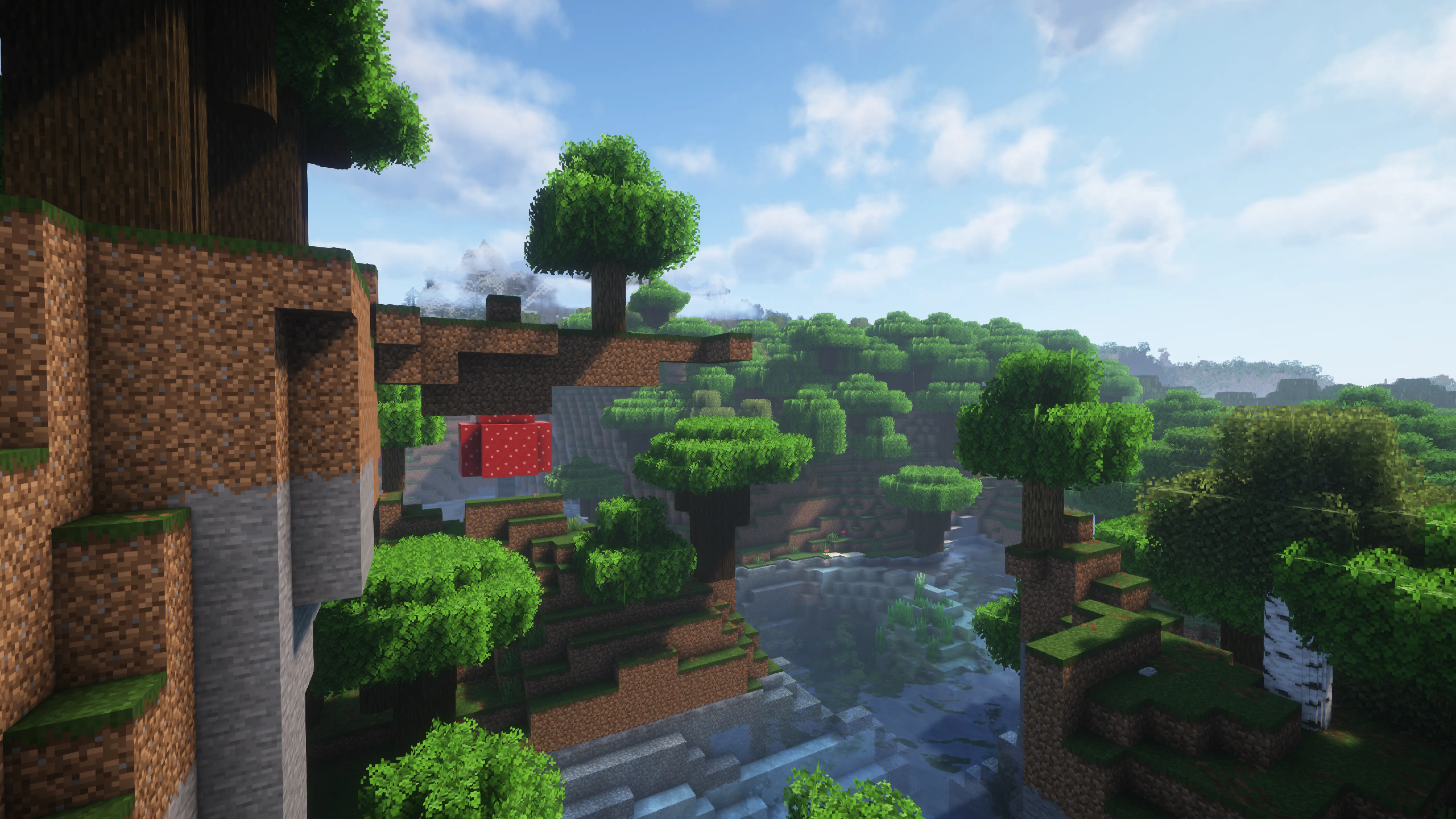
Shaders are optional. They can add the lighting and shadows seen in scenic screenshots, but the rounded log models work without them. If you only want the shape change, begin with Round Trees and your normal graphics settings.
With another texture pack, put Round Trees higher in the selected list when you want its log shape to take priority. It normally reuses the selected wood textures. If the other pack also replaces log models, compare both orders: only one conflicting model can win. You may prefer the other pack’s detailed log shape for a particular build.
Modded trees and what 8.3 fixes
The author includes support for many modded wood types, naming projects such as Biomes O’ Plenty, Regions Unexplored, BetterEnd, Cobblemon and Oh The Biomes We’ve Gone. These mods are optional: you do not need to install them to round vanilla trees, and Round Trees does not add their trees to your world by itself.
Version 8.3 fixes the texture paths for Cobblemon apricorn logs. If you use those logs, this is the reason to update from an older Round Trees release. Earlier recent updates addressed log rotation across Minecraft versions and reduced flickering where model surfaces overlap.
Support can vary with the exact mod and its version. If vanilla logs are rounded but a modded tree stays square, first check whether that wood type is covered. Another pack may also be overriding its model.
If something does not look right
- All trunks are still square: make sure Round Trees is in the selected list, then move it above other packs that change logs. Confirm you installed it in the instance you actually launched.
- The ZIP is not visible in Resource Packs: check that it is in the folder opened by Minecraft and that you downloaded the actual ZIP rather than a web page. Avoid an extra enclosing folder around the pack.
- One wood type is purple, black or incorrectly textured: try Round Trees with default resources first. For a modded tree, update the pack and check the mod version; 8.3 specifically fixes Cobblemon’s apricorn texture paths.
- Signs, buttons or nearby blocks look awkward: compare with other model packs disabled. Rounded geometry can make a join look different from the square-log design you originally built.
- A surface flickers: isolate other model packs and shaders one at a time. If it persists with Round Trees alone, report the Minecraft version, affected wood type and a screenshot to the creator.
- You want the old look back: disable only Round Trees in Resource Packs. Keep your other packs and your world.
Creator and sources
Round Trees is created by Motschen and distributed under the MIT licence. MineBrush provides this player guide and hosts the original release file; the pack and gameplay screenshots are the creator’s work.
Sources: official project and compatibility information, 8.3 release and changes, creator screenshot gallery, source repository.
More for your Java setup.
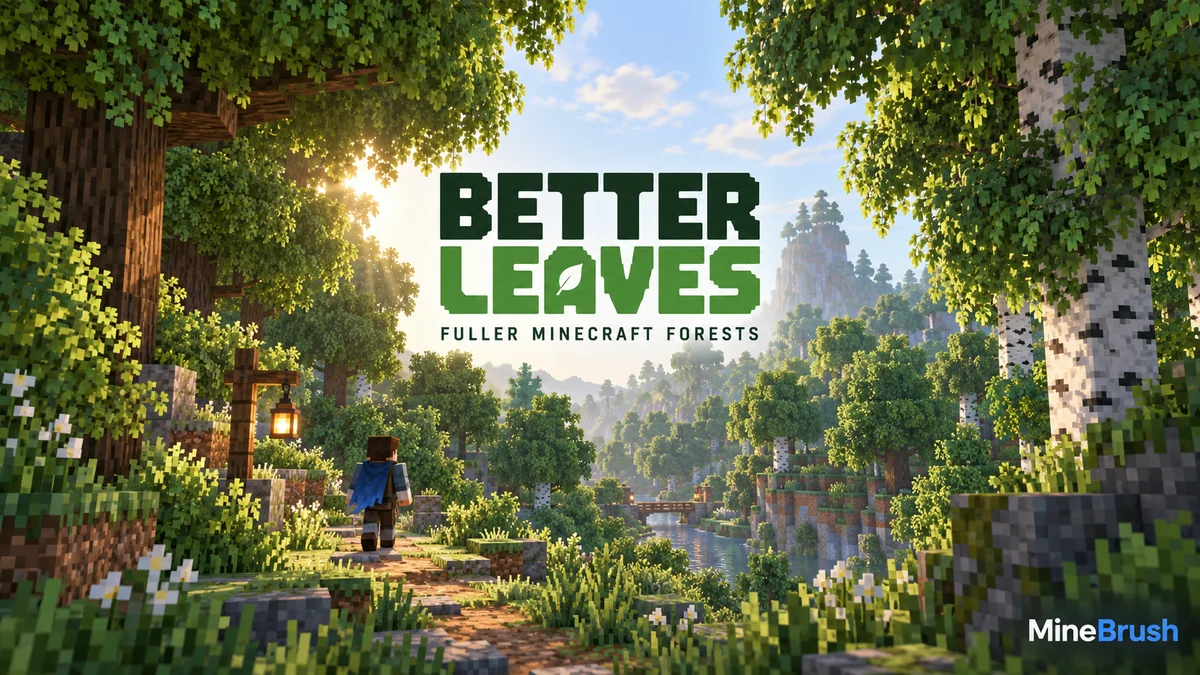
Give Minecraft Java forests fuller, bushier foliage with Motschen's Better Leaves. Download version 9.5, install the ZIP without a mod loader, see original creator screenshots, and fix conflicts with other texture packs.
- Minecraft
- Java 1.20–26.2 according to current release listing
- Scope
- Blocks
- Runtime
- Vanilla
Java 1.20–26.2 · bushier leaves
Java · Pack
Better Leaves
Give Minecraft Java forests fuller, bushier foliage with Motschen's Better Leaves. Download version 9.5, install the ZIP without a mod loader, see original creator screenshots, and fix conflicts with other texture packs.
Java 1.20–26.2 · bushier leaves
- Minecraft version
- Java 1.20–26.2 according to current release listing
- Game edition
- Java Edition
- Loader / platform
- Vanilla
- License
- MIT for project/release; imported/custom input assets retain their own rights
- Visual resolution
- Not stated by creator
- Platform family
- Bedrock & Mobile
- Supported devices
- Windows · macOS · Linux
- Install format
- .zip resource pack from the creator
- Touch readiness
- Not required
- Resource type
- Resource Pack
- Project version
- 9.5
- Last verified at
- Sep 6, 2026
- Compatibility confidence
- Source claimed
- Resource-pack scope
- Blocks
- Required runtime
- Vanilla
- Pack load order
- Above base
- Resource-pack preview mode
- Single cover
- Resource-pack setup guide
- Available
- Card evidence statement
- Original screenshots from the developer
- Card delivery statement
- Download from MineBrush · resource-pack ZIP
- Card limitation note
- Java 1.20–26.2 · bushier leaves
- Edition applicability
- Java
- Delivery state
- Direct download
- Lifecycle state
- Current

Give walls, floors and bookshelves a smoother connected look while keeping Minecraft’s familiar style. Explore build ideas and download It’s All Connected with its Java 26.2 support files.
- Minecraft
- 26.2
- Scope
- Blocks
- Runtime
- Multiple dependencies
Enable the resource pack after installing its support mods
Java · Pack
It’s All Connected
Give walls, floors and bookshelves a smoother connected look while keeping Minecraft’s familiar style. Explore build ideas and download It’s All Connected with its Java 26.2 support files.
Enable the resource pack after installing its support mods
- Minecraft version
- 26.2
- Game edition
- Java Edition
- Loader / platform
- Fabric
- License
- MIT
- Platform family
- Java & PC
- Supported devices
- Java on Windows, macOS and Linux
- Install format
- Pack ZIP in resourcepacks; support JARs in mods
- Touch readiness
- Not required
- Resource type
- Resource Pack
- Project version
- 1.4
- Last verified at
- Sep 7, 2026
- Compatibility confidence
- Source claimed
- Resource-pack scope
- Blocks
- Required runtime
- Multiple dependencies
- Pack load order
- Top
- Resource-pack preview mode
- Single cover
- Resource-pack setup guide
- Available
- Card evidence statement
- Connected surfaces that preserve the vanilla style
- Card delivery statement
- Java 26.2 · Continuity + Fabric API
- Card limitation note
- Enable the resource pack after installing its support mods
- Edition applicability
- Java
- Delivery state
- Direct download
- Lifecycle state
- Current
Fresh Animations
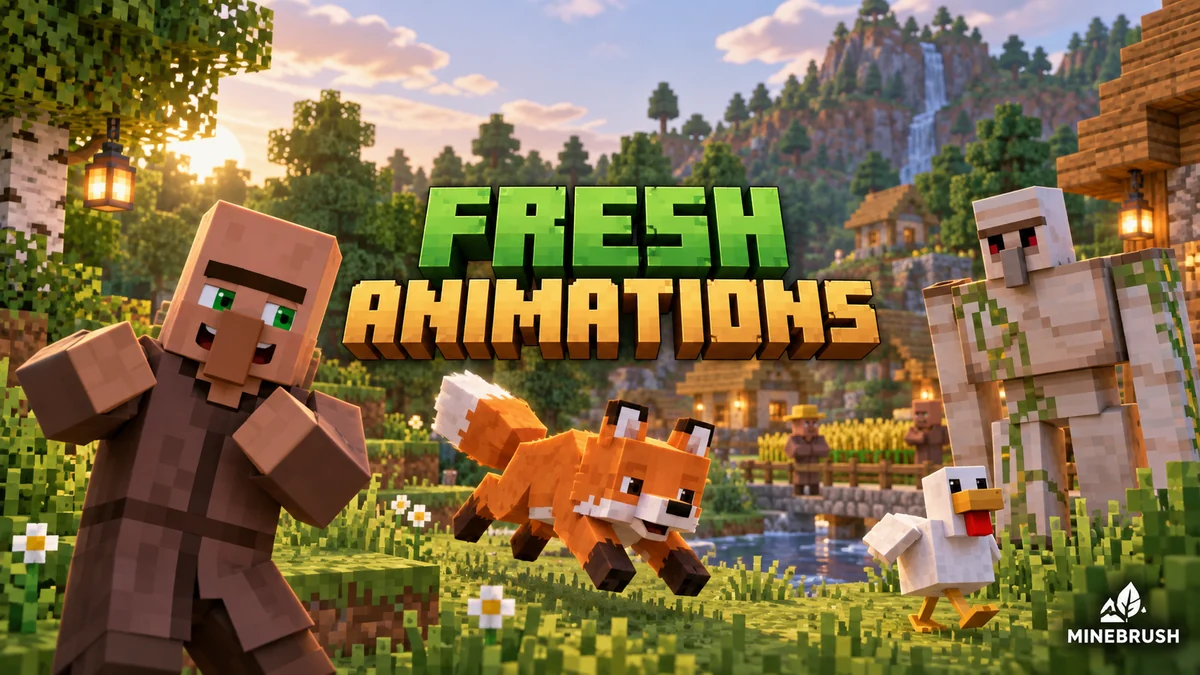
1.10.5 Beta / 1.10.4 BetaGive familiar mobs more expressive poses and movement. See creator examples, choose the right Fresh Animations version, and set up EMF + ETF for villages, farms and exploration.
- Minecraft
- Java 26.1–26.2 / 1.20–1.21.11
- Scope
- Entities
- Runtime
- Multiple dependencies
Requires EMF + ETF or matching OptiFine
Java · Pack
Fresh Animations
Give familiar mobs more expressive poses and movement. See creator examples, choose the right Fresh Animations version, and set up EMF + ETF for villages, farms and exploration.
Requires EMF + ETF or matching OptiFine
- Minecraft version
- Java 26.1–26.2 / 1.20–1.21.11
- Game edition
- Java Edition
- Loader / platform
- Fabric
- License
- Creator terms; original notices preserved
- Visual resolution
- 16x
- Platform family
- Java PC
- Supported devices
- Windows · macOS · Linux · Java Edition
- Install format
- Pack ZIP in resourcepacks; EMF and ETF JARs in mods
- Touch readiness
- Yes
- Resource type
- Add-on
- Project version
- 1.10.5 Beta / 1.10.4 Beta
- Last verified at
- Sep 14, 2026
- Compatibility confidence
- Source claimed
- Resource-pack scope
- Entities
- Required runtime
- Multiple dependencies
- Pack load order
- Top
- Resource-pack preview mode
- Single cover
- Resource-pack setup guide
- Available
- Card evidence statement
- Expressive mobs for villages, farms and exploration
- Card delivery statement
- Two pack branches + Fabric 26.2 setup
- Card limitation note
- Requires EMF + ETF or matching OptiFine
- Edition applicability
- Java
- Delivery state
- Direct download
- Lifecycle state
- Current
Player discussion 0
Questions, discoveries and help from other players.