
MineBrush publication
Achievement Map for Bedrock 1.21.50: Stations & Completion Guide
Find prepared stations for the achievements you are missing. Explore the 130-achievement map for Bedrock 1.21.50, navigate its rooms and keep the world settings suitable for earning achievements.
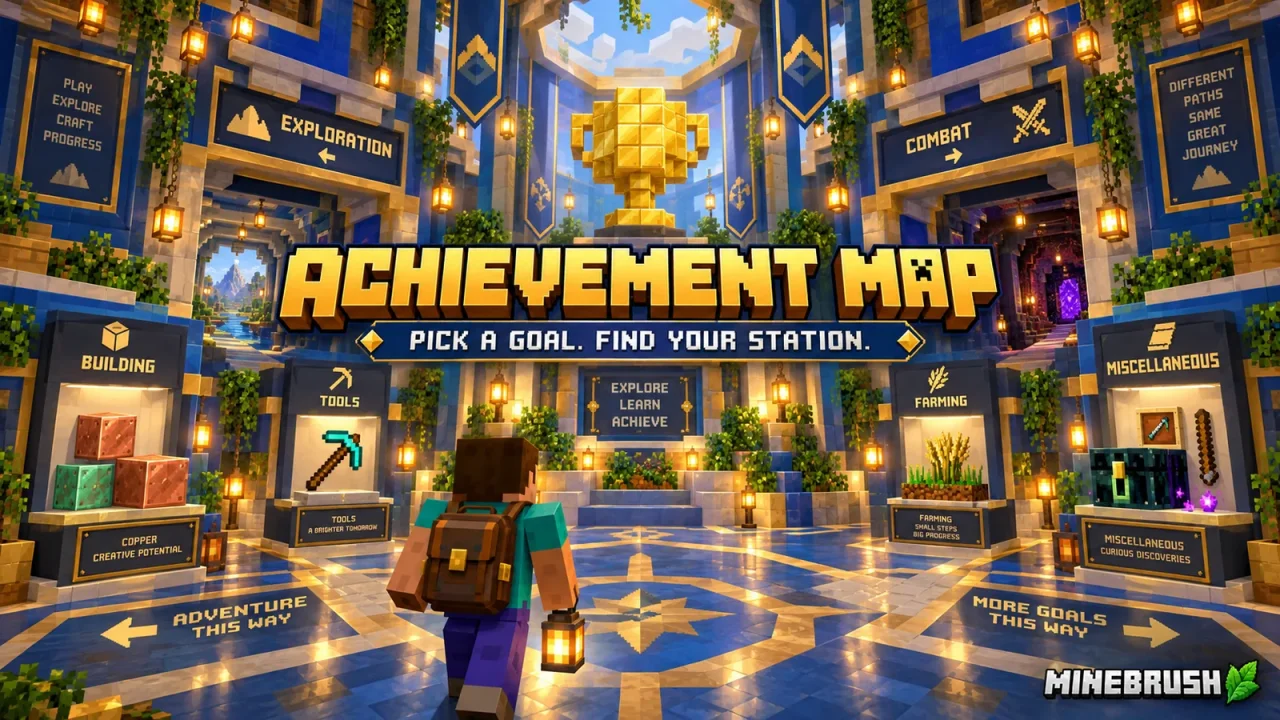
This Achievement Map puts prepared achievement stations into one Bedrock world, so you can spend less time gathering materials and more time completing the actions you are missing. Use the alphabetical room to find a particular achievement, or work through the main room for a broader completion session.
This is the creator’s 130-achievement release for Bedrock 1.21.50. It should not be described as covering every achievement added to Minecraft since then. Check the achievement you want before downloading an older collection.
Keep the world ready for achievements
The map’s instructions specify Survival mode, cheats off, no added behavior packs, and Normal or Hard difficulty. Keep those settings for this map. Do not switch to Creative to reach a station more quickly.
Check the world settings for an achievements-disabled warning before spending time on a long task. If that warning appears, returning one setting to its previous value is not proof that achievements have been restored. Preserve the original download so you can import an untouched copy when needed.
Where to go from spawn
| Direction | Area | Use it when… |
|---|---|---|
| In front of you | Update Board | You want to read the map’s release information. |
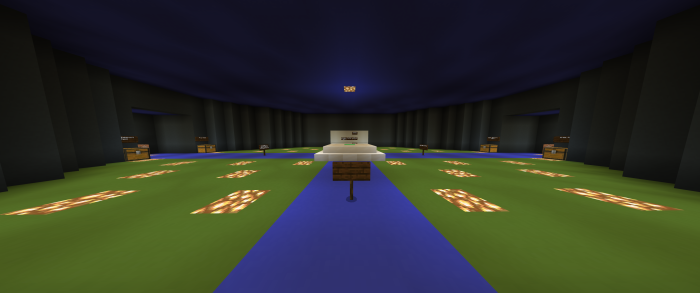
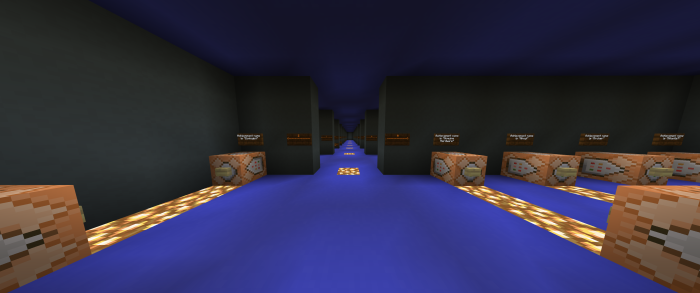
| Left | Alphabetical Order Room | You already know the achievement’s name. |
| Right | Main Achievements Room | You want to browse the collection. |
| Behind you | New Achievements Room | You want the additions included in this map release. |
“New” is relative to this download, not the latest Minecraft update. The separate Content Creator Room is arranged for showing the map; you do not need to treat it as another achievement category.
Complete the achievements you actually need
- Check your own achievement list. Pick an achievement that is still locked for your account.
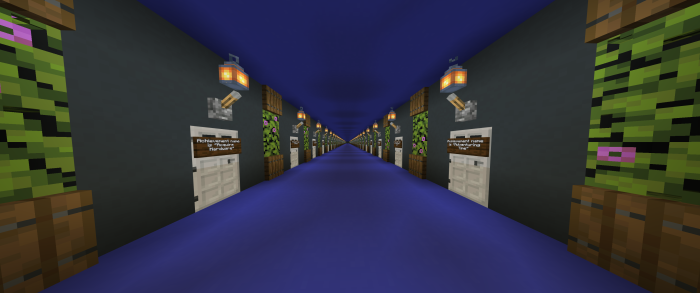
- Find its station by name. For a specific target, start with the alphabetical room rather than searching every display.
- Read the station instructions. Having the supplied item in your inventory is not always the required action.
- Perform the objective yourself. For example, Taking Inventory asks you to open your inventory; Getting Wood requires punching a tree until a wood block drops.
- Check your achievement progress before moving on. Keep track of what you have completed so a later session does not repeat the same tasks.
The author also includes more involved objectives such as defeating the Wither and working through copper waxing tasks. Read those stations carefully before using their supplies. Do not assume every achievement is awarded merely by entering its room.
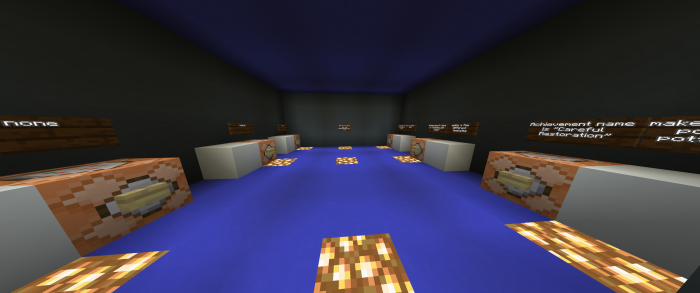
Download the 130-achievement world
Achievement_Map_Super_130.mcworld is the world download. Open it with Minecraft Bedrock and wait for the import to finish, then locate it in your Worlds list.
The supplied world starts in Survival on Hard difficulty, with cheats off and no experiments recorded. Keep an untouched copy of the download. These starting settings do not guarantee that every station will trigger an achievement on later game versions.
On Windows, Android or iOS, use the device’s supported Open with/Share to Minecraft action for the downloaded world. A console does not offer the same direct local-file import flow; do not treat this file as a console Marketplace installation.
Why is an achievement missing or not unlocking?
- The station is absent: this release targets 1.21.50. An achievement introduced later may not be included.
- The world says achievements are disabled: check the map’s required settings and use an untouched import if the current copy was altered.
- You already unlocked it: check your account’s achievement list rather than expecting another unlock notification.
- The action seems complete: compare what you did with the exact achievement requirement and station instructions. Report the particular station and your game version if they no longer match.
Keep the difference between a missing station and an account unlock problem clear. Downloading the same world repeatedly will not add an achievement that this release never contained.
More for your Bedrock world.

Find the Bedrock update that matters to your world or device. Explore stable releases, practical game-drop guides, platform-specific fixes and a separate Beta/Preview archive.
- Coverage
- 2023–2026
- Edition
- Bedrock Edition
- Versions
- Bedrock 1.20.30–26.51
Bedrock · Update history
Bedrock Update History
Find the Bedrock update that matters to your world or device. Explore stable releases, practical game-drop guides, platform-specific fixes and a separate Beta/Preview archive.
Back up before updating
- Minecraft version
- Bedrock 1.20.30–26.51
- Game edition
- Bedrock Edition
- Update type
- Unknown / not stated
- Release channel
- Bedrock Edition
- World safety
- Back up before updating
- Player impact
- Find a useful release, platform fix or practical game-drop guide
- Platform family
- Bedrock & Mobile
- Supported devices
- Windows, consoles and mobile; patch availability varies
- Touch readiness
- Yes
- Last verified at
- Sep 17, 2026
- Update state
- current
- Compatibility confidence
- Source claimed
- Card delivery statement
- Player guides and official release notes
- Edition applicability
- Bedrock
- Bedrock enrollment route
- Preview app
- Delivery state
- No file
- Lifecycle state
- Current
- History coverage
- 2023–2026
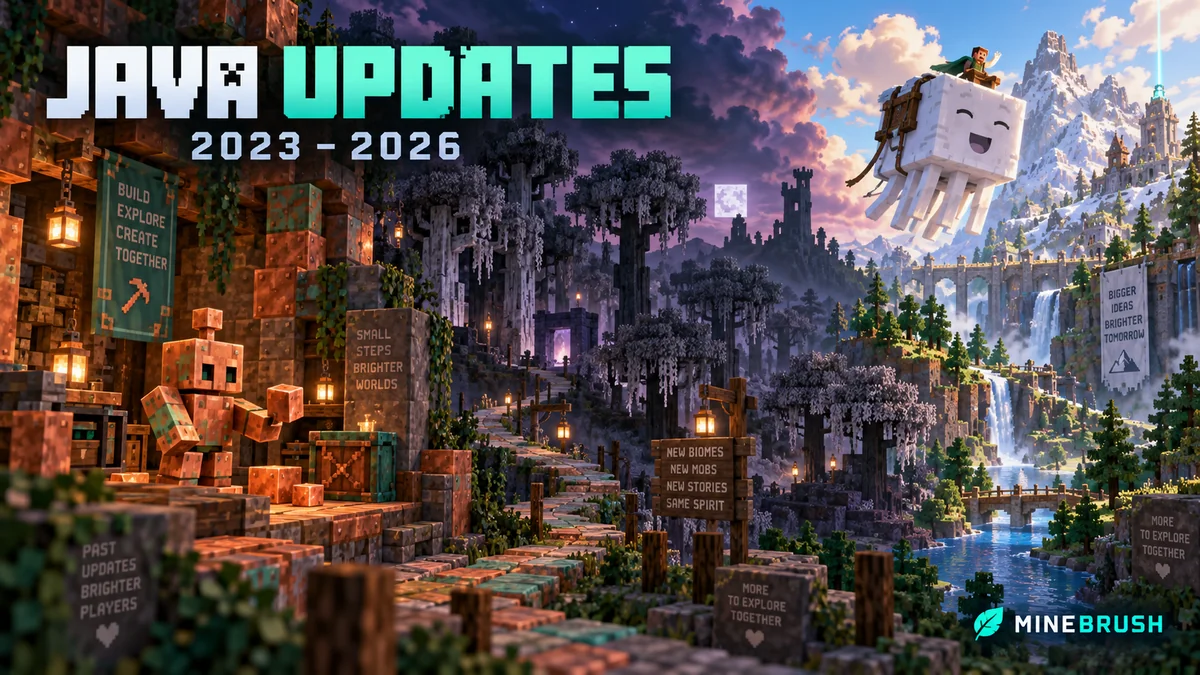
Find what changed in Minecraft Java from 2023 to 2026, choose your next survival project and follow practical update guides. Stable releases and test builds are clearly separated.
- Coverage
- 2023–2026
- Edition
- Java Edition
- Versions
- Java 1.20.2–26.3
Java · Update history
Java Update History
Find what changed in Minecraft Java from 2023 to 2026, choose your next survival project and follow practical update guides. Stable releases and test builds are clearly separated.
Back up before updating
- Minecraft version
- Java 1.20.2–26.3
- Game edition
- Java Edition
- Update type
- Unknown / not stated
- Release channel
- Java Edition
- World safety
- Back up before updating
- Player impact
- Find a feature, choose a project and check the right release
- Platform family
- Java PC
- Last verified at
- Sep 17, 2026
- Update state
- current
- Compatibility confidence
- Source claimed
- Card delivery statement
- Player guides and official release notes
- Edition applicability
- Java
- Delivery state
- No file
- Lifecycle state
- Current
- History coverage
- 2023–2026

Find trial chambers, beat the breeze, match keys to vaults and prepare for ominous trials. Learn mace and wind-charge tricks, build your first crafter and put copper, tuff and dungeon rewards to use.
- Game released
- Java
- 1.21 · Stable
- Bedrock
- 1.21 · Stable
Focus Trial chambers, vault rewards, mace combat, wind charges and automatic crafting
Topic Tricky Trials
Install Included in the official game update
Back up before updating
Java + Bedrock · Release
Tricky Trials
Find trial chambers, beat the breeze, match keys to vaults and prepare for ominous trials. Learn mace and wind-charge tricks, build your first crafter and put copper, tuff and dungeon rewards to use.
Back up before updating
- Update type
- Major release
- Release channel
- Unknown / not stated
- Official release date
- 2024-06-13
- World safety
- Back up before updating
- Player impact
- Trial chambers, vault rewards, mace combat, wind charges and automatic crafting
- Platform family
- Cross-edition
- Supported devices
- Java: Windows, macOS, Linux. Bedrock: supported Windows, mobile and console devices.
- Install format
- Included in the official game update
- Touch readiness
- Not required
- Resource type
- Update
- Last verified at
- Sep 18, 2026
- Update state
- historical
- Compatibility confidence
- Source claimed
- Bedrock version/build
- 1.21
- Card delivery statement
- Included in the official game update
- Edition applicability
- Java + Bedrock
- Java version/build
- 1.21
- Shared update topic
- Tricky Trials
- Delivery state
- No file
- Lifecycle state
- Superseded
- Java update channel
- Stable
- Bedrock update channel
- Stable
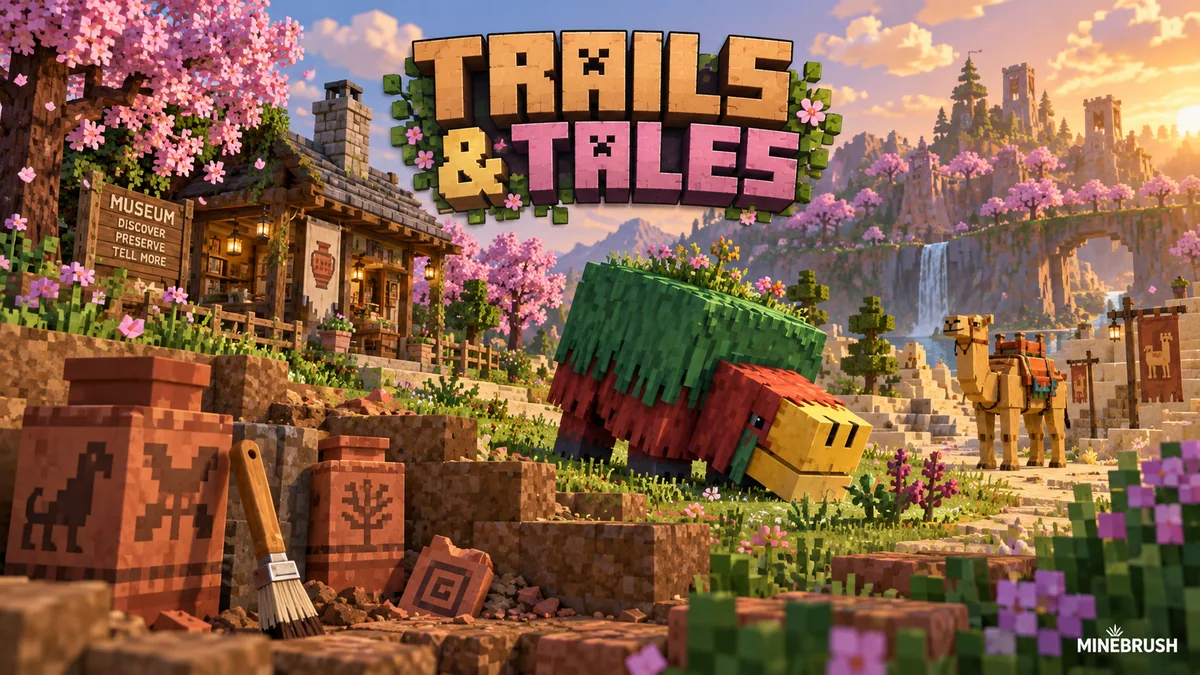
Uncover archaeology finds, hatch a sniffer, ride a camel with a friend and customize your armor. A practical Trails & Tales guide with build ideas, original Mojang screenshots and clear steps for Java and Bedrock.
- Game released
- Java
- 1.20 · Stable
- Bedrock
- 1.20.0 · Stable
Focus Archaeology, sniffers, camels, armor trims and creative building ideas
Topic Exploration, archaeology and creative building
Install Included in the official game update
Back up before updating
Java + Bedrock · Release
Trails & Tales
Uncover archaeology finds, hatch a sniffer, ride a camel with a friend and customize your armor. A practical Trails & Tales guide with build ideas, original Mojang screenshots and clear steps for Java and Bedrock.
Back up before updating
- Update type
- Major release
- Release channel
- Unknown / not stated
- Official release date
- 2023-06-07
- World safety
- Back up before updating
- Player impact
- Archaeology, sniffers, camels, armor trims and creative building ideas
- Platform family
- Cross-edition
- Supported devices
- Java: Windows, macOS and Linux. Bedrock: supported PCs, consoles and mobile devices.
- Install format
- Included in the official game update
- Touch readiness
- Not required
- Resource type
- Update
- Last verified at
- Sep 16, 2026
- Update state
- historical
- Compatibility confidence
- Source claimed
- Bedrock version/build
- 1.20.0
- Card delivery statement
- Included in the official game update
- Edition applicability
- Java + Bedrock
- Java version/build
- 1.20
- Shared update topic
- Exploration, archaeology and creative building
- Delivery state
- No file
- Lifecycle state
- Superseded
- Java update channel
- Stable
- Bedrock update channel
- Stable
Player discussion 0
Questions, discoveries and help from other players.