
MineBrush publication
A New Home for Minecraft Bedrock: Horror Map Download & Guide
Explore an abandoned town, search Grandpa’s house and piece together Peter’s story in A New Home for Minecraft Bedrock. A solo horror map with diaries, hiding spots, cutscenes and an item hunt.
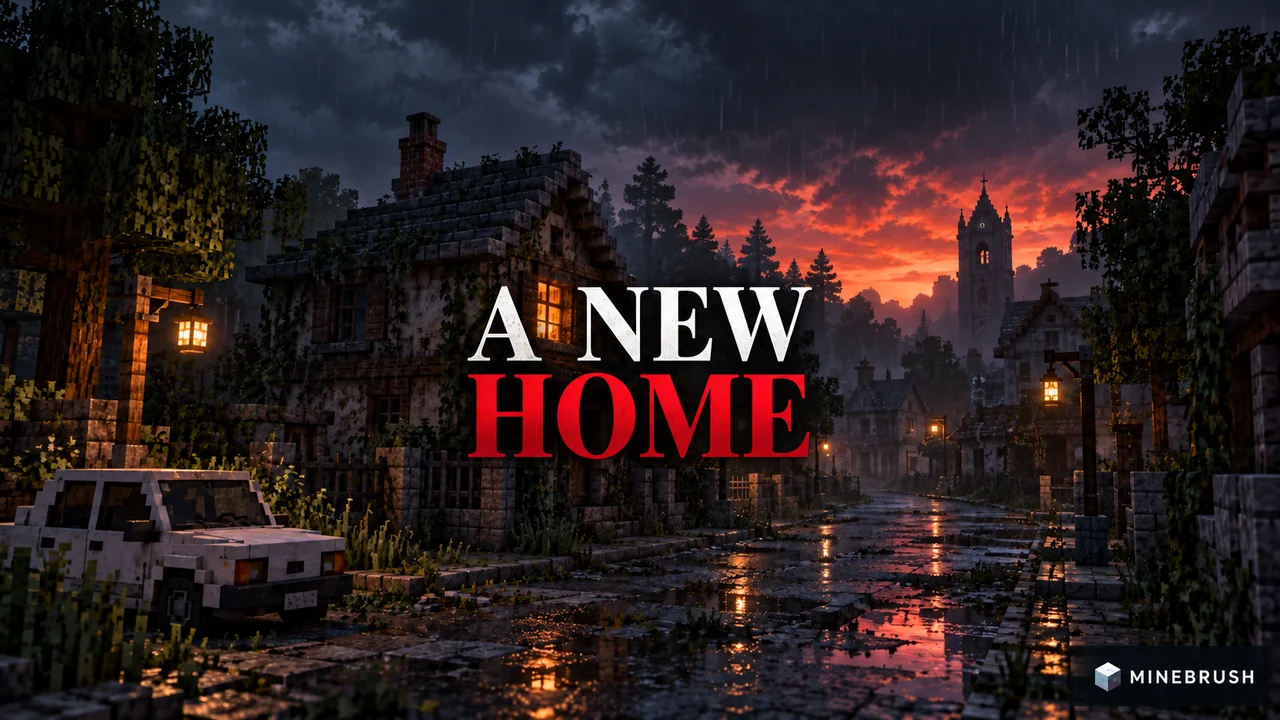
A New Home is a single-player Minecraft Bedrock horror map about Peter, a young man looking for somewhere to live after being evicted. His search takes him to an abandoned town and then to Grandpa's house. Exploring the story is only half the challenge: you also need to find items while Grandpa hunts you.
Play alone. The creator explicitly rules out multiplayer. Expect flashing lights, sudden loud noises, disturbing imagery, blood and gore.
A story to follow and a house to search
This is a story-led horror map with cutscenes and music, combined with the item-searching pressure of a pursuit game. Moving between locations advances Peter's story; searching furniture and reading diaries helps you understand what is happening.
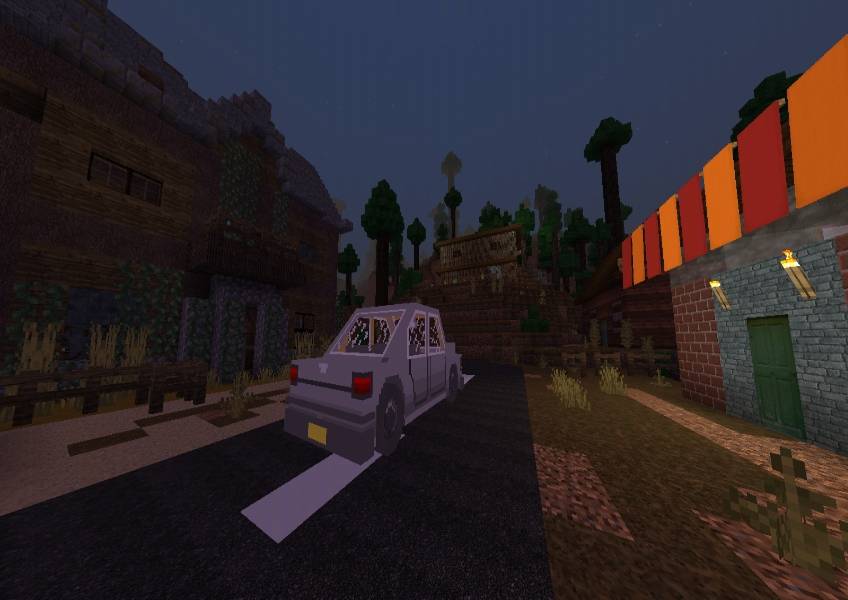
Choose it for a solo horror story with exploration and tense searches. It is less suitable if you want a co-op session or fast, combat-focused action: the creator confirms that Peter moves slowly by design.
How to approach your first run
- Let the opening scenes play. The story develops as you move through locations; rushing past instructions can leave the next objective unclear.
- Read the diaries you find. The creator recommends them to players who are confused by the plot.
- Search furniture methodically. Work around a room in one direction so you can remember which cabinets you have checked.
- Notice hiding spots before you need one. When Grandpa appears, knowing where to retreat is more useful than searching for cover in a panic.
- Return to the current objective after a search. Think about what an item might unlock rather than opening the same cupboards repeatedly.
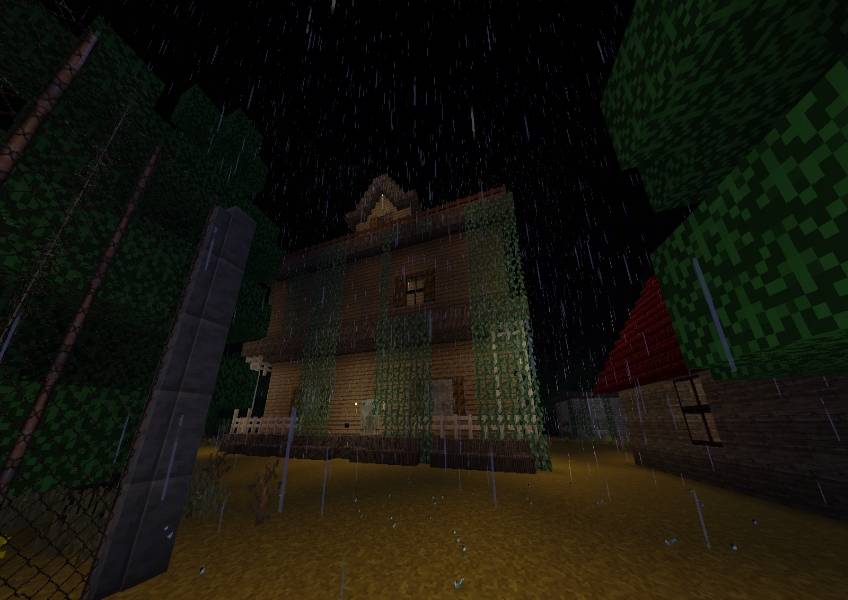
Use the map's features to stay oriented
| Feature | How it helps your session |
|---|---|
| Interactive furniture | Treat cabinets as places to investigate. A room can contain useful items even when the floor looks empty. |
| Hiding spots | Remember their positions while exploring so you have a destination during a pursuit. |
| Candles with dynamic lighting | The lighting is part of the map's atmosphere. You do not need to add a separate shader to get the candle feature described by the creator. |
| Diaries | Connect locations and events to the story, especially if a scene initially seems unrelated. |
| Cutscenes and music | Follow the change of scene and its instructions before resuming the search. |
Keep the volume comfortable before starting: sudden loud sounds are intentional.
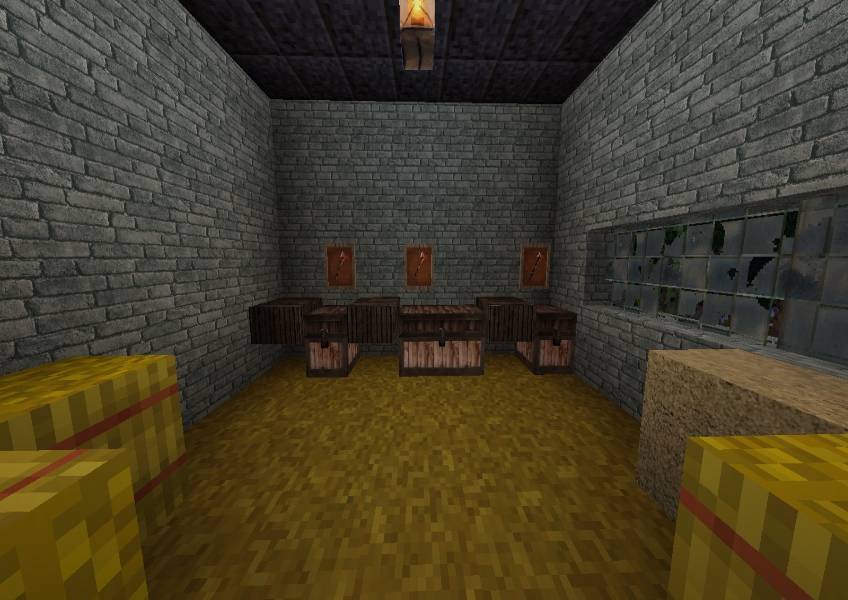
Stuck in the yellow room? A small hint
Check every cabinet. The creator says a hidden key is in the yellow room. This is a search hint, not a command puzzle: inspect the furniture before assuming the map has broken.
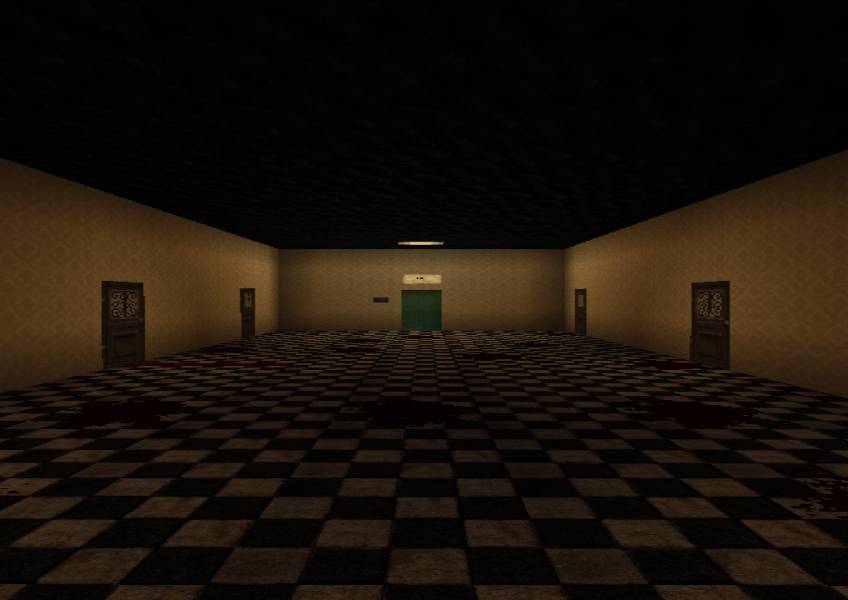
If the story itself feels unclear, revisit the diaries rather than looking only for the next door. They provide context that a quick run through the rooms can miss. This guide leaves the ending unrevealed.
Download and install A New Home
Download the New Update world below. It includes the map and its required resource and behavior packs; there are no separate packs to collect.
Minecraft edition: Bedrock. The creator does not specify an exact supported game build. If Minecraft reports incompatibility, check the creator page before changing settings or packs.
- Download the world file above. Keep it for a fresh start or a replay.
- Open the world file with Minecraft Bedrock. On Windows or Android, choose Minecraft when opening the file. On iPhone or iPad, use Files → Share → Minecraft when that action is available.
- Wait for the import to finish. Find A New Home in the Worlds list; importing a map does not add it to an existing survival world.
- Keep the world's supplied settings and packs. Avoid adding unrelated behavior packs or changing the game mode to force progress.
- Start a solo session. Keep a fresh imported copy if you want to replay without carrying over your progress.
Missing textures or silent scenes? Open the imported world’s settings and check that its A New Home resource and behavior packs remain active. If they are missing, import a fresh copy of the supplied world instead of adding unrelated horror packs. For consoles, this is a world file rather than a Marketplace download; the direct file-import steps above apply to devices that can open it with Minecraft.
Common questions before playing
| Question | Answer |
|---|---|
| Can friends join? | No supported co-op mode is offered. The creator says the map is single-player only. |
| Is the slow movement a bug? | The creator confirms that the protagonist is slower. Avoid changing movement with commands just because it differs from ordinary survival. |
| Is it only a chase map? | No. Cutscenes and exploration drive the story, while item searches and Grandpa's pursuit add pressure. |
| Do I need to know the ending to solve it? | Start with the objectives, diaries and cabinet search. The creator provides a small key hint without revealing the ending. |
| What if Minecraft cannot import or open it? | Check that you have the actual world file for Bedrock. If Minecraft reports a version mismatch, check the creator's current requirements; renaming the file will not resolve it. |
What the latest update changes
The listed update renews and improves sounds and fixes major and minor bugs. The gameplay video on the source page is explicitly marked as an older version, so its exact sounds or sequence should not be treated as a walkthrough for every current scene.
More for your Bedrock world.

Find the Bedrock update that matters to your world or device. Explore stable releases, practical game-drop guides, platform-specific fixes and a separate Beta/Preview archive.
- Coverage
- 2023–2026
- Edition
- Bedrock Edition
- Versions
- Bedrock 1.20.30–26.51
Bedrock · Update history
Bedrock Update History
Find the Bedrock update that matters to your world or device. Explore stable releases, practical game-drop guides, platform-specific fixes and a separate Beta/Preview archive.
Back up before updating
- Minecraft version
- Bedrock 1.20.30–26.51
- Game edition
- Bedrock Edition
- Update type
- Unknown / not stated
- Release channel
- Bedrock Edition
- World safety
- Back up before updating
- Player impact
- Find a useful release, platform fix or practical game-drop guide
- Platform family
- Bedrock & Mobile
- Supported devices
- Windows, consoles and mobile; patch availability varies
- Touch readiness
- Yes
- Last verified at
- Sep 17, 2026
- Update state
- current
- Compatibility confidence
- Source claimed
- Card delivery statement
- Player guides and official release notes
- Edition applicability
- Bedrock
- Bedrock enrollment route
- Preview app
- Delivery state
- No file
- Lifecycle state
- Current
- History coverage
- 2023–2026
Find what changed in Minecraft Java from 2023 to 2026, choose your next survival project and follow practical update guides. Stable releases and test builds are clearly separated.
- Coverage
- 2023–2026
- Edition
- Java Edition
- Versions
- Java 1.20.2–26.3
Java · Update history
Java Update History
Find what changed in Minecraft Java from 2023 to 2026, choose your next survival project and follow practical update guides. Stable releases and test builds are clearly separated.
Back up before updating
- Minecraft version
- Java 1.20.2–26.3
- Game edition
- Java Edition
- Update type
- Unknown / not stated
- Release channel
- Java Edition
- World safety
- Back up before updating
- Player impact
- Find a feature, choose a project and check the right release
- Platform family
- Java PC
- Last verified at
- Sep 17, 2026
- Update state
- current
- Compatibility confidence
- Source claimed
- Card delivery statement
- Player guides and official release notes
- Edition applicability
- Java
- Delivery state
- No file
- Lifecycle state
- Current
- History coverage
- 2023–2026

Find trial chambers, beat the breeze, match keys to vaults and prepare for ominous trials. Learn mace and wind-charge tricks, build your first crafter and put copper, tuff and dungeon rewards to use.
- Game released
- Java
- 1.21 · Stable
- Bedrock
- 1.21 · Stable
Focus Trial chambers, vault rewards, mace combat, wind charges and automatic crafting
Topic Tricky Trials
Install Included in the official game update
Back up before updating
Java + Bedrock · Release
Tricky Trials
Find trial chambers, beat the breeze, match keys to vaults and prepare for ominous trials. Learn mace and wind-charge tricks, build your first crafter and put copper, tuff and dungeon rewards to use.
Back up before updating
- Update type
- Major release
- Release channel
- Unknown / not stated
- Official release date
- 2024-06-13
- World safety
- Back up before updating
- Player impact
- Trial chambers, vault rewards, mace combat, wind charges and automatic crafting
- Platform family
- Cross-edition
- Supported devices
- Java: Windows, macOS, Linux. Bedrock: supported Windows, mobile and console devices.
- Install format
- Included in the official game update
- Touch readiness
- Not required
- Resource type
- Update
- Last verified at
- Sep 18, 2026
- Update state
- historical
- Compatibility confidence
- Source claimed
- Bedrock version/build
- 1.21
- Card delivery statement
- Included in the official game update
- Edition applicability
- Java + Bedrock
- Java version/build
- 1.21
- Shared update topic
- Tricky Trials
- Delivery state
- No file
- Lifecycle state
- Superseded
- Java update channel
- Stable
- Bedrock update channel
- Stable
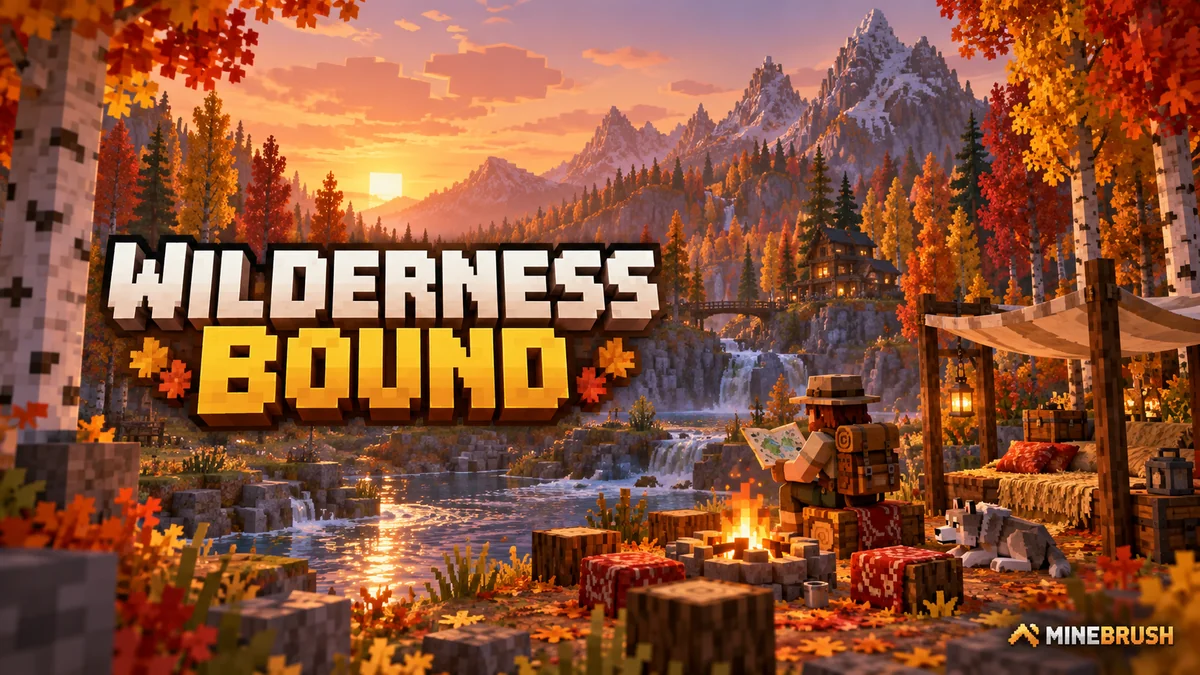
Explore Dappled Forest, follow abandoned-camp maps and sleep on straw beds without moving your home spawn. Learn what Wilderness Bound adds in Java 26.3 and Bedrock 26.50, with camping steps, building ideas and official images.
- Game released
- Java
- 26.3 · Stable
- Bedrock
- 26.50 · Stable
Focus Exploration, camping and building
Topic Camps, maps and building
Back up before updating
Java + Bedrock · Release
Wilderness Bound
Explore Dappled Forest, follow abandoned-camp maps and sleep on straw beds without moving your home spawn. Learn what Wilderness Bound adds in Java 26.3 and Bedrock 26.50, with camping steps, building ideas and official images.
Back up before updating
- Update type
- Major release
- Release channel
- Java & Bedrock
- Official release date
- 2026-09-15
- World safety
- Back up before updating
- Player impact
- Exploration, camping and building
- Platform family
- Cross-edition
- Touch readiness
- Yes
- Resource type
- Update
- Last verified at
- Sep 18, 2026
- Update state
- current
- Compatibility confidence
- Source claimed
- Bedrock version/build
- 26.50
- Edition applicability
- Java + Bedrock
- Java version/build
- 26.3
- Shared update topic
- Camps, maps and building
- Delivery state
- No file
- Lifecycle state
- Current
- Java update channel
- Stable
- Bedrock update channel
- Stable
Player discussion 0
Questions, discoveries and help from other players.