
MineBrush publication
Noble Shaders 1.9.8 Hotfix: Better Light, Water, Settings and Java Downloads
Give your world atmospheric light, reflective water and a look you can tune. Explore real creator screenshots, useful settings and Noble 1.9.8 hotfix downloads for Java on Windows/Linux.
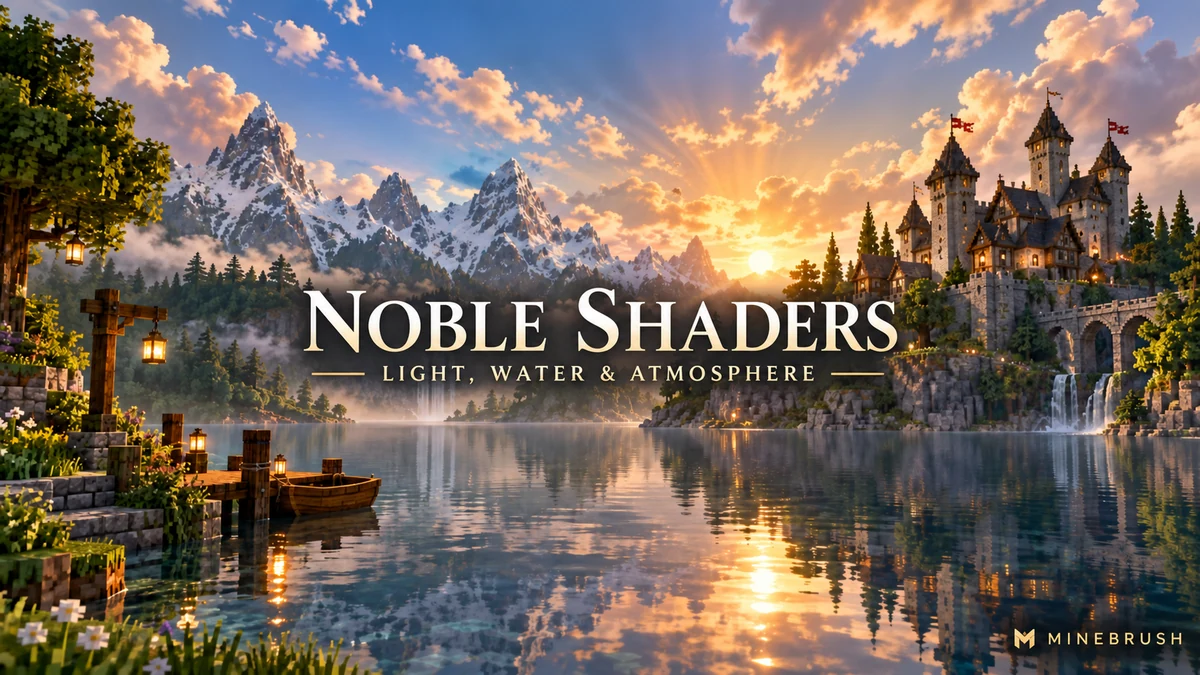
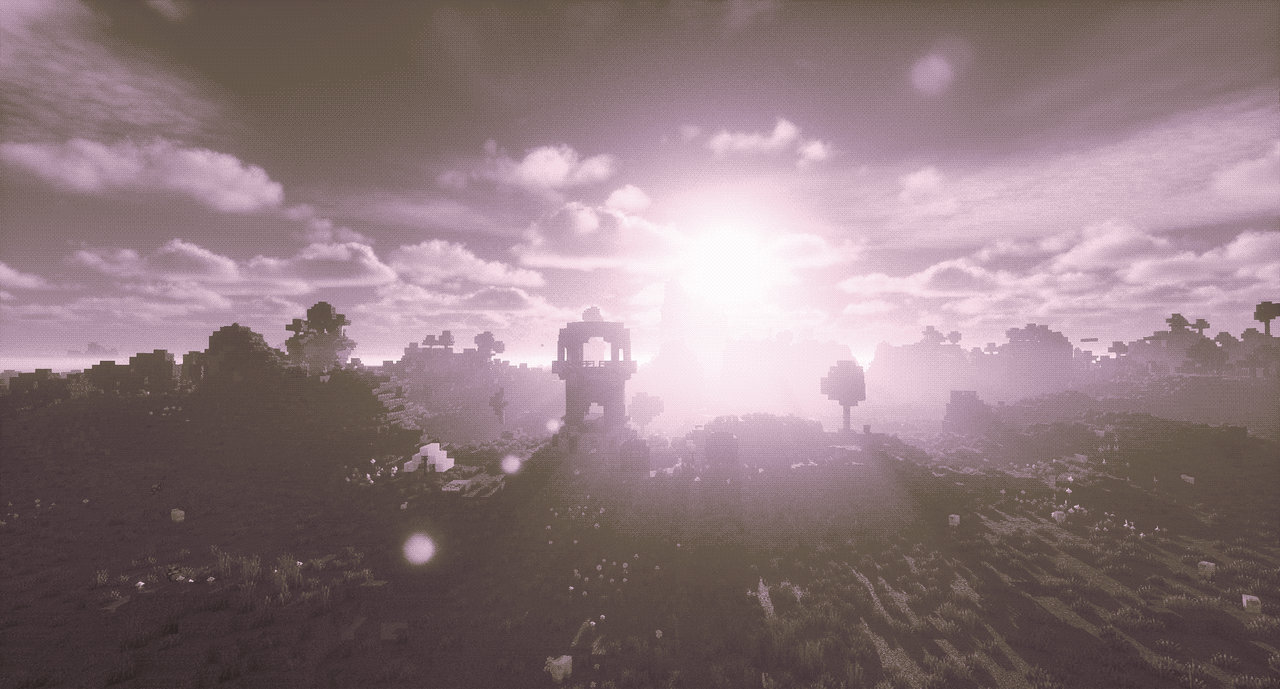
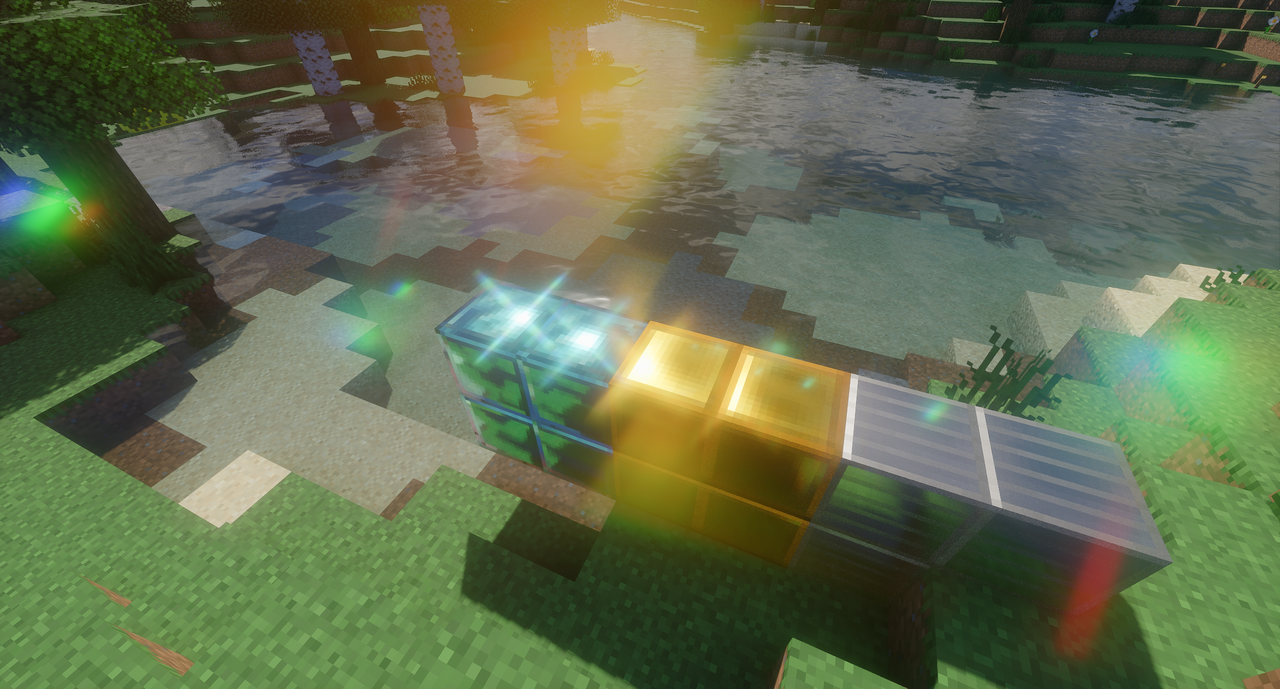
Noble Shaders gives Minecraft a more atmospheric look through lighting, reflections, clouds, water and camera effects. Use it to bring depth to a familiar survival world, show off a castle at sunset, or give a lakeside build a reflective foreground. Its settings let you choose between a restrained everyday look and a more stylized screenshot.
The current download is Noble 1.9.8 hotfix, released on 13 September 2026. This page also keeps the previous 1.9.6 archive and supplies an Iris/Sodium pair for Minecraft Java 26.2 with Fabric.
Check your computer first: the author supports Windows or Linux with an NVIDIA GTX 950 or newer, or AMD R7 370 or newer. macOS is not supported. Intel graphics are not included in that published support list. These requirements are a starting point, not a promise of a particular frame rate.
What Noble adds to your world
Lighting and shadows make buildings read differently across the day. Water and reflective surfaces give a lakeside house, harbour or city canal another layer of detail. Clouds, fog and distant haze add separation between the foreground and the horizon, while color grading lets you move from a natural look to a deliberately cinematic palette.
Noble changes the view, not your world’s blocks or survival rules. You can enable it for an existing save, turn it off when you want the normal renderer, and use it while visiting a server. Other players only see Noble if they have their own compatible shader setup.
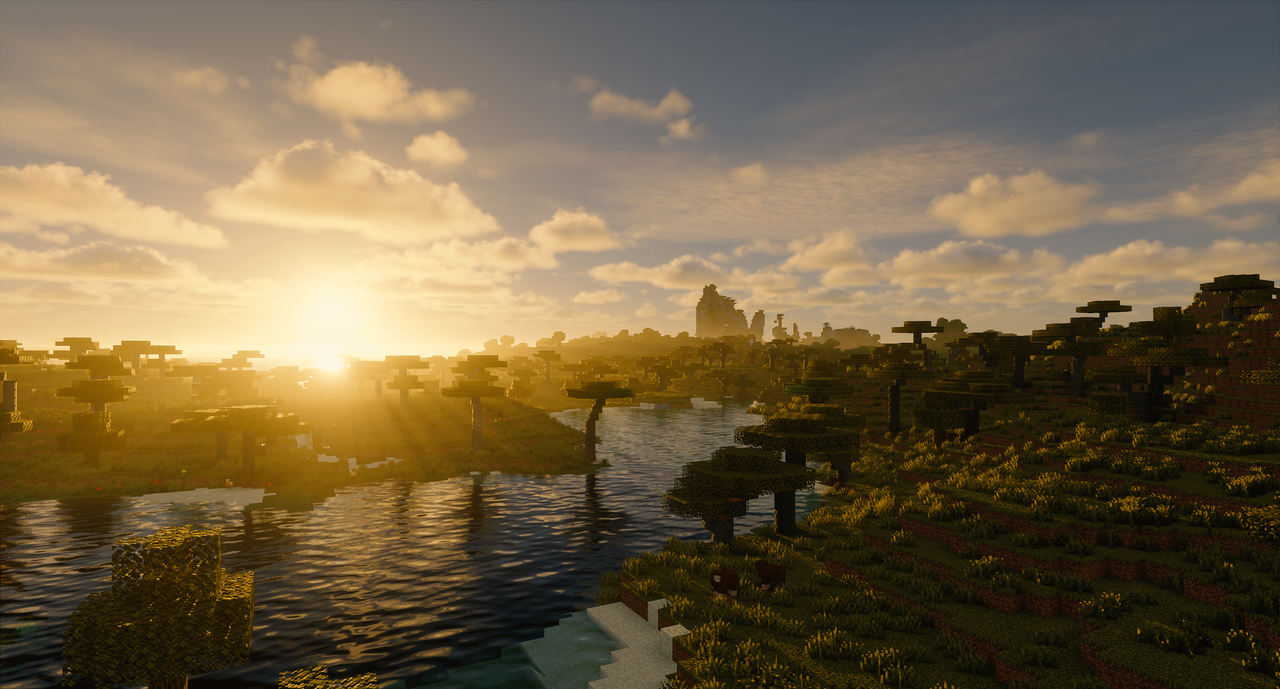
Choose a look for the way you play
- Everyday survival: begin with Light or Medium. Keep camera blur and strong glare off if they make mobs, blocks or paths harder to see. Prioritize a comfortable moving view over a dramatic still image.
- Castles and large builds: compare morning, midday and sunset from the same viewpoint. Shadows can reveal the depth of towers and arches, while a little fog separates distant sections of a large settlement.
- Waterfront builds: frame a dock, bridge or tower beside the water. Start with the default water settings, then adjust waves and reflections rather than increasing every effect at once.
- Fantasy screenshots: experiment with Camera → Color Grading, or a Color Palette under Camera → Post-Processing → 8-Bit Filter | Color Palettes. Save your usual settings before making a strongly stylized look.
- Close-up material shots: use Depth of Field to separate a foreground detail from its background. Turn it off again if you prefer the whole scene sharp while playing.
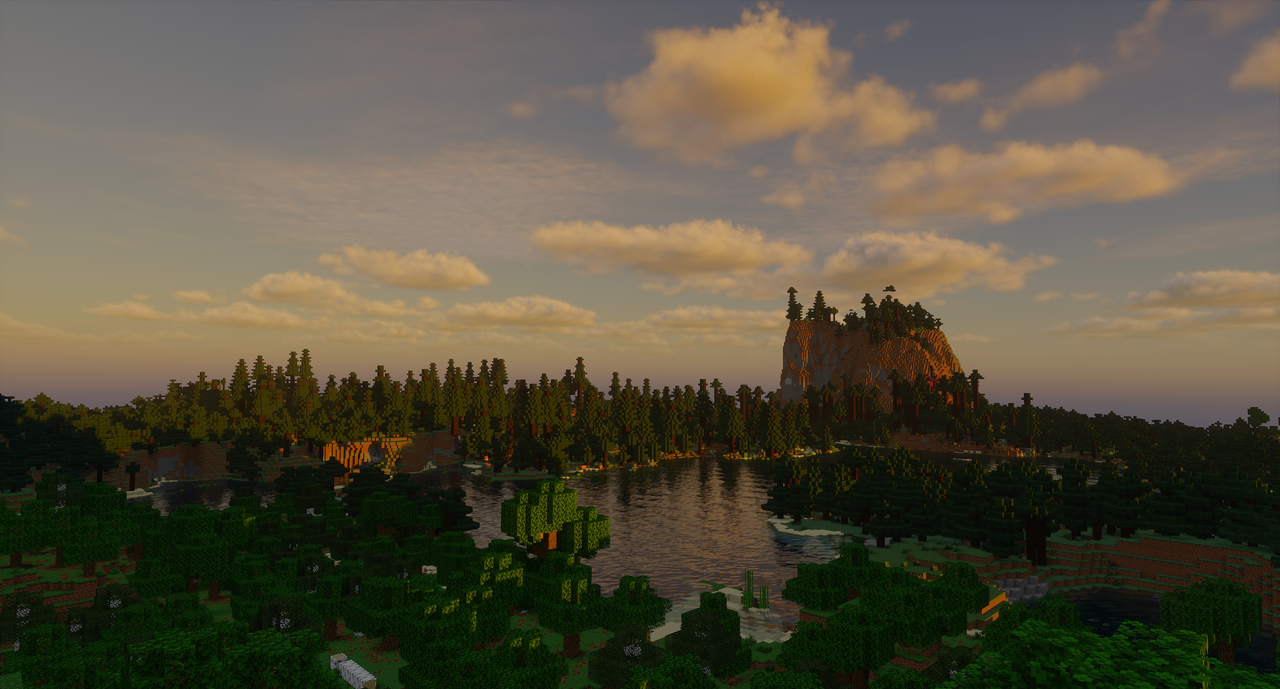
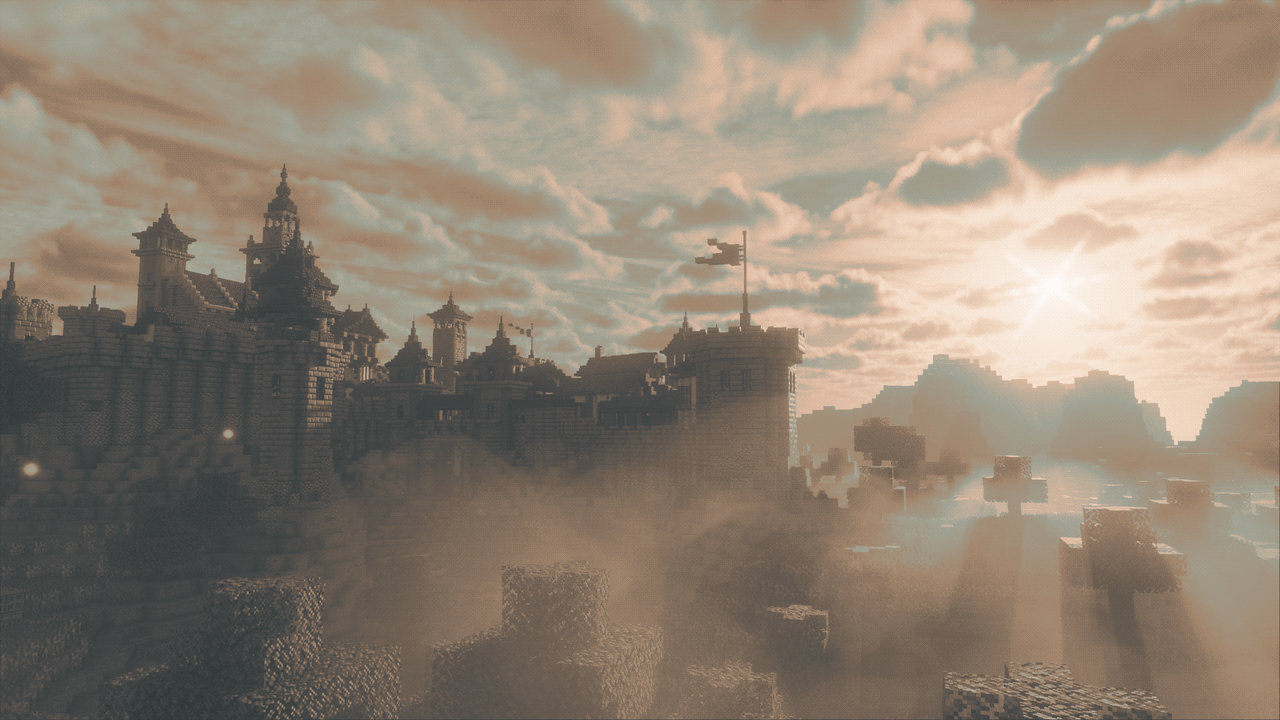
Download Noble and the matching Java 26.2 support files
Noble 1.9.8 hotfix — current shader pack
The author lists this shader ZIP for Java 1.16–1.21.11 and 26.1–26.2 through Iris or OptiFine. Use a shader loader made for your exact Minecraft version. The two JARs below are specifically for the Fabric 26.2 route.
Iris 1.11.4 — Fabric 26.2
Iris provides the shader menu. Use this with the matching Sodium 0.9.2 below. If your instance already has this compatible pair, keep one copy of each.
Sodium 0.9.2 — Fabric 26.2
This is the renderer version required by the supplied Iris release. It is a mod JAR, so it belongs in mods, not shaderpacks.
Noble 1.9.6 — previous version
Keep this July 2026 release available if an existing setup depends on its appearance or you want to compare after updating. For a fresh installation, start with the current hotfix. Select one Noble version in the shader menu at a time.
Install it: JARs in mods, Noble ZIP in shaderpacks
- Use a Minecraft Java 26.2 Fabric installation for the supplied Iris/Sodium pair. The official Fabric installer creates a Fabric profile if you do not already have one.
- Put the Iris and Sodium JARs in that instance’s
modsfolder. Remove older copies of those two mods from the same instance to avoid duplicate versions. - Launch the Fabric profile. Open Options → Video Settings → Shader Packs and use its folder button to open
shaderpacks. - Copy Noble v1.9.8 hotfix.zip into that folder. Keep it zipped. It does not belong in
resourcepacksormods. - Select Noble in Shader Packs and apply it. Open Shader Pack Settings to choose a profile and adjust its effects.
If you play another Minecraft version, choose its matching Iris/Sodium releases instead of reusing the 26.2 JARs. The author also lists OptiFine support, but it is a separate setup: do not add OptiFine to this Iris/Sodium installation.
Profiles: where to start and what to change
The current archive has five profiles: Potato, Light, Medium, High and Ultra. Start with Light if you are unsure of your GPU headroom, or Medium if your system comfortably runs shaders. Increase quality after checking movement around your actual base or the forest you normally explore.
Potato and Light set Render Scale to 75%. That reduces the rendering workload but can make the picture softer. Medium and above use 100%. If the image looks blurry after choosing a low profile, check Render Scale before assuming a texture pack is broken.
- For more performance: lower the profile first. Then consider shadow resolution and distance under Lighting → Shadows, reflection quality under Lighting → Reflections | Refractions, and cloud quality under Atmospherics → Clouds.
- For a clearer gameplay view: disable Depth of Field and reduce Bloom, Glare or Lens Flares under Camera → Post-Processing when bright lights or blur obscure details.
- For brighter or darker scenes: look at Camera → Camera Settings → Exposure. Automatic modes respond to the scene; manual exposure gives you direct control through the camera settings.
- For a distinctive mood: use Camera → Color Grading for tone mapping, a LUT color filter, saturation and contrast. A Color Palette is a separate stylized effect.
Change one setting at a time and revisit the same scene. A profile that feels smooth beside a small house may be heavier in dense foliage, rain or a large settlement. There is no single FPS figure that applies to every computer and world.
What the 1.9.8 hotfix changes
The hotfix adds moon phases, improves water waves and fog, and fixes NVIDIA color issues. The author also lists corrections to reflections during view bobbing, cloud shadows, water lighting and exposure. If you saw unusual colors or an overexposed image in the preceding release, this update is particularly relevant.
The 1.9.8 update also introduced a Reflections Filter option and improvements to clouds, depth-of-field processing and several Distant Horizons/Voxy rendering paths. Keep the older ZIP while you compare your usual scene, and review your settings when moving between releases.
Distant Horizons, Voxy and resource packs
Noble advertises support for Distant Horizons and Voxy, but neither is required for its basic lighting and water effects. Start with Noble alone, then add the distant-terrain mod supported by your chosen game and loader versions. This makes it easier to identify a problem with faraway terrain without changing several parts of the setup together.
The shader ZIP does not include the buildings, maps or material packs shown in gallery screenshots. You can begin with Minecraft’s normal textures. A suitable material resource pack can add surface details that the shader interprets, but a screenshot using such a pack should not be taken as the default appearance of every block.
Common problems and quick fixes
- No Shader Packs menu: confirm you launched the Fabric profile with Iris installed. Sodium alone is not the shader loader.
- Noble does not appear: open the shader folder from Iris and place the actual Noble ZIP there. Check that the file is not in
resourcepacks. - The game reports an incompatible mod: match Minecraft 26.2, Fabric, Iris 1.11.4 and Sodium 0.9.2 for these downloads; remove duplicate older JARs.
- Black screen or shader compilation error: disable Noble, check the supported OS/GPU list and update graphics drivers. Test the basic Iris/Sodium setup before adding other visual mods.
- The view is too soft or bright: check Render Scale, Depth of Field, Exposure and post-processing. Try default settings for the hotfix before carrying over a heavily edited preset.
- Reflections disappear near the screen edge: the pack’s reflection settings describe screen-space reflections, which cannot reliably show objects absent from the current view. More samples do not remove that limitation.
- You want to return to normal rendering: switch shaders off in Iris. Your world does not need to be recreated.
Creator and sources
Noble is created by Belmu and released under GPL-3.0-only. MineBrush hosts the original free release archives and this player guide; the shader and gallery screenshots belong to their creator. The hosted release includes its source files and licence.
Sources: official project and requirements, 1.9.8 hotfix release, creator gallery, shader source, Iris and Sodium.
More for your Java setup.
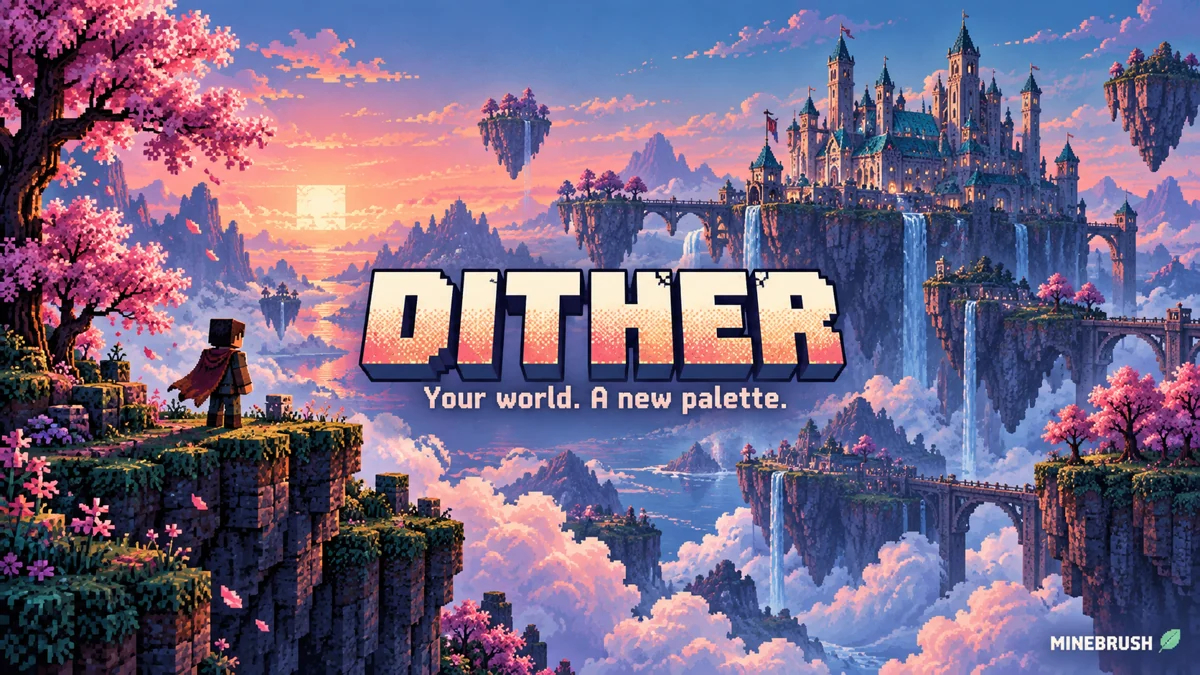
Dither
1.0.0 AlphaTurn familiar builds into pixel-art scenes with Dither. Compare five creator palettes, tune outlines and pixel scale, and download the recommended Iris setup for Java 1.21.8.
- Minecraft
- Java 1.20–1.21.11
- Runtime
- Iris
- Performance
- Performance not tested
Creator recommends Java 1.21.8
Java · Shader
Dither
Turn familiar builds into pixel-art scenes with Dither. Compare five creator palettes, tune outlines and pixel scale, and download the recommended Iris setup for Java 1.21.8.
Creator recommends Java 1.21.8
- Minecraft version
- Java 1.20–1.21.11
- Game edition
- Java Edition
- Loader / platform
- Fabric
- License
- MIT
- Performance expectation
- Depends on setup
- Platform family
- Java PC
- Supported devices
- Windows · macOS · Linux
- Install format
- Shader ZIP in shaderpacks; dependency JARs in mods
- Touch readiness
- Not required
- Resource type
- Shader
- Project version
- 1.0.0 Alpha
- Last verified at
- Sep 14, 2026
- Compatibility confidence
- Source claimed
- Java shader runtime
- Iris
- Shader preview mode
- Single cover
- Performance evidence
- Depends on GPU, resolution and settings
- Notable feature
- Custom palettes, dithering and outlines
- Shader performance tier
- Performance not tested
- Shader settings guide
- Available
- Card evidence statement
- Five creator palette examples
- Card delivery statement
- Original shader ZIP + Fabric 1.21.8 setup
- Card limitation note
- Creator recommends Java 1.21.8
- Edition applicability
- Java
- Delivery state
- Direct download
- Lifecycle state
- Current
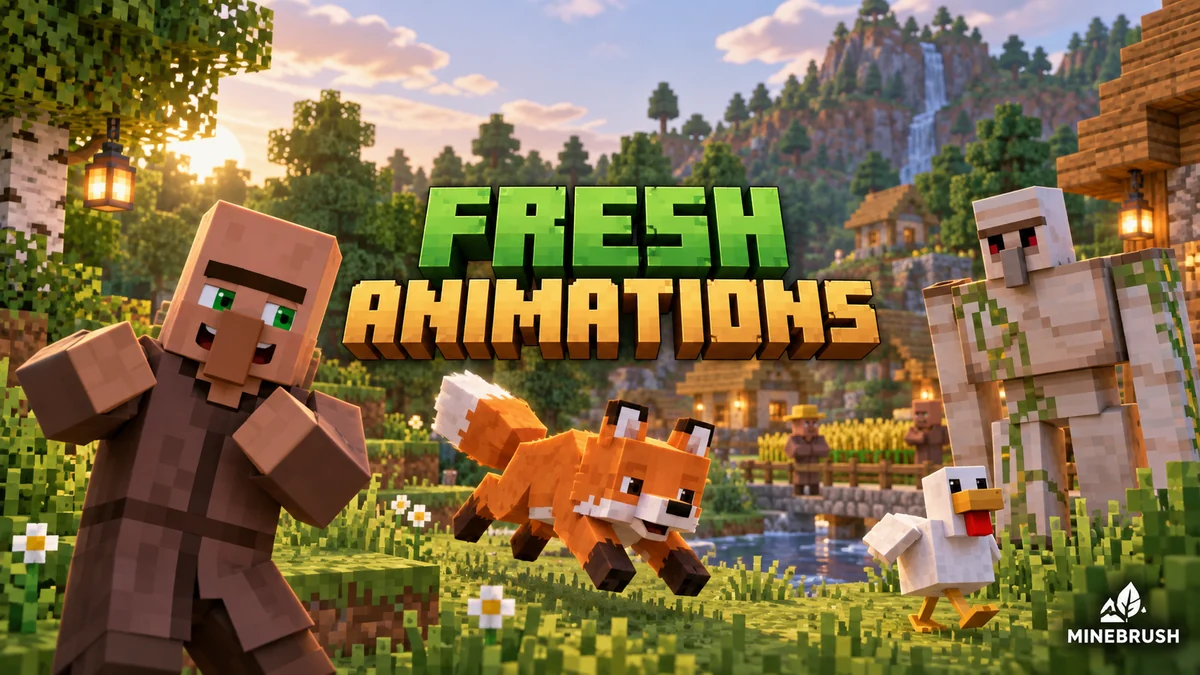
Fresh Animations
1.10.5 Beta / 1.10.4 BetaGive familiar mobs more expressive poses and movement. See creator examples, choose the right Fresh Animations version, and set up EMF + ETF for villages, farms and exploration.
- Minecraft
- Java 26.1–26.2 / 1.20–1.21.11
- Scope
- Entities
- Runtime
- Multiple dependencies
Requires EMF + ETF or matching OptiFine
Java · Pack
Fresh Animations
Give familiar mobs more expressive poses and movement. See creator examples, choose the right Fresh Animations version, and set up EMF + ETF for villages, farms and exploration.
Requires EMF + ETF or matching OptiFine
- Minecraft version
- Java 26.1–26.2 / 1.20–1.21.11
- Game edition
- Java Edition
- Loader / platform
- Fabric
- License
- Creator terms; original notices preserved
- Visual resolution
- 16x
- Platform family
- Java PC
- Supported devices
- Windows · macOS · Linux · Java Edition
- Install format
- Pack ZIP in resourcepacks; EMF and ETF JARs in mods
- Touch readiness
- Yes
- Resource type
- Add-on
- Project version
- 1.10.5 Beta / 1.10.4 Beta
- Last verified at
- Sep 14, 2026
- Compatibility confidence
- Source claimed
- Resource-pack scope
- Entities
- Required runtime
- Multiple dependencies
- Pack load order
- Top
- Resource-pack preview mode
- Single cover
- Resource-pack setup guide
- Available
- Card evidence statement
- Expressive mobs for villages, farms and exploration
- Card delivery statement
- Two pack branches + Fabric 26.2 setup
- Card limitation note
- Requires EMF + ETF or matching OptiFine
- Edition applicability
- Java
- Delivery state
- Direct download
- Lifecycle state
- Current
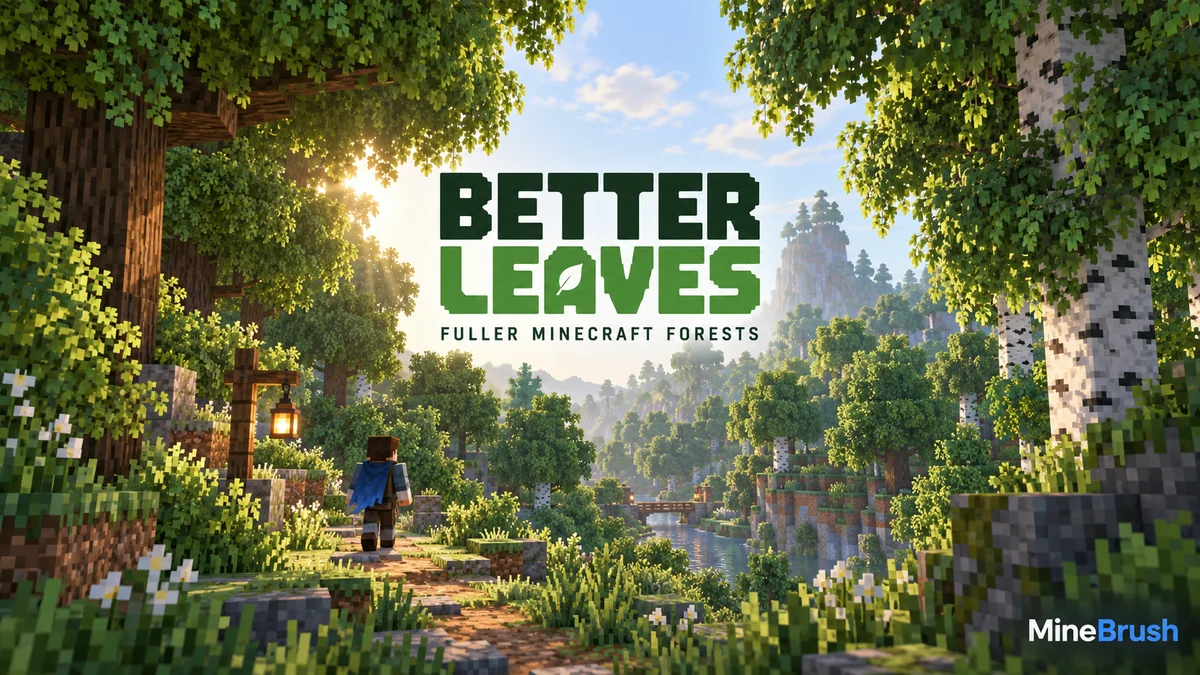
Give Minecraft Java forests fuller, bushier foliage with Motschen's Better Leaves. Download version 9.5, install the ZIP without a mod loader, see original creator screenshots, and fix conflicts with other texture packs.
- Minecraft
- Java 1.20–26.2 according to current release listing
- Scope
- Blocks
- Runtime
- Vanilla
Java 1.20–26.2 · bushier leaves
Java · Pack
Better Leaves
Give Minecraft Java forests fuller, bushier foliage with Motschen's Better Leaves. Download version 9.5, install the ZIP without a mod loader, see original creator screenshots, and fix conflicts with other texture packs.
Java 1.20–26.2 · bushier leaves
- Minecraft version
- Java 1.20–26.2 according to current release listing
- Game edition
- Java Edition
- Loader / platform
- Vanilla
- License
- MIT for project/release; imported/custom input assets retain their own rights
- Visual resolution
- Not stated by creator
- Platform family
- Bedrock & Mobile
- Supported devices
- Windows · macOS · Linux
- Install format
- .zip resource pack from the creator
- Touch readiness
- Not required
- Resource type
- Resource Pack
- Project version
- 9.5
- Last verified at
- Sep 6, 2026
- Compatibility confidence
- Source claimed
- Resource-pack scope
- Blocks
- Required runtime
- Vanilla
- Pack load order
- Above base
- Resource-pack preview mode
- Single cover
- Resource-pack setup guide
- Available
- Card evidence statement
- Original screenshots from the developer
- Card delivery statement
- Download from MineBrush · resource-pack ZIP
- Card limitation note
- Java 1.20–26.2 · bushier leaves
- Edition applicability
- Java
- Delivery state
- Direct download
- Lifecycle state
- Current
Player discussion 0
Questions, discoveries and help from other players.