
MineBrush publication
It’s All Connected 1.4: Smoother Builds, Connected Textures and Java Downloads
Give walls, floors and bookshelves a smoother connected look while keeping Minecraft’s familiar style. Explore build ideas and download It’s All Connected with its Java 26.2 support files.
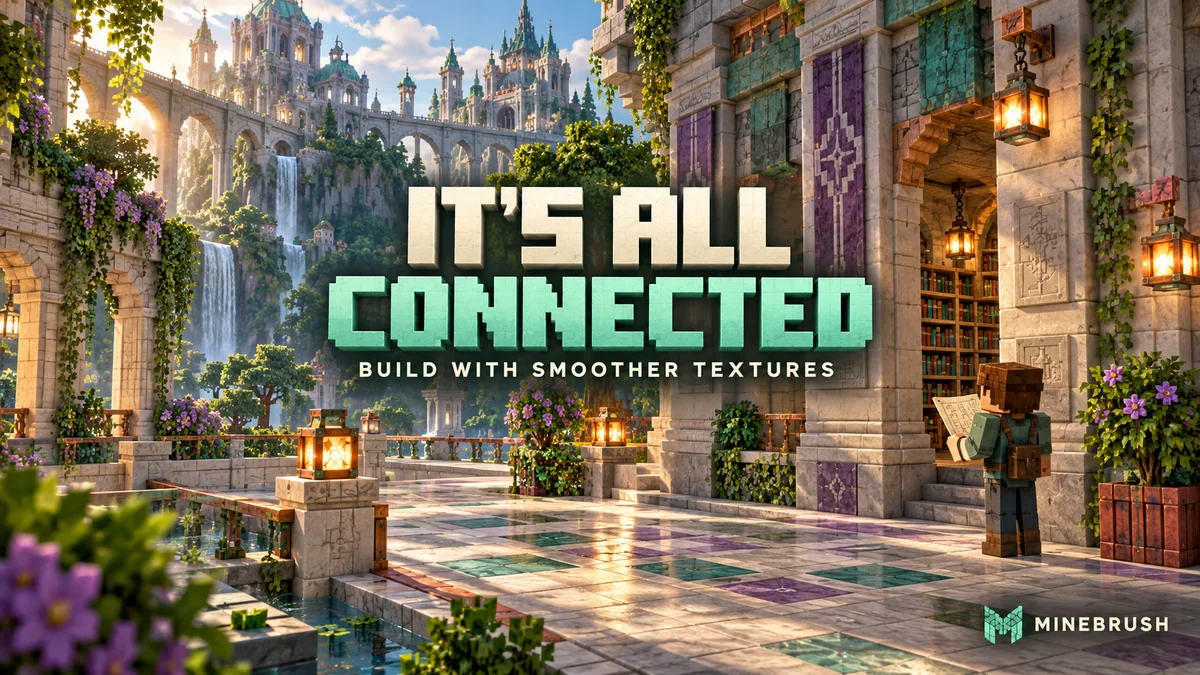
It’s All Connected makes neighbouring blocks look like parts of one larger surface. Repeated borders soften or disappear while the familiar Minecraft material remains recognizable. A wall of decorative stone, a library shelf or a broad floor can look more deliberate without rebuilding it or replacing the whole game’s art style.
This is It’s All Connected 1.4 by Boombabob, a Java resource pack that needs connected-texture support. The complete setup below uses Minecraft Java 26.2, Fabric, Continuity 3.0.1 and Fabric API. The ZIP alone cannot add that rendering feature to an unmodified client.
What changes, and why would you use it?
Connected textures, often shortened to CTM, choose a block’s appearance according to its neighbours. The result is easiest to see on several matching blocks touching one another, rather than on a single block in your hand.
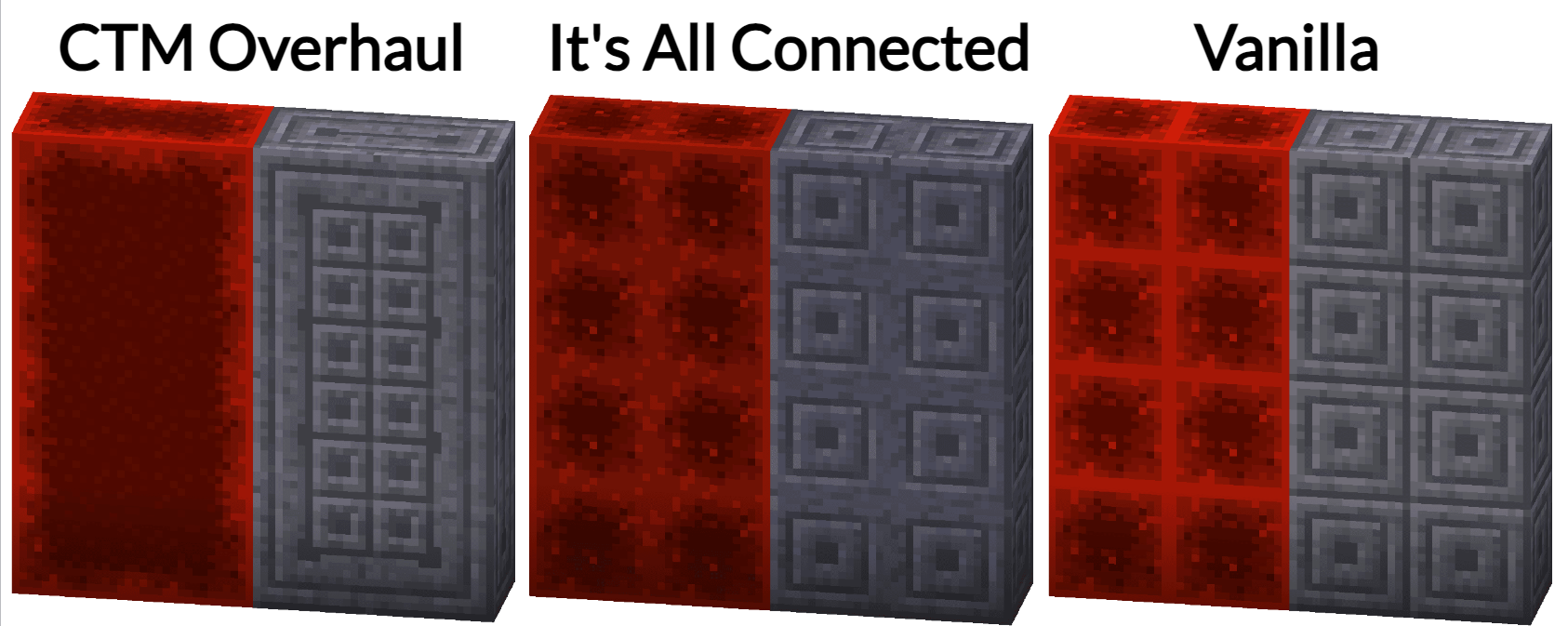
The author’s comparison below shows the design choice: It’s All Connected keeps more of the original decorative pattern while reducing the repeated square borders. Look at the center column, then compare it with Vanilla on the right. CTM Overhaul on the left is a separate pack shown for comparison, not a dependency.
Build ideas that make the effect worthwhile
- Decorative castle walls: place matching chiseled stone blocks in a panel. Their decoration can read as a larger pattern instead of a grid of repeated framed squares.
- Libraries and enchanting rooms: use a row of bookshelves for a more continuous shelf surface. The pack includes horizontal connections for bookshelves; it does not change enchanting power or book storage.
- Broad floors and facades: try a simple palette of supported polished or decorative blocks. Give the surface enough space for the connections to be visible, then add contrasting trim where you deliberately want an edge.
- Copper-themed workshops: use the supported copper and tuff textures as part of an industrial or trial-chamber-inspired build. Their appearance changes; copper oxidation and redstone behaviour remain game mechanics.
- Existing survival builds: enable the pack and revisit a finished room. You can decide whether the connected look suits it before changing any blocks.
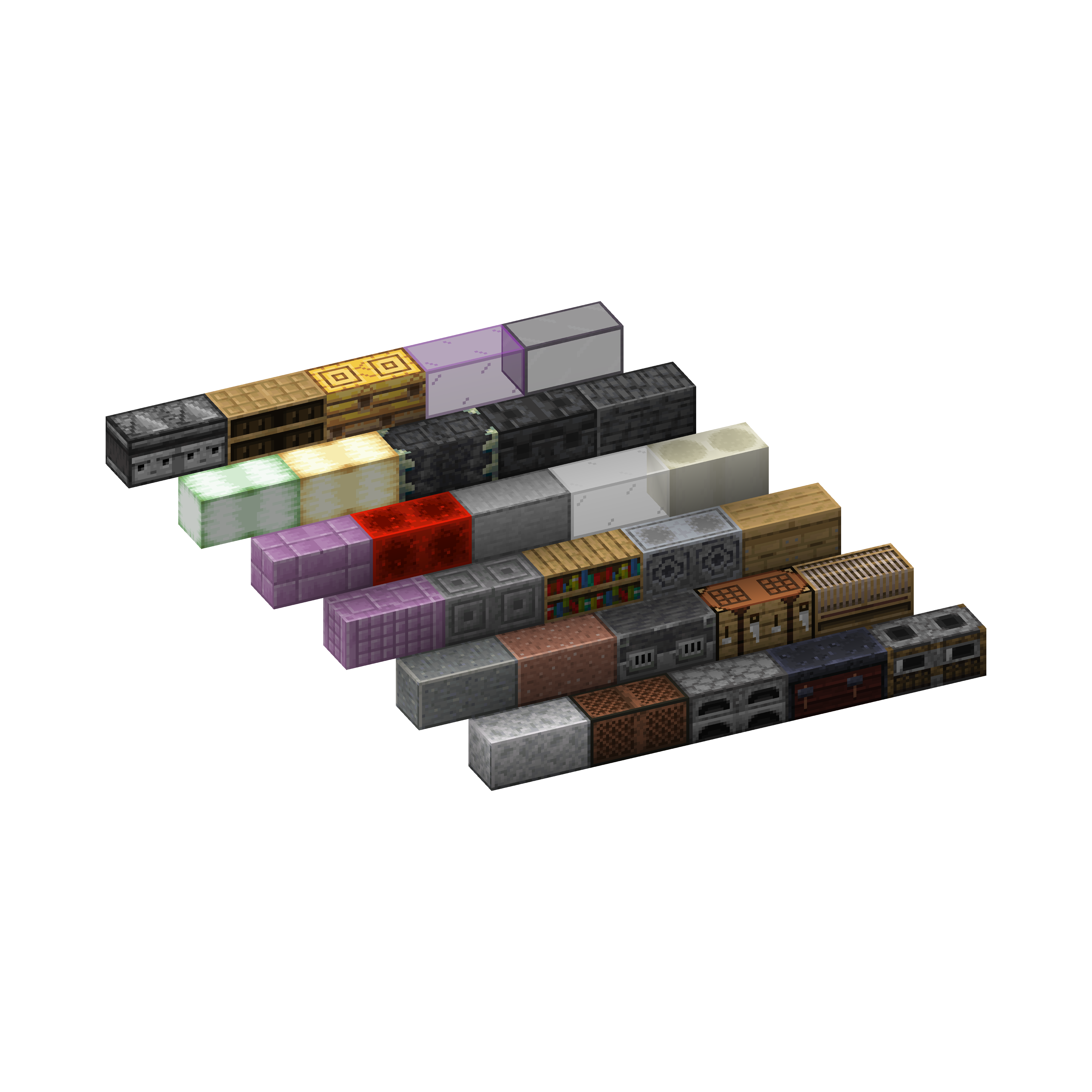
This is a visual pack, so other players only see the same result if their own client uses a compatible setup. It does not require your server to replace the world’s blocks, and disabling it restores your normal textures.
Download the pack and the required support
For the Java 26.2 Fabric setup, use the ZIP plus both JARs below. If the same compatible supporting mods are already in your instance, keep one copy of each. Do not add duplicate versions.
It’s All Connected 1.4 — resource pack
Keep this file as a ZIP and place it in resourcepacks. Version 1.4 is listed for stable Java 26.1, 26.1.1, 26.1.2 and 26.2. The supporting downloads on this page are specifically for 26.2; other game versions need their own matching mods.
Continuity 3.0.1 — Fabric 26.2
This is the client mod that makes the pack’s connected textures work. Put the JAR in mods.
Fabric API 0.160.0 — Minecraft 26.2
Continuity requires Fabric API. Put this JAR in mods as well. This supplied API needs Fabric Loader 0.18.4 or newer and the Java 25 runtime used by Minecraft 26.2.
The author also names OptiFine as an alternative for versions it supports. It is not required alongside Continuity. The downloadable setup here uses Fabric; these JARs should not be placed into a Forge or NeoForge instance as though they were native builds for those loaders. See our Continuity guide for more about its role.
Install it and see the first connection
- Open the Minecraft 26.2 Fabric instance you intend to play. Use a current compatible Fabric Loader; check its version if the API reports that your loader is too old.
- Close Minecraft. Put Continuity and Fabric API in that instance’s mods folder.
- Put its_all_connected_v1.4.zip in the same instance’s resourcepacks folder. Leave the ZIP intact; do not put it in mods or extract its contents into several folders.
- Launch Fabric. Open Options → Resource Packs, move It’s All Connected to the selected side and press Done.
- For your first look, temporarily disable other packs that change the same blocks. Place a small 3×3 panel of chiseled stone bricks or a row of bookshelves and inspect touching faces.
- Toggle It’s All Connected off and on in Resource Packs to compare the same build. Then re-enable your other packs in the order you want.
There is no special crafting recipe, new block or action key to trigger the effect. Once the required mod and pack are active, connections appear as you place or view suitable adjacent blocks. Continuity’s built-in Default Connected Textures is a separate optional pack; it is not a substitute for selecting It’s All Connected itself.
What version 1.4 adds
The author updated the pack for the 26.2 Chaos Cubed release. Its current files include connected rules for polished and chiseled sulfur and cinnabar, alongside established decorative materials, bookshelves, ores, workstation faces and redstone-related blocks.
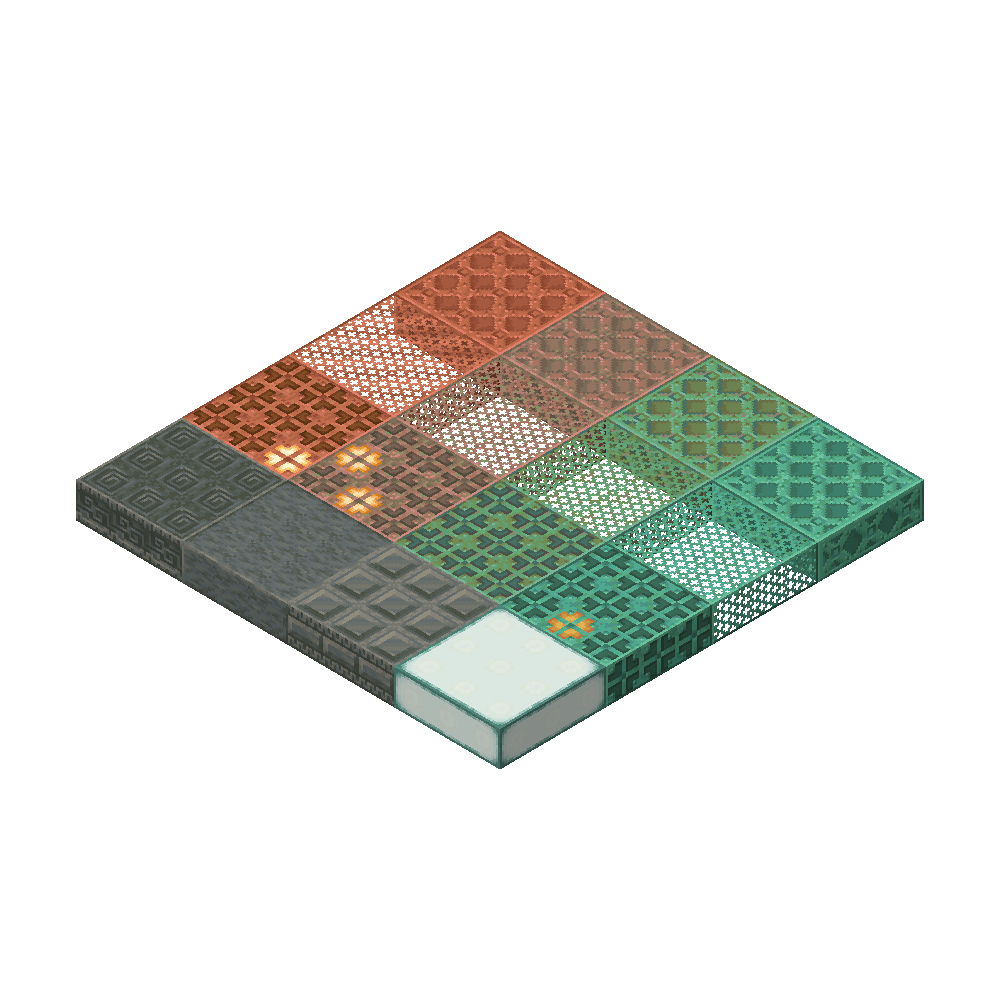
The image below is the author’s earlier 1.21 copper-and-tuff showcase from 2024. It helps you judge that part of the style; it does not depict the new 26.2 materials.
Combine it with your other resource packs
Packs higher in the selected list take priority when they replace the same resources. Start with It’s All Connected above your usual block-texture pack if you want its appearance to win, but compare the affected blocks: priority alone cannot make every custom model compatible.
The author specifically warns about 3D block models and block-state-specific models, using Vanilla Tweaks’ Visual Note Block Pitch as an example. If you need a note block’s instrument or pitch display more than its connected appearance, decide which pack should control that block and check it before building around the visual cue.
Keep only one connected-texture style active for a surface while diagnosing a conflict. A shader is not required for the effect; lighting, reflections and scenery in an illustration are separate from the texture connections. This pack also does not promise extra FPS.
If the blocks still have borders
- Nothing changes anywhere: check that the launcher started the Fabric instance containing Continuity and Fabric API, then confirm that It’s All Connected is selected in Resource Packs.
- Only an isolated block looks unchanged: place several identical supported blocks against one another. The connection depends on neighbouring surfaces.
- Some faces connect and others do not: rules differ by material. Bookshelf connections, for example, are not a promise that every face of every workstation becomes seamless.
- A pattern looks broken or mixed: disable overlapping block packs temporarily. If the problem disappears, reintroduce them one at a time and compare their priority.
- Minecraft reports a missing dependency or old loader: match Minecraft 26.2, the two supplied JARs and Fabric Loader 0.18.4+. Remove an older duplicate API or Continuity file from that instance.
- You chose another Minecraft version: the pack’s own version range is not the version range of every supporting mod. Get the appropriate Continuity and API releases for that client instead of forcing the supplied 26.2 JARs into it.
To return to the ordinary look, disable It’s All Connected in Resource Packs and press Done. Your builds remain in the world; only their appearance changes. If you report a visual issue to Boombabob, a screenshot of the affected blocks and a list of active resource packs will be more useful than a general “doesn’t work” message.
Creator and sources
Boombabob creates It’s All Connected under the MIT license. PepperCode1 develops Continuity, and FabricMC develops Fabric API. MineBrush provides this player guide, an original editorial cover and hosted copies of the original downloads. The three comparison and block images belong to Boombabob and are dated in their captions.
- Author’s project, examples and compatibility notes
- It’s All Connected 1.4 release
- Official source repository
- Continuity 3.0.1 for Minecraft 26.2
- Fabric API project
More for your Java setup.
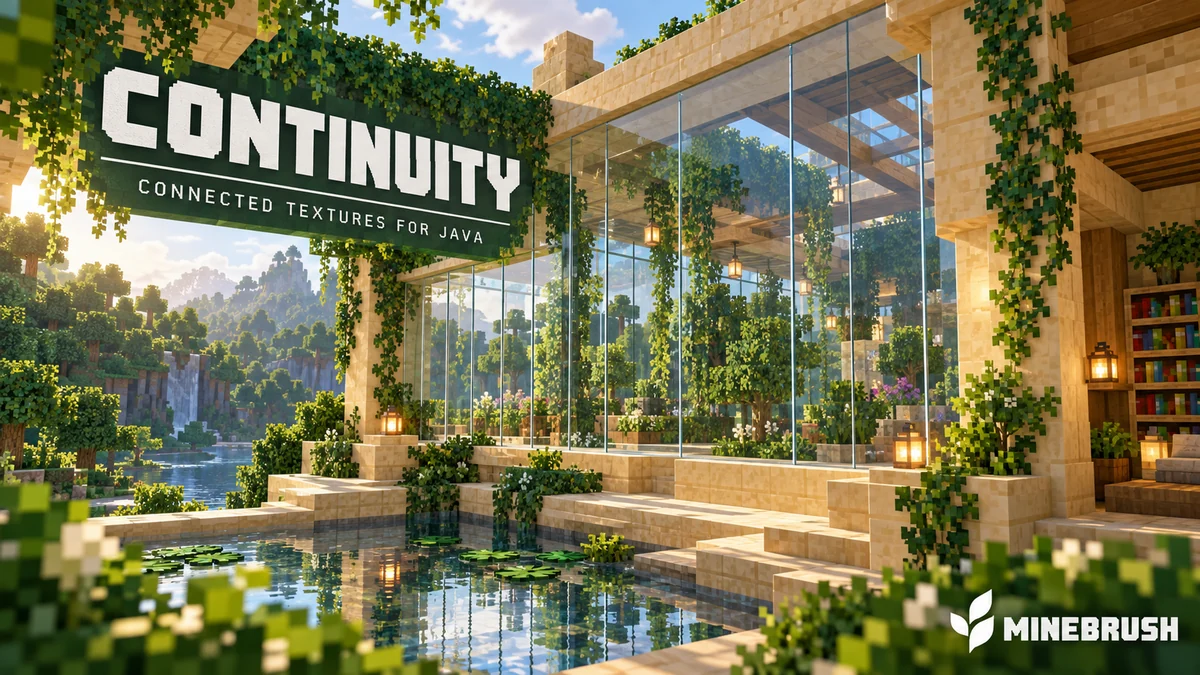
Continuity
3.0.1Connect glass, sandstone and bookshelf textures in Java 26.2. Download Continuity and Fabric API, then enable the built-in packs with this installation guide.
- Minecraft
- 26.2
- Loader
- Fabric
- Runtime
- Client
Java 26.2 · enable the built-in texture packs
Java · Mod
Continuity
Connect glass, sandstone and bookshelf textures in Java 26.2. Download Continuity and Fabric API, then enable the built-in packs with this installation guide.
Java 26.2 · enable the built-in texture packs
- Minecraft version
- 26.2
- Game edition
- Java Edition
- Loader / platform
- Fabric
- License
- LGPL-3.0-only
- Platform family
- Bedrock & Mobile
- Supported devices
- Windows · macOS · Linux
- Install format
- .jar mod file from the creator
- Touch readiness
- Not required
- Resource type
- Mod
- Project version
- 3.0.1
- Last verified at
- Sep 5, 2026
- Secondary guide action
- Setup & fixes
- Compatibility confidence
- Source claimed
- Java mod loader
- Fabric
- Java runtime side
- Client
- Card evidence statement
- Original connected-glass examples and setup screenshots
- Required dependency
- Fabric API for Minecraft 26.2
- Card delivery statement
- Download from MineBrush · mod and required dependency
- Card limitation note
- Java 26.2 · enable the built-in texture packs
- Edition applicability
- Java
- Delivery state
- Direct download
- Lifecycle state
- Current
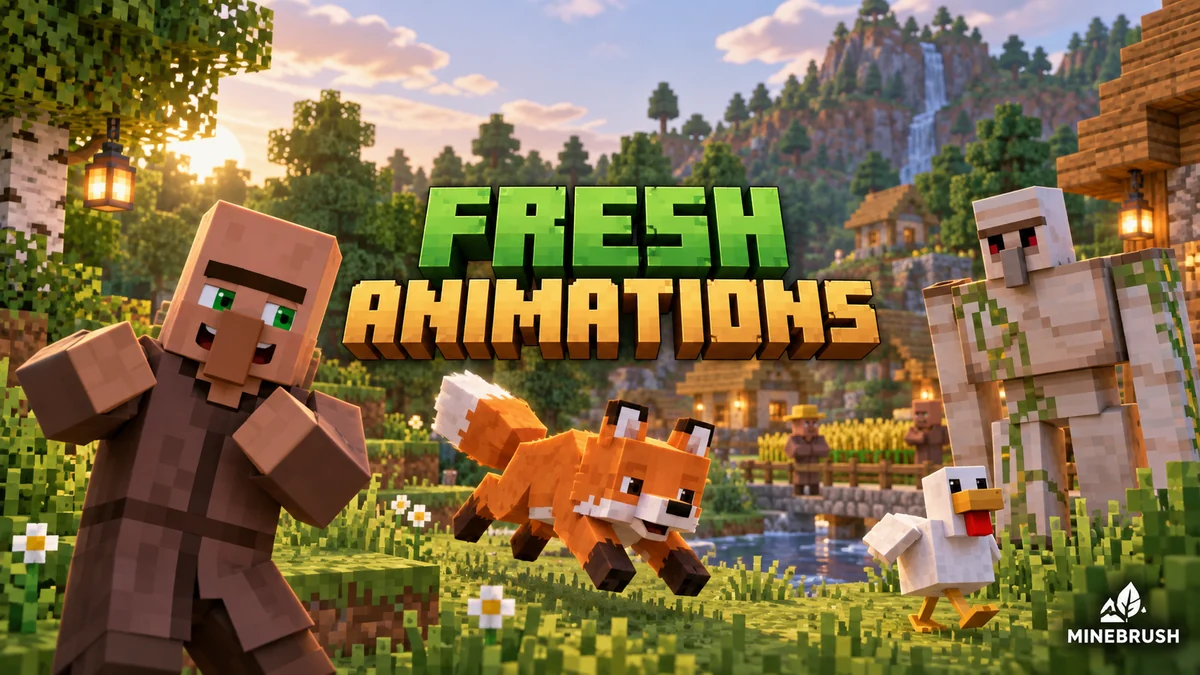
Fresh Animations
1.10.5 Beta / 1.10.4 BetaGive familiar mobs more expressive poses and movement. See creator examples, choose the right Fresh Animations version, and set up EMF + ETF for villages, farms and exploration.
- Minecraft
- Java 26.1–26.2 / 1.20–1.21.11
- Scope
- Entities
- Runtime
- Multiple dependencies
Requires EMF + ETF or matching OptiFine
Java · Pack
Fresh Animations
Give familiar mobs more expressive poses and movement. See creator examples, choose the right Fresh Animations version, and set up EMF + ETF for villages, farms and exploration.
Requires EMF + ETF or matching OptiFine
- Minecraft version
- Java 26.1–26.2 / 1.20–1.21.11
- Game edition
- Java Edition
- Loader / platform
- Fabric
- License
- Creator terms; original notices preserved
- Visual resolution
- 16x
- Platform family
- Java PC
- Supported devices
- Windows · macOS · Linux · Java Edition
- Install format
- Pack ZIP in resourcepacks; EMF and ETF JARs in mods
- Touch readiness
- Yes
- Resource type
- Add-on
- Project version
- 1.10.5 Beta / 1.10.4 Beta
- Last verified at
- Sep 14, 2026
- Compatibility confidence
- Source claimed
- Resource-pack scope
- Entities
- Required runtime
- Multiple dependencies
- Pack load order
- Top
- Resource-pack preview mode
- Single cover
- Resource-pack setup guide
- Available
- Card evidence statement
- Expressive mobs for villages, farms and exploration
- Card delivery statement
- Two pack branches + Fabric 26.2 setup
- Card limitation note
- Requires EMF + ETF or matching OptiFine
- Edition applicability
- Java
- Delivery state
- Direct download
- Lifecycle state
- Current
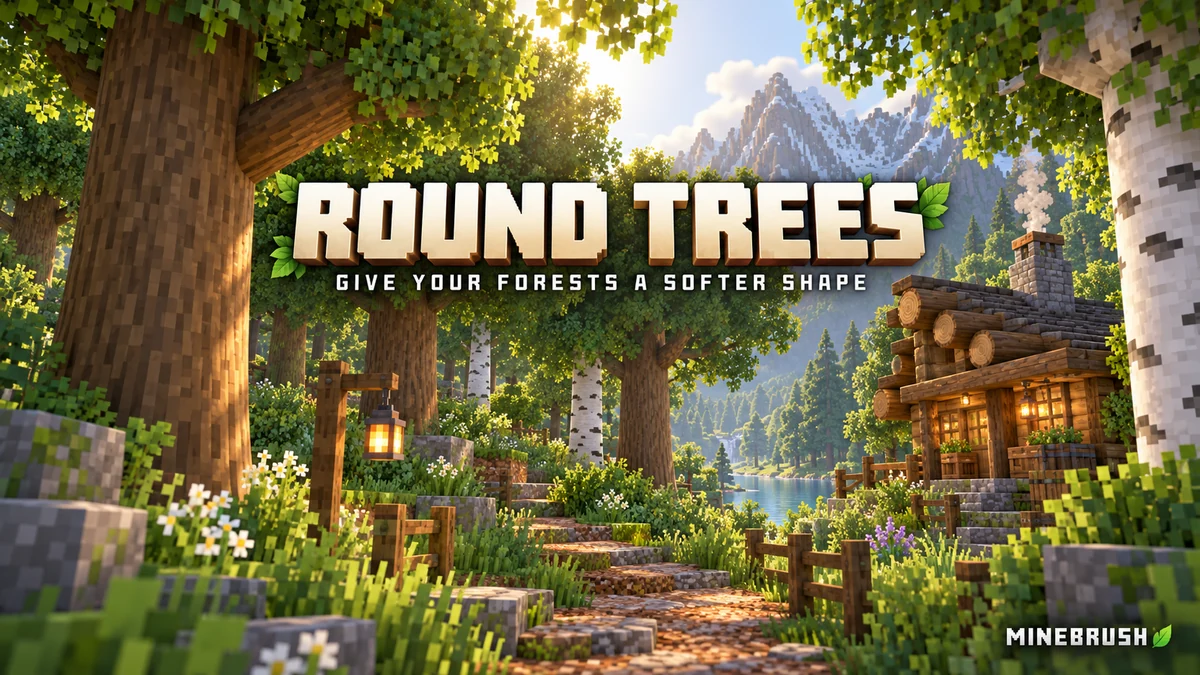
Give forests, log cabins and timber bridges a softer shape. See the creator screenshots, learn pack order and download Round Trees 8.3 for Minecraft Java.
- Minecraft
- 1.20–1.21.11 / 26.1–26.2
- Scope
- Models
- Runtime
- Vanilla
Place above other packs that replace log models
Java · Pack
Round Trees
Give forests, log cabins and timber bridges a softer shape. See the creator screenshots, learn pack order and download Round Trees 8.3 for Minecraft Java.
Place above other packs that replace log models
- Minecraft version
- 1.20–1.21.11 / 26.1–26.2
- Game edition
- Java Edition
- Loader / platform
- Vanilla
- License
- MIT
- Platform family
- Java & PC
- Supported devices
- Minecraft Java on Windows, macOS and Linux
- Install format
- Keep the ZIP in resourcepacks and enable it in Resource Packs
- Touch readiness
- Not required
- Resource type
- Resource Pack
- Last verified at
- Sep 7, 2026
- Compatibility confidence
- Source claimed
- Resource-pack scope
- Models
- Required runtime
- Vanilla
- Pack load order
- Top
- Resource-pack preview mode
- Single cover
- Resource-pack setup guide
- Available
- Card evidence statement
- Rounded logs using your chosen wood textures
- Card delivery statement
- Java resource pack; no mod loader required
- Card limitation note
- Place above other packs that replace log models
- Edition applicability
- Java
- Delivery state
- Direct download
- Lifecycle state
- Current
Player discussion 2
Questions, discoveries and help from other players.