
MineBrush publication
MINIMAL Shader: Shadows, Profiles & Version Downloads
Add directional shadows while keeping Minecraft’s familiar look. See the creator’s before/after scenes, choose a profile and download MINIMAL with the matching Iris setup.
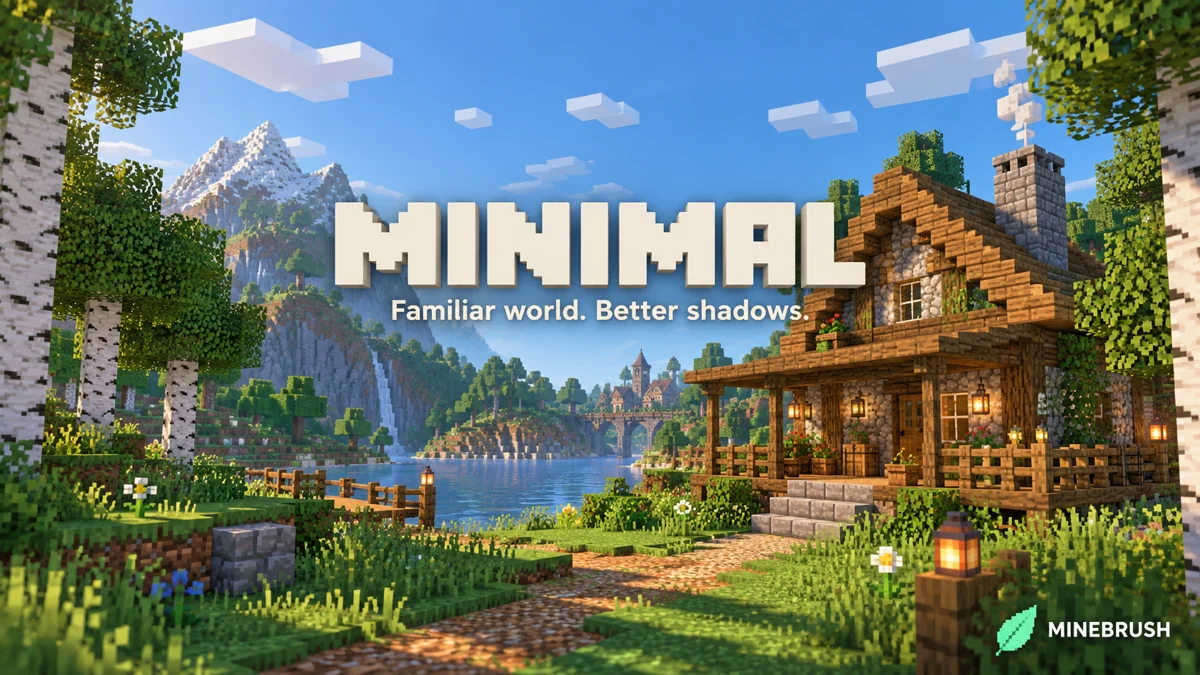
MINIMAL is a Java shader for players who like Minecraft’s familiar appearance and mainly want directional shadows. Trees, roofs and uneven ground gain clearer depth while the world keeps its recognisable textures and simple sky. The project is maintained by felixmgoff; its included MIT notice credits bambosan.
The latest official file is 1.1.0 Alpha, for Java 1.18–1.21.8 with Iris. It adds darker nights compared with 1.0.0. For a fresh installation, the matching Fabric 1.21.8 Iris/Sodium files are included below. The release does not list Java 1.21.9+, 26.x or Bedrock.
Where a simple shadow shader makes a difference
- A survival base: look beneath roof overhangs, along fences and at the edge of a tree’s shade. These small changes give a familiar home more depth without asking you to redesign it around a new colour palette.
- Gardens and woodland paths: spaces between leaves and the direction of sunlight become part of the scene. A path with both open sky and tree cover is a useful place to decide how strong you want the shadows.
- Build screenshots: side lighting can make a roofline, balcony or wall projection easier to see. Choose the viewpoint and time of day before increasing quality settings; a higher-resolution shadow map cannot fix an unhelpful camera angle.
- Ordinary exploration: use it when you want a light visual change and familiar block colours. You can disable the shader at any time without removing or converting your world.
It is a client-side visual effect. Other players do not need MINIMAL to join you, and its rendered shadows do not change Minecraft’s light-level rules, crop growth or mob spawning. Keep placing torches according to the game’s mechanics, not merely how dark a surface looks.
See the actual difference
The animation below is the creator’s own before/after demonstration, linked from the official project page. It cycles through three pairs of woodland and river scenes. Watch the ground beneath trees and the shaded sides of terrain. The animation’s exact game build is not stated; it is an example of the published shader’s look, not a claim about a new Minecraft version. The unchanged full-resolution animation is available in the original-image archive below.
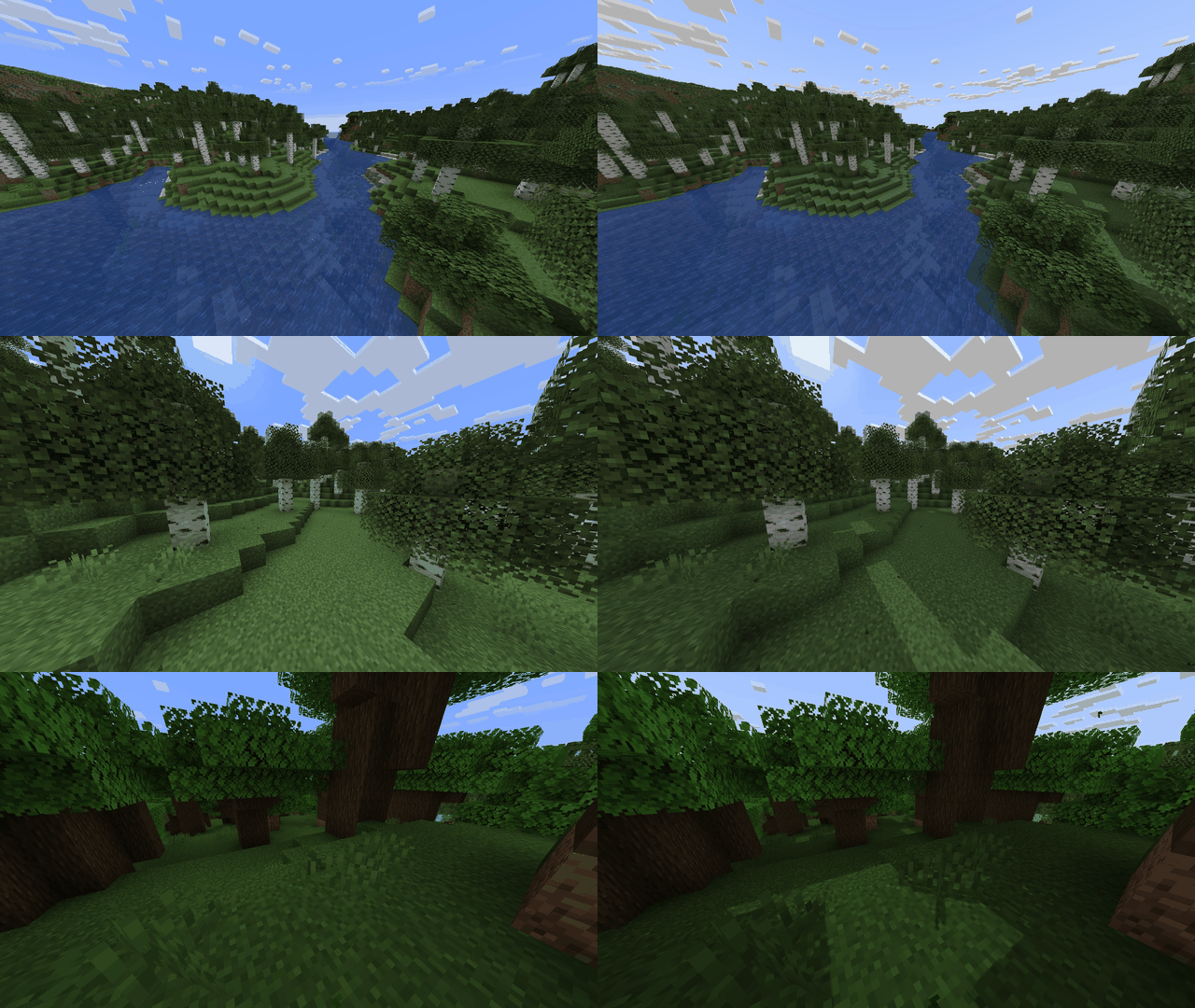
Original creator comparison: optional archive containing the unchanged full-resolution WebP animation. This is an image download, not a shader to install.
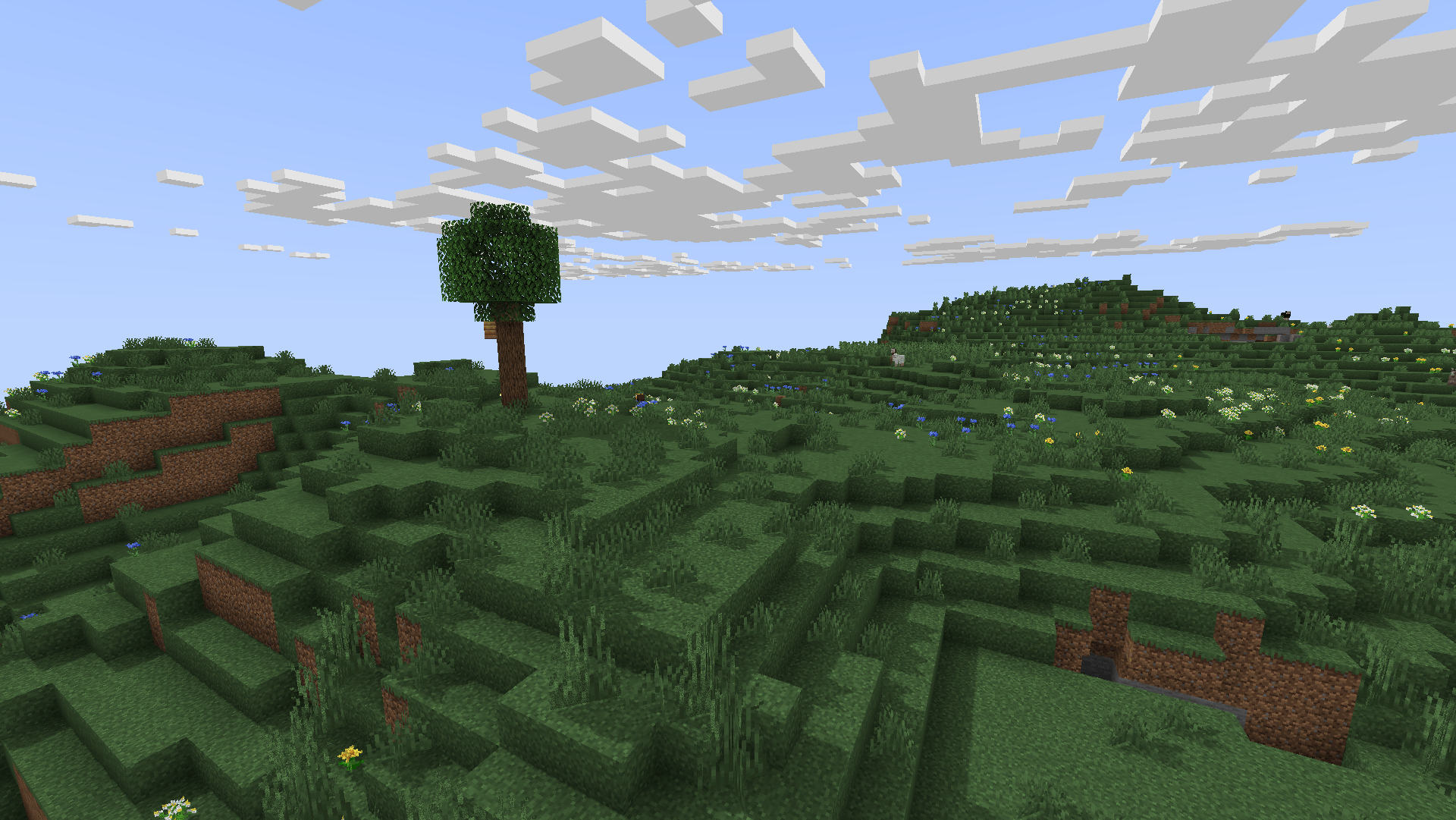
Familiar terrain and block textures
Choose your MINIMAL download
MINIMAL 1.1.0 Alpha — current release. Published February 6, 2025. Supports the listed Java 1.18–1.21.8 range and adds darker nights. Choose this for the setup below.
MINIMAL 1.0.0 Alpha — previous release. Published February 4, 2025, with Java 1.18–1.21.4 listed. Keep it when restoring an older setup or choosing the earlier release before the darker-night change. It does not inherit 1.1.0’s wider game-version list. Both original archives are named MINIMAL.zip; the download selector identifies their release versions.
Optional setup files for Fabric 1.21.8
To create a new shader installation for Java 1.21.8, use Iris 1.9.6 with its matching Sodium 0.7.2. Both JARs also list 1.21.6 and 1.21.7, but they are not replacements for files targeting older game versions.
Use Fabric Loader 0.16.0 or newer for this pair. Sodium bundles the Fabric API components it needs; other installed mods may separately require the full Fabric API. If you already have a compatible Iris/Sodium installation, keep one copy of each mod rather than adding duplicates.
Install and start using it
- Select a Java 1.21.8 Fabric instance for the supplied JAR pair. Close Minecraft and put Iris and Sodium in that instance’s
modsfolder. - Launch the instance and open Options → Video Settings → Shader Packs. Use its folder button to open
shaderpacks. - Copy the chosen
MINIMAL.zipthere. Keep it zipped; do not put the shader inmodsorresourcepacks. - Select MINIMAL, apply it and visit an outdoor area with trees or a roof. Open Shader Settings to choose a profile or adjust shadows.
No resource pack, special item or new world is required. Use a save compatible with the game version you selected. For another listed Java version, use Iris and Sodium builds made for that version; the two JARs provided here target 1.21.6–1.21.8.
Normal or Minimal: pick a starting profile
The download defines two profiles. Normal uses 2K shadow resolution; Minimal uses 1K and lighter shadows. Both use an eight-chunk shadow distance, 16 filtering samples and a blur radius of 1.0, with coloured shadows disabled and border fog enabled.
Try Minimal first on a less powerful computer or in a busy world. Choose Normal when you prefer clearer nearby shadow edges and the game remains comfortable. These names describe settings, not guaranteed frame rates. The author’s simple visual design still requires additional GPU work.
Settings worth changing
- Shadow Resolution: available values run from 512p to 8K. More detail can sharpen shadow edges at a higher GPU cost. Start at 1K or 2K; do not jump to 8K merely because it is available.
- Shadow Distance: controls how far the detailed shadow effect extends, from four to 32 chunks. A small garden does not need the same range as a wide landscape. Increasing this does not increase Minecraft’s loaded terrain.
- Shadow Blur Radius: softens shadow edges. Keep it near 1.0 for a clearer edge, then increase gradually if the result looks too harsh.
- PCF Sample: controls the filtering sample count, with 8, 16, 32 and 64 available. More samples can smooth filtering but cost more work. Start with the profile’s 16 before raising it.
- Colored Shadow: an optional setting, disabled in both profiles. Try it around stained-glass builds if you want the shader’s coloured-shadow effect.
- Sun Path Rotation: adjusts the direction of the sun’s path in the shader. It can help frame a build’s shadows; it does not change your world’s time.
- Border Fog: keep it enabled when you prefer distant terrain edges to blend into the scene. The shader handles fog differently when Distant Horizons is active.
For a small base, begin with Minimal and eight chunks of shadow distance. If nearby edges are rough, try Normal before extending the distance. For a wide screenshot, increase distance only as far as the composition needs and check that nearby shadows still look good.
Distant Horizons: optional distant terrain
MINIMAL declares Distant Horizons support and includes a terrain shader for it. Distant Horizons is a separate optional mod; it is not inside this ZIP and is not required for ordinary shadows.
If you already use a matching Distant Horizons installation, enable MINIMAL there. If you are starting from scratch, get Iris and MINIMAL working first, then add a Distant Horizons build compatible with your exact Minecraft and Iris versions. A shader’s support statement does not make every older and newer mod combination interchangeable.
Shadow Distance remains its own setting. Seeing distant terrain does not mean that the same detailed nearby shadows will extend to every visible mountain. If a seam or unusual lighting appears only after enabling Distant Horizons, disable it temporarily to isolate the combination before changing every shadow setting.
When the result is not what you expected
No new shadows: check that Iris is active and MINIMAL is selected, then look outdoors in the Overworld during daylight. A windowless room is not a useful first place to judge directional sunlight.
Nights are darker than before: that is the stated change in 1.1.0. Use normal lighting around your base. If restoring the earlier look, the archived 1.0.0 is available for its listed older game range.
Rough edges or shadows stop nearby: distinguish resolution from distance. Increase resolution for detail, distance for reach, and filtering for softness. Raising all three at once makes the performance trade-off harder to judge.
Low FPS: select Minimal, reduce Shadow Distance or Shadow Resolution, and avoid unnecessarily high PCF Sample settings. Try a lower ordinary render distance in a dense world. No single FPS number applies to every device.
The wrong release loads: the two ZIPs share a filename. Keep archived downloads in separate folders and place only the one you want in the instance’s shaderpacks folder. You do not need to enable both.
Creator and sources
MINIMAL is published by felixmgoff. The original archive’s MIT licence credits bambosan; that notice is retained unchanged. Iris is by the Iris team and Sodium by CaffeineMC and contributors.
- Official project, images and features
- MINIMAL 1.1.0 Alpha
- Previous MINIMAL 1.0.0
- Source repository
- Iris 1.9.6 and matching Sodium 0.7.2
More for your Java setup.
Dither
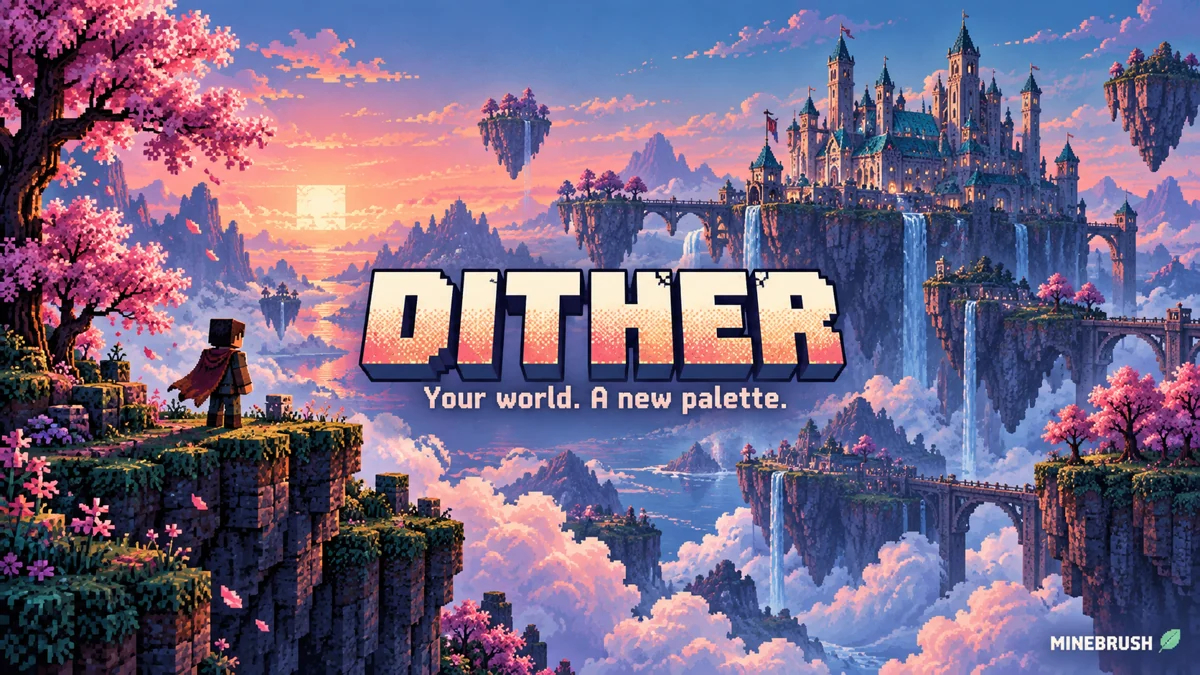
1.0.0 AlphaTurn familiar builds into pixel-art scenes with Dither. Compare five creator palettes, tune outlines and pixel scale, and download the recommended Iris setup for Java 1.21.8.
- Minecraft
- Java 1.20–1.21.11
- Runtime
- Iris
- Performance
- Depends on shadow settings and GPU
Creator recommends Java 1.21.8
Java · Shader
Dither
Turn familiar builds into pixel-art scenes with Dither. Compare five creator palettes, tune outlines and pixel scale, and download the recommended Iris setup for Java 1.21.8.
Creator recommends Java 1.21.8
- Minecraft version
- Java 1.20–1.21.11
- Game edition
- Java Edition
- Loader / platform
- Fabric
- License
- MIT
- Performance expectation
- Depends on setup
- Platform family
- Java PC
- Supported devices
- Windows · macOS · Linux
- Install format
- Shader ZIP in shaderpacks; dependency JARs in mods
- Touch readiness
- Not required
- Resource type
- Shader
- Project version
- 1.0.0 Alpha
- Last verified at
- Sep 14, 2026
- Compatibility confidence
- Source claimed
- Java shader runtime
- Iris
- Shader preview mode
- Single cover
- Performance evidence
- Depends on GPU, resolution and settings
- Notable feature
- Custom palettes, dithering and outlines
- Shader performance tier
- Performance not tested
- Shader settings guide
- Available
- Card evidence statement
- Five creator palette examples
- Card delivery statement
- Original shader ZIP + Fabric 1.21.8 setup
- Card limitation note
- Creator recommends Java 1.21.8
- Edition applicability
- Java
- Delivery state
- Direct download
- Lifecycle state
- Current
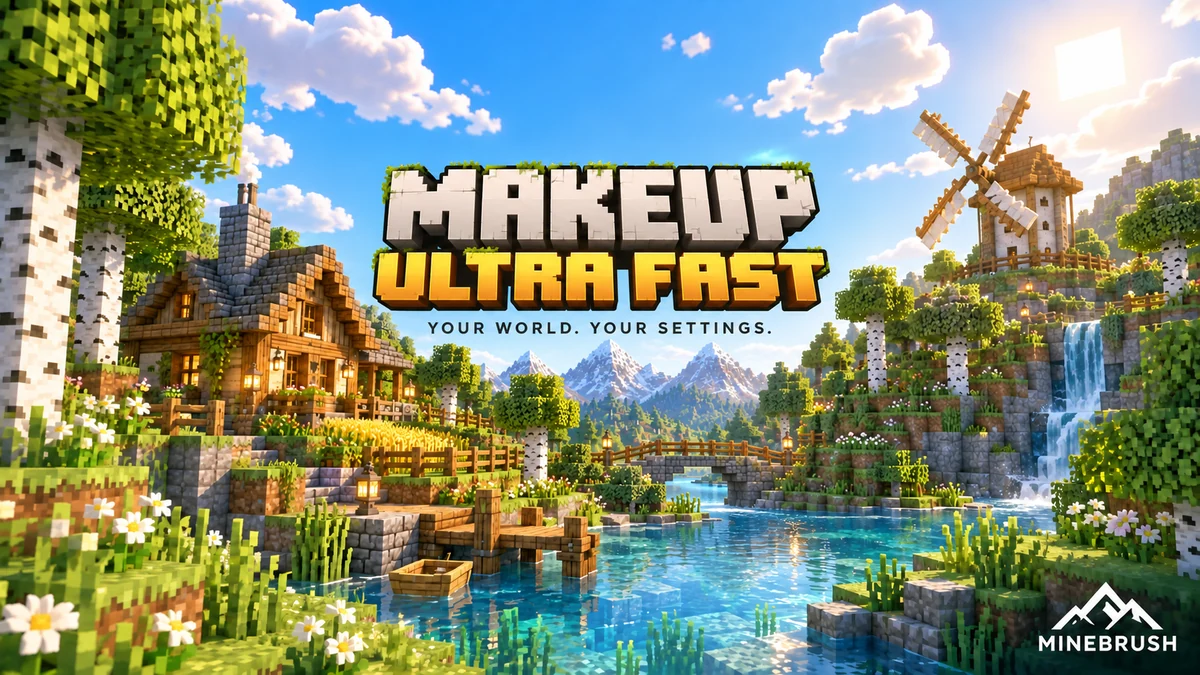
Choose the effects that matter to your Minecraft world: better water, color, clouds and optional shadows. Explore MakeUp’s Shadowless profiles, real examples and a clear Iris setup.
- Minecraft
- Java 1.12.2–1.21.11 / 26.1–26.2
- Runtime
- Iris or OptiFine
- Performance
- Depends on shadow settings and GPU
Shadowless profiles available; performance depends on settings and GPU
Java · Shader
MakeUp Ultra Fast
Choose the effects that matter to your Minecraft world: better water, color, clouds and optional shadows. Explore MakeUp’s Shadowless profiles, real examples and a clear Iris setup.
Shadowless profiles available; performance depends on settings and GPU
- Minecraft version
- Java 1.12.2–1.21.11 / 26.1–26.2
- Game edition
- Java Edition
- Loader / platform
- Not applicable
- License
- LGPL-3.0-or-later
- Performance expectation
- Depends on setup
- Platform family
- Java PC
- Supported devices
- Windows / Linux; macOS not confirmed by the creator
- Install format
- MakeUp ZIP in shaderpacks; dependency JARs in mods
- Touch readiness
- Not required
- Resource type
- Shader
- Project version
- 9.5e
- Last verified at
- Sep 14, 2026
- Compatibility confidence
- Source claimed
- Java shader runtime
- Iris or OptiFine
- Shader preview mode
- Single cover
- Shader performance tier
- Performance not tested
- Shader settings guide
- Available
- Card evidence statement
- Optional shadows, water effects and adjustable color schemes
- Card delivery statement
- Shader ZIP + optional Fabric 26.2 setup files
- Card limitation note
- Shadowless profiles available; performance depends on settings and GPU
- Edition applicability
- Java
- Delivery state
- Direct download
- Lifecycle state
- Current
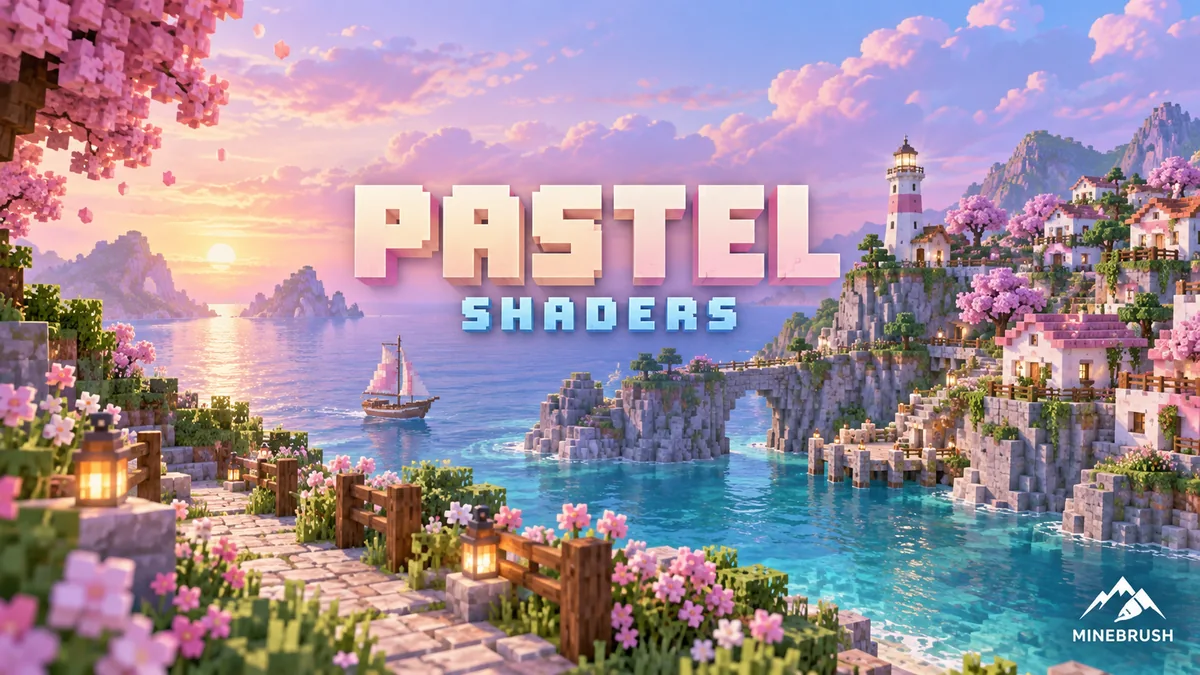
Pastel Shaders
1.200Choose Rose Quartz, Periwinkle or Lemon for a softer Minecraft world. Compare real palette examples, tune quality and visibility, and download Pastel with a clear Java 1.21 setup.
- Minecraft
- Java 1.7.10–1.21
- Runtime
- Iris or OptiFine
- Performance
- Depends on shadow settings and GPU
Latest shader release lists up to Java 1.21; four quality levels per palette
Java · Shader
Pastel Shaders
Choose Rose Quartz, Periwinkle or Lemon for a softer Minecraft world. Compare real palette examples, tune quality and visibility, and download Pastel with a clear Java 1.21 setup.
Latest shader release lists up to Java 1.21; four quality levels per palette
- Minecraft version
- Java 1.7.10–1.21
- Game edition
- Java Edition
- Loader / platform
- Not applicable
- License
- All Rights Reserved; original credits retained
- Performance expectation
- Depends on setup
- Platform family
- Java PC
- Supported devices
- PC with compatible Iris or OptiFine; performance depends on GPU
- Install format
- Shader ZIP in shaderpacks; dependency JARs in mods
- Touch readiness
- Not required
- Resource type
- Shader
- Project version
- 1.200
- Last verified at
- Sep 14, 2026
- Compatibility confidence
- Source claimed
- Java shader runtime
- Iris or OptiFine
- Shader preview mode
- Single cover
- Shader performance tier
- Performance not tested
- Shader settings guide
- Available
- Card evidence statement
- Rose Quartz, Periwinkle and Lemon palettes
- Card delivery statement
- Shader ZIP + optional Fabric 1.21 setup files
- Card limitation note
- Latest shader release lists up to Java 1.21; four quality levels per palette
- Edition applicability
- Java
- Delivery state
- Direct download
- Lifecycle state
- Current
Player discussion 0
Questions, discoveries and help from other players.