
MineBrush publication
Fast Better Grass: Greener Slopes, Paths and Download
Make grass slopes, village paths and Nether gardens look more continuous. Download Fast Better Grass 26.2 for Java 1.20–26.2, see the supported blocks and combine it with your texture pack without extra mods.
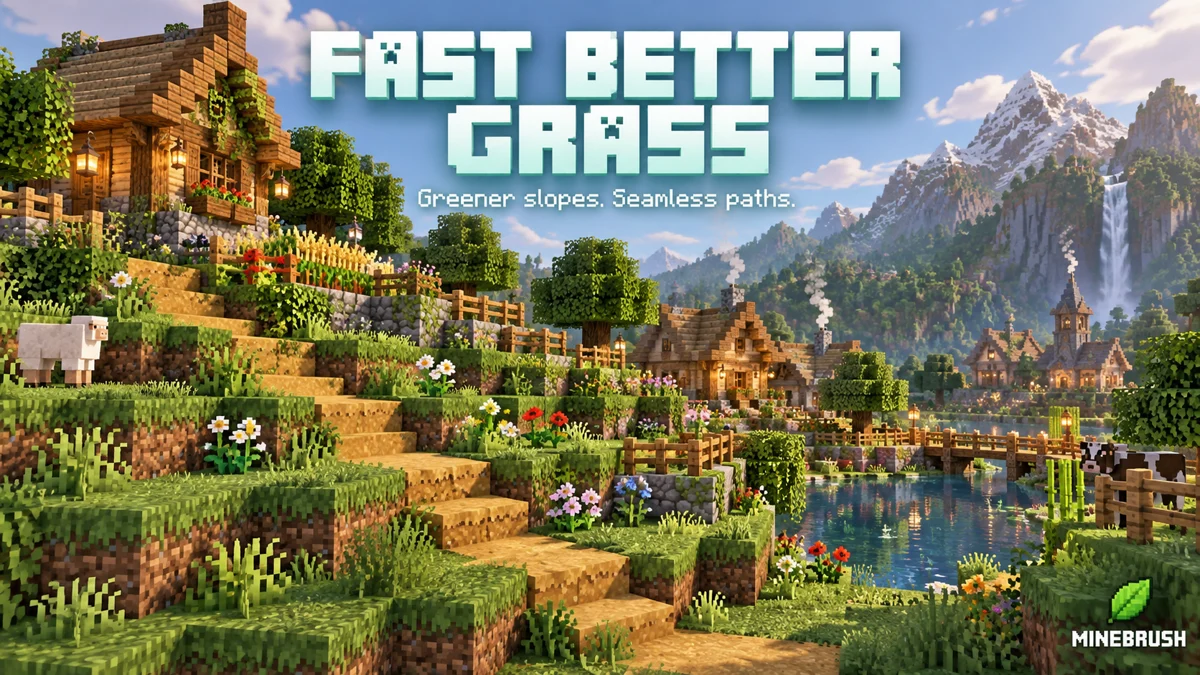
Fast Better Grass makes grassy slopes look green all the way around each grass block. It carries the top texture onto the sides of grass and related blocks, giving gardens, village paths and themed landscapes a more continuous surface.
This is Fast Better Grass 26.2 by Madis0 (Fabulously Optimized), released June 16, 2026, for the listed Minecraft Java 1.20–26.2 releases. It works as an ordinary resource pack without OptiFine or another mod.
What changes in your world
- Grass blocks: green top textures cover the sides, useful for terraced gardens, hills around a base and grassy roofs.
- Snow-covered grass: snowy sides help winter landscaping look more consistent.
- Dirt paths: the path surface also appears down the sides. Its visual extension reaches slightly downward, making village paths on slopes look less interrupted.
- Podzol and mycelium: their distinctive top surfaces wrap around the sides, useful for woodland floors and mushroom-themed builds.
- Warped and crimson nylium: their blue-green and red surfaces extend down the sides, giving Nether gardens and raised platforms a stronger color.
The path effect is only a model change: it does not spread real path blocks, flatten terrain or change where you can walk. Likewise, grass does not grow faster, and placing mycelium or nylium still follows normal game rules.
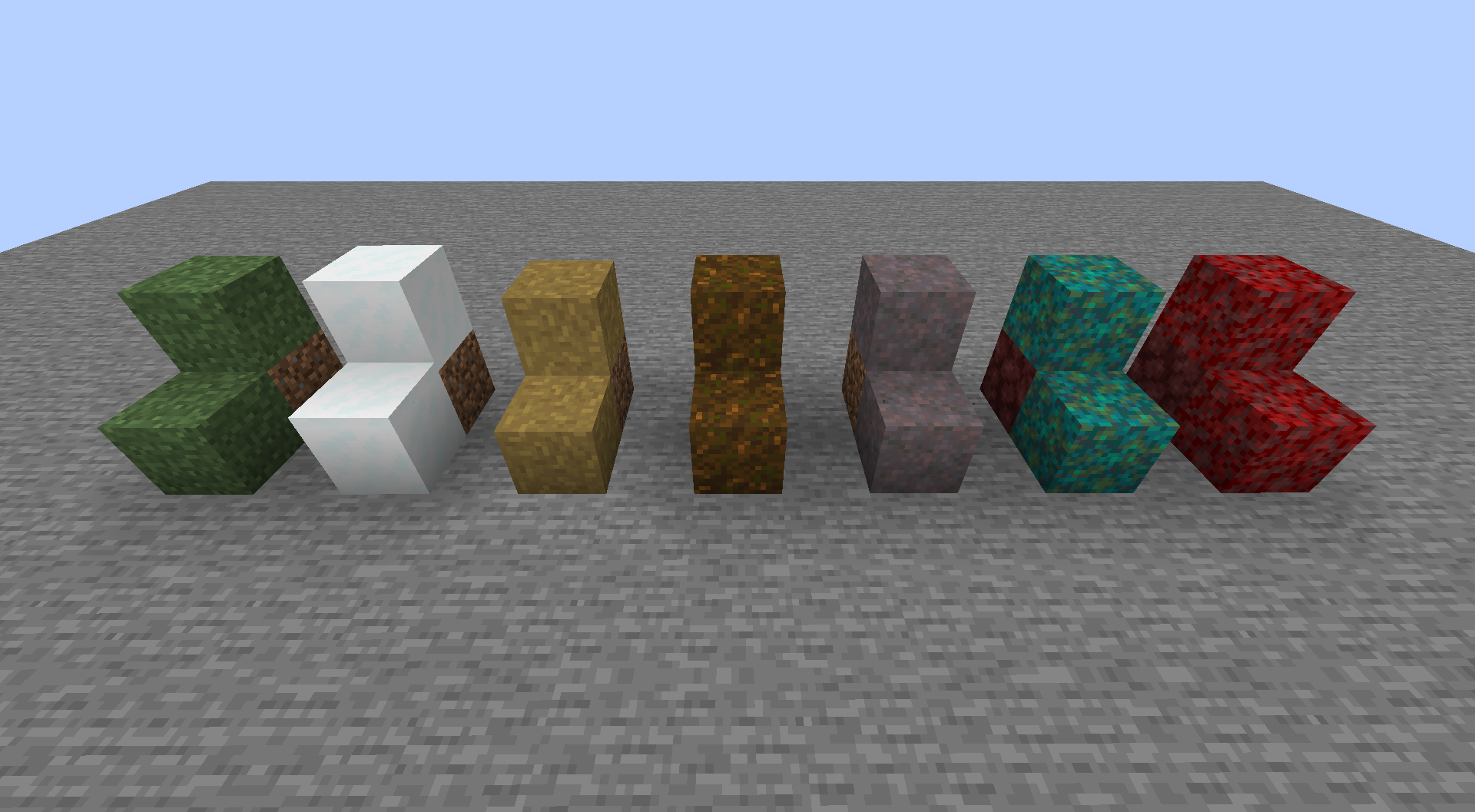
Where the look works best
Use it around a hillside village when you want paths and grass terraces to read as continuous bands of color. It also suits small garden embankments, mushroom islands, snowy settlements and decorative Nether terrain. Since the change affects every matching block on your client, you can enjoy it while exploring existing worlds without rebuilding them.
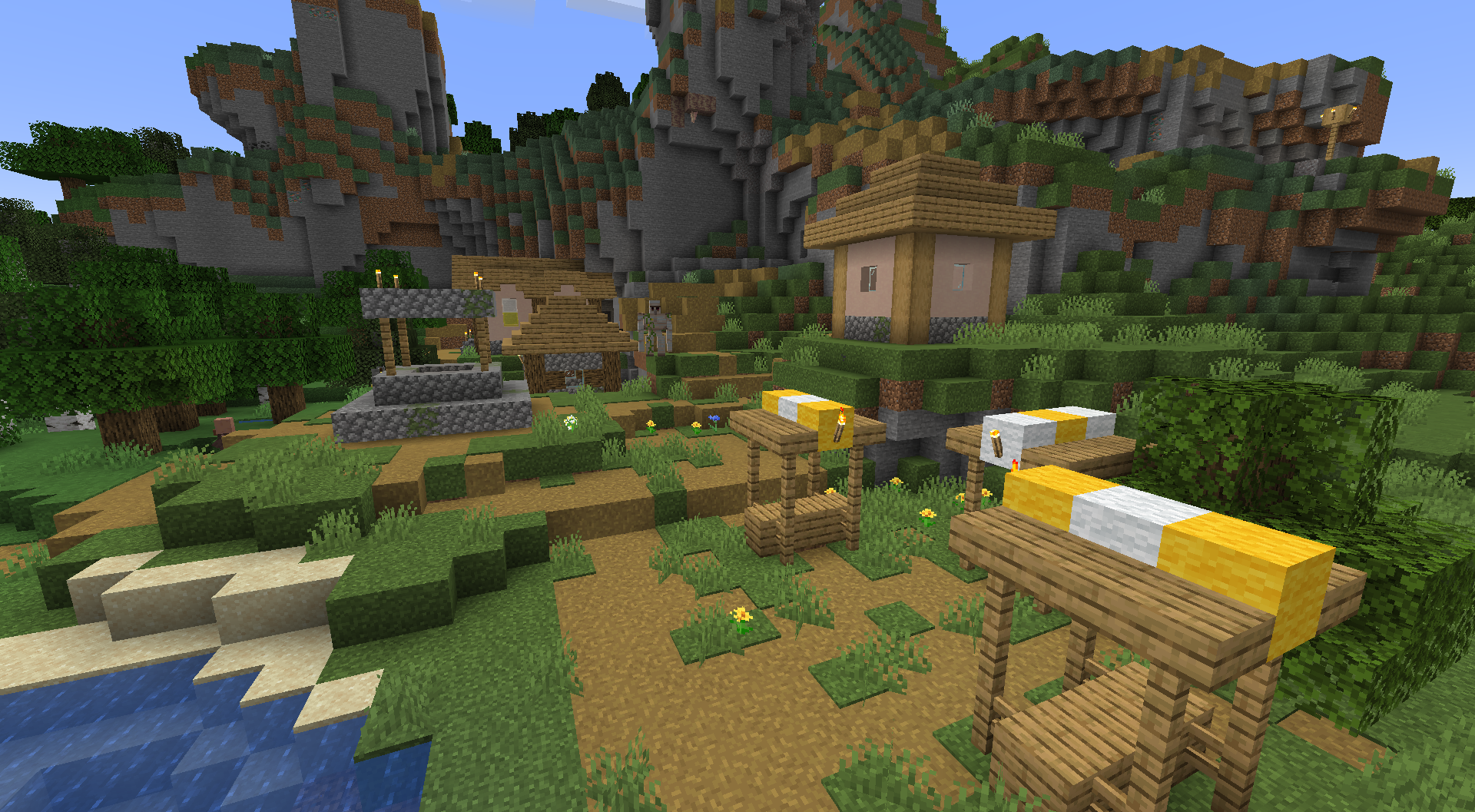
On tall cliffs or isolated blocks, the full side texture can look deliberately uniform. The pack imitates OptiFine's fast Better Grass style. It does not include the neighbor-aware fancy mode that chooses its result according to nearby blocks. Choose it if you like the wraparound appearance; it is not a general connected-texture system.
Download Fast Better Grass 26.2
Use the original ZIP below for Minecraft Java 1.20–26.2. No loader, shader or library is required. Keep the archive compressed.
The pack version is named 26.2, but the release listing includes the earlier Java versions above. For older Minecraft releases, consult the author's version history for a matching file. This download is not a Bedrock .mcpack.
Install and start using it
- Launch your usual Minecraft Java instance. Open Options → Resource Packs → Open Pack Folder.
- Copy Fast Better Grass.zip into that folder. It belongs in
resourcepacks, notmods. - Return to Resource Packs and move Fast Better Grass from Available to Selected. Reopen the menu if the new file has not appeared yet.
- Place it above your main texture pack in Selected so its block models take priority.
- Press Done and wait for the resource reload. Look at the side of a grass block or a village path to see the effect.
There is no command, keybind or settings screen to enable afterward. The pack uses the textures in your active resource stack. Grass color can still vary between biomes; it does not make every biome the same green.
Combine it with a texture pack
Fast Better Grass supplies block models rather than a new collection of block textures. This lets the sides use the top textures from a compatible pack you already enjoy. You can keep a familiar vanilla style or combine the effect with higher-resolution textures.
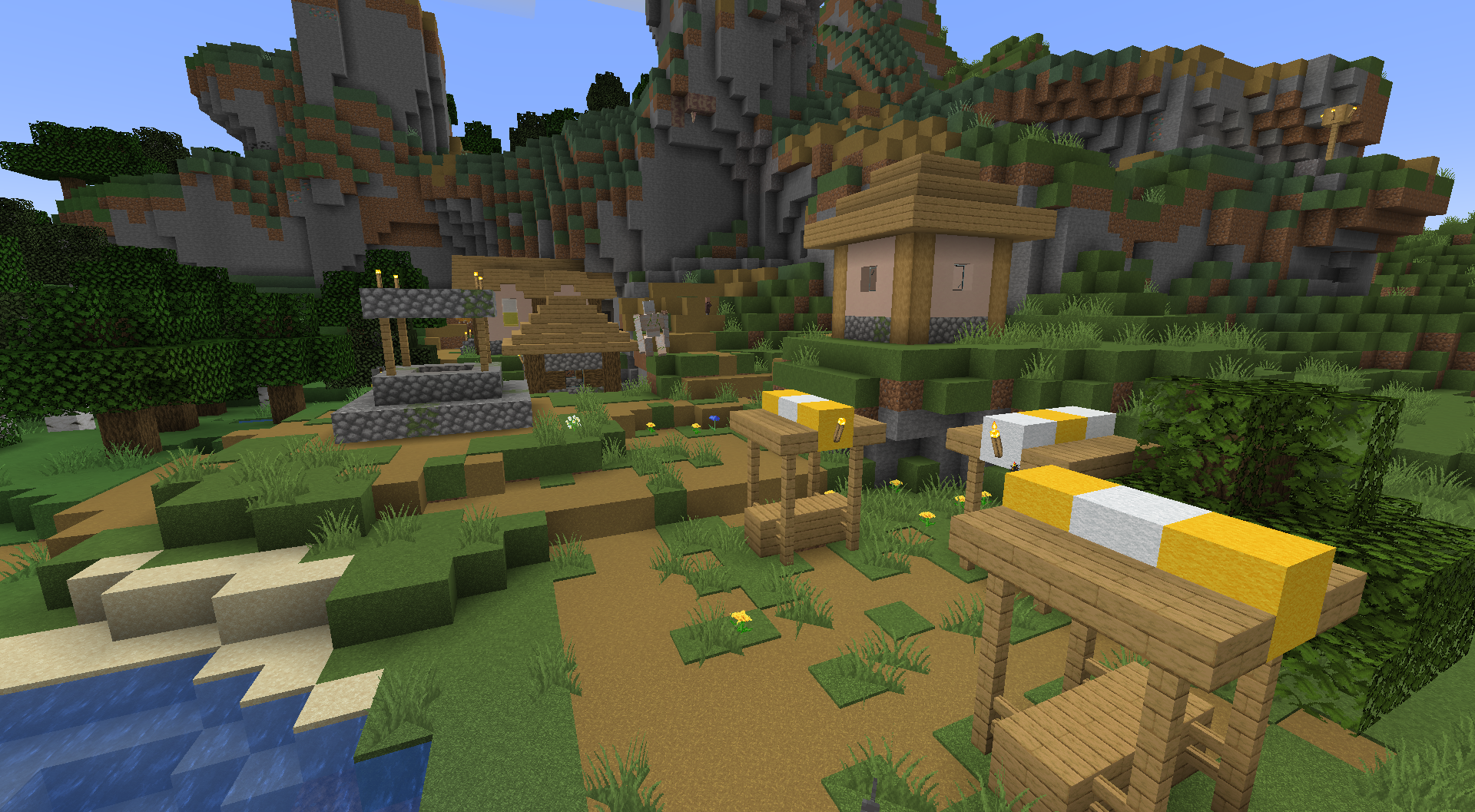
Priority matters when another pack replaces the same block models. Keep Fast Better Grass higher if you want its wraparound sides. Move the other pack higher if its custom models matter more, accepting that affected blocks may lose this effect. Press Done after changing the order.
If you use a modpack, check the instance's resource-pack list first. When Fast Better Grass is already present, manage that copy through the pack menu instead of adding an indistinguishable second copy. You do not need the Fabulously Optimized modpack to use this ZIP.
Limits and common fixes
- Nothing changes: confirm the pack is in Selected and that you opened the folder for the instance you actually launched. Then move it above competing packs.
- Only some blocks change: try default resources plus Fast Better Grass. Another pack may replace particular models or block states.
- Purple-and-black surfaces: disable other resource packs temporarily and check your Minecraft version. A pack combination may refer to textures that are missing.
- The color differs from the screenshots: biome tint, your texture pack and shaders can all change the final appearance. No shader or Faithful texture is bundled here.
- You want fancy grass: there is no switch for neighbor-aware blending in this download. Changing Minecraft's general Graphics setting does not add that missing feature.
- You want more FPS: choose this pack for its appearance. Although the author mentions a minor performance benefit, MineBrush has not measured it and makes no FPS promise.
The change is client-side: a server does not need this pack installed, and other players see their own chosen resources. Server-supplied packs can affect your final resource stack. Blocks, drops, collision and saved terrain are not replaced by these visual models.
Update or restore the default look
To update manually, replace the older ZIP in the same instance with a release listed for your Minecraft version, then check its position in Selected. To remove the effect, move Fast Better Grass back to Available and press Done. You can then delete the ZIP; your builds and inventory remain in the world.
Author and sources
Fast Better Grass is created by Madis0 for the Fabulously Optimized project and is published under the MIT license. MineBrush provides this guide, the original release ZIP and optimized copies of the author's gallery images with unchanged originals. The branded cover is a MineBrush editorial illustration, not a gameplay screenshot.
- Official project and feature description
- 26.2 release and supported versions
- Source files and MIT license
- Author's version history
More for your Java setup.
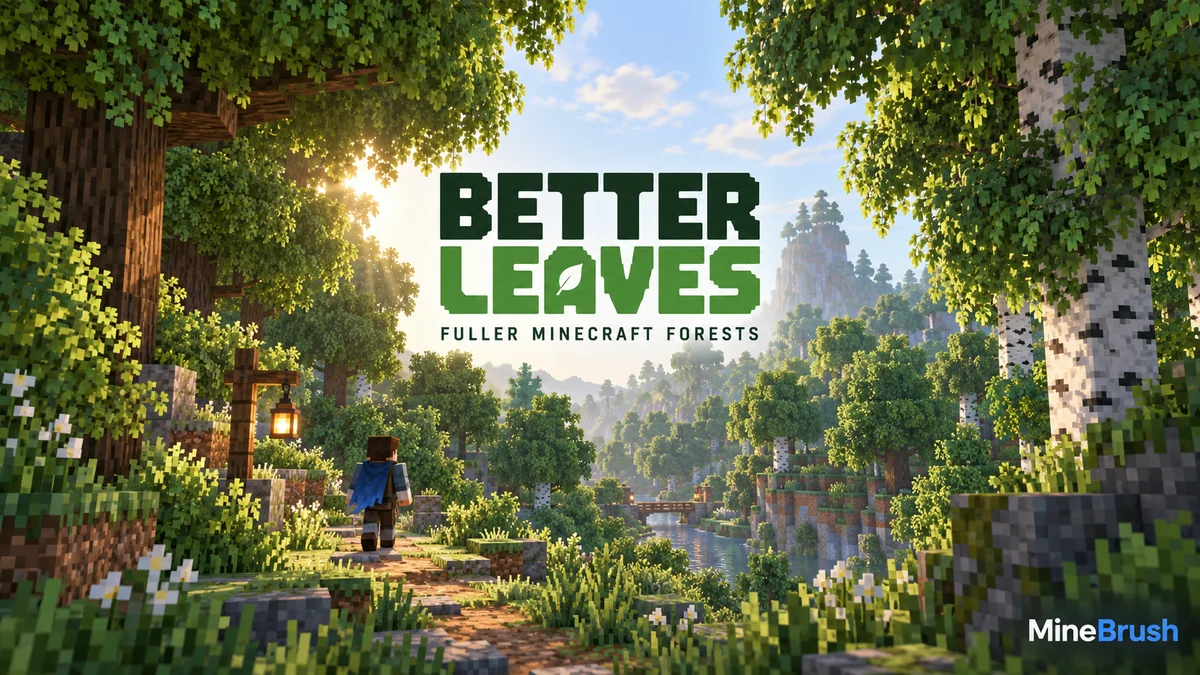
Give Minecraft Java forests fuller, bushier foliage with Motschen's Better Leaves. Download version 9.5, install the ZIP without a mod loader, see original creator screenshots, and fix conflicts with other texture packs.
- Minecraft
- Java 1.20–26.2 according to current release listing
- Scope
- Blocks
- Runtime
- Vanilla
Java 1.20–26.2 · bushier leaves
Java · Pack
Better Leaves
Give Minecraft Java forests fuller, bushier foliage with Motschen's Better Leaves. Download version 9.5, install the ZIP without a mod loader, see original creator screenshots, and fix conflicts with other texture packs.
Java 1.20–26.2 · bushier leaves
- Minecraft version
- Java 1.20–26.2 according to current release listing
- Game edition
- Java Edition
- Loader / platform
- Vanilla
- License
- MIT for project/release; imported/custom input assets retain their own rights
- Visual resolution
- Not stated by creator
- Platform family
- Bedrock & Mobile
- Supported devices
- Windows · macOS · Linux
- Install format
- .zip resource pack from the creator
- Touch readiness
- Not required
- Resource type
- Resource Pack
- Project version
- 9.5
- Last verified at
- Sep 6, 2026
- Compatibility confidence
- Source claimed
- Resource-pack scope
- Blocks
- Required runtime
- Vanilla
- Pack load order
- Above base
- Resource-pack preview mode
- Single cover
- Resource-pack setup guide
- Available
- Card evidence statement
- Original screenshots from the developer
- Card delivery statement
- Download from MineBrush · resource-pack ZIP
- Card limitation note
- Java 1.20–26.2 · bushier leaves
- Edition applicability
- Java
- Delivery state
- Direct download
- Lifecycle state
- Current
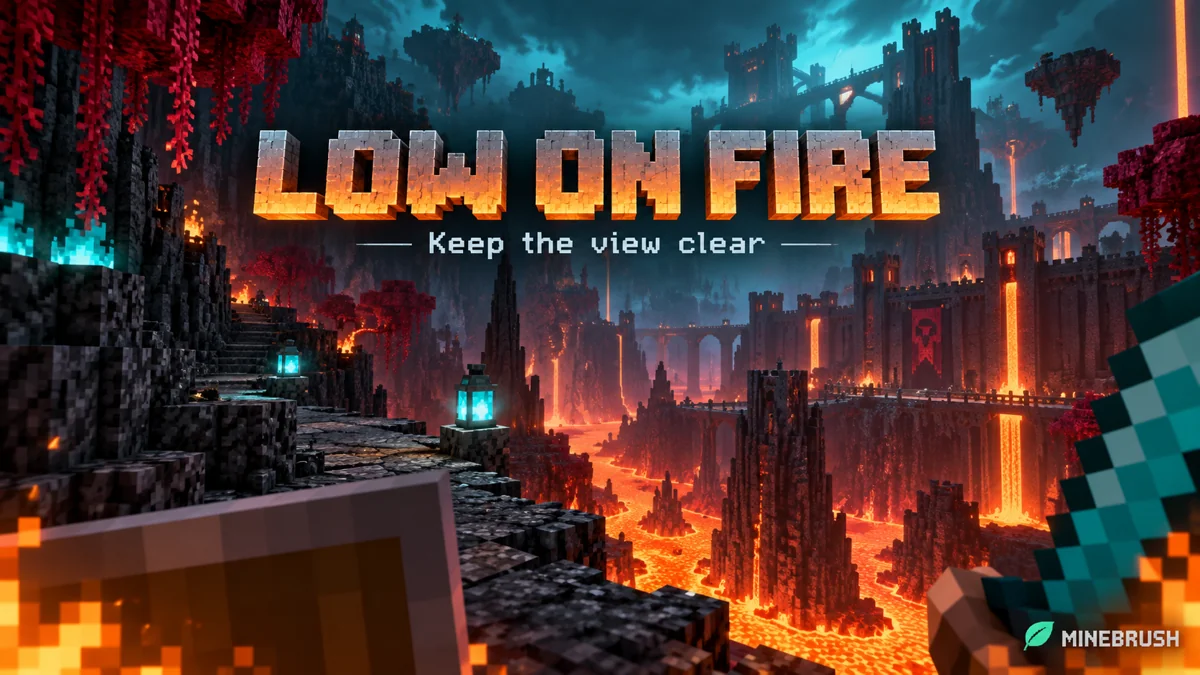
Low on Fire
26.2Keep a clearer view while burning without shrinking fire in the world. Download Low On Fire 26.2 for Java 1.20–26.2, see the author's comparison and enable the ZIP with no extra mods.
- Minecraft
- Java 1.20–26.2
- Scope
- Environment
- Runtime
- Vanilla
Visual change only; no fire protection or extra mods
Java · Pack
Low on Fire
Keep a clearer view while burning without shrinking fire in the world. Download Low On Fire 26.2 for Java 1.20–26.2, see the author's comparison and enable the ZIP with no extra mods.
Visual change only; no fire protection or extra mods
- Minecraft version
- Java 1.20–26.2
- Game edition
- Java Edition
- Loader / platform
- Not applicable
- License
- All Rights Reserved
- Visual resolution
- 16x fire textures
- Platform family
- Java & PC
- Supported devices
- Windows · macOS · Linux
- Install format
- ZIP → resourcepacks → enable in Resource Packs
- Touch readiness
- Not required
- Resource type
- Resource Pack
- Project version
- 26.2
- Last verified at
- Sep 13, 2026
- Compatibility confidence
- Source claimed
- Resource-pack scope
- Environment
- Required runtime
- Vanilla
- Pack load order
- Top
- Resource-pack preview mode
- Single cover
- Resource-pack setup guide
- Available
- Card evidence statement
- Lower screen flames; normal fire in the world
- Card delivery statement
- Download the original ZIP from MineBrush
- Card limitation note
- Visual change only; no fire protection or extra mods
- Edition applicability
- Java
- Delivery state
- Direct download
- Lifecycle state
- Current
Player discussion 0
Questions, discoveries and help from other players.