
MineBrush publication
Minecraft Bedrock 1.21.120: Copper, Bundles and World Fixes
Take items back from copper golems, understand shelf vibrations and learn which bundle, Marketplace and console-world problems Bedrock 1.21.120 addressed. Practical advice for your workshop and storage.
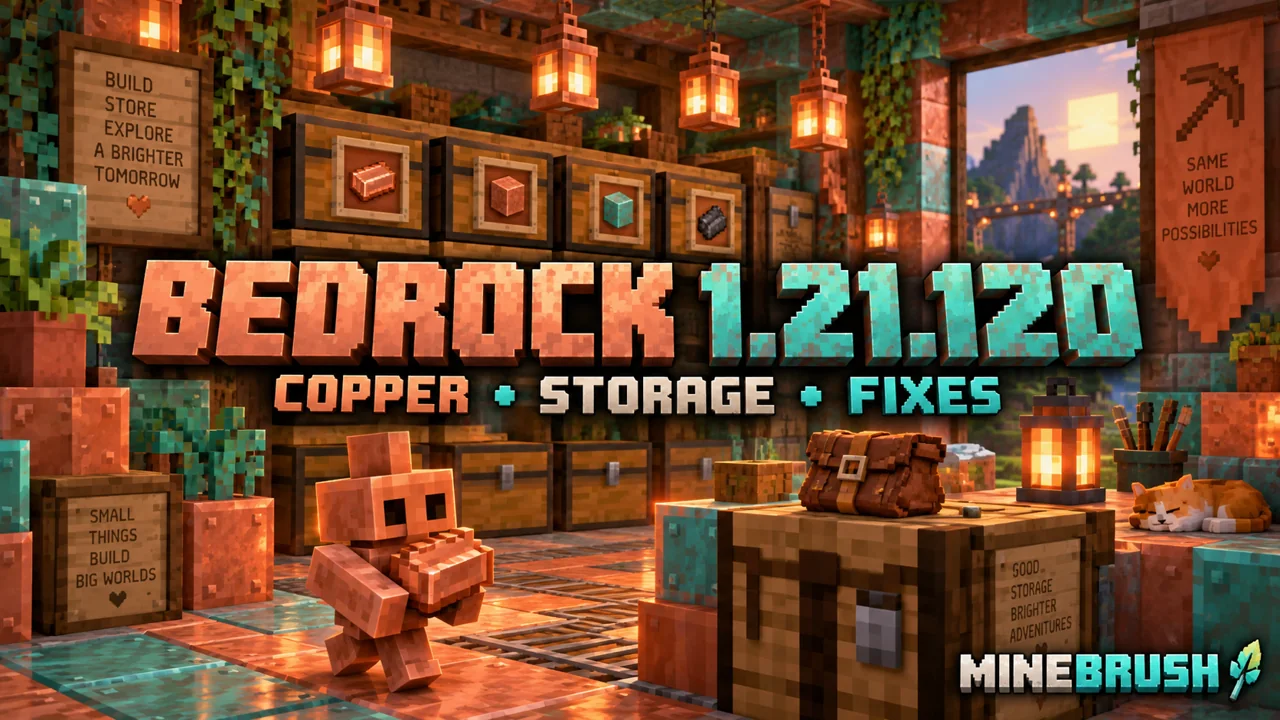
Bedrock 1.21.120 is a useful follow-up for a copper workshop, an item store or an older console world. Released on 28 October 2025, it refined The Copper Age rather than introducing copper golems for the first time. This historical guide explains the changes that matter during play; use your platform’s current supported update, not an old installer obtained for this article.
Recover a carried item · Shelf interactions · Bundles and hoppers · Old worlds and Marketplace
Take an item back from your copper golem
The original Bedrock Copper Age release already let you interact with a copper golem using an empty hand to make it drop its carried item. In 1.21.120, that interaction was fixed for players wearing armour or carrying something in the offhand.
- Select an empty main-hand slot before approaching the golem.
- Use the normal interaction control on it, rather than attacking it.
- Collect the dropped item. Do this beside clear floor so the item does not immediately enter nearby collection machinery.
This is useful when you accidentally feed a valuable item into a sorting area or want to change what the golem is carrying. If nothing happens, first check the main hand and whether the golem actually holds an item. Wearing armour is not a reason to dismantle the sorter. For building the input chest and destination layout, use our Copper Age guide.
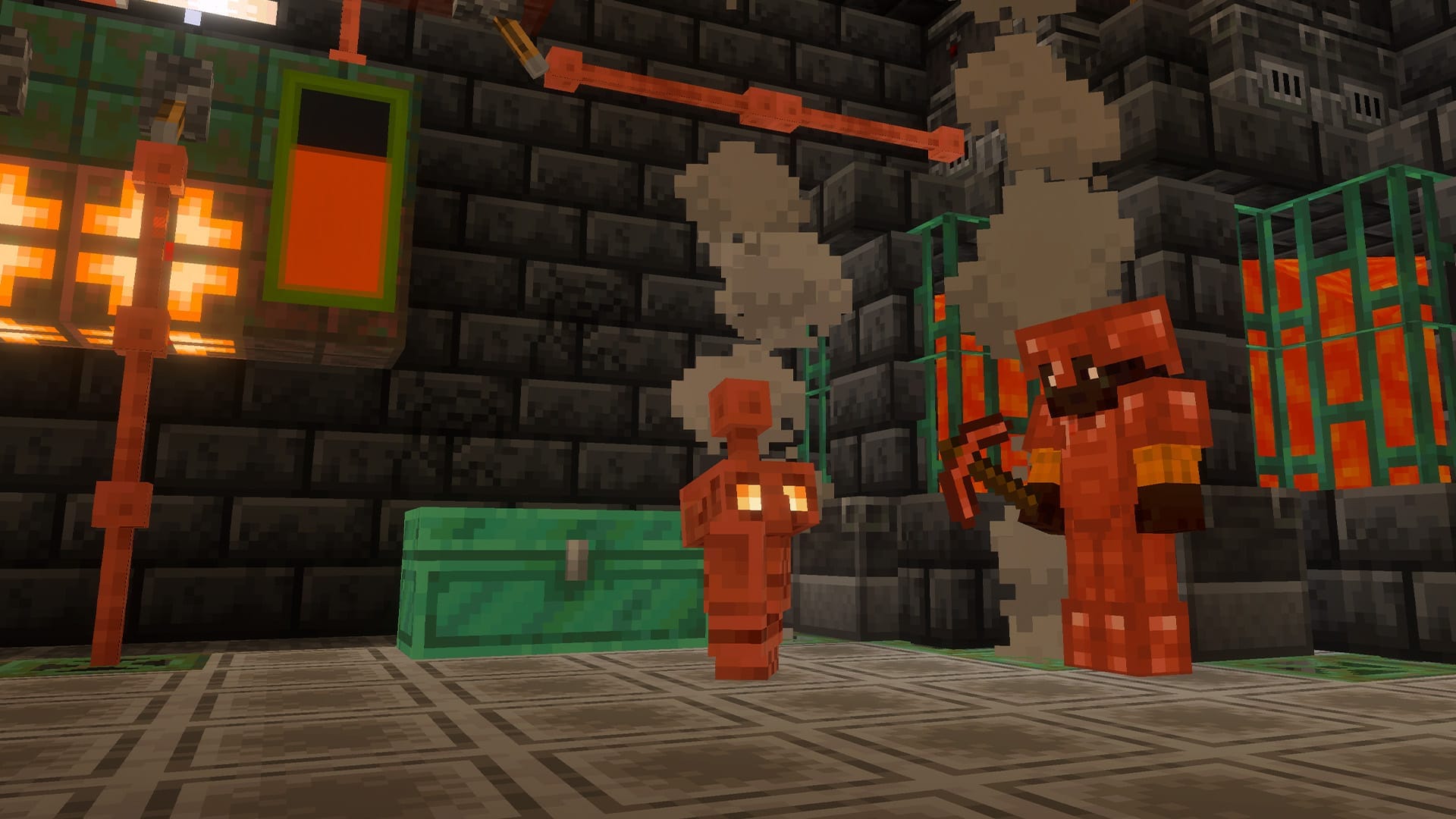
A tool shelf can now be part of a vibration-sensitive room
Shelves already stored three stacks each; powered connected shelves could exchange a group of hotbar slots. The newer change concerns vibrations: changing shelf power emits one, adding or removing items uses frequency 3; swapping on an unpowered shelf also uses 3, while swapping on a powered shelf uses 6.
For a workshop, keep building tools on one shelf and exploration supplies on another. If your room contains a sculk-based detector, try each shelf action separately before connecting it to a door or alarm. An unplanned response can come from the power change as well as from moving an item.
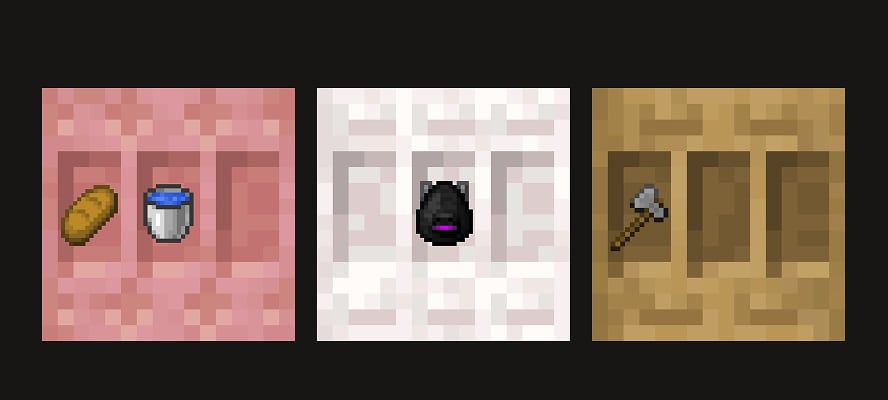
Start with inexpensive blocks in the hotbar and label the shelf’s intended loadout. Once the exchange is clear, replace them with the actual tools. A shelf beside a machine is a convenient place to keep repair materials; a separate shelf near the exit can hold food and travel supplies. These are layout suggestions, not a claim that one redstone design behaves identically in Java and Bedrock.
The bundle fix matters at the entrance to a storage system
This release fixed a specific item-loss case: a bundle’s contents could disappear when the bundle was placed in a container above a hopper whose slots were all occupied.
If your unloading chest feeds a hopper, inspect the bundle itself and the receiving inventory when returning from a trip. Keep mixed expedition bundles in a clearly labelled holding chest until you decide where their contents belong. This also makes it easier to separate spare building blocks, valuable finds and items you want to keep for the next journey.
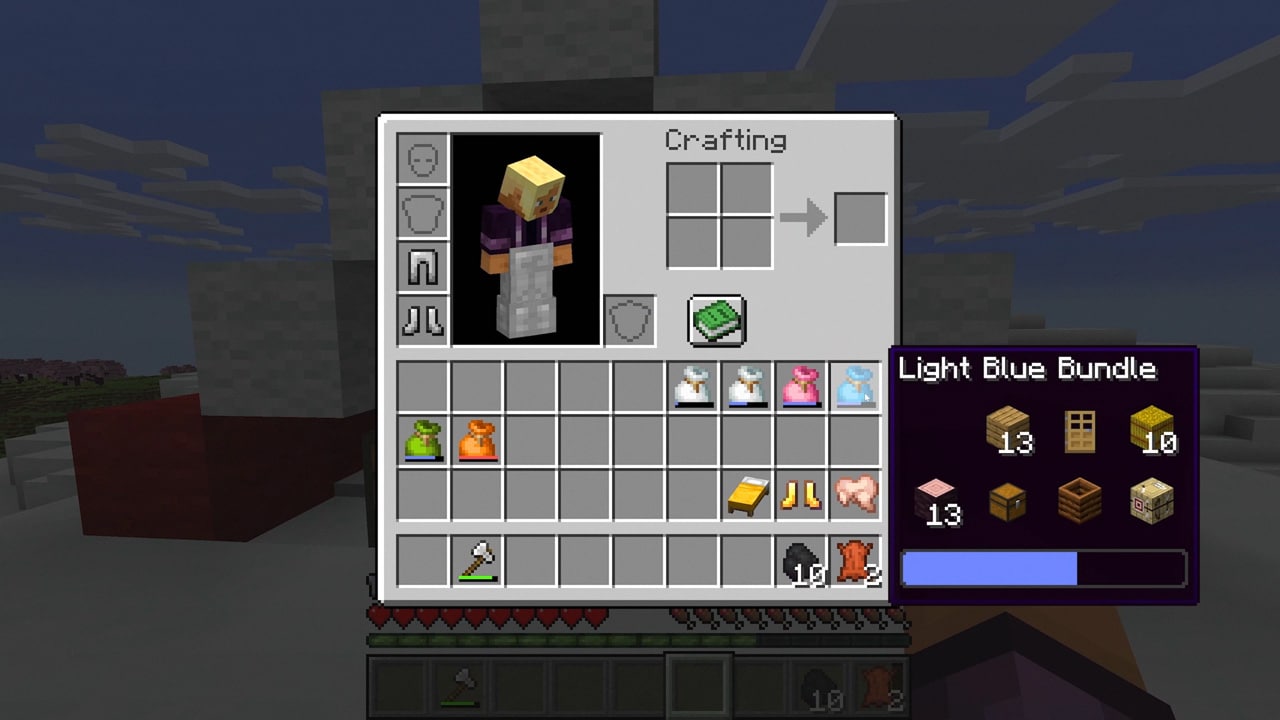
A fix for future handling does not establish that previously lost items will be restored. Keep an older backup if you need to recover a known earlier inventory. Do not deliberately reproduce the loss case with your main world’s valuables.
Small copper changes that help decorating
Copper torches and lanterns gained more distinct textures, lantern textures became animated, and names now carry correctly between copper golems and their statues.
For a workshop entrance, choose one named golem as the room’s character and carry the same name into its display area. Compare a short row of lighting blocks against your actual wall before replacing a whole corridor. Texture changes can affect which material looks best beside stone, wood or oxidised copper, without requiring a new building project.
Console worlds and Marketplace: what to check first
- PlayStation 5: the update corrected loading of some older world data that could leave terrain or structures missing or altered.
- PlayStation 4: changed download storage could require downloading Marketplace content again.
- Marketplace: missing templates could redownload when starting their world; RTX and Vibrant Visuals graphics filters were added.
For an older console world, keep the pre-update copy and visit a familiar build before spending time repairing apparent damage. Compare the same location and structures. A loading fix is not a promise to reconstruct every world that was previously overwritten.
If a purchased template appears missing, confirm that you are using the account which owns it and check its library entry before buying anything again. A graphics filter helps find a type of content; it does not guarantee support on your device. Check the pack’s own requirements before downloading it.
Release source: Mojang Studios’ Bedrock 1.21.120 changelog. Images are credited official illustrations with locally hosted originals. MineBrush’s suggested workshop arrangements are practical applications, not measured sorting rates or in-game test results.
More for your Bedrock world.
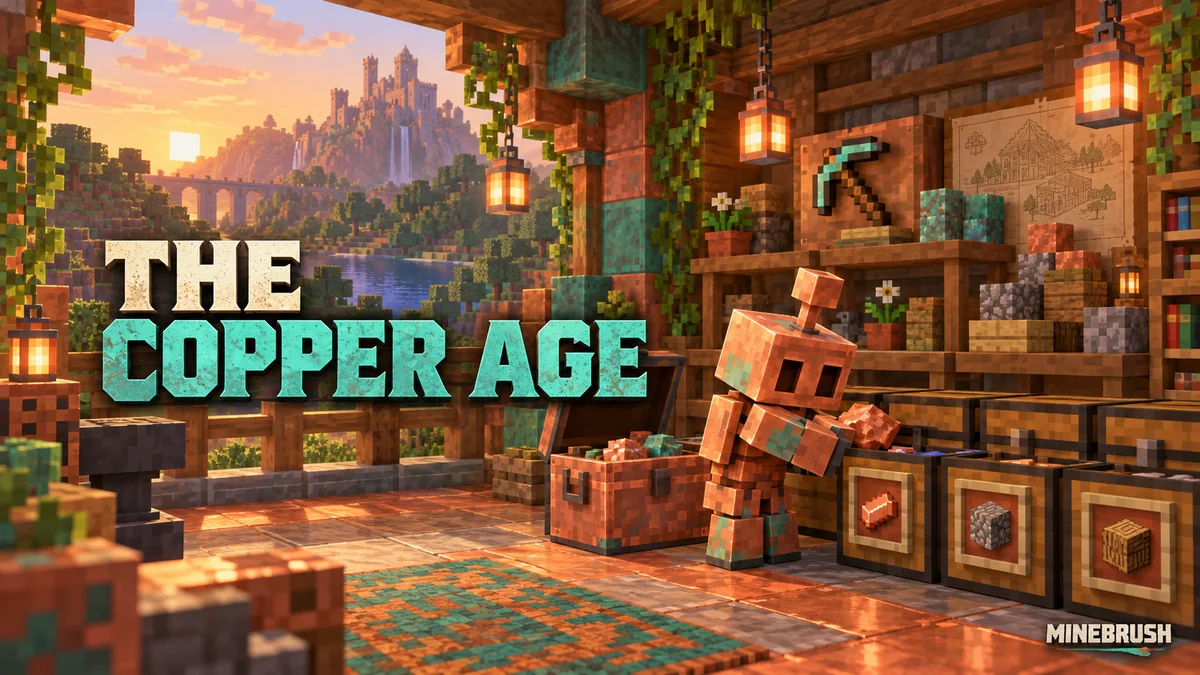
Build a copper-golem sorting room, swap tool kits with powered shelves and put copper equipment and decorations to work. Practical recipes, examples and official images for Java 1.21.9 and Bedrock 1.21.111.
- Game released
- Java
- 1.21.9 · Stable
- Bedrock
- 1.21.111 · Stable
Focus Copper golem sorting, quick tool swaps and copper builds
Topic The Copper Age
Install Included in the game update
Back up before updating
Java + Bedrock · Release
The Copper Age
Build a copper-golem sorting room, swap tool kits with powered shelves and put copper equipment and decorations to work. Practical recipes, examples and official images for Java 1.21.9 and Bedrock 1.21.111.
Back up before updating
- Update type
- Major release
- Release channel
- Java & Bedrock
- Official release date
- 2025-09-30
- World safety
- Back up before updating
- Player impact
- Copper golem sorting, quick tool swaps and copper builds
- Related major release
- The Copper Age
- Platform family
- Cross-edition
- Supported devices
- Java on PC, Mac and Linux; Bedrock on supported phones, consoles and Windows PCs
- Install format
- Official game update
- Touch readiness
- Check guide
- Resource type
- Update
- Last verified at
- Sep 16, 2026
- Update state
- historical
- Compatibility confidence
- Source claimed
- Bedrock version/build
- 1.21.111
- Card delivery statement
- Included in the game update
- Edition applicability
- Java + Bedrock
- Java version/build
- 1.21.9
- Shared update topic
- The Copper Age
- Delivery state
- No file
- Lifecycle state
- Superseded
- Java update channel
- Stable
- Bedrock update channel
- Stable
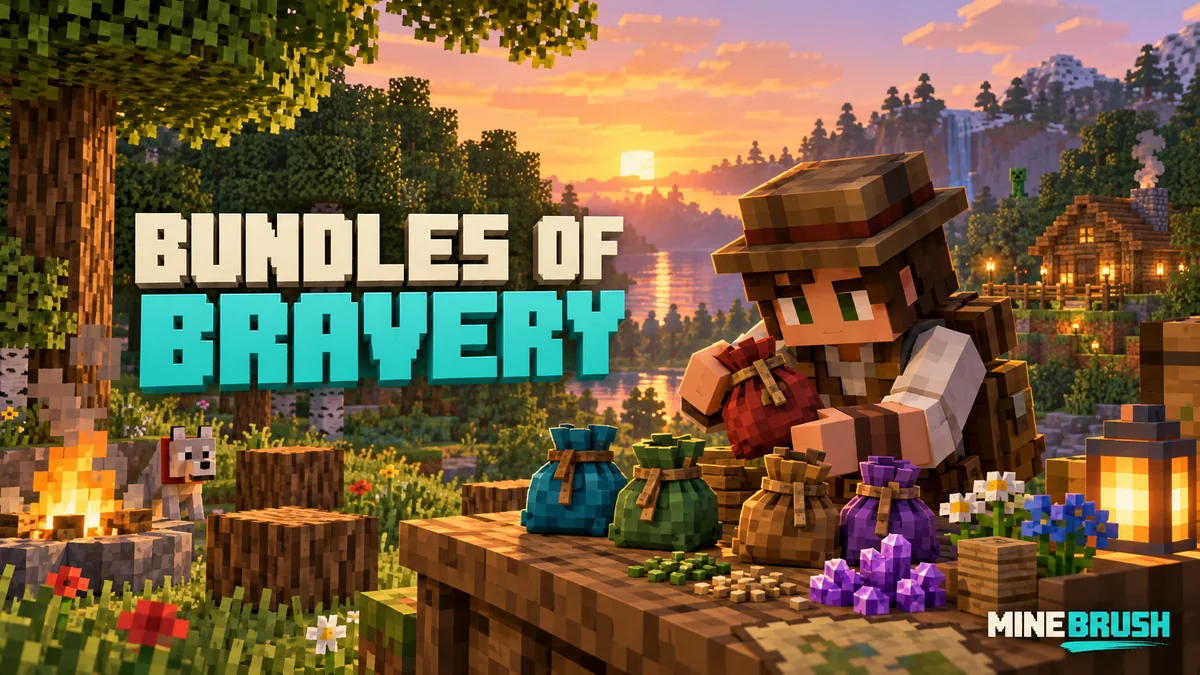
Make bundles useful with clear capacity rules, mouse/controller/touch controls and five practical kits. Understand Hardcore, prepare your first days and learn what changed in Java and Bedrock.
- Game released
- Java
- 1.21.2 · Stable
- Bedrock
- 1.21.40 · Stable
Focus Bundle capacity and controls, useful inventory kits, Hardcore survival
Topic Bundles of Bravery
Install Included in the official game update
Back up before updating
Java + Bedrock · Release
Bundles of Bravery
Make bundles useful with clear capacity rules, mouse/controller/touch controls and five practical kits. Understand Hardcore, prepare your first days and learn what changed in Java and Bedrock.
Back up before updating
- Update type
- Major release
- Release channel
- Unknown / not stated
- Official release date
- 2024-10-22
- World safety
- Back up before updating
- Player impact
- Bundle capacity and controls, useful inventory kits, Hardcore survival
- Related major release
- MineBrush three-year release archive
- Platform family
- Cross-edition
- Supported devices
- Java: Windows, macOS, Linux. Bedrock: supported Windows, mobile and console devices.
- Install format
- Included in the official game update
- Touch readiness
- Yes
- Resource type
- Update
- Last verified at
- Sep 17, 2026
- Update state
- historical
- Compatibility confidence
- Source claimed
- Bedrock version/build
- 1.21.40
- Card delivery statement
- Included in the official game update
- Edition applicability
- Java + Bedrock
- Java version/build
- 1.21.2
- Shared update topic
- Bundles of Bravery
- Delivery state
- No file
- Lifecycle state
- Superseded
- Java update channel
- Stable
- Bedrock update channel
- Stable

Find the Bedrock update that matters to your world or device. Explore stable releases, practical game-drop guides, platform-specific fixes and a separate Beta/Preview archive.
- Coverage
- 2023–2026
- Edition
- Bedrock Edition
- Versions
- Bedrock 1.20.30–26.51
Bedrock · Update history
Bedrock Update History
Find the Bedrock update that matters to your world or device. Explore stable releases, practical game-drop guides, platform-specific fixes and a separate Beta/Preview archive.
Back up before updating
- Minecraft version
- Bedrock 1.20.30–26.51
- Game edition
- Bedrock Edition
- Update type
- Unknown / not stated
- Release channel
- Bedrock Edition
- World safety
- Back up before updating
- Player impact
- Find a useful release, platform fix or practical game-drop guide
- Platform family
- Bedrock & Mobile
- Supported devices
- Windows, consoles and mobile; patch availability varies
- Touch readiness
- Yes
- Last verified at
- Sep 17, 2026
- Update state
- current
- Compatibility confidence
- Source claimed
- Card delivery statement
- Player guides and official release notes
- Edition applicability
- Bedrock
- Bedrock enrollment route
- Preview app
- Delivery state
- No file
- Lifecycle state
- Current
- History coverage
- 2023–2026
Player discussion 0
Questions, discoveries and help from other players.