
MineBrush publication
One Block Survival for Bedrock: Start with Snow, Build Toward the End
Start with one grass block and an iron shovel. Learn how to expand with snow, choose useful trades, protect your resources and prepare for the floating End Portal in this Bedrock survival map.
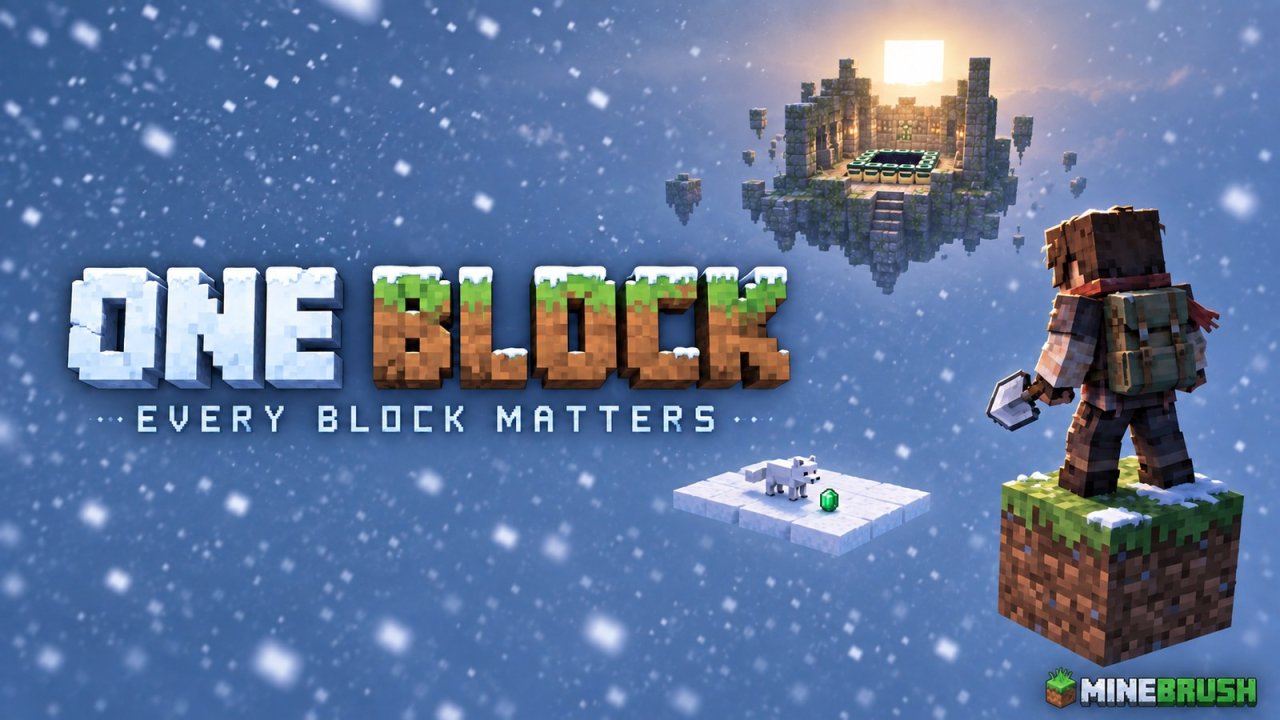
You have one grass block, an iron shovel, and a snowstorm. Your first useful discovery is not a diamond: it is enough snow to stand somewhere new. One Block Survival by laxyasama turns a tiny starting point into a Bedrock survival challenge built around careful expansion and resource trading.
Do not break the grass block expecting another block to appear. This map has no regenerating centre block. If you enjoy slow survival puzzles where a sapling can matter more than a chest of loot, that restriction is the attraction.
Know which One Block you are downloading
This is One Block Without Mod v1.2, also listed as One Block Survival (Block Never Respawns). The author lists Bedrock 26.30, 26.20 and 26.13. It is an imported world, not a Java mod or an add-on to activate in an existing save. The project requires no separate mods or add-ons.
The objective is to develop your island, reach a floating stronghold, activate its End Portal, and defeat the Ender Dragon. Think of the journey as a sequence of small survival problems, rather than an endless stream of blocks from a generator.
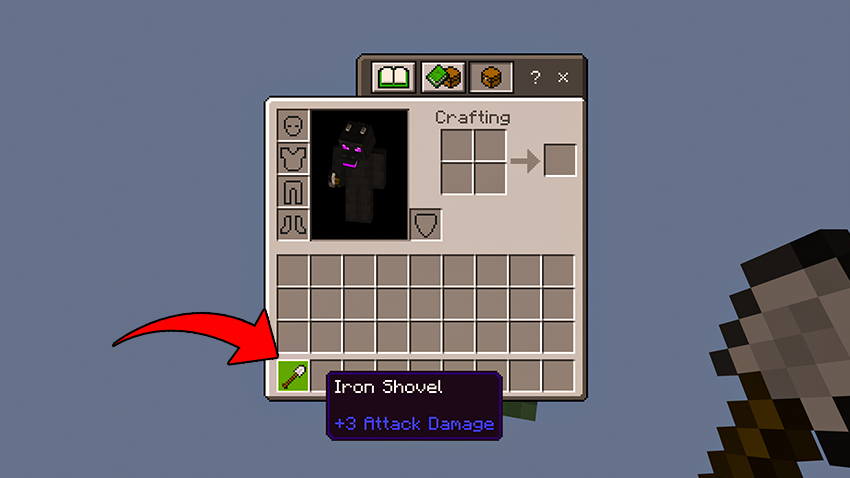
Your first platform: collect the snow, keep the ground
The opening priority is simple: create standing room without destroying your starting surface. Aim the shovel at accumulated snow, not the grass underneath. Four snowballs arranged in your inventory's 2-by-2 crafting grid make a snow block, so this first building material does not require a crafting table.
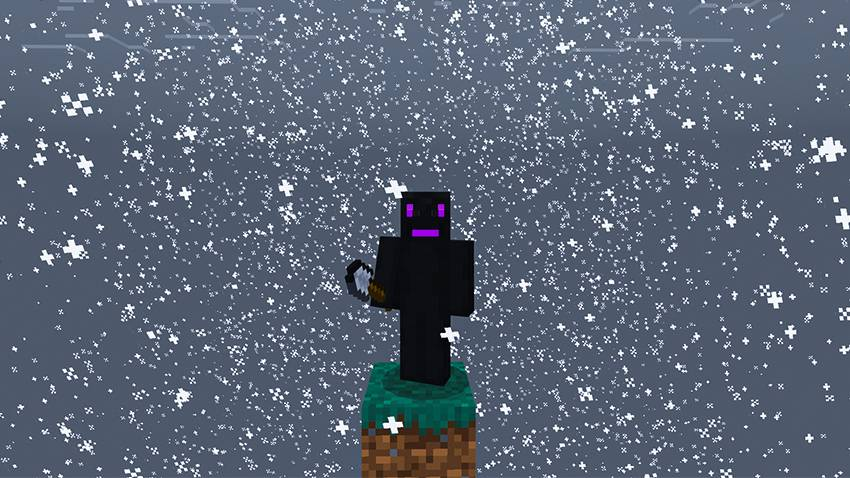
Use your first blocks to widen the space around you. A compact platform is a more forgiving first project than a long, narrow bridge: you have somewhere to move, collect dropped items, and organise the next step. Keep the original grass accessible instead of burying it under a decorative floor.
Before working at an edge, check how sneaking works with your selected touch, controller or keyboard controls. Keep valuable supplies away from the edge, and avoid sprinting or jumping while placing your first blocks. One careless movement is much more costly here than in an ordinary forest spawn.
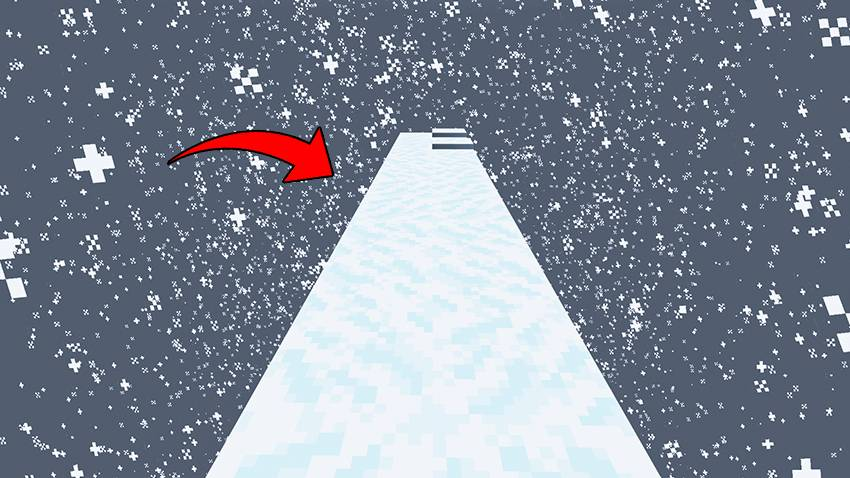
For a useful first building plan, make a small central working area, then expand a separate branch later. This keeps your route home obvious. Once you have spare materials, add wider passing points to bridges; squeezing past another entity on a one-block strip is an unnecessary risk.
Turn the first emerald into a useful resource
The map's progression uses foxes carrying emeralds and Wandering Traders selling resources such as saplings and moss. Watch for the item in the fox's mouth. Before trying to retrieve it, give yourself room to move and keep the animal away from the void.
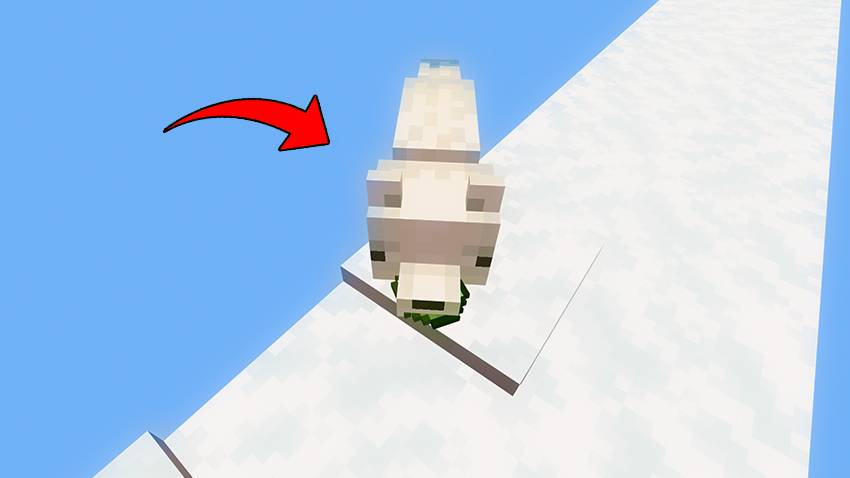
When a trader arrives, look through the available offers before spending. A good question is: what does this purchase let me keep producing? A sapling can start a wood supply once you have a suitable place to grow it; a decorative purchase usually cannot solve the next survival bottleneck.
Do not assume every trader has the same offers or that a particular trade costs the same as one shown in an older video. Check the exchange displayed in your world. The creator does not publish a guaranteed fox or trader timer, so a quiet interval alone does not prove the map is broken.
Protect newly acquired resources as carefully as the starting block. If you grow a tree, expand the catch area around it before harvesting: drops that fall into the void cannot help with replanting. Keep a replacement sapling when you can, rather than spending every resource on your first large build.
Build a base that supports the next expedition
Try organising your island into three practical areas: a central working space, a growing area, and a clearly marked departure point. These are building suggestions, not prebuilt facilities included with the map. The aim is to stop every new task from disrupting the only safe place you have.
Once storage becomes available, leave spare blocks and valuable trade items at home before exploring. Carry what your current trip needs. A short scouting trip and a fully supplied expedition are different jobs; you do not need to risk your entire island's resources just to look around.
The floating stronghold is your destination
The author's image shows a stone-brick portal room suspended in the sky. Look for that structure rather than assuming the map has an underground stronghold to excavate. Plan a visible return route as you build outward.
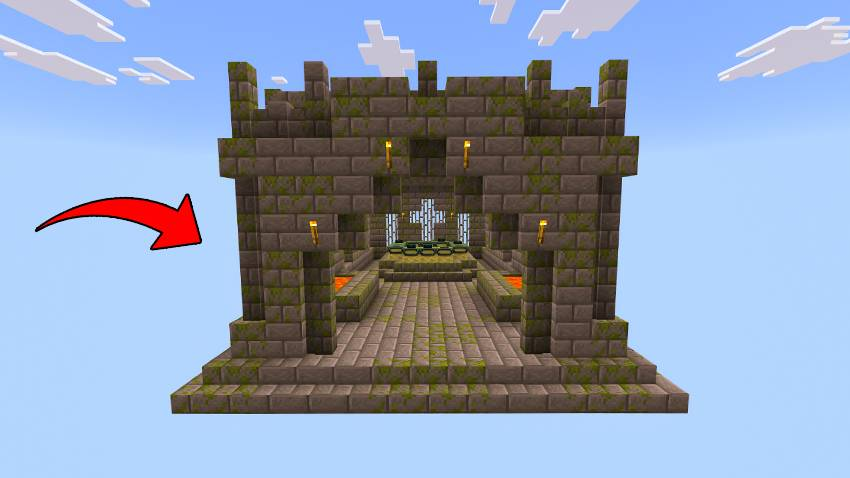
Reaching the room is not the same as being ready to enter the End. Examine the portal frames, decide what is still needed to activate them, and prepare your equipment before committing to the fight. Do not count on a completely filled portal or a free equipment chest.
Before leaving your island for the final attempt, consider your food supply, blocks, weapon, ranged option and protection. Keep replacement essentials behind where possible. Treat reaching the room as a scouting trip first: check the empty frames and your supplies, then return home if you are not ready.
Import the world and keep a fresh starting copy
- Download the v1.2 .mcworld file below on a device running Minecraft Bedrock.
- Open the downloaded file with Minecraft. On a phone or tablet, use the file manager's open/share action and choose Minecraft if it does not open automatically.
- Wait for the import confirmation, then find the imported world in your Worlds list. Do not create a new random world or add the file to resource packs.
- Before your first run, use the world's edit menu to make a copy. Keep one fresh copy and play the other.
A fresh copy is useful when you want to restart the challenge; it is different from taking a backup of a developed island. If you move the save to a newer Bedrock version, retain an untouched copy before opening it there. The author's listed versions do not establish compatibility with every later release.
Download One Block Without Mod v1.2
Bedrock world by laxyasama. No separate mod loader is required.
If something interrupts the run
- The block disappeared. It is not supposed to regenerate. Restart from your fresh copy if you destroyed the only starting surface before building somewhere safe.
- You cannot place snowballs. Craft them into snow blocks first. Snowballs are items, not platform blocks.
- The world does not appear after downloading. Downloading alone is not importing. Open the .mcworld with Bedrock and wait for Minecraft's import message.
- The download opens as an archive. Use Open with Minecraft on the original .mcworld file. Do not install an archive manager or rename a Java world to .mcworld to make it compatible.
- Import fails. Keep the original download, check that the transfer finished, and use the Bedrock edition/version listed for the map. An incomplete file or a different edition needs correcting before world settings can help.
Choose the challenge you actually want
This map suits a patient survival run where space and renewable resources are hard-earned. If you mainly want to mine a constantly replacing block and unlock phases, choose a regenerating OneBlock map instead. If you try this world with friends, check the starting space and available supplies together before committing to a shared run: the creator does not specify a supported player count or promise extra starting equipment for each person.
Prefer a different style of challenge? Browse our Bedrock maps and worlds. For changes affecting an older imported save, use the Bedrock update history to find your game version.
More for your Bedrock world.

Find the Bedrock update that matters to your world or device. Explore stable releases, practical game-drop guides, platform-specific fixes and a separate Beta/Preview archive.
- Coverage
- 2023–2026
- Edition
- Bedrock Edition
- Versions
- Bedrock 1.20.30–26.51
Bedrock · Update history
Bedrock Update History
Find the Bedrock update that matters to your world or device. Explore stable releases, practical game-drop guides, platform-specific fixes and a separate Beta/Preview archive.
Back up before updating
- Minecraft version
- Bedrock 1.20.30–26.51
- Game edition
- Bedrock Edition
- Update type
- Unknown / not stated
- Release channel
- Bedrock Edition
- World safety
- Back up before updating
- Player impact
- Find a useful release, platform fix or practical game-drop guide
- Platform family
- Bedrock & Mobile
- Supported devices
- Windows, consoles and mobile; patch availability varies
- Touch readiness
- Yes
- Last verified at
- Sep 17, 2026
- Update state
- current
- Compatibility confidence
- Source claimed
- Card delivery statement
- Player guides and official release notes
- Edition applicability
- Bedrock
- Bedrock enrollment route
- Preview app
- Delivery state
- No file
- Lifecycle state
- Current
- History coverage
- 2023–2026

Find trial chambers, beat the breeze, match keys to vaults and prepare for ominous trials. Learn mace and wind-charge tricks, build your first crafter and put copper, tuff and dungeon rewards to use.
- Game released
- Java
- 1.21 · Stable
- Bedrock
- 1.21 · Stable
Focus Trial chambers, vault rewards, mace combat, wind charges and automatic crafting
Topic Tricky Trials
Install Included in the official game update
Back up before updating
Java + Bedrock · Release
Tricky Trials
Find trial chambers, beat the breeze, match keys to vaults and prepare for ominous trials. Learn mace and wind-charge tricks, build your first crafter and put copper, tuff and dungeon rewards to use.
Back up before updating
- Update type
- Major release
- Release channel
- Unknown / not stated
- Official release date
- 2024-06-13
- World safety
- Back up before updating
- Player impact
- Trial chambers, vault rewards, mace combat, wind charges and automatic crafting
- Platform family
- Cross-edition
- Supported devices
- Java: Windows, macOS, Linux. Bedrock: supported Windows, mobile and console devices.
- Install format
- Included in the official game update
- Touch readiness
- Not required
- Resource type
- Update
- Last verified at
- Sep 18, 2026
- Update state
- historical
- Compatibility confidence
- Source claimed
- Bedrock version/build
- 1.21
- Card delivery statement
- Included in the official game update
- Edition applicability
- Java + Bedrock
- Java version/build
- 1.21
- Shared update topic
- Tricky Trials
- Delivery state
- No file
- Lifecycle state
- Superseded
- Java update channel
- Stable
- Bedrock update channel
- Stable
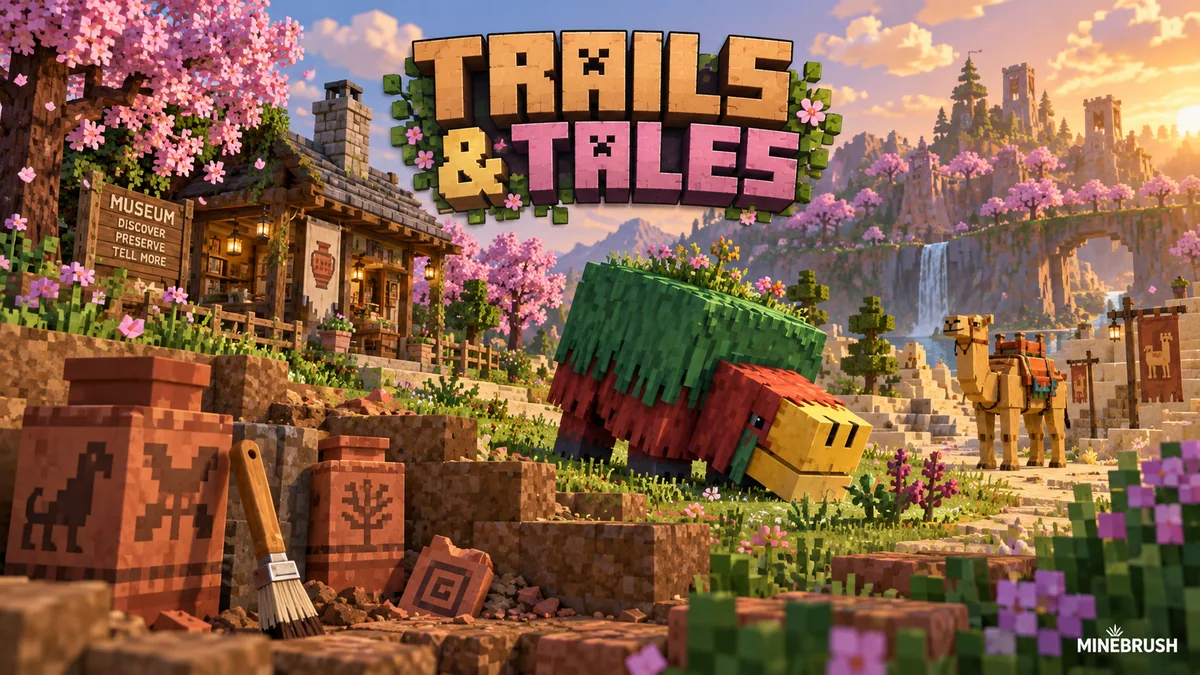
Uncover archaeology finds, hatch a sniffer, ride a camel with a friend and customize your armor. A practical Trails & Tales guide with build ideas, original Mojang screenshots and clear steps for Java and Bedrock.
- Game released
- Java
- 1.20 · Stable
- Bedrock
- 1.20.0 · Stable
Focus Archaeology, sniffers, camels, armor trims and creative building ideas
Topic Exploration, archaeology and creative building
Install Included in the official game update
Back up before updating
Java + Bedrock · Release
Trails & Tales
Uncover archaeology finds, hatch a sniffer, ride a camel with a friend and customize your armor. A practical Trails & Tales guide with build ideas, original Mojang screenshots and clear steps for Java and Bedrock.
Back up before updating
- Update type
- Major release
- Release channel
- Unknown / not stated
- Official release date
- 2023-06-07
- World safety
- Back up before updating
- Player impact
- Archaeology, sniffers, camels, armor trims and creative building ideas
- Platform family
- Cross-edition
- Supported devices
- Java: Windows, macOS and Linux. Bedrock: supported PCs, consoles and mobile devices.
- Install format
- Included in the official game update
- Touch readiness
- Not required
- Resource type
- Update
- Last verified at
- Sep 16, 2026
- Update state
- historical
- Compatibility confidence
- Source claimed
- Bedrock version/build
- 1.20.0
- Card delivery statement
- Included in the official game update
- Edition applicability
- Java + Bedrock
- Java version/build
- 1.20
- Shared update topic
- Exploration, archaeology and creative building
- Delivery state
- No file
- Lifecycle state
- Superseded
- Java update channel
- Stable
- Bedrock update channel
- Stable
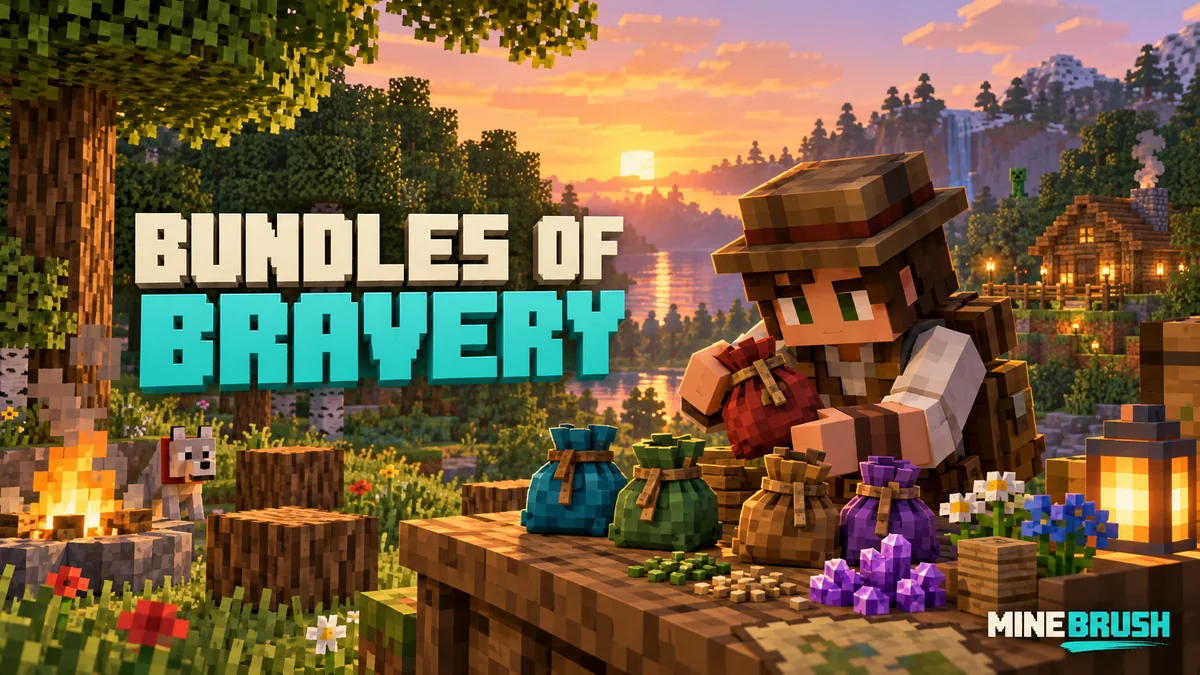
Make bundles useful with clear capacity rules, mouse/controller/touch controls and five practical kits. Understand Hardcore, prepare your first days and learn what changed in Java and Bedrock.
- Game released
- Java
- 1.21.2 · Stable
- Bedrock
- 1.21.40 · Stable
Focus Bundle capacity and controls, useful inventory kits, Hardcore survival
Topic Bundles of Bravery
Install Included in the official game update
Back up before updating
Java + Bedrock · Release
Bundles of Bravery
Make bundles useful with clear capacity rules, mouse/controller/touch controls and five practical kits. Understand Hardcore, prepare your first days and learn what changed in Java and Bedrock.
Back up before updating
- Update type
- Major release
- Release channel
- Unknown / not stated
- Official release date
- 2024-10-22
- World safety
- Back up before updating
- Player impact
- Bundle capacity and controls, useful inventory kits, Hardcore survival
- Related major release
- MineBrush three-year release archive
- Platform family
- Cross-edition
- Supported devices
- Java: Windows, macOS, Linux. Bedrock: supported Windows, mobile and console devices.
- Install format
- Included in the official game update
- Touch readiness
- Yes
- Resource type
- Update
- Last verified at
- Sep 17, 2026
- Update state
- historical
- Compatibility confidence
- Source claimed
- Bedrock version/build
- 1.21.40
- Card delivery statement
- Included in the official game update
- Edition applicability
- Java + Bedrock
- Java version/build
- 1.21.2
- Shared update topic
- Bundles of Bravery
- Delivery state
- No file
- Lifecycle state
- Superseded
- Java update channel
- Stable
- Bedrock update channel
- Stable
Player discussion 0
Questions, discoveries and help from other players.