
MineBrush publication
The Mysterious Island for Bedrock 1.21.50: Download & Survival Guide
Download a Pacific island world for Minecraft Bedrock. Find your way from the starting islet, explore the mountain and caves, and plan a coastal base or survival expedition.
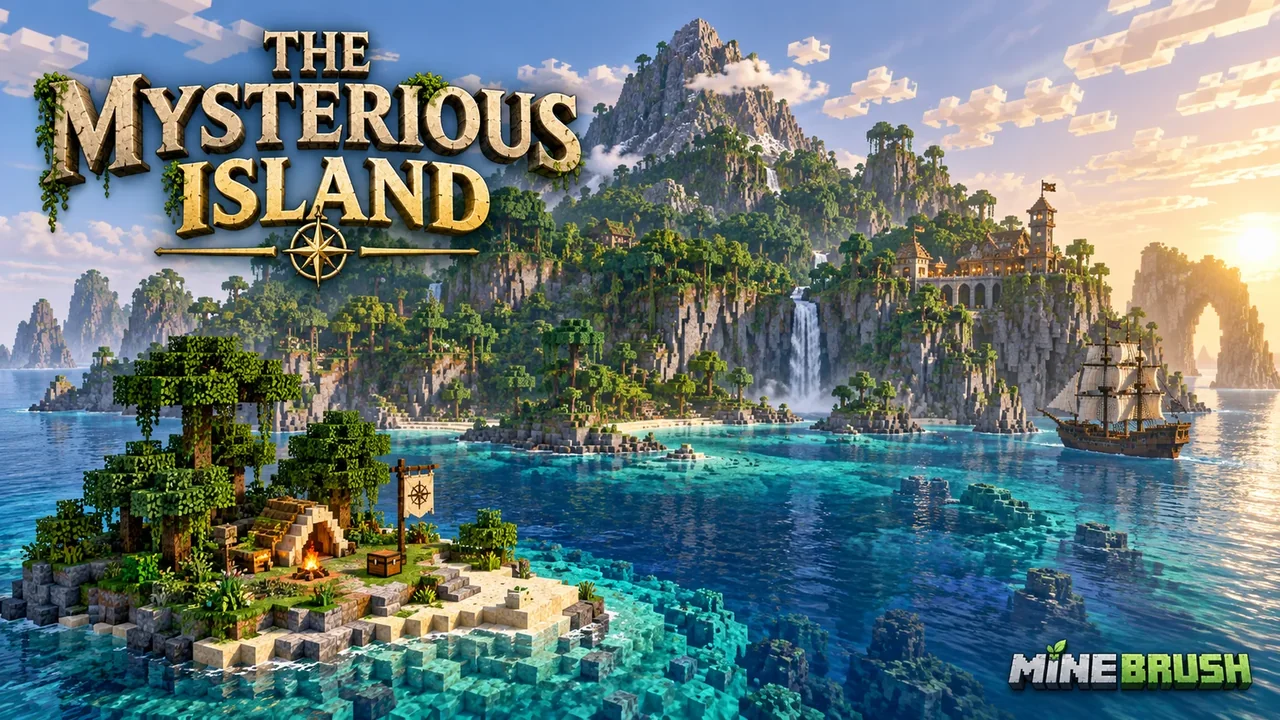
The Mysterious Island gives you a Pacific island to explore, settle and reshape in Minecraft Bedrock. Daniel-Boone-MC built it around Jules Verne’s novel: a central mountain rises above the coast, large caverns run beneath it, and familiar locations from the book can become the stops on your own expedition.
Best for: relaxed exploration, island base-building and a survival challenge you set yourself. The world starts on Peaceful, and you begin on a small islet rather than the main landmass. You do not need to have read the novel to enjoy the map.
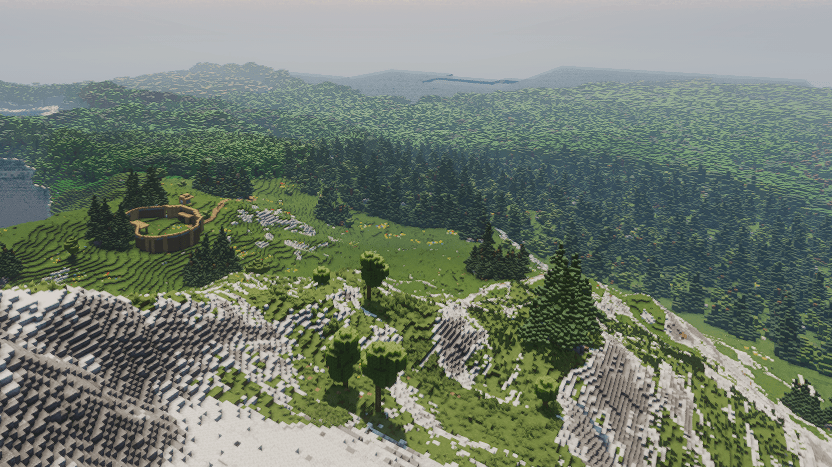
Choose your island project
| If you enjoy… | Try this first | A useful goal |
|---|---|---|
| Exploring custom terrain | Follow the shoreline, then scout the mountain. | Mark a route back to your landing spot before entering caves. |
| Building a home | Choose a clearing with space for paths and storage. | Connect a dock, house and farm into one settlement. |
| Survival challenges | Change Peaceful to your preferred difficulty. | Establish a shelter before setting off underground. |
Which download is included? This page provides the single world currently reached through the creator’s download link. The creator also describes versions with and without structures, but this file does not identify its variant. We do not offer a separate terrain-only download or promise a particular set of buildings.
Your first few minutes on the island
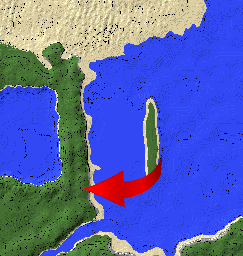
- Leave the starting islet. You do not spawn on the main island. Walk to the other side of the small islet and swim across to the island, following the creator’s starting instruction.
- Choose the difficulty you want. The world starts on Peaceful. Keep that for a relaxed sightseeing or building session, or change it in the world settings if you want survival pressure.
- Explore the coast before going underground. Pick a recognizable place to return to and get a sense of the mountain’s position.
- Prepare for a cave trip. For a survival session, gather food, lighting and basic equipment before committing to a long descent. Mark your route so you can retrace it.
If the opening area looks too small: you are probably still on the starting islet. Reaching the main island is part of the intended beginning.
What can you find?
The creator lists these locations and objects in the version with structures. Treat them as an exploration checklist, not a compulsory quest order:
- Granite House and the Chimneys: look for the island’s literary landmarks and compare their layouts with your own ideas for a base.
- The corral, sawmill and furnace: use them as inspiration for a settlement organized around farming and production. Build your own functional farms around the theme if you want a working settlement.
- The bridge: a useful landmark when planning your routes around the island.
- The Bonaventure and submarine: include the maritime builds in a coastal exploration trip.
- Supply barrels: look for these as you explore the built version.
There are also large cave systems beneath the island. Exploring the surface first gives you a different view of the map from starting with an underground expedition.
Three ways to make the island your own
Take a literary exploration tour
Use the creator’s landmark list as a sightseeing plan if those builds are present in your imported world. Visit the coast, work inland toward the mountain, and leave a separate session for the caverns. If you know the novel, compare the builds with the places you imagined while reading.
Build a working island settlement
For your own settlement, a practical project sequence is a landing point, a home, storage, then paths connecting your farming and workshop areas. Use the corral and sawmill as design prompts, adding your own working Minecraft farms or storage systems where you want them.
Run a survival expedition
Switch away from Peaceful if you want hostile-mob pressure, then set your own goals: establish a secure base, explore a cave route and connect distant areas with marked paths. These are suggested challenges; the author does not describe a scripted quest system or mandatory progression.
Download and import the world
Use Bedrock 1.21.50 or later for this file. The downloaded world requires at least 1.21.50, even though the creator’s page lists earlier 1.21 releases too. Keep a backup before opening it in a newer release; we have not play-tested the world on current versions.
- Download the .mcworld file below. Allow the download to finish before opening it.
- When you have the .mcworld file, open it with Minecraft Bedrock and wait for the import confirmation.
- Look for Generated World in your Worlds list: that is the saved name in this download. Rename your own copy clearly, for example “Mysterious Island — My Settlement,” so you can distinguish it from an untouched original.
- Make a backup copy before a major build or before opening the world in a newer game release.
- Check the difficulty setting before starting your session.
Import does not finish? Keep the complete file on your device, check that Minecraft Bedrock is installed and that you have space for both the download and imported world. On mobile, use the file manager’s Open with or Share option and select Minecraft. Re-download an interrupted file rather than renaming it to another archive format.
Quick answers before you play
Do I need the novel? No. The creator presents the book as inspiration, not a requirement to use the map.
Why are there no hostile mobs? The world starts on Peaceful. Change the difficulty if that is not the experience you want.
Where is the map after import? Look for “Generated World,” then rename your copy. The saved name differs from the project title.
Is this a Java world? This publication covers the Bedrock map. Use Bedrock to import its world file.
Does it include missions or automated machinery? The source describes terrain and structures. Do not choose it expecting a confirmed quest campaign or working industrial machines; the open-ended projects above are ways to use the island.
More for your Bedrock world.

Find the Bedrock update that matters to your world or device. Explore stable releases, practical game-drop guides, platform-specific fixes and a separate Beta/Preview archive.
- Coverage
- 2023–2026
- Edition
- Bedrock Edition
- Versions
- Bedrock 1.20.30–26.51
Bedrock · Update history
Bedrock Update History
Find the Bedrock update that matters to your world or device. Explore stable releases, practical game-drop guides, platform-specific fixes and a separate Beta/Preview archive.
Back up before updating
- Minecraft version
- Bedrock 1.20.30–26.51
- Game edition
- Bedrock Edition
- Update type
- Unknown / not stated
- Release channel
- Bedrock Edition
- World safety
- Back up before updating
- Player impact
- Find a useful release, platform fix or practical game-drop guide
- Platform family
- Bedrock & Mobile
- Supported devices
- Windows, consoles and mobile; patch availability varies
- Touch readiness
- Yes
- Last verified at
- Sep 17, 2026
- Update state
- current
- Compatibility confidence
- Source claimed
- Card delivery statement
- Player guides and official release notes
- Edition applicability
- Bedrock
- Bedrock enrollment route
- Preview app
- Delivery state
- No file
- Lifecycle state
- Current
- History coverage
- 2023–2026
Find what changed in Minecraft Java from 2023 to 2026, choose your next survival project and follow practical update guides. Stable releases and test builds are clearly separated.
- Coverage
- 2023–2026
- Edition
- Java Edition
- Versions
- Java 1.20.2–26.3
Java · Update history
Java Update History
Find what changed in Minecraft Java from 2023 to 2026, choose your next survival project and follow practical update guides. Stable releases and test builds are clearly separated.
Back up before updating
- Minecraft version
- Java 1.20.2–26.3
- Game edition
- Java Edition
- Update type
- Unknown / not stated
- Release channel
- Java Edition
- World safety
- Back up before updating
- Player impact
- Find a feature, choose a project and check the right release
- Platform family
- Java PC
- Last verified at
- Sep 17, 2026
- Update state
- current
- Compatibility confidence
- Source claimed
- Card delivery statement
- Player guides and official release notes
- Edition applicability
- Java
- Delivery state
- No file
- Lifecycle state
- Current
- History coverage
- 2023–2026

Find trial chambers, beat the breeze, match keys to vaults and prepare for ominous trials. Learn mace and wind-charge tricks, build your first crafter and put copper, tuff and dungeon rewards to use.
- Game released
- Java
- 1.21 · Stable
- Bedrock
- 1.21 · Stable
Focus Trial chambers, vault rewards, mace combat, wind charges and automatic crafting
Topic Tricky Trials
Install Included in the official game update
Back up before updating
Java + Bedrock · Release
Tricky Trials
Find trial chambers, beat the breeze, match keys to vaults and prepare for ominous trials. Learn mace and wind-charge tricks, build your first crafter and put copper, tuff and dungeon rewards to use.
Back up before updating
- Update type
- Major release
- Release channel
- Unknown / not stated
- Official release date
- 2024-06-13
- World safety
- Back up before updating
- Player impact
- Trial chambers, vault rewards, mace combat, wind charges and automatic crafting
- Platform family
- Cross-edition
- Supported devices
- Java: Windows, macOS, Linux. Bedrock: supported Windows, mobile and console devices.
- Install format
- Included in the official game update
- Touch readiness
- Not required
- Resource type
- Update
- Last verified at
- Sep 18, 2026
- Update state
- historical
- Compatibility confidence
- Source claimed
- Bedrock version/build
- 1.21
- Card delivery statement
- Included in the official game update
- Edition applicability
- Java + Bedrock
- Java version/build
- 1.21
- Shared update topic
- Tricky Trials
- Delivery state
- No file
- Lifecycle state
- Superseded
- Java update channel
- Stable
- Bedrock update channel
- Stable
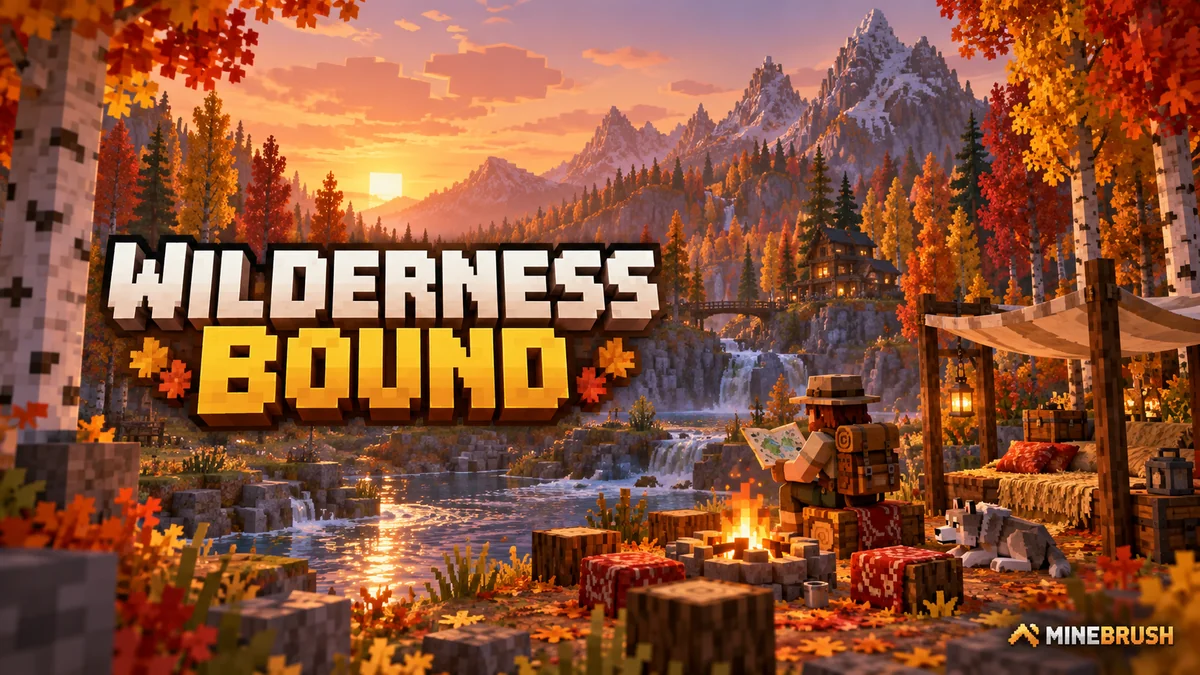
Explore Dappled Forest, follow abandoned-camp maps and sleep on straw beds without moving your home spawn. Learn what Wilderness Bound adds in Java 26.3 and Bedrock 26.50, with camping steps, building ideas and official images.
- Game released
- Java
- 26.3 · Stable
- Bedrock
- 26.50 · Stable
Focus Exploration, camping and building
Topic Camps, maps and building
Back up before updating
Java + Bedrock · Release
Wilderness Bound
Explore Dappled Forest, follow abandoned-camp maps and sleep on straw beds without moving your home spawn. Learn what Wilderness Bound adds in Java 26.3 and Bedrock 26.50, with camping steps, building ideas and official images.
Back up before updating
- Update type
- Major release
- Release channel
- Java & Bedrock
- Official release date
- 2026-09-15
- World safety
- Back up before updating
- Player impact
- Exploration, camping and building
- Platform family
- Cross-edition
- Touch readiness
- Yes
- Resource type
- Update
- Last verified at
- Sep 18, 2026
- Update state
- current
- Compatibility confidence
- Source claimed
- Bedrock version/build
- 26.50
- Edition applicability
- Java + Bedrock
- Java version/build
- 26.3
- Shared update topic
- Camps, maps and building
- Delivery state
- No file
- Lifecycle state
- Current
- Java update channel
- Stable
- Bedrock update channel
- Stable
Player discussion 0
Questions, discoveries and help from other players.