
MineBrush publication
1500 Days Hardcore Survival 1.5.0 for Minecraft Bedrock 26.40
Explore a medieval survival settlement with cherry gardens, farms, storage and a brewing area. Study its paths, building palette and furnished workspaces, then import your own copy of BAKUTHEBUILDER’s Bedrock world.
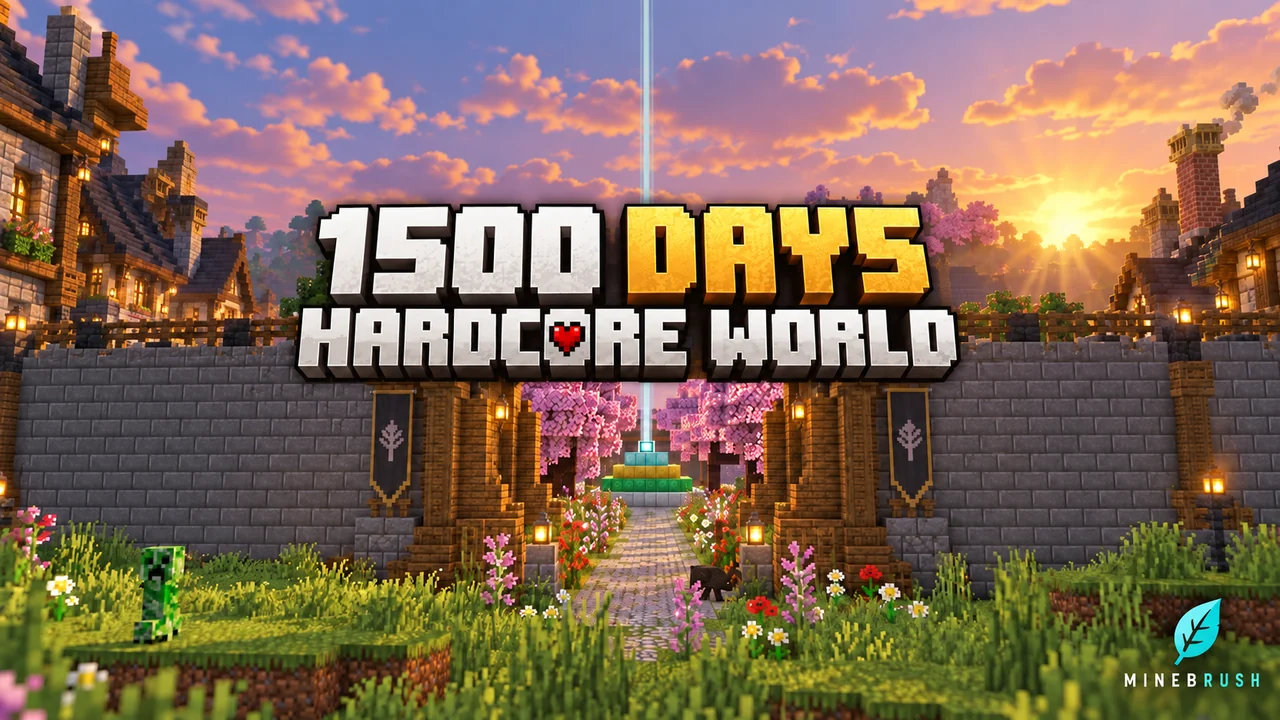
A finished survival world can be more useful than a blank building plot when you want ideas for your next base. 1500 Days Hardcore Survival by BAKUTHEBUILDER gives you a medieval settlement to explore: a wooden entrance gate, dark-roofed houses, cherry-blossom gardens and working areas for farming, storage and brewing.
Hardcore is enabled in the supplied world. Keep an untouched copy before exploring. This is a downloadable world, not an add-on that generates a town in your existing save. Release 1.5.0 lists Minecraft Bedrock 26.40 among its supported versions. Import a separate copy to explore the build or make it your own.
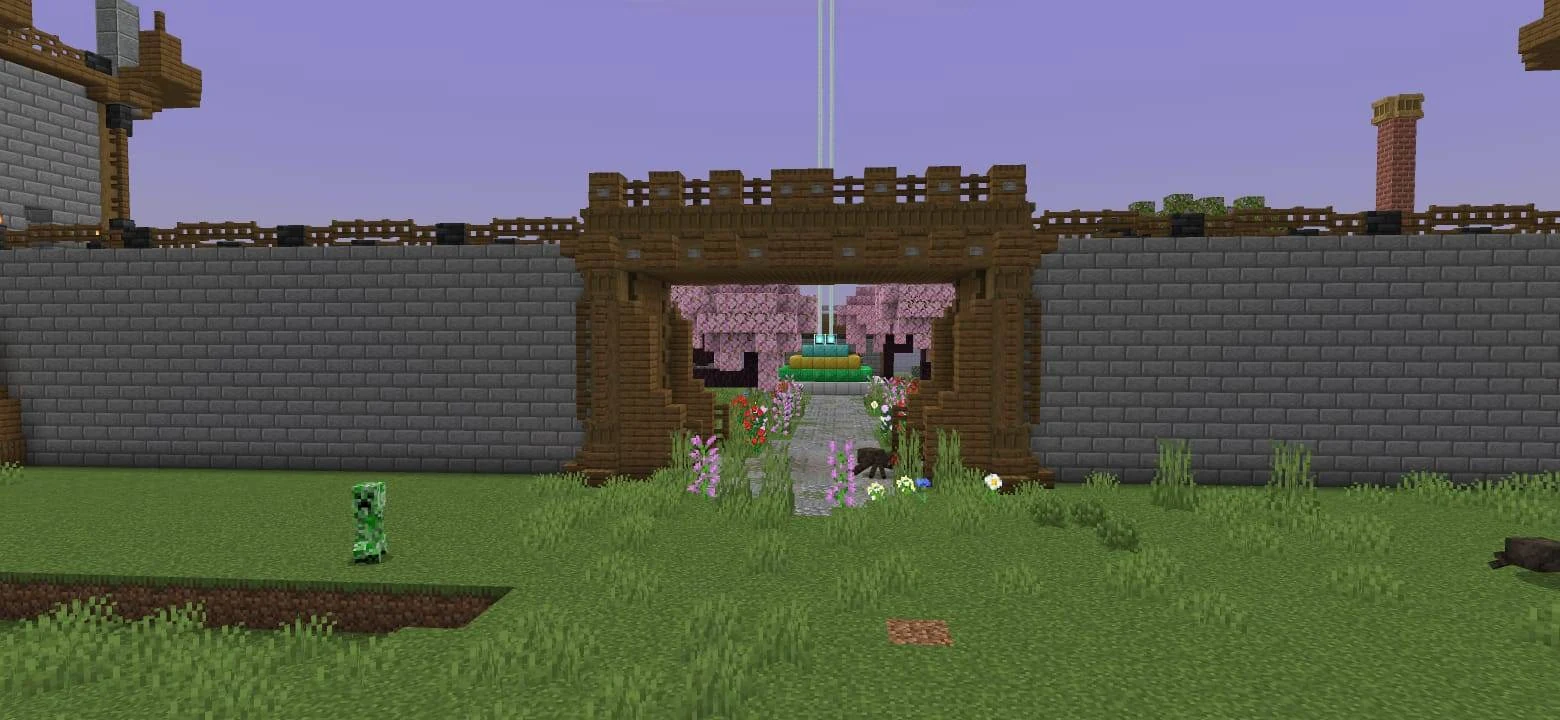
What to look for on your first visit
Use these stops as a sightseeing checklist rather than a fixed route from spawn. Each shows a different way to make a survival base feel complete.
| Place | What makes it useful | Idea to bring back to your own world |
|---|---|---|
| Walls and wooden gate | A recognisable entrance gives the settlement a clear boundary. | Build one deliberate main entrance before adding side passages. |
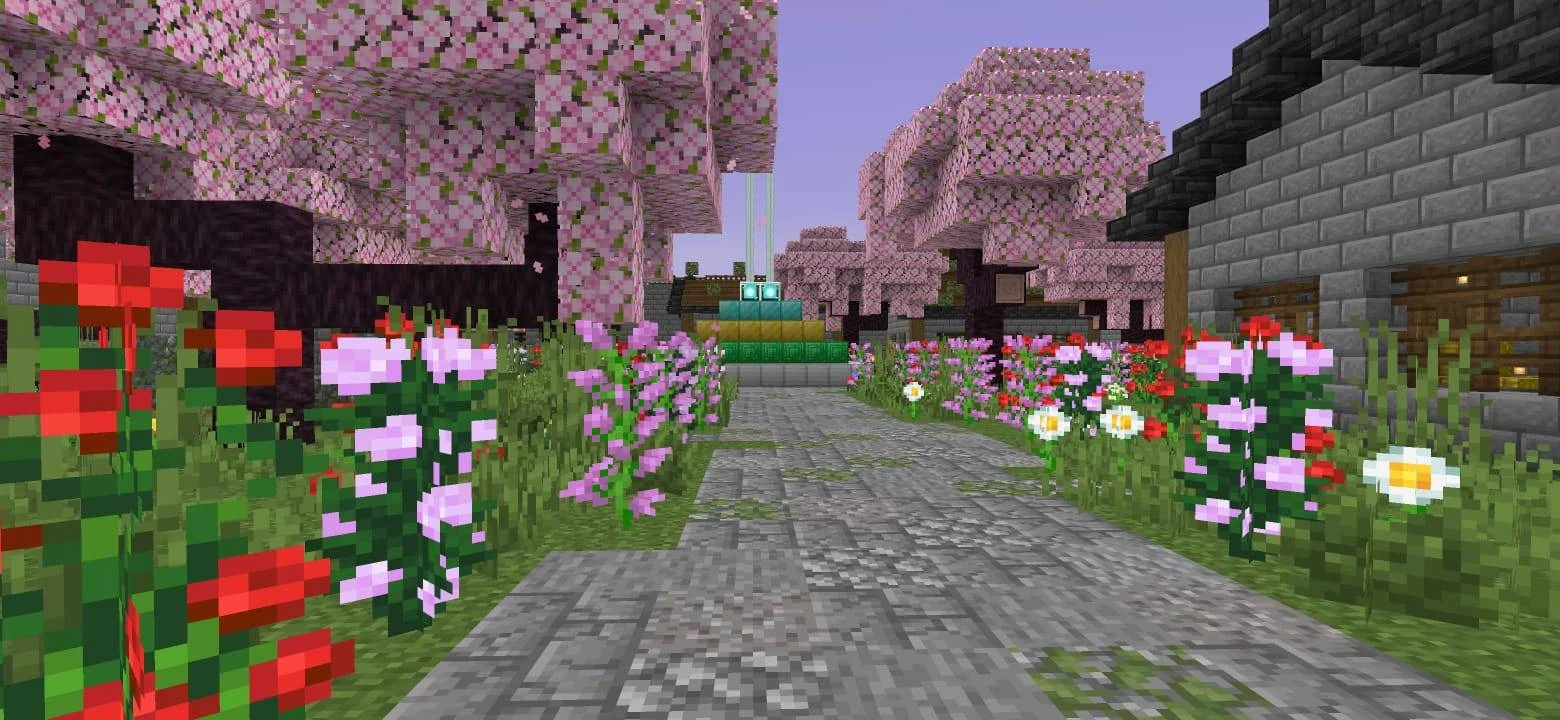
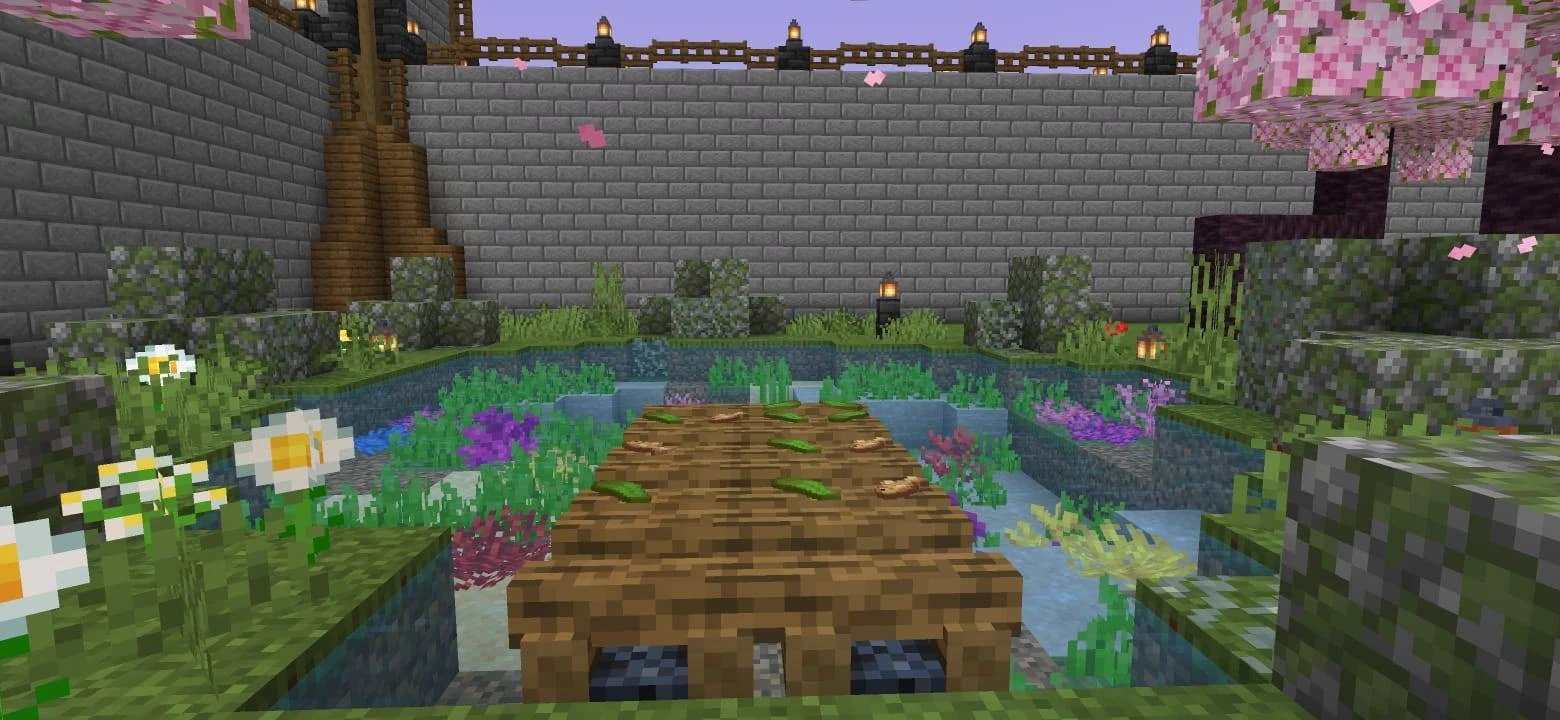
| Cherry-blossom garden | Planting creates a quieter area between the buildings. | Reserve space for trees and paths before filling every plot with houses. |
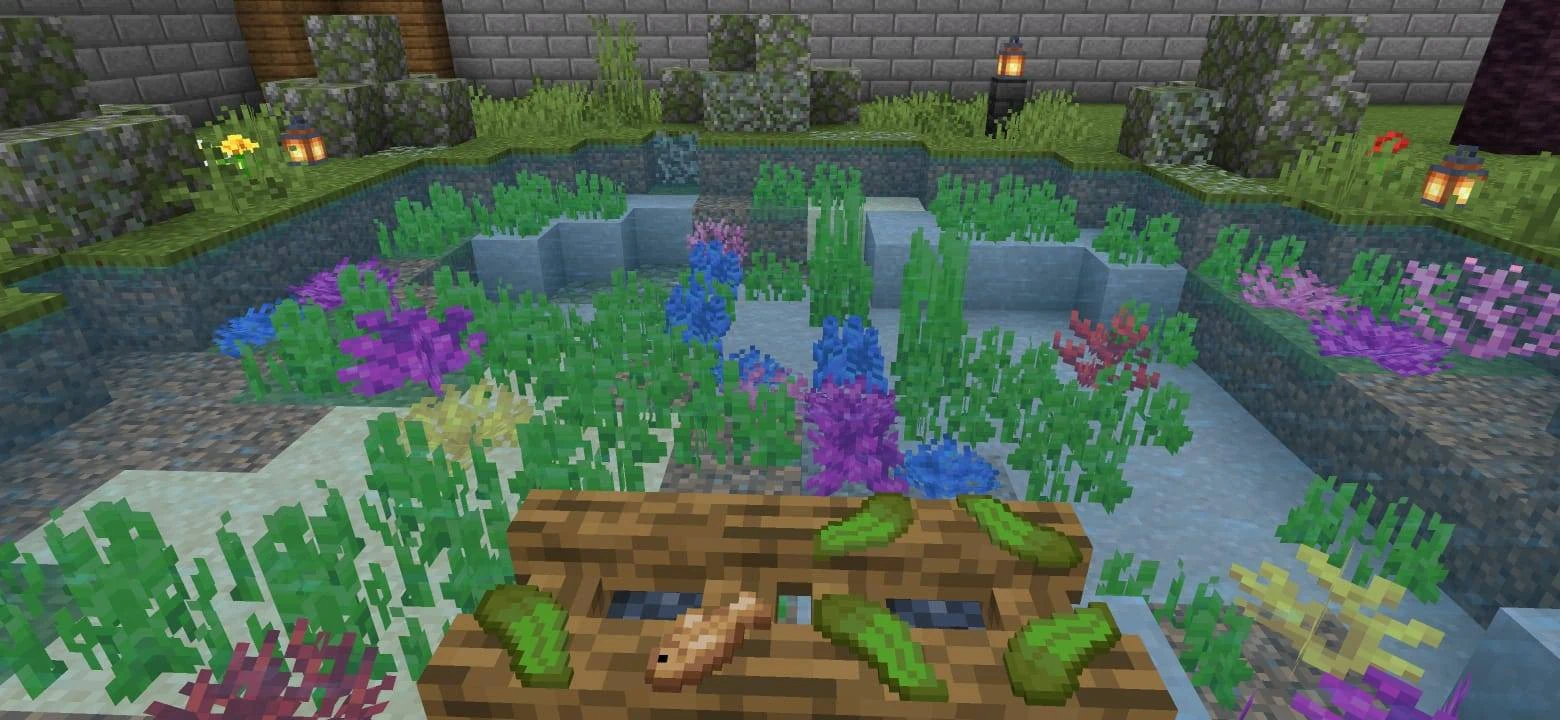
| Pond and bridge | Water, shoreline details and underwater plants give the landscape depth. | Decorate below the waterline as well as around the bank. |
| Crop farms and animal pens | Food production is part of the settlement. | Plan access to wheat, animals and storage together. |
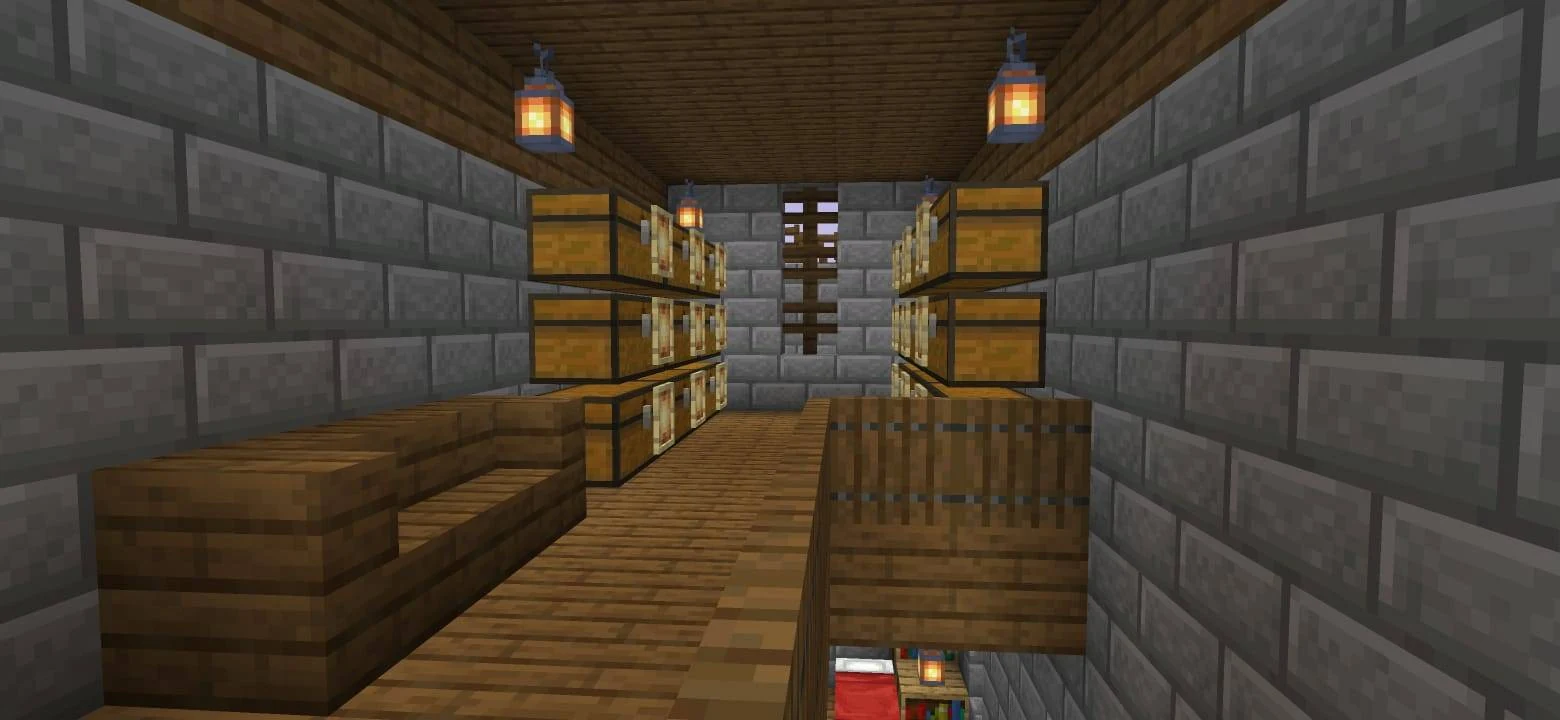
| Equipment storage | Tools and armour have a dedicated place in the base. | Put your preparation area near the route you use for expeditions. |
| Brewing area | Brewing stands, Nether wart, water and storage share a workspace. | Keep the ingredients and facilities for one task close together. |
| Nether portal | A useful travel point also becomes part of the build. | Design a portal entrance that suits the surrounding architecture. |
Building lessons to try
Repeat a palette, vary the shape
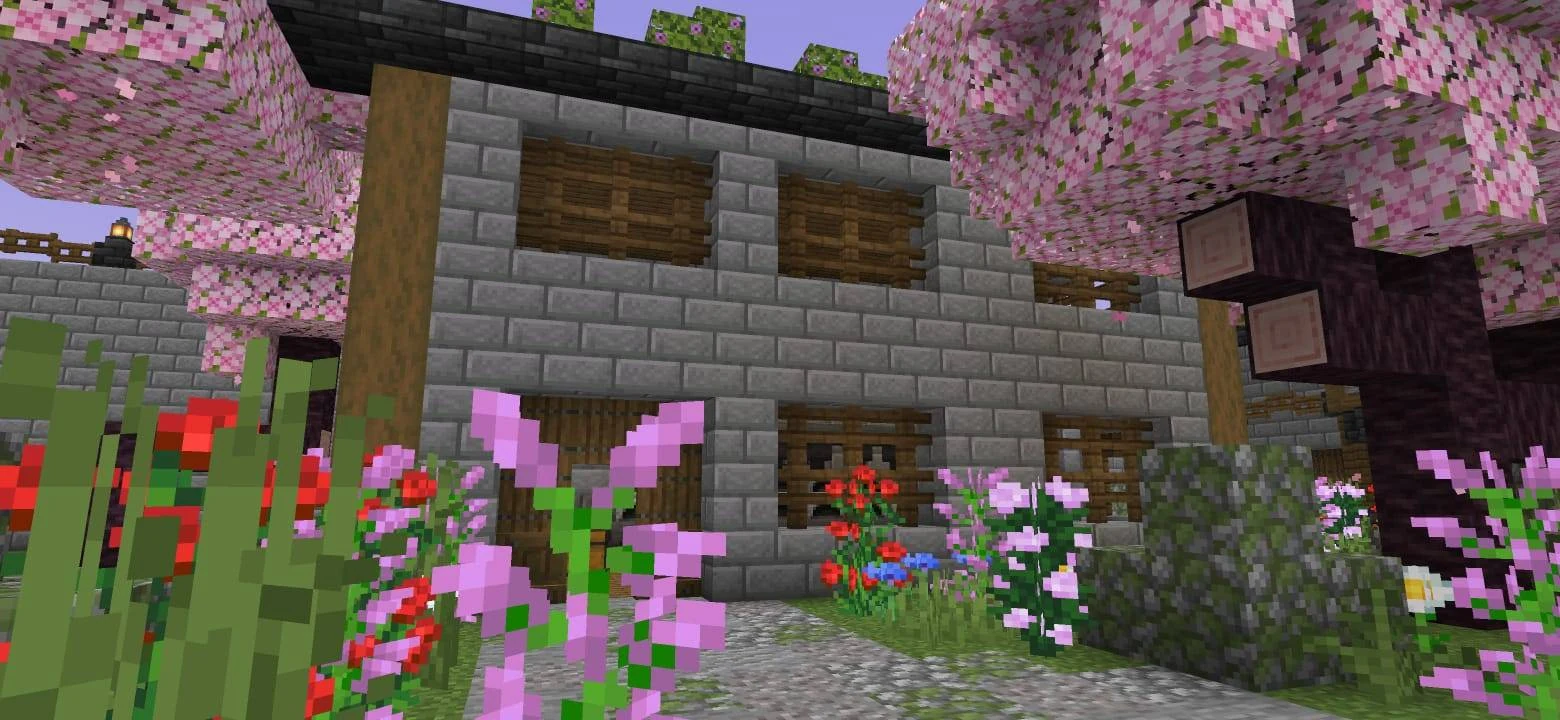
The settlement combines dark wood, stone brick and dark stone roofs. When extending it, start with those materials, then vary the footprint and roof shape. A small workshop and a larger house can belong to the same town without being identical.
For your own base, choose a wall material, a structural accent and a roof material first. Build one small house with them before committing to an entire street. Add greenery after the main shapes work together.
Give paths a job
Paths should connect places you actually visit: the gate, storage, farms and living spaces. Use the map to study how landscaping fills the spaces between those destinations. When planning your own settlement, lay out its main walking routes before placing decorative buildings.
A useful starting exercise is to connect three essentials—home, food and storage—then add a garden beside that route. The decoration becomes part of ordinary play rather than a distant area you rarely see.
Build workspaces around a complete task
The brewing area is a good example: the stands are only one part of the room. Nearby ingredients, water and storage make it a practical workspace. Apply the same idea to another project: a farming shed can hold seeds, tools and harvested crops; an expedition room can bring together spare equipment and supplies.
Inspect storage and smelting as a pair
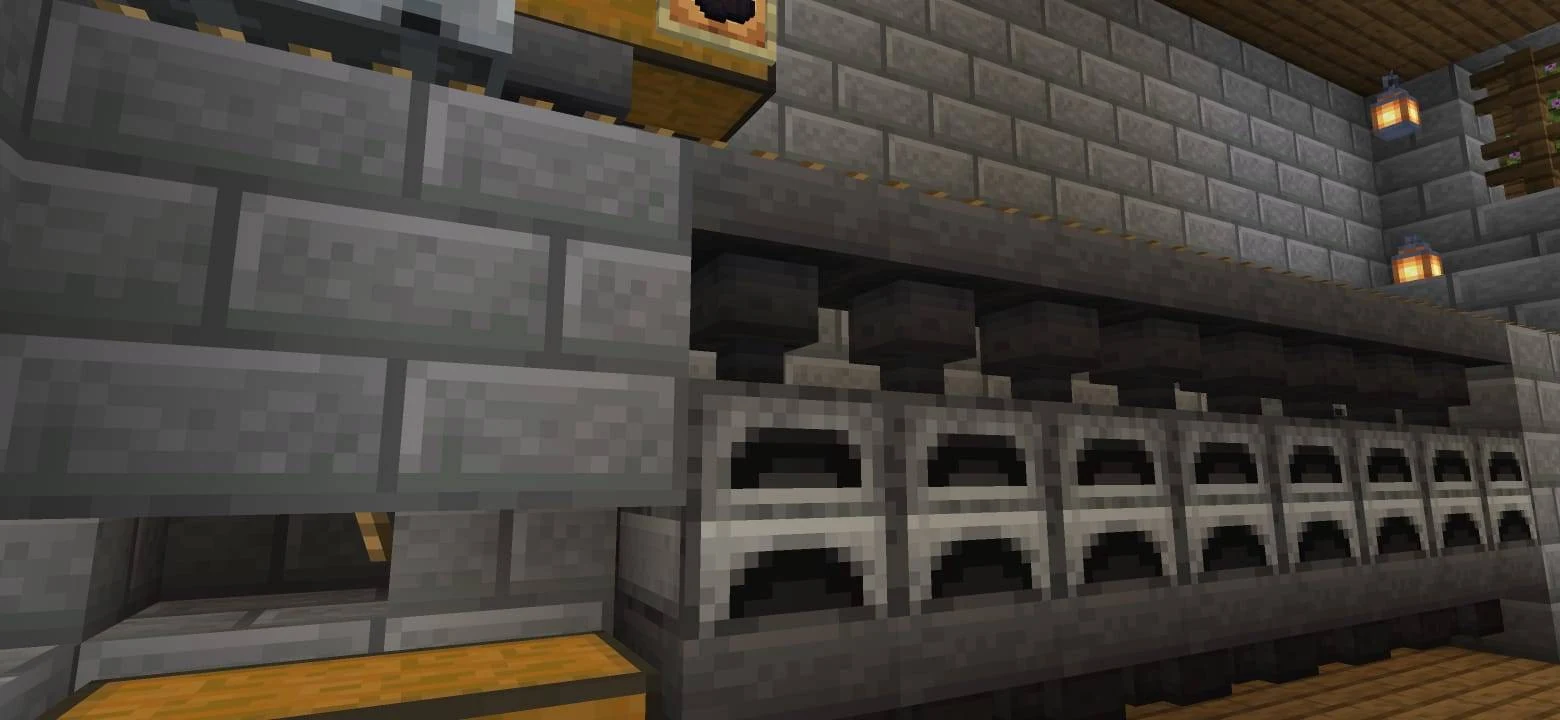
The furnace room has a row of furnaces with hoppers above and below, while the storage area uses stacked chests and item frames. Before adding your own machinery, trace where inputs and finished items go. A neat façade is helpful, but you also need access to refill fuel and retrieve the output.
Explore it or make it your next base
- For building inspiration: tour one area at a time and note its materials, layout and useful details. Re-create the principle in your own design instead of copying an entire town at once.
- For a personal project: keep one untouched imported copy and use another for an extension, a new district or changes to the landscaping.
- For a group world: agree which areas should stay intact and which plots are open for new builds before everyone starts changing the settlement.
The author describes multiplayer use, but the download does not itself supply a running server or Realm subscription. One player still needs to host the imported world through their usual Bedrock multiplayer setup.
Download and import the world
Release 1.5.0 is supplied as one complete Bedrock world. No separate behavior or resource pack is included or required by this archive.
- Download HARDCORE LEGENDARY 1500 DAYS.mcworld for release 1.5.0.
- Open the file with Minecraft Bedrock and wait for the world-import message.
- Find the imported world in your world list. Check its settings before playing.
- Keep a separate copy before experimenting with add-ons or rebuilding large areas.
The map appears as its own world. Importing it does not place the settlement inside an existing survival save.
Before you start
Does the title mean I must survive another 1,500 days?
No. The title describes the creator’s world. You are downloading that build, not accepting a new timed challenge or receiving a quest system.
Is the imported world definitely set to native Hardcore mode?
Yes. The supplied world is saved in Survival with Hardcore enabled and Hard difficulty. Treat death as permanent for your survival run. Keep an untouched copy before playing; do not assume this is a risk-free sightseeing world. These saved settings do not establish achievement eligibility.
Are all the storage chests stocked?
Do not choose the map on the assumption that every chest contains supplies. The attraction is the settlement and its facilities; inspect the available inventory in your imported copy before planning survival progression.
More for your Bedrock world.

Find the Bedrock update that matters to your world or device. Explore stable releases, practical game-drop guides, platform-specific fixes and a separate Beta/Preview archive.
- Coverage
- 2023–2026
- Edition
- Bedrock Edition
- Versions
- Bedrock 1.20.30–26.51
Bedrock · Update history
Bedrock Update History
Find the Bedrock update that matters to your world or device. Explore stable releases, practical game-drop guides, platform-specific fixes and a separate Beta/Preview archive.
Back up before updating
- Minecraft version
- Bedrock 1.20.30–26.51
- Game edition
- Bedrock Edition
- Update type
- Unknown / not stated
- Release channel
- Bedrock Edition
- World safety
- Back up before updating
- Player impact
- Find a useful release, platform fix or practical game-drop guide
- Platform family
- Bedrock & Mobile
- Supported devices
- Windows, consoles and mobile; patch availability varies
- Touch readiness
- Yes
- Last verified at
- Sep 17, 2026
- Update state
- current
- Compatibility confidence
- Source claimed
- Card delivery statement
- Player guides and official release notes
- Edition applicability
- Bedrock
- Bedrock enrollment route
- Preview app
- Delivery state
- No file
- Lifecycle state
- Current
- History coverage
- 2023–2026
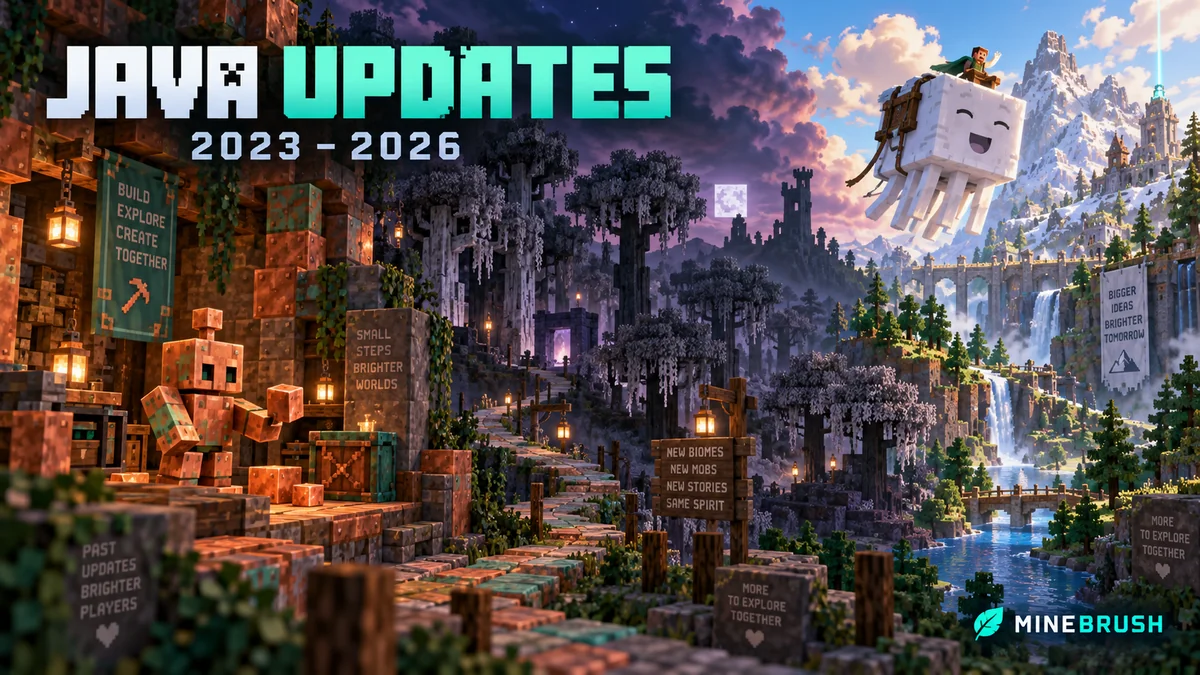
Find what changed in Minecraft Java from 2023 to 2026, choose your next survival project and follow practical update guides. Stable releases and test builds are clearly separated.
- Coverage
- 2023–2026
- Edition
- Java Edition
- Versions
- Java 1.20.2–26.3
Java · Update history
Java Update History
Find what changed in Minecraft Java from 2023 to 2026, choose your next survival project and follow practical update guides. Stable releases and test builds are clearly separated.
Back up before updating
- Minecraft version
- Java 1.20.2–26.3
- Game edition
- Java Edition
- Update type
- Unknown / not stated
- Release channel
- Java Edition
- World safety
- Back up before updating
- Player impact
- Find a feature, choose a project and check the right release
- Platform family
- Java PC
- Last verified at
- Sep 17, 2026
- Update state
- current
- Compatibility confidence
- Source claimed
- Card delivery statement
- Player guides and official release notes
- Edition applicability
- Java
- Delivery state
- No file
- Lifecycle state
- Current
- History coverage
- 2023–2026

Find trial chambers, beat the breeze, match keys to vaults and prepare for ominous trials. Learn mace and wind-charge tricks, build your first crafter and put copper, tuff and dungeon rewards to use.
- Game released
- Java
- 1.21 · Stable
- Bedrock
- 1.21 · Stable
Focus Trial chambers, vault rewards, mace combat, wind charges and automatic crafting
Topic Tricky Trials
Install Included in the official game update
Back up before updating
Java + Bedrock · Release
Tricky Trials
Find trial chambers, beat the breeze, match keys to vaults and prepare for ominous trials. Learn mace and wind-charge tricks, build your first crafter and put copper, tuff and dungeon rewards to use.
Back up before updating
- Update type
- Major release
- Release channel
- Unknown / not stated
- Official release date
- 2024-06-13
- World safety
- Back up before updating
- Player impact
- Trial chambers, vault rewards, mace combat, wind charges and automatic crafting
- Platform family
- Cross-edition
- Supported devices
- Java: Windows, macOS, Linux. Bedrock: supported Windows, mobile and console devices.
- Install format
- Included in the official game update
- Touch readiness
- Not required
- Resource type
- Update
- Last verified at
- Sep 18, 2026
- Update state
- historical
- Compatibility confidence
- Source claimed
- Bedrock version/build
- 1.21
- Card delivery statement
- Included in the official game update
- Edition applicability
- Java + Bedrock
- Java version/build
- 1.21
- Shared update topic
- Tricky Trials
- Delivery state
- No file
- Lifecycle state
- Superseded
- Java update channel
- Stable
- Bedrock update channel
- Stable
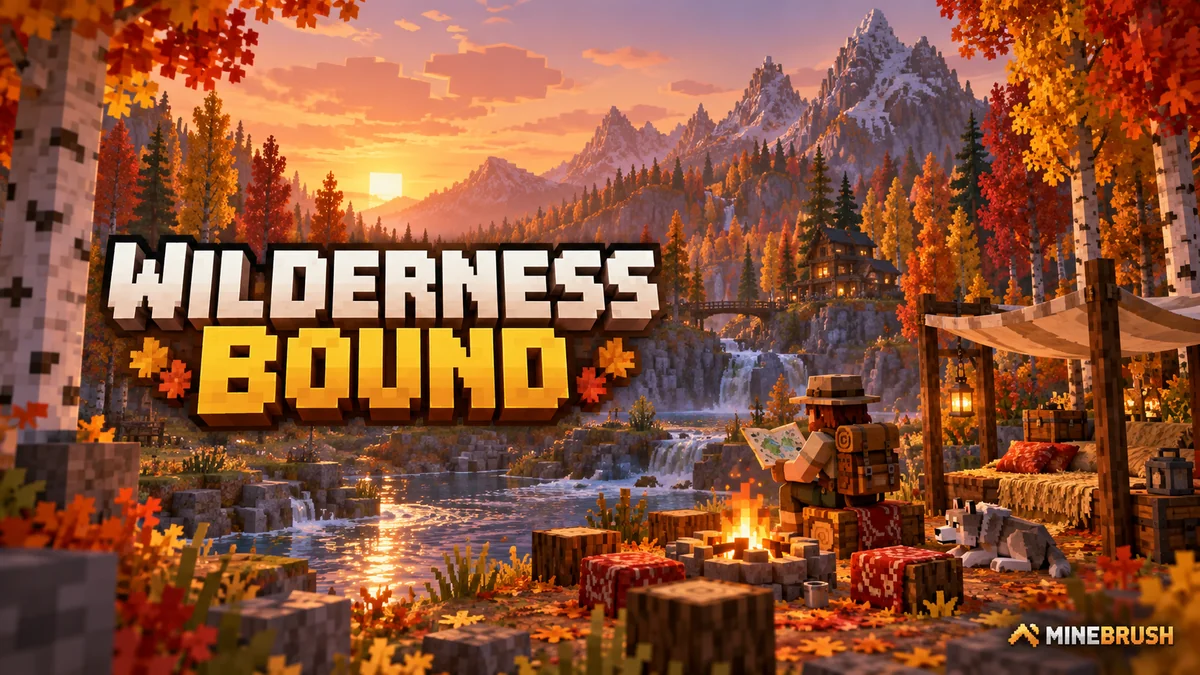
Explore Dappled Forest, follow abandoned-camp maps and sleep on straw beds without moving your home spawn. Learn what Wilderness Bound adds in Java 26.3 and Bedrock 26.50, with camping steps, building ideas and official images.
- Game released
- Java
- 26.3 · Stable
- Bedrock
- 26.50 · Stable
Focus Exploration, camping and building
Topic Camps, maps and building
Back up before updating
Java + Bedrock · Release
Wilderness Bound
Explore Dappled Forest, follow abandoned-camp maps and sleep on straw beds without moving your home spawn. Learn what Wilderness Bound adds in Java 26.3 and Bedrock 26.50, with camping steps, building ideas and official images.
Back up before updating
- Update type
- Major release
- Release channel
- Java & Bedrock
- Official release date
- 2026-09-15
- World safety
- Back up before updating
- Player impact
- Exploration, camping and building
- Platform family
- Cross-edition
- Touch readiness
- Yes
- Resource type
- Update
- Last verified at
- Sep 18, 2026
- Update state
- current
- Compatibility confidence
- Source claimed
- Bedrock version/build
- 26.50
- Edition applicability
- Java + Bedrock
- Java version/build
- 26.3
- Shared update topic
- Camps, maps and building
- Delivery state
- No file
- Lifecycle state
- Current
- Java update channel
- Stable
- Bedrock update channel
- Stable
Player discussion 0
Questions, discoveries and help from other players.