
MineBrush publication
Pada’s Laboratory V4 for Bedrock 1.21.60: PvP Practice Guide
Practise bridging, pearl saves, aiming and fast looting in eleven focused drills. Pada’s Laboratory V4 for Bedrock 1.21.60 helps you work on the skills that cost you SkyWars and BedWars matches.
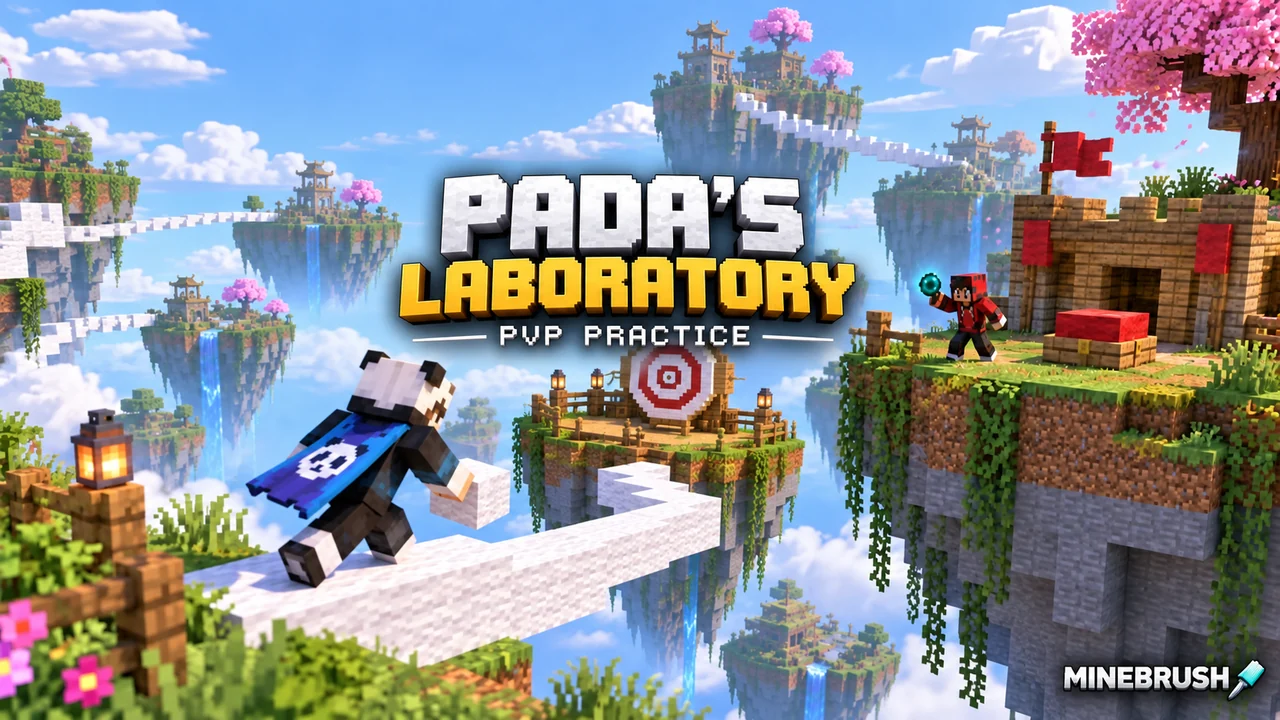
Pada’s Laboratory is a Minecraft Bedrock practice world with eleven drills for skills used in SkyWars, BedWars and similar PvP games. Practise bridging, pearl saves, aiming, quick looting and defensive building without waiting for another match after every mistake.
Version to choose: V4 for Bedrock 1.21.60. That is the creator’s latest recommended download, updated to fix scripting compatibility. Support for current 26.x releases is not established; a world that imports can still have non-working training controls on a different game version.
Pick the drill that matches your weak spot
| What goes wrong in matches? | Start with | Practise this |
|---|---|---|
| You fall while bridging | Bridging Speed, then Block Extension | A repeatable placement rhythm first, then saving a missed edge. |
| You lose track of an opponent | PvP Training | Keep your aim on a bot while moving and using snowballs or eggs. |
| You select the wrong item | Hotbar Switching | Reach the requested slot without searching the entire hotbar. |
| You take too long at a chest | Chest Looting | Take useful items quickly while avoiding cobwebs. |
| You cannot recover after being knocked off | Enderpearl Clutch | Turn, aim and throw a pearl toward a safe surface. |
| Your defense takes too long to build | Treasure Protecting | Repeat a consistent block-placement order. |
Choose one weak spot for a session. Cycling through every drill once is less helpful than repeating the action that keeps costing you a match.
All eleven training modes
| Mode | What the map asks you to do |
|---|---|
| Enderpearl Clutch | Use an unlimited supply of pearls and blocks to practise saving yourself. |
| PvP Training | Fight customizable bots and practise aim plus snowball or egg combos. |
| Bridging Speed | Reach the opposite island as quickly as you can. |
| Block Extension | Place blocks to stay alive instead of falling. |
| Block Parkour | Reach the green side while placing no more than two blocks. |
| Treasure Breaking | Break through the defense and kill the rabbit in its centre while avoiding zombie hits. |
| Bow Aim | Hit the target with your bow. |
| Hotbar Switching | Select the correct inventory item. |
| Treasure Protecting | Build protection around the treasure quickly. |
| Chest Looting | Loot a chest quickly while watching for cobwebs. |
| Ore Mining | Mine redstone ore while constantly moving. |
These are focused exercises, not a complete SkyWars or BedWars match. Practising them helps with individual actions; reading opponents and adapting to a server’s rules still comes from playing real matches.
Build reliable bridges before chasing speed
Start with the Bridging Speed drill. Aim for several clean crossings before trying to shave time off each one. If you repeatedly fall at the same point, slow that transition down and keep your view angle consistent.
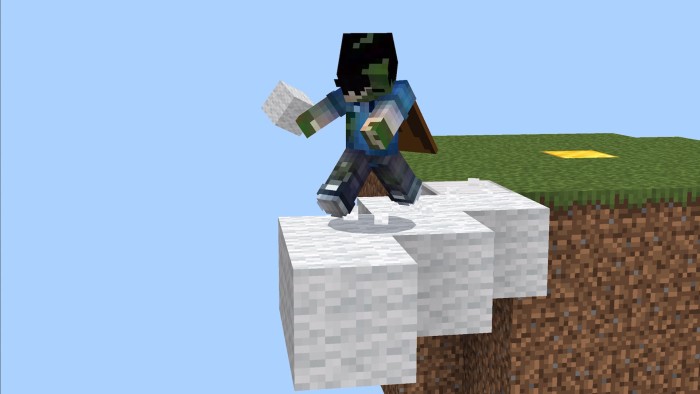
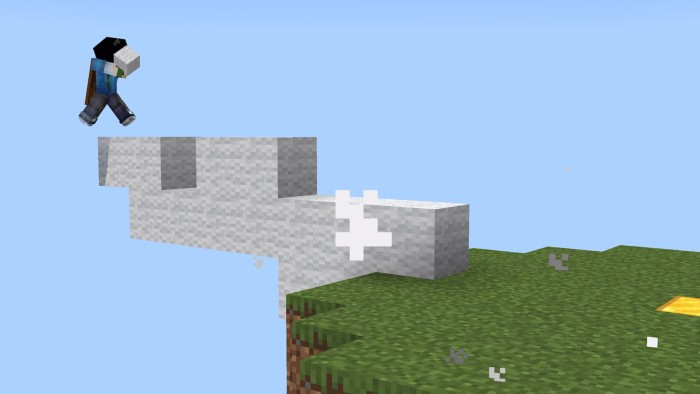
Then move to Block Extension: the goal changes from completing a crossing to keeping yourself from falling. Block Parkour adds a different restriction—only two placed blocks—so it rewards choosing useful placements instead of filling every gap.
Practise pearl saves and aim separately
For a pearl save, practise locating a landing surface, aiming and throwing without panicking. The supplied pearls let you repeat mistakes without spending resources from a survival world. Start with a clear target before trying harder angles.
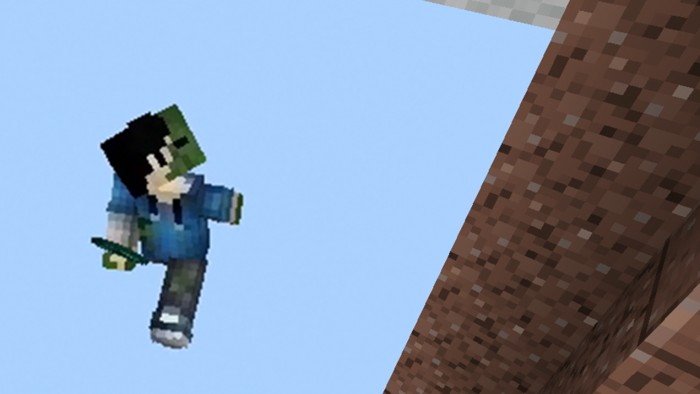
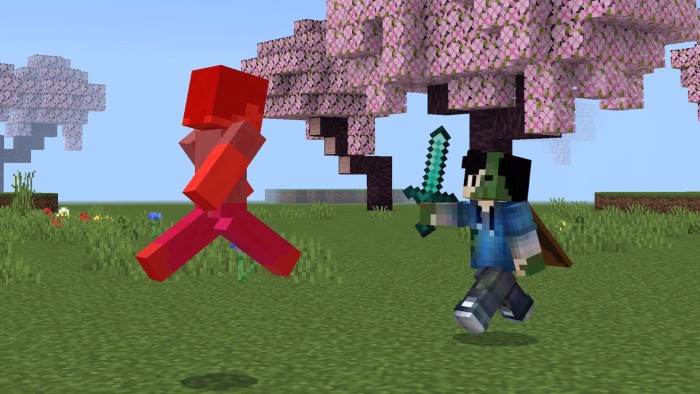
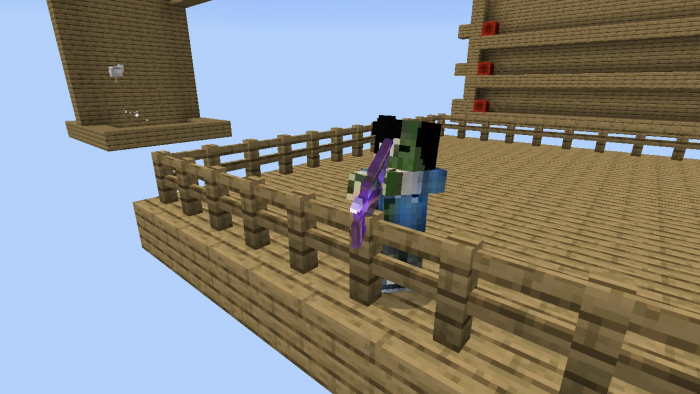
Use Bow Aim for a steady target, then PvP Training for tracking a moving opponent. Practise one change at a time: follow the bot with your view first, then add a snowball or egg and switch back to your weapon.
A short warm-up you can repeat
This is a suggested routine, not a map requirement. Keep the same input method and comfortable sensitivity you use for matches.
- Two minutes: Hotbar Switching. Prioritize selecting the right item before selecting it quickly.
- Three minutes: Bridging Speed. Count clean crossings as well as failed ones.
- Three minutes: one combat drill. Choose Bow Aim or PvP Training rather than splitting a short session between both.
- Two minutes: your most common mistake. Finish with pearl saves, chest looting or defensive building.
If changing a control setting, repeat the same drill before changing another. A single lucky fast run says less than several repeatable attempts.
Loot and defend with a plan
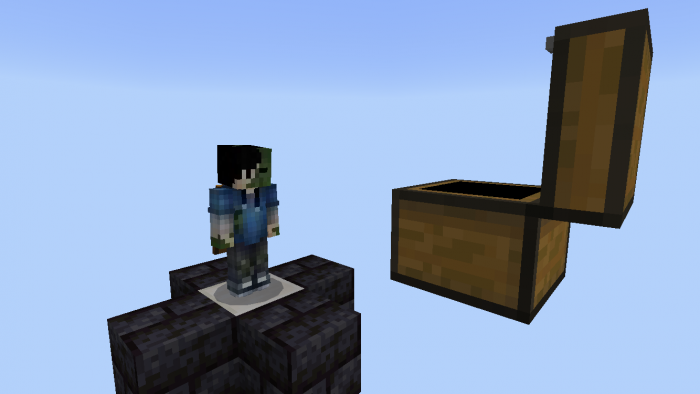
Chest Looting is useful when you hesitate over items under pressure. Decide what you are trying to take and avoid the cobwebs. Treasure Protecting trains the opposite skill: putting blocks down in a planned order instead of improvising the same defense each time.
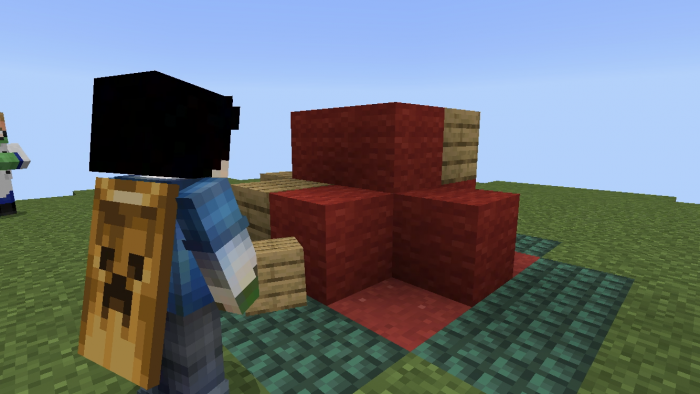
Treasure Breaking adds pressure from zombies while you try to reach the rabbit inside the defense. Ore Mining asks you to keep moving while targeting redstone ore. Both exercises split your attention between movement and another task.
Download the correct V4 world and install it
V4 is the map version, not the Minecraft version. The author lists several V4 files for different game builds. Choose the one labelled V4 (1.21.60) for Bedrock 1.21.60; do not substitute the 1.20.60 or 1.21.30 variant merely because both say V4.
The world includes its matching behavior and resource packs. Keep both enabled: the training selectors and drills depend on them. The map uses the older experimental scripting system, which is why the game-version match matters.
- Open the correct downloaded .mcworld file with Minecraft Bedrock.
- Wait for import to finish and locate Pada’s Laboratory in the Worlds list.
- Keep the supplied world settings and packs, then enter the training world.
- Try one training selector and one drill before planning a full session.
Use an untouched copy for a fresh start if you change the world. This is a Bedrock world, not a Java mod or a pack to activate inside your normal survival save.
If the training selectors do nothing
Start by checking the game build and matching V4 file. The latest listed update specifically fixes scripting compatibility for 1.21.60; that does not establish support for every later release. Later player reports describe unresponsive NPCs, but they do not establish one universal fix.
- Keep the map’s included packs active and avoid mixing files from different V4 downloads.
- Do not enable every experiment or use commands to skip broken selectors: you may hide a compatibility problem without restoring the drills.
- If a fresh import still fails on the matching build, report the exact drill and what happens to the creator.
More for your Bedrock world.

Find the Bedrock update that matters to your world or device. Explore stable releases, practical game-drop guides, platform-specific fixes and a separate Beta/Preview archive.
- Coverage
- 2023–2026
- Edition
- Bedrock Edition
- Versions
- Bedrock 1.20.30–26.51
Bedrock · Update history
Bedrock Update History
Find the Bedrock update that matters to your world or device. Explore stable releases, practical game-drop guides, platform-specific fixes and a separate Beta/Preview archive.
Back up before updating
- Minecraft version
- Bedrock 1.20.30–26.51
- Game edition
- Bedrock Edition
- Update type
- Unknown / not stated
- Release channel
- Bedrock Edition
- World safety
- Back up before updating
- Player impact
- Find a useful release, platform fix or practical game-drop guide
- Platform family
- Bedrock & Mobile
- Supported devices
- Windows, consoles and mobile; patch availability varies
- Touch readiness
- Yes
- Last verified at
- Sep 17, 2026
- Update state
- current
- Compatibility confidence
- Source claimed
- Card delivery statement
- Player guides and official release notes
- Edition applicability
- Bedrock
- Bedrock enrollment route
- Preview app
- Delivery state
- No file
- Lifecycle state
- Current
- History coverage
- 2023–2026

Find trial chambers, beat the breeze, match keys to vaults and prepare for ominous trials. Learn mace and wind-charge tricks, build your first crafter and put copper, tuff and dungeon rewards to use.
- Game released
- Java
- 1.21 · Stable
- Bedrock
- 1.21 · Stable
Focus Trial chambers, vault rewards, mace combat, wind charges and automatic crafting
Topic Tricky Trials
Install Included in the official game update
Back up before updating
Java + Bedrock · Release
Tricky Trials
Find trial chambers, beat the breeze, match keys to vaults and prepare for ominous trials. Learn mace and wind-charge tricks, build your first crafter and put copper, tuff and dungeon rewards to use.
Back up before updating
- Update type
- Major release
- Release channel
- Unknown / not stated
- Official release date
- 2024-06-13
- World safety
- Back up before updating
- Player impact
- Trial chambers, vault rewards, mace combat, wind charges and automatic crafting
- Platform family
- Cross-edition
- Supported devices
- Java: Windows, macOS, Linux. Bedrock: supported Windows, mobile and console devices.
- Install format
- Included in the official game update
- Touch readiness
- Not required
- Resource type
- Update
- Last verified at
- Sep 18, 2026
- Update state
- historical
- Compatibility confidence
- Source claimed
- Bedrock version/build
- 1.21
- Card delivery statement
- Included in the official game update
- Edition applicability
- Java + Bedrock
- Java version/build
- 1.21
- Shared update topic
- Tricky Trials
- Delivery state
- No file
- Lifecycle state
- Superseded
- Java update channel
- Stable
- Bedrock update channel
- Stable
Find what changed in Minecraft Java from 2023 to 2026, choose your next survival project and follow practical update guides. Stable releases and test builds are clearly separated.
- Coverage
- 2023–2026
- Edition
- Java Edition
- Versions
- Java 1.20.2–26.3
Java · Update history
Java Update History
Find what changed in Minecraft Java from 2023 to 2026, choose your next survival project and follow practical update guides. Stable releases and test builds are clearly separated.
Back up before updating
- Minecraft version
- Java 1.20.2–26.3
- Game edition
- Java Edition
- Update type
- Unknown / not stated
- Release channel
- Java Edition
- World safety
- Back up before updating
- Player impact
- Find a feature, choose a project and check the right release
- Platform family
- Java PC
- Last verified at
- Sep 17, 2026
- Update state
- current
- Compatibility confidence
- Source claimed
- Card delivery statement
- Player guides and official release notes
- Edition applicability
- Java
- Delivery state
- No file
- Lifecycle state
- Current
- History coverage
- 2023–2026
Uncover archaeology finds, hatch a sniffer, ride a camel with a friend and customize your armor. A practical Trails & Tales guide with build ideas, original Mojang screenshots and clear steps for Java and Bedrock.
- Game released
- Java
- 1.20 · Stable
- Bedrock
- 1.20.0 · Stable
Focus Archaeology, sniffers, camels, armor trims and creative building ideas
Topic Exploration, archaeology and creative building
Install Included in the official game update
Back up before updating
Java + Bedrock · Release
Trails & Tales
Uncover archaeology finds, hatch a sniffer, ride a camel with a friend and customize your armor. A practical Trails & Tales guide with build ideas, original Mojang screenshots and clear steps for Java and Bedrock.
Back up before updating
- Update type
- Major release
- Release channel
- Unknown / not stated
- Official release date
- 2023-06-07
- World safety
- Back up before updating
- Player impact
- Archaeology, sniffers, camels, armor trims and creative building ideas
- Platform family
- Cross-edition
- Supported devices
- Java: Windows, macOS and Linux. Bedrock: supported PCs, consoles and mobile devices.
- Install format
- Included in the official game update
- Touch readiness
- Not required
- Resource type
- Update
- Last verified at
- Sep 16, 2026
- Update state
- historical
- Compatibility confidence
- Source claimed
- Bedrock version/build
- 1.20.0
- Card delivery statement
- Included in the official game update
- Edition applicability
- Java + Bedrock
- Java version/build
- 1.20
- Shared update topic
- Exploration, archaeology and creative building
- Delivery state
- No file
- Lifecycle state
- Superseded
- Java update channel
- Stable
- Bedrock update channel
- Stable
Player discussion 0
Questions, discoveries and help from other players.