
MineBrush publication
Tree Capitator + Vein Miner 6.1.0 for Minecraft Bedrock
Fell connected logs with an axe and mine ore patches with a pickaxe while sneaking. Tree Capitator + Vein Miner 6.1.0 includes a controller to switch each feature on or off for your Bedrock world.
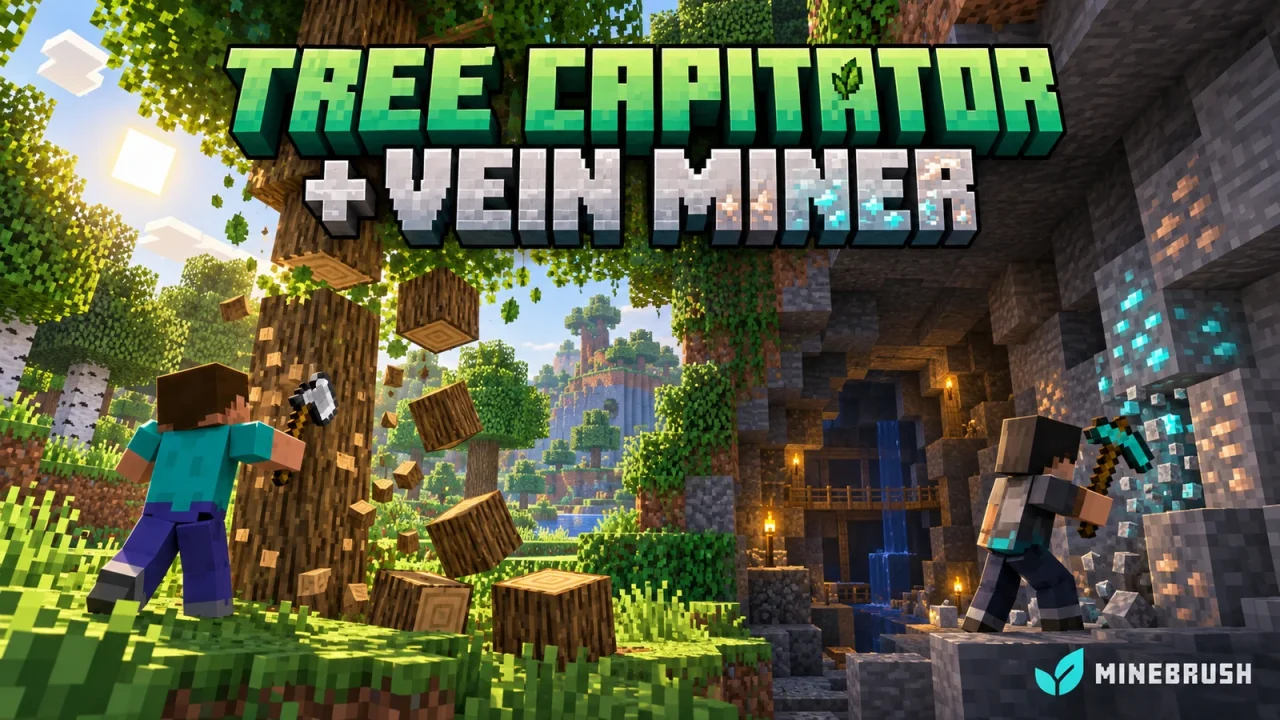
Gather wood and ore with fewer repeated breaks
Tree Capitator + Vein Miner by Keyyard adds two shortcuts to Minecraft Bedrock: sneak with an axe to fell connected logs, or sneak with a pickaxe to mine a connected patch of ore. An Option Controller lets you turn each feature on or off for your player.
This guide covers version 6.1.0. It is a Bedrock add-on containing both a Behavior Pack and a Resource Pack, rather than a Java mod. The package targets the Bedrock 1.21 generation; compatibility with current 26.x releases has not been established.
Start with the Option Controller
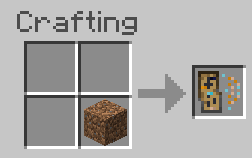
- Place one dirt block in the crafting grid to make an Option Controller. No special arrangement is required.
- Hold and use the controller to open its options.
- Enable Tree Capitator, Vein Miner, or both, then confirm the form.
- Keep the controller handy when you switch from gathering resources to editing a build.
The switches apply to your player. For example, turn off Tree Capitator while altering a timber wall, then re-enable it when you return to your tree farm.
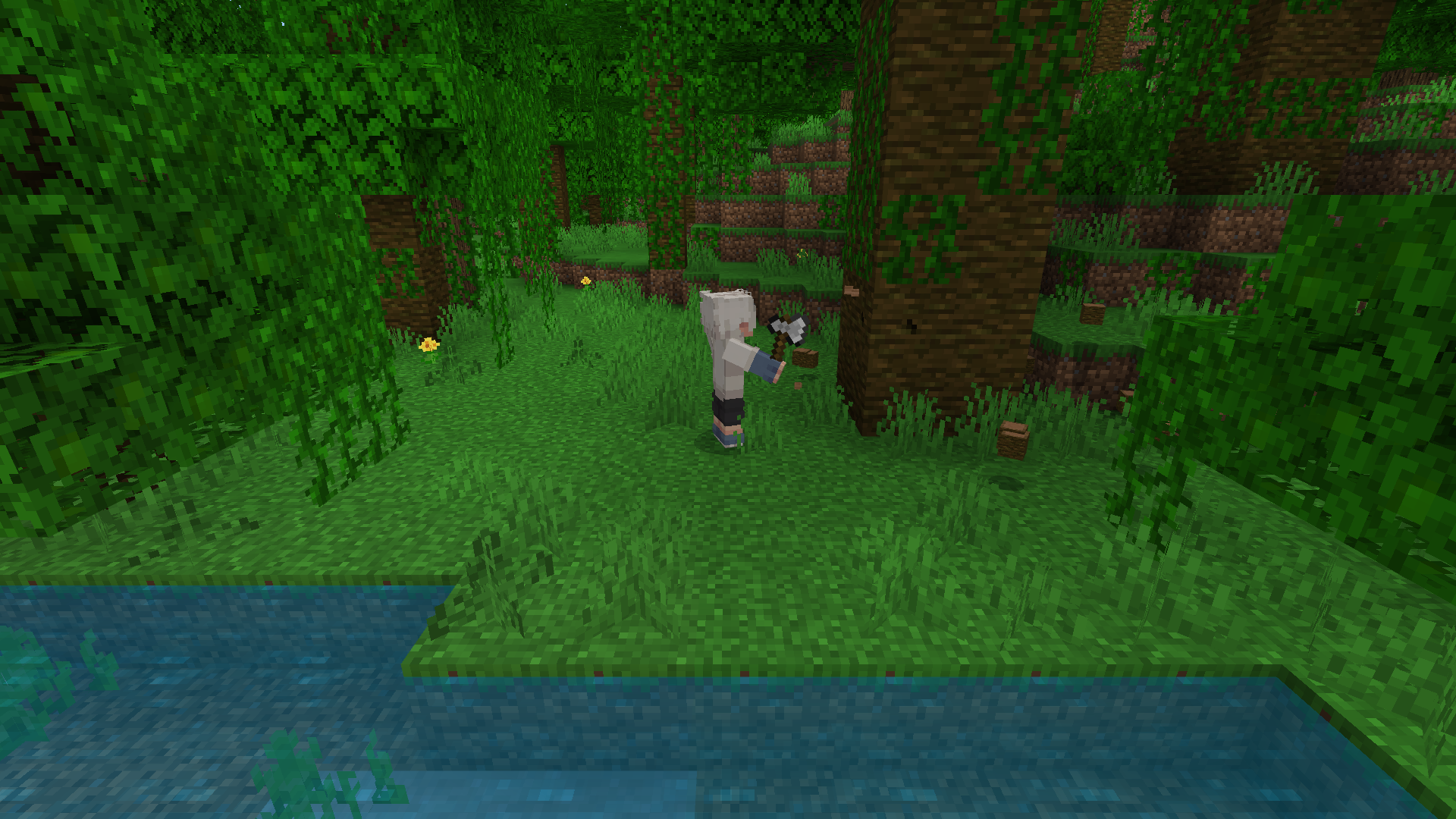
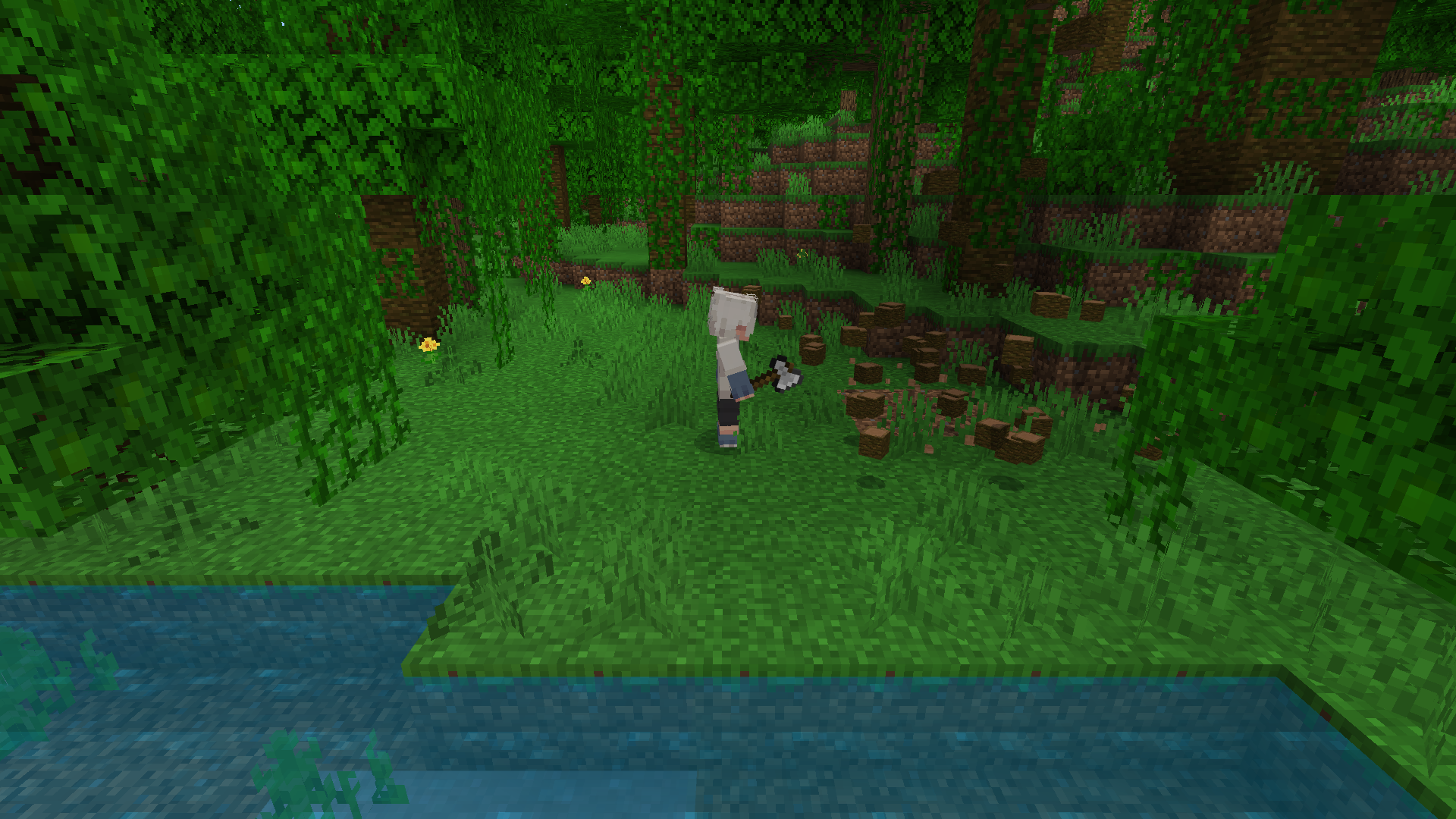
Fell a tree
- Choose an isolated tree and hold an axe with durability remaining.
- Sneak and break the lowest log of the trunk.
- Let the connected logs break, then collect the drops.
- Stop sneaking when you want to break blocks normally.
Check nearby wooden builds first. Version 6.1.0 follows matching connected log blocks; it does not know whether those logs belong to a natural tree or your house. Disable the feature before working on a connected log structure.
Its supported logs include oak, spruce, birch, jungle, acacia, dark oak, mangrove and cherry, plus crimson and warped stems. Mangrove roots are excluded, so the feature does not clear the entire root system with the trunk.
Mine a connected ore patch
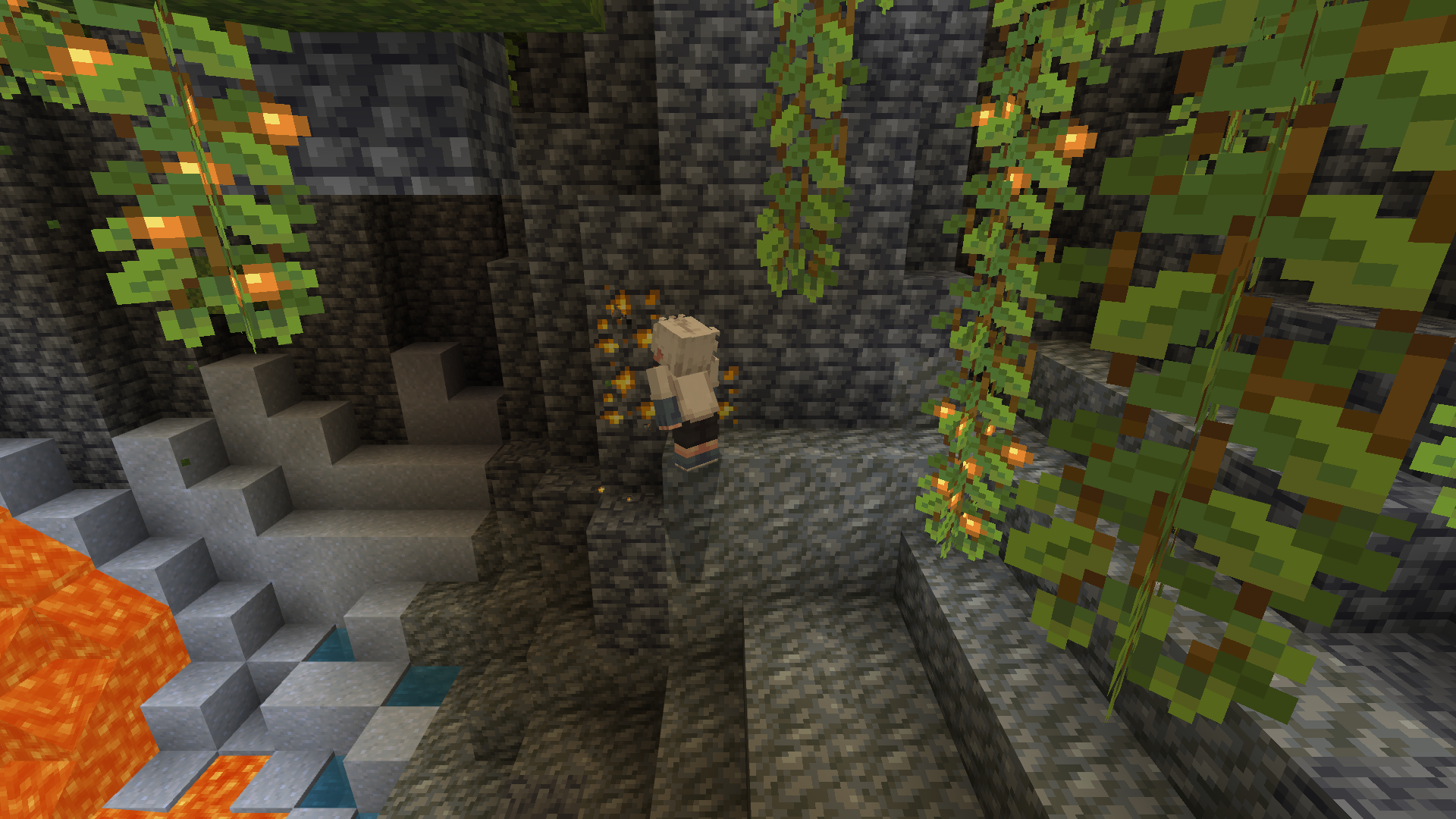
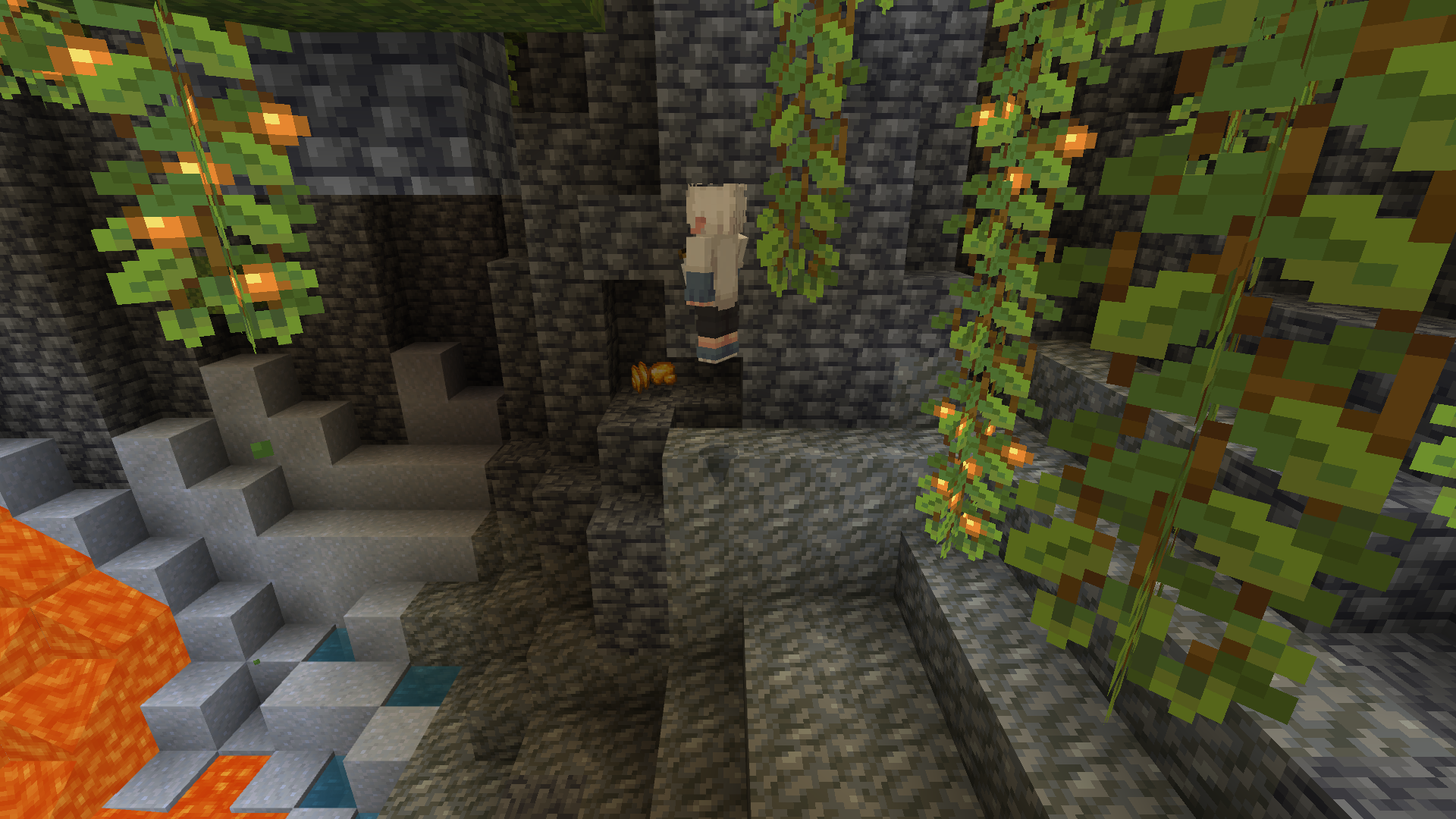
- Stand on a stable block and check the area around the ore, especially near lava.
- Hold a suitable pickaxe, enable Vein Miner and sneak.
- Break one ore block in the patch.
- Collect the drops and inspect any newly exposed space before moving forwards.
Connections matter: the 6.1.0 chain follows blocks of the same type through their shared faces. Blocks touching only at a corner are not one continuous chain. Ordinary and deepslate versions of an ore are different types, so a mixed patch can need another starting break.
The included block list covers coal, copper, iron, gold, redstone, lapis, diamond and emerald ores, including their deepslate forms, plus Nether gold and quartz. Ancient debris and gravel are not included in this 6.1.0 package’s chain list, despite broader examples in the project description.
Choose your tool and enchantments
| Choice | Why it matters |
|---|---|
| Iron pickaxe or better | A practical starting choice for mixed mining trips; weaker tools do not activate every supported ore chain. |
| Fortune | The add-on uses Fortune when generating extra ore drops. Do not assume its quantities exactly match vanilla mining. |
| Silk Touch | Collect ore blocks for decoration or later processing instead of their normal item drops. |
| Unbreaking | The add-on takes this enchantment into account when applying tool wear. |
| Spare durability | Chained gathering can wear your tool. Avoid starting a large job with an almost broken axe or pickaxe. |
For a building session, use an axe on a separate tree farm and a Silk Touch pickaxe for ore displays. For resource gathering, choose Fortune and leave room in your inventory for the drops.
Where the shortcuts are most useful
- Restocking a wood workshop: plant trees away from decorative log supports so harvesting cannot follow them into a building.
- Clearing exposed ore: work through a visible patch while keeping your feet on solid ground.
- Gathering Nether stems: use an axe on crimson or warped stems, with a clear route back from nearby lava.
- Alternating building and mining: use the controller instead of removing the add-on from your world every time you need ordinary block breaking.
Download and install version 6.1.0
The combined file below includes both required packs.
- Make a copy of an existing world before changing its add-ons.
- Open tcvm610.mcaddon with Minecraft and wait for both packs to import.
- In the world settings, activate its Behavior Pack and confirm that the matching Resource Pack is active.
- Join, craft the controller and try a small isolated tree and an exposed ore patch.
This package uses stable scripting dependencies and does not declare a Beta APIs dependency. Do not enable unrelated experiments as a general fix. If Minecraft reports a version or dependency error, use a compatible game release or check for a newer author package.
If the chain does not start
| What you see | What to check |
|---|---|
| Only one block breaks | Enable the relevant controller switch, sneak, and hold an axe for logs or a pickaxe for ore. |
| Some nearby ore remains | Check for corner-only connections, a gap, or a switch between ordinary and deepslate ore. |
| Ancient debris or gravel behaves normally | Those blocks are outside this package’s supported chain list. |
| The controller is missing or cannot be crafted | Confirm that both matching packs imported and are active; its recipe uses one dirt block. |
| Nothing works after a game update | Check the pack’s compatibility before repeatedly changing experiments or combining different releases. |
More for your Bedrock world.

Find the Bedrock update that matters to your world or device. Explore stable releases, practical game-drop guides, platform-specific fixes and a separate Beta/Preview archive.
- Coverage
- 2023–2026
- Edition
- Bedrock Edition
- Versions
- Bedrock 1.20.30–26.51
Bedrock · Update history
Bedrock Update History
Find the Bedrock update that matters to your world or device. Explore stable releases, practical game-drop guides, platform-specific fixes and a separate Beta/Preview archive.
Back up before updating
- Minecraft version
- Bedrock 1.20.30–26.51
- Game edition
- Bedrock Edition
- Update type
- Unknown / not stated
- Release channel
- Bedrock Edition
- World safety
- Back up before updating
- Player impact
- Find a useful release, platform fix or practical game-drop guide
- Platform family
- Bedrock & Mobile
- Supported devices
- Windows, consoles and mobile; patch availability varies
- Touch readiness
- Yes
- Last verified at
- Sep 17, 2026
- Update state
- current
- Compatibility confidence
- Source claimed
- Card delivery statement
- Player guides and official release notes
- Edition applicability
- Bedrock
- Bedrock enrollment route
- Preview app
- Delivery state
- No file
- Lifecycle state
- Current
- History coverage
- 2023–2026
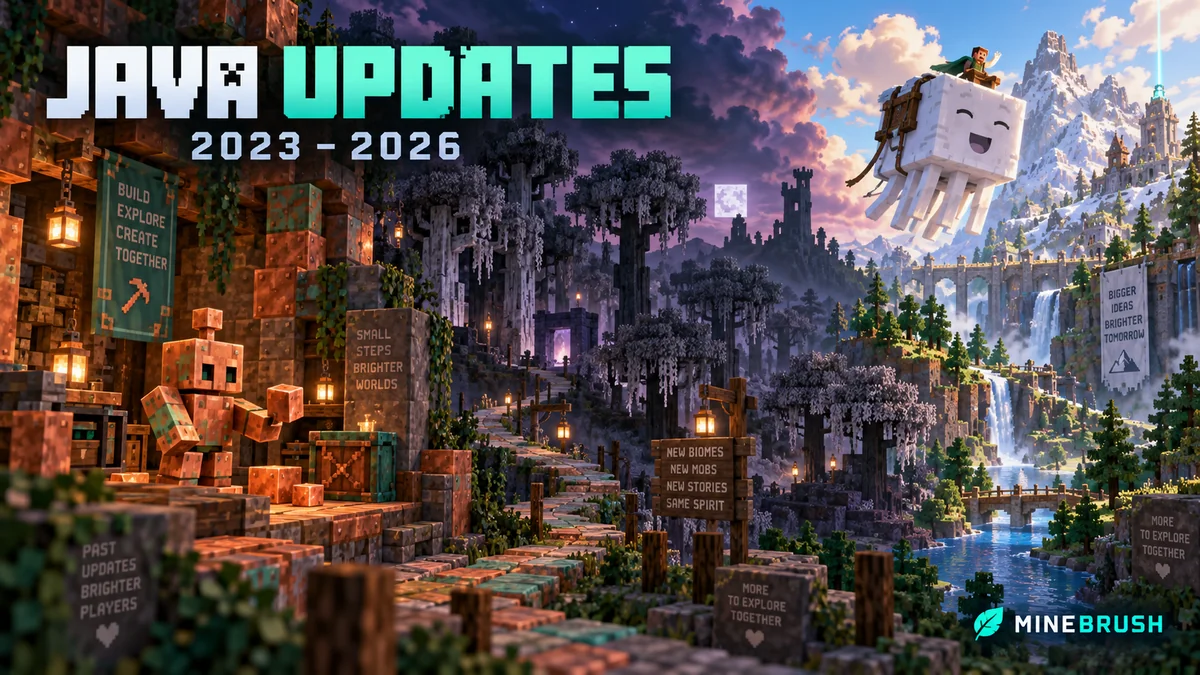
Find what changed in Minecraft Java from 2023 to 2026, choose your next survival project and follow practical update guides. Stable releases and test builds are clearly separated.
- Coverage
- 2023–2026
- Edition
- Java Edition
- Versions
- Java 1.20.2–26.3
Java · Update history
Java Update History
Find what changed in Minecraft Java from 2023 to 2026, choose your next survival project and follow practical update guides. Stable releases and test builds are clearly separated.
Back up before updating
- Minecraft version
- Java 1.20.2–26.3
- Game edition
- Java Edition
- Update type
- Unknown / not stated
- Release channel
- Java Edition
- World safety
- Back up before updating
- Player impact
- Find a feature, choose a project and check the right release
- Platform family
- Java PC
- Last verified at
- Sep 17, 2026
- Update state
- current
- Compatibility confidence
- Source claimed
- Card delivery statement
- Player guides and official release notes
- Edition applicability
- Java
- Delivery state
- No file
- Lifecycle state
- Current
- History coverage
- 2023–2026

Find trial chambers, beat the breeze, match keys to vaults and prepare for ominous trials. Learn mace and wind-charge tricks, build your first crafter and put copper, tuff and dungeon rewards to use.
- Game released
- Java
- 1.21 · Stable
- Bedrock
- 1.21 · Stable
Focus Trial chambers, vault rewards, mace combat, wind charges and automatic crafting
Topic Tricky Trials
Install Included in the official game update
Back up before updating
Java + Bedrock · Release
Tricky Trials
Find trial chambers, beat the breeze, match keys to vaults and prepare for ominous trials. Learn mace and wind-charge tricks, build your first crafter and put copper, tuff and dungeon rewards to use.
Back up before updating
- Update type
- Major release
- Release channel
- Unknown / not stated
- Official release date
- 2024-06-13
- World safety
- Back up before updating
- Player impact
- Trial chambers, vault rewards, mace combat, wind charges and automatic crafting
- Platform family
- Cross-edition
- Supported devices
- Java: Windows, macOS, Linux. Bedrock: supported Windows, mobile and console devices.
- Install format
- Included in the official game update
- Touch readiness
- Not required
- Resource type
- Update
- Last verified at
- Sep 18, 2026
- Update state
- historical
- Compatibility confidence
- Source claimed
- Bedrock version/build
- 1.21
- Card delivery statement
- Included in the official game update
- Edition applicability
- Java + Bedrock
- Java version/build
- 1.21
- Shared update topic
- Tricky Trials
- Delivery state
- No file
- Lifecycle state
- Superseded
- Java update channel
- Stable
- Bedrock update channel
- Stable
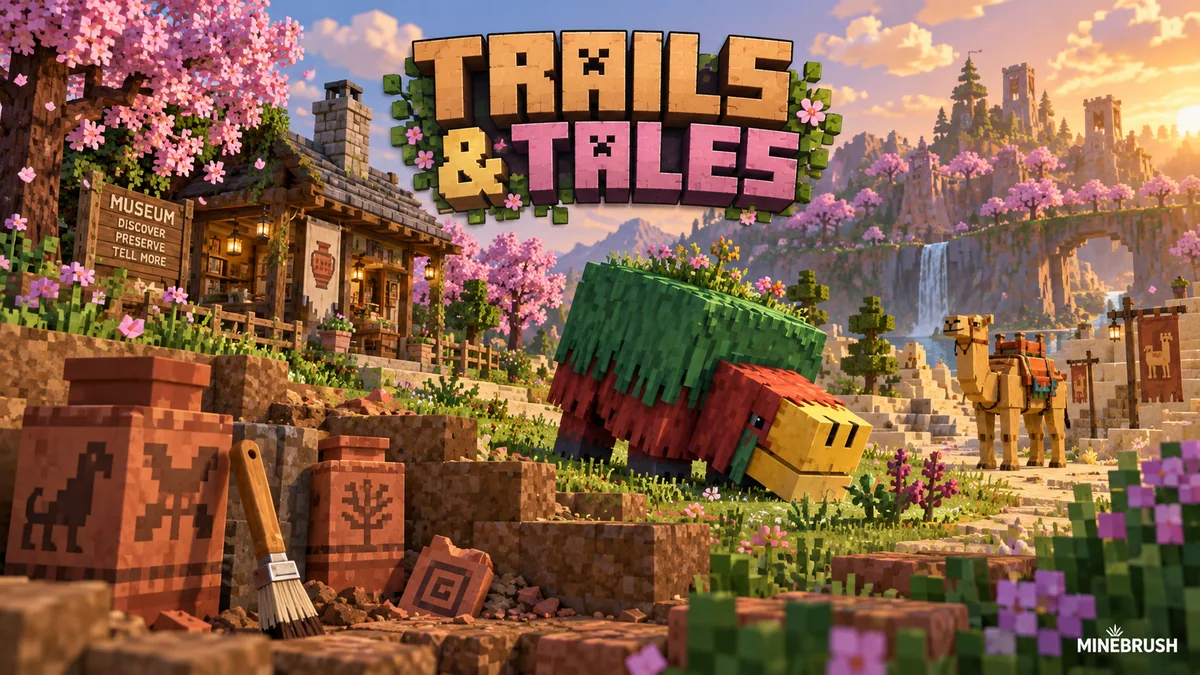
Uncover archaeology finds, hatch a sniffer, ride a camel with a friend and customize your armor. A practical Trails & Tales guide with build ideas, original Mojang screenshots and clear steps for Java and Bedrock.
- Game released
- Java
- 1.20 · Stable
- Bedrock
- 1.20.0 · Stable
Focus Archaeology, sniffers, camels, armor trims and creative building ideas
Topic Exploration, archaeology and creative building
Install Included in the official game update
Back up before updating
Java + Bedrock · Release
Trails & Tales
Uncover archaeology finds, hatch a sniffer, ride a camel with a friend and customize your armor. A practical Trails & Tales guide with build ideas, original Mojang screenshots and clear steps for Java and Bedrock.
Back up before updating
- Update type
- Major release
- Release channel
- Unknown / not stated
- Official release date
- 2023-06-07
- World safety
- Back up before updating
- Player impact
- Archaeology, sniffers, camels, armor trims and creative building ideas
- Platform family
- Cross-edition
- Supported devices
- Java: Windows, macOS and Linux. Bedrock: supported PCs, consoles and mobile devices.
- Install format
- Included in the official game update
- Touch readiness
- Not required
- Resource type
- Update
- Last verified at
- Sep 16, 2026
- Update state
- historical
- Compatibility confidence
- Source claimed
- Bedrock version/build
- 1.20.0
- Card delivery statement
- Included in the official game update
- Edition applicability
- Java + Bedrock
- Java version/build
- 1.20
- Shared update topic
- Exploration, archaeology and creative building
- Delivery state
- No file
- Lifecycle state
- Superseded
- Java update channel
- Stable
- Bedrock update channel
- Stable
Player discussion 0
Questions, discoveries and help from other players.