
MineBrush publication
Minecraft Java 1.20.2: Diamonds, Villager Discounts and Old Worlds
Plan a better diamond trip, avoid wasting golden apples on repeated cures, and check your trading hall and mob farms. Learn what Java 1.20.2 changed in ordinary worlds and what belonged to its optional trade experiment.

Java 1.20.2 matters most when you are planning a diamond mine or a villager trading hall. This historical release arrived on 21 September 2023. It increased diamond generation in deepslate and stopped repeated cures of the same villager from stacking additional discounts. Biome-dependent villager trading was a separate experiment, not the default rules of this release. Official release notes.
This guide explains the practical decisions for a 1.20.2 world. It is not a recommendation to downgrade a newer save. For later releases, use the Java update history.
Find diamonds · Cure and trade · Ordinary vs experimental trading · Check mob farms · First-session plan
Where should you mine in an existing world?
A generation change is useful when the game creates new terrain. It does not refill tunnels you have already dug. The practical implication is to explore beyond previously generated areas if you want terrain generated under the newer rules. Visiting the surface can already generate the ground beneath it; an underground area is not necessarily new just because you have never mined there.
You do not need to abandon your base. Keep your storage and farms, establish a clearly marked outpost in a new area, and connect it to your existing routes. On a shared server, ask which areas have already been explored or generated before travelling thousands of blocks in the wrong direction.
Choose a mining method that fits your equipment
- Branch mining around Y −59: a useful starting depth above the bedrock floor. It gives you a controlled route and fewer exposed threats, but deepslate uses time and tool durability.
- Deep-cave exploration: exposes a large area quickly, but you must manage hostile mobs, drops and lava while searching.
Use an iron, diamond or netherite pickaxe to collect diamond ore drops. Fortune increases the potential diamond yield; Silk Touch saves the ore block for later. Bring food, torches, a water bucket and spare tools. Reveal the blocks around a vein before breaking it so diamonds do not immediately fall into lava. Minecraft Wiki’s diamond-mining guide.
MineBrush trip idea: place a return chest at your outpost, record its coordinates, and set a stopping point before leaving. Return when your spare pickaxe is needed or your food reserve gets low. Bank the first haul instead of risking every diamond on one longer trip. More ore generation improves opportunities; it does not guarantee a vein in each tunnel.
How to use curing without wasting golden apples
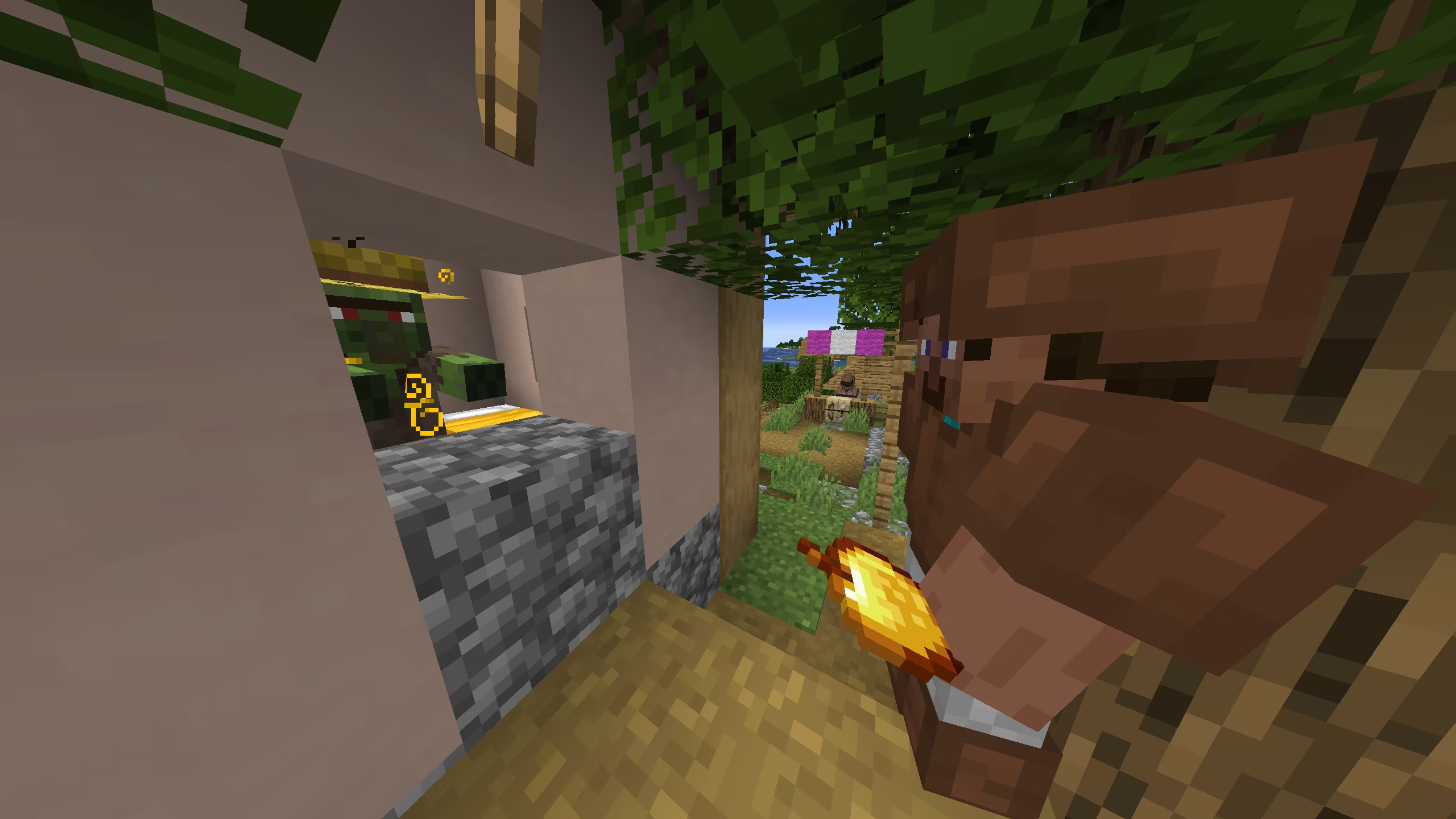
The first cure still provides the large discount. Reinfecting and curing that same villager again no longer increases it further. The ordinary-game change. If an old tutorial tells you to repeat the cycle several times, do not budget supplies around that advice for 1.20.2.
- Prepare a secure, sheltered space for the zombie villager. Keep other villagers and hostile mobs separated while you work.
- Apply Weakness, then use an ordinary golden apple on the zombie villager. An enchanted golden apple is not the required ingredient.
- Keep the area safe while the cure finishes; it takes a few minutes. Mojang explains the process in its golden apple guide.
- Inspect the resulting offers and record the cost of the trade you actually need. Plan future purchases around that observed price, rather than expecting every item to cost one emerald.
For a trading hall: label stalls by their useful offer, such as a particular enchanted book or tool. Keep the ingredients for a cure next to a secure treatment area, and record which residents have already been cured. This saves you repeating an ineffective discount routine. Test the complete transport-and-treatment route with one resident before expanding the hall.
Do you need a swamp librarian or diamonds for armor?
Not as a consequence of simply installing ordinary 1.20.2. Its optional Villager Trade Rebalance changes librarian books by biome and revises armorer, cartographer and wandering-trader offers. Some experimental armor trades require diamonds alongside emeralds. The experiment also changes enchanted-book loot in selected structures. Experimental section of the release notes.
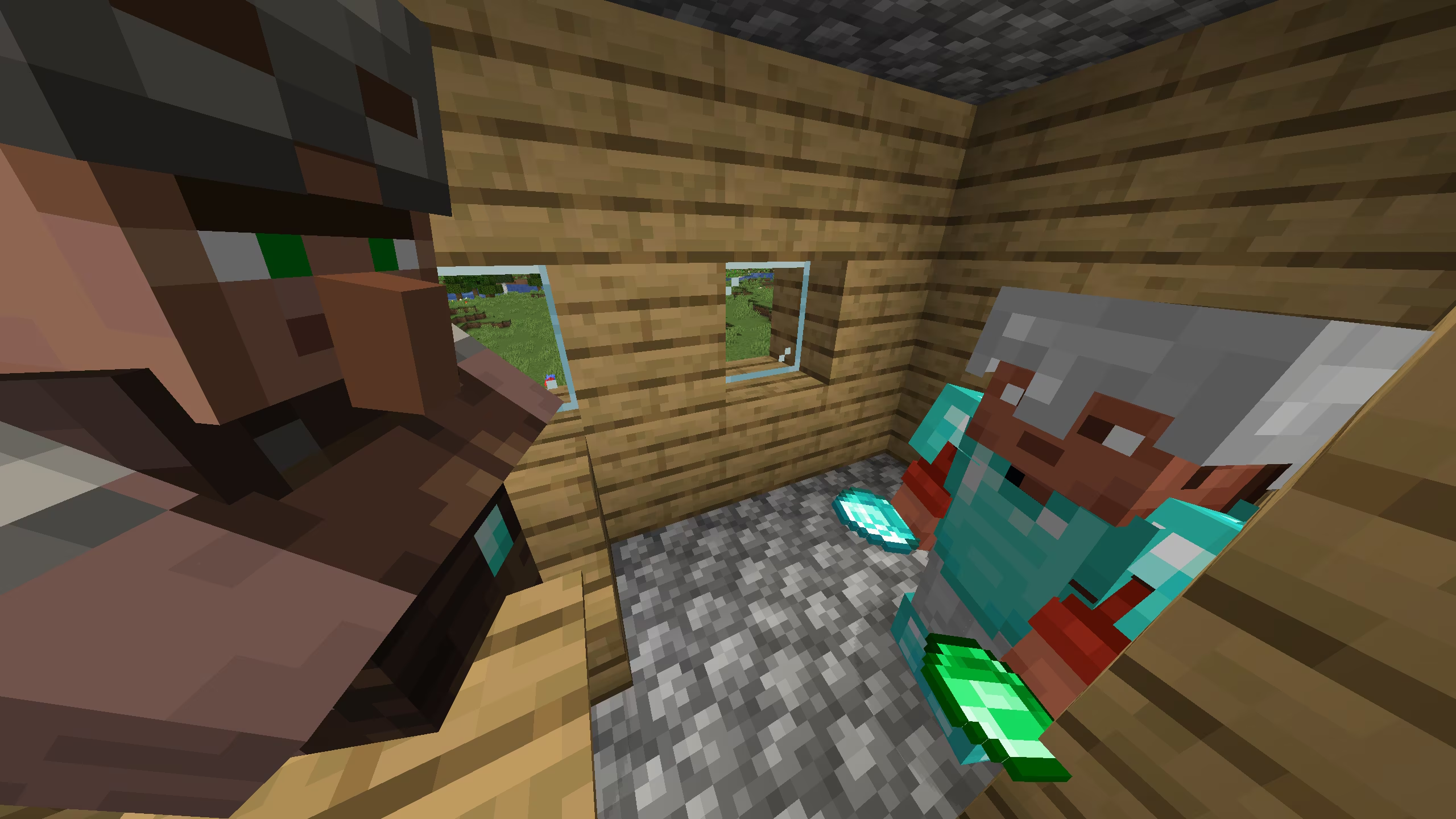
Before following any trading tutorial, identify three things: your exact game version, whether the world is experimental, and whether server plugins or packs change trading. The word “Experimental” in the world list is a warning to investigate which features were enabled; it does not by itself identify the trading experiment.
To investigate the 1.20.2 trade experiment, create a separate world and select the relevant option under Experiments. Give that world a clear name such as “1.20.2 trade test”. Mojang’s feature-toggle explanation distinguishes optional test content from normal gameplay and warns that experimental features may change or disappear. Do not convert your main trading project into a test simply because a video uses different offers.
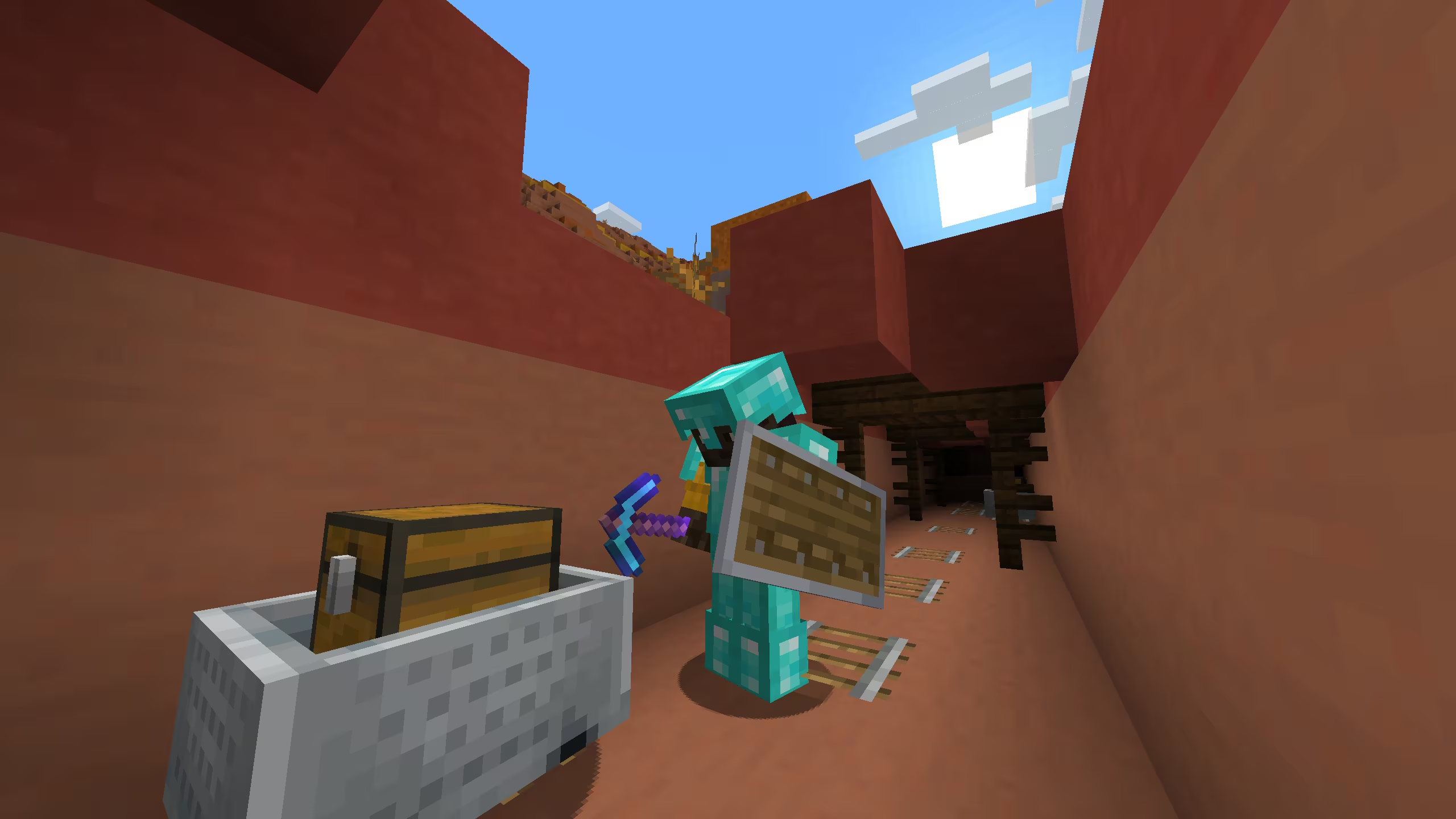
Useful comparison project: make two disposable worlds with the same version, one ordinary and one with Trade Rebalance enabled. Compare the profession and biome specified by the tutorial, then write down which setup produced the offer. Keep the results labelled with the version. Later releases need their own checks; our Java 1.21.5 guide covers later released changes.
Why check mob farms and safe spots?
Mob melee reach now uses bounding boxes and vertical position more accurately; the player’s own reach is unchanged. One important example: the old 1.5-block elevated refuge from an Enderman is insufficient; the release notes specify at least three blocks above ground. Mob attack changes.
Before using a valuable survival setup, inspect a copy of the world. Check the opening where you stand, the mob’s possible positions, nearby steps and any place a mob can be pushed upward. A farm that still collects mobs may have an unsafe attack window. Keep an escape route and do not use your Hardcore character as the test subject. This article does not certify a particular farm design or claim an in-game test.
A practical first session after upgrading
- Preserve the original world. Keep an untouched backup and try the target version on a copy. Match the version required by your server or modpack; a historical article is not a reason to force an incompatible version.
- Visit the trading hall. Inspect important offers and retire any repeated-cure routine whose only purpose was additional discounts.
- Check danger points. Revisit farm attack windows and elevated mob refuges before carrying valuable equipment into them.
- Plan a new mining outpost. Choose a direction beyond known generated terrain, prepare a return route and store the first haul promptly.
- Keep experiments separate. Research unusual trades in a labelled test world, then apply only the instructions that match your real world’s rules.
The gameplay images above are Mojang Studios originals linked at full size; the MineBrush cover is an editorial illustration. This is a source-based player guide to the historical release, not a complete technical changelog. The official notes also document smaller fixes and creator-facing changes.
More for your Java setup.
Find what changed in Minecraft Java from 2023 to 2026, choose your next survival project and follow practical update guides. Stable releases and test builds are clearly separated.
- Coverage
- 2023–2026
- Edition
- Java Edition
- Versions
- Java 1.20.2–26.3
Java · Update history
Java Update History
Find what changed in Minecraft Java from 2023 to 2026, choose your next survival project and follow practical update guides. Stable releases and test builds are clearly separated.
Back up before updating
- Minecraft version
- Java 1.20.2–26.3
- Game edition
- Java Edition
- Update type
- Unknown / not stated
- Release channel
- Java Edition
- World safety
- Back up before updating
- Player impact
- Find a feature, choose a project and check the right release
- Platform family
- Java PC
- Last verified at
- Sep 17, 2026
- Update state
- current
- Compatibility confidence
- Source claimed
- Card delivery statement
- Player guides and official release notes
- Edition applicability
- Java
- Delivery state
- No file
- Lifecycle state
- Current
- History coverage
- 2023–2026
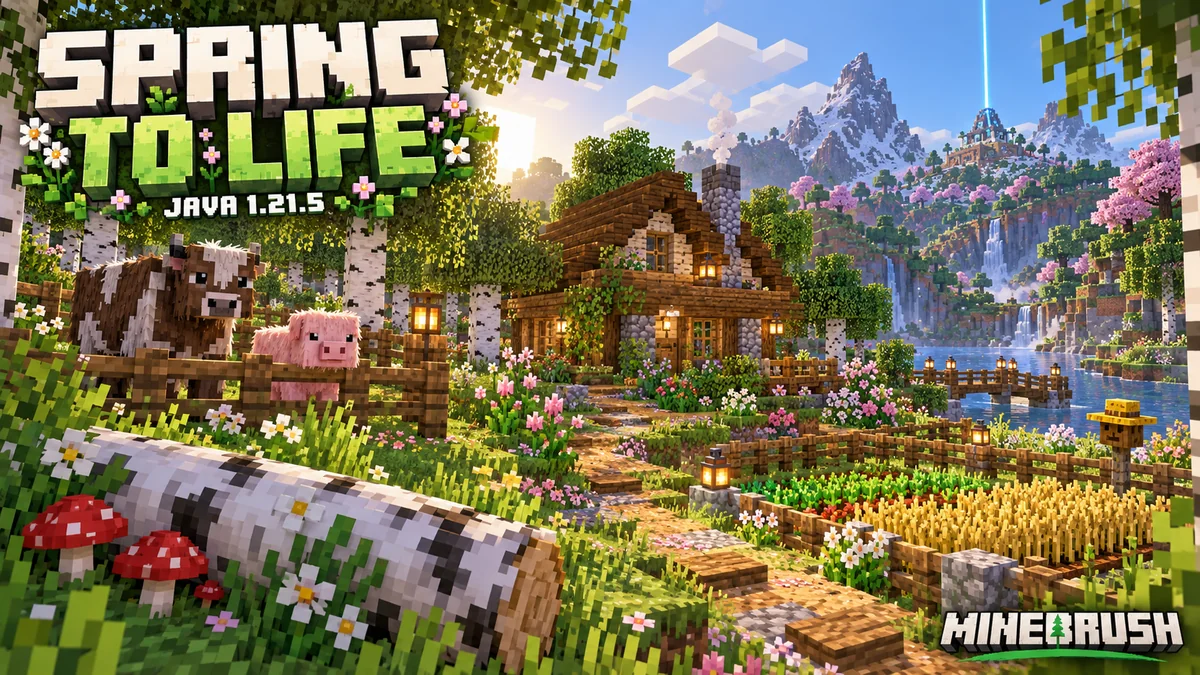
Collect new animals, build woodland paths and find home. Understand Java 1.21.5 farm activity, portal loading, named creakings and useful settings.
- Java
- Java 1.21.5
- Release type
- Release
- Game released
Focus Animals, woodland projects, navigation and farm changes
Install Install through Minecraft Launcher
Back up before updating
Java · Release
Java 1.21.5: Spring to Life
Collect new animals, build woodland paths and find home. Understand Java 1.21.5 farm activity, portal loading, named creakings and useful settings.
Back up before updating
- Minecraft version
- Java 1.21.5
- Game edition
- Java Edition
- Update type
- Major release
- Release channel
- Java Edition
- Official release date
- 2025-03-25
- World safety
- Back up before updating
- Player impact
- Animals, woodland projects, navigation and farm changes
- Related major release
- Spring to Life
- Platform family
- Java PC
- Last verified at
- Sep 17, 2026
- Update state
- historical
- Compatibility confidence
- Source claimed
- Card delivery statement
- Install through Minecraft Launcher
- Edition applicability
- Java
- Delivery state
- No file
- Lifecycle state
- Superseded
Player discussion 0
Questions, discoveries and help from other players.