
MineBrush publication
Plan a Minecraft Route: Find Your Goal and Get Home Again
Reach a village, new base or cave without losing the way home. Read coordinates, choose a sensible path, mark useful landmarks and use maps or compasses correctly.
A good Minecraft route gets you to the place you want and gives you a way home. Whether you are walking from spawn to a village, taking supplies to a new base or showing friends a cave entrance, a few clear waypoints are more useful than a long instruction to “keep going northeast”.
You do not need a minimap mod or commands to plan a useful journey. Start with your current position, one destination and the landmarks between them. This guide explains how to read the direction, choose between land and water, prepare for obstacles and write directions another player can follow.
Pick one destination for the first trip
Decide what will count as arriving: the village gate, a safe beach beside your future base, or a particular cave entrance. “The mountain” can describe a huge area. A named entrance and coordinates tell you when to stop searching.
- First survival outing: choose a nearby useful goal and leave time to get back or make shelter.
- Moving base: scout the path with a light inventory before carrying your best items along it.
- Gathering resources: pick a route you can repeat, with a recognisable collection point and room to return loaded.
- Taking friends sightseeing: choose meeting points and views worth stopping at, not just the shortest line.
If your destination comes from a seed post, match its edition, version and coordinates first. Our seed compatibility guide explains why a structure may be absent even when the number looks right.
Save your starting point before leaving
Write down the coordinates of your base, shelter or spawn area. Give the point a name and include the dimension. A screenshot is a quick backup, but a short text note is easier to send to a friend.
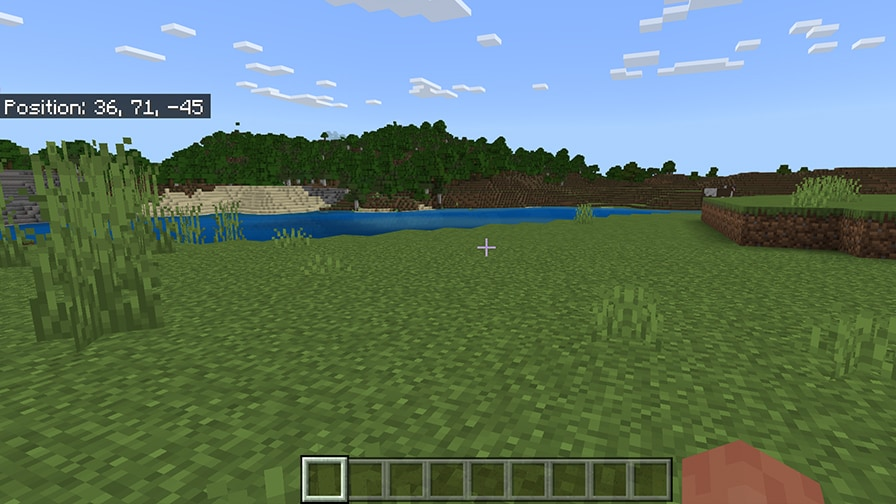
Java: open the debug information with F3; some keyboards need Fn as well. In newer customisable debug layouts, enable the position information if it is hidden. Bedrock: enable Show coordinates in the world settings, or ask the world owner if you cannot change it. The coordinates and seed-sharing guide shows both interfaces.
Turn coordinates into a direction
- East: X increases. West: X decreases.
- South: Z increases. North: Z decreases.
- Up or down: Y changes. Pay attention to it for ledges, caves and underground rooms.
Take a few steps on safe ground and watch the relevant number. If it moves away from your target, turn around. You do not have to stare at the readout continuously: check at turns and landmarks, then look at the terrain ahead.
Practice example, not a real seed route: suppose your camp is at X=100, Z=200 and your goal is at X=400, Z=−100. You need to move east until X is higher and north until Z is lower: 300 blocks of change on each axis. That is not a promise of a 600-block walking route. Rivers, hills and the path you choose change the actual journey.
Keep negative signs. X=−400 and X=400 are on different sides of the world. Also remember that X=0, Z=0 is a coordinate reference, not a guarantee of your world’s exact spawn point.
Choose the path your equipment can handle
Look for a chain of easy ground: a shore, open valley, pass through the hills or connected waterway. A detour around a cliff may be quicker and safer than repeatedly climbing and falling. For a first visit, favour a route you can recognise in both directions.
- Open ground: use ridges and distinctive hills as orientation points, but check for steep drops before descending.
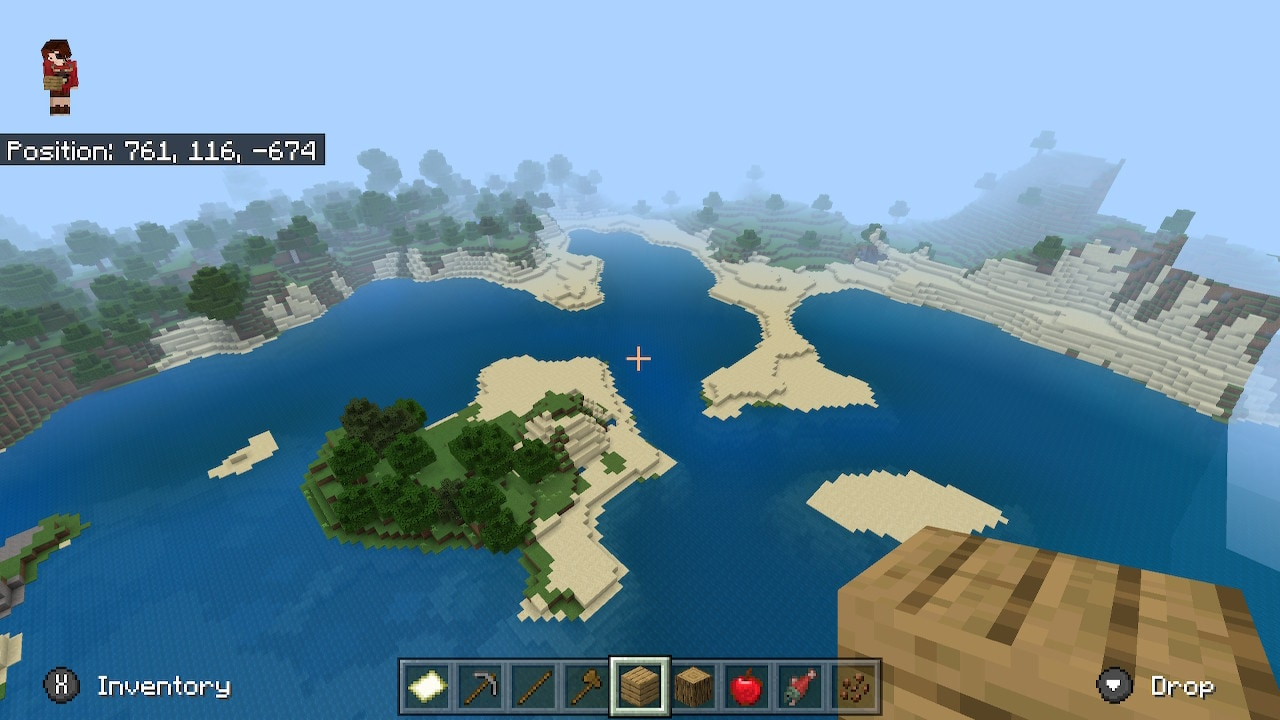
- Water: bring a boat for a substantial crossing. Mark your departure and landing points so the return trip does not end on the wrong beach.
- Forest: use signs or a few distinctive markers at turns; many ordinary trees look alike from the other direction.
- Mountains: find a pass or build a manageable staircase. Before dropping down, check how you will get back up.
- Caves: record the surface entrance and important underground junctions separately. Matching X and Z can still put you above or below the room you want.
Pack for the obstacle, not every possible adventure
For an ordinary survival outing, take food, suitable tools, a light source and some building blocks. Add a boat for water, enough spare material for a planned bridge, and protection appropriate to the route. Leave unnecessary valuables at home until you know the path.
Set a simple turnaround condition: it is getting dark, food is running low, the next climb looks unsafe, or your inventory is full. Stopping at a waypoint is progress; a route does not become better because you pushed beyond what your supplies allow.
A bed is useful on an Overworld trip, but sleeping away from home changes your respawn point, and breaking that bed can leave it unavailable. Do not treat the bed as a navigation marker or use beds in the Nether or End, where they explode.
Use landmarks together with coordinates
Choose a few points where the journey changes: the river crossing, the forest exit, the mountain pass and the destination entrance. At each one, record its position and something visible. “Turn at the bridge with two lanterns” is easier to follow than “turn after a while”.
Where building is allowed, place signs or a distinctive marker at confusing forks. Make markers visible from the return direction too. If you follow a torch convention in caves, use it consistently, but do not rely on it alone in a cave someone else has already lit. A sign reading “EXIT” at a junction is much clearer.
Use maps and compasses for the jobs they actually do
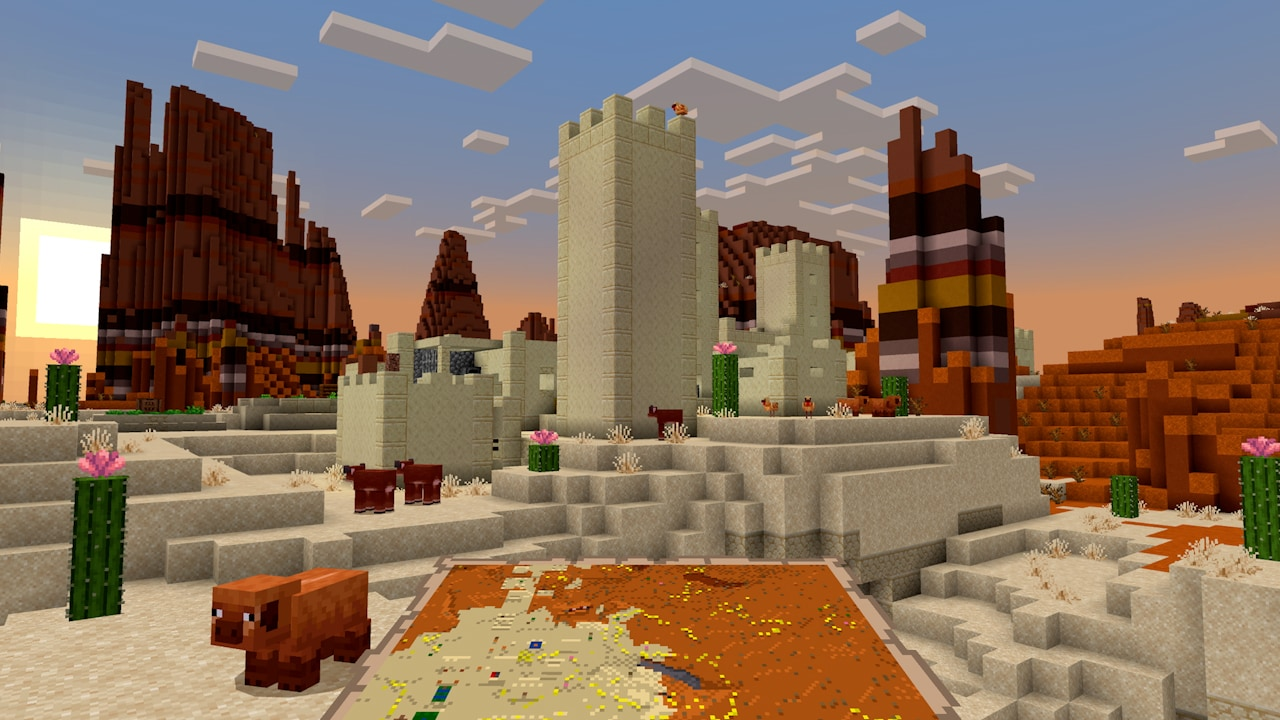
A map helps you recognise the shape of the area you have mapped. Compare coastlines, rivers and large landmarks with the ground around you. In Bedrock, use a locator map when you want a player-position marker; the ordinary map and locator map are different tools.
An ordinary compass points to the world spawn in the Overworld. It does not automatically point to your latest bed, a new base or north. If your home is far from spawn, keep its coordinates as well.
A lodestone compass can guide you to a chosen anchor. Place a lodestone at your base or portal, then use a compass on it to link it. Keep the block in place and use the linked compass in the same dimension as that lodestone. It points toward the anchor; it does not draw a safe route around cliffs or lava.
The modern lodestone recipe uses one iron ingot surrounded by eight chiseled stone bricks. Older tutorials may still show the former netherite recipe; the iron recipe arrived in Java 1.21.5 and Bedrock 1.21.60. Name linked compasses if you keep several destinations so you do not follow the wrong one.
Write a route a friend can follow
Use this short pattern with your own observations:
- Meet: named starting point, dimension and coordinates.
- Bring: the items needed for the actual obstacles.
- First leg: direction and next landmark, with its coordinates.
- Turn or crossing: what to look for and which branch to take.
- Arrive: the specific entrance or meeting place.
- Return: the reverse landmarks or the prepared alternative.
For a seed-based route, add the seed, edition and generation version. For an existing shared world, a meeting point may be enough. Say if you scouted the route by Creative flight: flying over a ravine does not show that a new survival player can cross it.
If you lose the trail
- The coordinate gap keeps growing: check whether you are moving the correct axis in the correct direction. Recheck the minus sign.
- You reached X and Z but cannot see the goal: compare Y, look for the documented entrance and confirm the dimension.
- The next landmark is missing: return to the last confirmed point and check the turn. If following a published seed, check its edition and version.
- A cliff blocks the line: keep the destination, change the path. Find a pass, bridge or climb you can reverse.
- The compass leads somewhere unfamiliar: check whether it is an ordinary spawn compass or a compass linked to a particular lodestone.
- A friend is behind: stop at a named waypoint and send coordinates. “Come here” gives them nothing to navigate toward.
Once a route becomes useful, make it pleasant: a bridge, lit junction, dock or small rest shelter can turn a one-off expedition into the path that connects your world. Start with the awkward section you actually encountered, then improve the rest as you use it.
Sources and further help
- Mojang — exploration and coordinate illustration.
- Mojang — Creative and Survival, aerial illustration.
- Mojang — Spring to Life, map illustration and lodestone changes.
- Mojang — ordinary compass behaviour.
- Mojang — linking a compass to a lodestone (historical article; use the updated recipe above).
- Java 1.21.5 and Bedrock 1.21.60 — modern lodestone recipe.
- Mojang — maps and Bedrock locator maps.
More from MineBrush.
Share a Minecraft Seed — Help friends find the same place: copy the seed, match Java or Bedrock and the version, read XYZ coordinates and describe a useful route with screenshots.
- Edition
- Cross-edition
- Difficulty
- Beginner
- Time
- A short check
A seed recreates terrain, not your builds
MineBrush · Guide
Share a Minecraft Seed
Share a Minecraft Seed — Help friends find the same place: copy the seed, match Java or Bedrock and the version, read XYZ coordinates and describe a useful route with screenshots.
A seed recreates terrain, not your builds
- Minecraft version
- Java and Bedrock; match your world version
- Game edition
- Cross-edition
- Platform family
- Cross-edition
- Supported devices
- PC, console and mobile
- Install format
- No installation needed
- Touch readiness
- Not required
- Resource type
- Guide
- Compatibility confidence
- Not applicable
- Card evidence statement
- Find the seed and read coordinates
- Card delivery statement
- Versions, directions and screenshots
- Card limitation note
- A seed recreates terrain, not your builds
- Edition applicability
- Java + Bedrock
- Estimated time
- A short check
- Guide difficulty
- Beginner
- Delivery state
- No file
- Lifecycle state
- Current
Missing the village or landscape from a seed post? Match editions, versions and world settings, compare real map examples and understand what changes in an older save.
- Edition
- Cross-edition
- Difficulty
- Beginner
- Time
- Work at your own pace
Compare the place you want, not just the seed number
MineBrush · Guide
Why Your Seed Looks Different
Missing the village or landscape from a seed post? Match editions, versions and world settings, compare real map examples and understand what changes in an older save.
Compare the place you want, not just the seed number
- Minecraft version
- Match the world generation version
- Game edition
- Cross-edition
- Platform family
- Cross-edition
- Supported devices
- Java and Bedrock
- Install format
- Seed comparison and world update guide
- Touch readiness
- Check guide
- Resource type
- Guide
- Compatibility confidence
- Source claimed
- Card evidence statement
- Real map comparison and official update guidance
- Card delivery statement
- Use your own seed or world copy
- Card limitation note
- Compare the place you want, not just the seed number
- Edition applicability
- Java + Bedrock
- Estimated time
- Work at your own pace
- Guide difficulty
- Beginner
- Delivery state
- No file
- Lifecycle state
- Current
VeinMiner
2.12.1 / datapack 1.3.5Mine connected ore with one block break, or configure groups for logs and other materials. Download VeinMiner for Java 26.2, choose Fabric, NeoForge, Paper or the vanilla datapack, and learn how to activate it and control tool wear.
- Minecraft
- 26.2
- Loader
- Fabric
- Runtime
- Server
Choose one platform · server rules apply
Java · Mod
VeinMiner
Mine connected ore with one block break, or configure groups for logs and other materials. Download VeinMiner for Java 26.2, choose Fabric, NeoForge, Paper or the vanilla datapack, and learn how to activate it and control tool wear.
Choose one platform · server rules apply
- Minecraft version
- 26.2
- Game edition
- Java Edition
- Loader / platform
- Fabric
- License
- AGPL-3.0-only
- Platform family
- Bedrock & Mobile
- Supported devices
- Windows · macOS · Linux
- Install format
- .jar mod or plugin / .zip datapack
- Touch readiness
- Not required
- Resource type
- Mod
- Project version
- 2.12.1 / datapack 1.3.5
- Last verified at
- Sep 5, 2026
- Secondary guide action
- Setup & fixes
- Compatibility confidence
- Source claimed
- Java mod loader
- Fabric
- Java runtime side
- Server
- Card evidence statement
- Four creator files checked 2026-09-05 · runtime not tested
- Required dependency
- Fabric: Fabric API + Kotlin; NeoForge: KotlinLangForge
- Card delivery statement
- Hosted mod, plugin and datapack files
- Card limitation note
- Choose one platform · server rules apply
- Edition applicability
- Java
- Delivery state
- Direct download
- Lifecycle state
- Current
Player discussion 0
Questions, discoveries and help from other players.