
MineBrush publication
Wells RPG Adventure 1.5.9 for Minecraft Bedrock 26.44: Classes & Quests
Build a mage or warrior in Wells RPG Adventure 1.5.9 for Bedrock 26.44. Follow quests into dungeons, unlock abilities, care for pets and prepare for the Shadow Wizard with a practical starting guide.
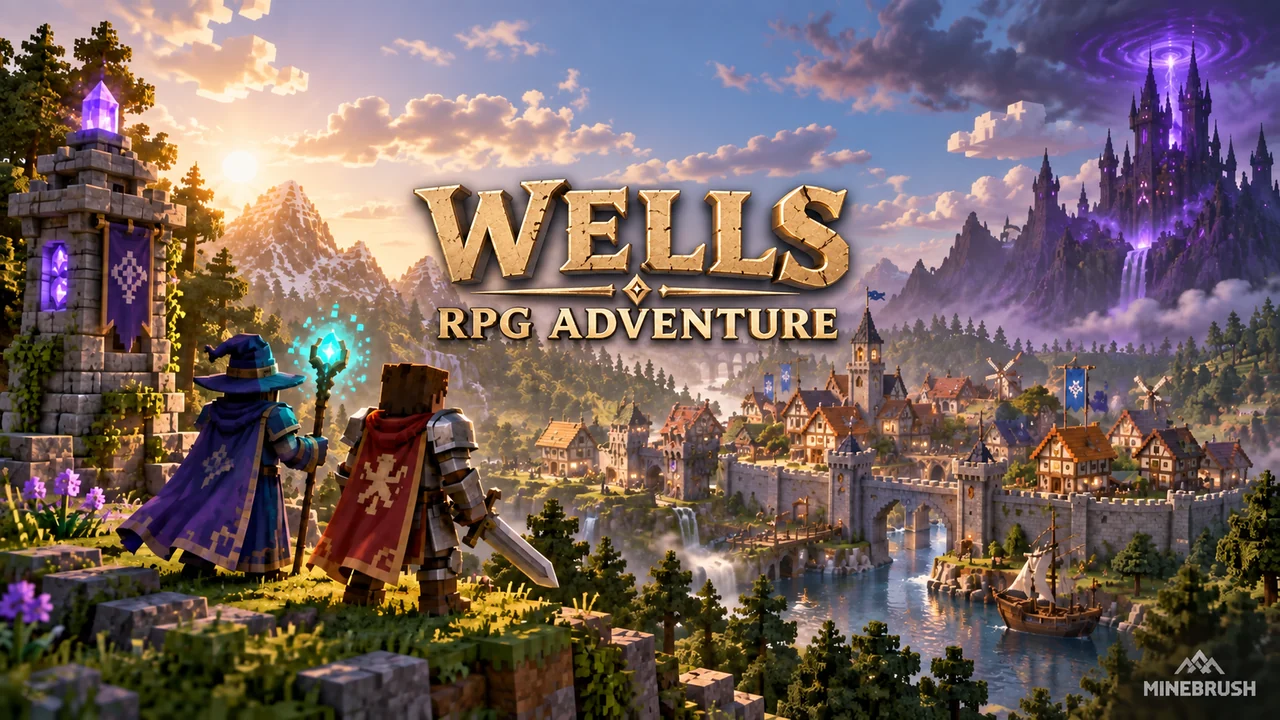
Wells RPG Adventure gives a Bedrock survival world a campaign: speak to NPCs, complete quests, develop a mage or warrior, solve dungeon puzzles and collect the gems needed to challenge the Shadow Wizard. Ordinary survival jobs matter too—mining, fishing, harvesting and cutting wood help unlock parts of your character’s progression.
Version 1.5.9 is listed for Minecraft Bedrock 26.44 on WellForced’s website. Enable Beta APIs in the world’s Experiments settings. Start in a separate world or a copy of your save: this add-on changes progression and some world rules, rather than simply adding a few monsters.
Your first session: what to do first
- Open the Adventure Menu with your scroll. Use it to check active missions, your level and the Bestiary instead of guessing what the story wants next.
- Read the active main quest. Main quests lead towards dungeon access and the campaign’s boss progression.
- Talk to the town’s NPCs. Some offer quests, some explain the world, and others trade. The wiki specifies the attack control for interaction with these NPCs.
- Choose a class around how you want to fight. A mage needs to manage Mana; a warrior uses Fury. Check the class section below before spending Evolution Orbs.
- Take a side quest as well as the main objective. Side quests supply upgrades that make the next dungeon more manageable.
Keep the scroll easy to reach. If you return after a break, reopening the mission list is a better starting point than searching every structure you can see.
Main quests, side quests and unlocks
| Activity | What it advances | How to use it |
|---|---|---|
| Main quests | Story, dungeon access and boss gems | Follow these when you want to move towards the Shadow Wizard. |
| Side quests | Evolution Orbs and Heart Containers | Complete these to develop your class and increase your maximum health. |
| Mining, woodcutting, fishing and harvesting | Work points | Build up the relevant activity when an NPC’s side quest has a work-point requirement. |
| Experience and combat | Equipment progression | Tools and weapons have experience requirements; armour progression also involves defeating mobs. |
Owning a powerful item does not necessarily mean you have unlocked its use. When equipment or a quest remains unavailable, check your character’s progress and the relevant requirement before treating it as an installation problem.
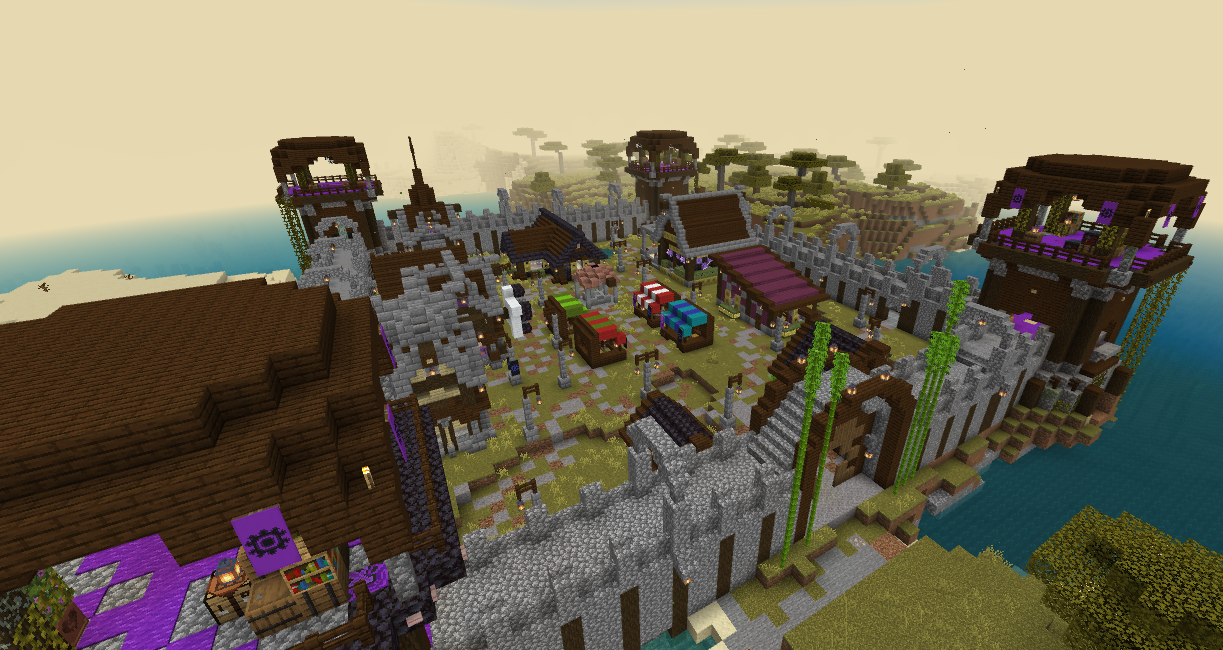
Mage or warrior?
Mage: plan around Mana
The mage’s abilities use Mana. The class has different forms and powers, including healing, ice, electricity, earth and fire. Unlocks use Evolution Orbs, so a useful early goal is to earn orbs through side quests and develop the style you actually use.
Mana supplies matter on a long dungeon trip. The wiki describes Mana Flasks and Mana Towers as ways to support a mage. A base near a tower can be a convenient staging point before another expedition.
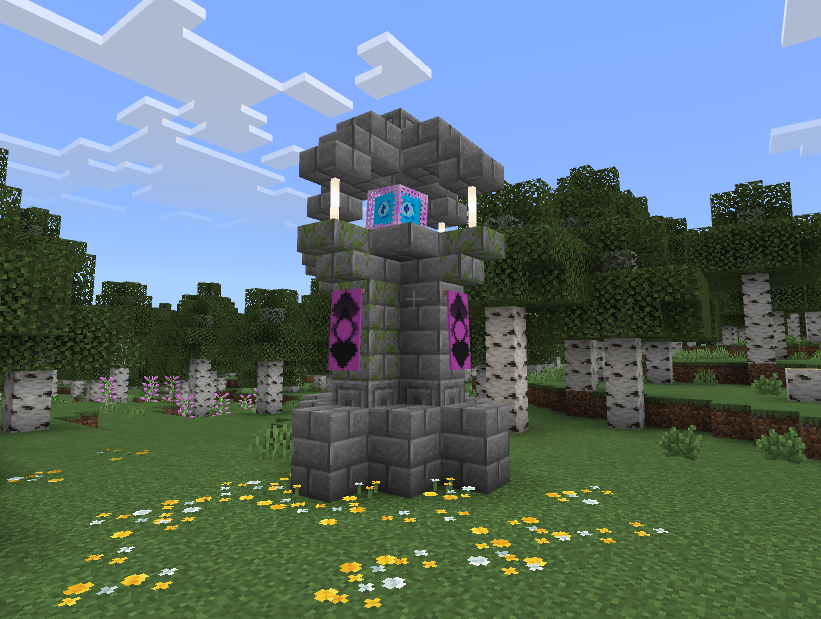
Warrior: use Fury in close combat
The warrior’s abilities use Fury. Unlike Mana, Fury can recover when the warrior deals or receives damage; the wiki also lists Spicy Soup as a resource for this class. That makes the warrior suited to players who want to keep engaging enemies rather than managing a spell supply between encounters.
Taking damage still costs health. Use the class resource as part of a fight, not as a reason to stand in every attack.
How to select powers
The wiki describes two abilities for each class form. Sneak to access the relevant attack selection, choose the ability and use it. Sneaking and using the interaction control opens the form-selection menu; further forms require Evolution Orbs. On touch controls, follow the corresponding sneak and interact actions rather than looking for a keyboard key.
From dungeon puzzles to the Shadow Wizard
The campaign includes places such as Forest Requiem, Frozen Peak and Chaos Labyrinth. Dungeon bosses hold the gems used to create the Transmutation Crystal for the Shadow Wizard confrontation. Reaching a boss is not only a damage check: the dungeons also contain puzzles.
- Before leaving: read the quest, check usable equipment, bring healing supplies and prepare your class resource.
- Inside a dungeon: inspect the surroundings and objective text before assuming a closed route is broken.
- After a boss: keep the progression gem and check your mission list for the next step.
- When an enemy feels unusually strong: remember that monsters have different tiers and abilities. Return after improving your character if you are underprepared.
Look in chests for Lost Bestiary Pages. They support the add-on’s creature information, which is more useful than assuming every unfamiliar mob behaves like a vanilla enemy.
Travel, pets and multiplayer tools
Teleport options
The scroll can send a teleport request to another player if that player allows it. Travel between the add-on’s three cities opens as main quests progress. The wiki also describes a Teleport Stone for choosing a destination by coordinates.
For a cooperative session, use the request system to regroup after preparation instead of expecting every player to begin each trip in the same place. A player’s do-not-disturb setting can prevent requests.
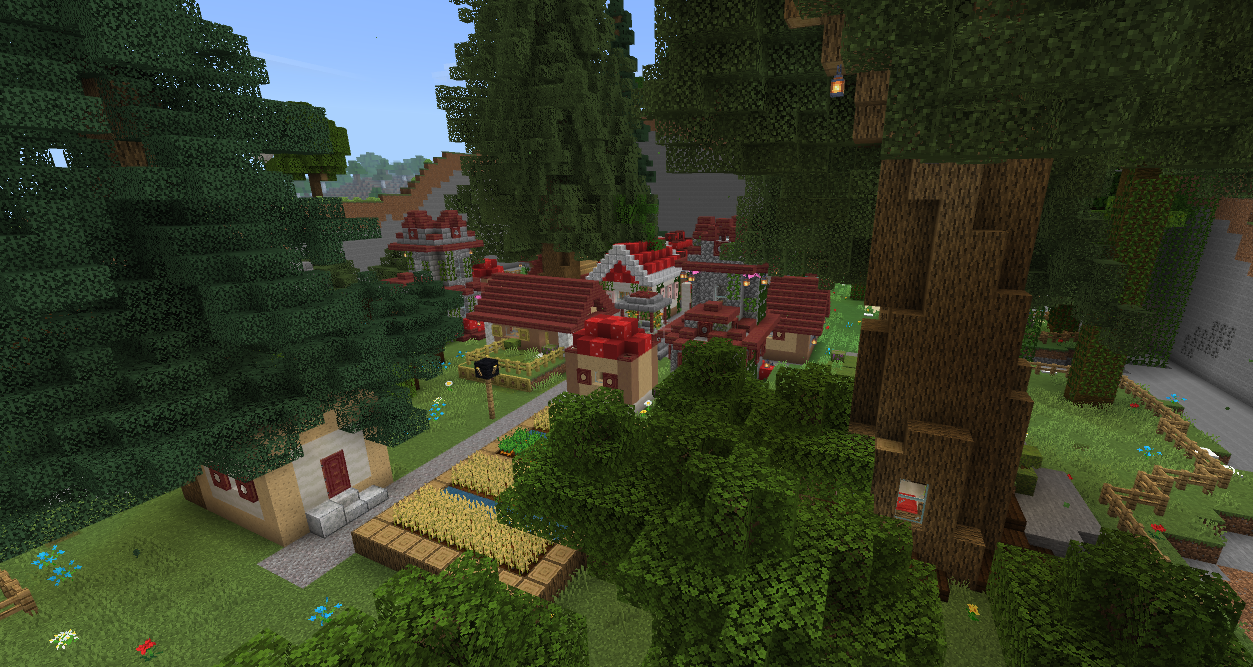
Keep a pet useful
The author’s current feature list says pets follow their owner through teleportation and death. Petting restores a pet’s health, while feeding speeds up its power timing. Use those interactions before the next fight rather than treating a companion as scenery.
Expect dangerous nights
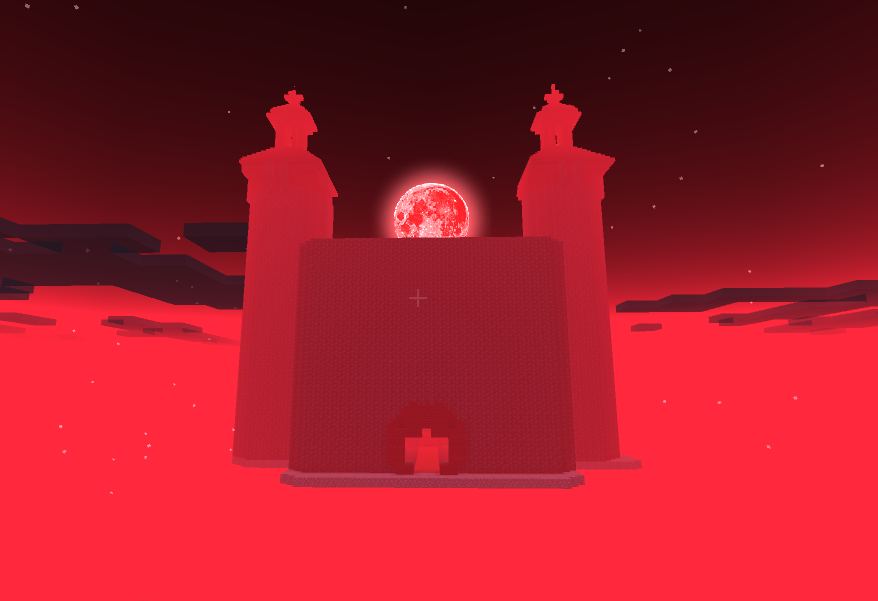
A Blood Moon makes the night more dangerous and introduces unusual enemies. If you are still learning a class, treat the first event as a reason to defend a safe position instead of beginning a long trip. The red atmosphere is an intended event effect.
Download Wells RPG Adventure 1.5.9
The .mcaddon below includes both the matching behavior pack and resource pack. Import the complete file and activate both in your RPG world.
Install Wells RPG Adventure 1.5.9
- Use a Bedrock version supported by this release. The author’s website names 26.44; the file listing also names 26.40. Do not assume a later game update is compatible.
- Open Wells RPG 1.5.9.mcaddon with Minecraft and wait for the import to finish.
- Create a separate world, or copy a save before changing it. Activate the add-on’s Behavior Pack and matching Resource Pack.
- Enable Beta APIs in that world’s Experiments settings.
- Load the world and verify that the introduction and Adventure Menu work before committing to a long playthrough.
Choose a resource-pack appearance
The resource pack includes Classic Textures 1.5, Normal Mode 1.5 and Visual Vibrants 1.5 configurations. These change the visual setup; they do not replace the behavior pack or the required Beta APIs setting. Choose the appearance that suits your supported device and compare it in the same area before starting a long session.
World-rule changes matter: the author’s feature list includes disabled fire spread and TNT explosions. This can affect an existing world’s contraptions and adventures. A separate RPG save is the clearest starting point if your current world relies on those mechanics.
The creator recommends a capable mobile device with at least around 4 GB of RAM. This is not a frame-rate guarantee. Reduce render distance if your device struggles with busy areas.
Fix a stalled start or missing progression
Black screen or frozen introduction
Check Beta APIs first: the wiki explicitly links a looping black screen to that setting being disabled. Also confirm the matching packs and game version. For the initial freezing bug, the author lists !start_mod in chat as a recovery option.
It stopped working after a Minecraft update
This add-on uses scripts that can break when Minecraft changes. Check for a compatible Wells RPG release before moving your main adventure forward. Keep a copy of the world from before the update.
An NPC will not give me the next quest
Check your active objectives and work-point requirements. Some side quests depend on activities such as mining or fishing, so repeatedly talking to the same NPC will not replace the missing progression.
The text is in the wrong language
The add-on follows the language selected in Minecraft. English and some other translations may contain errors, as the creator notes. Use the quest’s item names and objective together when a sentence is awkward.
More for your Bedrock world.

Find the Bedrock update that matters to your world or device. Explore stable releases, practical game-drop guides, platform-specific fixes and a separate Beta/Preview archive.
- Coverage
- 2023–2026
- Edition
- Bedrock Edition
- Versions
- Bedrock 1.20.30–26.51
Bedrock · Update history
Bedrock Update History
Find the Bedrock update that matters to your world or device. Explore stable releases, practical game-drop guides, platform-specific fixes and a separate Beta/Preview archive.
Back up before updating
- Minecraft version
- Bedrock 1.20.30–26.51
- Game edition
- Bedrock Edition
- Update type
- Unknown / not stated
- Release channel
- Bedrock Edition
- World safety
- Back up before updating
- Player impact
- Find a useful release, platform fix or practical game-drop guide
- Platform family
- Bedrock & Mobile
- Supported devices
- Windows, consoles and mobile; patch availability varies
- Touch readiness
- Yes
- Last verified at
- Sep 17, 2026
- Update state
- current
- Compatibility confidence
- Source claimed
- Card delivery statement
- Player guides and official release notes
- Edition applicability
- Bedrock
- Bedrock enrollment route
- Preview app
- Delivery state
- No file
- Lifecycle state
- Current
- History coverage
- 2023–2026
Find what changed in Minecraft Java from 2023 to 2026, choose your next survival project and follow practical update guides. Stable releases and test builds are clearly separated.
- Coverage
- 2023–2026
- Edition
- Java Edition
- Versions
- Java 1.20.2–26.3
Java · Update history
Java Update History
Find what changed in Minecraft Java from 2023 to 2026, choose your next survival project and follow practical update guides. Stable releases and test builds are clearly separated.
Back up before updating
- Minecraft version
- Java 1.20.2–26.3
- Game edition
- Java Edition
- Update type
- Unknown / not stated
- Release channel
- Java Edition
- World safety
- Back up before updating
- Player impact
- Find a feature, choose a project and check the right release
- Platform family
- Java PC
- Last verified at
- Sep 17, 2026
- Update state
- current
- Compatibility confidence
- Source claimed
- Card delivery statement
- Player guides and official release notes
- Edition applicability
- Java
- Delivery state
- No file
- Lifecycle state
- Current
- History coverage
- 2023–2026

Find trial chambers, beat the breeze, match keys to vaults and prepare for ominous trials. Learn mace and wind-charge tricks, build your first crafter and put copper, tuff and dungeon rewards to use.
- Game released
- Java
- 1.21 · Stable
- Bedrock
- 1.21 · Stable
Focus Trial chambers, vault rewards, mace combat, wind charges and automatic crafting
Topic Tricky Trials
Install Included in the official game update
Back up before updating
Java + Bedrock · Release
Tricky Trials
Find trial chambers, beat the breeze, match keys to vaults and prepare for ominous trials. Learn mace and wind-charge tricks, build your first crafter and put copper, tuff and dungeon rewards to use.
Back up before updating
- Update type
- Major release
- Release channel
- Unknown / not stated
- Official release date
- 2024-06-13
- World safety
- Back up before updating
- Player impact
- Trial chambers, vault rewards, mace combat, wind charges and automatic crafting
- Platform family
- Cross-edition
- Supported devices
- Java: Windows, macOS, Linux. Bedrock: supported Windows, mobile and console devices.
- Install format
- Included in the official game update
- Touch readiness
- Not required
- Resource type
- Update
- Last verified at
- Sep 18, 2026
- Update state
- historical
- Compatibility confidence
- Source claimed
- Bedrock version/build
- 1.21
- Card delivery statement
- Included in the official game update
- Edition applicability
- Java + Bedrock
- Java version/build
- 1.21
- Shared update topic
- Tricky Trials
- Delivery state
- No file
- Lifecycle state
- Superseded
- Java update channel
- Stable
- Bedrock update channel
- Stable
Keep your builds, inventory and modpack progress before an update. Find the right profile, back up the complete world and setup, restore a separate copy and know how to roll back if something breaks.
- Edition
- Java Edition
- Difficulty
- Intermediate
- Time
- Copy time depends on world size
Do not test an update on the only good copy
MineBrush · Guide
Back Up a Modded World
Keep your builds, inventory and modpack progress before an update. Find the right profile, back up the complete world and setup, restore a separate copy and know how to roll back if something breaks.
Do not test an update on the only good copy
- Game edition
- Java Edition
- Platform family
- Java & PC
- Supported devices
- Windows · macOS · Linux
- Install format
- Manual backup and restore; no extra mod needed
- Touch readiness
- Not required
- Resource type
- Guide
- Compatibility confidence
- Source claimed
- Card evidence statement
- Official storage and launcher docs reviewed · restore not run
- Card delivery statement
- Step-by-step backup and restore guide
- Card limitation note
- Do not test an update on the only good copy
- Edition applicability
- Java
- Estimated time
- Copy time depends on world size
- Guide difficulty
- Intermediate
- Delivery state
- No file
- Lifecycle state
- Current
Player discussion 0
Questions, discoveries and help from other players.