
MineBrush publication
Colourful Containers BE 4.4.1: Themed Menus, Dark Mode and Downloads
Give chests, workstations and shulker boxes their own themed menus. Choose light or dark, set up Classic UI and download Colourful Containers with clear version choices.
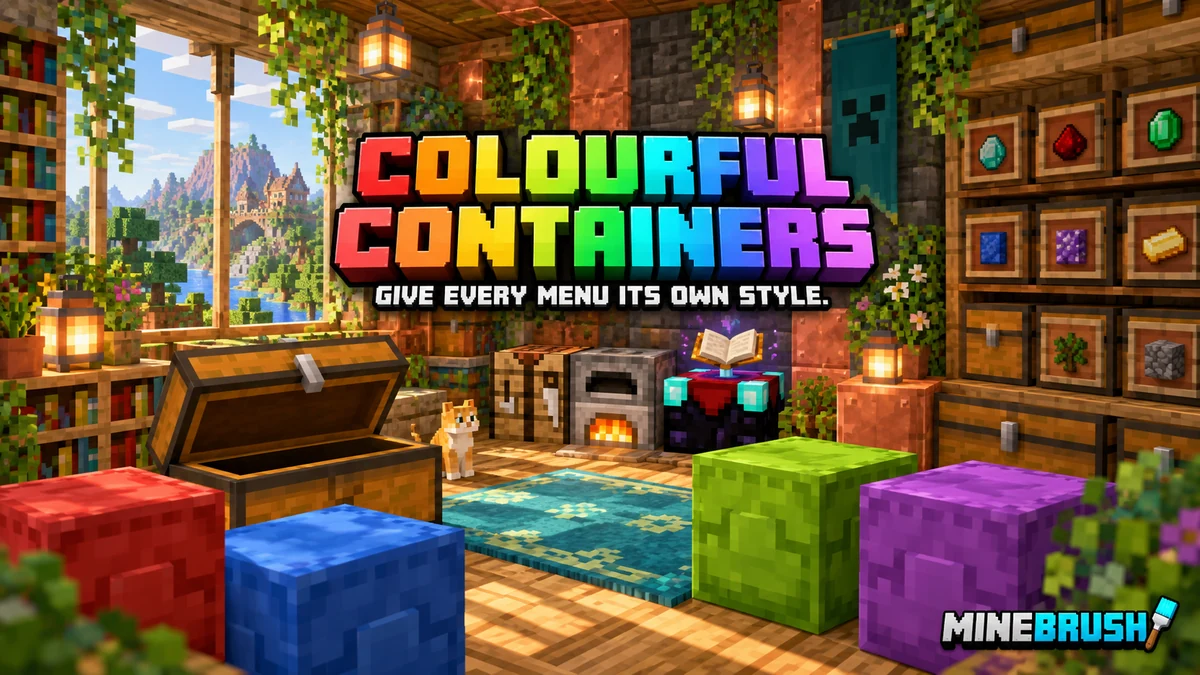
Colourful Containers BE: Java replaces Bedrock’s plain container menus with interfaces inspired by the block you opened. Chests look wooden, an enchanting table has its own magical design, and coloured shulker boxes can show matching menus. It makes a storage room, workshop or trading hall feel more consistent: the inside of each container has a visual identity of its own.
This is a Bedrock resource pack. “Java” describes its Java-style interface layout, not the game edition you should install it into. The current 4.4.1 release is listed for Bedrock 26.20 and requires Classic UI. The creator does not support Pocket UI.
What does it change for a player?
The pack changes the appearance of menus you open during normal play. It does not expand a chest’s capacity, automate sorting or change crafting recipes. Its benefit is a more distinctive interface while you organise supplies, enchant equipment, craft blocks and trade.
- Storage: themed chests, barrels, hoppers, Ender chests, shulker boxes and chest vehicles.
- Workstations: designs for crafting, furnaces, brewing, anvils, smithing, grindstones, looms, stonecutters and cartography.
- Animated details: the creator shows animation in the enchanting, cartography and Ender-chest interfaces.
- Crafter feedback: the crafter interface has a visual activation indicator.
- Trading and mounts: profession-themed villager interfaces and revised mount inventory layouts add variety beyond your base’s storage.

Where the pack is most useful
- A themed survival base: make your workshop’s crafting, brewing and enchanting screens fit the blocks around you.
- A colour-coded storage system: use matching shulker-box menus as another visual cue alongside labels and the boxes’ colours. The rename feature below is needed for the special colour variants.
- Frequent crafting and trading: give the interfaces you use most a clearer individual identity, while keeping the underlying game actions familiar.
- A consistent dark interface: select the included dark theme if you prefer darker inventory backgrounds. Try a few item tooltips at your normal GUI scale before settling on it.
- Build tours and tutorials: show a workstation’s themed menu as part of the tour, rather than cutting away whenever you open a container.
The Java-style branch aims for a closer port of the original design. The creator also offers a separate Mixed branch with a more familiar Bedrock-style layout. Mixed includes recipe-book support for furnace, blast-furnace and smoker screens that the creator marks as Mixed-only. Choose one branch rather than stacking both interface packs.

Download Colourful Containers BE: Java
Current 4.4.1 — Bedrock 26.20
The current original file was uploaded on 20 June 2026. Version 4.4.1 restores recipe-book tabs and incorporates newer pause, options and inventory fixes. It is the file to choose for the creator-listed 26.20 release.
Previous 4.4 — older Bedrock versions
The original 12 March 2026 file is kept separately for Bedrock 26.3, 26.0.02, 26.0, 1.21.120–1.21.124 and 1.21.130–1.21.132. It is an alternative to 4.4.1, not an extra component. Activate only the version you intend to use.
Do not assume a newer Bedrock update is supported simply because this is the newest pack file. Menu changes between game releases can affect interface packs. If you play a version outside the creator’s list, check the original project for an update before relying on it for your main setup.
Install it and select Classic UI
- Download the .mcpack for your Bedrock version. Open it with Minecraft and wait for the import to finish. You normally do not need to unpack it yourself.
- Set UI Profile to Classic in Minecraft’s settings. This matters on mobile too: using Bedrock on a phone does not make Pocket UI compatible with this pack.
- Activate the resource pack. For a personal interface across worlds, open Settings → Global Resources → My Packs and activate Colourful Containers. You can also enable it in an individual world’s Resource Packs settings.
- Begin with other UI packs disabled. Open your inventory, a chest and a crafting table before building a larger interface stack.
- Adjust GUI scale for your screen. Make sure recipe tabs, item tooltips and the close button are easy to reach with your usual mouse, controller or touch controls.
The main download is a resource pack. You do not need the optional script just to get the ordinary themed menus, and the creator does not require experiments for the main pack.
Choose the light or dark theme
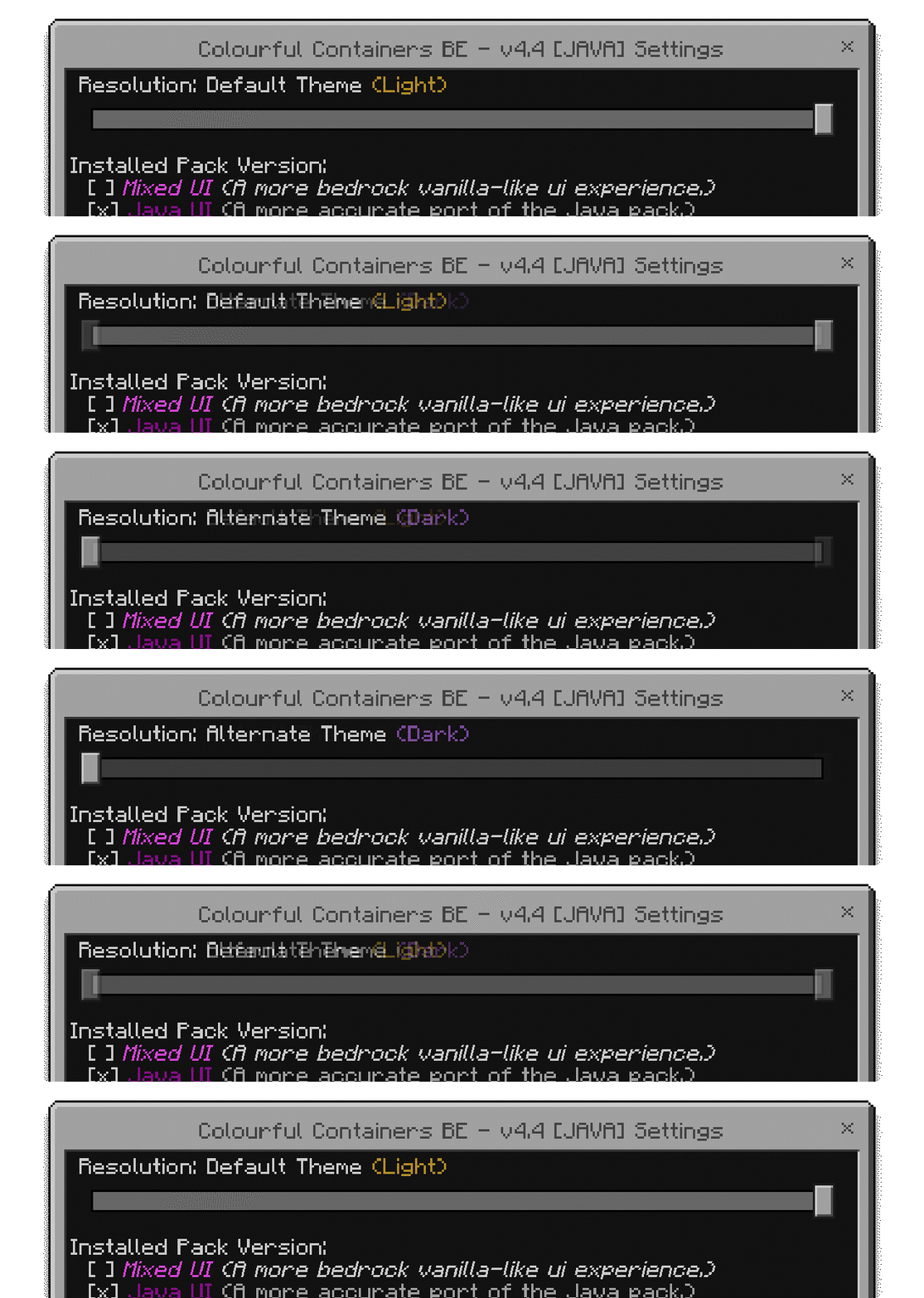
Open the active pack’s settings using its gear/settings button. Choose Default Theme (Light) or Alternate Theme (Dark), then return to the game. The creator recommends restarting Minecraft if dark mode does not apply after changing the option.
Both themes are included in the same main file. There is no separate dark-mode download to install. Use your normal GUI scale and look at an inventory with a mixture of light and dark items to decide which background you find easier to read.
Make shulker colours and chest-boat wood types appear
Some special container designs are selected from the item’s name. You have two routes: make the small name change yourself, or use the creator’s optional script to add the appropriate name automatically.
Manual route: use an anvil
- Activate Colourful Containers, then place the shulker box or chest boat in an anvil.
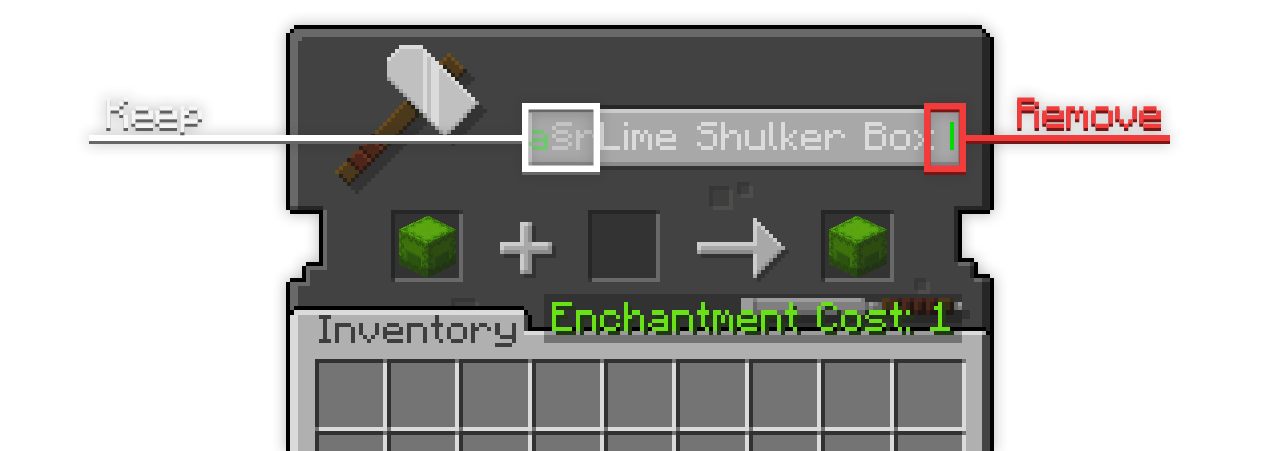
- Keep the existing item name and formatting. Move to the end of the name and remove the extra trailing space supplied by the pack.
- Take the renamed item from the result slot, place it and open its inventory to inspect the matching design.
The creator’s example below uses a lime shulker box. This method saves the name that the interface uses to choose the variant. Do not erase the whole name and expect the same result; arbitrary custom names can remove the cue used by the pack.

Optional automatic route: Colourful Containers BE: Script 1.1
The script adds the appropriate formatted name when you hold an eligible unnamed shulker box or chest boat. It skips items that already have a custom name. The creator labels the script English only, so the automatic names are English even if you prefer another game language.
Import it separately and activate it in the world’s Behaviour Packs, while keeping Colourful Containers active in Resource Packs. Hold the item briefly before placing it. An occasional “SCRIPT: … renamed” message is an intended notice that the automatic name has been applied.
This is optional and has its own version listing. Script 1.1 was uploaded on 15 March 2026 and its file page lists Bedrock 26.3, 26.0.02 and 26.0. The main pack’s current page recommends the script, but that is not a separate confirmation of its operation on every newer game build. The manual anvil route remains available if the script does not load in your world.
The main resource pack supports multiple languages, while the script’s automatic naming is English-only. For an existing custom-named item, use the manual route rather than expecting the script to overwrite your chosen label.
Workstation details worth trying
Open an enchanting table, an Ender chest and a cartography table to see their individual designs. At a crafter, watch the interface’s activation cue as your normal setup operates. These details make frequent workstation visits more distinctive; they do not replace recipe knowledge or a working redstone circuit.
Pack order and common fixes
- Menus are empty, misplaced or difficult to use: check Classic UI first. Pocket UI is outside the supported scope.
- Recipe-book tabs are missing: use the matching 4.4.1 file on Bedrock 26.20; restoring the tabs is one of this release’s documented fixes.
- Dark mode did not change: choose the Dark option in the pack settings and restart Minecraft, as the creator recommends.
- Only some menus change: disable other UI packs and check which pack is higher in the active list. Two packs can replace the same screen.
- A bundle still uses the ordinary menu: this is a documented limitation of the current pack, not a failed import.
- The first opening briefly stutters: the creator notes a short initial pause while an interface loads. Repeated freezing or a crash is different; deactivate the pack and check your game version and other UI packs.
- Shulker colour or boat design does not change: revisit the name step, or hold an eligible unnamed item while the optional script is active. A custom name can prevent automatic naming.
If you use the separately recommended VDX Brewing Guide UI, the author’s example places it above Colourful Containers. That is an optional combination, not a requirement for this download. Add other interface packs one at a time so you can identify which one changes a screen.
To return to the default interface, deactivate Colourful Containers wherever you enabled it and reload the world. If you used Global Resources and a world-specific pack list, check both. Disable the optional script in Behaviour Packs as well if you no longer want automatic item naming.
Creator and original sources
The Bedrock port is by Redstone Chicken, based on XENO’s original Colourful Containers and interface work by CrisXolt. Credits also include Vi_Tul for chest-vehicle textures, Joao Pedro for the villager system, and Vanilla Tweaks / Bedrock Tweaks for the dark-theme inspiration. MineBrush provides the player guide and editorial cover; the pack and source visuals are the creators’ work.
Sources: official project and full credits, 4.4.1 file and fixes, previous 4.4 file, author’s MCPEDL page and original images, optional script, script 1.1 version listing, Mixed branch, creator’s videos.
More for your Bedrock world.
Build a Bedrock world around the features you enjoy. Combine useful add-ons, understand pack order, choose compatible visual settings and find the cause when textures, items or gameplay stop working together.
- Edition
- Bedrock Edition
- Difficulty
- Intermediate
- Time
- 20–30 min to check a pair
Make your favourite features work together
MineBrush · Guide
Build Your Bedrock Add-on Mix
Build a Bedrock world around the features you enjoy. Combine useful add-ons, understand pack order, choose compatible visual settings and find the cause when textures, items or gameplay stop working together.
Make your favourite features work together
- Minecraft version
- Bedrock Edition — match each add-on release
- Game edition
- Bedrock Edition
- Platform family
- Bedrock & Mobile
- Supported devices
- Bedrock on Windows, mobile and consoles
- Install format
- Pack selection and troubleshooting guide
- Touch readiness
- Yes
- Resource type
- Guide
- Compatibility confidence
- Source claimed
- Card evidence statement
- Microsoft guidance and creator settings examples
- Card delivery statement
- Choose features, set pack order and resolve conflicts
- Card limitation note
- Make your favourite features work together
- Edition applicability
- Bedrock
- Estimated time
- 20–30 min to check a pair
- Guide difficulty
- Intermediate
- Delivery state
- No file
- Lifecycle state
- Current
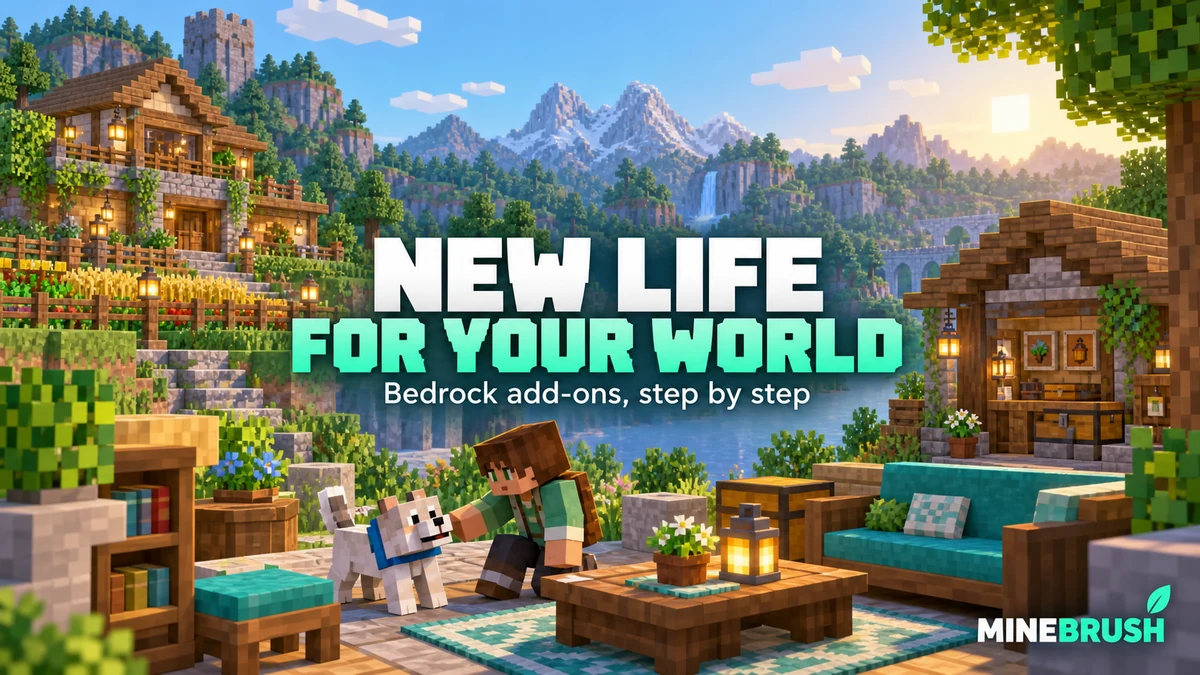
Add something new to the world you already love. Bring furniture, pets or new survival activities into an existing Bedrock save. Learn how to copy your world, activate the right packs, find the first useful features and keep your progress recoverable.
- Edition
- Bedrock Edition
- Difficulty
- Beginner
- Time
- 15–30 min, plus downloading and world copying
Keep your builds; try new features on a world copy
MineBrush · Guide
Add-ons for Your Existing World
Add something new to the world you already love. Bring furniture, pets or new survival activities into an existing Bedrock save. Learn how to copy your world, activate the right packs, find the first useful features and keep your progress recoverable.
Keep your builds; try new features on a world copy
- Minecraft version
- Bedrock Edition — match the add-on release
- Game edition
- Bedrock Edition
- Platform family
- Bedrock & Mobile
- Supported devices
- Bedrock on Windows, mobile and consoles; import routes vary
- Install format
- Step-by-step world setup guide
- Touch readiness
- Yes
- Resource type
- Guide
- Compatibility confidence
- Source claimed
- Card evidence statement
- Minecraft and creator guidance; illustrated world settings
- Card delivery statement
- Choose, activate and start using an add-on
- Card limitation note
- Keep your builds; try new features on a world copy
- Edition applicability
- Bedrock
- Estimated time
- 15–30 min, plus downloading and world copying
- Guide difficulty
- Beginner
- Delivery state
- No file
- Lifecycle state
- Current
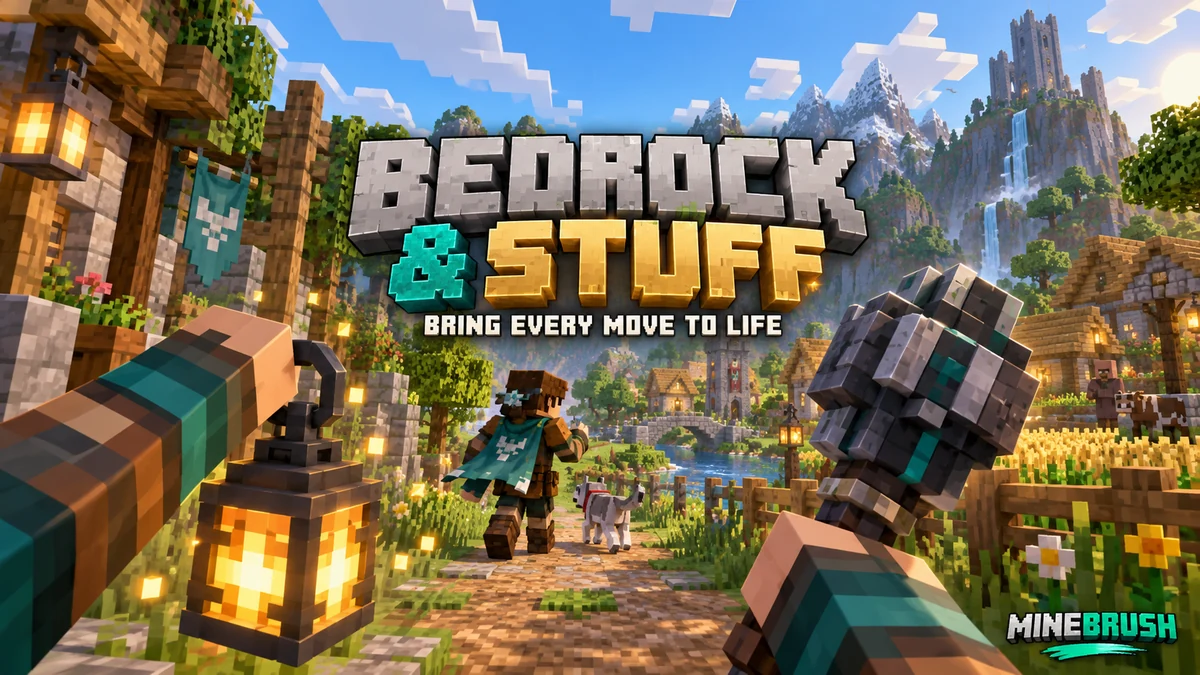
Bedrock & Stuff
Aug 22, 2026Give everyday movement and held items more personality. See creator screenshots, learn how to use and combine the pack, and download the current or previous Bedrock release.
- Minecraft
- 26.40 / 26.0; previous release for 26.30
- Scope
- Mixed
- Package
- Open one .mcpack with Minecraft, then activate in Resource Packs
Activate one release at a time; appearance can vary with other packs
Bedrock · Pack
Bedrock & Stuff
Give everyday movement and held items more personality. See creator screenshots, learn how to use and combine the pack, and download the current or previous Bedrock release.
Activate one release at a time; appearance can vary with other packs
- Minecraft version
- 26.40 / 26.0; previous release for 26.30
- Game edition
- Bedrock Edition
- Platform family
- Bedrock & Mobile
- Supported devices
- Bedrock devices with community .mcpack import; device compatibility varies
- Install format
- Open one .mcpack with Minecraft, then activate in Resource Packs
- Touch readiness
- Check guide
- Resource type
- Resource Pack
- Project version
- Aug 22, 2026
- Last verified at
- Sep 14, 2026
- Compatibility confidence
- Source claimed
- Resource-pack scope
- Mixed
- Bedrock pack import route
- Open .mcpack with Minecraft; activate in Global Resources or world Resource Packs
- Card evidence statement
- Creator gallery and creator-listed versions; gameplay not independently tested
- Card delivery statement
- Current and previous original .mcpack downloads
- Card limitation note
- Activate one release at a time; appearance can vary with other packs
- Edition applicability
- Bedrock
- Delivery state
- Direct download
- Lifecycle state
- Current
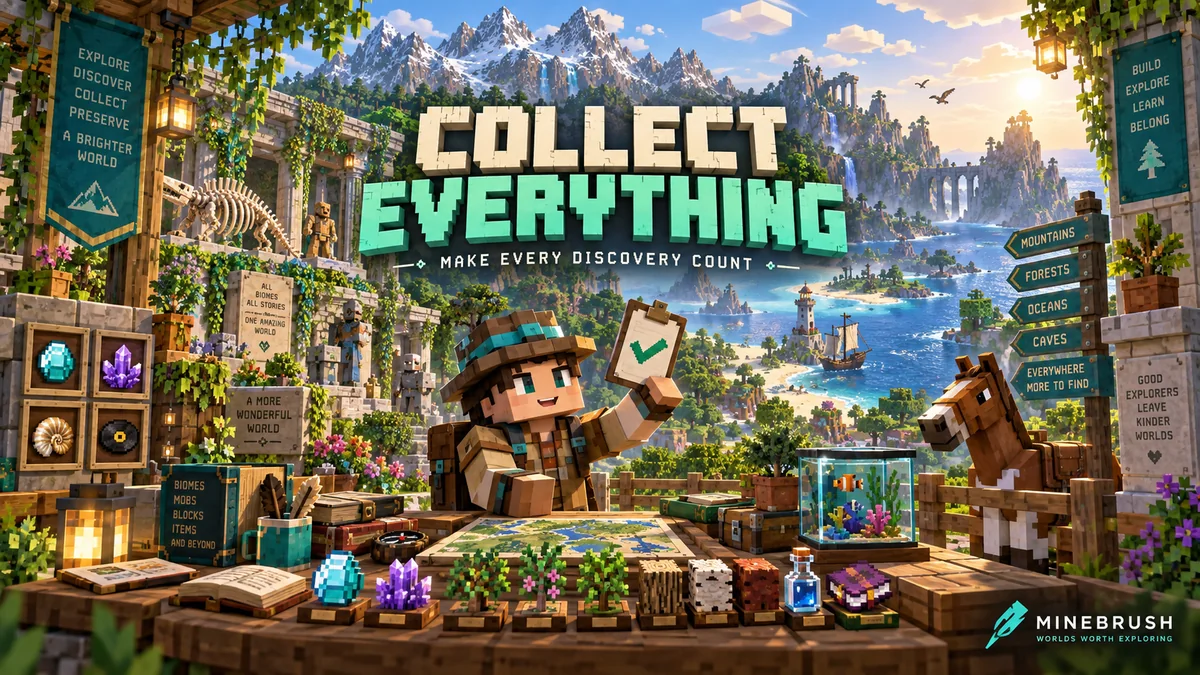
Collect Everything
1.6.0Give every expedition a goal. Track items, animals, biomes and more, search missing discoveries and compare progress with friends. Download Collect Everything for Bedrock 26.40.
- Minecraft
- 26.40
- Components
- Paired
- Package
- .mcaddon — behavior and resource packs included
Personal progress with three collection difficulties
Bedrock · Add-on
Collect Everything
Give every expedition a goal. Track items, animals, biomes and more, search missing discoveries and compare progress with friends. Download Collect Everything for Bedrock 26.40.
Personal progress with three collection difficulties
- Minecraft version
- 26.40
- Game edition
- Bedrock Edition
- Loader / platform
- Bedrock
- License
- MIT
- Platform family
- Bedrock & Mobile
- Supported devices
- Windows, Android and iOS file import
- Install format
- .mcaddon — behavior and resource packs included
- Touch readiness
- Check guide
- Resource type
- Add-on
- Project version
- 1.6.0
- Last verified at
- Sep 7, 2026
- Compatibility confidence
- Source claimed
- Bedrock add-on packs
- Paired
- Bedrock add-on import route
- Open the .mcaddon with Minecraft; activate both included packs in the world
- Required experiments
- None
- Card evidence statement
- Track discoveries and choose your next adventure
- Card delivery statement
- Bedrock 26.40 · paired packs
- Card limitation note
- Personal progress with three collection difficulties
- Edition applicability
- Bedrock
- Delivery state
- Direct download
- Lifecycle state
- Current
Player discussion 0
Questions, discoveries and help from other players.