
MineBrush publication
Body Camera Shader 1.6.1: Flashlight, Night Vision and Cinematic Exploration
Explore through a bodycam lens with a sneaking-activated flashlight, night vision and thermal presets. See creator screenshots, tune the view and download Body Camera 1.6.1 for Java.
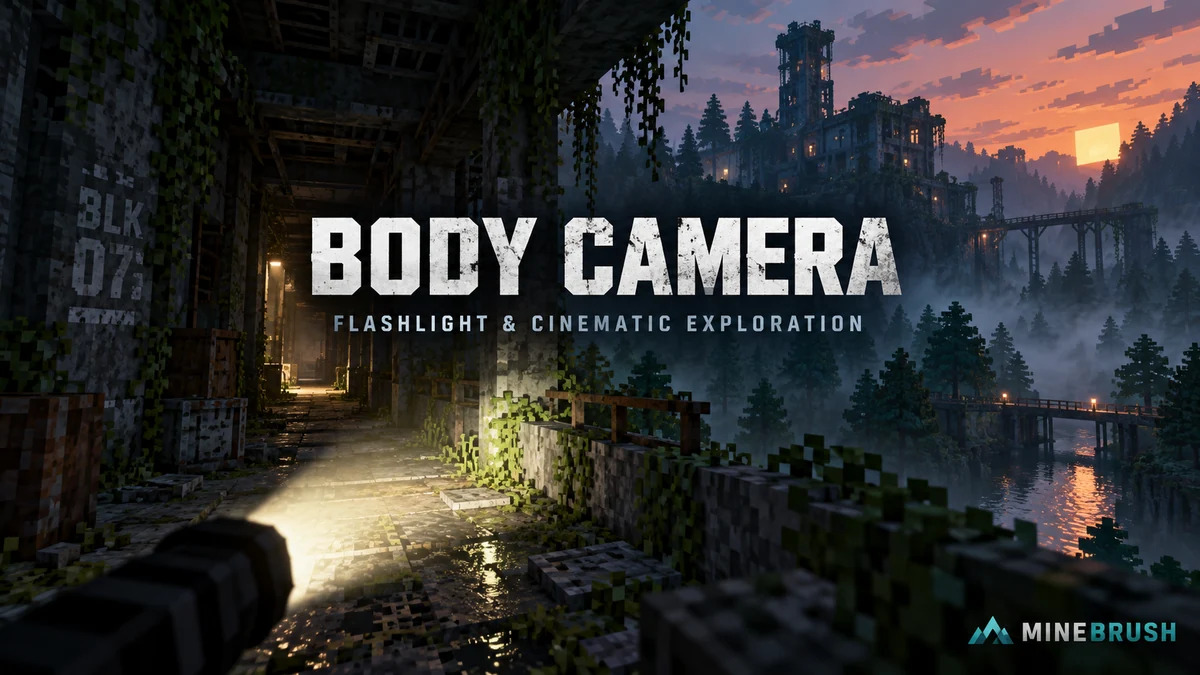
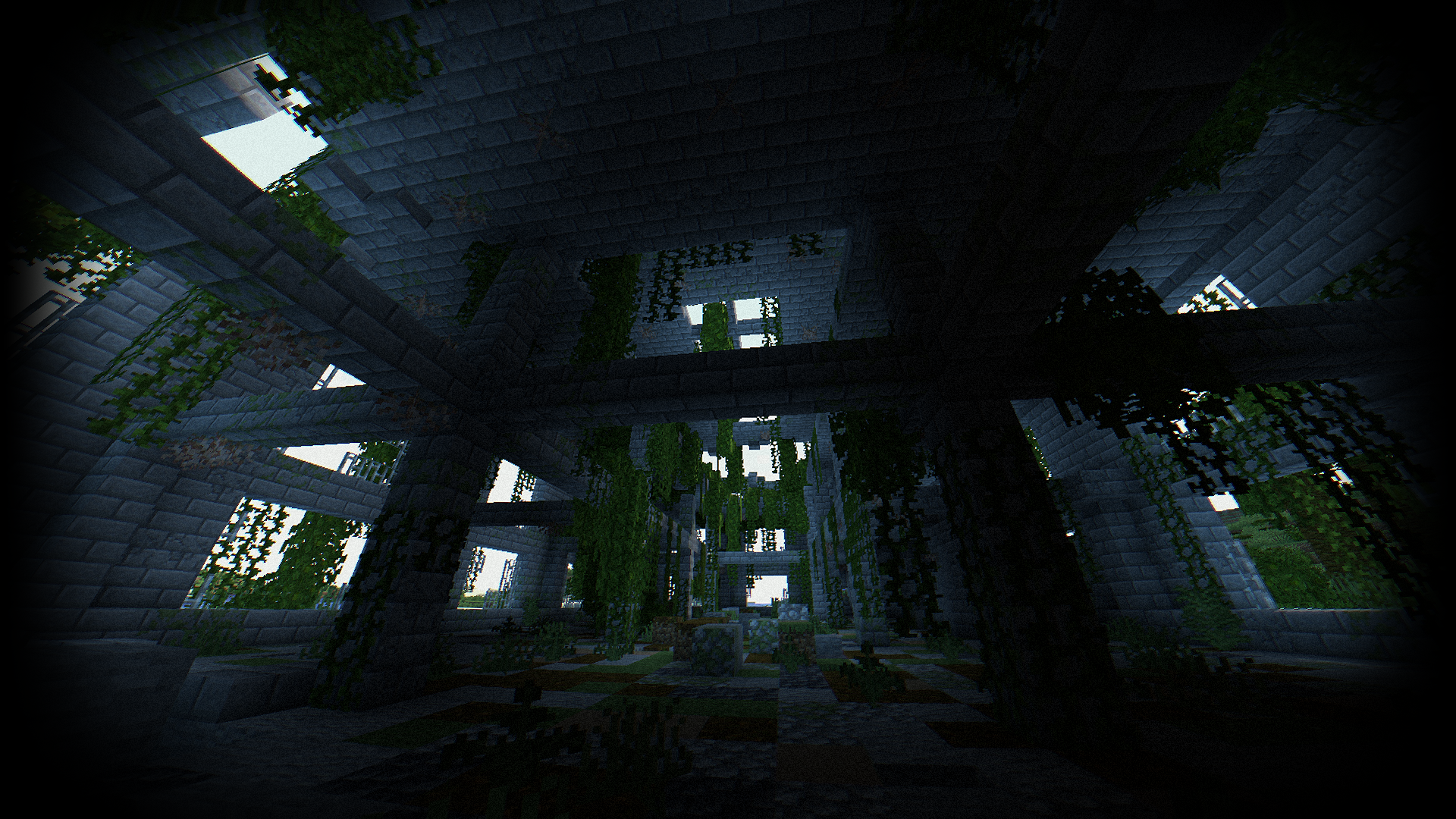
Body Camera turns your Minecraft view into the look of a wide-angle camera worn on the body. Curved edges, exposure changes, lens effects and optional grain make exploring a dark corridor feel very different from ordinary Minecraft. It is especially useful for cinematic exploration, atmospheric maps and videos where the viewpoint itself is part of the story.
This is the free Body Camera Shader 1.6.1, which adds a configurable flashlight. You also get night-vision and thermal-style modes. The creator’s separately advertised Next-Gen edition is another release; its features are not included automatically in this ZIP.
What you can do with the bodycam look
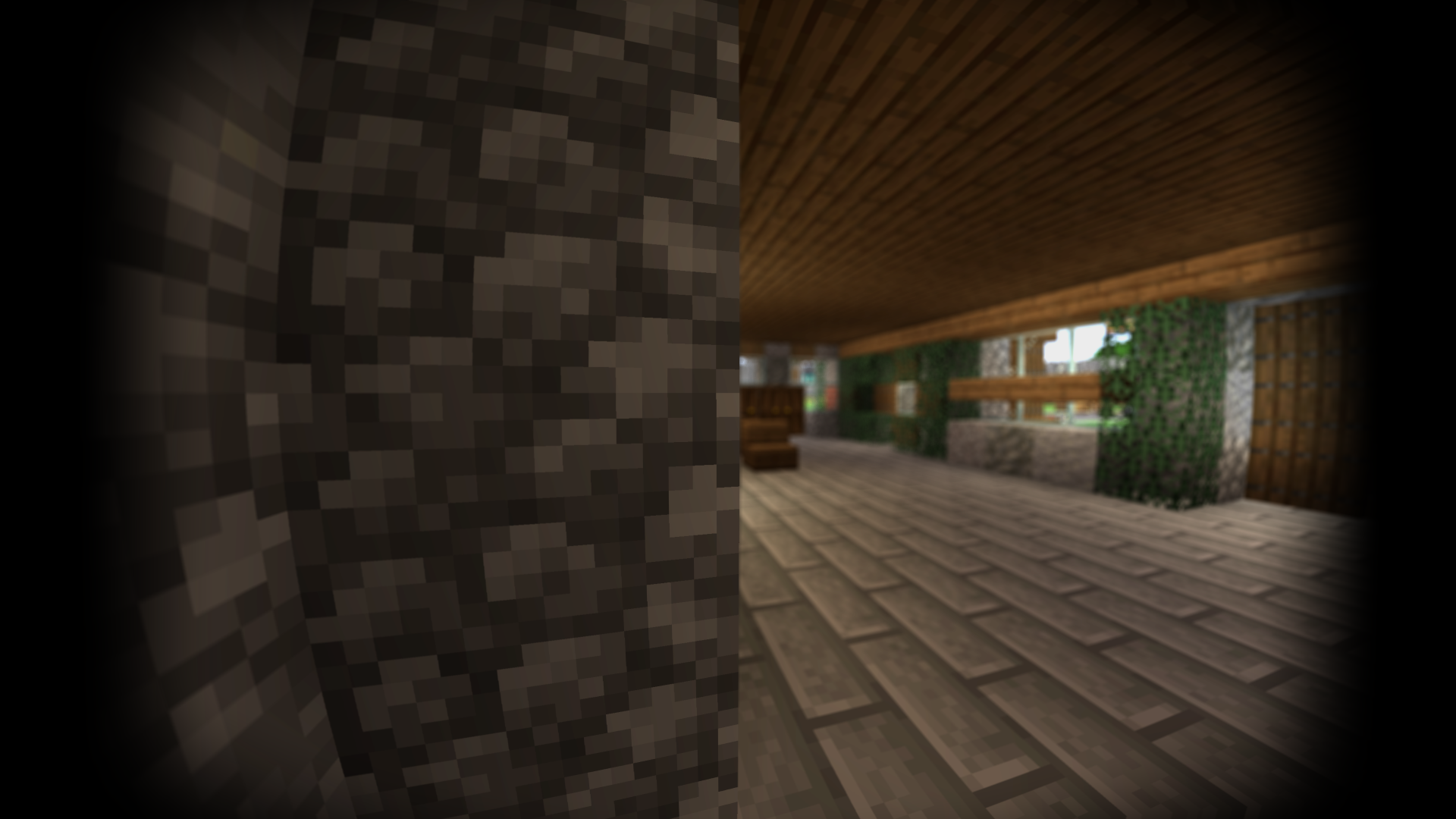
- Explore an abandoned-building map: move through doorways and narrow passages with the flashlight, letting the beam guide the viewer’s attention. The shader changes the atmosphere; it does not add the building or its gameplay.
- Record a first-person tour: use the wide-angle look to show a workshop, station or detailed interior from a walking viewpoint. Reduce camera shake and blur if you want viewers to study the build clearly.
- Create a night expedition: switch to a green or blue night-vision preset for a different visual mood. Use the normal view again when you want the world’s original colors.
- Make a short cinematic sequence: combine a chosen lens effect with exposure changes, then record using your normal capture software. This shader changes the rendered image; it is not a video recorder.
- Try a lighter everyday setup: start with Realism Fast and tone down distortion, grain and blur. You can keep some of the camera character without using the strongest effects throughout a long session.
Download Body Camera 1.6.1
The creator lists the shader for Minecraft Java 1.8.9–1.21.11 and 26.1–26.2 with Iris or OptiFine. The shader loader must support your exact game version; the two supporting JARs here are specifically for Java 26.2 with Fabric.
Body Camera Shader 1.6.1 — shader ZIP
Released on 4 July 2026. Keep the ZIP in shaderpacks and select it in your shader menu.
Iris 1.11.4 — Fabric 26.2
Iris adds the shader selection menu. Use it with Sodium 0.9.2 below; keep one compatible copy of each mod in the instance.
Sodium 0.9.2 — Fabric 26.2
The matching renderer for this Iris release. Both JARs belong in mods, while the Body Camera ZIP belongs in shaderpacks.
These are Java downloads. They are not a Bedrock/mobile shader import. For another Java version, choose its matching shader-loader files instead of reusing the 26.2 JARs.
Install and get your first view
- Use a Java 26.2 Fabric instance for the supplied JARs. If needed, create it with the official Fabric installer.
- Put Iris and Sodium in that instance’s
modsfolder. Remove older duplicate copies of those same mods. - Launch the Fabric profile and open Options → Video Settings → Shader Packs.
- Open the shader folder from the menu, copy in Body Camera Shader - V1.6.1.zip, then select Body Camera and apply it.
- Open Shader Pack Settings. Begin with Realism Fast or Realism, then look around a familiar outdoor area and an interior.
The author suggests Minecraft brightness 0 and FOV 110 for the intended look. Treat this as an aesthetic starting point: a narrower FOV or less distortion may be more comfortable for your own screen and viewing distance. You do not need to preserve an uncomfortable camera effect to use the pack.
OptiFine is an alternative shader-loader route. Use its release for your Minecraft version rather than adding it to this Iris/Sodium setup.
How to use the flashlight
Open Shader Pack Settings → Flashlight. The option is named Flashlight is Sneaking in the English menu:
- Off: no flashlight beam.
- On: the beam appears while you sneak. This is the default in 1.6.1; use your assigned Sneak control, normally Shift.
- Always: the beam stays enabled without needing to sneak.
Use Flashlight Strength to adjust its intensity. Flashlight Inner and Flashlight Outer shape the beam’s inner and outer cones; start with the defaults and change one at a time while facing a wall or corridor.
You do not craft or hold a new flashlight item for this effect. It is part of the shader’s rendering, so it does not place light blocks in the world or replace torches for controlling mob spawning. If you expected a new key binding, use the shader setting and your existing Sneak control instead.
Pick a preset for the scene
The archive includes Realism, Realism Fast, Grey weather, Green Night Vision Goggles, Blue Night Vision Goggles and Thermal imager. These are visual presets, not different downloadable packs.
Realism Fast disables several expensive effects used by Realism, including reflections and depth of field, and uses lower shadow quality. It is a sensible first comparison when the full preset feels heavy. Grey weather offers a more subdued mood; the night-vision and thermal presets deliberately replace the normal visual style.
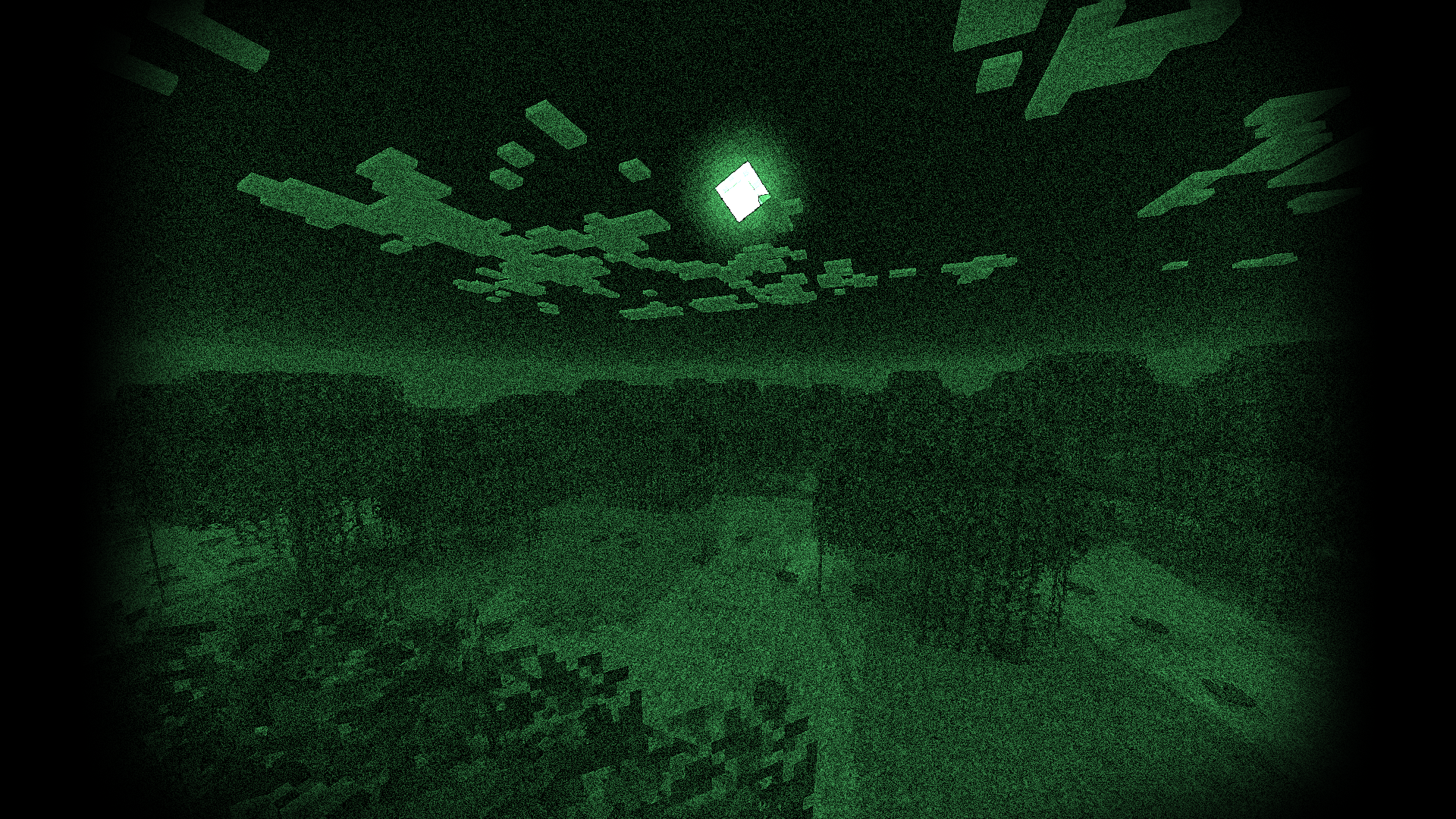
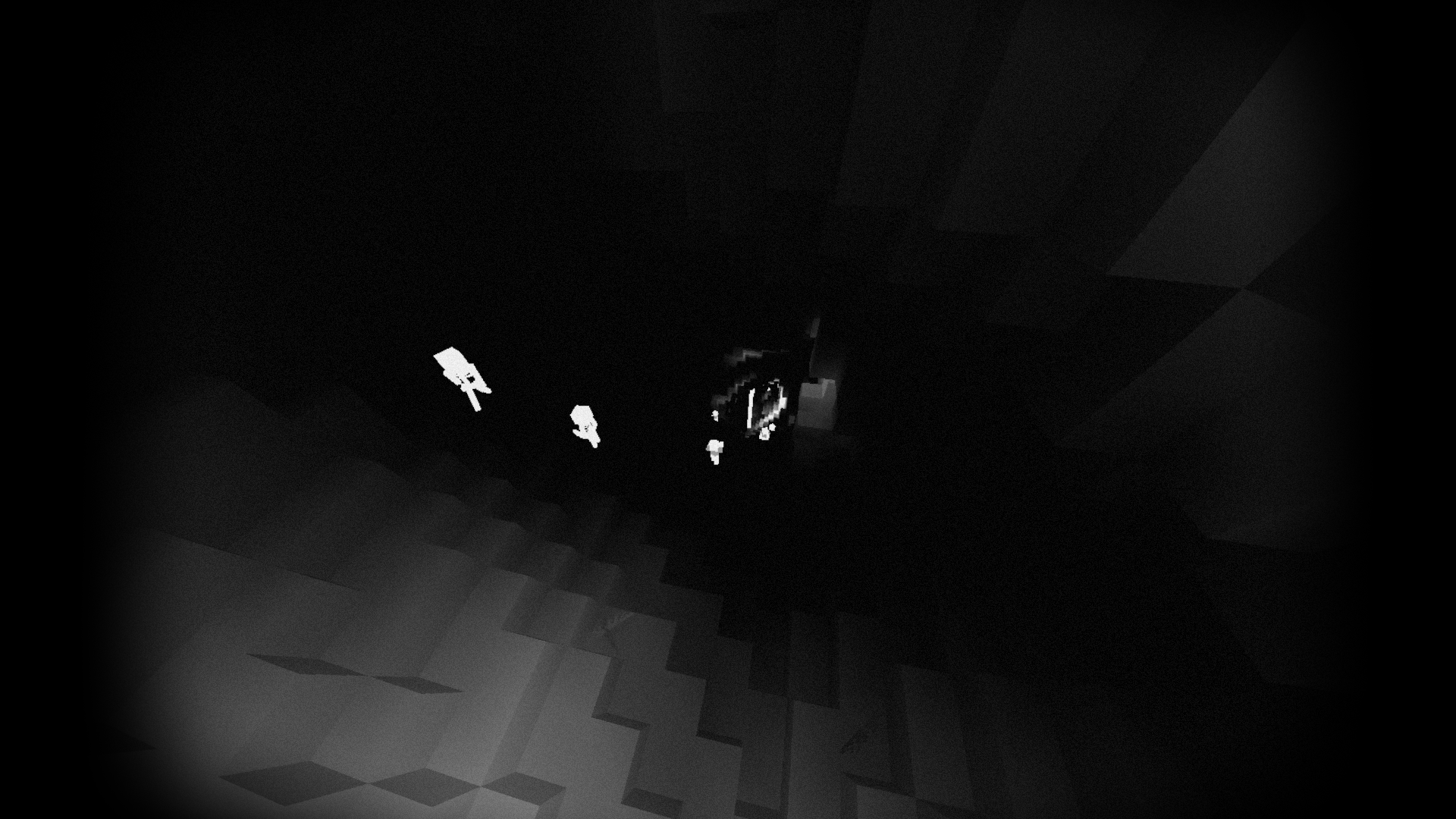
For finer control, open Night Vision Goggles in the settings. You can select NVG or Thermal imager, adjust the night-vision color and choose Activate NVG when sneaking. That is separate from the flashlight’s sneak setting: if both react when you crouch, check both menus.
Make the view comfortable and readable
A strong bodycam effect can be enjoyable for a short cinematic clip and distracting during building or a long exploration session. Adjust the controls that change the camera before abandoning the whole shader:
- Curved or stretched edges: lower Lens → Distortion Strength and review your Minecraft FOV.
- Too much movement: reduce Lens → Intensity Camera Shake. In Camera, turn Motion Blur off or lower its strength.
- The background is constantly blurred: switch off Camera → Depth of Field, or lower Blur Strength when you only want a subtle focus effect.
- Colored fringes around edges: reduce Lens → Chromatic aberration.
- Too much noise or a VHS look: reduce Grain and Scanline effects in VHS.
- Dark edges or a narrow picture: review the Lens vignette and Black lines options, together with the top-level 4:3 setting.
Exposure, performance and extra visual mods
Open Camera → Auto exposure to control the response to bright and dark scenes. If moving through a doorway causes distracting brightness changes, try a slower response or disable automatic exposure and adjust Exposure manually. Compare the same interior and outdoor area after each change.
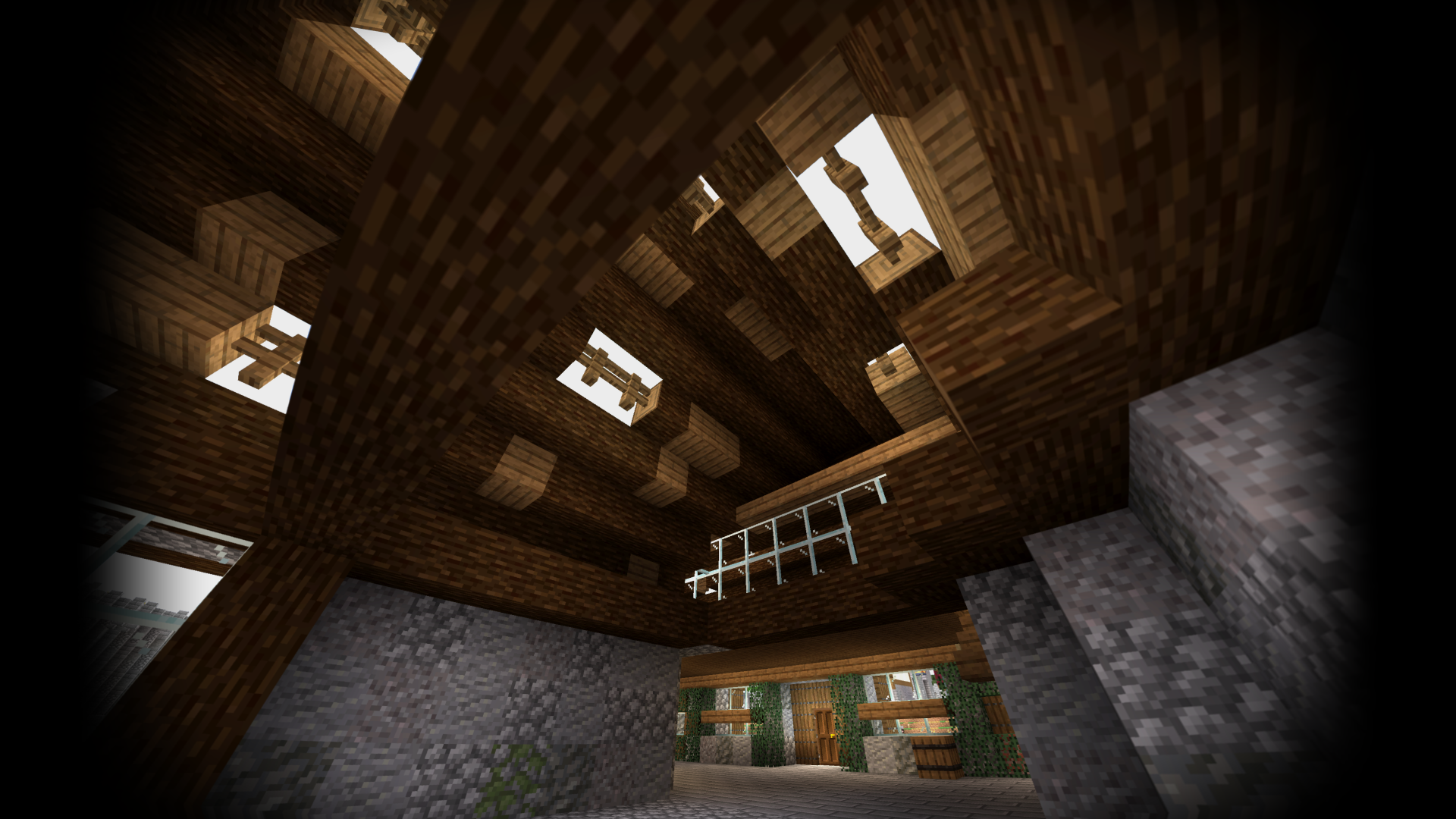
If the shader runs slowly, compare Realism Fast first, then lower shadow resolution or shadow distance under Lighting. Reflections, depth of field, bloom and other camera effects can also be reduced. Use your own moving view to judge the result; another player’s FPS figure is not a target every PC will reach.
The author lists Better Clouds, Distant Horizons and LabPBR support. They are optional additions. Start with the base shader, then add one compatible visual mod or material pack at a time. The shader download does not contain the maps, buildings or resource packs visible in creator screenshots.
Quick fixes
- No Shader Packs menu: make sure Iris is installed and you launched its Fabric instance. Sodium alone does not add the shader menu.
- Body Camera is missing from the list: check the folder opened by Iris. Put the ZIP in
shaderpacks, notresourcepacks. - The flashlight does not stay on: change Flashlight is Sneaking from On to Always. On means while sneaking, not a press-once toggle.
- Crouching changes the whole screen green: check Activate NVG when sneaking in the night-vision menu.
- The view is too dark: review Exposure, the chosen preset and night-lighting settings. For ordinary visibility, you can also turn the shader off without changing the world.
- Compilation errors or a black screen: return to the basic matching Iris/Sodium setup, check your graphics drivers and disable additional visual mods while identifying the conflict.
Creator and sources
Body Camera is created by LoLip_p and licensed under CC BY 4.0. The shader and screenshots are the creator’s work. MineBrush provides this player guide, an editorial cover and locally hosted original downloads; display images are optimized for the page.
Sources: official project and features, 1.6.1 flashlight release, creator image gallery, creator-linked demonstration video, Iris and Sodium.
More for your Java setup.
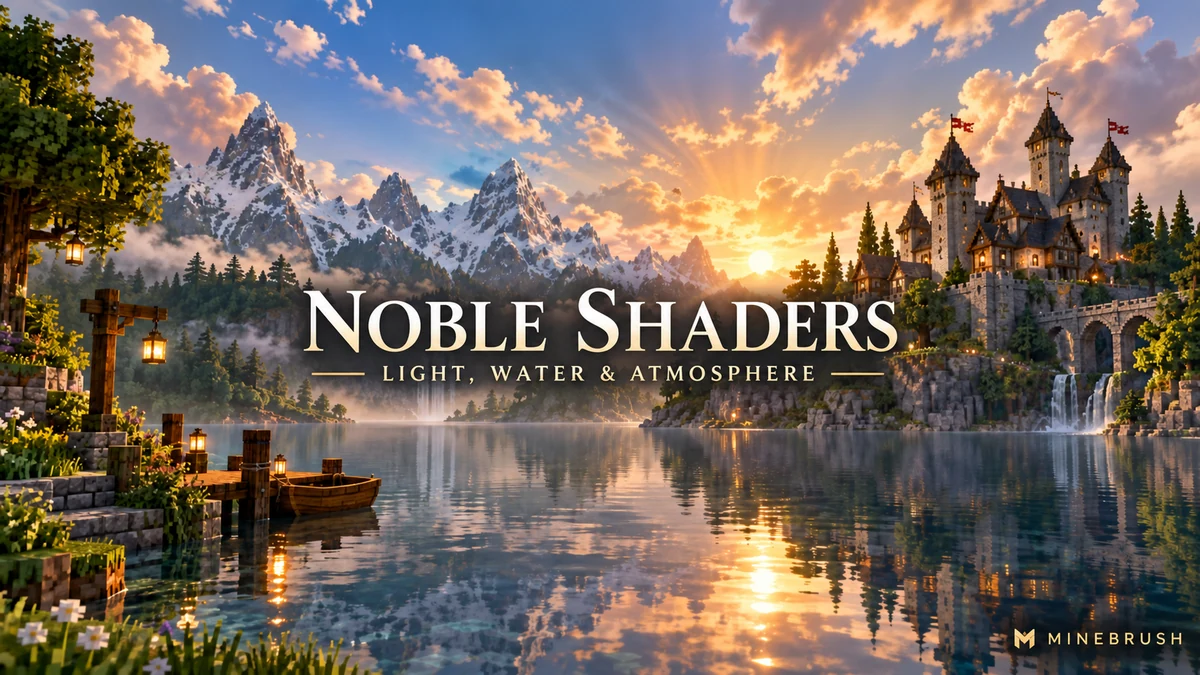
Noble Shaders
1.9.8 hotfixGive your world atmospheric light, reflective water and a look you can tune. Explore real creator screenshots, useful settings and Noble 1.9.8 hotfix downloads for Java on Windows/Linux.
- Minecraft
- 1.16–1.21.11 / 26.1–26.2
- Runtime
- Iris or OptiFine
- Performance
- Performance not tested
Tune lighting and water; choose the correct ZIP or supporting JAR
Java · Shader
Noble Shaders
Give your world atmospheric light, reflective water and a look you can tune. Explore real creator screenshots, useful settings and Noble 1.9.8 hotfix downloads for Java on Windows/Linux.
Tune lighting and water; choose the correct ZIP or supporting JAR
- Minecraft version
- 1.16–1.21.11 / 26.1–26.2
- Game edition
- Java Edition
- Loader / platform
- Not applicable
- License
- GPL-3.0-only
- Performance expectation
- Depends on setup
- Platform family
- Java & PC
- Supported devices
- Windows/Linux; NVIDIA GTX 950+ or AMD R7 370+; macOS unsupported
- Install format
- Shader ZIP in shaderpacks; Iris and Sodium JARs in mods
- Touch readiness
- Not required
- Resource type
- Shader
- Project version
- 1.9.8 hotfix
- Last verified at
- Sep 14, 2026
- Compatibility confidence
- Source claimed
- Java shader runtime
- Iris or OptiFine
- Shader preview mode
- Single cover
- Performance evidence
- Start with Light or Medium; tune quality to your GPU and world
- Notable feature
- Atmospheric lighting, water, reflections and adjustable color
- Shader performance tier
- Performance not tested
- Shader settings guide
- Available
- Card evidence statement
- Creator screenshots and current release information
- Card delivery statement
- Current shader plus Fabric 26.2 Iris/Sodium; previous 1.9.6 available
- Card limitation note
- Tune lighting and water; choose the correct ZIP or supporting JAR
- Edition applicability
- Java
- Delivery state
- Direct download
- Lifecycle state
- Current
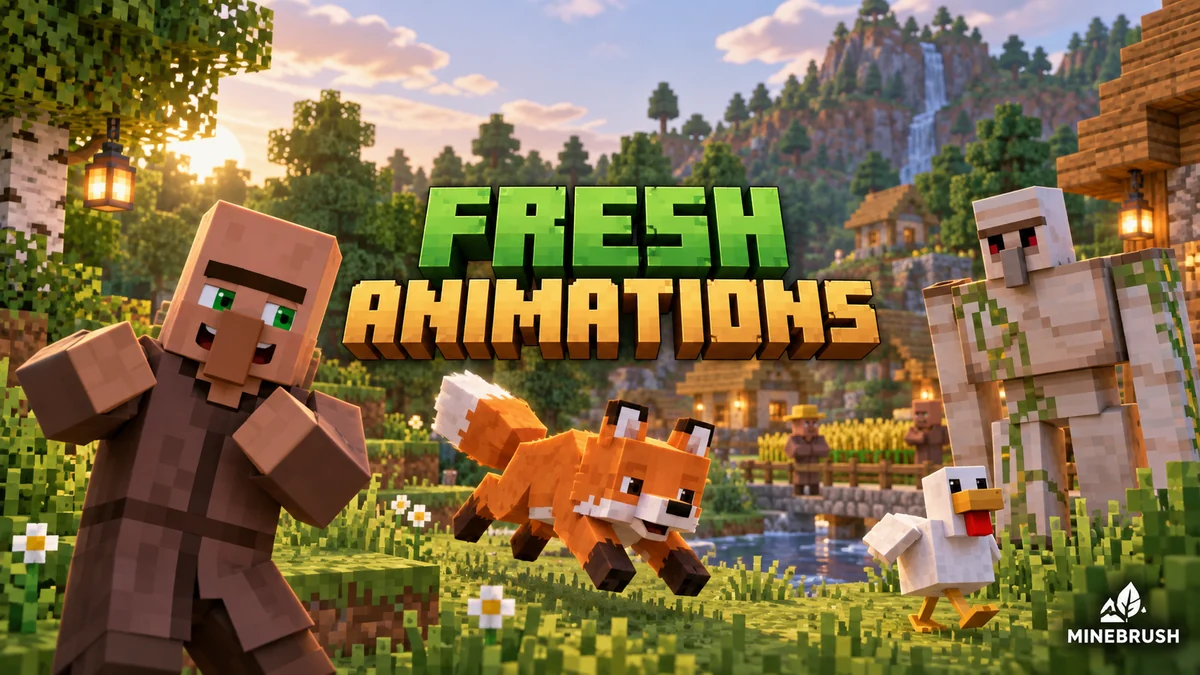
Fresh Animations
1.10.5 Beta / 1.10.4 BetaGive familiar mobs more expressive poses and movement. See creator examples, choose the right Fresh Animations version, and set up EMF + ETF for villages, farms and exploration.
- Minecraft
- Java 26.1–26.2 / 1.20–1.21.11
- Scope
- Entities
- Runtime
- Multiple dependencies
Requires EMF + ETF or matching OptiFine
Java · Pack
Fresh Animations
Give familiar mobs more expressive poses and movement. See creator examples, choose the right Fresh Animations version, and set up EMF + ETF for villages, farms and exploration.
Requires EMF + ETF or matching OptiFine
- Minecraft version
- Java 26.1–26.2 / 1.20–1.21.11
- Game edition
- Java Edition
- Loader / platform
- Fabric
- License
- Creator terms; original notices preserved
- Visual resolution
- 16x
- Platform family
- Java PC
- Supported devices
- Windows · macOS · Linux · Java Edition
- Install format
- Pack ZIP in resourcepacks; EMF and ETF JARs in mods
- Touch readiness
- Yes
- Resource type
- Add-on
- Project version
- 1.10.5 Beta / 1.10.4 Beta
- Last verified at
- Sep 14, 2026
- Compatibility confidence
- Source claimed
- Resource-pack scope
- Entities
- Required runtime
- Multiple dependencies
- Pack load order
- Top
- Resource-pack preview mode
- Single cover
- Resource-pack setup guide
- Available
- Card evidence statement
- Expressive mobs for villages, farms and exploration
- Card delivery statement
- Two pack branches + Fabric 26.2 setup
- Card limitation note
- Requires EMF + ETF or matching OptiFine
- Edition applicability
- Java
- Delivery state
- Direct download
- Lifecycle state
- Current
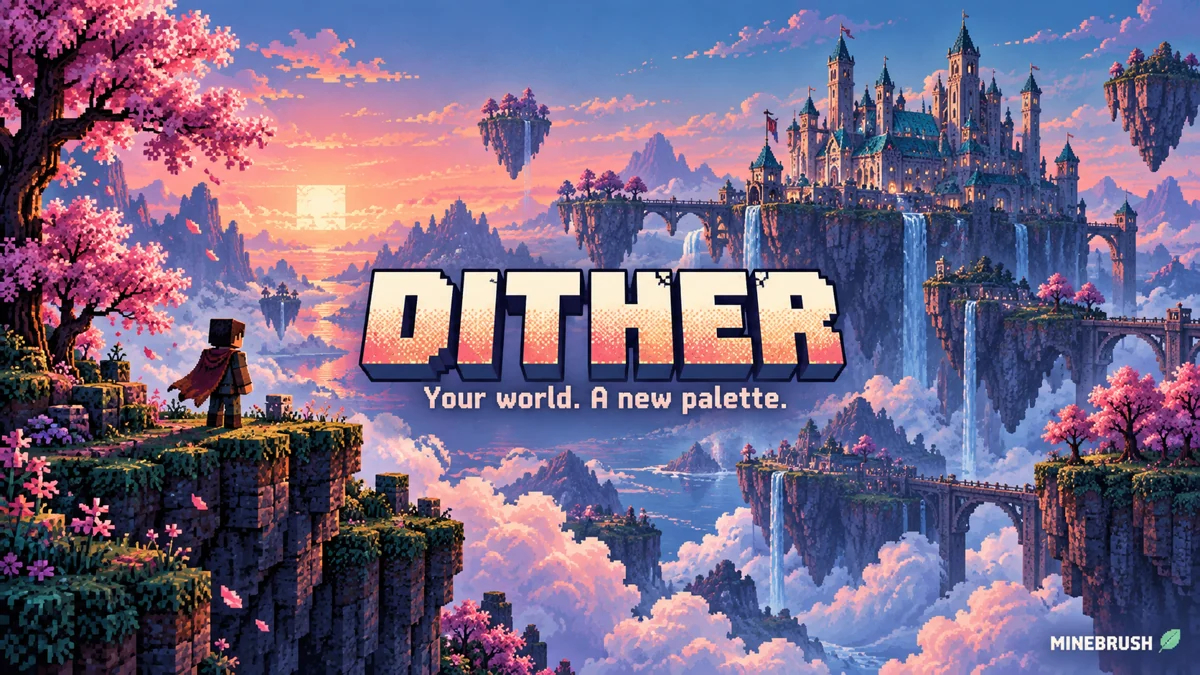
Dither
1.0.0 AlphaTurn familiar builds into pixel-art scenes with Dither. Compare five creator palettes, tune outlines and pixel scale, and download the recommended Iris setup for Java 1.21.8.
- Minecraft
- Java 1.20–1.21.11
- Runtime
- Iris
- Performance
- Performance not tested
Creator recommends Java 1.21.8
Java · Shader
Dither
Turn familiar builds into pixel-art scenes with Dither. Compare five creator palettes, tune outlines and pixel scale, and download the recommended Iris setup for Java 1.21.8.
Creator recommends Java 1.21.8
- Minecraft version
- Java 1.20–1.21.11
- Game edition
- Java Edition
- Loader / platform
- Fabric
- License
- MIT
- Performance expectation
- Depends on setup
- Platform family
- Java PC
- Supported devices
- Windows · macOS · Linux
- Install format
- Shader ZIP in shaderpacks; dependency JARs in mods
- Touch readiness
- Not required
- Resource type
- Shader
- Project version
- 1.0.0 Alpha
- Last verified at
- Sep 14, 2026
- Compatibility confidence
- Source claimed
- Java shader runtime
- Iris
- Shader preview mode
- Single cover
- Performance evidence
- Depends on GPU, resolution and settings
- Notable feature
- Custom palettes, dithering and outlines
- Shader performance tier
- Performance not tested
- Shader settings guide
- Available
- Card evidence statement
- Five creator palette examples
- Card delivery statement
- Original shader ZIP + Fabric 1.21.8 setup
- Card limitation note
- Creator recommends Java 1.21.8
- Edition applicability
- Java
- Delivery state
- Direct download
- Lifecycle state
- Current
Player discussion 0
Questions, discoveries and help from other players.