
MineBrush publication
LambDynamicLights 4.12.4: Portable Light, Settings & Downloads
Explore caves with a torch in your offhand and watch creatures light their surroundings. Download LambDynamicLights for Java 26.2 with practical lighting, shader and performance tips.
LambDynamicLights lets you take light along on an adventure. Hold a torch or lantern and the area around you becomes easier to see as you move. It suits cave exploration, evening building sessions and players who want moving light without installing a shader pack.
This page provides LambdAurora’s LambDynamicLights 4.12.4 for Minecraft Java 26.2. It runs on your client. The same mod JAR supports Fabric, Quilt and NeoForge; the Fabric setup also needs Fabric API. It does not add new torches, a fuel system or permanent lighting to your world.
Where it makes a difference
- Explore with a pickaxe ready: carry a torch in your offhand while mining with your main hand. You can inspect nearby stone and ledges without placing a torch at every step.
- Check a dark build: walk through a roof space, tunnel or unfinished room with a lantern. Moving around helps you see corners while deciding where permanent lights should go.
- Enjoy more lively caves and nights: luminous creatures and some effects light nearby surfaces, rather than merely having a bright-looking texture.
- Keep the vanilla visual style: use portable light without committing to a complete shader look. Optional shaders can change the final appearance, but they are not needed for the basic effect.
Download for Minecraft Java 26.2
Download the mod once. This universal JAR is the choice for Fabric, Quilt or NeoForge; do not install several copies for different loaders.
Fabric: also install Fabric API for 26.2. Use Fabric Loader 0.19.3 or newer and Java 25. The launcher’s runtime should match the Minecraft version.
NeoForge: use your NeoForge profile for 26.2 and the universal mod above. Do not add Fabric API to that profile. The mod’s own supporting libraries are bundled; you do not need to collect them separately.
Quilt: the creator lists this same 26.2 release for Quilt. Use a Quilt installation and API support compatible with 26.2 and its Fabric API requirements; a Quilt label on an older game profile does not make this JAR compatible with it. Fabric is the straightforward route if you are setting up from scratch using the files here.
Playing 26.1.x or 1.21.x? Choose the matching build in the author’s version history; this download is specifically for 26.2. It is a Java mod, not a Bedrock/mobile add-on, and NeoForge does not mean Forge.
Install it and carry your first light
- Close Minecraft. Open the game folder for the launcher instance you actually use.
- Put the LambDynamicLights JAR in
mods. On Fabric, add the API above if a compatible copy is not already installed. Replace an older LambDynamicLights file rather than keeping both. - Launch the matching modded profile and enter a world. Take a torch or lantern to a shaded area.
- Select it in your hotbar. The light should follow you without a separate activation key.
- To keep a tool available, move the light item into the offhand slot in your inventory. The usual Swap Item With Offhand key is F, unless you changed that binding.
Holding the item does not consume it. A torch still uses the ordinary place action if you place it against a block. A torch merely sitting in an unselected hotbar slot or backpack is not the same as a held light. Your offhand can hold either the torch or your shield, so switch back to the shield when protection matters more.
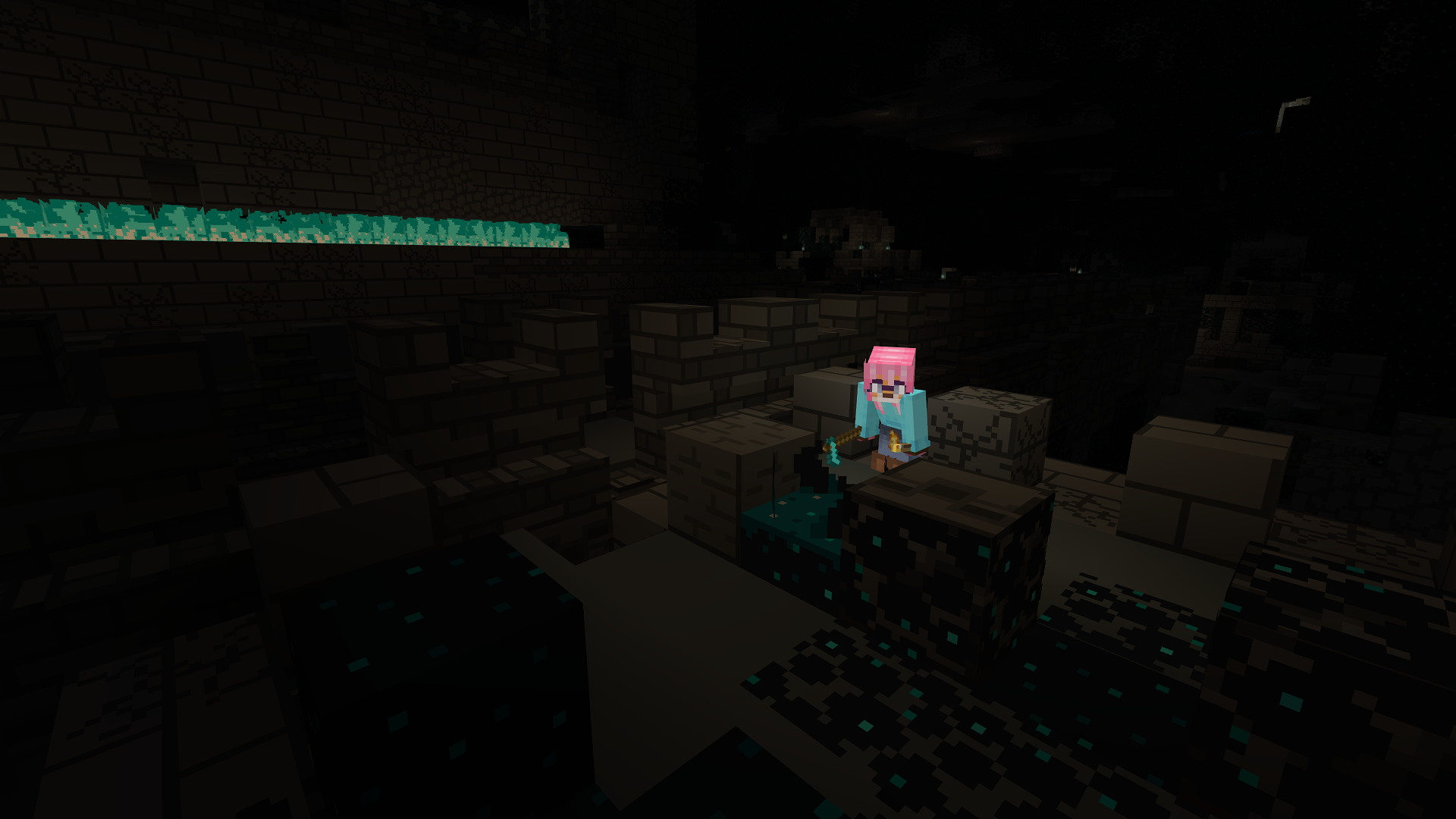
Seeing better does not make a cave safe
The light changes what your client draws. It does not place a light-emitting block or change the world’s actual block-light values. Continue placing real lights to protect suitable areas from hostile spawning. Do not use a bright-looking floor under a carried torch to judge crop lighting or a mob farm’s spawn conditions.
The same distinction matters on servers: installing the mod on your computer does not install it for friends or illuminate the world for every client. You can use it without a server-side copy, subject to that server’s rules. Other players need their own compatible setup to see this kind of effect.
Light from items, creatures and effects
The effect extends beyond your own hand. Dropped light-emitting items can brighten their surroundings, and an entity holding a supported item can carry light too. A dropped lantern can demonstrate this, but pick it up afterwards: it is still an ordinary dropped item, not a durable placed lamp.
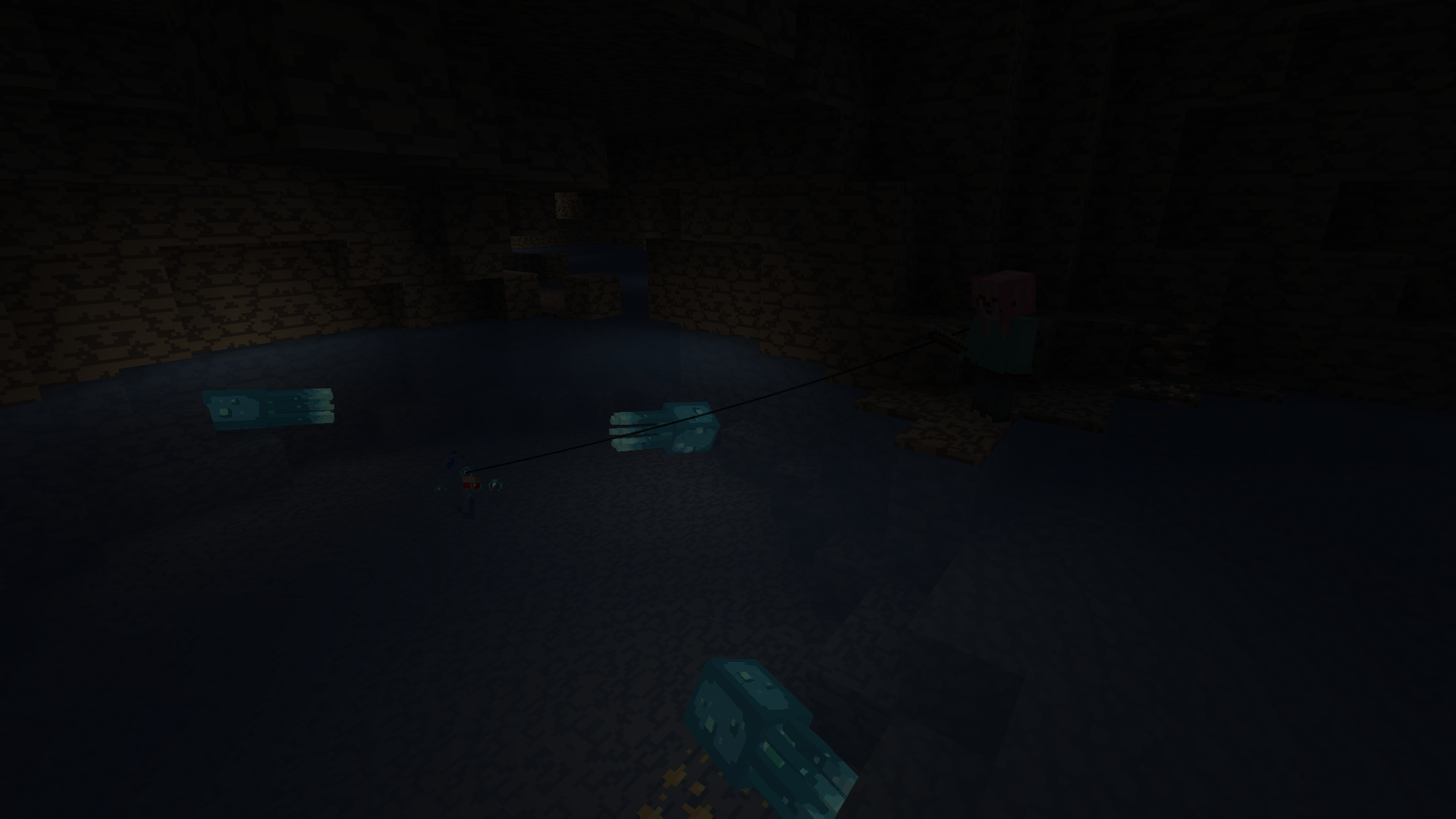
Glow squids, allays, blazes and magma cubes are examples of naturally luminous entities supported by the mod. Burning entities and spectral arrows also have light effects. These details make nearby movement easier to read in dark scenes; they do not reveal every creature through walls or replace ordinary combat awareness.
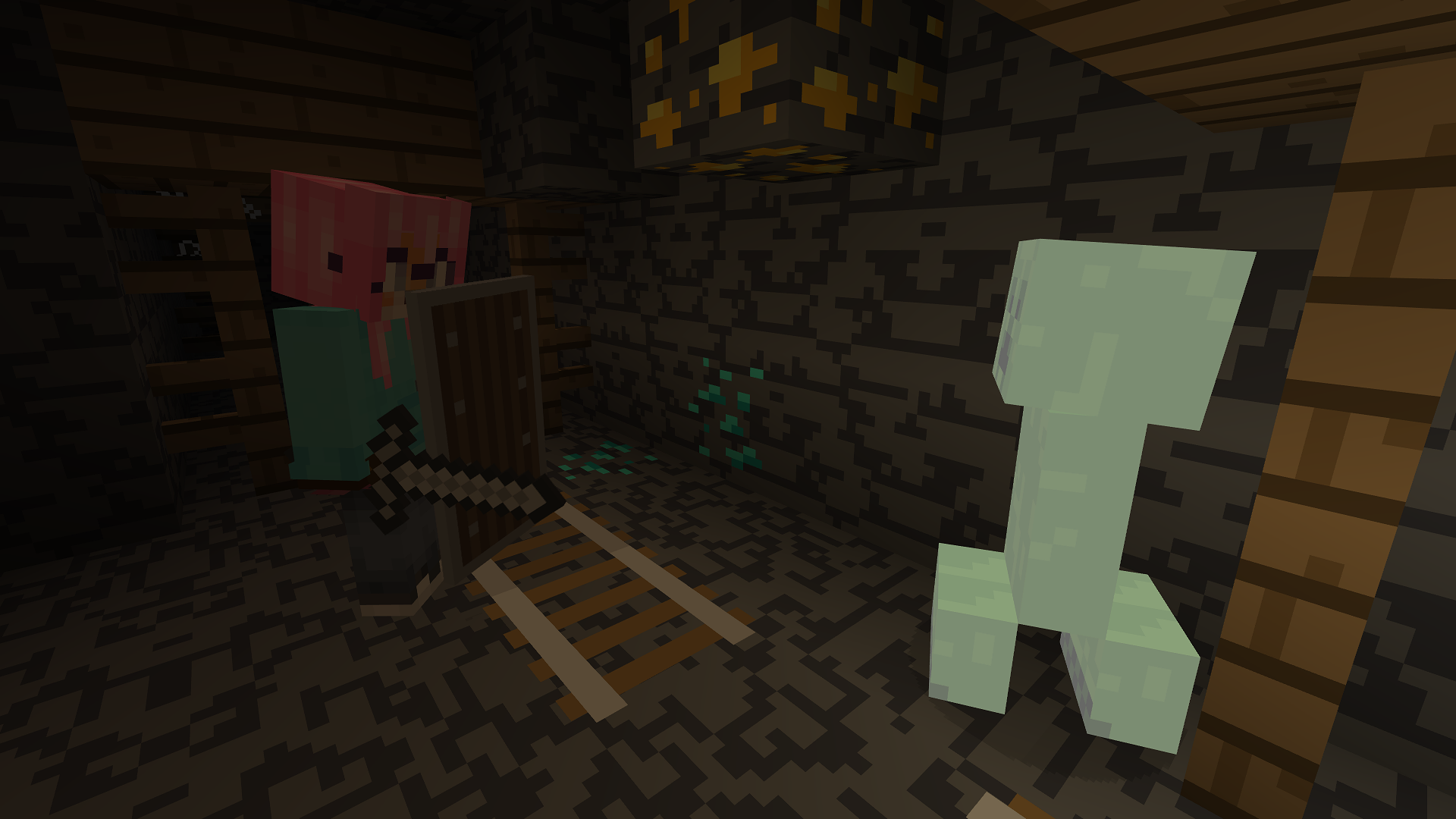
Creepers have a configurable light effect that can grow as the fuse progresses. Treat it as another visual cue to react, not as extra time before the explosion. The settings also offer special sources such as guardian beams and firefly particles; switch off effects you find distracting.
Choose smooth light or lighter settings
Open LambDynamicLights through Video Settings or its entry in the mods list. On Fabric, the optional Mod Menu gives you a convenient way to reach mod configuration.
- Dynamic Lights: Fancy gives smoother movement. Fast or Fastest reduce how often lighting updates, so the glow can lag slightly behind movement. Try a faster mode if moving lights make the game stutter.
- First-Person: controls your own first-person light. This is the first setting to check if other sources glow but your held torch does not.
- Entities and individual sources: keep effects you enjoy and disable distracting ones. An entity appearing in the configuration list does not mean it naturally emits light; the list also accommodates mod and resource-pack definitions.
- Water Sensitivity Check: with this enabled, water-sensitive sources such as torches stop emitting light when submerged. That change can be intentional, not a broken installation.
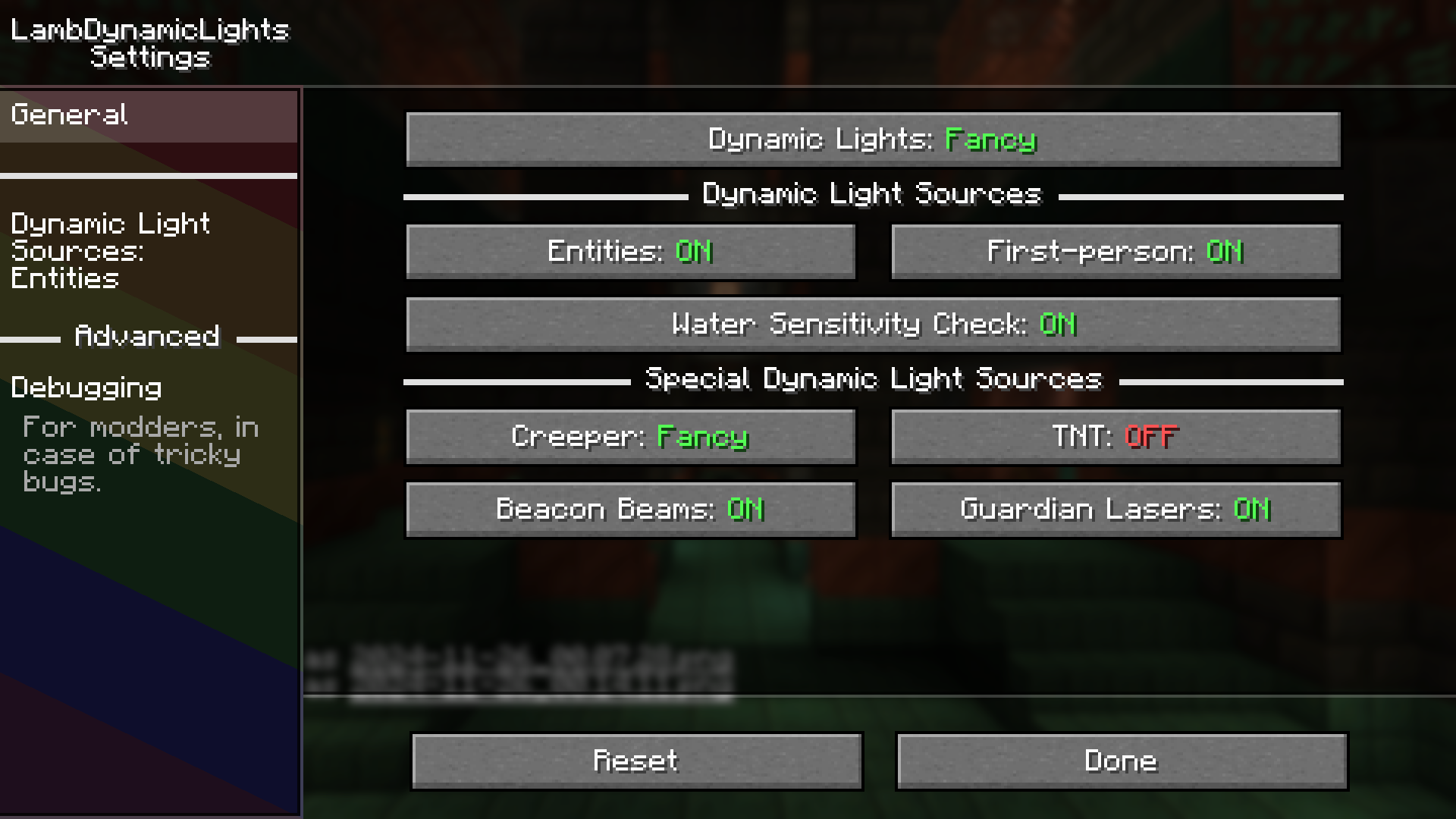
For performance, start with the normal settings and optional Sodium. Choose the Sodium build for your game and loader. Dynamic lighting is extra rendering work, so adding it is not itself an FPS upgrade.
The current Performance options include Chunk Rebuild Strategy. Optimized is the author’s recommended choice. Immediate may help with rare visual glitches but can cost performance; changes to this option take effect after saving and quitting. Leave distance-related adaptive settings alone unless there is a specific issue to solve.
Shaders, extra items and useful combinations
If your shader already creates light from the item in your hand, try switching off LambDynamicLights’ First-Person lighting, as its own tooltip recommends. This avoids asking both systems to handle the same effect. The mod also provides a bindable Toggle First-Person Lighting action in Controls; use your configured key rather than assuming a universal shortcut.
The release declares OptiFabric, Sodium Dynamic Lights and RyoamicLights incompatible. Keep one dynamic-light engine. Ordinary Sodium is a different mod and is recommended by the creator; it is not the incompatible Sodium Dynamic Lights add-on.
Resource packs can add or override lighting definitions for items and entities. This is useful when a modded object looks luminous but has no portable light: it needs a suitable definition or integration, not a rename or higher brightness setting. The author’s resource-pack documentation explains that customization.
Two optional ideas linked by the creator are Beltborne Lanterns, for carrying a lantern on a belt, and Illuminated, for a flashlight. They are separate additions, not equipment included in this download. Check their own game-version and loader support before combining them.
If something is not working
- No light anywhere: confirm that the modded profile loaded the mod, Dynamic Lights is enabled, and Fabric has its API. Try a vanilla torch in a dark area before troubleshooting a modded item.
- Only your own hand is dark: check First-Person and its toggle binding. If you use a shader, check its hand-light option too.
- A torch goes dark in water: check Water Sensitivity Check. Try it on dry land to distinguish intended behaviour from a missing mod.
- Light jumps or trails behind: Fast modes update less often. Try Fancy for smoother movement if your computer can handle it; for frame drops, reduce effects instead.
- Flickering with other graphics mods: remove competing light engines and temporarily disable the shader to identify which combination causes it.
- An older installation produced duplicate key entries: update to 4.12.4, which fixes duplicate keybind corruption of
options.txt. Keep a backup of that settings file before repairing an already affected copy; replacing the mod is not a reason to erase all your controls.
To uninstall, close Minecraft and remove its JAR. Keep Fabric API if your other mods need it. Since this mod provides client lighting rather than new world blocks, removing it restores the usual lighting presentation.
Release, author and sources
LambDynamicLights 4.12.4 for 26.2 was released August 31, 2026. Its change fixes duplicate keybinds corrupting options.txt. The mod is by LambdAurora and contributors, under the Lambda License; the hosted archive retains its original contents and notices.
Sources: official project and gallery, 4.12.4 release, source repository and settings, author’s lighting explanation, historical duplicate-key report, creator’s CurseForge page, and Fabric API. The MineBrush cover is an editorial illustration; the four images in the guide are the creator’s historical demonstrations.
More for your Java setup.

Understand Minecraft 26, tell normal releases from test builds, and choose the right version for friends, servers and mods. Clear Java and Bedrock examples without the technical clutter.
- Topic
- Choosing your Minecraft version
- Scope
- None
- Evidence
- Official Minecraft sources · checked 9 Sep 2026
A shared “26” prefix never proves cross-edition compatibility.
MineBrush · News
Minecraft Versions Made Simple
Understand Minecraft 26, tell normal releases from test builds, and choose the right version for friends, servers and mods. Clear Java and Bedrock examples without the technical clutter.
A shared “26” prefix never proves cross-edition compatibility.
- Compatibility confidence
- Source claimed
- Card evidence statement
- Official policy and indexes checked 9 Sep 2026; client display NOT_OBSERVED.
- Card delivery statement
- Choose a version for everyday play or testing
- Card limitation note
- A shared “26” prefix never proves cross-edition compatibility.
- Edition applicability
- Java + Bedrock
- News topic
- Choosing your Minecraft version
- Public news evidence label
- Official Minecraft sources · checked 9 Sep 2026
- Delivery state
- No file
- Lifecycle state
- Current
- News evidence type
- Official Minecraft source
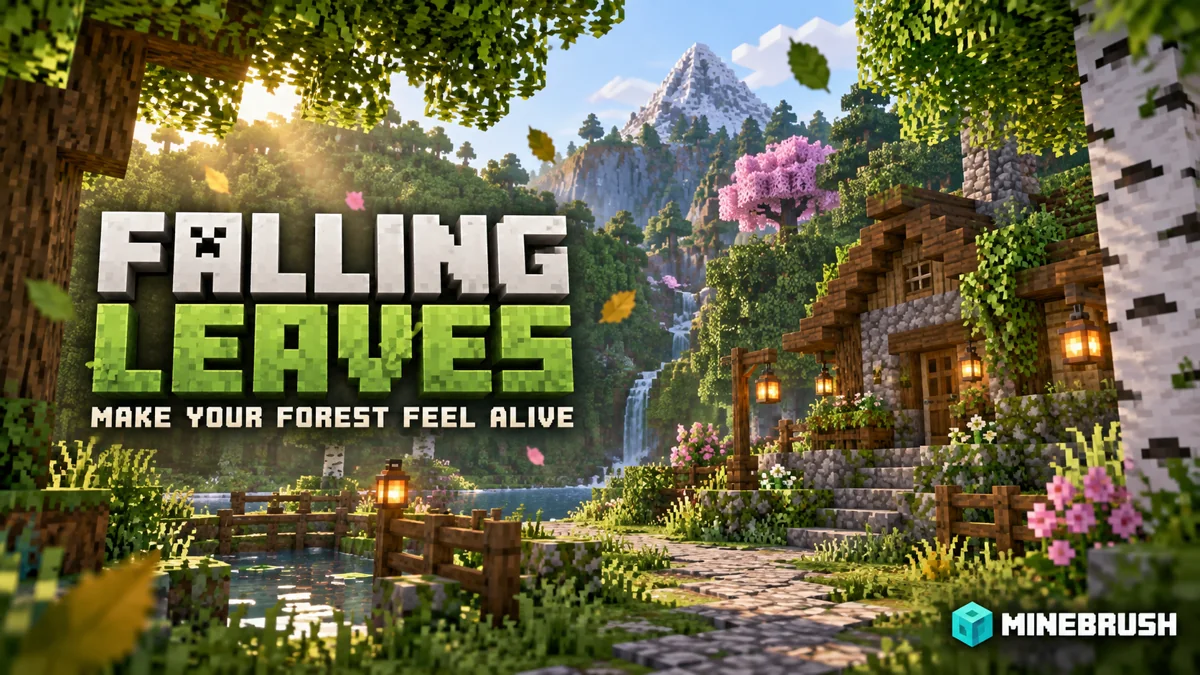
Falling Leaves
2.0.7Bring movement to forest paths, gardens and tree-lined builds. Tune falling leaves, wind and conifer particles, keep the effect comfortable, and download the Fabric files for Java 26.2.
- Minecraft
- Java 26.1–26.2
- Loader
- Fabric
- Runtime
- Client
Client-side effect; attached libraries target Java 26.2
Java · Mod
Falling Leaves
Bring movement to forest paths, gardens and tree-lined builds. Tune falling leaves, wind and conifer particles, keep the effect comfortable, and download the Fabric files for Java 26.2.
Client-side effect; attached libraries target Java 26.2
- Minecraft version
- Java 26.1–26.2
- Game edition
- Java Edition
- Loader / platform
- Fabric
- License
- MIT
- Platform family
- Java & PC
- Supported devices
- Windows · macOS · Linux
- Install format
- JAR files in the Fabric client mods folder
- Touch readiness
- Not required
- Resource type
- Mod
- Project version
- 2.0.7
- Last verified at
- Sep 15, 2026
- Secondary guide action
- Setup & fixes
- Compatibility confidence
- Source claimed
- Java mod loader
- Fabric
- Java runtime side
- Client
- Required dependency
- Fabric API and Cloth Config
- Card delivery statement
- Tune leaf particles, wind and individual trees
- Card limitation note
- Client-side effect; attached libraries target Java 26.2
- Edition applicability
- Java
- Delivery state
- Direct download
- Lifecycle state
- Current
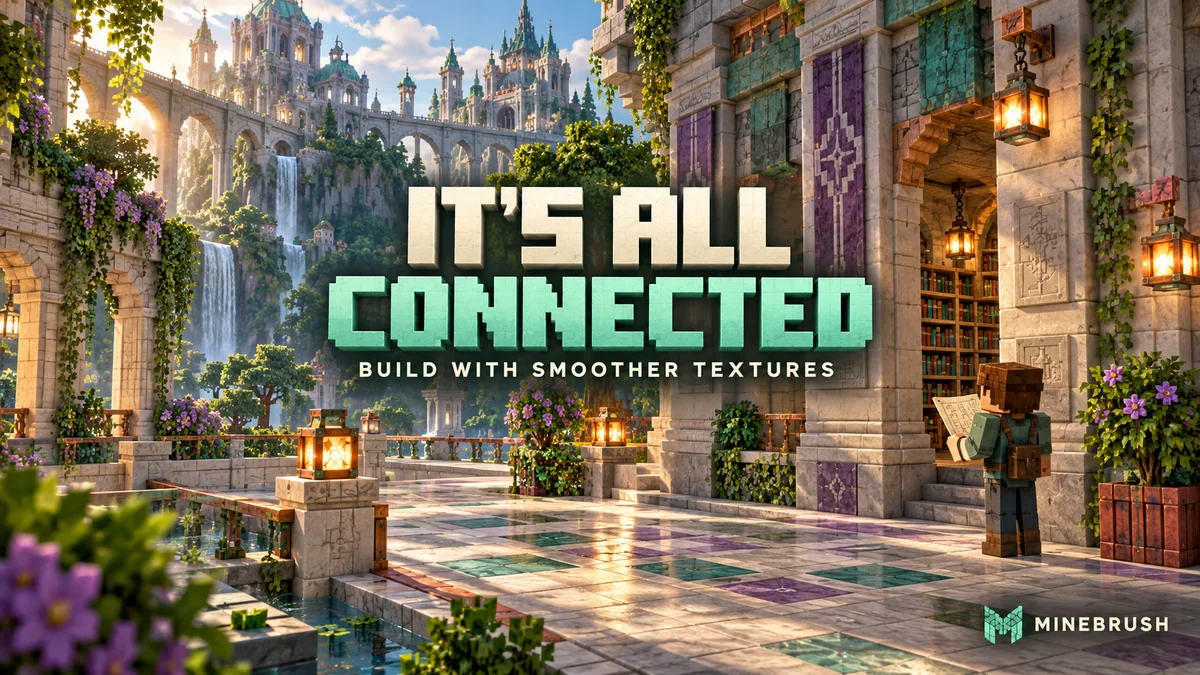
Give walls, floors and bookshelves a smoother connected look while keeping Minecraft’s familiar style. Explore build ideas and download It’s All Connected with its Java 26.2 support files.
- Minecraft
- 26.2
- Scope
- Blocks
- Runtime
- Multiple dependencies
Enable the resource pack after installing its support mods
Java · Pack
It’s All Connected
Give walls, floors and bookshelves a smoother connected look while keeping Minecraft’s familiar style. Explore build ideas and download It’s All Connected with its Java 26.2 support files.
Enable the resource pack after installing its support mods
- Minecraft version
- 26.2
- Game edition
- Java Edition
- Loader / platform
- Fabric
- License
- MIT
- Platform family
- Java & PC
- Supported devices
- Java on Windows, macOS and Linux
- Install format
- Pack ZIP in resourcepacks; support JARs in mods
- Touch readiness
- Not required
- Resource type
- Resource Pack
- Project version
- 1.4
- Last verified at
- Sep 7, 2026
- Compatibility confidence
- Source claimed
- Resource-pack scope
- Blocks
- Required runtime
- Multiple dependencies
- Pack load order
- Top
- Resource-pack preview mode
- Single cover
- Resource-pack setup guide
- Available
- Card evidence statement
- Connected surfaces that preserve the vanilla style
- Card delivery statement
- Java 26.2 · Continuity + Fabric API
- Card limitation note
- Enable the resource pack after installing its support mods
- Edition applicability
- Java
- Delivery state
- Direct download
- Lifecycle state
- Current
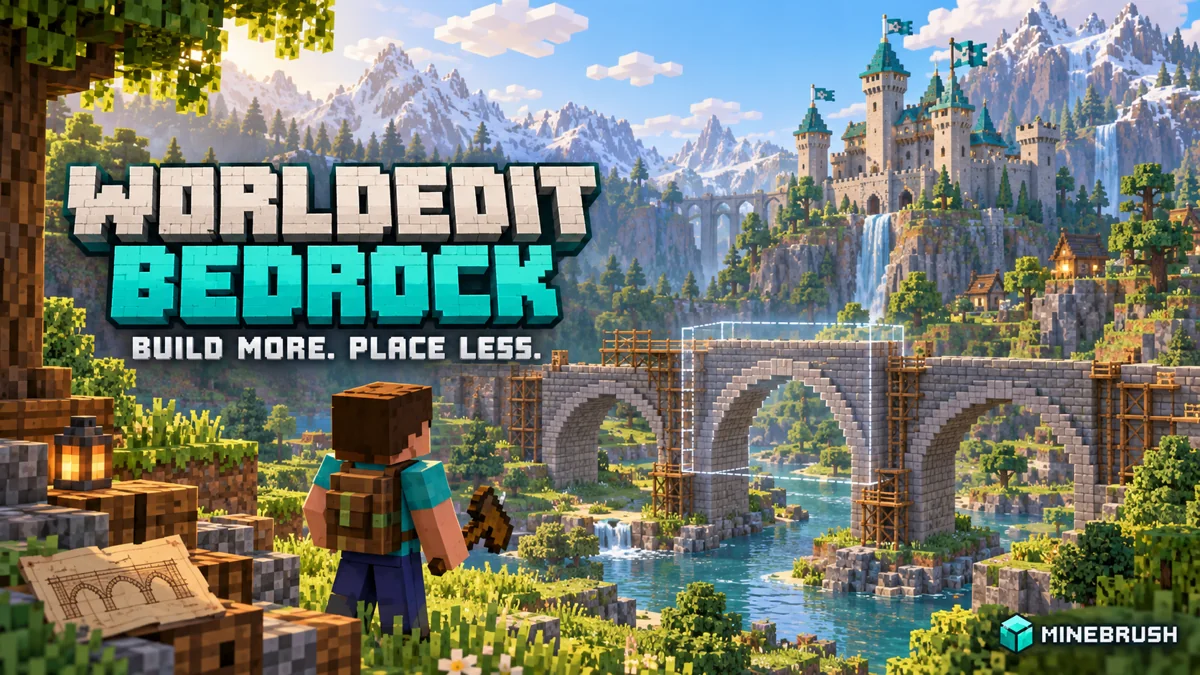
WorldEdit Bedrock
0.11.0-beta.5 / 0.10.4Copy builds, replace materials and shape terrain with WorldEdit for Bedrock. Learn the wand, clipboard, brushes and undo, then choose the right download for a normal world, Windows Editor or dedicated server.
- Minecraft
- 26.10 minimum (beta); 1.21.130 (stable)
- Components
- Paired
- Package
- .mcaddon for worlds; .zip for dedicated servers
Beta APIs required. Start in a copied world.
Bedrock · Add-on
WorldEdit Bedrock
Copy builds, replace materials and shape terrain with WorldEdit for Bedrock. Learn the wand, clipboard, brushes and undo, then choose the right download for a normal world, Windows Editor or dedicated server.
Beta APIs required. Start in a copied world.
- Minecraft version
- 26.10 minimum (beta); 1.21.130 (stable)
- Game edition
- Bedrock Edition
- Loader / platform
- Bedrock
- License
- GPL-3.0-or-later
- Platform family
- Bedrock & Mobile
- Supported devices
- Windows · Android · iOS/iPadOS
- Install format
- .mcaddon for worlds; .zip for dedicated servers
- Touch readiness
- Check guide
- Resource type
- Add-on
- Project version
- 0.11.0-beta.5 / 0.10.4
- Last verified at
- Sep 15, 2026
- Compatibility confidence
- Source claimed
- Bedrock add-on packs
- Paired
- Bedrock add-on import route
- Import the normal .mcaddon; activate both packs and Beta APIs.
- Required experiments
- Required
- Card evidence statement
- Select, copy, replace and shape your builds
- Card delivery statement
- Normal add-on, Windows Editor and server packages
- Card limitation note
- Beta APIs required. Start in a copied world.
- Edition applicability
- Bedrock
- Delivery state
- Direct download
- Lifecycle state
- Current
Player discussion 0
Questions, discoveries and help from other players.