
MineBrush publication
Motschen's Better Leaves: Download and Make Minecraft Forests Fuller
Give Minecraft Java forests fuller, bushier foliage with Motschen's Better Leaves. Download version 9.5, install the ZIP without a mod loader, see original creator screenshots, and fix conflicts with other texture packs.
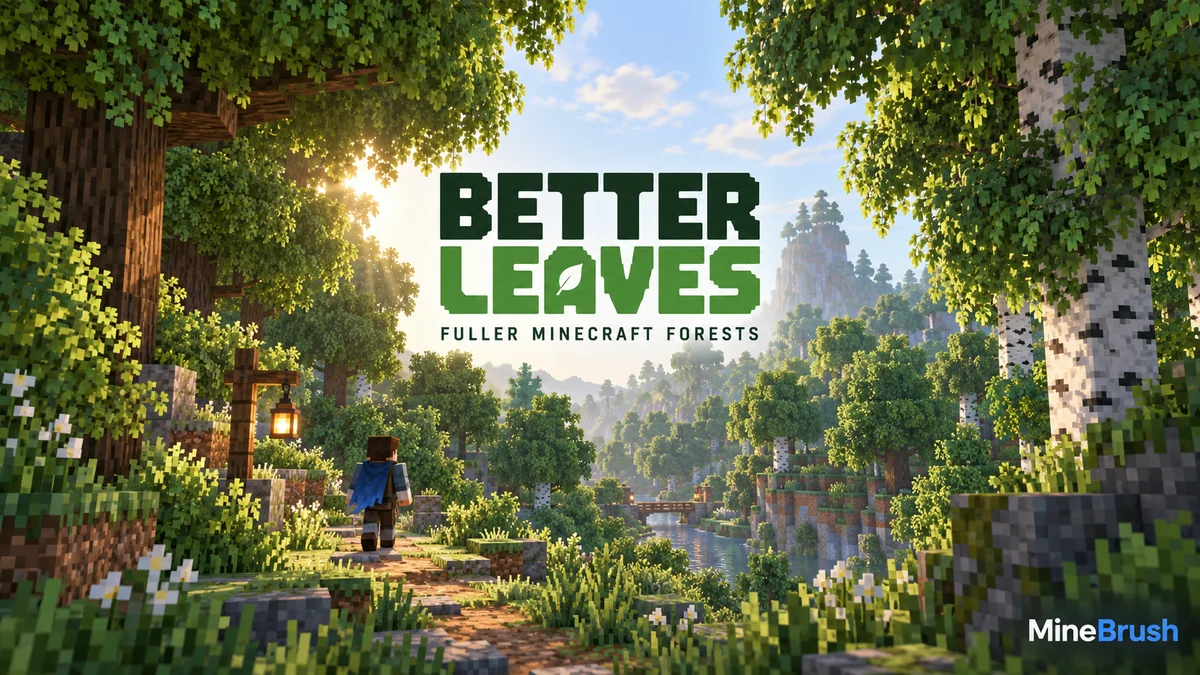
Motschen's Better Leaves makes Minecraft Java forests look fuller by adding extra layers around leaf blocks. Oak canopies, garden hedges and woodland paths gain a bushier outline while keeping the familiar block-based style. It is a resource pack: install its ZIP through the Resource Packs menu. You do not need a mod loader or a new world to use the standard pack.
Use fuller foliage in your builds
Gardens and village paths: use leaf blocks as low hedges beside a path or around a cottage. Better Leaves softens the outline, so leave enough visual space around narrow entrances and signs. The extra foliage is an appearance change; the block still occupies its ordinary place in the world.
Custom trees and woodland bases: shape the canopy with ordinary leaf blocks, then step back to judge its silhouette. The bushier edges can make a small canopy feel less boxy without rebuilding the trunk or installing a world-generation mod. Existing forests receive the visual change too.
A vanilla-style makeover: use the stock pack with default textures when you want fuller greenery while keeping familiar materials. For a heavily restyled texture pack, choose a matching Better Leaves variant so the added foliage does not clash with the rest of the scene.
For screenshots, position the camera where the canopy meets the sky or a building: its outline shows the effect clearly. Shaders and falling-leaf particles are separate choices. In multiplayer your friends still see their own selected packs, so the extra bushiness is not a reliable way to hide an entrance from other players.
Download Better Leaves 9.5
This archived release is the developer's Vanilla Edition. Its published compatibility list covers Minecraft Java 1.20.x, 1.21.x, 26.1.x and 26.2. It is not a Bedrock or mobile .mcpack file.
Keep the downloaded ZIP intact. If your computer automatically unpacks it, keep or recover the original ZIP so you can place it directly in Minecraft's resource-pack folder.
What the pack changes
The main change is the edge of each supported leaf block. Instead of ending at a perfectly flat cube, the foliage extends into several textured layers. This makes tree crowns and leaf-built decorations look denser. The pack changes their appearance; it does not make trees grow faster, add new biomes or introduce different leaf drops.
The stock download is intended for the standard Minecraft texture style and includes support for many modded leaf types. Support for one mod's trees does not mean every texture pack will automatically match. Version 9 uses generated leaf textures, so a separately designed texture pack can require a matching custom Better Leaves build.
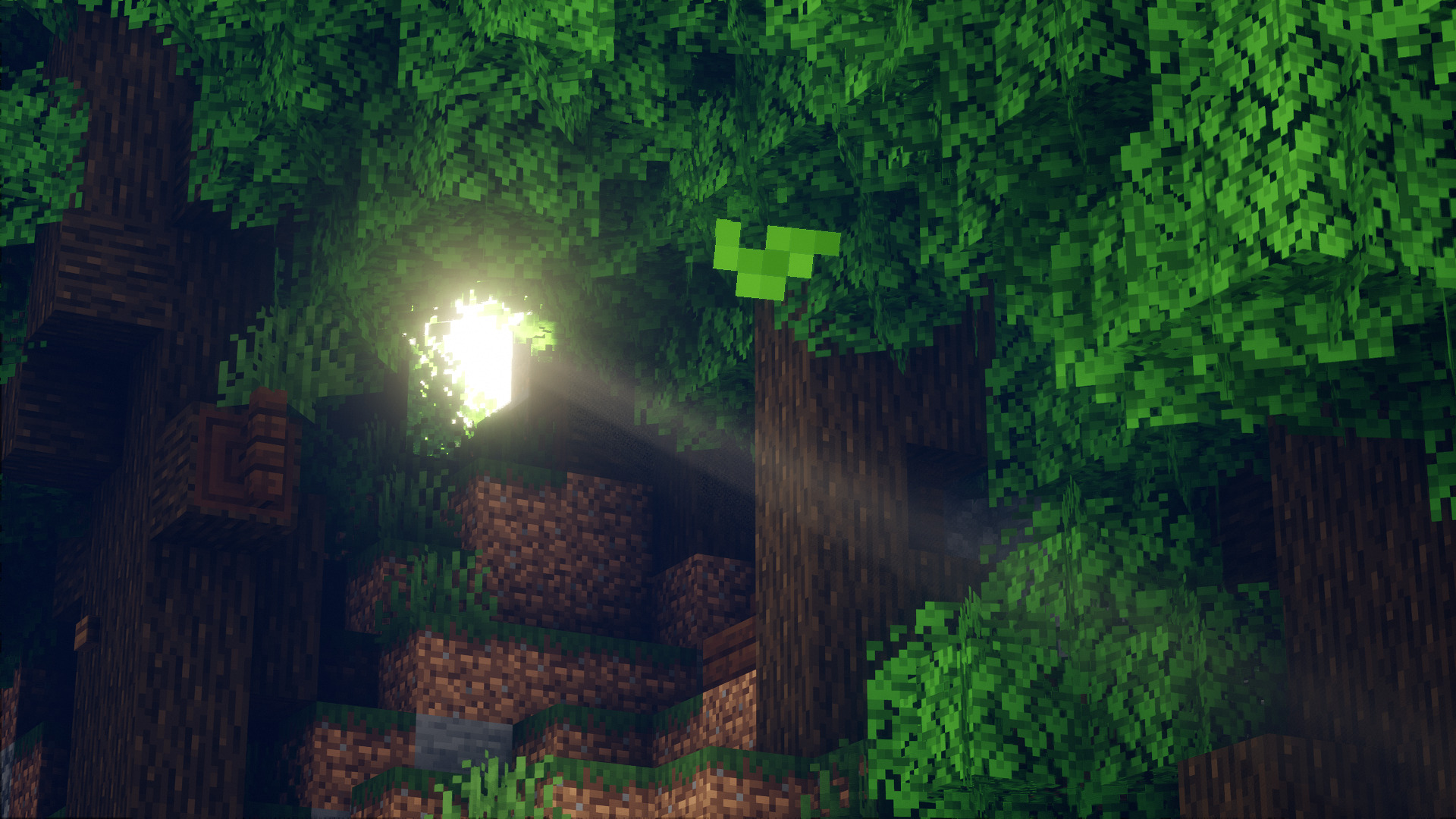
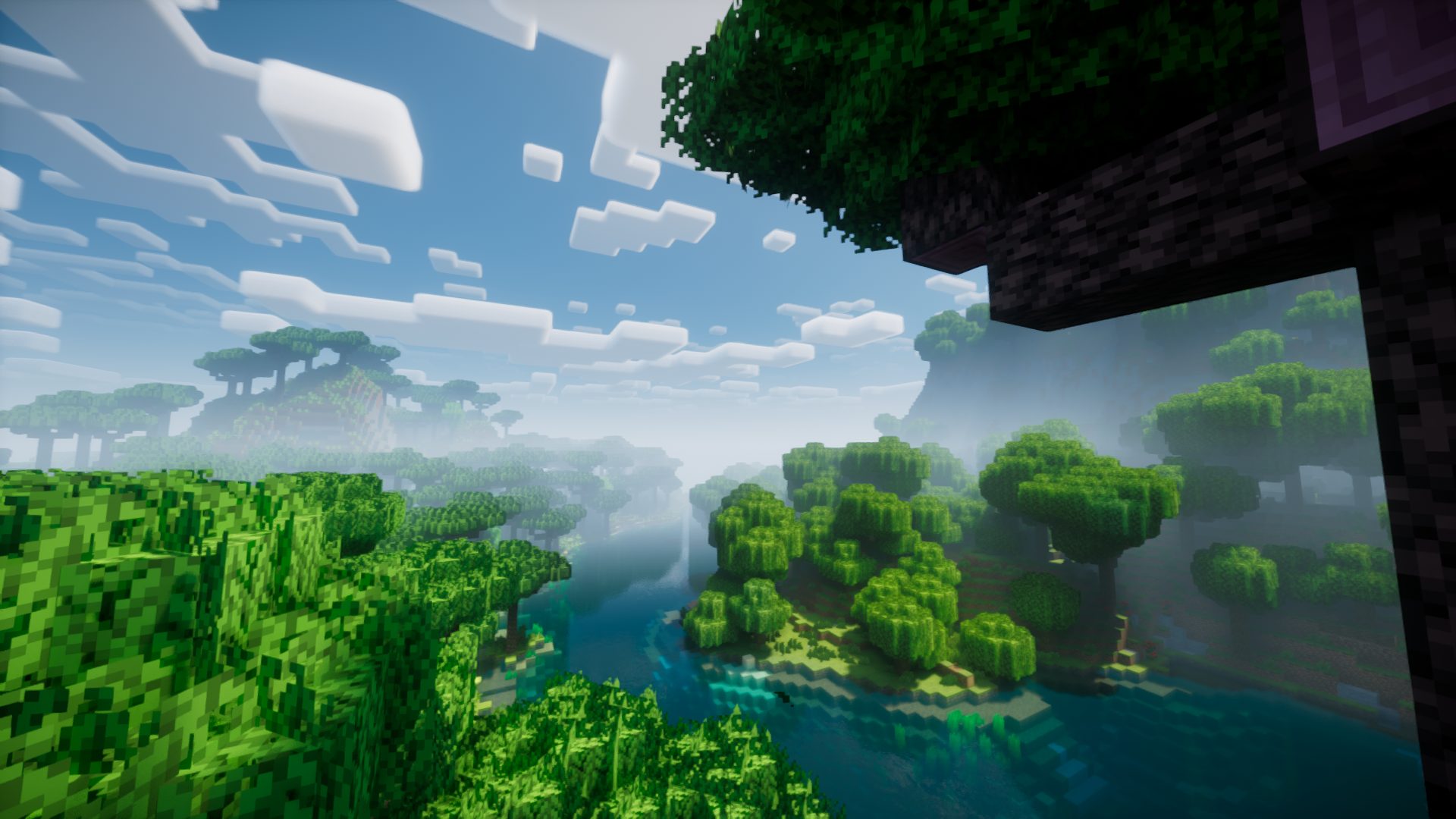
Original screenshots from the developer
How to install it
- Start the Minecraft Java installation you actually play. For a launcher with several instances, use that instance's own resource-pack folder.
- Open Options → Resource Packs → Open Pack Folder.
- Copy Better-Leaves-9.5.zip into that folder. Keep it as a ZIP rather than putting it in
modsorshaderpacks. - Return to Minecraft. Move Better Leaves from the available list to the selected list and press Done.
- Wait for resources to reload, then approach an oak or birch tree. Look at the outside of the canopy: the leaf outline should extend beyond the plain cube.
You can enable or disable the pack in an existing world. In multiplayer, it changes what you see on your own client; other players need their own selected resource pack to see the same foliage.
Using other texture packs, shaders and mods
You can use Better Leaves without shaders. A shader changes lighting, shadows and sometimes wind animation; Better Leaves supplies the foliage appearance. The dramatic light in the gallery is not a promise that the ZIP alone produces the entire scene.
If another pack replaces leaf models or textures, temporarily disable that pack and check Better Leaves with default resources. Packs higher in the selected list normally take priority when they replace the same asset. Moving Better Leaves higher may resolve a competing leaf model, but it cannot turn the stock textures into a perfect match for a completely different art style.
For a custom texture style, use a compatible Better Leaves variant made for that pack, or follow the creator's custom-pack instructions. Ordinary installation does not require running a generator or editing configuration files.
The developer recommends the optional Cull Leaves mod with a compatible renderer such as Sodium. These are separate mods with their own Minecraft and loader requirements. They are not required to enable the resource pack itself.
Common problems and fixes
- The pack is missing from the menu: check the active instance's folder and confirm that you copied the actual download ZIP, not a folder containing another ZIP.
- Leaves still look square: make sure the pack is selected, then temporarily disable other leaf-changing packs. Check ordinary vanilla leaves before assuming an unsupported modded tree should change.
- Leaf colors or textures do not match the rest of a texture pack: use default textures to confirm the cause. A matching custom variant may be needed for version 9's generated textures.
- Missing textures, strange faces or flickering: test without the competing resource packs and shaders. Re-enable them one at a time to identify the combination involved.
- Dense forests feel slower: compare the same view with the pack disabled. Extra foliage can add rendering work. Lower the render distance or reduce shader quality if needed; no fixed FPS gain is guaranteed.
How to remove it
Open Resource Packs, move Better Leaves out of the selected list and press Done. Minecraft will reload its previous resources. You can leave the ZIP in the available list for later or remove it from that instance's folder. Your trees remain in the world.
Author and source
Better Leaves is by Motschen / Team MidnightDust. MineBrush provides this installation guide and preserves the original release ZIP with its included MIT license. The screenshots belong to their credited creator; the MineBrush cover is an editorial illustration. Visit the official project, version 9.5 release page and source repository for the developer's updates and documentation.
More for your Java setup.
Give familiar mobs new shapes and expressive animations with compatible resource packs. Download Entity Model Features and its required ETF companion for Java 26.2, then bring your chosen pack to life.
- Minecraft
- Java 26.2
- Loader
- Fabric
- Runtime
- Client
Client only · Compatible resource pack required
Java · Mod
Entity Model Features
Give familiar mobs new shapes and expressive animations with compatible resource packs. Download Entity Model Features and its required ETF companion for Java 26.2, then bring your chosen pack to life.
Client only · Compatible resource pack required
- Minecraft version
- Java 26.2
- Game edition
- Java Edition
- Loader / platform
- Fabric
- License
- LGPL-3.0-only
- Platform family
- Java & PC
- Supported devices
- Windows · macOS · Linux
- Install format
- Two .jar mods + a compatible resource-pack ZIP
- Touch readiness
- Not required
- Resource type
- Mod
- Project version
- 3.3.5
- Last verified at
- Sep 5, 2026
- Secondary guide action
- Setup & fixes
- Compatibility confidence
- Source claimed
- Java mod loader
- Fabric
- Java runtime side
- Client
- Card evidence statement
- Custom mob models and animations from resource packs
- Required dependency
- Entity Texture Features 7.2.1 for the same loader
- Card delivery statement
- Download EMF + ETF for Fabric, Quilt or NeoForge
- Card limitation note
- Client only · Compatible resource pack required
- Edition applicability
- Java
- Delivery state
- Direct download
- Lifecycle state
- Current
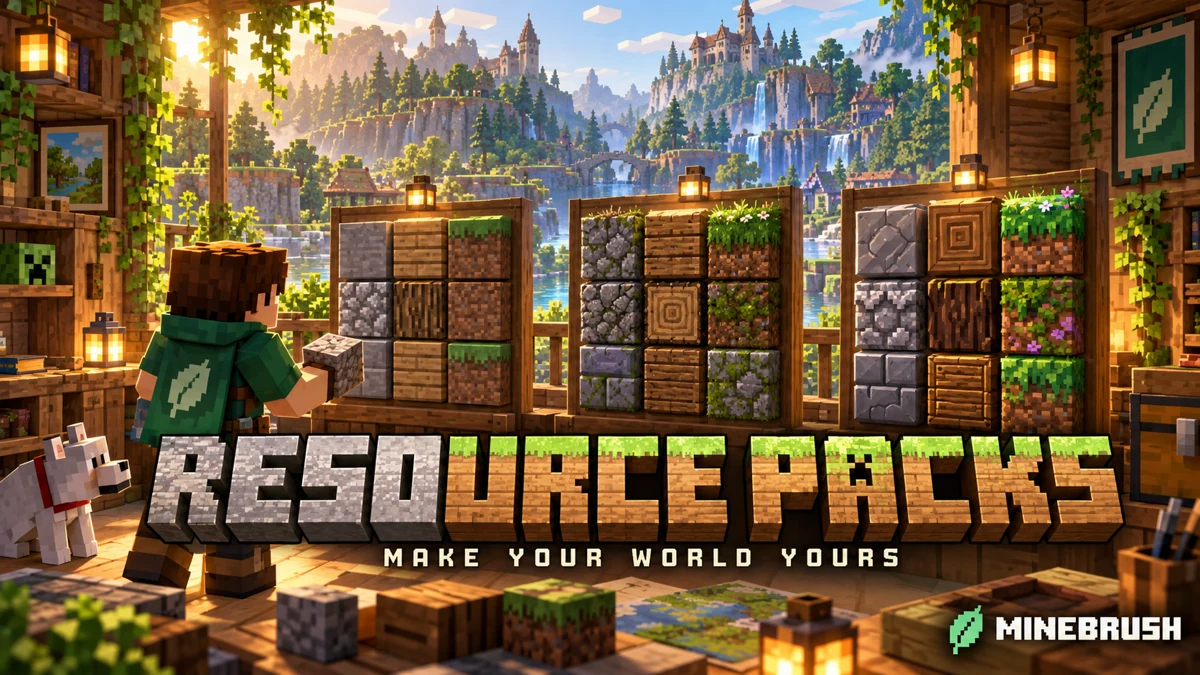
Give your Java world a new look without losing your familiar setup. Learn which resource pack to choose, where its ZIP belongs, how to activate it and combine overlays, and how to fix missing textures or version warnings—with illustrated steps for Windows, Mac and Linux.
- Edition
- Java Edition
- Difficulty
- Beginner
- Time
- 8 min read; setup time varies
MineBrush · Guide
Install & Combine Java Resource Packs
Give your Java world a new look without losing your familiar setup. Learn which resource pack to choose, where its ZIP belongs, how to activate it and combine overlays, and how to fix missing textures or version warnings—with illustrated steps for Windows, Mac and Linux.
- Minecraft version
- Choose a pack for your Java version
- Game edition
- Java Edition
- Platform family
- Java & PC
- Supported devices
- Windows · macOS · Linux
- Install format
- Java resource-pack ZIP
- Touch readiness
- Not required
- Resource type
- Guide
- Compatibility confidence
- Not applicable
- Edition applicability
- Java
- Estimated time
- 8 min read; setup time varies
- Guide difficulty
- Beginner
- Delivery state
- No file
- Lifecycle state
- Current
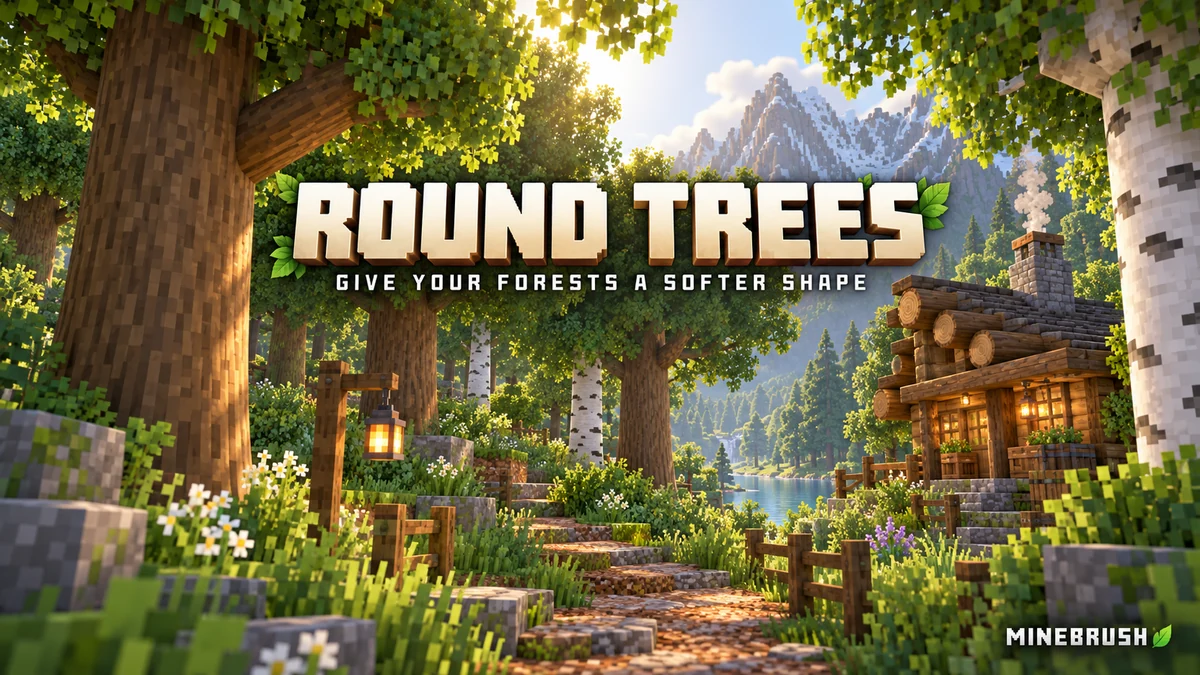
Give forests, log cabins and timber bridges a softer shape. See the creator screenshots, learn pack order and download Round Trees 8.3 for Minecraft Java.
- Minecraft
- 1.20–1.21.11 / 26.1–26.2
- Scope
- Models
- Runtime
- Vanilla
Place above other packs that replace log models
Java · Pack
Round Trees
Give forests, log cabins and timber bridges a softer shape. See the creator screenshots, learn pack order and download Round Trees 8.3 for Minecraft Java.
Place above other packs that replace log models
- Minecraft version
- 1.20–1.21.11 / 26.1–26.2
- Game edition
- Java Edition
- Loader / platform
- Vanilla
- License
- MIT
- Platform family
- Java & PC
- Supported devices
- Minecraft Java on Windows, macOS and Linux
- Install format
- Keep the ZIP in resourcepacks and enable it in Resource Packs
- Touch readiness
- Not required
- Resource type
- Resource Pack
- Last verified at
- Sep 7, 2026
- Compatibility confidence
- Source claimed
- Resource-pack scope
- Models
- Required runtime
- Vanilla
- Pack load order
- Top
- Resource-pack preview mode
- Single cover
- Resource-pack setup guide
- Available
- Card evidence statement
- Rounded logs using your chosen wood textures
- Card delivery statement
- Java resource pack; no mod loader required
- Card limitation note
- Place above other packs that replace log models
- Edition applicability
- Java
- Delivery state
- Direct download
- Lifecycle state
- Current

Understand Minecraft 26, tell normal releases from test builds, and choose the right version for friends, servers and mods. Clear Java and Bedrock examples without the technical clutter.
- Topic
- Choosing your Minecraft version
- Scope
- None
- Evidence
- Official Minecraft sources · checked 9 Sep 2026
A shared “26” prefix never proves cross-edition compatibility.
MineBrush · News
Minecraft Versions Made Simple
Understand Minecraft 26, tell normal releases from test builds, and choose the right version for friends, servers and mods. Clear Java and Bedrock examples without the technical clutter.
A shared “26” prefix never proves cross-edition compatibility.
- Compatibility confidence
- Source claimed
- Card evidence statement
- Official policy and indexes checked 9 Sep 2026; client display NOT_OBSERVED.
- Card delivery statement
- Choose a version for everyday play or testing
- Card limitation note
- A shared “26” prefix never proves cross-edition compatibility.
- Edition applicability
- Java + Bedrock
- News topic
- Choosing your Minecraft version
- Public news evidence label
- Official Minecraft sources · checked 9 Sep 2026
- Delivery state
- No file
- Lifecycle state
- Current
- News evidence type
- Official Minecraft source
Player discussion 0
Questions, discoveries and help from other players.