
MineBrush publication
Newb X Ale 1.0.0 for Minecraft Bedrock 26.50
Bring warm forest light, clear water and a black-hole End sky to your world. Download Newb X Ale 1.0.0 for Bedrock 26.50, see real screenshots and choose the shader-loader setup for your device.
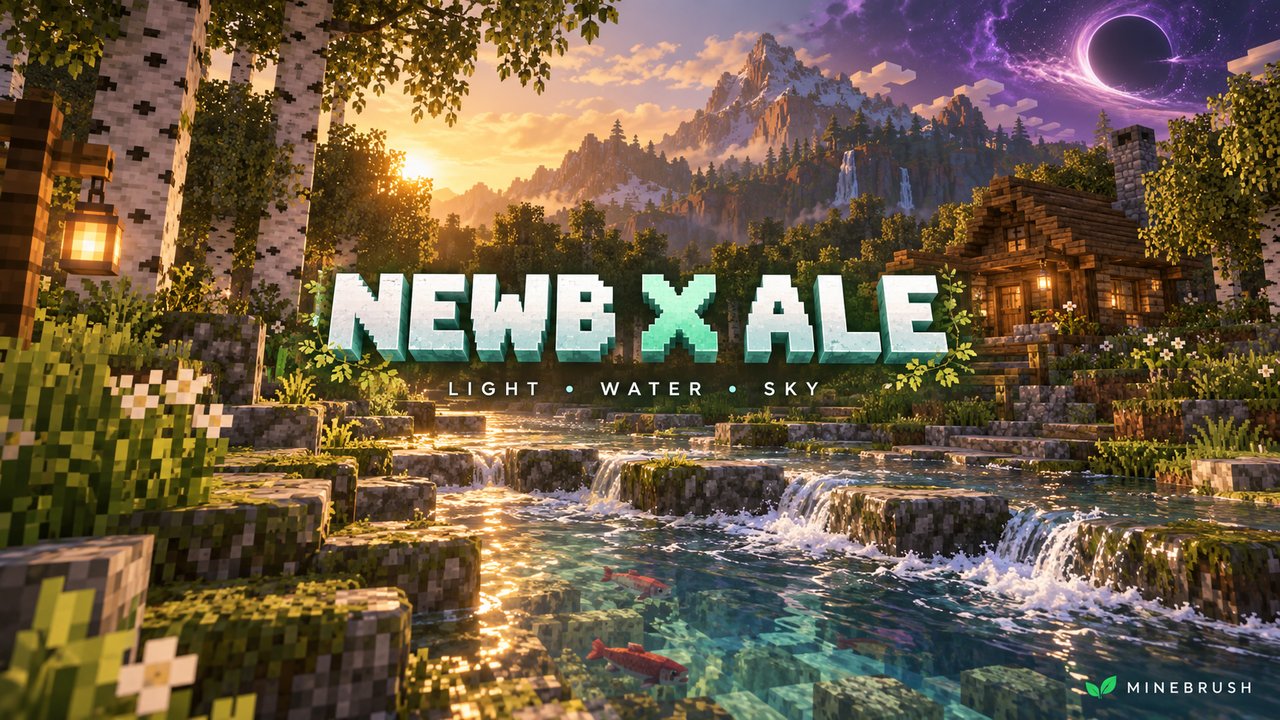
Warm forest light, clear water and a black-hole sky in the End: Newb X Ale gives a familiar Bedrock world a richer atmosphere while keeping its blocky style.
- Current download: Newb X Ale 1.0.0, September 17 release for Minecraft Bedrock 26.50.
- Best for: forest villages, stream-side builds and dramatic End views.
- Required: a compatible unofficial shader loader. Stock Bedrock and Vibrant Visuals alone do not activate this pack.
See the changes · Caves and End · Download · Install · Troubleshooting
What can you do with the new look?
Build around the morning and evening light
For a lakeside base: face a terrace west to bring the golden sunset into view. A little open water between your build and the far bank gives the sky room in the scene.
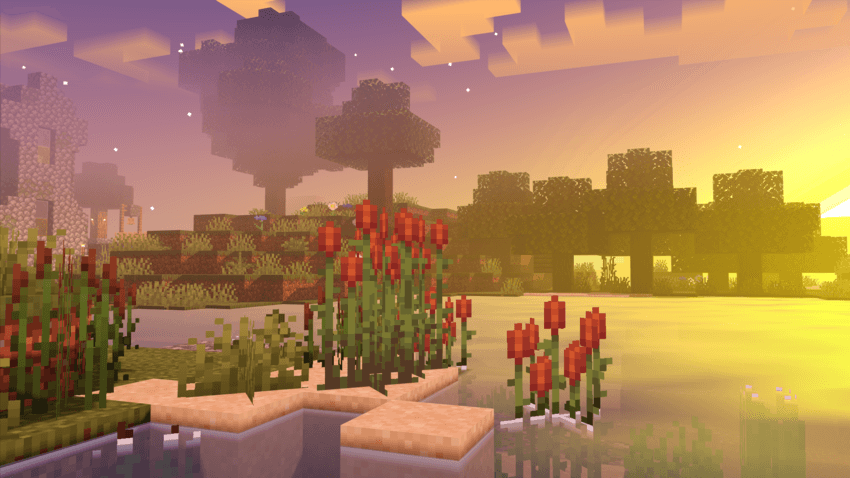
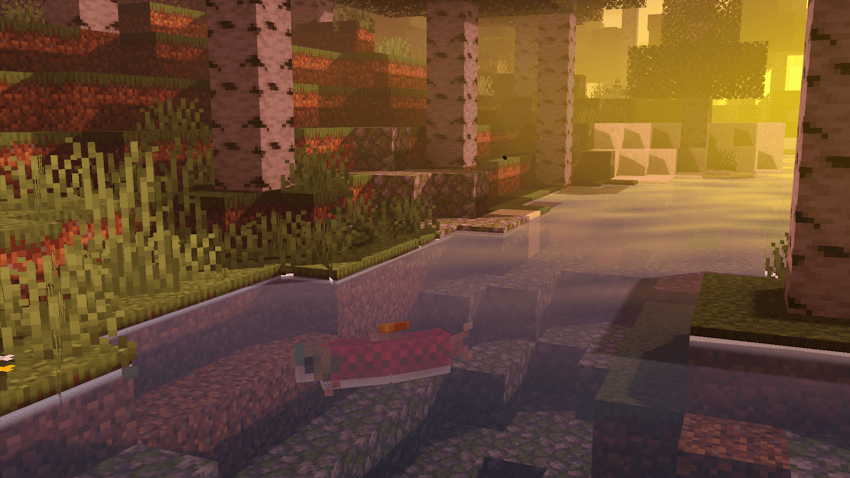
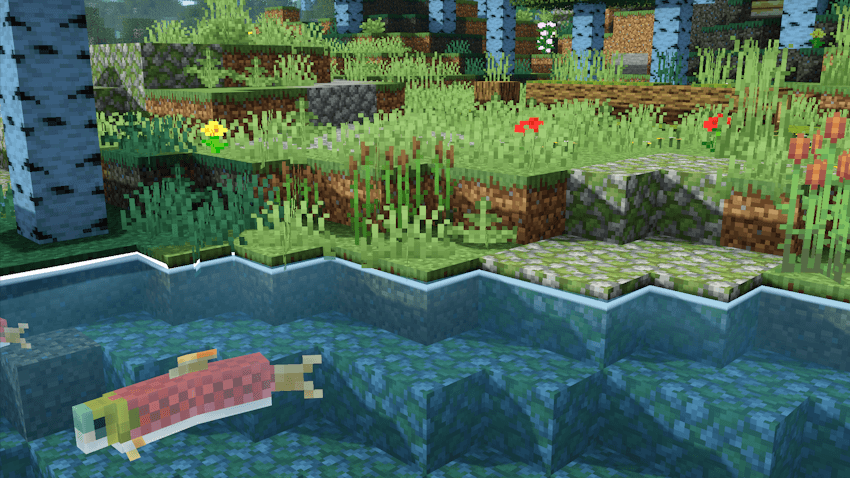
For a forest path: leave a gap between trees where light can reach a stream or bridge. In the creator's sunrise scene, the birch trunks and water pick up a warm glow without changing the actual terrain.
Choose your blocks in daylight
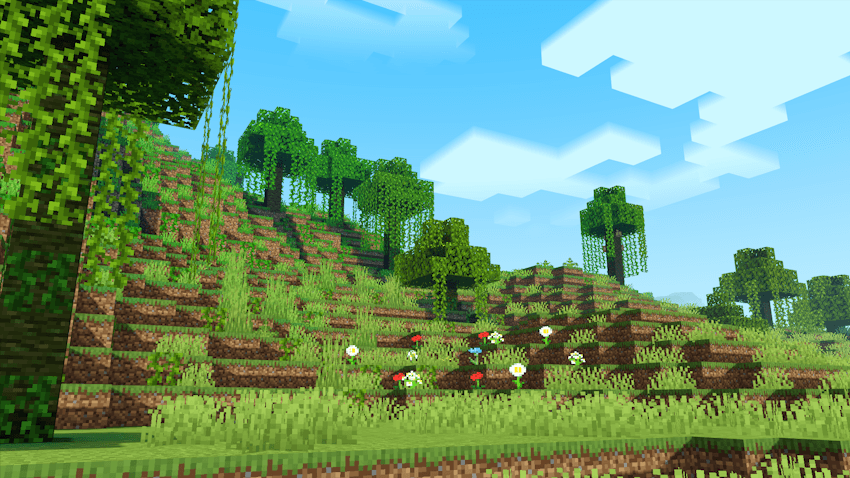
Before building a large wall or roof: place a small sample in the open and check it at midday. The bright greens and pale clouds create a different color balance from sunset; a palette should work at both times.
Make the waterline part of the build
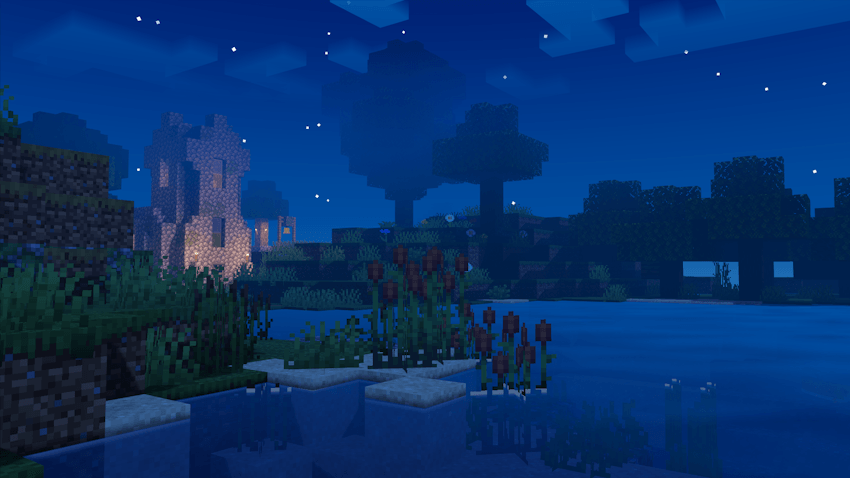
For ponds and streams: keep some bank visible beside a dock or stepping stones. The September release adds water-edge outlines, and the gallery shows fish beneath the clear surface. This is useful for planning the view from a bridge; it does not change swimming or fishing mechanics.
Keep a village readable at night
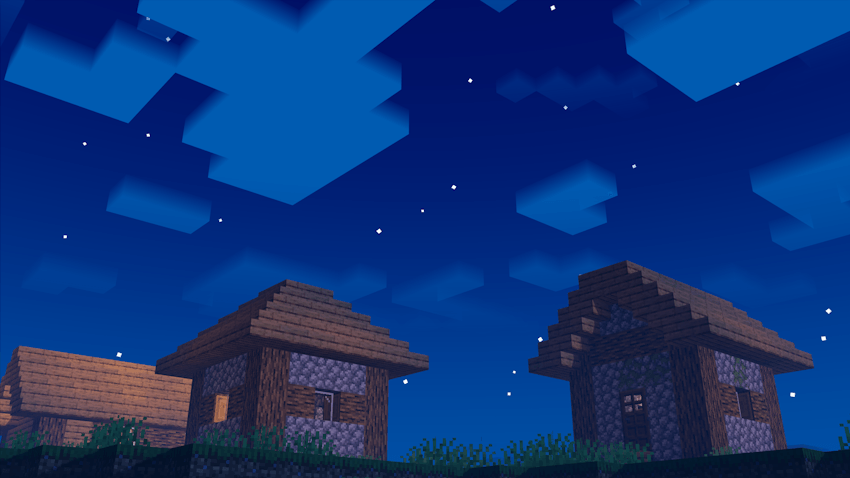
For night travel: use the blue sky as atmosphere and ordinary lights as navigation. Windows, a lit entrance and a marked dock are more reliable landmarks than a distant silhouette.
Glowing caves and the End's black hole
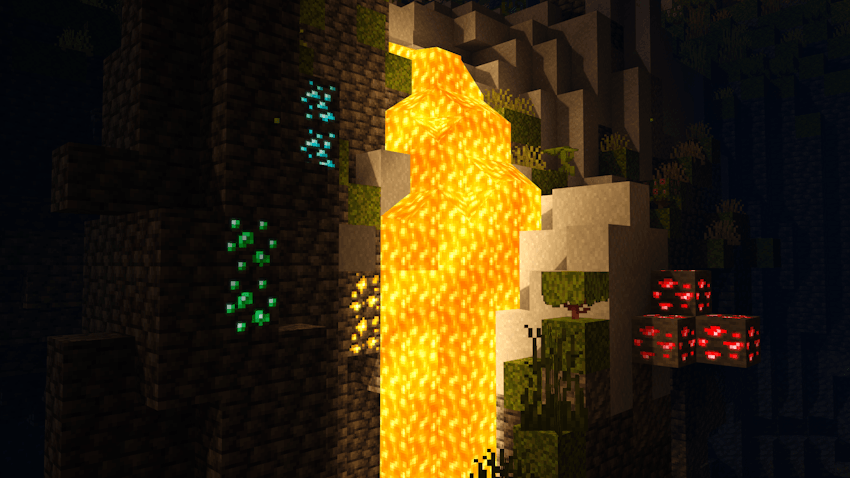
For a mine entrance: exposed ore and a controlled lava view can become part of the decoration. The gallery shows bright mineral colors beside a lava fall, but the shader does not reveal hidden ore or replace normal lighting for mob-spawn control.
For an End outpost: leave a wide view above the roofline. The large purple ring and dark center are a sky effect inspired by Super Duper Vanilla Shaders. You cannot travel into it, and it adds no new portal or dimension.
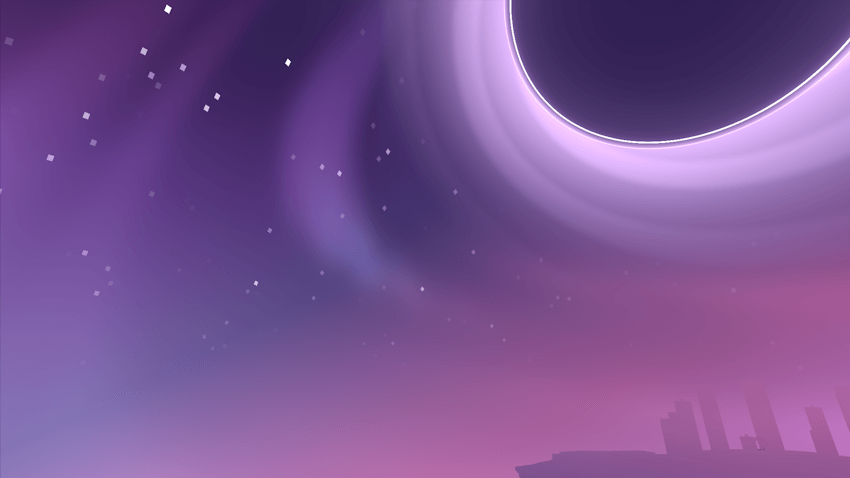
These images come from the creator's current gallery; the capture build is not specified.
Download Newb X Ale 1.0.0
The September 17 Multiplatform MCpack is the current main file for Bedrock 26.50. It includes platform-specific materials; you still need the matching loader for your device. This release changes clouds, sky colors, lighting, shadows, the End and water edges.
Performance: the author targets less powerful devices, but also notes that some devices may not work. This file has no named High/Low profiles, so there is no quality preset to select inside the pack.
Install the matching shader setup
Use the route for your platform:
- Android: the creator specifies Minecraft 26.50 with MBLoader.
- Windows: the current instructions name Wyvern. The creator lists Maject material replacement as a fallback; it is a separate method, not an extra step every player needs.
- iOS: the author names Minecraft Hynis. Check the Hynis instructions for your iOS version before installing.
These are unofficial routes. Follow the current instructions from the project page for your exact game build before changing a loader.
- Deactivate the older Ale shader and any other shader pack.
- Import the MCpack by opening it with Minecraft, or through your loader's import menu.
- Activate Newb X Ale in Settings → Global Resources → My Packs, or Resource Packs in a test world.
- Launch with the required loader. Importing alone will not switch on the shader materials.
- Check daylight, water and a night path before using your main world. Choose a familiar scene so you can tell whether the look changed.
If the shader does not look right
- Imported, but no visual change: confirm the pack is active and the compatible shader loader is actually running.
- Wrong lighting or missing effects: deactivate other shaders, reopen the world and check the game/loader match.
- Play becomes uncomfortable: reduce render distance and compare the same route again. The low-end description is not a guarantee for every device.
- Return to normal graphics: deactivate the pack and undo renderer changes using that loader's own instructions.
For a different sky palette, compare Newb X Dawn Reimagined. Check its game version separately before choosing a file.
More for your Bedrock world.
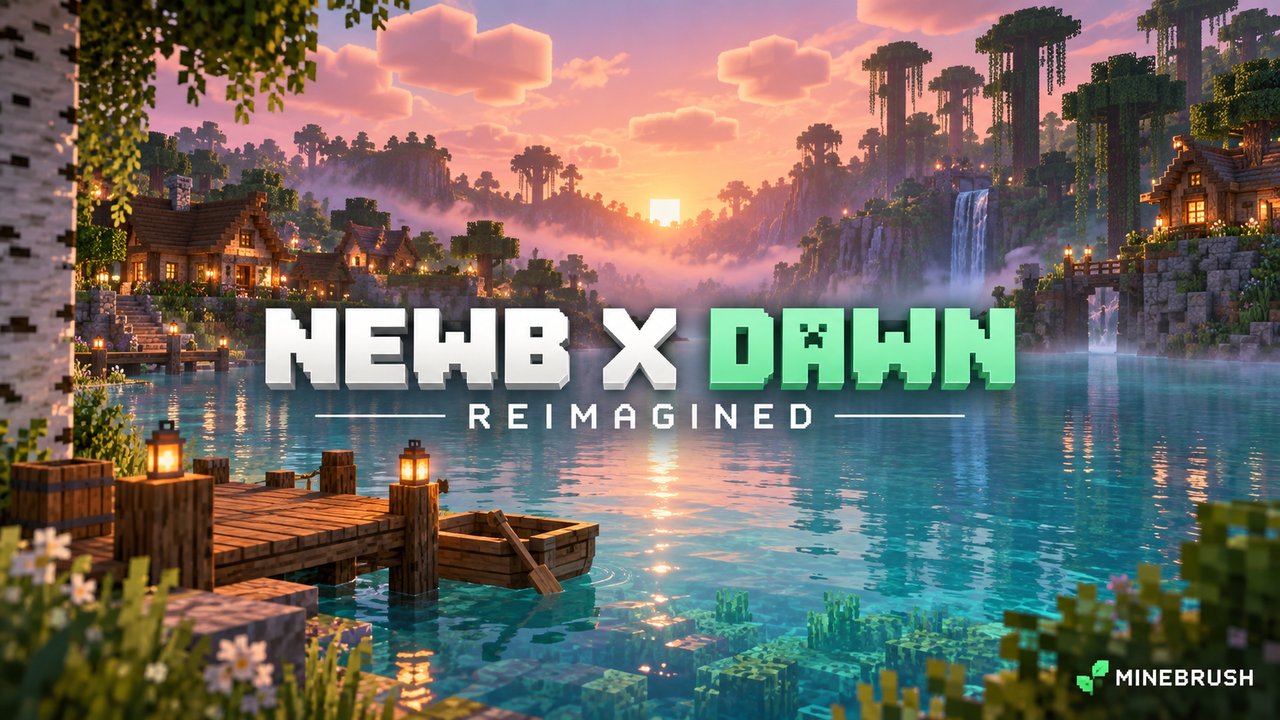
Give your Bedrock shorelines pink dawns and deep blue nights. See the real gallery, download Dawn 1.4.0 and follow the shader-loader setup for Bedrock 26.40.
- Minecraft
- Bedrock 26.40
- Graphics
- renderdragon_legacy
- Package
- .mcpack
Bedrock · Visual
Newb X Dawn Reimagined
Give your Bedrock shorelines pink dawns and deep blue nights. See the real gallery, download Dawn 1.4.0 and follow the shader-loader setup for Bedrock 26.40.
- Minecraft version
- Bedrock 26.40
- Game edition
- Bedrock Edition
- Performance expectation
- Depends on setup
- Platform family
- Bedrock & Mobile
- Supported devices
- Android, Windows, iOS; compatible shader loader required
- Install format
- .mcpack
- Touch readiness
- Check guide
- Resource type
- Shader
- Project version
- 1.4.0
- Bedrock graphics mode
- renderdragon_legacy
- Last verified at
- Sep 23, 2026
- Compatibility confidence
- Source claimed
- Bedrock version/build
- Bedrock 26.40
- Bedrock visual device evidence
- Tier not verified
- Bedrock graphics setup guide
- Available
- Card delivery statement
- MCpack download
- Edition applicability
- Bedrock
- Delivery state
- Direct download
- Lifecycle state
- Current
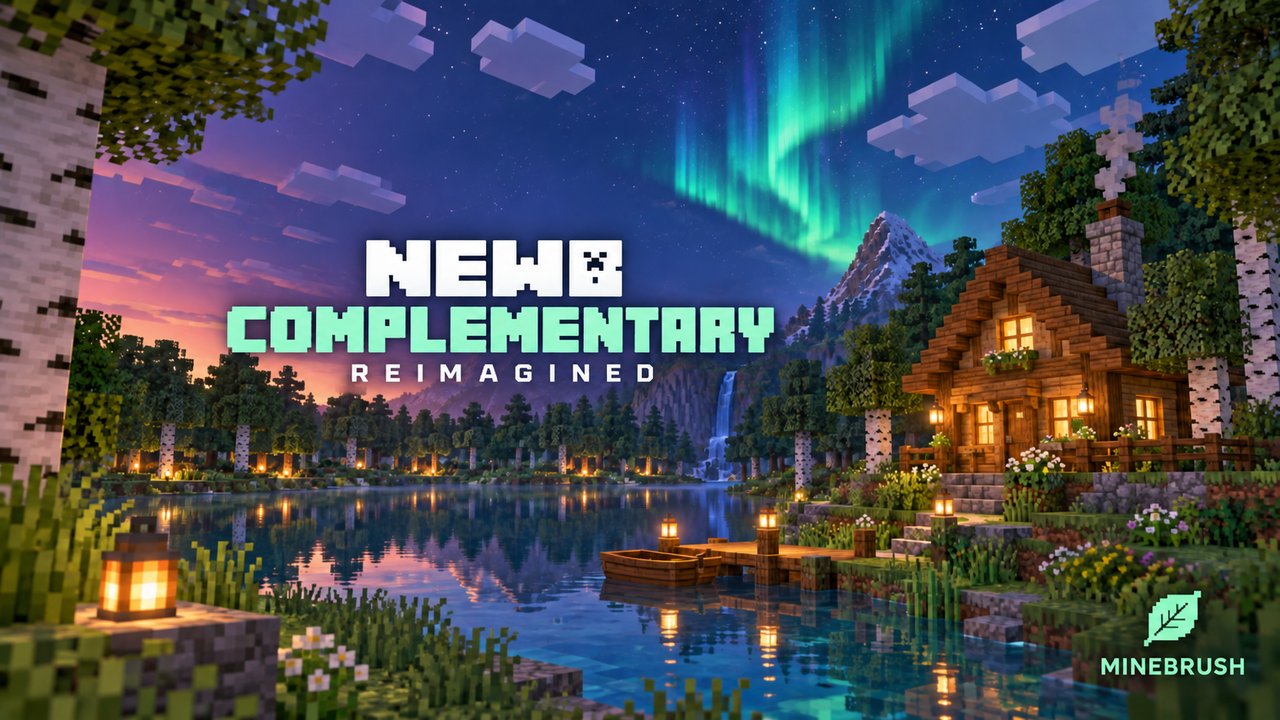
Give Bedrock forests warm light, colorful nights and a violet End. See what High and Low change, then check the renderer setup before you import.
- Minecraft
- Bedrock 26.40 / 26.44
- Graphics
- renderdragon_legacy
- Package
- .mcpack
Bedrock · Visual
Newb Complementary Reimagined
Give Bedrock forests warm light, colorful nights and a violet End. See what High and Low change, then check the renderer setup before you import.
- Minecraft version
- Bedrock 26.40 / 26.44
- Game edition
- Bedrock Edition
- Visual resolution
- Auroras, lighting and shader materials
- Performance expectation
- Depends on setup
- Platform family
- Bedrock & Mobile
- Supported devices
- Android, Windows and iOS with compatible unofficial loaders
- Install format
- .mcpack
- Touch readiness
- Check guide
- Resource type
- Shader
- Project version
- 1.4.0
- Bedrock graphics mode
- renderdragon_legacy
- Last verified at
- Sep 23, 2026
- Compatibility confidence
- Source claimed
- Bedrock version/build
- Bedrock 26.40 / 26.44
- Bedrock visual device evidence
- Tier not verified
- Bedrock graphics setup guide
- Available
- Card delivery statement
- Reimagined MCpack · High / Low
- Edition applicability
- Bedrock
- Delivery state
- Direct download
- Lifecycle state
- Current
AziFy Revive
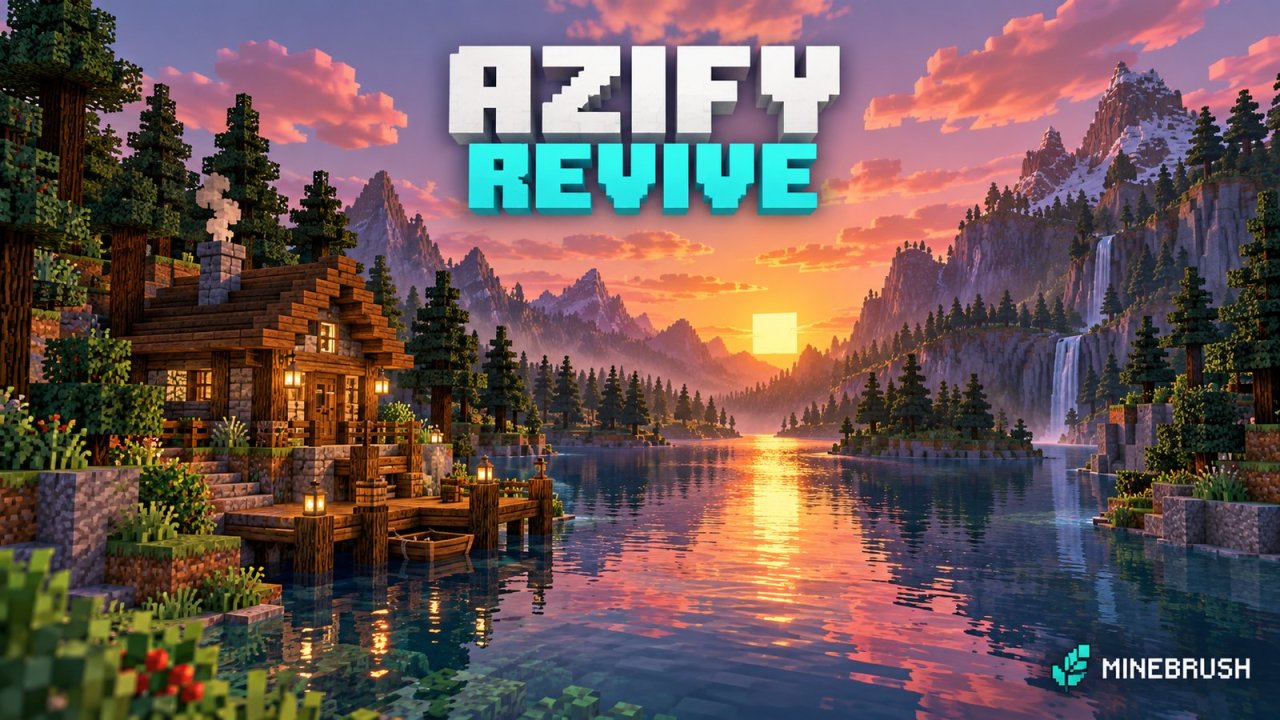
3.9Give your Bedrock world reflective water, colourful skies and custom lighting. Download AziFy Revive 3.9, compare its gallery and choose a compatible Android or Windows shader-loader setup.
- Minecraft
- Bedrock 26.40
- Graphics
- renderdragon_legacy
- Package
- .mcpack
Bedrock · Visual
AziFy Revive
Give your Bedrock world reflective water, colourful skies and custom lighting. Download AziFy Revive 3.9, compare its gallery and choose a compatible Android or Windows shader-loader setup.
- Minecraft version
- Bedrock 26.40
- Game edition
- Bedrock Edition
- Visual resolution
- Custom lighting and shader materials
- Performance expectation
- Depends on setup
- Platform family
- Bedrock & Mobile
- Supported devices
- Android and Windows loader routes; current iOS and console support unconfirmed
- Install format
- .mcpack
- Touch readiness
- Check guide
- Resource type
- Shader
- Project version
- 3.9
- Bedrock graphics mode
- renderdragon_legacy
- Last verified at
- Sep 23, 2026
- Compatibility confidence
- Source claimed
- Bedrock version/build
- Bedrock 26.40
- Bedrock visual device evidence
- Tier not verified
- Bedrock graphics setup guide
- Available
- Card delivery statement
- AFR 3.9 MCpack
- Edition applicability
- Bedrock
- Delivery state
- Direct download
- Lifecycle state
- Current
Player discussion 0
Questions, discoveries and help from other players.