
MineBrush publication
Newb X Dawn Reimagined 1.4.0 for Minecraft Bedrock 26.40
Give your Bedrock shorelines pink dawns and deep blue nights. See the real gallery, download Dawn 1.4.0 and follow the shader-loader setup for Bedrock 26.40.
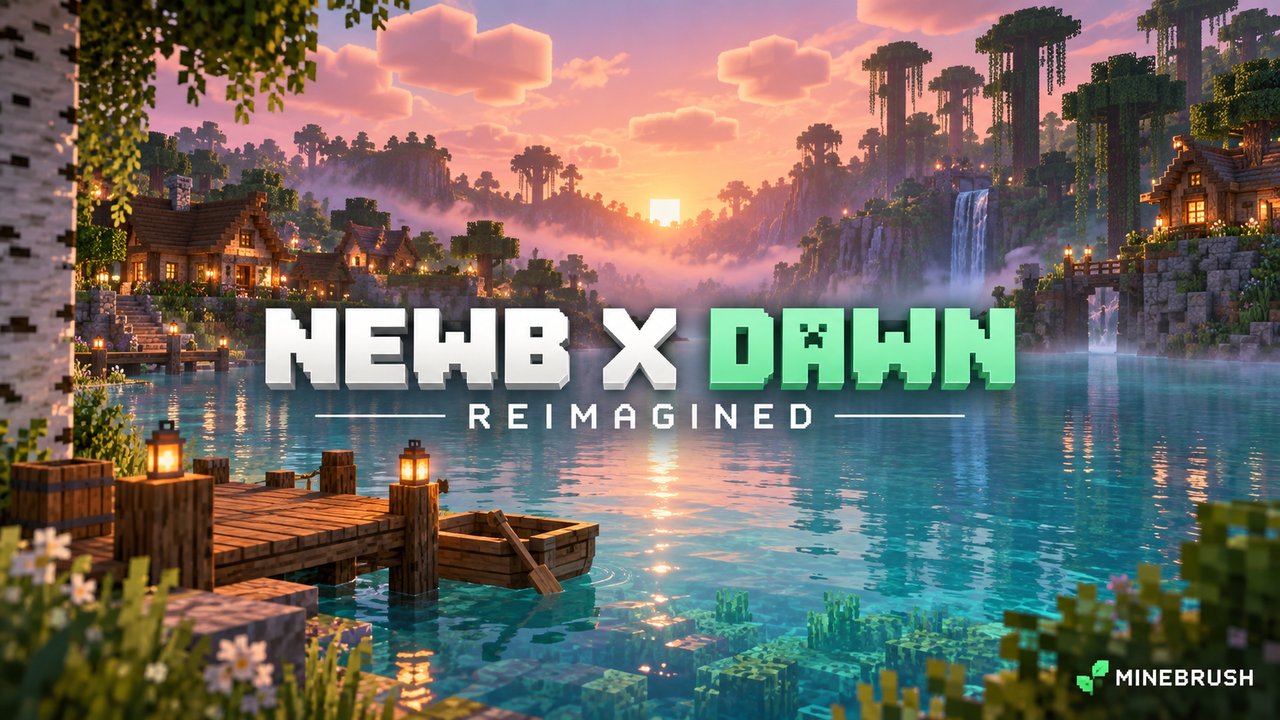
Pink dawns, bright water and deep blue nights: Newb X Dawn Reimagined gives familiar Bedrock villages and shorelines a different atmosphere.
- Best for: lakeside bases, open horizons and night-sky views.
- Required: a compatible unofficial shader loader. Importing the pack into stock Bedrock or switching on Vibrant Visuals is not enough.
- Download: Reimagined 1.4.0 for Bedrock 26.40. No RTX graphics card is required.
Daylight and water · Night and the End · Download and settings · Installation · Common problems
Where Dawn changes the view
Sunrise and sunset beside your base
For sunset: give a balcony or path an open western view. The pink clouds and glowing horizon work best when nearby walls do not hide the sky.
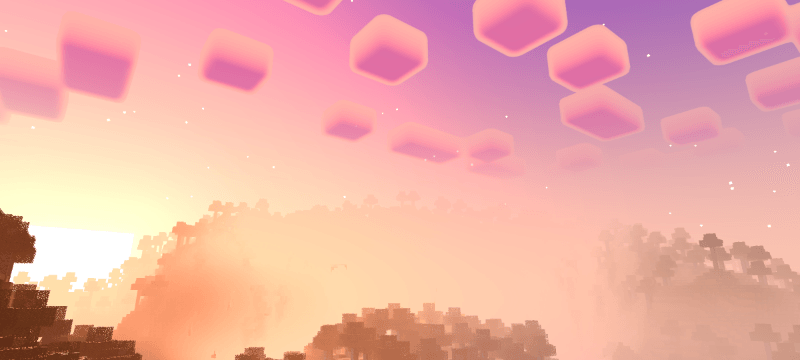
For sunrise: try an east-facing dock, boathouse or window. Pale water and distant hills give the morning color room to stand out.
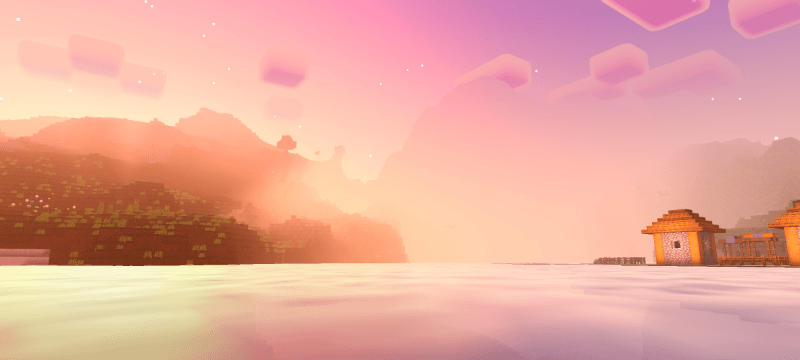
Everyday daylight and water
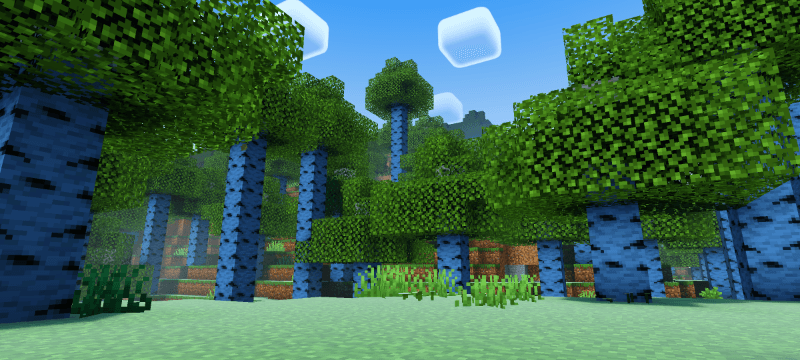
For a forest home: compare leaves, grass and your block palette in daylight. Dawn's outlined clouds and bright foliage make a birch grove a useful first place to try the look.
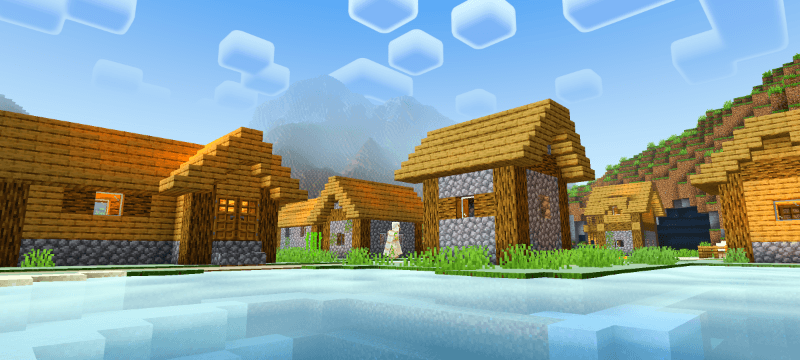
For a waterside village: stand across a pond to frame the roofs, sky and water together. The author also lists water waves and underwater light rays; the image below shows the surface.
Night skies, fog and the End
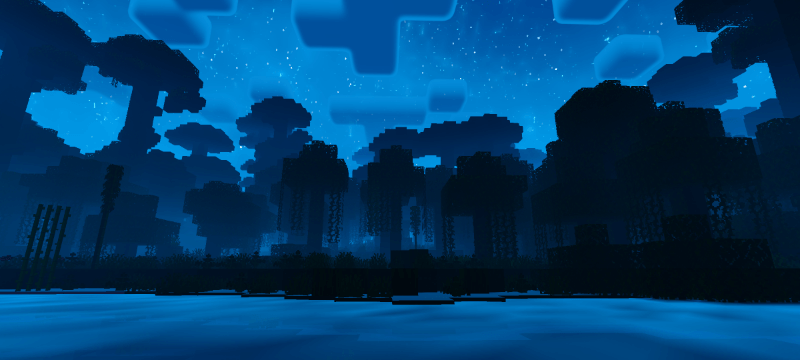
For night views: choose a shore or clearing where trees do not hide the stars. Keep your ordinary path lights and landmarks: the landscape can be much darker than the sky.
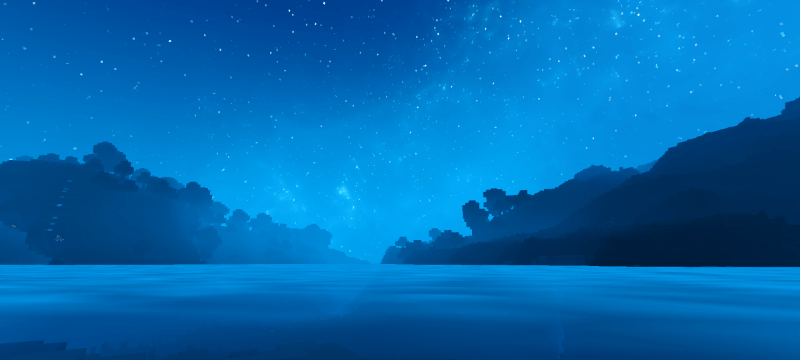
For a long river view: look along the water toward distant land. The blue night fog gives that scene depth; nearby lights still help you find a dock or entrance.
For an End expedition: frame an existing End ship against the violet haze. Dawn changes its atmosphere, not the structure or its loot.
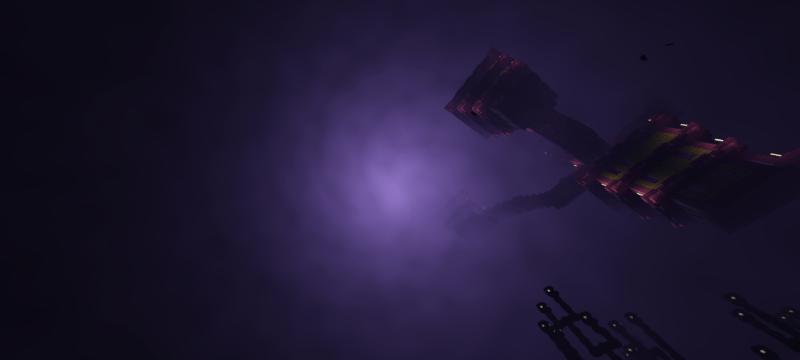
These are the creator's Reimagined gallery images; the capture build is not specified.
Download Newb X Dawn Reimagined 1.4.0
The file below is the September 11, 2026 Reimagined release. It is separate from older Dawn Shader Patch downloads and the creator's Lite package. The gallery here shows Reimagined.
Useful settings
- No High/Low selector: this Reimagined file has no selectable profiles. Do not look for the two profiles found in some other Newb packs.
- Brightness: the creator suggests 100 by day and 0 at night. Treat these as optional starting points and raise night brightness if paths become hard to read.
- Clouds: the author suggests disabling them if the shader feels too demanding. Compare the result during ordinary movement, not just in a still view.
- RTX-inspired: this describes the visual style. It does not mean hardware path tracing or an RTX card requirement.
Install and activate Dawn
Check your loader before installing. Ale lists MBLoader for Android, BetterRenderDragon for Windows and an iOS route. These unofficial setups depend on your exact game build. The download is listed for Bedrock 26.40 while the project advertises 26.44; support for every device is not established.
- Deactivate older Dawn packs and other shaders so they do not compete.
- Import the MCpack: open it with Minecraft, or use your loader's import option. Wait for the import confirmation.
- Activate Dawn: Settings → Global Resources → My Packs, or Resource Packs in a test world.
- Launch through the shader loader when required. Importing alone does not activate the shader materials.
- Check a familiar scene: look at daytime foliage, a sunset water view and a night path before using your main world.
If something does not work
- Imported but unchanged: confirm Dawn is active, then check whether the compatible loader is actually running.
- Night is too dark: raise brightness until entrances and paths are readable. You do not need to keep the suggested 0 setting.
- Performance drops: try disabling clouds and other active shaders. No particular FPS improvement is guaranteed.
- Want the normal look back: deactivate Dawn and undo renderer changes using the loader's own instructions.
Prefer auroras and glowing exposed minerals? Compare Newb Complementary Reimagined, a separate project with its own file and gallery.
More for your Bedrock world.
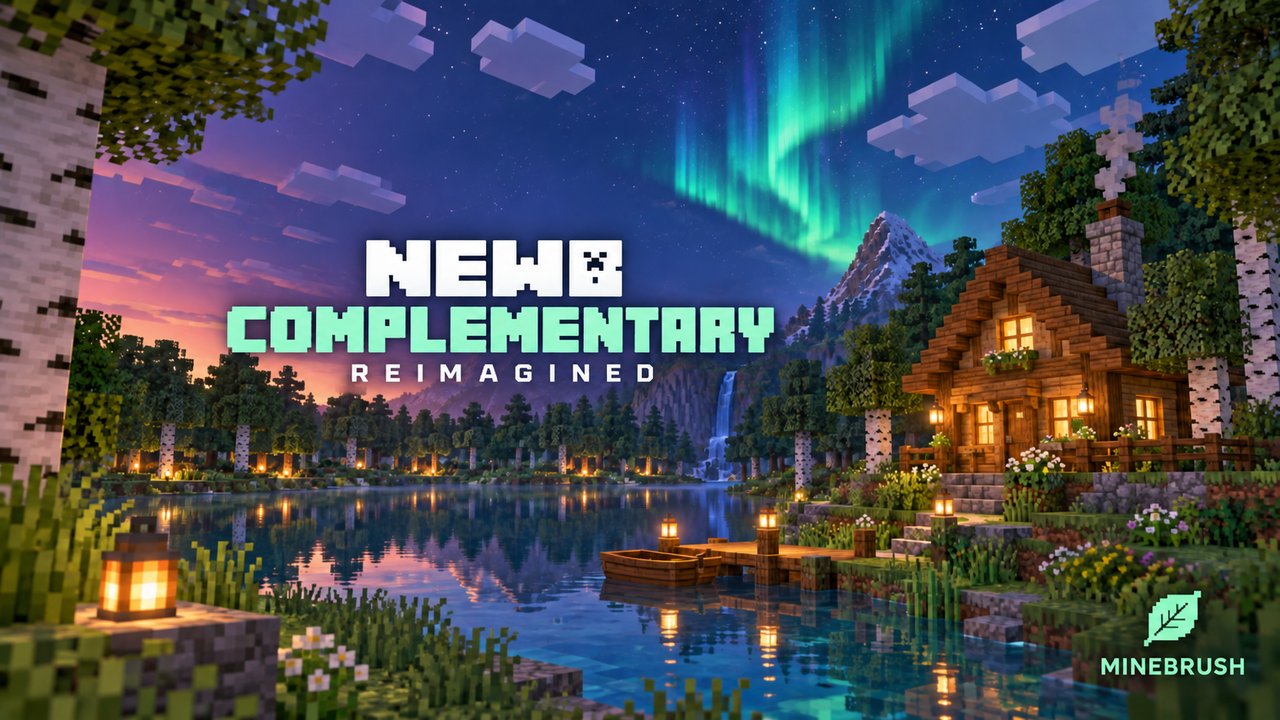
Give Bedrock forests warm light, colorful nights and a violet End. See what High and Low change, then check the renderer setup before you import.
- Minecraft
- Bedrock 26.40 / 26.44
- Graphics
- renderdragon_legacy
- Package
- .mcpack
Bedrock · Visual
Newb Complementary Reimagined
Give Bedrock forests warm light, colorful nights and a violet End. See what High and Low change, then check the renderer setup before you import.
- Minecraft version
- Bedrock 26.40 / 26.44
- Game edition
- Bedrock Edition
- Visual resolution
- Auroras, lighting and shader materials
- Performance expectation
- Depends on setup
- Platform family
- Bedrock & Mobile
- Supported devices
- Android, Windows and iOS with compatible unofficial loaders
- Install format
- .mcpack
- Touch readiness
- Check guide
- Resource type
- Shader
- Project version
- 1.4.0
- Bedrock graphics mode
- renderdragon_legacy
- Last verified at
- Sep 23, 2026
- Compatibility confidence
- Source claimed
- Bedrock version/build
- Bedrock 26.40 / 26.44
- Bedrock visual device evidence
- Tier not verified
- Bedrock graphics setup guide
- Available
- Card delivery statement
- Reimagined MCpack · High / Low
- Edition applicability
- Bedrock
- Delivery state
- Direct download
- Lifecycle state
- Current
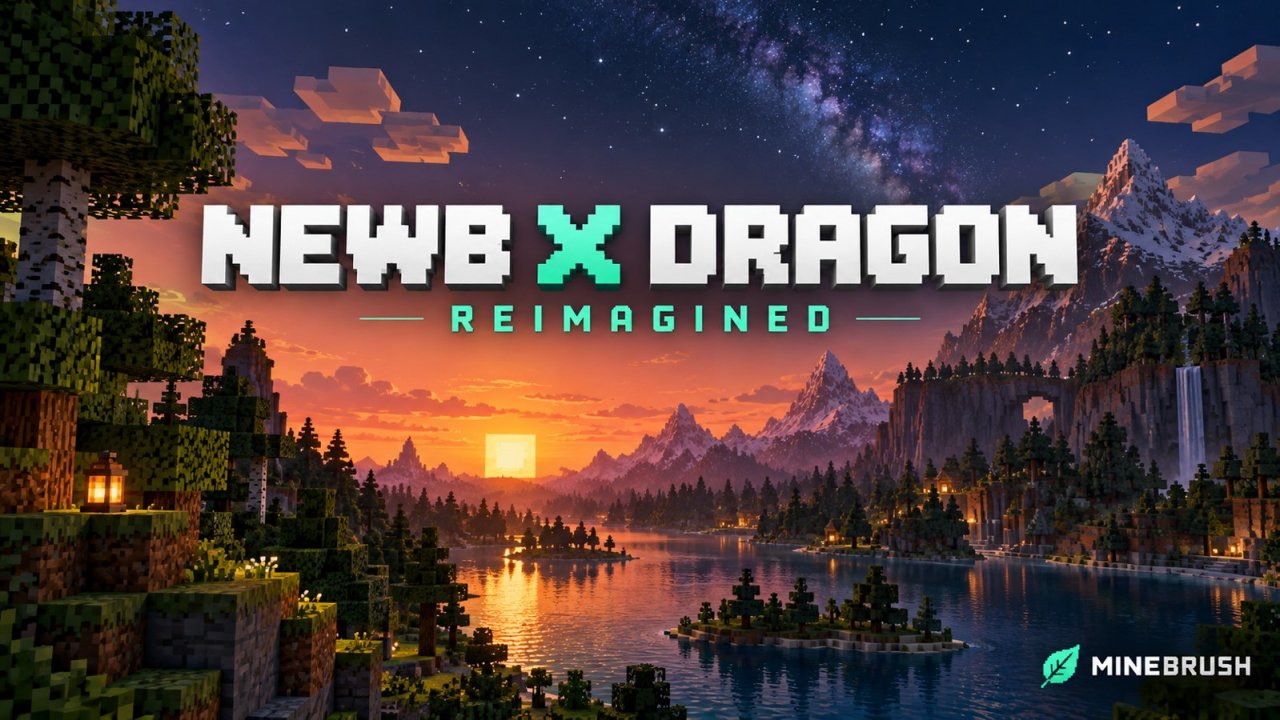
Give your Bedrock builds warm daylight, reflective sunsets and star-filled skies. Explore Reimagined’s gallery and check the shader loader your device needs.
- Minecraft
- Bedrock 26.40 / 26.44
- Graphics
- renderdragon_legacy
- Package
- .mcpack
Bedrock · Visual
Newb X Dragon Reimagined
Give your Bedrock builds warm daylight, reflective sunsets and star-filled skies. Explore Reimagined’s gallery and check the shader loader your device needs.
- Minecraft version
- Bedrock 26.40 / 26.44
- Game edition
- Bedrock Edition
- Visual resolution
- Custom skies, water and lighting
- Performance expectation
- Depends on setup
- Platform family
- Bedrock & Mobile
- Supported devices
- Android, Windows and iOS through compatible unofficial loaders
- Install format
- .mcpack
- Touch readiness
- Check guide
- Resource type
- Shader
- Project version
- 1.4.0
- Bedrock graphics mode
- renderdragon_legacy
- Last verified at
- Sep 23, 2026
- Compatibility confidence
- Source claimed
- Bedrock version/build
- Bedrock 26.40 / 26.44
- Bedrock visual device evidence
- Tier not verified
- Bedrock graphics setup guide
- Available
- Card delivery statement
- Reimagined MCpack · High / Low profiles
- Edition applicability
- Bedrock
- Delivery state
- Direct download
- Lifecycle state
- Current
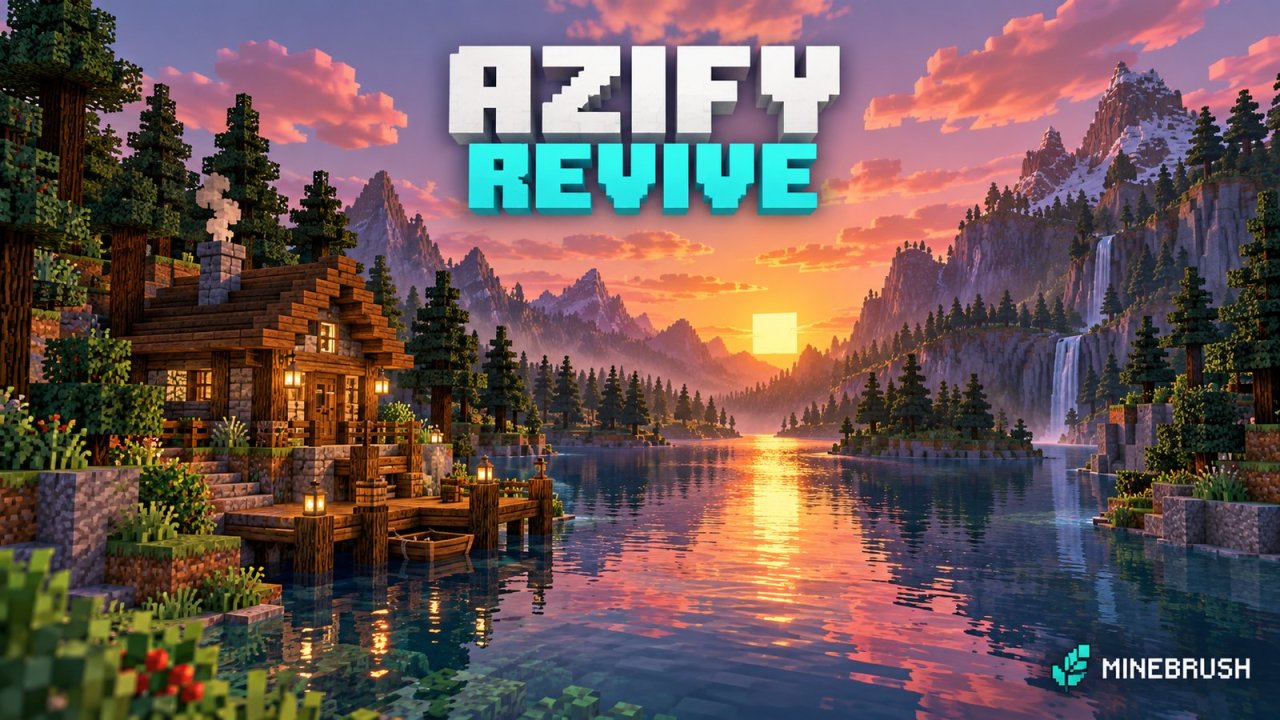
AziFy Revive
3.9Give your Bedrock world reflective water, colourful skies and custom lighting. Download AziFy Revive 3.9, compare its gallery and choose a compatible Android or Windows shader-loader setup.
- Minecraft
- Bedrock 26.40
- Graphics
- renderdragon_legacy
- Package
- .mcpack
Bedrock · Visual
AziFy Revive
Give your Bedrock world reflective water, colourful skies and custom lighting. Download AziFy Revive 3.9, compare its gallery and choose a compatible Android or Windows shader-loader setup.
- Minecraft version
- Bedrock 26.40
- Game edition
- Bedrock Edition
- Visual resolution
- Custom lighting and shader materials
- Performance expectation
- Depends on setup
- Platform family
- Bedrock & Mobile
- Supported devices
- Android and Windows loader routes; current iOS and console support unconfirmed
- Install format
- .mcpack
- Touch readiness
- Check guide
- Resource type
- Shader
- Project version
- 3.9
- Bedrock graphics mode
- renderdragon_legacy
- Last verified at
- Sep 23, 2026
- Compatibility confidence
- Source claimed
- Bedrock version/build
- Bedrock 26.40
- Bedrock visual device evidence
- Tier not verified
- Bedrock graphics setup guide
- Available
- Card delivery statement
- AFR 3.9 MCpack
- Edition applicability
- Bedrock
- Delivery state
- Direct download
- Lifecycle state
- Current
Player discussion 0
Questions, discoveries and help from other players.