 MineBrush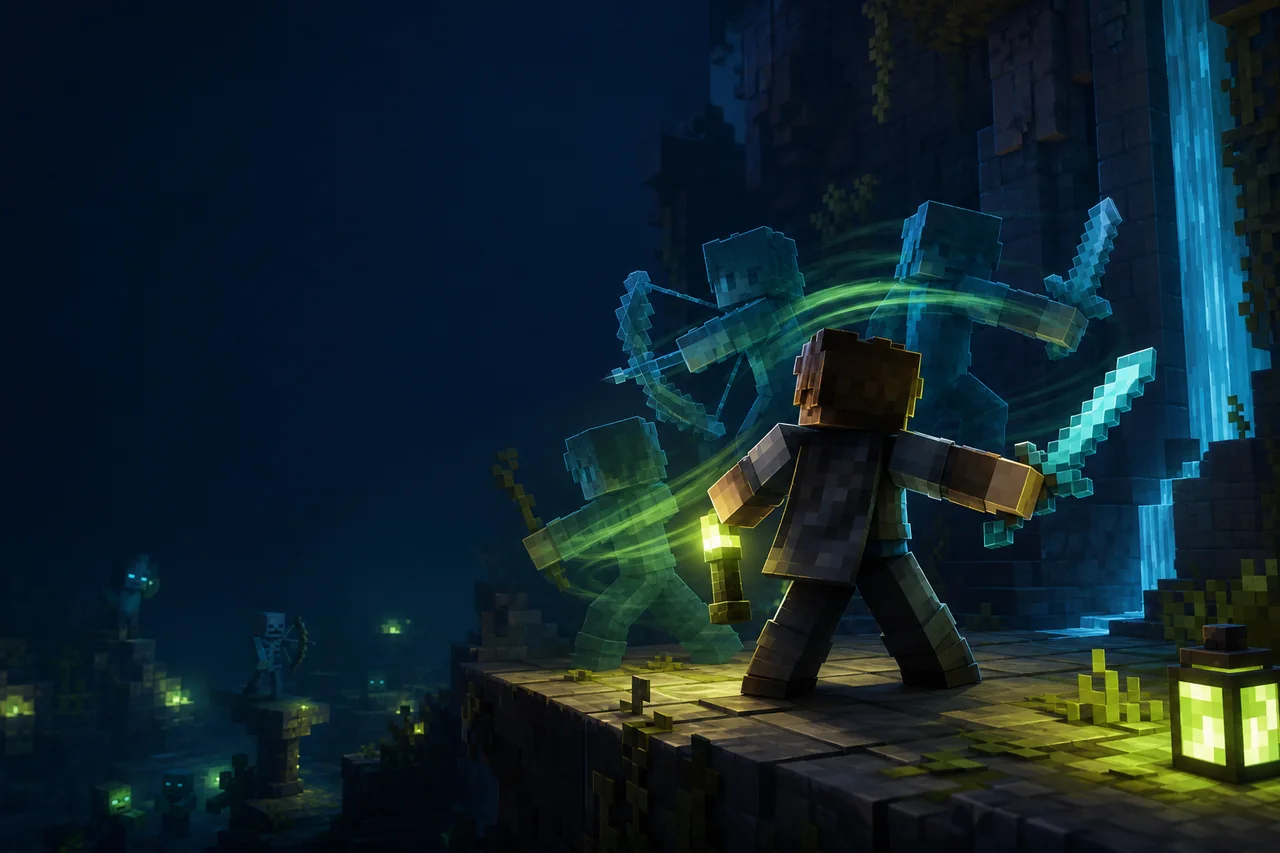
Minecraft Java player animations
Not Enough Animations adds client-side third-person representations for actions that are clearer in first person, including held-item and movement states. The current creator-listed Minecraft 26.2 release is 1.12.4 for Fabric with Fabric API required. The creator notes that NeoForge 26.2 is delayed because that build is not currently working.
Current compatibility snapshot
| Check | Creator metadata |
|---|---|
| Version | 1.12.4, ID 67xQnLDS |
| Minecraft | Java Edition 26.2 |
| Loader | Fabric |
| Required | Fabric API |
| Environment | Client-side only |
| License | tr7zw Protective License |
The project supports other loaders on earlier game versions, but that does not create a safe NeoForge 26.2 option. Use the creator’s current route and do not install an unofficial port or repackaged JAR as a substitute.
Decide whether the problem is animation, model, or texture
Not Enough Animations changes how player actions are shown by the local client. Examples documented by the creator include eating and drinking, maps, shields, bows, boats, horses, ladders, crawling, and smoother arm transitions. It does not repair custom entity geometry, skin artwork, or resource-pack rules. A hand or held item moving at the wrong time is an animation issue; a misshapen model or wrong texture belongs to a different layer.
The mod is visual and client-side. Another player’s unmodified client is not expected to show your added animation coverage. Server acceptance still depends on server rules, especially when a visual change affects competitive readability.
Install and reproduce one action
- Create a Fabric 26.2 profile with matching Fabric API and add Not Enough Animations 1.12.4.
- Choose one ordinary action, such as eating one food item. Record the item, perspective, movement state, and any offhand item.
- Watch the action in first person and third person. If possible, compare how another local camera or player sees it without claiming their client has the mod.
- Repeat while standing still, moving, and using only the minimum equipment needed for the action.
- Restart Minecraft and repeat before testing a second action or adding other camera and animation mods.
This narrow sequence is more useful than running through every feature once. It establishes whether timing, item visibility, body rotation, and completion state remain consistent for one controlled case.
Troubleshoot clipping or desynchronization
If an item clips through the body, remove armor and custom player-model additions first. If the wrong item remains visible during a two-handed action, repeat with an empty offhand. If an animation starts or ends late, record whether the gameplay action itself completed normally; a visual mismatch is different from a server input failure.
Disable other first-person, camera, player-animation, and model mods one at a time. Keep the same skin and resource packs so the animation variable is isolated. If the client crashes, verify Java 26.2, Fabric, Fabric API, and version ID 67xQnLDS, then preserve the log. Do not try a NeoForge file for 26.2 when the creator has not published one.
Rollback
Exit the client, copy the mod config if you changed individual animation toggles, remove only Not Enough Animations, and relaunch the same test profile. Confirm vanilla first- and third-person behavior returns. The mod should not require deleting a world or account skin. Restore individual animation options only after the default 1.12.4 state passes.
Describe multiplayer observations precisely
If a second player helps test, state which client has the mod and which perspective produced the evidence. Do not assume a remote player sees the same added animation. Record the server type, latency range, item, action, and whether gameplay state completed normally. Remove usernames, chat, server address, and coordinates from shared captures. This distinction helps separate a local visual defect from network timing or a server-side action rule.
Primary sources and evidence boundary
MineBrush rechecked creator metadata August 28, 2026 but did not animate an action or run multiplayer tests. Coverage for every item, interaction with a particular model or camera mod, server-policy acceptance, and visual correctness remain unknown. If the failure is the depth of the skin’s outer layer rather than motion, use the 3D Skin Layers guide.
PLAYER QUESTIONS
Discussion
Include the exact edition, version and step when asking for help.