 MineBrush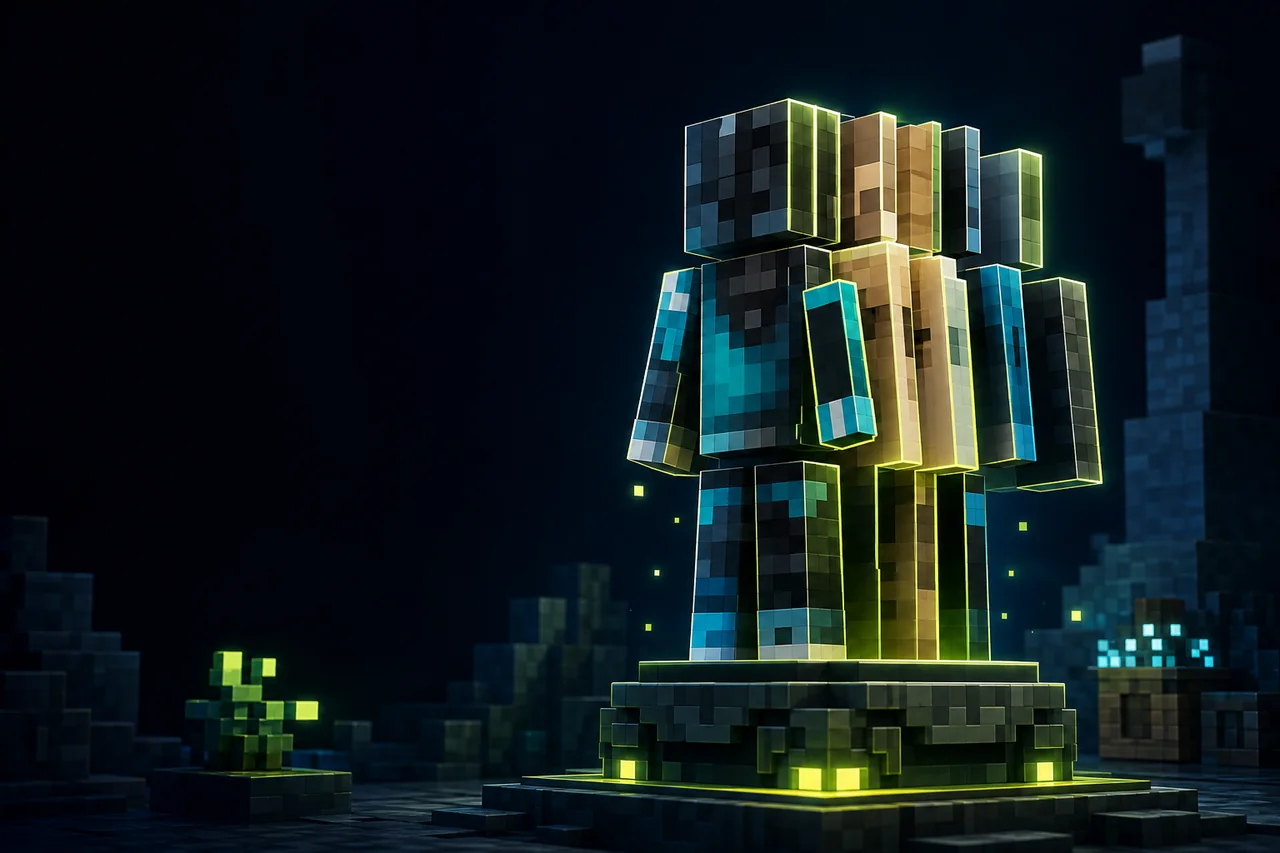
Minecraft Java player-skin rendering
3D Skin Layers converts the flat outer layer of a player skin into client-rendered geometry. It does not replace the account skin or add a server-side cosmetic system. The current creator-listed Minecraft 26.2 release is 1.11.2 for Fabric, with Fabric API required; the creator notes that a 26.2 NeoForge build is delayed because that platform is not currently working for this release line.
Compatibility and license snapshot
| Check | Current creator metadata |
|---|---|
| Version | 1.11.2, ID rJYtiDew |
| Minecraft | Java Edition 26.2 |
| Loader | Fabric |
| Required | Fabric API |
| Environment | Client-side only |
| License | tr7zw Protective License |
The broader project supports multiple Minecraft generations and loaders, but the current 26.2 record supports Fabric only. Do not substitute an older Forge or NeoForge file because the base mod version looks similar. The project license also contains project-specific redistribution terms; use the creator’s current release route rather than an unofficial JAR mirror.
Know which visual layer is failing
A Minecraft skin has a base layer and an optional outer layer for hats, jackets, sleeves, and pants. 3D Skin Layers gives that outer artwork visible depth. A missing outer layer may come from the skin file itself, the in-game skin customization toggles, a stale remote skin, or the mod. Distorted arms can instead indicate a classic-versus-slim model mismatch. Armor clipping and animation clipping are separate interactions.
The creator describes a distance fallback that returns the layer to a flat presentation beyond a limited range. That means a nearby third-person check and a distant multiplayer check can legitimately look different. Do not diagnose the fallback as disappearance until you repeat the test at a fixed distance.
Install and test one skin safely
- Create a Fabric 26.2 client profile and install the matching Fabric API before adding 3D Skin Layers 1.11.2.
- Choose one known skin with visible outer-layer pixels. Confirm the same skin displays correctly in unmodified Java Edition.
- Enable all intended skin customization parts, remove armor, and record classic or slim arm format.
- Compare front, back, arms, legs, crouching, swimming, and one ordinary movement animation in third person.
- Move the camera and another player beyond the creator-described fallback distance, then return nearby and confirm the geometry changes predictably.
Use a private test world or a server that permits client cosmetics. The mod is client-side, so another player without it is not expected to render the same geometry. A screenshot from your client proves only your local view.
Troubleshoot missing or broken layers
If the outer layer is absent, check the original skin file and vanilla customization toggles first. If only one arm format is distorted, confirm whether the account skin is classic or slim. If armor clips, repeat with armor removed; then reintroduce one armor piece at a time. If motion breaks the geometry, disable player-model, camera, first-person, and animation mods individually while keeping the exact same skin.
If the client fails to start, verify Java 26.2, Fabric, Fabric API, and version ID rJYtiDew. Preserve the latest log. A NeoForge crash is not evidence that the Fabric build is defective, because the creator does not currently list a NeoForge 26.2 release.
Rollback and data safety
Close Minecraft, save any changed config, remove only the 3D Skin Layers JAR, and launch the same profile. Your account skin should remain intact because the mod changes local rendering, not the stored skin. If the vanilla layer still looks wrong, investigate the skin or account refresh rather than deleting worlds or unrelated mods. Keep the previous known-good JAR only for personal rollback within the project’s license terms.
Primary sources and evidence boundary
MineBrush rechecked metadata August 28, 2026 but did not render a skin or run this JAR. Armor compatibility, multiplayer refresh, model-mod interaction, animation clipping, and performance remain unknown for a player’s stack. If animation rather than skin depth is the failing layer, compare the separate Not Enough Animations diagnostic.
PLAYER QUESTIONS
Discussion
Include the exact edition, version and step when asking for help.