
MineBrush publication
Faithful 32x: Finer Textures for the Minecraft World You Know
Give familiar Minecraft textures finer detail with Faithful 32x. Download the Java 26.3 September release, install it without mods, arrange add-ons correctly and test the look on your own builds.
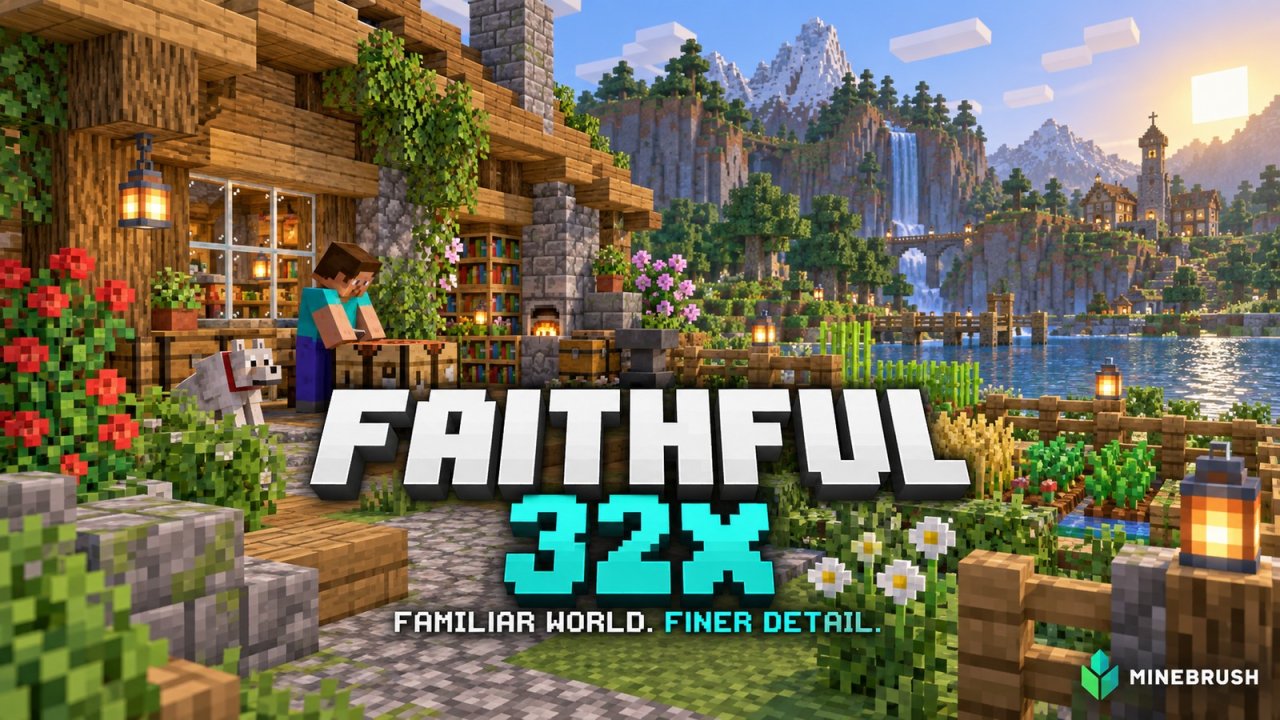
Your oak house should still look like your oak house. Faithful 32x gives Minecraft's familiar textures more room for detail without turning the world into a different art style. Wood grain, stonework, tools and decorations become more intricate, while the shapes and colors remain easy to recognize.
This guide covers the Java Edition pack, with the September 2026 release for Minecraft 26.3 available below. It works through Minecraft's normal Resource Packs menu. You do not need Fabric, Forge, OptiFine or a shader loader to use the base pack.
Jump to: What changes · Current release · Download · Install · Pack order · Try it in your world · Fixes
More detail without relearning your world
The “32x” refers to texture resolution. A typical square texture has twice the width and height of Minecraft's familiar 16x version, giving artists more space to describe a surface. It does not mean the game renders at a different screen resolution, and it does not change block size, crafting recipes or the items you own.
Faithful redraws textures with a coordinated palette and style. It is especially useful when you enjoy vanilla building materials but want to see more detail up close: a workshop, kitchen, library or small village gives you plenty to inspect.
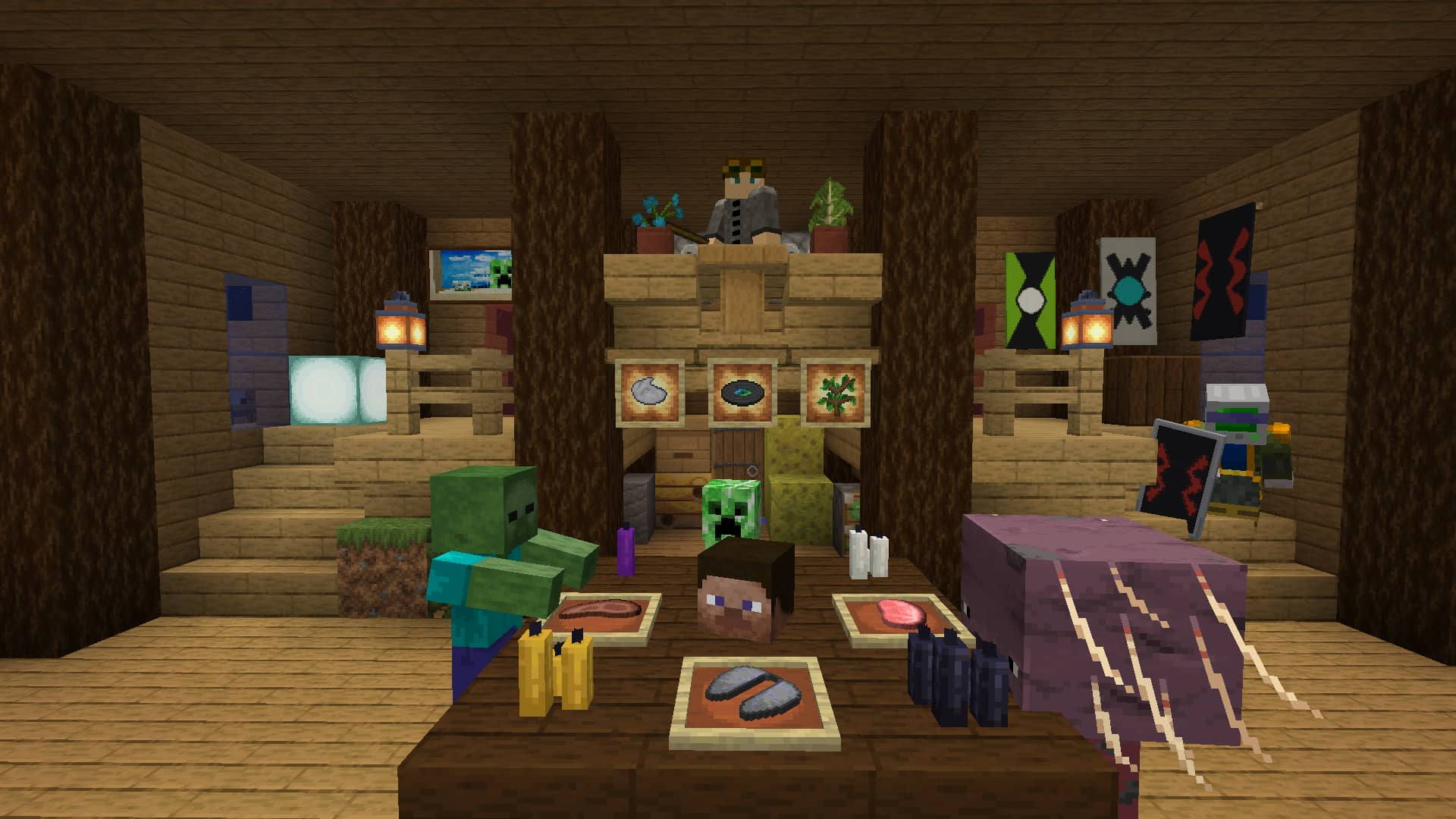
It is a resource pack, not a shader. Faithful supplies textures and related visual assets. Cinematic shadows, realistic reflections or a dramatically different sky in a video may come from a separate shader. You can use Faithful on its own; add a shader later only if you want that extra rendering style.
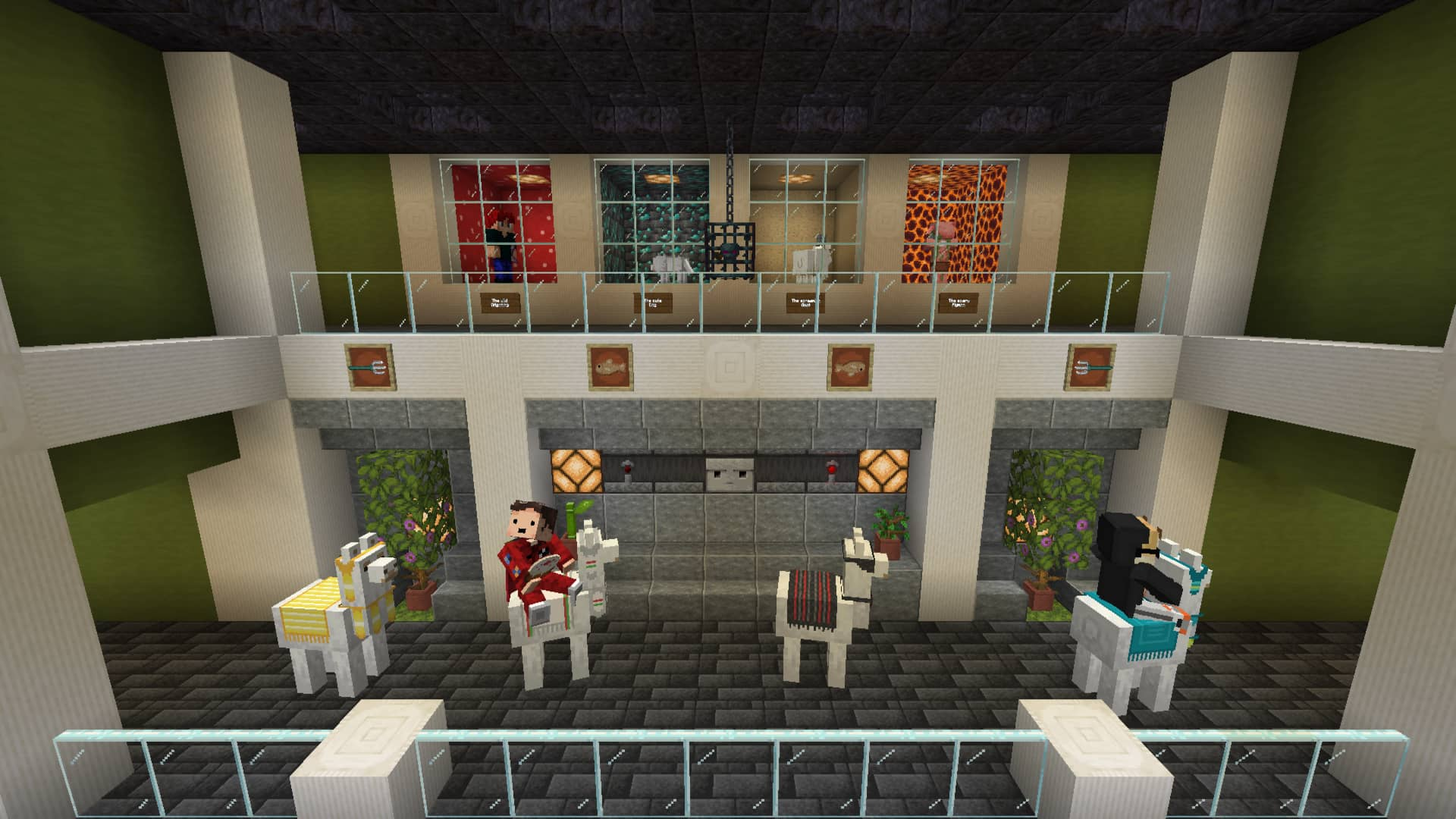
The older gallery scenes in this article illustrate the pack's general appearance, not a promise that every texture is unchanged in the September release. The current release image below shows the newer update context.
What the September 2026 release adds
The Java 26.3 release updates the pack for Wilderness Bound. Its additions include textures for the poplar wood family and leaves, red shrubs, shelf mushrooms, cushions, the straw bed, and new map items and symbols. Existing surfaces such as amethyst clusters and melons also receive attention.
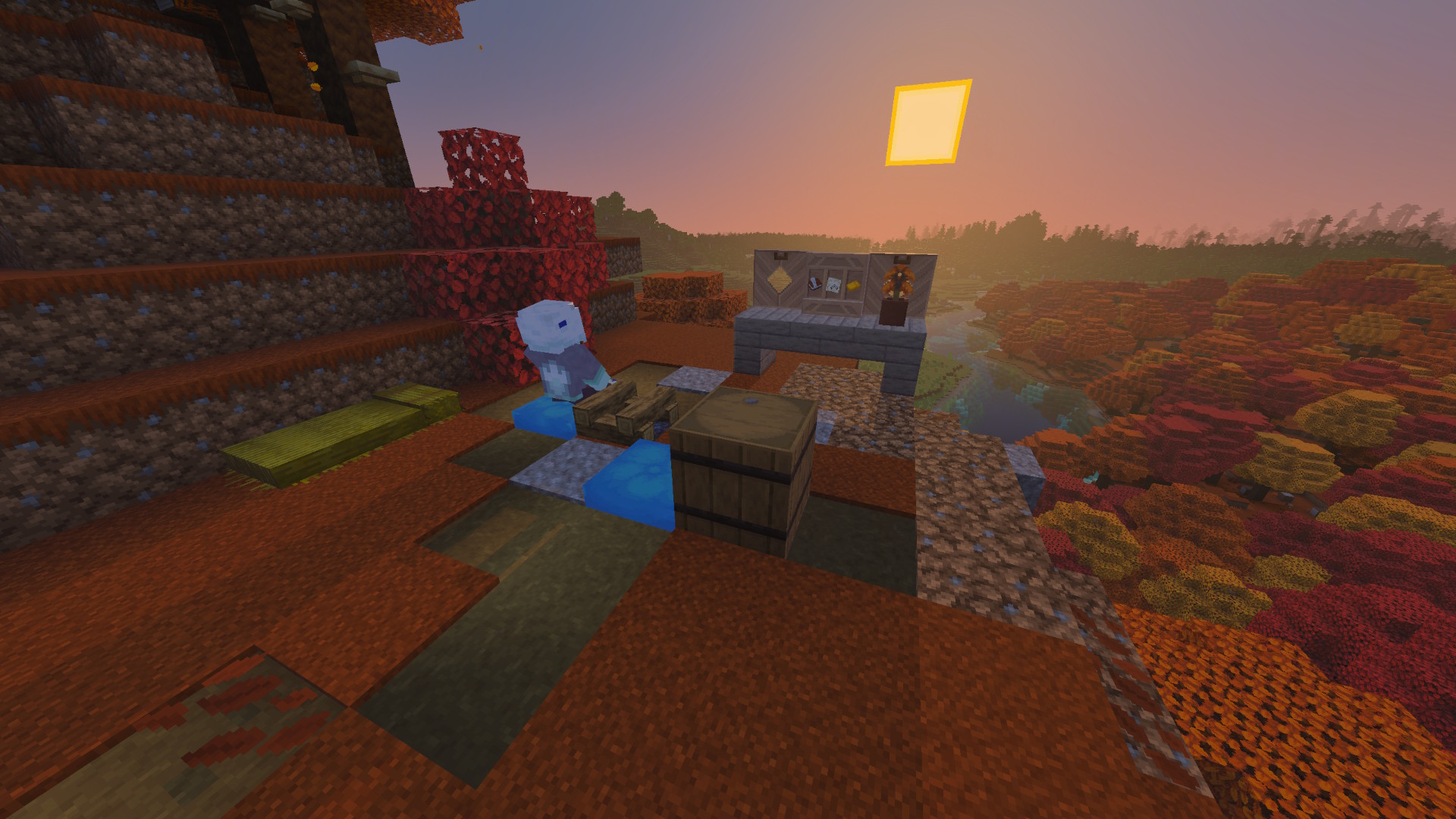
For a player, the important point is consistency: new blocks should fit alongside your existing materials instead of standing out because they still use a different texture resolution. The pack does not add those game features. Your Minecraft version supplies the blocks and mechanics; Faithful supplies their appearance.
Download the file for your game version
This attachment is for Minecraft Java 26.3: Faithful 32x, September 2026 release, published September 15. It is the original resource-pack ZIP, not an installer. Keep the archive intact.
Playing an older version? Choose its matching build from the project's official downloads page, available through the source link. The project's broad version support comes from separate files; it does not mean this 26.3 ZIP is the right choice for every older world or modpack. The author now distributes newer builds for older game versions on its own website, so an older Modrinth listing is not necessarily that version's newest pack.
Bedrock uses a separate edition of Faithful. Do not rename this Java ZIP to .mcpack and expect it to work on a phone or console. This page's installation steps and download are specifically for Java.
Install it through Minecraft's own menu
- Launch the Java version you intend to play. For this attachment, use 26.3. If you have several launcher instances, open the one that contains your world or modpack.
- Open Options → Resource Packs → Open Pack Folder. The folder button is safer than guessing where a particular launcher stores its files.
- Copy the Faithful ZIP into that folder. Leave it zipped. Do not put it in mods or shaderpacks.
- Return to Resource Packs and move Faithful into the selected list. Apply the change with Done and allow the resource reload to finish.
- Check a few familiar blocks and items. Look at a wooden wall, stonework and something in your hotbar. If only part of the world changes, check pack order before reinstalling.
To return to ordinary textures, move Faithful out of the selected list and apply again. This changes the way your world looks; it does not remove placed blocks or change your inventory. Other players can use their own textures while sharing the same server, subject to that server's resource-pack requirements.
Put packs in the order you actually want
When selected packs replace the same asset, the pack higher in the list takes priority. Faithful makes a useful base layer. Put a small compatible add-on above it if you want that add-on's particular changes to win.
- Faithful alone: the simplest starting point for checking its appearance.
- A compatible decorative or interface add-on above Faithful: the add-on supplies its covered assets while Faithful supplies the rest.
- Another complete texture pack above Faithful: much of Faithful may be hidden, so the result can look like the other pack or a mixture.
Start with only Faithful enabled. Then add one extra pack at a time and inspect the blocks or interface it is meant to change. The author explicitly recommends applying Faithful add-ons and mod support on top of the base pack.
A short test that tells you whether it suits your world
For a survival base: check the things you see every day
Walk from your storage room to your crafting area and garden. Read signs, inspect your hotbar and compare the blocks you use most. A texture pack should feel comfortable during normal play, not just in a carefully framed landscape.
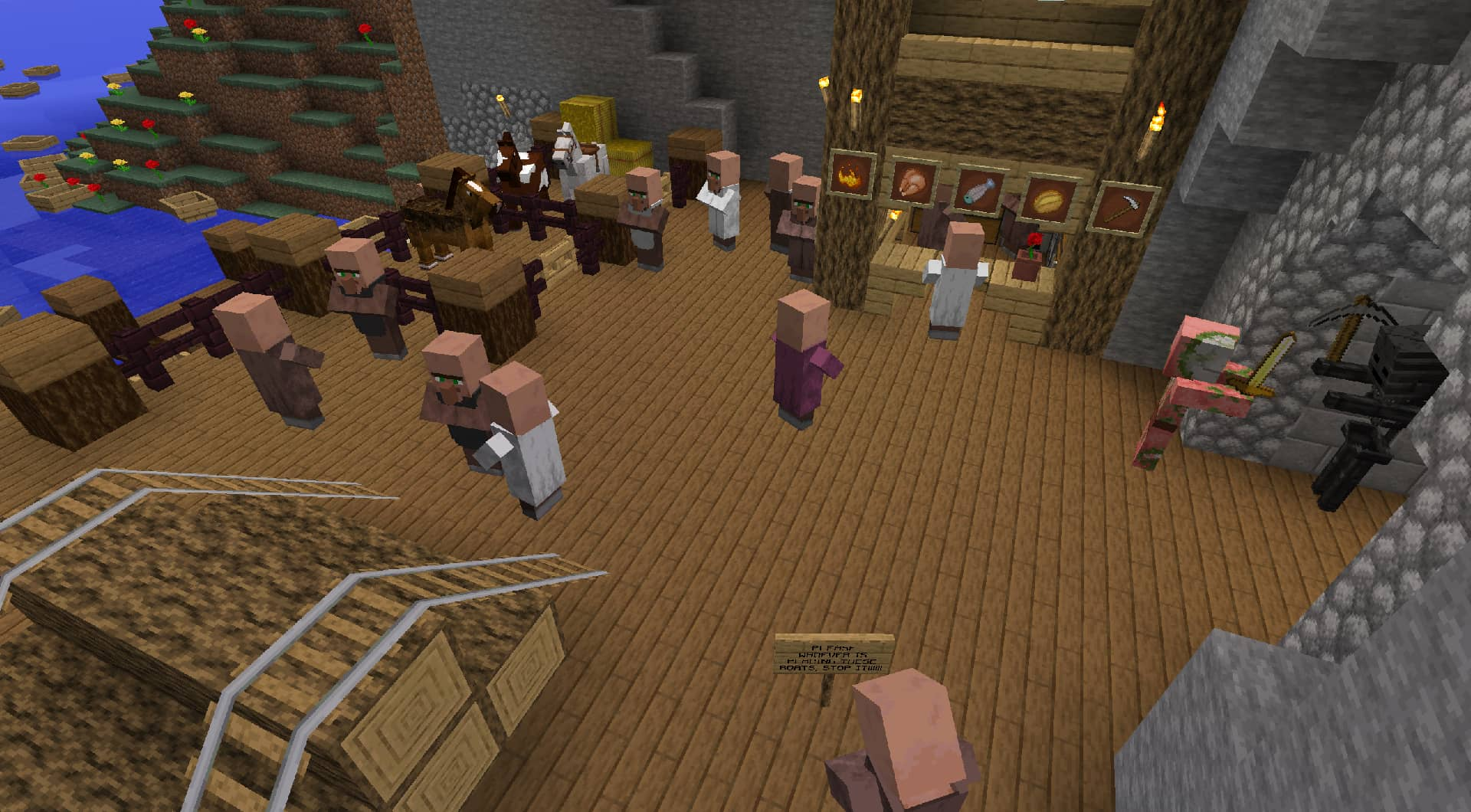
For building: compare a small palette before a whole house
Place a test wall with your chosen planks, logs, stone and window frame in a Creative test world. Look from close range and from the distance where visitors will see the finished build. More surface detail can make combinations feel different even though you are using the same blocks.
For a modern project, compare smoother surfaces and trim. For a rustic house, compare timber and stonework. For a garden, inspect leaves, bamboo and flowers together. You are judging how the textures work as a group, not searching for one individually impressive block.
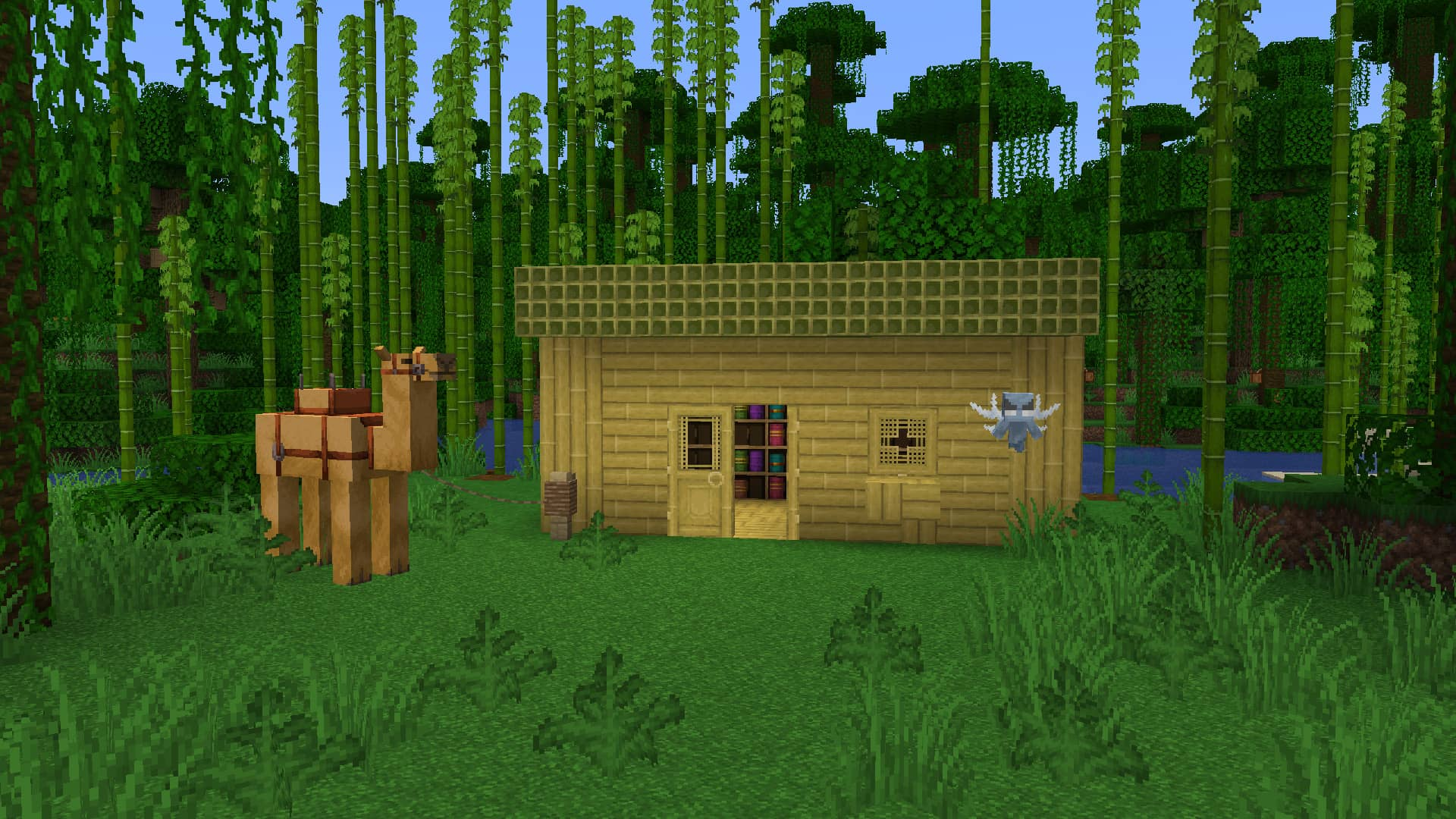
For a shader setup: evaluate textures first
Turn the shader off while deciding whether you like Faithful. Once the pack looks right, turn your shader back on and compare. This separates texture changes from lighting changes and makes an unexpected result easier to diagnose.
If you want an optional shader with a Minecraft-like starting style, see our Complementary Reimagined guide. Faithful itself does not require it, and its base download should not be mistaken for a special PBR material add-on.
For a modpack: distinguish vanilla textures from mod textures
The base Java pack does not automatically redraw every block added by every mod. Faithful 32x mod support is a separate, ongoing project. Check coverage for the actual mods and game version you use, then install the matching support pack above Faithful as directed. A modded machine retaining its original texture is not proof that the base pack failed.
Faithful 32x, 64x or Classic Faithful?
Faithful 32x is the pack covered here. Faithful 64x offers a higher texture resolution. Classic Faithful follows a different drawing approach, closer to Vattic's original style; it is not simply an outdated copy of the current pack. Choose by the artwork you enjoy, and keep the game-version requirement separate from that style choice.
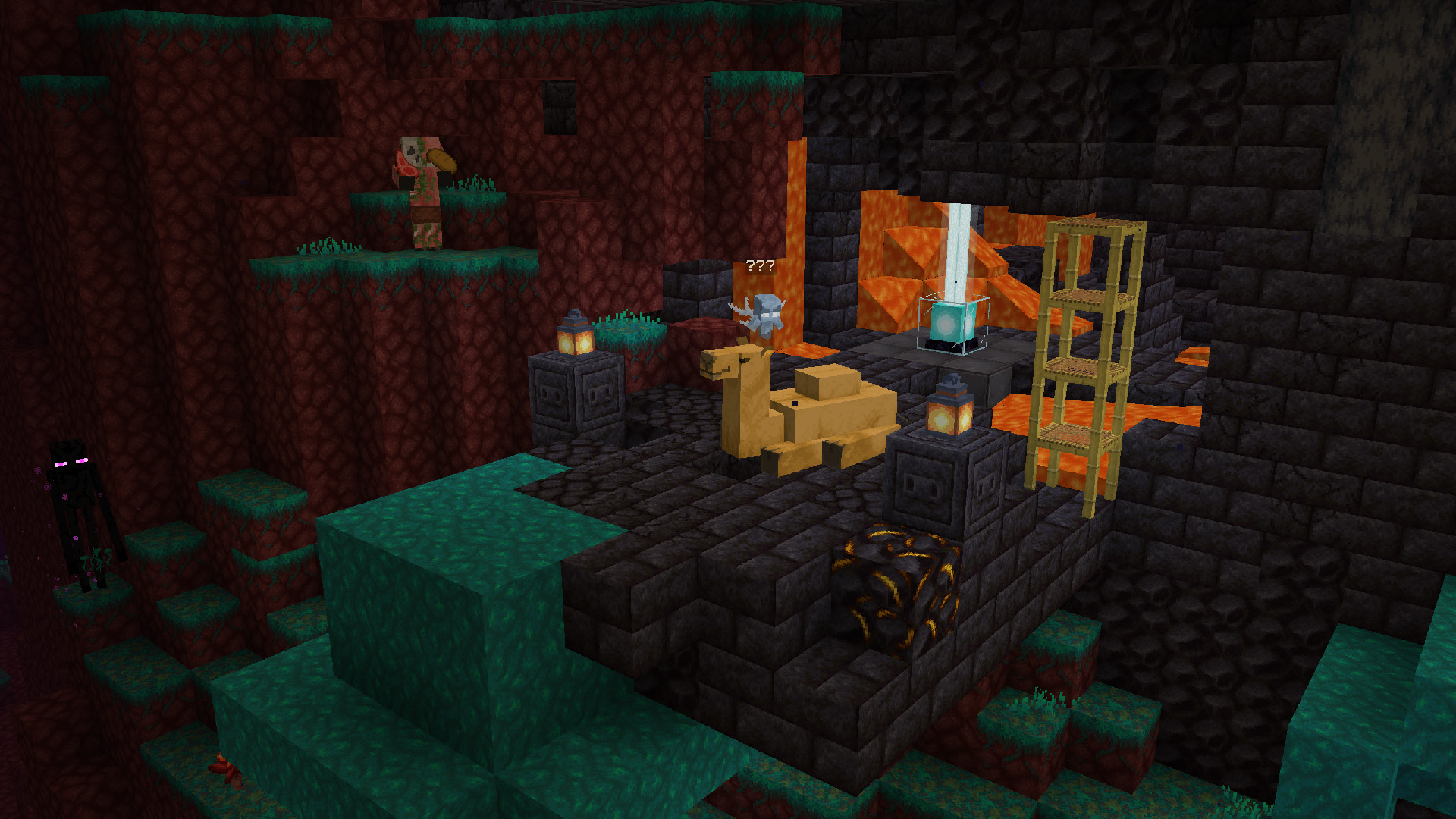
Fix the common problems without starting over
The ZIP does not appear in Resource Packs
Use Open Pack Folder from the running game and confirm that the ZIP is there. A browser may have extracted an archive automatically, or you may have downloaded into a different instance. The supplied ZIP already has its pack metadata in the correct place; use that original file rather than wrapping it in another ZIP.
Minecraft says the pack is incompatible
Check the game version and edition before accepting the warning. Download the matching release instead of assuming a newer pack is universally compatible. Do not change its metadata simply to hide the warning: that does not make missing or reorganized textures compatible.
Some blocks still look vanilla, or the interface is mixed
Disable other selected resource packs temporarily. If Faithful now appears correctly, restore the others one at a time and reorder the pack responsible. For a newly added vanilla block, confirm that you have the current matching release. For a modded block, check the separate mod-support coverage.
The world looks less dramatic than the screenshot
Check whether that screenshot also used shaders, an additional pack or different lighting. Faithful does not generate the buildings or terrain in a gallery image. Compare a surface up close to judge its textures rather than expecting a completely different world from the ZIP alone.
Performance feels worse after changing my visual setup
Compare the same place with only Faithful active, then with your other visual additions restored. Resource packs are not a guaranteed FPS upgrade, and a change made alongside a shader or mod update is not automatically caused by Faithful. Keep a setup that feels comfortable on your own machine; no measured performance claim is made for this guide.
Once it is working, the best reason to keep Faithful is simple: your world still feels familiar, but the materials you build and explore with are more enjoyable to look at.
More for your Java setup.
Complementary Reimagined
r5.9.3Keep Minecraft’s blocky character with richer light, water and atmosphere. Download Reimagined r5.9.3, install it with Iris, compare it with Unbound and tune profiles, clouds, materials and colored light for everyday play.
- Minecraft
- Java 1.7.10–26.3
- Runtime
- Iris
- Performance
- Performance not tested
Iris recommended; advanced effects need supported hardware
Java · Shader
Complementary Reimagined
Keep Minecraft’s blocky character with richer light, water and atmosphere. Download Reimagined r5.9.3, install it with Iris, compare it with Unbound and tune profiles, clouds, materials and colored light for everyday play.
Iris recommended; advanced effects need supported hardware
- Minecraft version
- Java 1.7.10–26.3
- Game edition
- Java Edition
- Loader / platform
- Not applicable
- License
- Complementary custom license
- Performance expectation
- Depends on setup
- Platform family
- Java PC
- Supported devices
- Java desktop; shader features depend on GPU and loader
- Install format
- Shader ZIP — keep zipped in shaderpacks
- Touch readiness
- Not required
- Resource type
- Shader
- Project version
- r5.9.3
- Last verified at
- Sep 19, 2026
- Compatibility confidence
- Source claimed
- Java shader runtime
- Iris
- Shader preview mode
- Single cover
- Performance evidence
- Choose a profile for your setup; no measured FPS claim
- Notable feature
- Blocky visual style with customizable light, clouds and water
- Shader performance tier
- Performance not tested
- Shader settings guide
- Available
- Card delivery statement
- Original r5.9.3 shader ZIP
- Card limitation note
- Iris recommended; advanced effects need supported hardware
- Edition applicability
- Java
- Delivery state
- Direct download
- Lifecycle state
- Current

Iris Shaders
1.11.6 / 1.11.4Give your Java world the lighting you want. Download matching Iris and Sodium files, add a shader pack, tune it for survival or screenshots, and solve common setup problems with illustrated guidance.
- Minecraft
- 26.3 Fabric · 26.2 Fabric / NeoForge
- Runtime
- Iris
- Performance
- Performance not tested
Choose one matching pair; add a separate shader pack
Java · Shader
Iris Shaders
Give your Java world the lighting you want. Download matching Iris and Sodium files, add a shader pack, tune it for survival or screenshots, and solve common setup problems with illustrated guidance.
Choose one matching pair; add a separate shader pack
- Minecraft version
- 26.3 Fabric · 26.2 Fabric / NeoForge
- Game edition
- Java Edition
- Loader / platform
- Fabric
- License
- LGPL-3.0-only
- Performance expectation
- Depends on setup
- Platform family
- Bedrock & Mobile
- Supported devices
- Windows · macOS · Linux (Java Edition; GPU support varies)
- Install format
- Iris + Sodium JARs in mods; shader ZIP in shaderpacks
- Touch readiness
- Not required
- Resource type
- Mod
- Project version
- 1.11.6 / 1.11.4
- Last verified at
- Sep 18, 2026
- Compatibility confidence
- Source claimed
- Java shader runtime
- Iris
- Shader preview mode
- Single cover
- Performance evidence
- Depends on your shader pack, preset and GPU
- Notable feature
- Load shader packs and adjust their visual settings
- Shader performance tier
- Performance not tested
- Shader settings guide
- Available
- Card limitation note
- Choose one matching pair; add a separate shader pack
- Edition applicability
- Java
- Delivery state
- Direct download
- Lifecycle state
- Current
Player discussion 0
Questions, discoveries and help from other players.