
MineBrush publication
Visuality Deferred v2.1: Legacy Bedrock Lighting and Setup Guide
Explore Visuality Deferred v2.1 through forest lighting, cave entrances, river reflections and cherry-grove building ideas. This guide covers the legacy Bedrock Deferred Technical Preview setup and its limits; current Vibrant Visuals compatibility is not established.
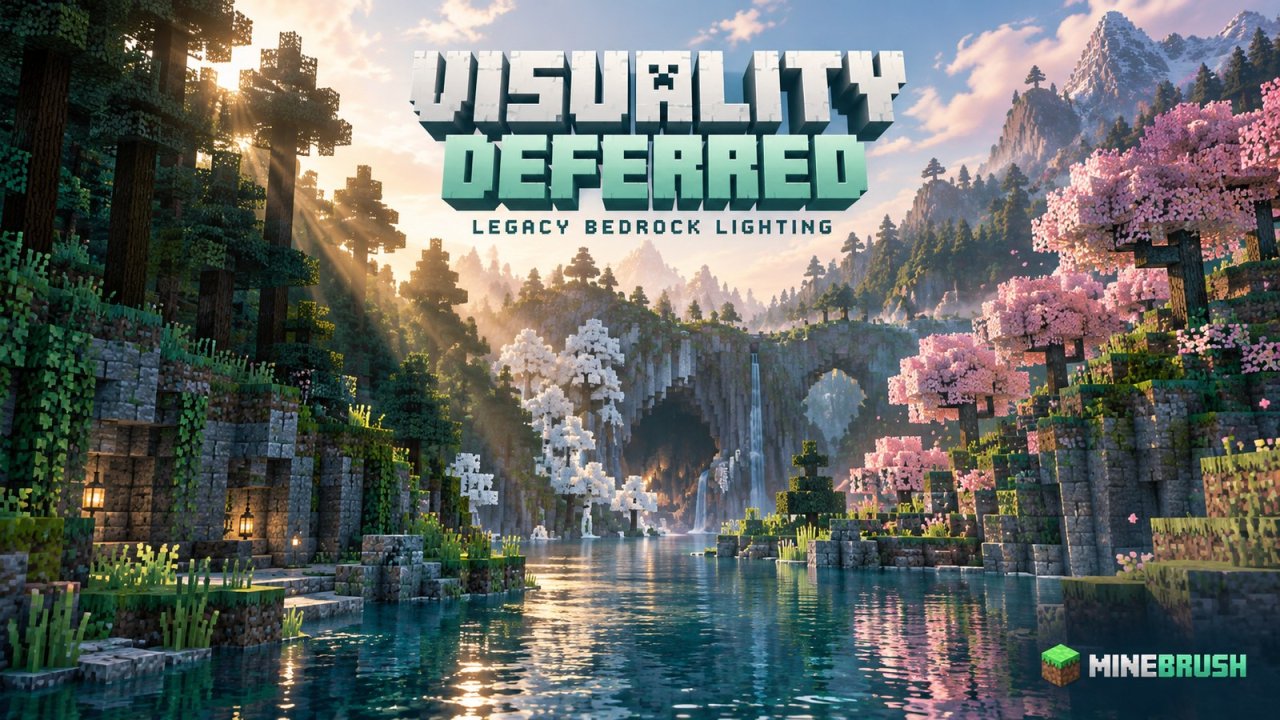
Visuality Deferred makes Bedrock's forests, rivers and caves feel more atmospheric through a custom lighting configuration and resource textures. Its showcase moves from pale leaves lit by low sunlight to deep blue night scenes and warm cherry groves. If you enjoy choosing the lighting for a build as much as its block palette, that's the appeal.
This is a legacy Deferred Technical Preview pack. The latest release shown on its creator page is v2.1, updated December 29, 2024. The page lists Minecraft versions up to 1.21.50, but the supplied v2.1 download declares a minimum game version of 1.21.60. Those details do not agree: do not use the older page tags as the requirement for this file. Neither establishes compatibility with today's Bedrock releases or their Vibrant Visuals mode. Use this guide for the older setup; don't downgrade your main world to try it.
What you'll notice in the scenery
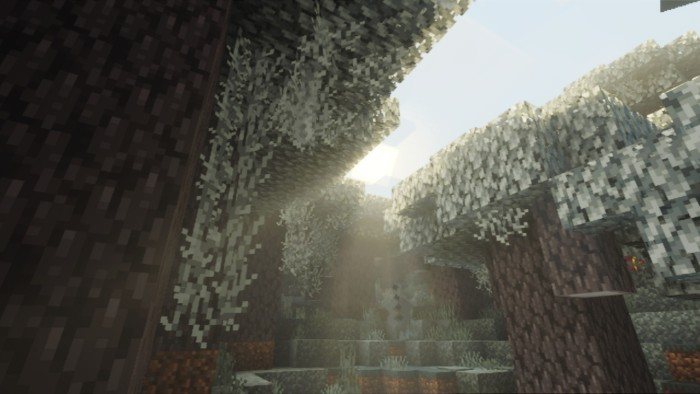
Lighting gives the same block shapes a different mood. In the Pale Garden showcase, light reaches between the leaves while the tree trunks remain darker. A cave opening creates a stronger effect: bright shafts enter an otherwise shaded space. These are useful settings for a woodland hideout, a cliffside entrance or a ruined building with an open roof.
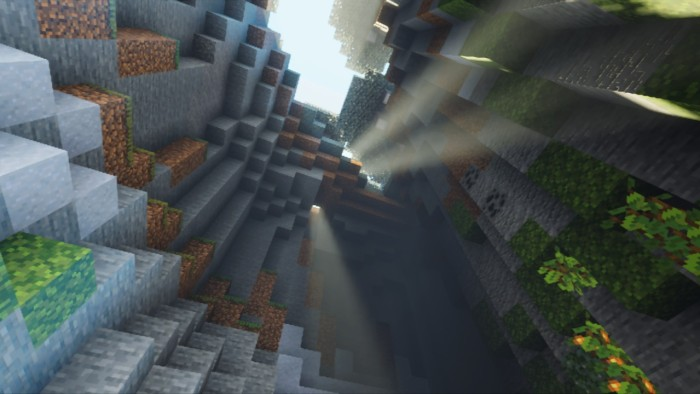
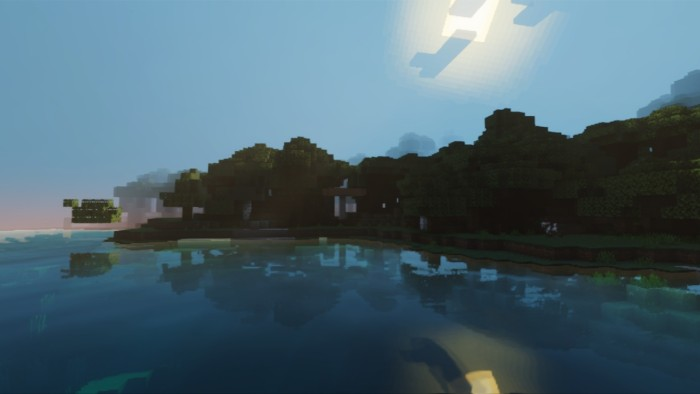
Water provides another place to use the effect. The river screenshot shows the treeline reflected across the surface, with a strong contrast between the shore and the sky. Try a small landing stage or a house above the bank, leaving a clear view across the water rather than filling the foreground with blocks.
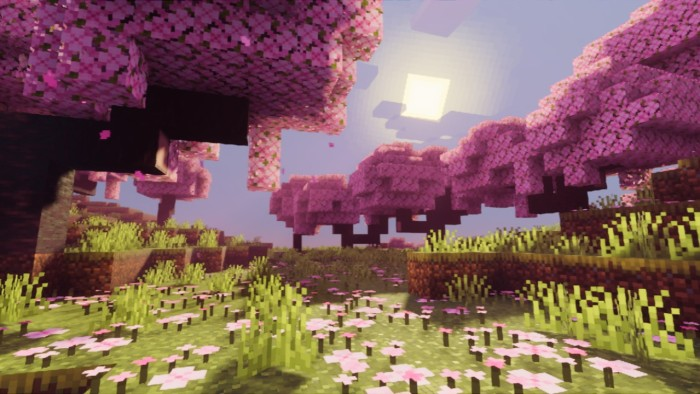
The cherry-grove images have a warmer, pinker feel than the cool forest scenes. For a garden build, combine a shaded path beneath the trees with an opening near your house. The surrounding leaves can frame the building without covering the part you want the sunlight to reach.
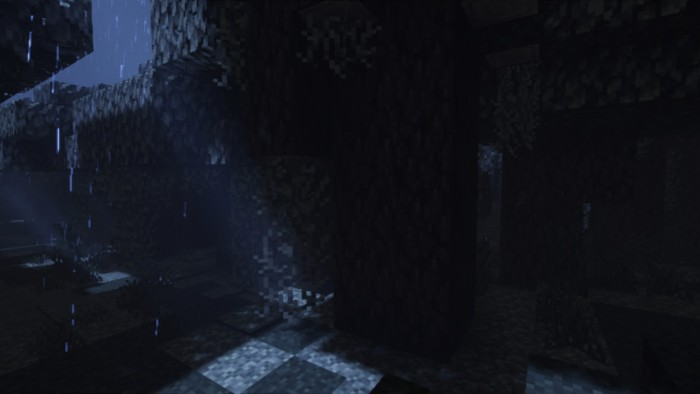
Night is a different look, not simply a darker daytime screenshot. The author's forest image is very dark with a cool blue cast. Keep paths and entrances lit for normal play, and don't expect the pack to make caves easy to see. Visual lighting also doesn't remove the need to prevent hostile mobs spawning around a base.
What v2.1 fixes
The release notes specifically identify a fix for azalea leaves appearing with black-and-pink missing textures, alongside other missing-texture and bug fixes. If you're returning to an earlier Visuality Deferred installation because you liked its scenery but encountered that problem, v2.1 is the release to compare with your old pack.
The screenshots above come from the project's own showcase. They show the intended appearance, not a guarantee that a later Minecraft graphics system will reproduce it.
Deferred Technical Preview and Vibrant Visuals are not interchangeable setup instructions
Visuality Deferred was built around the earlier experimental rendering mode. Its creator names Android, Windows and iOS, but you also need a compatible Preview/Beta build and hardware that can run that mode. A normal .mcpack import message does not establish those requirements.
If your game offers Vibrant Visuals but no Deferred Technical Preview, you are looking at a different stage of Minecraft's graphics system. Don't search endlessly for an old experiment switch. For a current setup, choose a pack whose creator lists your present game version from our Bedrock visuals library.
How to activate the legacy setup
Use these steps only in a compatible legacy Preview/Beta installation that you already have, meeting the file's minimum version of 1.21.60 and supporting Deferred Technical Preview. Work in a separate test world; experimental worlds should not replace your regular survival save.
- Open Visuality_Deferred_v2.1.mcpack with the compatible Minecraft application and wait for the import result. On Windows, check which application opens the file if both Minecraft and Minecraft Preview are installed.
- Open the world's Resource Packs, find Visuality Deferred in My Packs and activate it.
- In that legacy world's experiments, enable Render Dragon Features for Creators.
- Enter the world and open Video → Graphics Mode → Deferred Technical Preview.
- Visit an outdoor location with both sunlight and shade. Then try a riverbank or cave entrance to see the lighting in a different setting.
That experiment-and-graphics-mode sequence is documented in Microsoft's legacy Deferred Technical Preview instructions. It is not an instruction to enable the same switches in a current stable release.
When the result doesn't match the pictures
- The pack imported, but everything looks ordinary: confirm it is active in the world you're opening, then check the graphics mode. Simple or Fancy rendering will not reproduce the deferred showcase.
- The deferred option is unavailable: check the actual Preview/Beta build and hardware support. A resource pack cannot enable unsupported rendering hardware, and current instructions may use different graphics options.
- Some textures are black and pink: confirm you imported v2.1 and deactivate older copies or overlapping visual packs. The author names azalea leaves as a fixed case; unrelated missing textures may have another cause.
- Movement feels sluggish: lower render distance and avoid combining several demanding visual packs. The author provides no universal FPS guarantee.
- You want to return to your normal world: deactivate the resource pack and open your untouched regular save in its normal game version. Don't move an experimental save backward through game versions to remove the effect.
Download and credits
Visuality Deferred v2.1 is supplied as the original author archive. Its declared minimum Minecraft version is 1.21.60, together with the legacy rendering requirements explained above. This is not confirmation of current Vibrant Visuals support.
Visuality Deferred credits S4SAF1, Shadow and Gizmonaught; the project page is published by Psuphwun. The original project is linked in the author panel.
More for your Bedrock world.
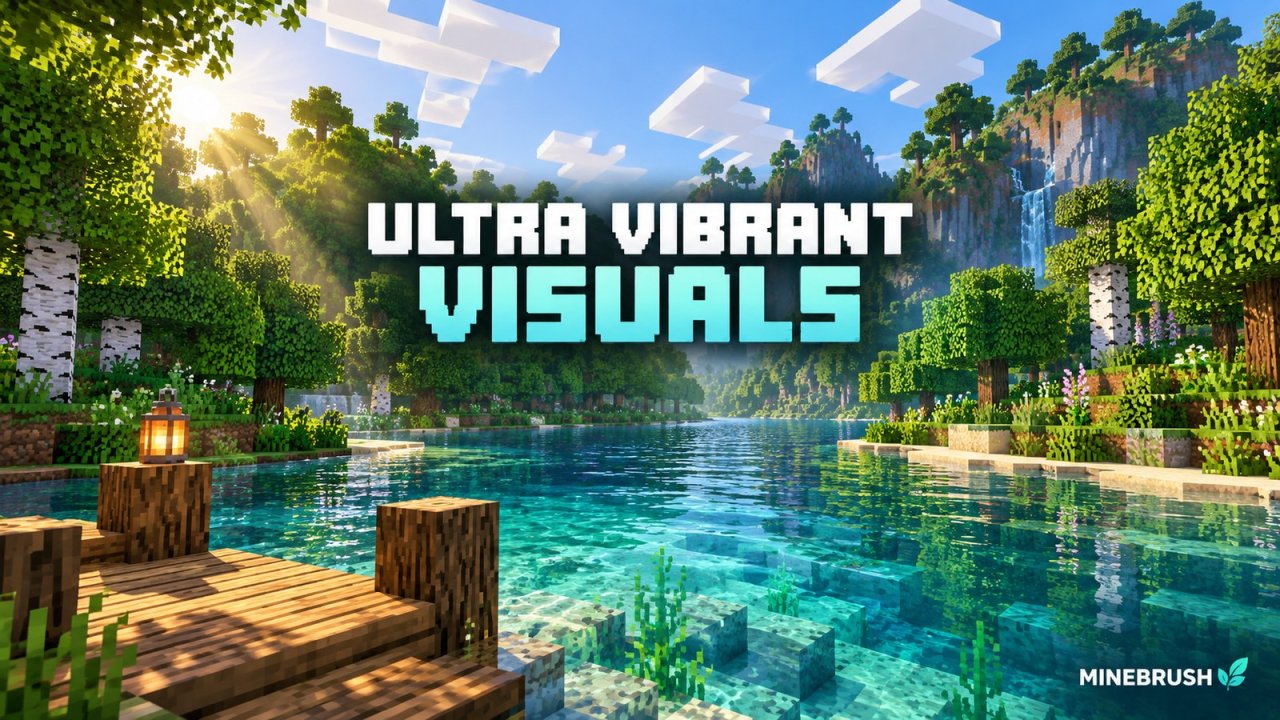
Give riverside builds richer water, sunlight and material effects with Ultra Vibrant Visuals for Bedrock. Download V1.2, choose a sky option and set up the pack on a device that supports Vibrant Visuals.
- Minecraft
- 26.40 / 26.30 / 26.20; earlier listed versions in guide
- Graphics
- vibrant_visuals
- Package
- .mcpack
Requires Vibrant Visuals-compatible hardware
Bedrock · Visual
Ultra Vibrant Visuals
Give riverside builds richer water, sunlight and material effects with Ultra Vibrant Visuals for Bedrock. Download V1.2, choose a sky option and set up the pack on a device that supports Vibrant Visuals.
Requires Vibrant Visuals-compatible hardware
- Minecraft version
- Bedrock 26.40 / 26.30 / 26.20
- Game edition
- Bedrock Edition
- Visual resolution
- 16x with PBR materials
- Performance expectation
- Depends on setup
- Platform family
- Bedrock & Mobile
- Supported devices
- Open .mcpack with Bedrock on a Vibrant Visuals-compatible Windows, Android or iOS device
- Install format
- .mcpack
- Touch readiness
- Check guide
- Resource type
- Visual Pack
- Project version
- V1.2
- Bedrock graphics mode
- vibrant_visuals
- Last verified at
- Sep 19, 2026
- Compatibility confidence
- Source claimed
- Bedrock version/build
- 26.40 / 26.30 / 26.20; earlier listed versions in guide
- Bedrock visual device evidence
- Tier not verified
- Bedrock graphics setup guide
- Available
- Card evidence statement
- Water, sunlight, PBR materials and two sky options
- Card delivery statement
- V1.2 .mcpack download
- Card limitation note
- Requires Vibrant Visuals-compatible hardware
- Edition applicability
- Bedrock
- Delivery state
- Direct download
- Lifecycle state
- Current
Player discussion 0
Questions, discoveries and help from other players.