
MineBrush publication
Complementary Reimagined: Keep Minecraft’s Style, Transform Its Light
Keep Minecraft’s blocky character with richer light, water and atmosphere. Download Reimagined r5.9.3, install it with Iris, compare it with Unbound and tune profiles, clouds, materials and colored light for everyday play.
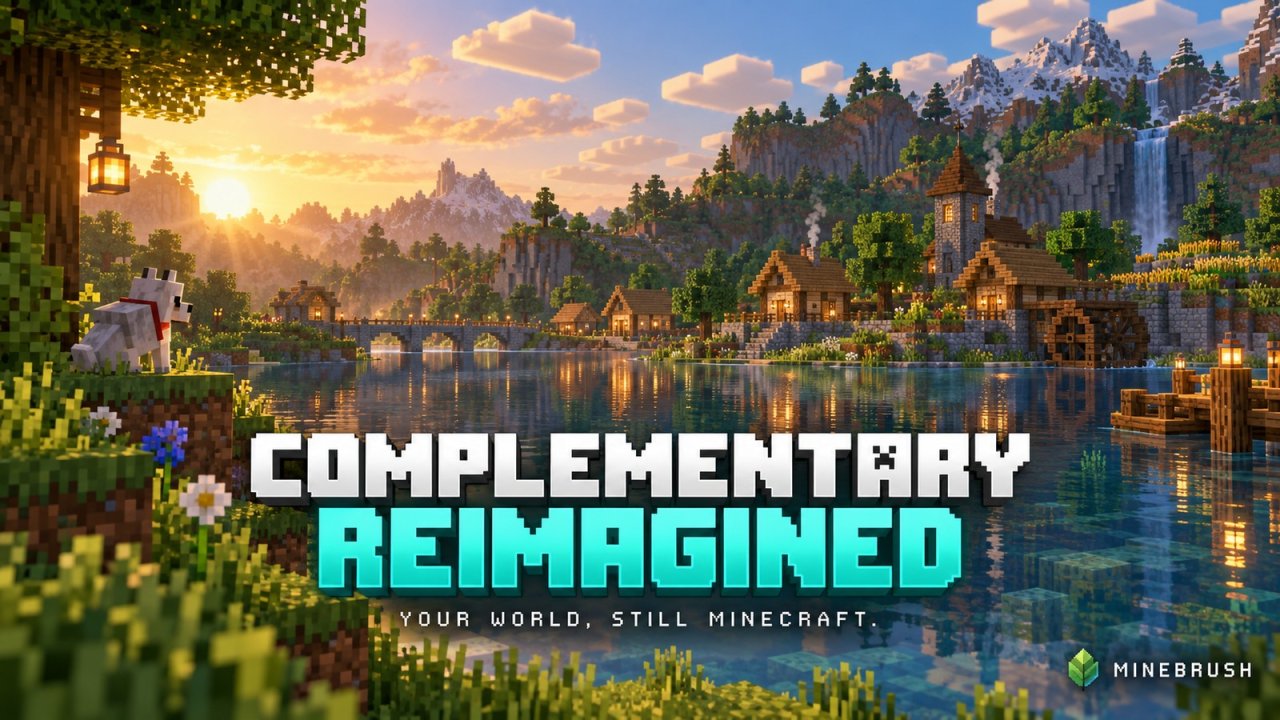
You want sunlight through the trees, reflections beside your dock and a warmer-looking village—but you still want the world to feel like Minecraft. Complementary Reimagined takes that approach. It keeps a deliberately blocky visual style while adding lighting, atmosphere and material effects that make familiar places worth another look.
This is a Minecraft Java shader pack by EminGT. The download here is r5.9.3, released September 15, 2026. Below you will find a practical way to install it, choose a comfortable performance profile, understand the difference from Unbound, and tune the effects that matter for building or exploring.
Jump to: What it changes · Reimagined vs Unbound · Download · Installation · Useful settings · Troubleshooting
What will change in your world?
Start at a place you know well. A village roof becomes easier to appreciate when light and shadow reveal its shape. A river reflects the surrounding landscape. A cave entrance can feel more dramatic when daylight reaches into the darkness. None of this replaces your blocks, adds structures or changes the terrain: the shader changes how the existing world is drawn.
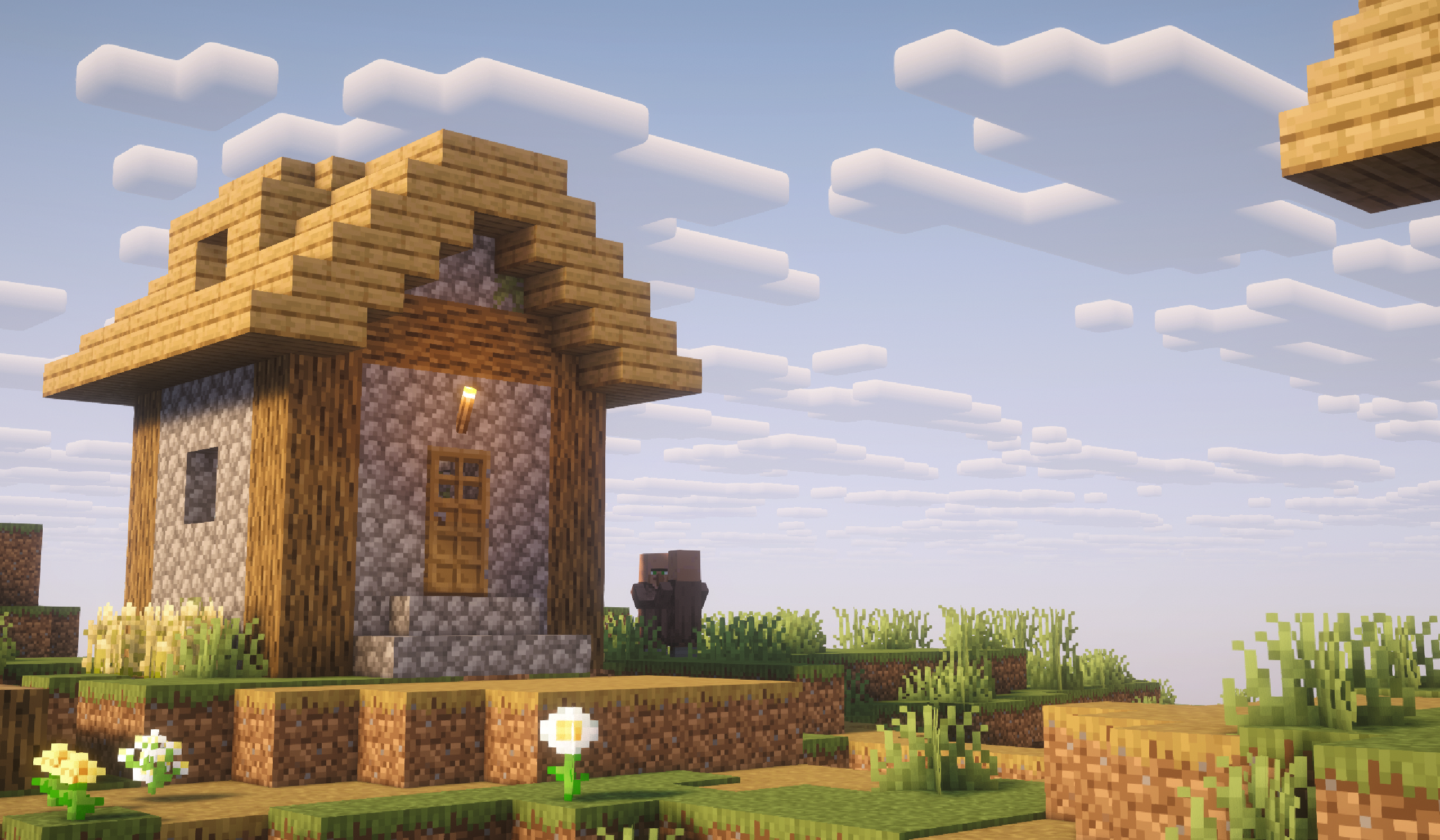
For everyday survival, choose a profile that stays comfortable while walking, turning and opening busy areas—not just while standing still. For building, compare materials in daylight and inside your base before committing to a palette. For screenshots, try the same view at different times of day; light direction can do more for a composition than raising every quality setting.
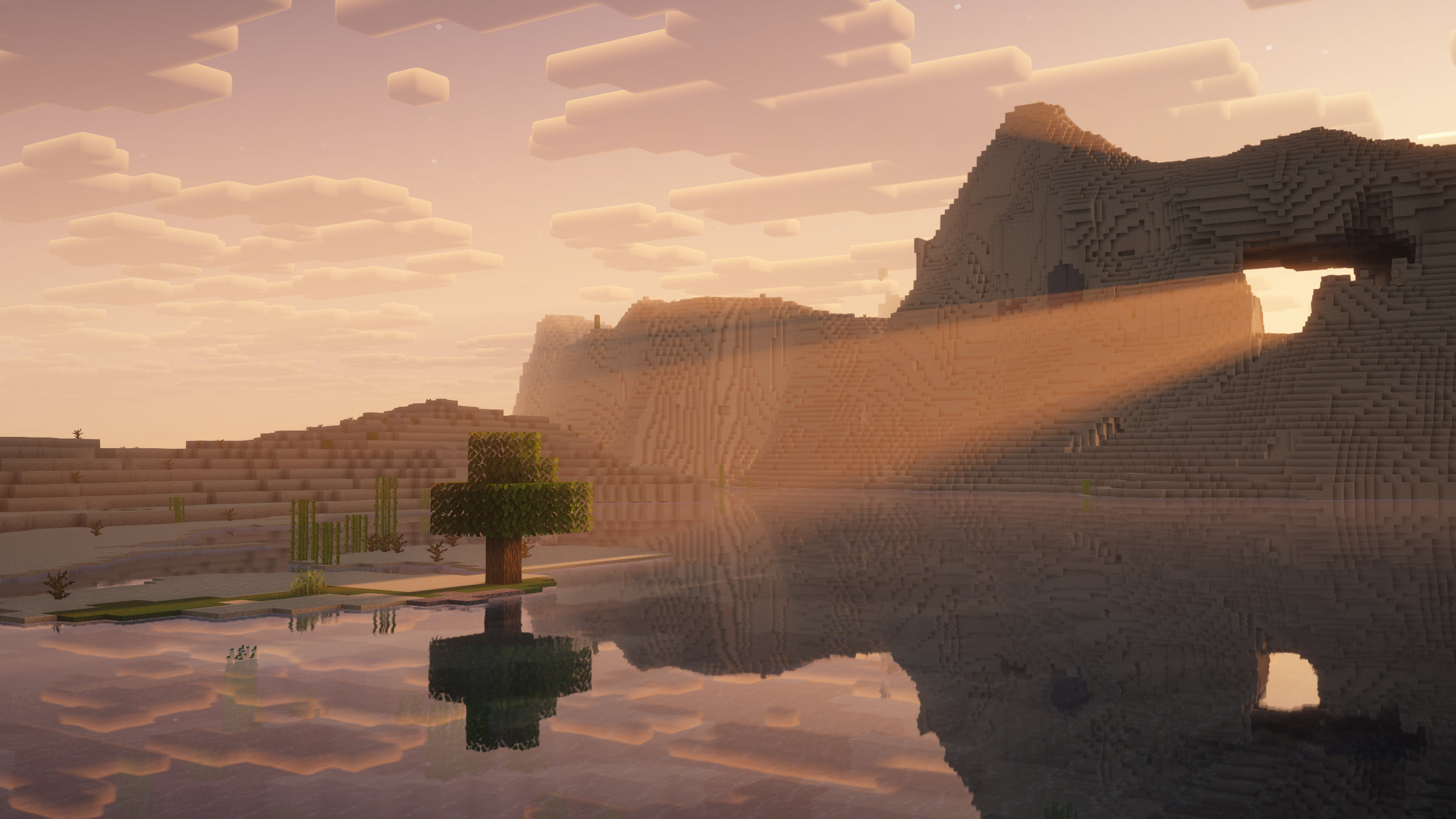
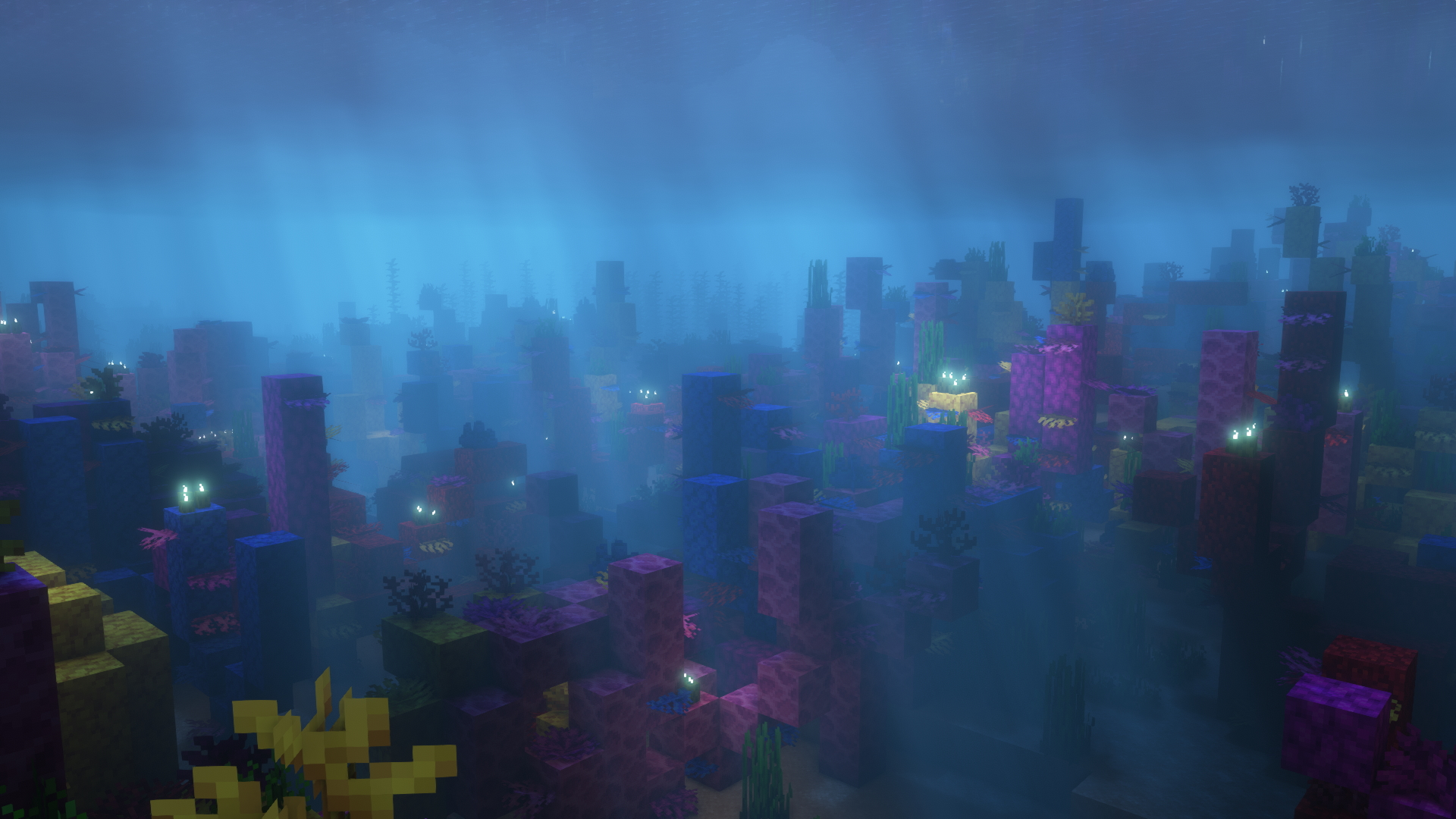
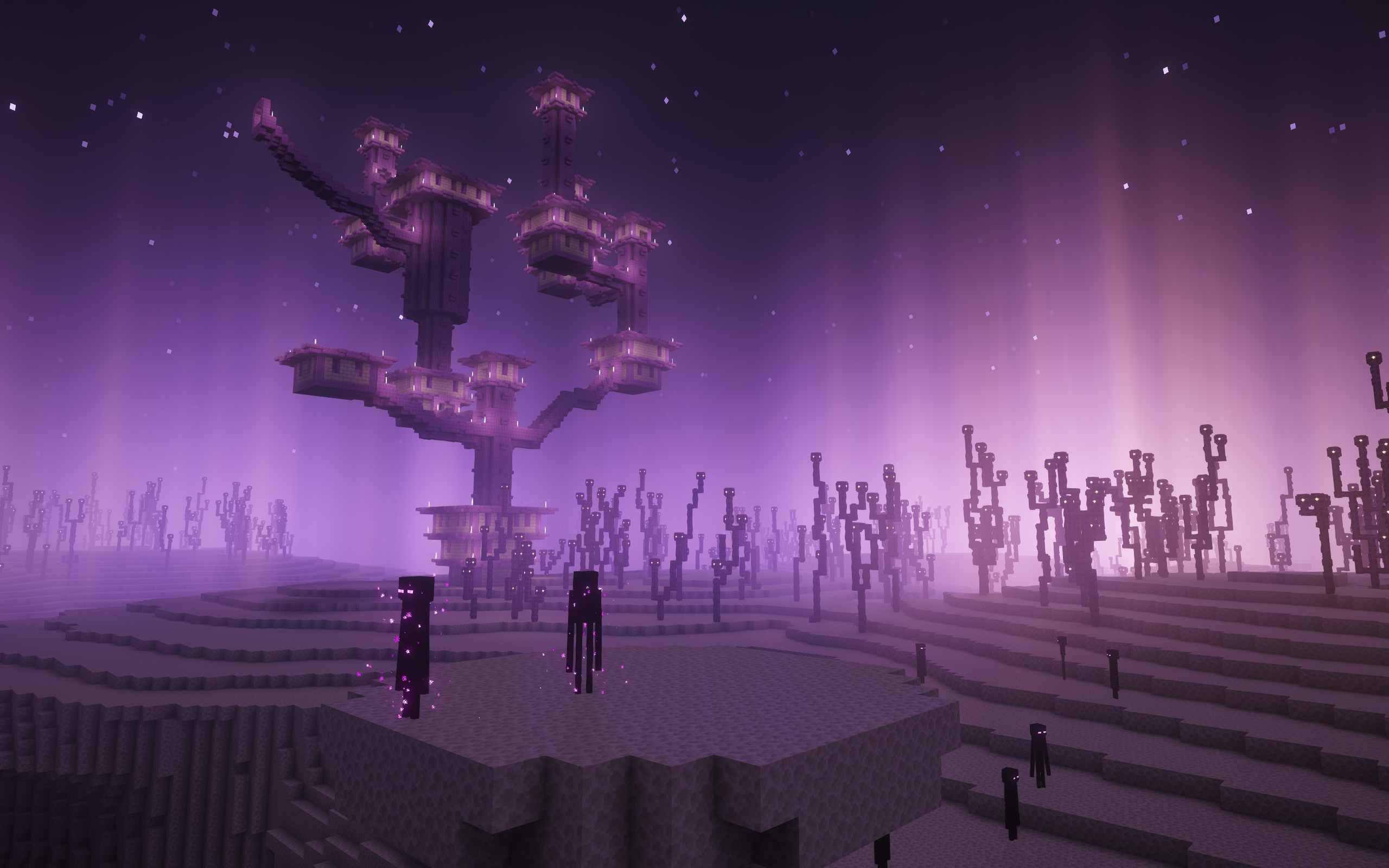
The look also extends beyond a sunny Overworld. Ocean builds and the End offer different colors and atmosphere. The gallery examples below come from the project's published gallery; they illustrate the style, rather than a controlled comparison of every r5.9.3 setting. Your world, time of day, resource packs and selected options all affect the result.
Reimagined or Unbound: choose a starting style
Reimagined and Unbound are two default styles of Complementary r5. You are not choosing between a basic and a premium feature set. Reimagined begins with a more Minecraft-like presentation; Unbound begins with a more realistic, fantasy-leaning look. You can change Visual Style in Shader Options and customize individual effects afterward.
For example, keep Reimagined's clouds but try a different water style. You do not need to download a second shader just to make that combination. Options marked Set by Style follow the main style selection; a specific choice overrides that automatic selection.
Visual Style is not the performance profile. The Profile control adjusts the demanding rendering options. Switching to Reimagined is not a substitute for lowering a profile when the game runs poorly. If you prefer the other starting look, our Complementary Unbound guide shows that side of the same shader family.
Download r5.9.3 and check the requirements
Edition: Java Edition on a computer. This ZIP is not a Bedrock .mcpack and cannot enable shaders on a phone or console. The release lists Java versions from 1.7.10 through 26.3, but you still need a shader loader that supports your exact game version.
Recommended setup: a matching Iris and Sodium installation. The file also lists OptiFine, but the current project instructions recommend Iris, and some advanced features require it. Older game versions may need a different supported loader setup; a broad shader compatibility list does not mean the newest Iris runs on every older Minecraft release.
What you are downloading: the original Reimagined r5.9.3 shader-pack ZIP. Keep it zipped. Iris, resource packs, Euphoria Patches and distant-terrain mods are separate downloads, not bundled here.
The r5.9 release line updates rendering for Minecraft 26.2, including its special cave fog, and revises performance profiles and visual effects. This download uses the later r5.9.3 release. If you are updating from an older pack, compare the new defaults before recreating every old setting.
Install it without changing your world
- Install Iris for your Minecraft version. Use our Iris setup guide if you need the loader. Launch the correct profile once.
- Open Options → Video Settings → Shader Packs. Open the shader-pack folder using the button in that menu. This avoids putting the file into a different launcher's instance.
- Copy the Reimagined ZIP into that folder. Leave it intact; do not put it in mods or resourcepacks.
- Select Complementary Reimagined and apply it. Refresh the list if needed. Open Shader Pack Settings or Shader Options to customize it; wording depends on the loader.
- Walk through a short test route. Include daylight, an interior, water and a busier part of your base. Judge movement and visibility before increasing the profile.
Shaders run on your client. A server does not need this ZIP for you to see the effects, and your friends can use their own visual settings. Follow that server's client-mod rules. Disabling the shader returns ordinary rendering without deleting or converting your build.
Settings that solve real playing problems
The game looks good but does not feel smooth
Start with Profile. The r5.9.3 menu includes Potato, Very Low, Low, Medium, High, Very High, Ultra and Complementary. High is the labeled default. If it feels heavy, try Medium, then Low. Potato is another option for a limited system, but it trades away effects rather than guaranteeing smooth play on every computer.
Profiles adjust the controls in Performance Settings. They do not erase your preferred cloud or water style. Use a profile first, then adjust individual effects only when you know what you want to change. If you lower it after manually tuning performance options, expect those options to change with it.
Compare the same route with shaders disabled. If that is also slow, the problem may involve the world, mods or game settings. If only the shader view struggles, lower the profile, render distance or display resolution. Complex foliage resource packs can add work too. There is no honest universal FPS promise without testing your hardware and setup.
I like the clouds, but want different water
Open Atmosphere → Clouds → Cloud Style for the sky, and Materials → Water → Water Style for the water. Keep one on Set by Style and customize the other. Try your choice beside a shallow river and a deep lake: a setting that looks dramatic from a cliff may be less useful when you are swimming.
My cave or storage room is too dark
Under Lighting, look for Cave Lighting Multiplier. It affects areas without skylight and also interacts with Minecraft's Brightness setting. Adjust it gently, then check daylight again so the scene does not become flat or washed out.
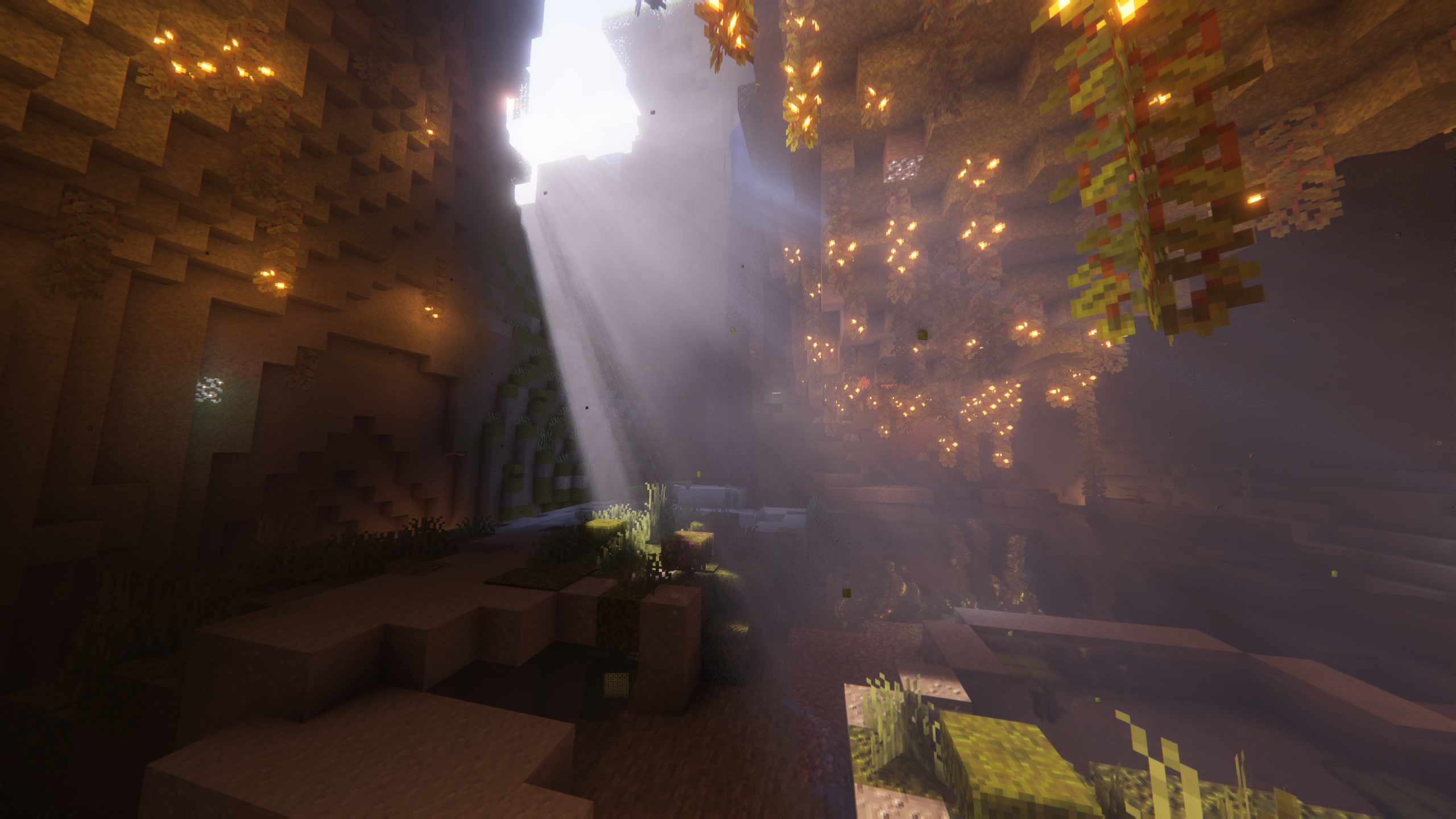
This is a visual adjustment. It does not raise the game's actual block-light level or make a dark floor safe from hostile-mob spawning. Keep placing real light sources where your build needs them.
I want colored light in a decorated room
The current name is Advanced Color Tracing in Performance Settings. It needs Iris and a supported platform, and it is disabled when Real-Time Shadows is off. In this release the supplied Very High and higher profiles enable it; lower profiles leave it off. That explains why a low-profile setup may not resemble a colorful showcase.
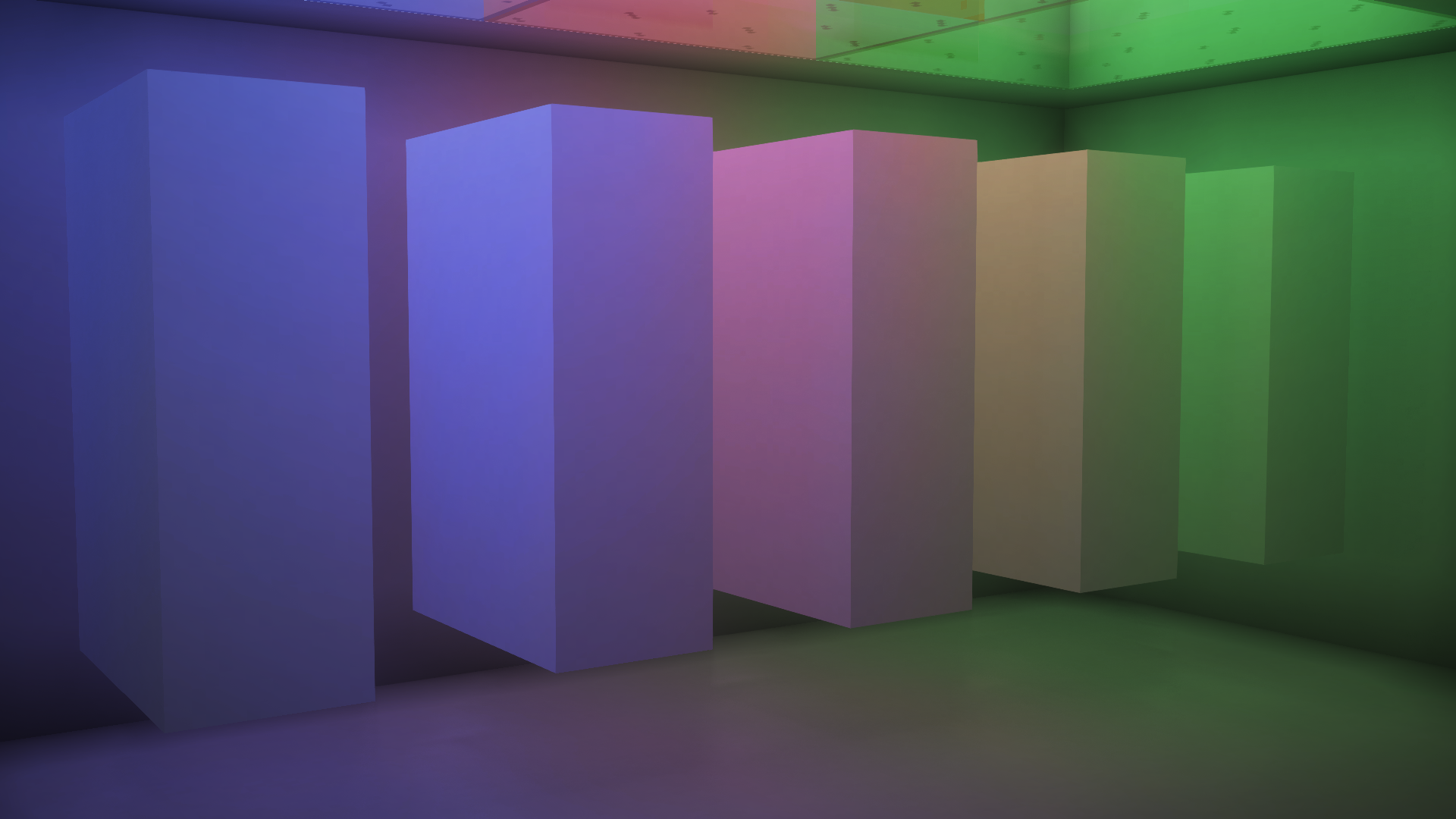
Try a small room before increasing its distance. The author warns that higher distance values can become much more demanding, and color can leak around non-full or modded blocks. World-Space Reflections depends on this feature and adds another performance cost. Neither option is required just to enjoy Reimagined's main look.
Blocks should look richer, but I do not want a large texture pack
Keep RP Support on Integrated PBR+ as a starting point. It supplies built-in material treatment, such as reflective metal, without requiring a separate PBR resource pack. Basic removes most of those special material effects. The labPBR and seuspbr modes are intended for resource packs supplying the matching material information.
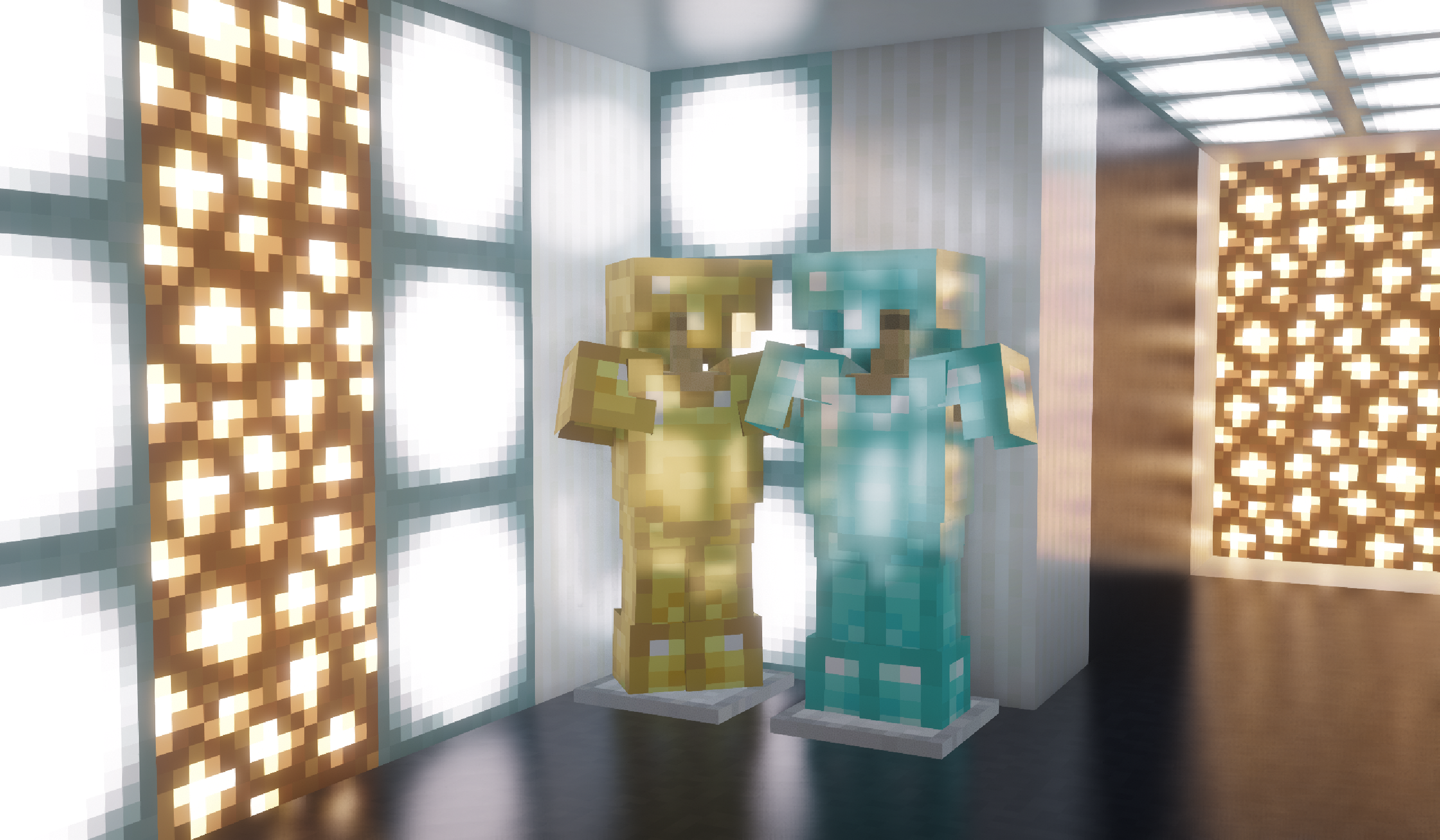
If you do install a PBR resource pack, choose the matching RP Support mode and compare a few known blocks. A detailed texture pack remains a separate pack: downloading the shader cannot provide every texture seen in someone else's build.
The picture is too glowy or blurry while I play
Reduce Bloom Strength if bright lights or humid scenes lose too much detail. For camera blur, check Camera → World Blur. Effects that suit a still screenshot may get in the way when turning quickly, reading a build or placing blocks. Change one option at a time and keep the settings that improve your actual session.
If something does not look right
The shader is missing from the list
Open the folder from the running game's shader menu and check that the ZIP is there. If you use several instances, the download may be in another one. Confirm you launched the shader-capable profile; ordinary Minecraft does not load the ZIP by itself.
The world is black, the pack errors, or a modded block looks wrong
Try the current release with default options and a matching Iris setup. Remove optional rendering additions from a separate test profile, then reintroduce them one at a time. A problem affecting one modded block may be a compatibility issue, not a broken world. For a report, record the game, Iris and shader versions, affected block and error message.
Clouds disappeared after changing the style
Check Cloud Style. If you selected Vanilla, Minecraft's own clouds must also be enabled in Video Settings. A style set explicitly will not necessarily change when you switch the main Visual Style.
A video shows more options than my menu
Check the pack name and version first. Euphoria Patches adds a modified Complementary option with extra functionality; it is not the unmodified ZIP attached here. Likewise, Distant Horizons or Voxy supplies extended terrain rendering, not the shader alone. Get the plain pack working first and add optional components only with compatible versions.
For your final setup, return to the places you actually spend time: your workshop, paths between buildings and the route home after dark. Keep the extra atmosphere, but lower or disable any effect that makes those ordinary moments less comfortable. That is a more useful target than reproducing someone else's maximum-settings screenshot.
More for your Java setup.
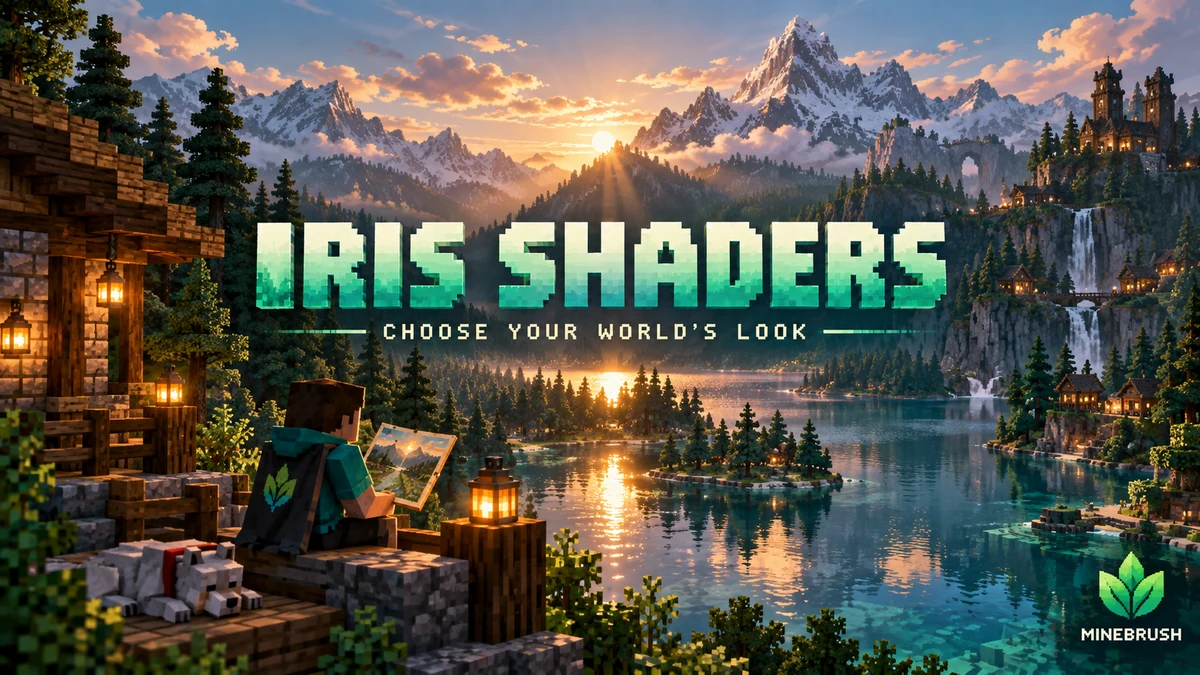
Iris Shaders
1.11.6 / 1.11.4Give your Java world the lighting you want. Download matching Iris and Sodium files, add a shader pack, tune it for survival or screenshots, and solve common setup problems with illustrated guidance.
- Minecraft
- 26.3 Fabric · 26.2 Fabric / NeoForge
- Runtime
- Iris
- Performance
- Performance not tested
Choose one matching pair; add a separate shader pack
Java · Shader
Iris Shaders
Give your Java world the lighting you want. Download matching Iris and Sodium files, add a shader pack, tune it for survival or screenshots, and solve common setup problems with illustrated guidance.
Choose one matching pair; add a separate shader pack
- Minecraft version
- 26.3 Fabric · 26.2 Fabric / NeoForge
- Game edition
- Java Edition
- Loader / platform
- Fabric
- License
- LGPL-3.0-only
- Performance expectation
- Depends on setup
- Platform family
- Bedrock & Mobile
- Supported devices
- Windows · macOS · Linux (Java Edition; GPU support varies)
- Install format
- Iris + Sodium JARs in mods; shader ZIP in shaderpacks
- Touch readiness
- Not required
- Resource type
- Mod
- Project version
- 1.11.6 / 1.11.4
- Last verified at
- Sep 18, 2026
- Compatibility confidence
- Source claimed
- Java shader runtime
- Iris
- Shader preview mode
- Single cover
- Performance evidence
- Depends on your shader pack, preset and GPU
- Notable feature
- Load shader packs and adjust their visual settings
- Shader performance tier
- Performance not tested
- Shader settings guide
- Available
- Card limitation note
- Choose one matching pair; add a separate shader pack
- Edition applicability
- Java
- Delivery state
- Direct download
- Lifecycle state
- Current
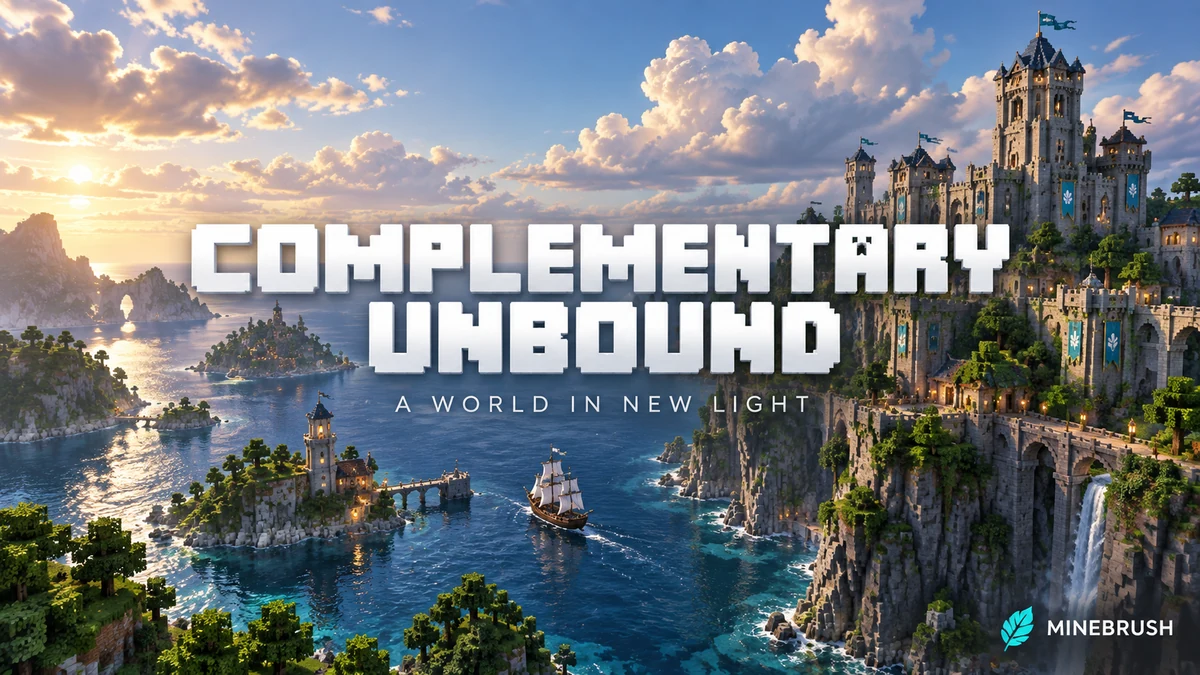
Complementary Unbound
r5.9.3Transform your Java world with cinematic skies, reflective water and expressive cave lighting. Download Unbound r5.9.3, mix visual styles and choose practical settings for exploring, building and screenshots.
- Minecraft
- Java 1.7.10–1.21.11 / 26.1–26.3
- Runtime
- Iris or OptiFine
- Performance
- Performance not tested
Iris recommended. Advanced Color Tracing is unavailable on macOS.
Java · Shader
Complementary Unbound
Transform your Java world with cinematic skies, reflective water and expressive cave lighting. Download Unbound r5.9.3, mix visual styles and choose practical settings for exploring, building and screenshots.
Iris recommended. Advanced Color Tracing is unavailable on macOS.
- Minecraft version
- Java 1.7.10–1.21.11 / 26.1–26.3
- Game edition
- Java Edition
- Loader / platform
- Not applicable
- License
- Complementary License
- Performance expectation
- Depends on setup
- Platform family
- Java PC
- Supported devices
- Java client; Iris recommended
- Install format
- .zip Java shader pack; keep archive intact in shaderpacks
- Touch readiness
- Not required
- Resource type
- Shader
- Project version
- r5.9.3
- Last verified at
- Sep 18, 2026
- Compatibility confidence
- Source claimed
- Java shader runtime
- Iris or OptiFine
- Shader preview mode
- Single cover
- Performance evidence
- Start with a comfortable profile; advanced lighting and reflections cost more.
- Notable feature
- Cinematic clouds, reflective water and customizable visual styles
- Shader performance tier
- Performance not tested
- Shader settings guide
- Available
- Card delivery statement
- Download the original Unbound r5.9.3 ZIP
- Card limitation note
- Iris recommended. Advanced Color Tracing is unavailable on macOS.
- Edition applicability
- Java
- Delivery state
- Direct download
- Lifecycle state
- Current
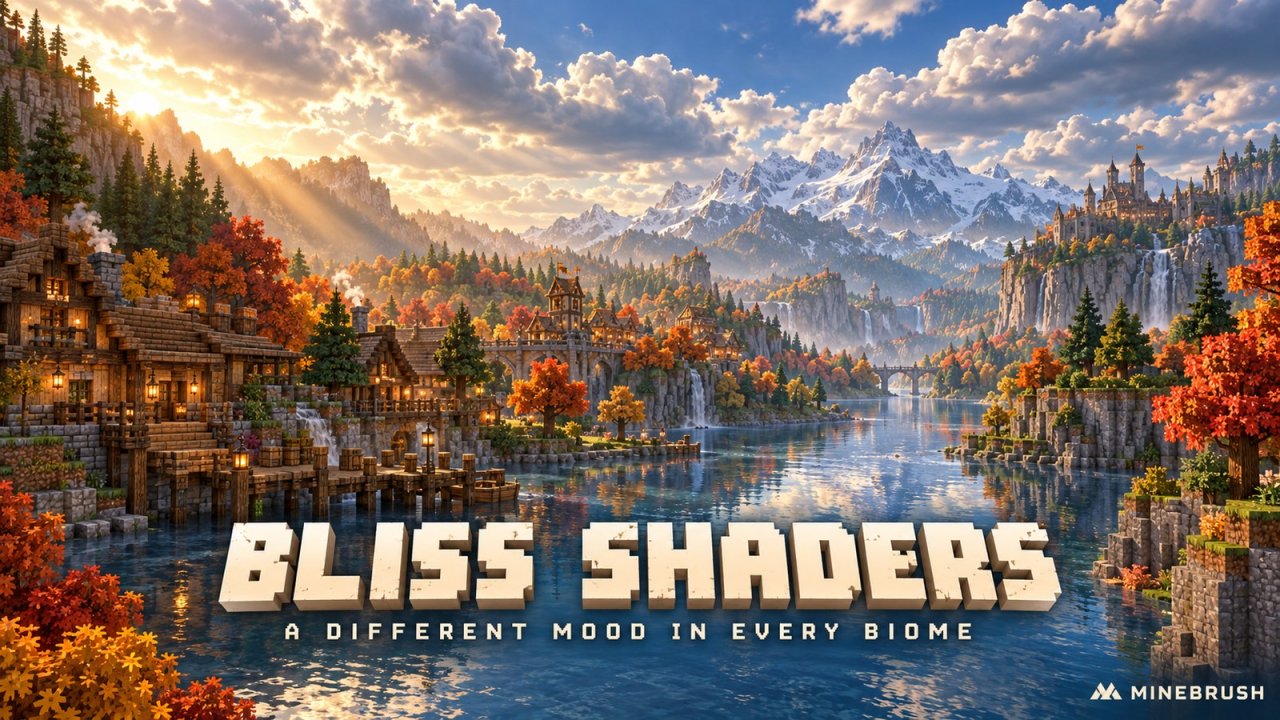
Bliss Shaders
2.1.2Give your Java world changing skies, biome atmosphere and colored light. Download Bliss 2.1.2, set it up with Iris and tune brightness, shadows and clouds—with clear Mac and Distant Horizons limits.
- Minecraft
- Java 1.17–26.3
- Runtime
- Iris
- Performance
- Performance not tested
Iris recommended; Mac + Distant Horizons unsupported
Java · Shader
Bliss Shaders
Give your Java world changing skies, biome atmosphere and colored light. Download Bliss 2.1.2, set it up with Iris and tune brightness, shadows and clouds—with clear Mac and Distant Horizons limits.
Iris recommended; Mac + Distant Horizons unsupported
- Minecraft version
- Java 1.17–26.3
- Game edition
- Java Edition
- Loader / platform
- Not applicable
- License
- All Rights Reserved
- Performance expectation
- Depends on setup
- Platform family
- Java PC
- Supported devices
- Windows/Linux; limited macOS support
- Install format
- .zip shader pack — keep zipped
- Touch readiness
- Not required
- Resource type
- Shader
- Project version
- 2.1.2
- Last verified at
- Sep 19, 2026
- Compatibility confidence
- Source claimed
- Java shader runtime
- Iris
- Shader preview mode
- Single cover
- Performance evidence
- Depends on graphics hardware, resolution and enabled effects
- Notable feature
- Biome atmosphere and colored lighting
- Shader performance tier
- Performance not tested
- Shader settings guide
- Available
- Card delivery statement
- Bliss 2.1.2 ZIP with setup and settings guide
- Card limitation note
- Iris recommended; Mac + Distant Horizons unsupported
- Edition applicability
- Java
- Delivery state
- Direct download
- Lifecycle state
- Current
Player discussion 0
Questions, discoveries and help from other players.