
MineBrush publication
Bliss Shaders: Give Your Minecraft World a Changing Atmosphere
Give your Java world changing skies, biome atmosphere and colored light. Download Bliss 2.1.2, set it up with Iris and tune brightness, shadows and clouds—with clear Mac and Distant Horizons limits.
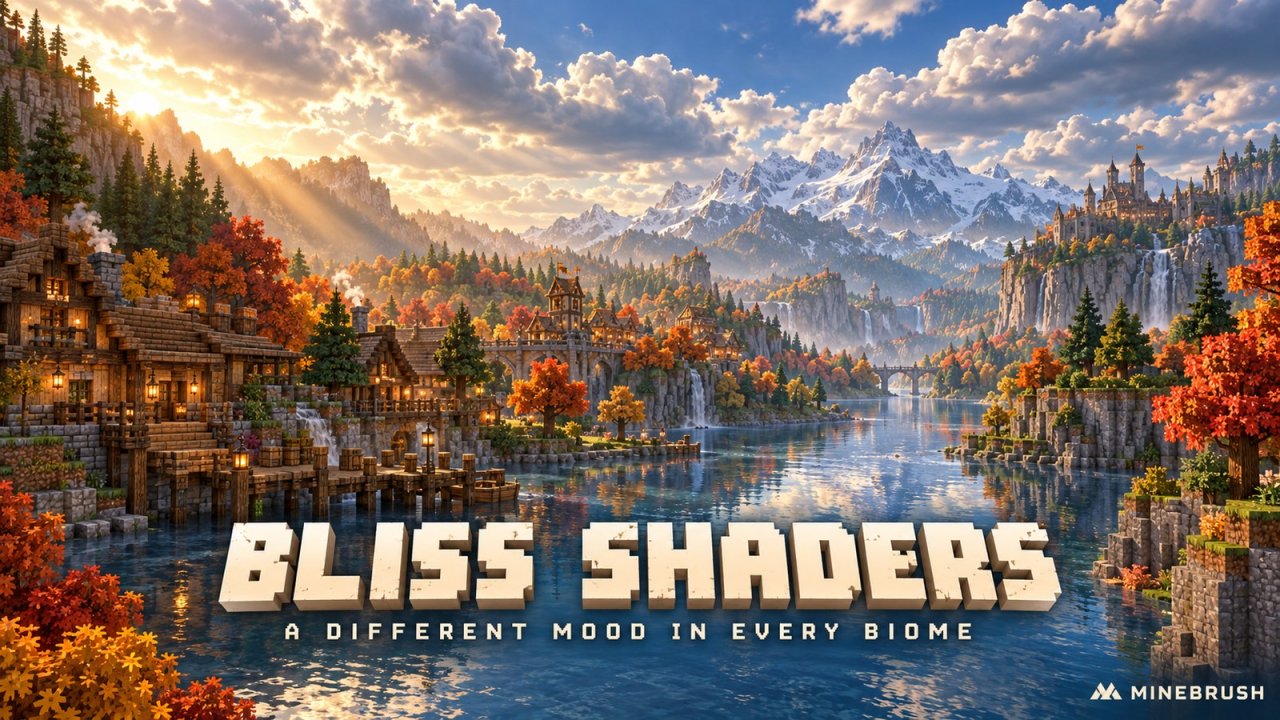
A riverside base can feel bright and open at noon, heavy with mist in a swamp, and completely different under a cloudy sky. Bliss Shaders is built around that changing atmosphere. It is a Java shader pack by X0nk, based on Chocapic13’s work, with a fantasy-leaning look and extensive control over light, weather, water and color.
Use it for scenic survival, exploring varied biomes, or presenting a build in different moods. It changes how your world is rendered; it does not add the mountains, buildings or high-resolution textures in a screenshot. This guide and download use Bliss 2.1.2, the current published release, rather than a moving development build.
Jump to: What changes · Download and requirements · Install · Useful settings · Resource packs and distant terrain · Fixes
A shader for worlds with a changing mood
Bliss is particularly interesting when you travel instead of judging everything from one screenshot. Its climate controls include biome-dependent environments, sandstorms, snowstorms and seasonal colors. A swamp can feel murky while open terrain feels airy. These are visual effects: seasonal colors are not a crop-growth or survival-seasons mod.
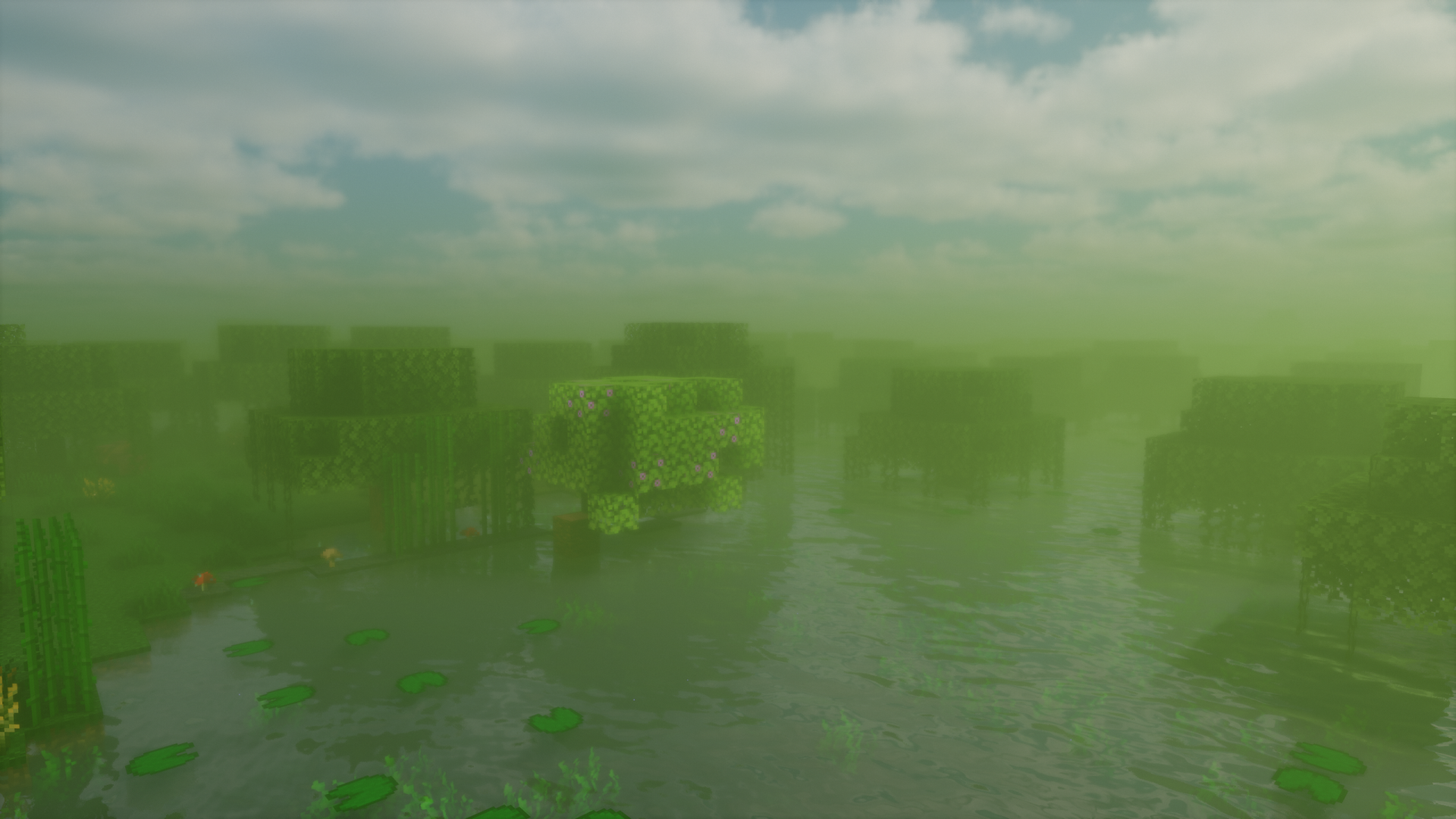
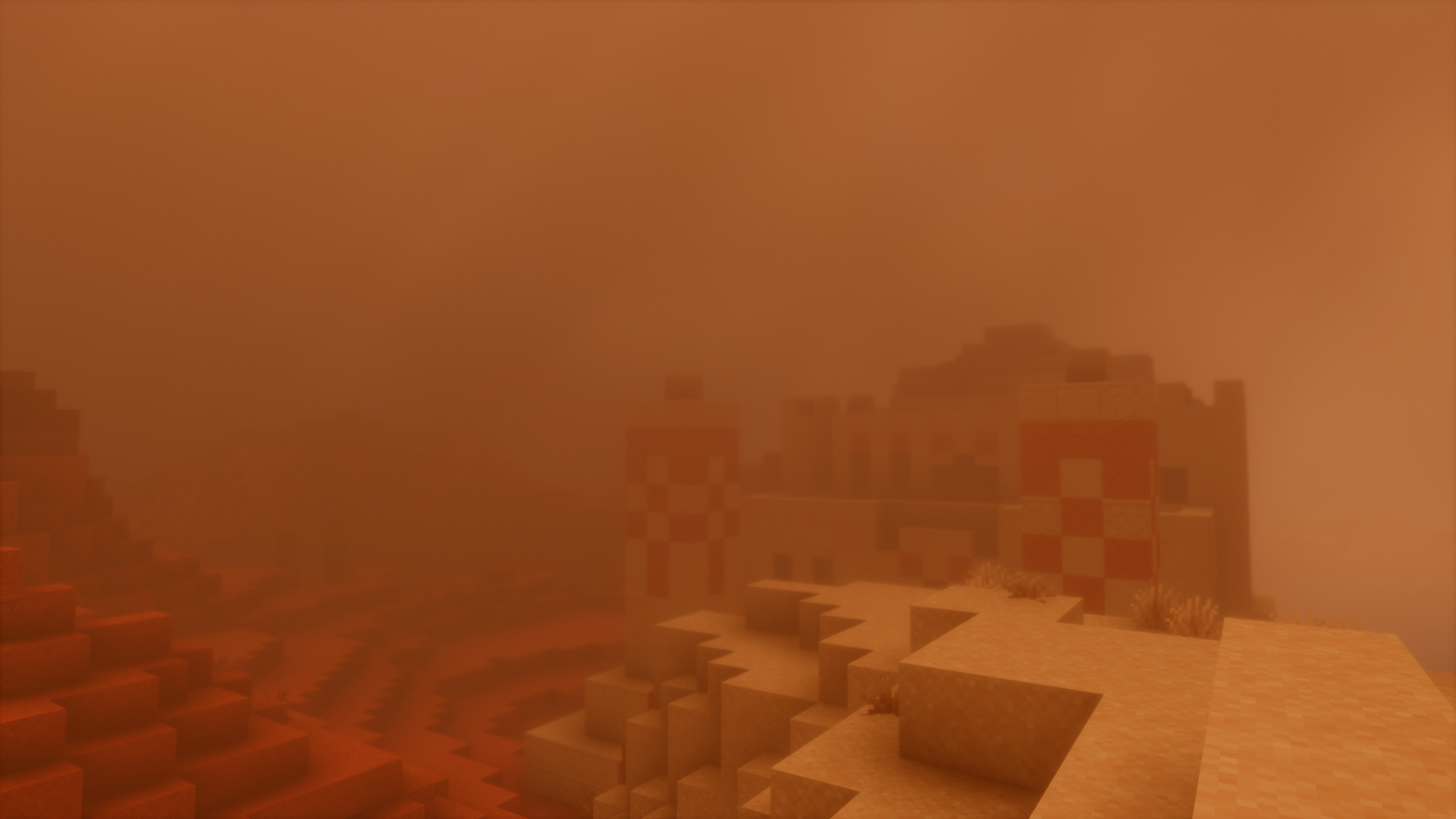
For a desert settlement, compare the clean daytime view with a sandstorm before deciding how much atmosphere you want. Dense haze can make a scene more dramatic while making distant landmarks harder to read. The Climate controls let you choose the compromise that suits exploring or taking pictures.
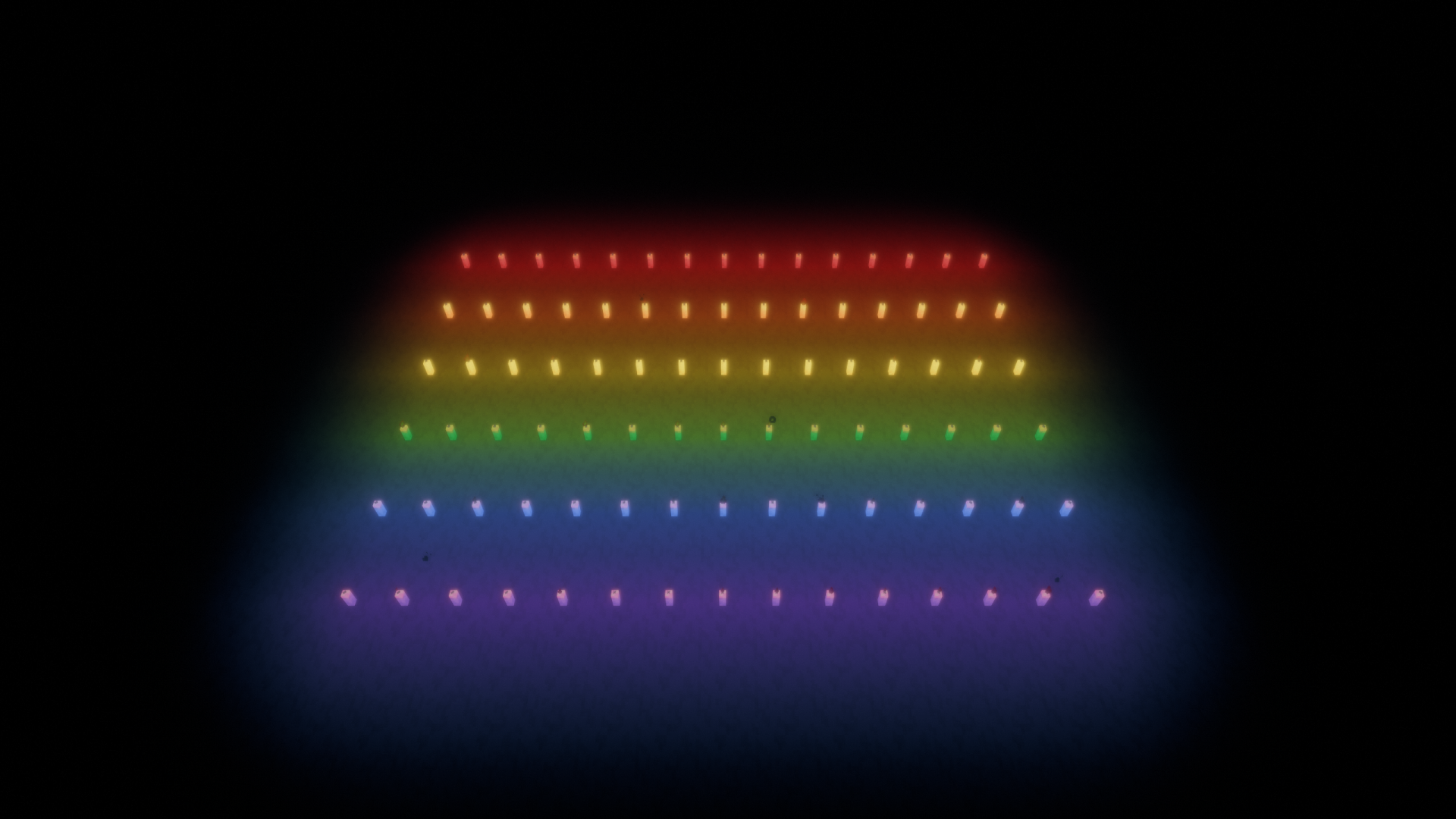
For a decorated interior, colored lighting is another reason to try Bliss. Its FloodFill feature offers a way to make supported light sources affect the surrounding scene with color. Use a small room with a few different lights to compare the effect before changing an entire base. The 2.1.2 settings explicitly mark this feature as requiring Iris.
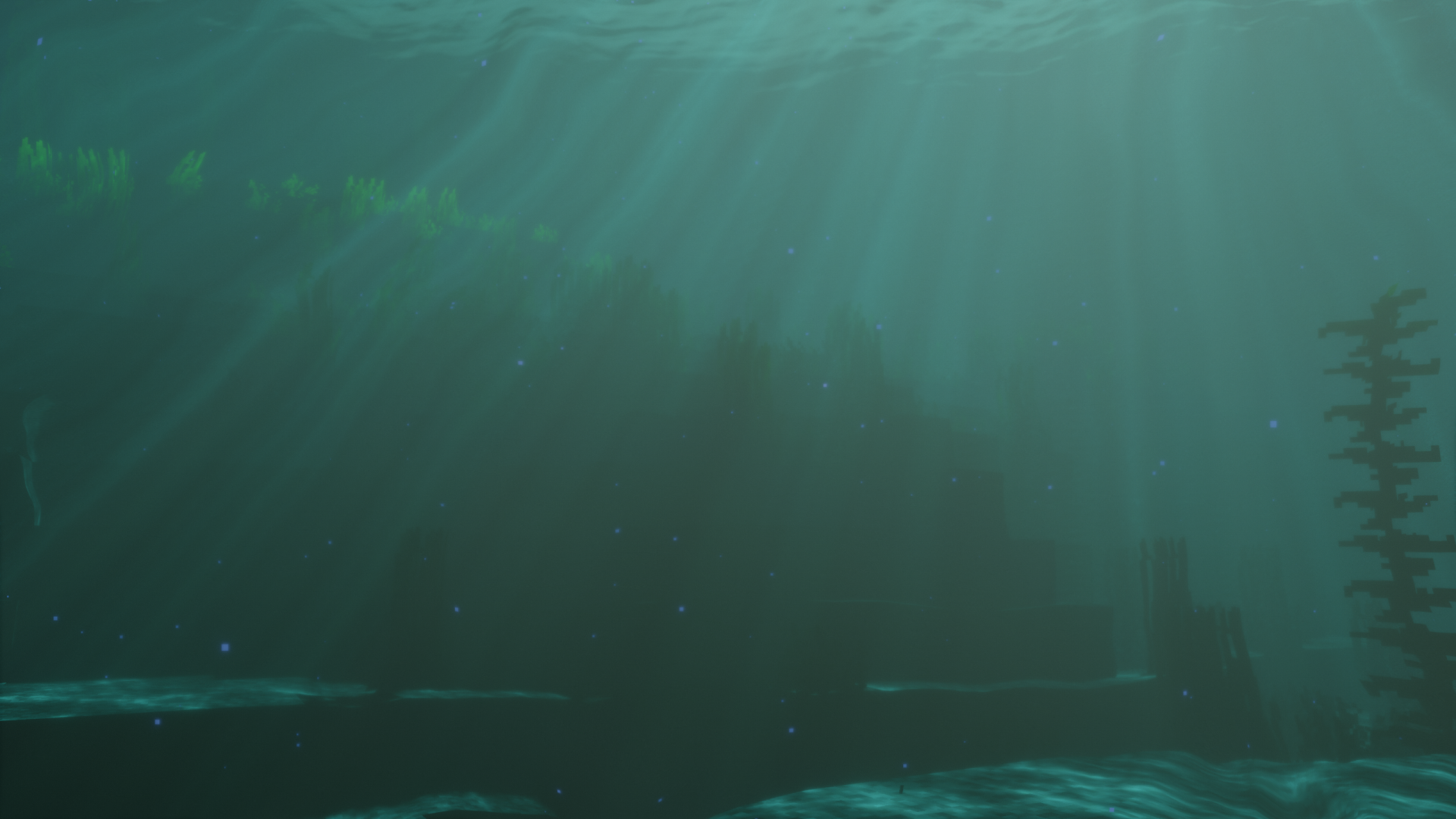
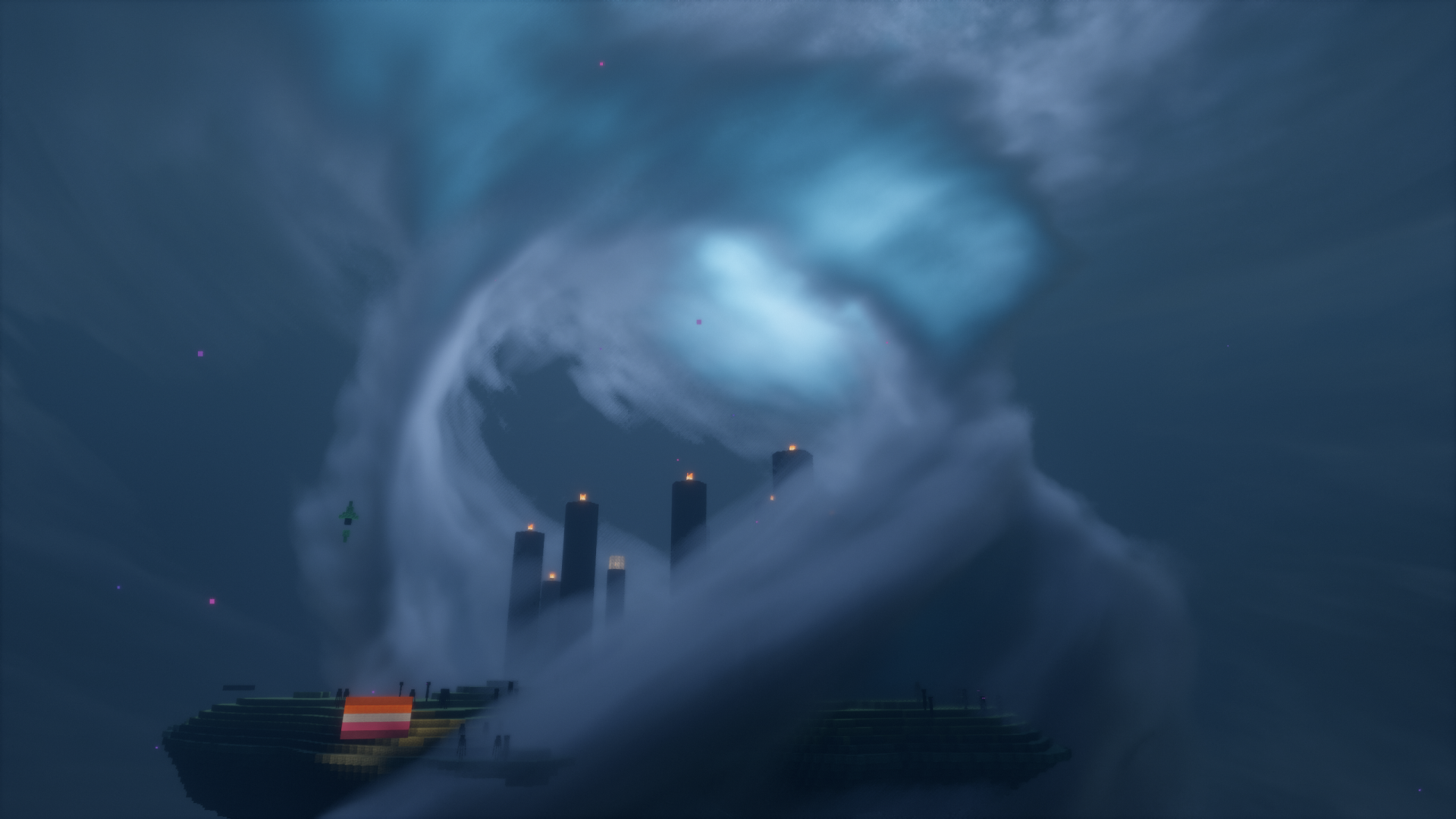
Underwater scenes and the End also receive their own atmosphere. That makes Bliss useful beyond a sunny Overworld showcase: try an ocean build or an End outpost before deciding whether its style fits your whole playthrough.
Download Bliss 2.1.2 and check your setup
Edition: Minecraft Java. Recommended shader loader: Iris, with the matching requirements for your Minecraft version. The author designs Bliss for Java 1.17 and later; the published 2.1.2 file currently lists releases through 26.3. That does not replace checking whether your chosen Iris version supports your exact game version.
AMD, Intel and NVIDIA graphics are listed as supported by the project, but this is not a promise that every device will run every effect smoothly. OptiFine is also listed for the file; the current description says it may work, and some effects require Iris. Use Iris as the straightforward starting point.
Mac players: support is limited. The author says default settings without Distant Horizons should work, but certain options can fail to compile. Bliss with Distant Horizons is specifically unsupported on Apple devices. Do not spend time trying to fix that combination by reinstalling the same files.
The ZIP below is the shader pack. Keep it zipped and select it in your shader menu; it is not a mod JAR or a Bedrock resource pack.
The author maintains separate Release, Stable and Unstable versions. “Stable” on GitHub is a development branch, not another name for the file attached here. Start with this published release if you want the settings in this guide; try development versions in a separate profile if you deliberately want to help test them.
Install it, then take a short walk
- Set up Iris for your exact Java version. If you need the loader, use our Iris guide and select the matching files. Launch that profile once.
- Open Options → Video Settings → Shader Packs. Use the shader-pack-folder button. Menu wording can vary with the Iris version.
- Put the downloaded Bliss ZIP in that folder. Do not put it in mods or resourcepacks, and do not extract it.
- Select Bliss and apply it. Start with its default options so you have a useful baseline.
- Visit a familiar outdoor spot, your base interior and some water. Check that the pack is active, text and blocks remain readable, and movement feels comfortable. A beautiful still frame does not tell you how it feels to play.
Bliss runs on your client, so other players do not need it to join the same world. On a public server, still follow the server’s client-mod rules. Turning the shader off restores the ordinary rendering; it does not undo or remove your builds.
Change the setting that solves your actual problem
Open the selected pack’s settings from Iris. Adjust one thing, return to the same spot, and compare. Keep a screenshot of your original values if you want to return to them later. The names below come from the 2.1.2 release; development versions may reorganize them.
My base is too dark to build comfortably
In Ambient Light, look for Minimum Light Brightness; the ambient-color controls also include Ambient Light Brightness. Raise brightness gradually while checking both an interior and daylight. The goal is to see stair edges, storage labels and block colors without washing out the entire world.
Brighter shader rendering is not a substitute for lighting your world. It does not change the game’s light levels or make a spawnable area safe from mobs.
I want smoother movement without losing the whole look
Start with Direct Light → Shadows → Shadow Resolution and Shadow Distance. Reduce one at a time and look for the tradeoff in shadow sharpness or range. The Cloud Settings section also includes Cloud Resolution Scaling. Lowering demanding visual detail is a more focused experiment than randomly changing every menu.
If performance is still poor, compare with Bliss disabled at the same location. Trouble even without shaders points beyond this pack. Lowering the game’s render distance or display resolution may help, but there is no universal setting that guarantees a particular frame rate on every computer.
I want a screenshot, not a blurry building session
Use depth of field for a deliberate subject-and-background composition, then turn it off if the blur gets in the way of playing. Bloom changes the glow around bright areas; too much can hide material detail. Compare the same camera angle and time of day so you can see what your adjustment actually changed.
I prefer one consistent mood
Review Climate and its biome and Seasonal Colors options. You can choose whether those visual variations suit your build. For example, a colorful garden showcase and a foggy ruin benefit from different treatment. These settings change presentation, not the biome stored in your world.
Understand what the extra packs and mods add
A resource pack is optional. Bliss works with Minecraft’s ordinary textures. A LabPBR-compatible resource pack can add the material information used for effects such as reflections, emissive surfaces and apparent texture depth. If a screenshot shows detailed bricks, installing the shader alone will not give you those bricks.
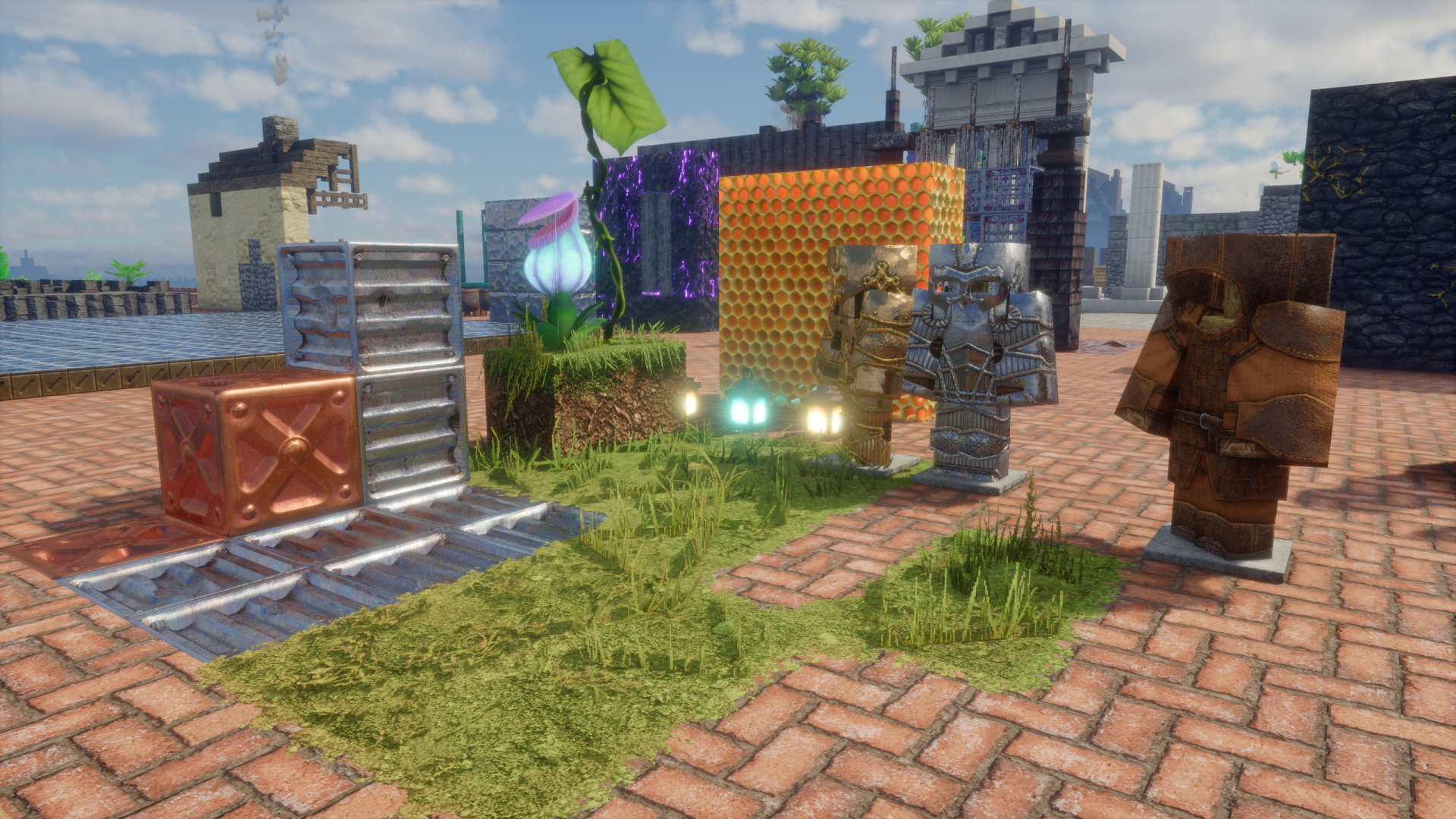
Distant Horizons is also optional. It supplies distant terrain rendering; Bliss supplies compatible shading. Install matching supported versions of the game, Iris and Distant Horizons only if you want that extra distance. First confirm Bliss works on its own, then add the extra mod so any problem is easier to identify.
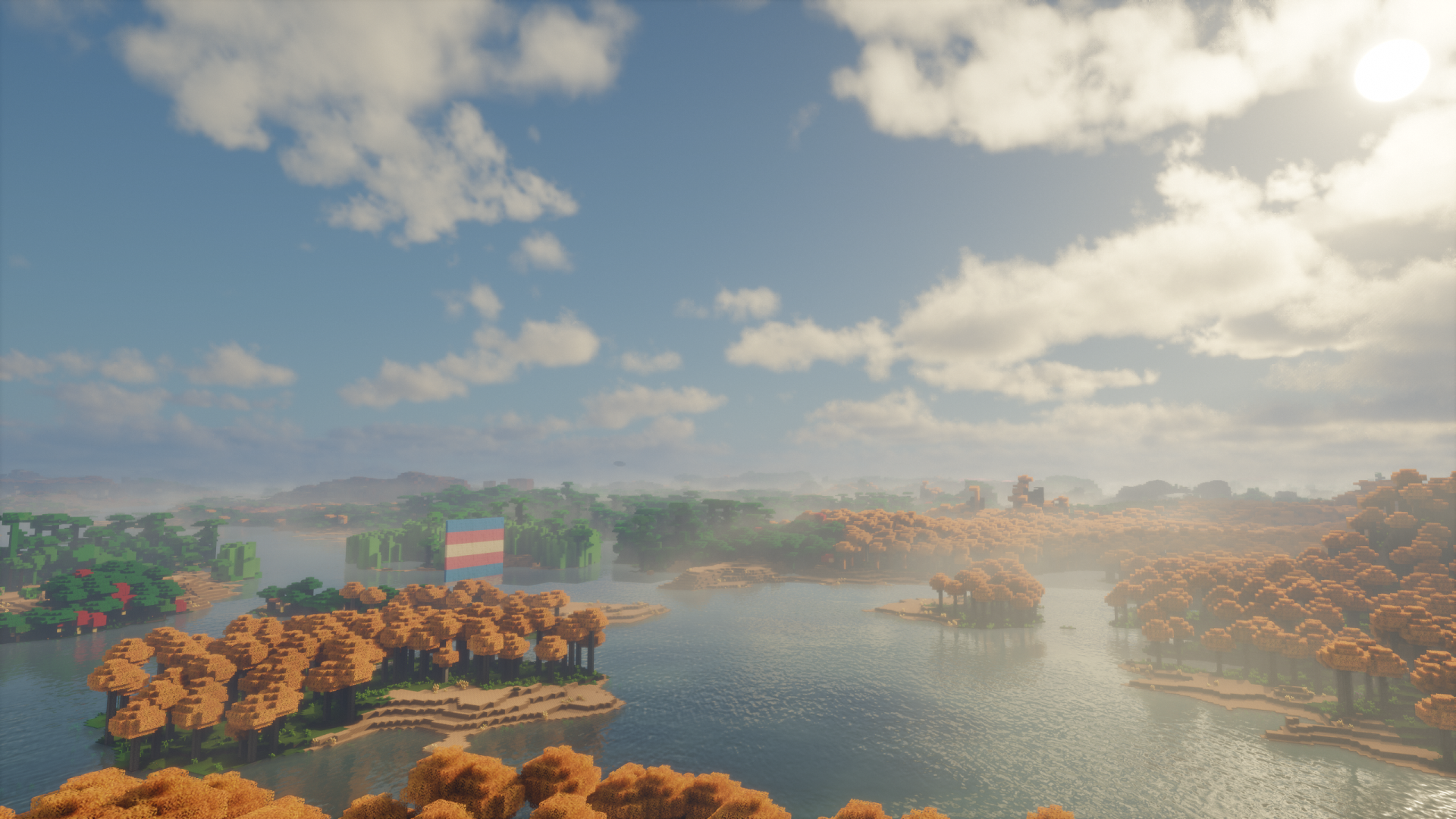
The gallery illustrates the author’s visual examples, not a guarantee that your default setup will match every frame. Resource packs, world terrain, weather, camera position and optional mods all affect the result.
When the result is not what you expected
Bliss does not appear in the menu
Check that you launched Iris and used that profile’s shader-pack folder. Keep the original ZIP intact. If you downloaded into one launcher’s instance but opened another, move the ZIP to the folder opened by the profile you are actually using.
The pack fails to compile or the world turns black
Reset Bliss to its defaults and try a profile with the required Iris components before adding other rendering mods. Match the game and loader versions. On macOS, remove Distant Horizons from this test and remember that the author lists additional setting-related limitations. If defaults still fail, keep the error and report your game, Iris, Bliss and graphics-device details to the project.
A modded lamp is white, does not light correctly, or casts an odd dark shape
Bliss’s colored-light interactions need support for individual blocks; a modded lamp is not automatically recognized with the right shape and color. Compare with FloodFill disabled to isolate the effect. If it is specific to that feature, report the mod and block to the author. The developer’s colored-lighting explanation also covers manual support, but ordinary players do not need to edit shader files to start using Bliss.
A translucent entity looks different after updating
Version 2.1.2 disables its translucent-entity handling option by default because of known rendering problems. The author mentions examples such as slimes, banners and some modded entities. Leave the release defaults in place first; an old screenshot or a development build may show different behavior.
Once your settings feel good, spend time playing in more than one biome. Bliss’s appeal is the way the same world can change mood as you move through it. Keep the atmosphere you enjoy, and turn down the effects that get between you and building, exploring or finding your way home.
More for your Java setup.
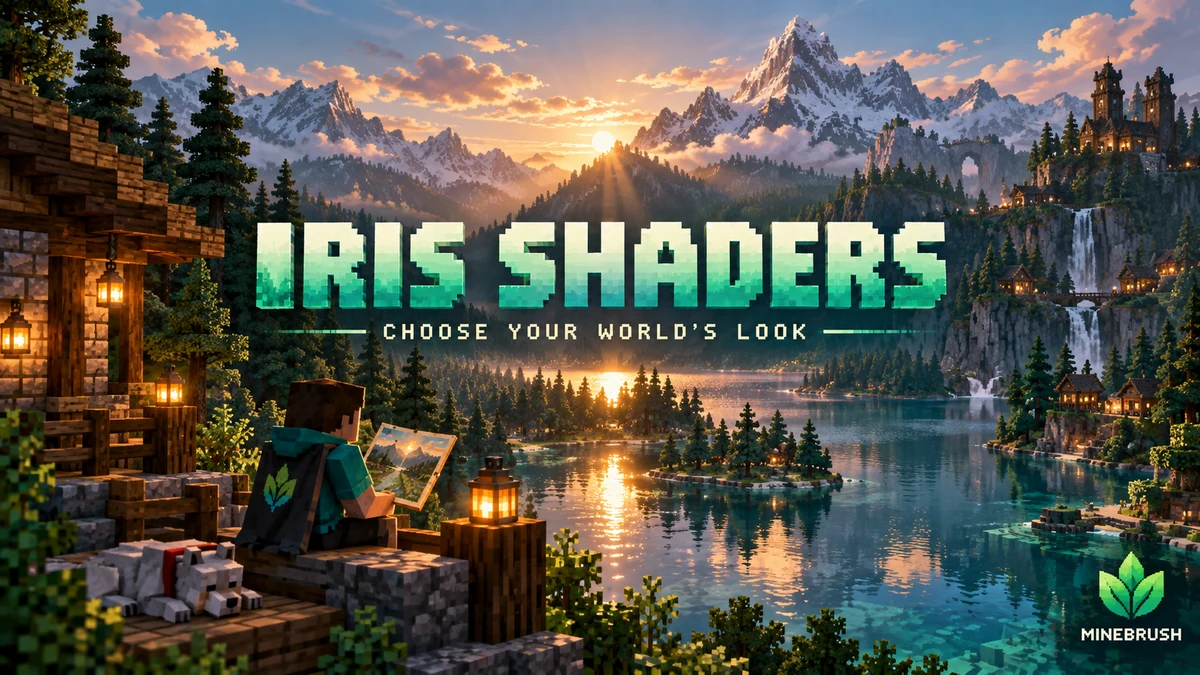
Iris Shaders
1.11.6 / 1.11.4Give your Java world the lighting you want. Download matching Iris and Sodium files, add a shader pack, tune it for survival or screenshots, and solve common setup problems with illustrated guidance.
- Minecraft
- 26.3 Fabric · 26.2 Fabric / NeoForge
- Runtime
- Iris
- Performance
- Performance not tested
Choose one matching pair; add a separate shader pack
Java · Shader
Iris Shaders
Give your Java world the lighting you want. Download matching Iris and Sodium files, add a shader pack, tune it for survival or screenshots, and solve common setup problems with illustrated guidance.
Choose one matching pair; add a separate shader pack
- Minecraft version
- 26.3 Fabric · 26.2 Fabric / NeoForge
- Game edition
- Java Edition
- Loader / platform
- Fabric
- License
- LGPL-3.0-only
- Performance expectation
- Depends on setup
- Platform family
- Bedrock & Mobile
- Supported devices
- Windows · macOS · Linux (Java Edition; GPU support varies)
- Install format
- Iris + Sodium JARs in mods; shader ZIP in shaderpacks
- Touch readiness
- Not required
- Resource type
- Mod
- Project version
- 1.11.6 / 1.11.4
- Last verified at
- Sep 18, 2026
- Compatibility confidence
- Source claimed
- Java shader runtime
- Iris
- Shader preview mode
- Single cover
- Performance evidence
- Depends on your shader pack, preset and GPU
- Notable feature
- Load shader packs and adjust their visual settings
- Shader performance tier
- Performance not tested
- Shader settings guide
- Available
- Card limitation note
- Choose one matching pair; add a separate shader pack
- Edition applicability
- Java
- Delivery state
- Direct download
- Lifecycle state
- Current
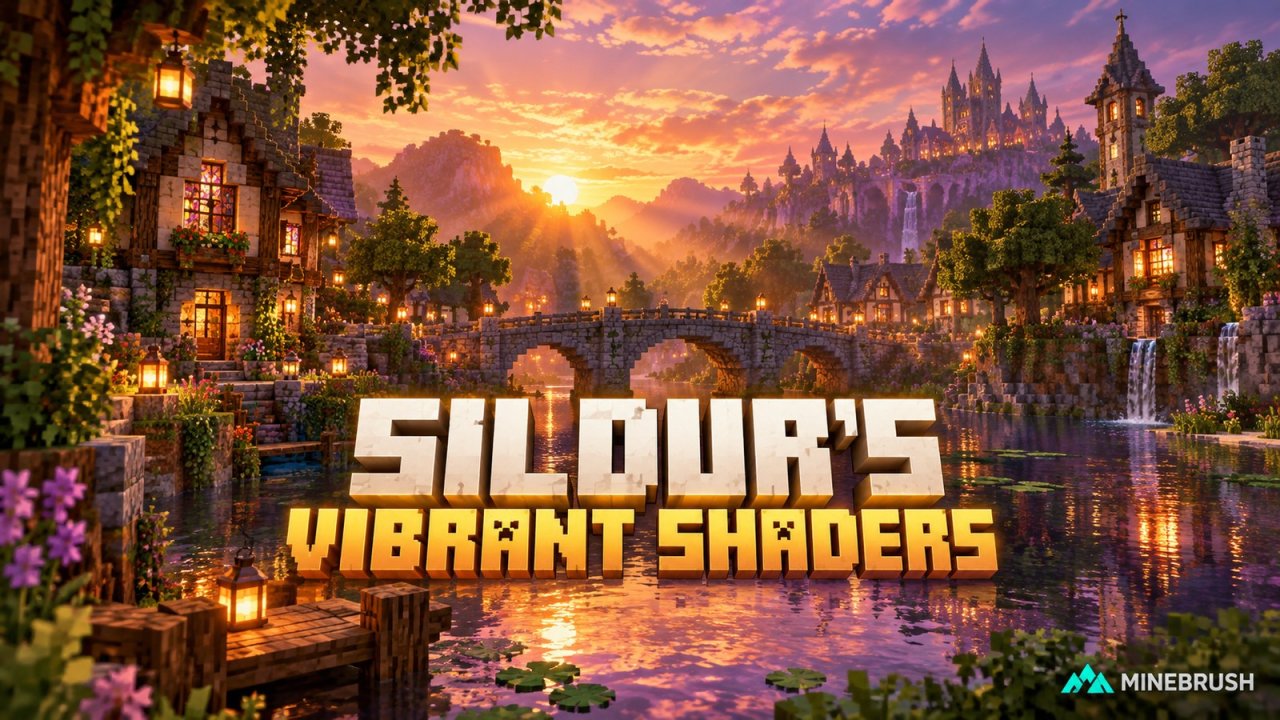
Bring richer sunlight, reflections and atmosphere to your Java worlds with Sildur’s Vibrant 2.02. Compare six presets, see real examples, download the right ZIP and tune shadows, water, blur and lighting for the way you play.
- Minecraft
- Java 1.7.10–26.3
- Runtime
- Iris or OptiFine
- Performance
- Performance not tested
Java · Shader
Sildur’s Vibrant Shaders
Bring richer sunlight, reflections and atmosphere to your Java worlds with Sildur’s Vibrant 2.02. Compare six presets, see real examples, download the right ZIP and tune shadows, water, blur and lighting for the way you play.
- Minecraft version
- Java 1.7.10–26.3
- Game edition
- Java Edition
- Loader / platform
- Not applicable
- License
- All Rights Reserved
- Performance expectation
- Depends on setup
- Platform family
- Java PC
- Supported devices
- Minecraft Java desktop with a compatible Iris or OptiFine setup.
- Install format
- ZIP → shaderpacks
- Touch readiness
- Not required
- Resource type
- Shader
- Project version
- 2.02
- Last verified at
- Sep 19, 2026
- Compatibility confidence
- Source claimed
- Java shader runtime
- Iris or OptiFine
- Shader preview mode
- Single cover
- Performance evidence
- Choose a preset and tune shadows for your world and resolution; no universal FPS claim.
- Notable feature
- Reflections, coloured shadows, atmospheric lighting and six presets.
- Shader performance tier
- Performance not tested
- Shader settings guide
- Available
- Edition applicability
- Java
- Delivery state
- Direct download
- Lifecycle state
- Current
Player discussion 0
Questions, discoveries and help from other players.