 MineBrush
The best mobile pack improves the world without making it harder to play.
A resource pack can change textures, sounds and interface elements. The right choice depends on edition, resolution, device memory and whether touch controls remain readable.
Use a Bedrock .mcpack, test it alone in a disposable world, inspect inventory icons and touch UI, then watch loading time, heat and frame stability before applying it globally.
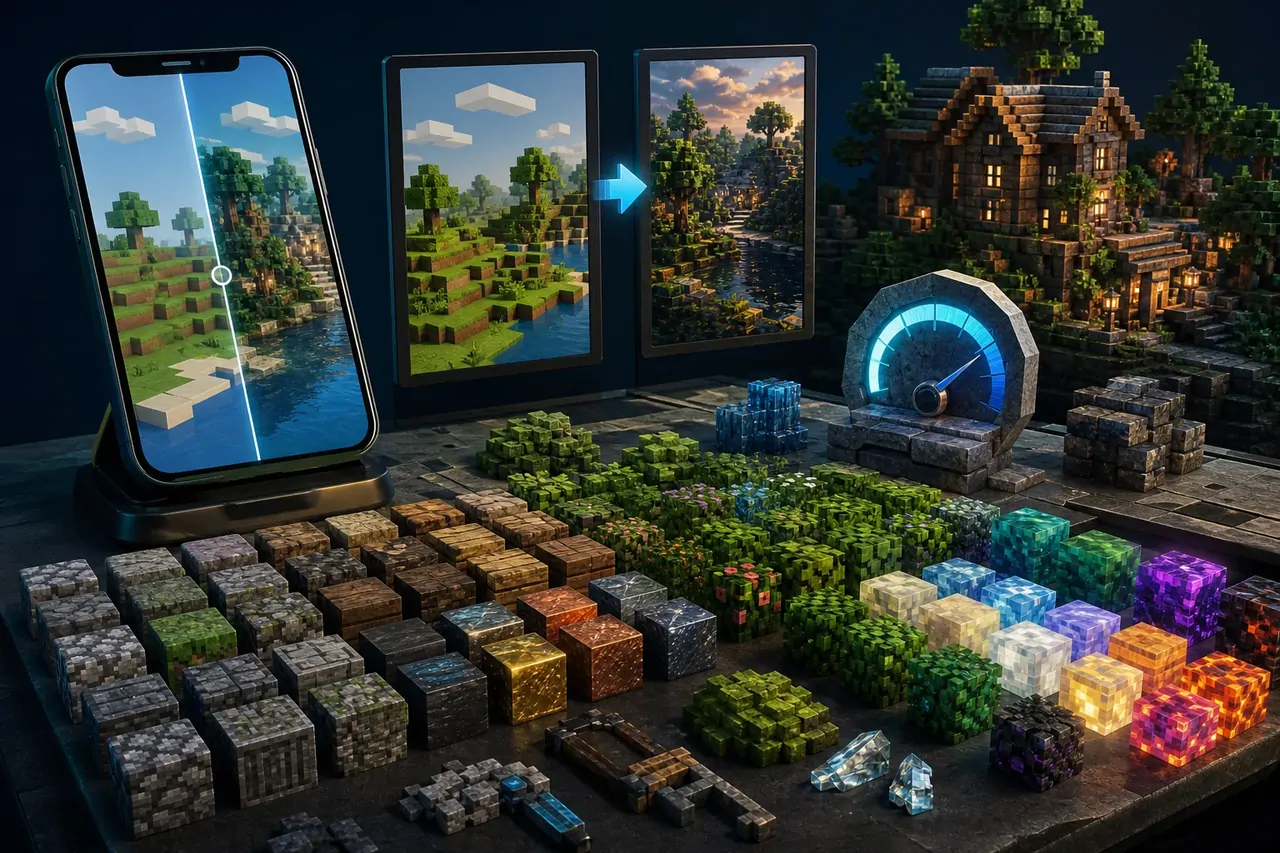
Resolution is not the same as quality
A coherent 16× or 32× design can be more useful on a phone than a much larger pack. Higher resolution increases memory and storage pressure, while a busy interface texture can make touch targets difficult to read. Judge the complete experience, not only one screenshot.
Before you change the world
- Verify Bedrock support and the current game version.
- Read the pack resolution and device recommendations.
- Disable other global visual packs for a clean baseline.
- Back up the pack file and any world used for comparison.
Step-by-step workflow
- Import the .mcpack through Minecraft.
- Create a simple test world with water, foliage, redstone, signs and an inventory of common blocks.
- Check UI contrast and touch controls before visual spectacle.
- Measure loading time and play through a normal ten-minute session.
- Add other packs one at a time and keep the final load order documented.
Compatibility check
| CHECK | WHAT GOOD LOOKS LIKE | IF IT FAILS |
|---|---|---|
| Edition | Bedrock is explicitly supported. | Java ZIP packs may use a different structure. |
| Readability | Text, icons and touch controls remain clear. | Remove UI-altering layers that obscure controls. |
| Performance | Stable play, reasonable heat and load time. | Lower the resolution or reduce the visual stack. |
| Order | The intended pack stays above or below compatible layers. | Reorder or remove conflicting packs one at a time. |
When it does not work
Visual problems often come from a conflicting pack rather than the newest pack alone.
- Return to the default pack and confirm the base world renders normally.
- Activate only the pack being tested.
- Check transparent textures, animated blocks, water and interface screens.
- Re-download from the creator if files appear incomplete or corrupted.
Build a baseline before building a stack.
One clean comparison world makes every later visual decision easier and prevents random troubleshooting.
Frequently asked questions
Are Java texture packs compatible with Bedrock?
Not automatically. The file structure, materials and interface assets can differ.
Does a higher resolution always look better?
No. Art direction, readability and device performance matter more than the number alone.
Can packs change touch controls?
Some packs alter interface textures, so always inspect mobile controls before committing.
Compare resource packs, pair visuals carefully with shaders, or return to the mobile hub.
Official technical reference
The official creator documentation defines Bedrock resource-pack structure and activation. Read the official Minecraft Creator documentation ↗.
PLAYER QUESTIONS
Discussion
Include the exact edition, version and step when asking for help.