 MineBrush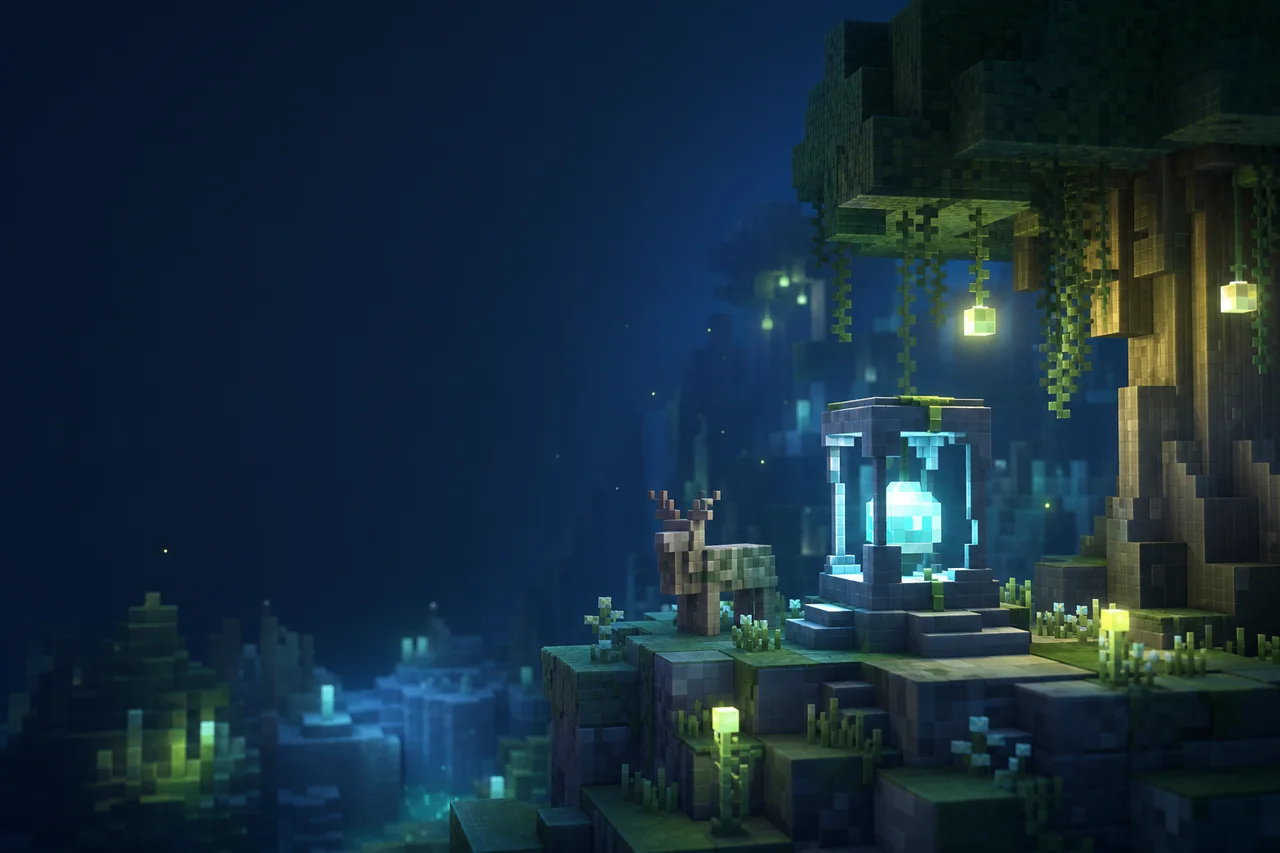
Current release check: Mellow 3.3 is a Java Edition shader pack listed for Iris and OptiFine through Minecraft 26.2. Its creator describes a painterly look built around selectable color schemes, deep fog controls, several cloud styles, two shadow approaches, and detailed color grading.
That makes Mellow useful for players who want to art-direct atmosphere without turning every session into a cinematic showcase. The creator’s “easy on your computer” language is a design goal, not a MineBrush performance result. Test the exact release on your own GPU and keep frame-time measurements tied to the settings that produced them.
Match Mellow 3.3
| Release | 3.3 |
|---|---|
| Modrinth version ID | y6zWED9s |
| Published | July 28, 2026 |
| Release labels | Minecraft 1.8 through 1.21.11, plus 26.1 through 26.2 |
| Platforms | Iris and OptiFine |
| Filename | Mellow Shader v3.3.zip |
| File size | 633,401 bytes |
| Side | Client required; dedicated server unsupported |
| Declared dependencies | No Modrinth dependency relations; a compatible shader loader is still required |
The broad release labels need one important qualification: the creator says only Minecraft 1.17 and newer are currently tested. Earlier labeled versions may or may not work. The creator recommends current Iris with custom-uniform support; OptiFine is described as mostly working but having small bugs.
Choose Mellow by the controls you will use
- Color schemes: start with the preset closest to your preferred mood instead of forcing one profile across every biome.
- Fog: use the extensive fog system to shape depth, then verify that paths, mobs, and landmarks remain readable.
- Clouds: version 3.3 adds a Blocky style alongside the existing choices.
- Shadows: compare lightmap- and shadowmap-based approaches in the same scene; they are design alternatives, not a guaranteed fast/slow switch for every computer.
- Color grading: saturation, exposure, balance, and adjustable colors can rescue a scene or crush important detail when several move together.
Mellow’s page also names Distant Horizons, Voxy, and Colorwheel under broad mod compatibility. That is creator-stated scope, not proof for every version combination. Add those systems only after the shader works alone.
Use the supported loader route honestly
- Duplicate a Java profile for the exact Minecraft build you want to test.
- Install a compatible Iris release; use OptiFine only with the creator’s stated small-bug caveat.
- Launch once without a shader and confirm the world and shader menu work.
- Download version ID
y6zWED9sfrom the creator-controlled versions page. - Place
Mellow Shader v3.3.zipin the active profile’sshaderpacksfolder without extracting it. - Select Mellow and test its defaults before restoring other rendering mods or PBR packs.
Modern Nvidia, AMD, and Intel GPUs on Windows and Linux are listed by the creator. Mac behavior is explicitly uncertain. These are source statements, not a minimum-spec chart or a promise for every driver.
Build a painterly acceptance route
Use a known world with five checkpoints: a bright build, a forest edge, a foggy long view, water at sunset, and a dark interior. Fix resolution, render distance, time, weather, resource packs, loader, driver, and camera positions.
- Run Mellow’s default look and note where important blocks or silhouettes lose contrast.
- Choose one color scheme and repeat the route.
- Adjust fog until distant depth feels intentional without hiding navigation.
- Compare one cloud style and one shadow method at a time.
- Change color grading last, then revisit daylight, interiors, Nether, and End.
Version 3.3 also changes POM on rectangular block faces, makes third-person handheld lighting player-centered on Iris, adds dynamic image sharpening for the Fabulous profile, lowers daytime brightness, and includes small bloom, shadow, and lighting optimizations. Treat each as a release-note claim until you reproduce it with the exact feature enabled.
Troubleshoot the affected layer
| Symptom | First useful test | Boundary |
|---|---|---|
| The shader does not appear | Confirm the intact ZIP is in this instance’s shaderpacks folder | Wrong profile or nested archive |
| OptiFine shows a visual bug | Reproduce with current Iris before changing Mellow settings | Creator-documented loader difference |
| An old Minecraft build fails | Retest on a creator-tested 1.17+ build | Release label versus active testing range |
| Handheld light is offset in third person | Verify version 3.3 and the Iris route | The release note calls this behavior Iris-exclusive |
| Puddles appear outside the Overworld | Confirm the active ZIP is 3.3 and reset edited settings | A specific 3.3 bug-fix target |
| Fog hides gameplay targets | Restore default fog, then change only density or distance | Art direction versus readability |
Measure before calling it lightweight
Record GPU, driver, operating system, Minecraft build, loader and version, Mellow release, resolution, render distance, resource packs, mods, profile, changed options, warm-up, route, and sample duration. Compare frame-time stability, low-frame behavior, and visual correctness—not just average FPS.
MineBrush has not downloaded or run the 3.3 ZIP. We have no verified FPS, memory, thermal, battery, startup, device, Distant Horizons, Voxy, Colorwheel, POM, or Mac result.
Source and license
Mellow is labeled MIT and links a creator-controlled Codeberg source repository and issue tracker. Keep the original attribution and license notice with any permitted redistribution or modification. Creator gallery images are separate media assets; the code license should not be assumed to grant unrelated image rights.
- Mellow project
- Official Mellow versions
- Mellow 3.3 release
- Creator source repository
- Mellow issue tracker
Download boundary: MineBrush does not mirror the shader ZIP or creator gallery. Use the creator versions page and record version ID y6zWED9s.
PLAYER QUESTIONS
Discussion
Include the exact edition, version and step when asking for help.