 MineBrush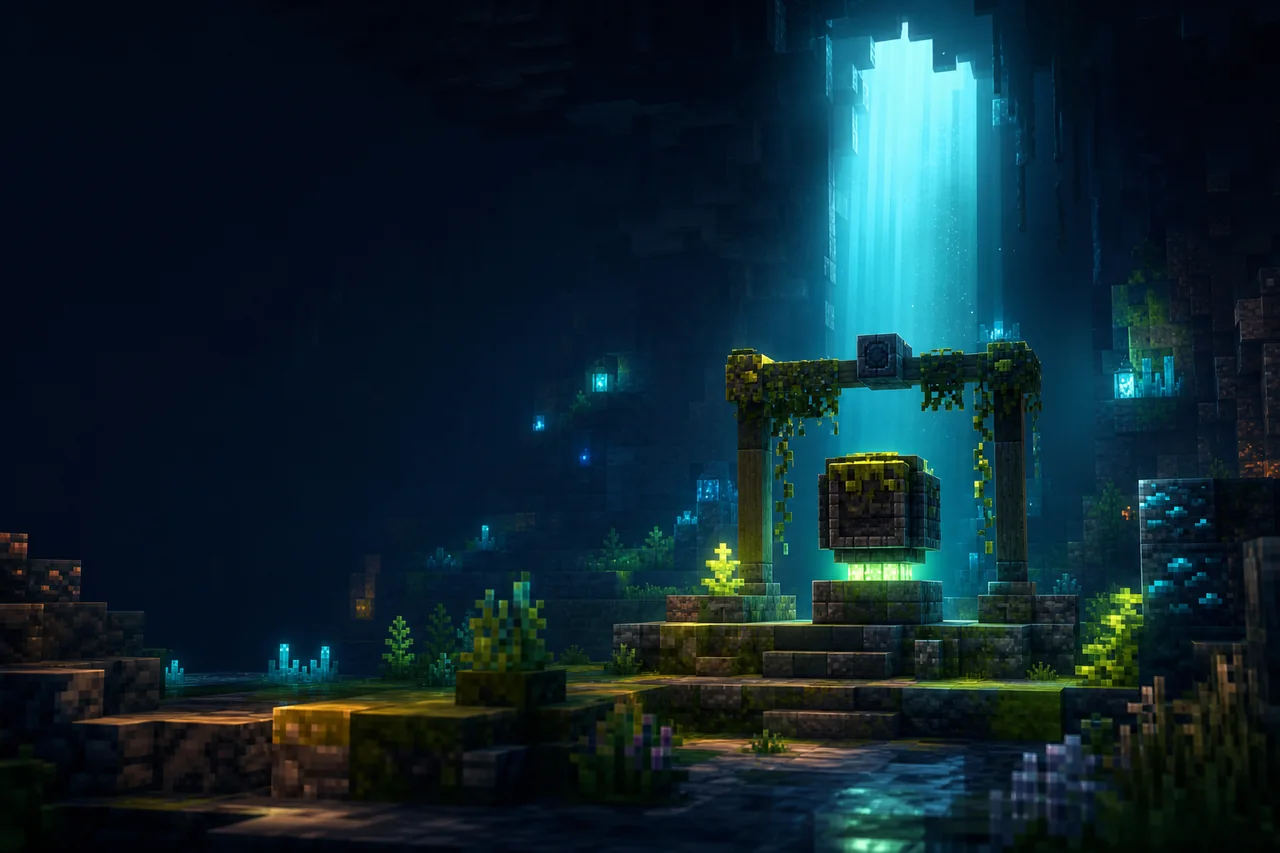
Super Duper Vanilla interprets the look of Minecraft's canceled Super Duper Graphics Pack and other Minecraft titles; it is an independent shader, not an official Mojang graphics pack. Release 1.3.8 focuses on Distant Horizons, volumetric clouds, and iPBR-related changes, with Iris as the useful default path.
Use the exact 1.3.8 release boundary
| Field | Creator-controlled record |
|---|---|
| Release | 1.3.8, version ID KB0sOLSc, published July 8, 2025 |
| Minecraft tags | 1.18.2, the listed 1.19 and 1.20 releases, and 1.21 through 1.21.8 |
| Platform tags | Iris and OptiFine; the release notes qualify OptiFine as partial |
| Side | Client required; server unsupported |
| Declared dependencies | None on the release record; a compatible shader loader is still required |
| Release file | superDuperVanilla.zip, 2,851,664 bytes; MineBrush has not acquired or opened it |
The version tags are creator metadata, not a MineBrush launch result. Match the Minecraft version and loader first, then use the official version page rather than assuming the newest file fits an older profile.
Choose Iris unless the exact profile requires another path
| Path | Current editorial boundary |
|---|---|
| Iris | The creator recommends Iris and lists Iris 1.6.10 or newer for Minecraft 1.18.2 and newer. Still match Iris to the exact Minecraft profile. |
| Oculus | The project documentation recommends Oculus for supported Forge profiles, but the selected Modrinth release is not tagged with an Oculus loader value. Confirm the target combination at the creator page before use. |
| OptiFine | The creator says OptiFine support was dropped starting with 1.3.7. Version 1.3.8 retains only partial compatibility and may show visual bugs. |
A platform tag is not loader parity. Do not publish one compatibility badge that hides the release note's OptiFine limitation.
Separate the shader from the material pack
Super Duper Vanilla includes iPBR settings and release 1.3.8 updates iPBR handling for newer Minecraft resources. The shader can render without a PBR resource pack, but its material response can change when normal, specular, or emissive data is present.
- Start with the default resource pack and record the shader, loader, Minecraft version, and settings.
- Add one iPBR-compatible material pack and keep the shader settings unchanged.
- Check reflective blocks, wet surfaces, emissive textures, foliage, and transparent materials.
- If an artifact appears, remove the material pack before attributing it to the shader.
No specific PBR pack is a declared dependency of release 1.3.8.
Test Distant Horizons as its own rendering route
The 1.3.8 changelog describes Distant Horizons support as completed and says Distant Horizons shadows were removed to correct their behavior. That is a release statement, not a guarantee for every Distant Horizons, Iris, GPU, or Minecraft combination.
- Confirm the normal near terrain first, with Distant Horizons disabled.
- Enable Distant Horizons and inspect the transition between regular chunks and LOD terrain.
- Check sunrise, sunset, fog, water horizons, and fast travel for seams or exposure jumps.
- Do not diagnose missing distant shadows as a broken local shadow setting without reading the 1.3.8 release note.
Evaluate the intended visual direction
| Scene | What to inspect |
|---|---|
| Golden hour | Sky gradients, bloom, shadow readability, and exposure changes |
| Midnight | Interior light, dark-block detail, stars, and mob readability |
| Weather | Volumetric cloud coverage, rain readability, fog, and water surfaces |
| PBR build | Material highlights, emissive blocks, reflections, and texture seams |
| Distant terrain | LOD transition, horizon color, cloud depth, and shadow expectations |
The project borrows an art-direction idea; it does not recreate a released official Super Duper Graphics Pack, because that Mojang project was canceled.
Troubleshoot by feature boundary
| Symptom | First useful check |
|---|---|
| The shader is absent from the menu | Exact Minecraft profile, matching Iris build, intact ZIP, and the shaderpacks folder |
| OptiFine has missing or incorrect visuals | Move the same world to a creator-recommended Iris profile; 1.3.8 only claims partial OptiFine compatibility |
| PBR materials look incorrect | Retest with default resources, then inspect the material pack's format and priority |
| Distant terrain does not match near terrain | Distant Horizons version, Iris combination, LOD transition, and the documented absence of distant shadows |
| Clouds or exposure are uncomfortable | Change one cloud or post-processing setting and repeat the same scene; no universal preset is established |
Official project, release, and license
Open the official Super Duper Vanilla release list.
The FlameRender Studios License permits personal use and content creation but does not grant unrestricted standalone redistribution. Use the official release page; do not mirror the ZIP.
Source check: August 24, 2026. MineBrush did not test the shader, iPBR materials, Distant Horizons, or any loader combination.
PLAYER QUESTIONS
Discussion
Include the exact edition, version and step when asking for help.