 MineBrush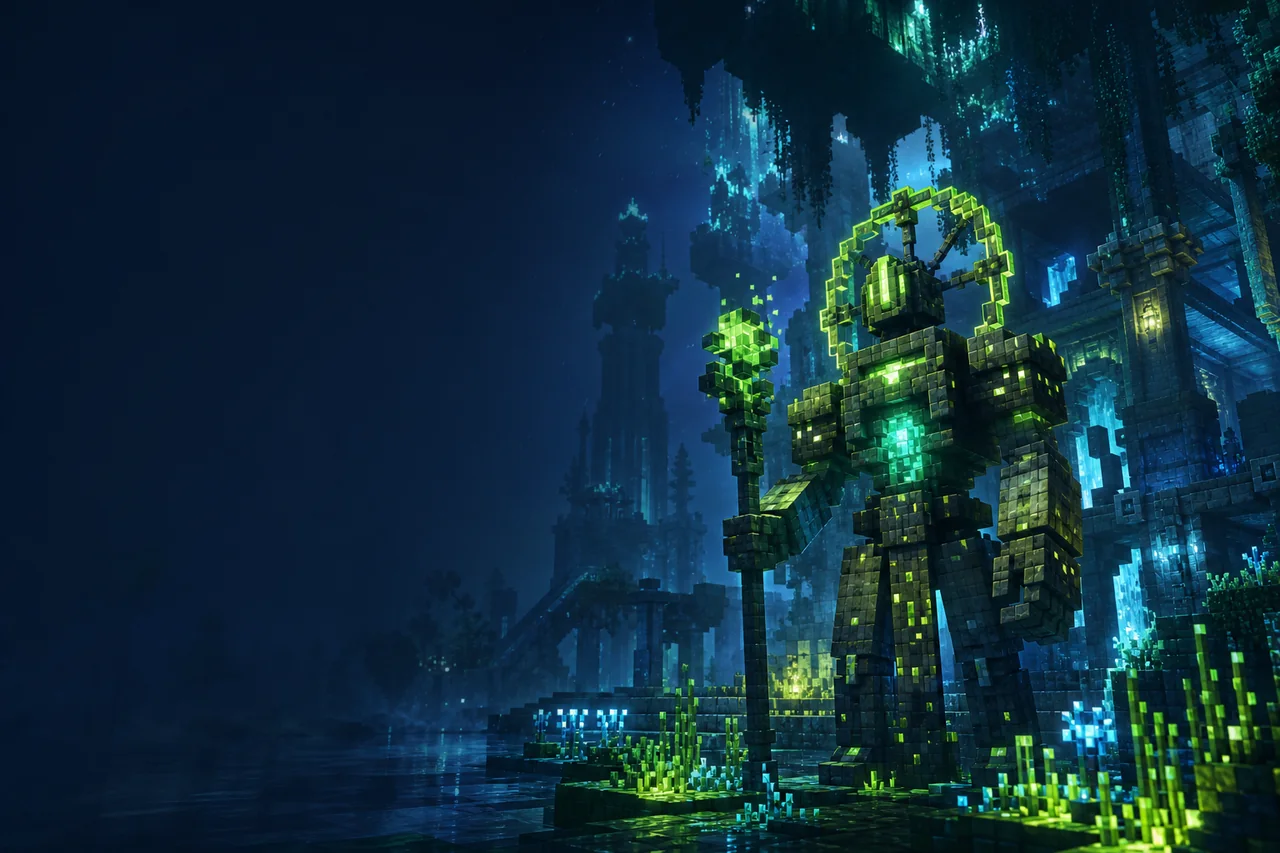
Minecraft Java · Fantasy shader profile
Solas 3.7b is built for atmosphere: colored light, volumetric skies, dramatic dimensions, stylized water, and configurable post-processing. It can load through Iris or OptiFine, but the two paths do not expose the same visuals. If custom skies and colored block light are central to the look, begin with Iris.
Verified release record
- Release: Solas Shader 3.7b.
- Modrinth version ID:
KcfQaN5J. - Filename:
Solas Shader V3.7b.zip. - Game labels: Java 26.2, 26.1.x, and every major family from 1.21.x back through 1.12.x.
- Platforms: Iris and OptiFine.
- 3.7b change: small fixes for Intel Arc.
- Rights label: All Rights Reserved.
The Intel Arc note does not identify a tested model, driver, or fixed symptom. It is a release-note fact, not a guarantee for all Arc systems.
The Solas look is more than colored torches
The creator's feature list combines several render systems: colored block lighting and real-time shadows; 3D clouds, crepuscular rays, fireflies, Nether smoke, and an End protoplanetary disk; aurora, Milky Way, nebula, black hole, and rainbows; water waves, caustics, absorption, and refraction; plus tonemapping, bloom, lens flare, chromatic aberration, depth of field, motion blur, and tilt-shift.
That makes the pack a deliberate fantasy grade. Evaluate it in motion and in ordinary survival spaces. A gallery-ready End sky may be impressive while a torch-lit stairwell, rainy forest, or underwater route exposes the settings that decide whether the shader is comfortable to play.
Iris is the complete route
Solas lists both Iris and OptiFine, yet the creator marks Iris as preferred and states that custom skyboxes and colored block lighting are not supported on OptiFine. Those missing features change the pack's identity, not just an advanced checkbox. An OptiFine screenshot should not be used to promise the Iris result or vice versa.
Use MineBrush's Iris guide for loader installation. Solas stays zipped in the shaderpacks folder. It is client-side presentation; the release does not provide a server module.
Install in a controlled profile
- Match a current Iris or OptiFine build to the exact Java version.
- Launch without a shader and confirm the world, renderer, and resource packs load correctly.
- Place
Solas Shader V3.7b.zipin that profile'sshaderpacksdirectory. - Select Solas, leave its settings unchanged, and revisit a familiar daytime scene.
- Check a cave, rain, water, Nether smoke, and an End view before saving a personal preset.
- Add PBR materials or distant-terrain mods one at a time after the base shader survives a restart.
Do not mix a loader migration, graphics-driver update, shader update, and new PBR pack in one test. When four variables move, a visual regression has no clear owner.
Integrated PBR and external PBR are separate decisions
Solas advertises an integrated PBR resource pack for some emissive textures, reflective materials, and generated normals. It also supports external LabPBR and OldPBR/SEUS PBR formats. The creator instructs players to enable PBR Resourcepack in shader settings for external material packs.
Begin with Solas alone so the built-in contribution is visible. Then enable one suitable material pack and compare a metal, a rough block, glass or water, and an emissive surface. If only one material family works, inspect the resource pack's maps before changing the shader.
Choose effects by gameplay cost, not by spectacle
The creator describes a moderate performance cost, but that phrase is not a benchmark and has no fixed hardware target. Build your preset around the scenes you actually play:
- Volumetrics: check fog, clouds, rays, Nether smoke, and End atmosphere at your normal render distance.
- Post-processing: motion blur, depth of field, chromatic aberration, and lens flare can reduce clarity even when frame rate is acceptable.
- Water: compare the surface, underwater visibility, shorelines, and caustics without changing the resource pack.
- Colored lighting: use Iris and a room with distinct sources; make sure cave shadows do not hide hazards.
- Subsurface scattering: inspect supported foliage or blocks at noon and sunset rather than assuming every material participates.
Voxy and Distant Horizons are listed, not universally certified
The Solas page names both projects under mod compatibility. The selected release does not publish a complete matrix of every Minecraft, loader, distant-world mod, GPU, and Solas setting. Test one distant renderer at a time from a fixed overlook. Move across the near/far transition, change weather, and watch the horizon through a day/night cycle.
If lighting breaks only beyond normal chunks, save the Solas preset and reproduce with the distant mod removed. If the problem remains in ordinary chunks, return to the loader-only baseline. This distinction matters more than a generic “compatible” label.
Intel Arc deserves a targeted check
Because 3.7b specifically mentions Intel Arc, an Arc user should record GPU model and driver, then inspect the effects most likely to reveal shader errors: colored lights, reflections, clouds, volumetric rays, water, and PBR materials. A successful title screen is not enough.
MineBrush did not run this route. No Intel, NVIDIA, AMD, macOS, Windows, or Linux result is claimed.
Make a repeatable performance record
- Choose a saved route with a village or build, water, foliage, a cave entrance, and a busy sky.
- Lock resolution, render distance, entity distance, weather, time, and resource packs.
- Capture a no-shader pass, then Solas defaults, then one modified setting group.
- Record average frame time, noticeable spikes, image artifacts, and input feel.
- Repeat after a full restart before declaring the preset stable.
Do not copy a recommended FPS value from another GPU. The useful result is the exact tuple that remains playable on your machine.
Troubleshooting map
| What failed | What to isolate |
|---|---|
| No colored block light | Confirm Iris is active. The creator says OptiFine does not support this Solas feature. |
| Custom fantasy sky is absent | Retest through Iris; custom skyboxes are another documented OptiFine limitation. |
| Intel Arc shows incorrect effects | Verify 3.7b and record the exact driver; the release note is not a substitute for model-specific testing. |
| External PBR looks flat | Enable the PBR Resourcepack option and confirm the material ZIP uses LabPBR or OldPBR/SEUS PBR maps. |
| Nether or End becomes hard to navigate | Reduce the relevant atmosphere/post-processing setting before changing unrelated water or material options. |
| Distant terrain is lit differently | Disable Voxy or Distant Horizons alone and compare the same overlook with unchanged Solas settings. |
| Camera motion feels uncomfortable | Turn off motion blur, depth of field, and chromatic aberration individually to find the responsible effect. |
Updates, removal, and rights
Save the current ZIP, loader version, driver, resource-pack list, and exported setting values before updating. Confirm the new file against the creator's version page, then repeat the same dimension and PBR checks. To remove Solas, select OFF or another shader; do not delete the loader while diagnosing a shader-only problem.
Solas is labeled All Rights Reserved. MineBrush does not mirror the archive or import gallery images. The current page cover is generated editorial artwork, not a verified Solas screenshot.
Creator records
Sources were checked August 24, 2026. No archive, creator image, or hardware result was stored by MineBrush.
PLAYER QUESTIONS
Discussion
Include the exact edition, version and step when asking for help.